



Most portable monitors feel like exactly what they are: cheap secondary screens you tolerate for the extra real estate. The RICOH 150 is not that. After spending time with this monitor daily, I can confidently say this is one of the most impressive portable displays you can buy right now, especially at its current price point.
Technobezz is supported by its audience. We may get a commission from retail offers. Reviews ethics statement.
RICOH 150 Portable Monitor Review: A Stunning OLED Display That Weighs Almost Nothing
The RICOH 150 packs a vivid 15.6-inch OLED display, 10-point touchscreen, and premium build quality into a monitor that weighs just 1.23 lbs. At under $200, it is one of the best values in portable…
Updated March 6, 2026Mar 6, 2026
•8 min read

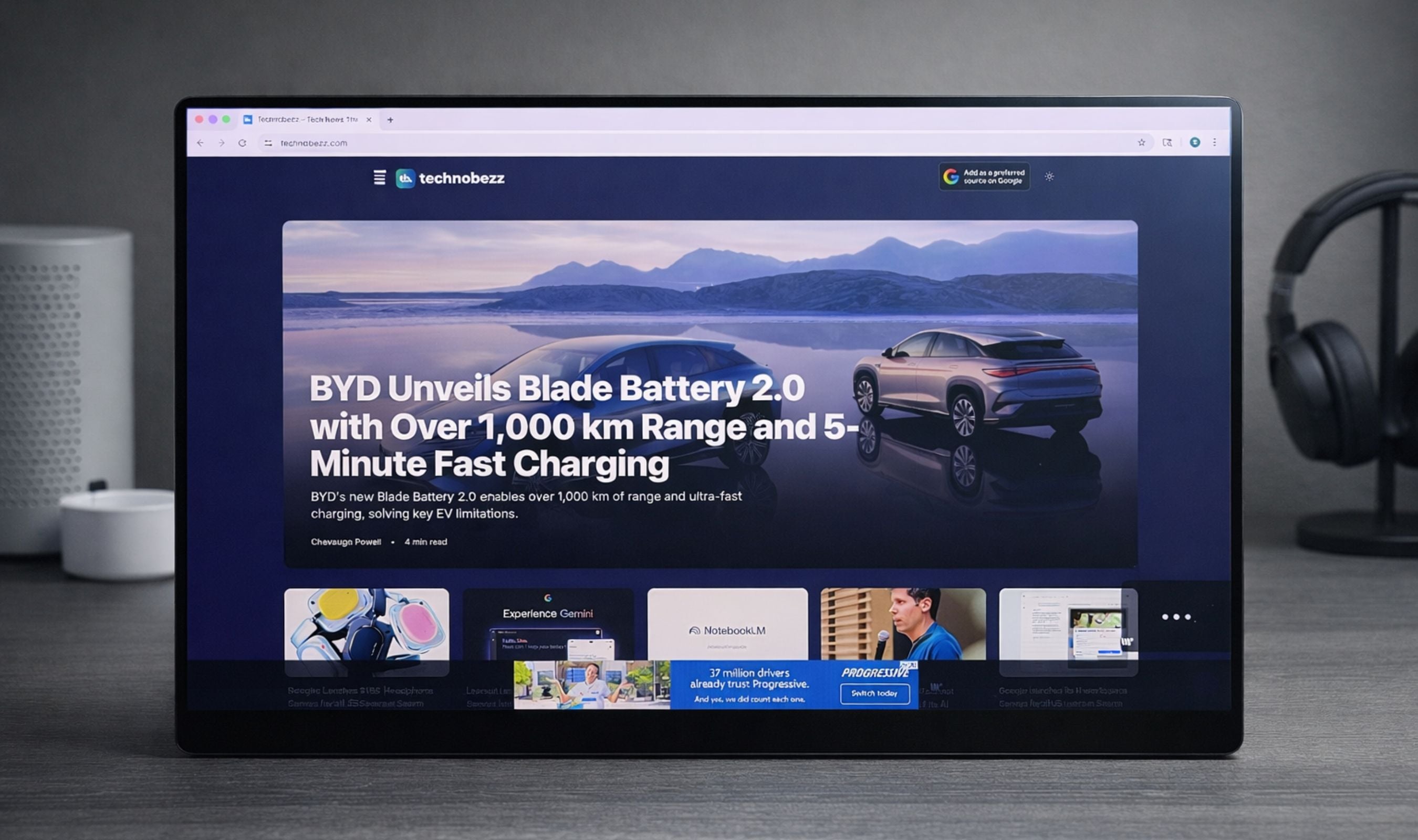
Credit: Technobezz
Get Deals Like These in Your Inbox
The best prices, straight to your inbox.
9/ 10

Best for Remote workers, digital nomads, and creatives who want a lightweight OLED portable display with true blacks, professional color accuracy, and touchscreen input
RICOH 150 Portable Monitor
Display TypeOLED
Resolution1920 x 1080 (Full HD)
Screen Size15.6 inches
Brightness300 nits
Contrast Ratio100,000:1
Response Time1ms
RICOH 150 Portable Monitor - Best lightweight OLED portable monitor
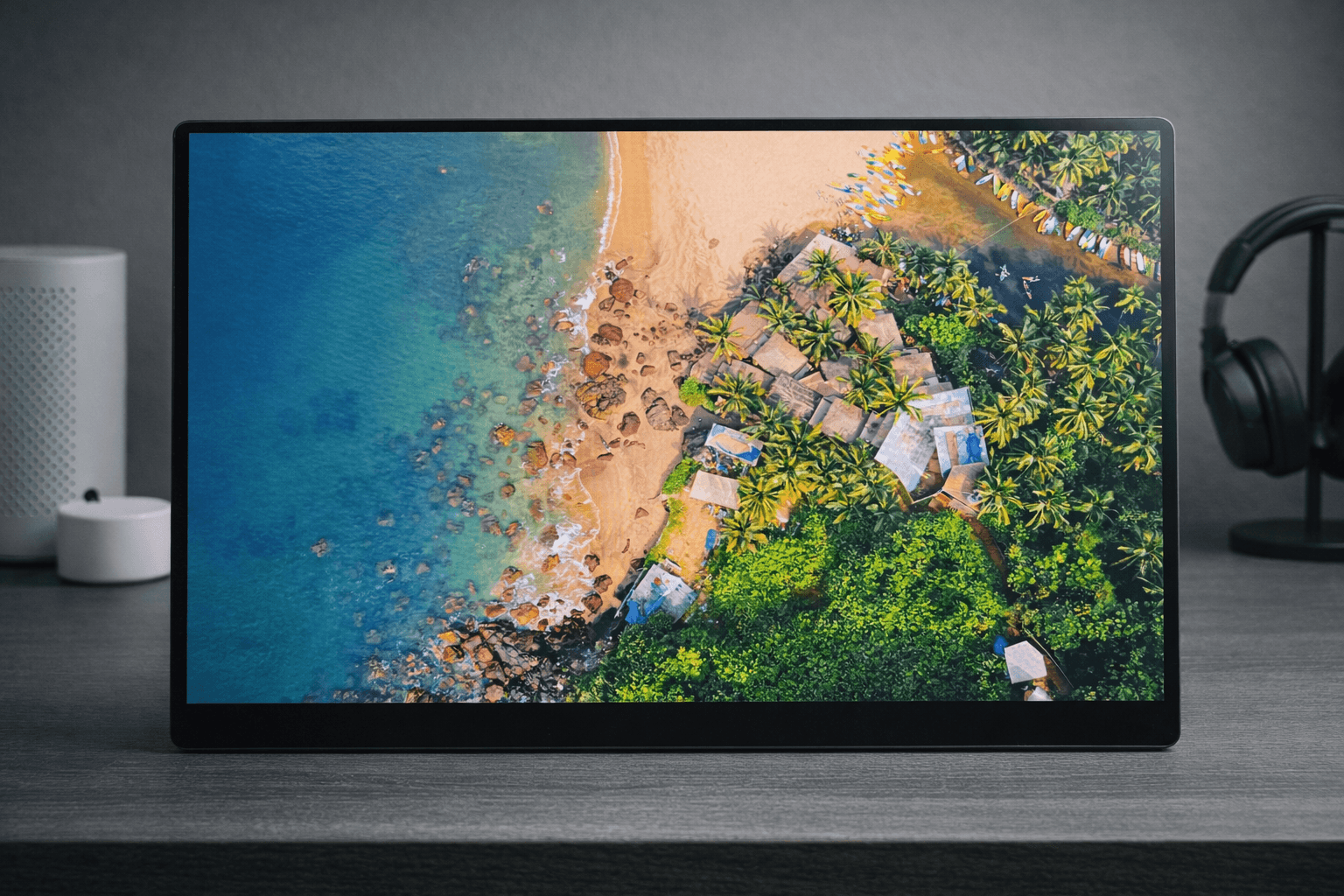
The RICOH 150 takes everything you want in a portable monitor and strips away the excess. A stunning 15.6-inch OLED panel, a build so light you forget it is in your bag, and a design so thin it practically disappears when viewed from the side. At around $182 on Amazon, this is an OLED portable monitor that used to sell for over $500, making it one of the best value propositions in the portable display space right now.
Key highlights
- 15.6-inch OLED display with Full HD (1920 x 1080) resolution and 1ms response time
- World's lightest 15.6-inch touchscreen portable monitor at just 1.23 lbs (19.8 oz)
- Ultra-thin profile at only 0.19 inches at its slimmest point
- 10-point multi-touch display with optional stylus pen support (4,096 pressure levels)
- 100,000:1 contrast ratio with true blacks and 100% sRGB / 100% Adobe RGB coverage
- 300 nits brightness with eye-care certification (62% reduced blue light)
- Dual USB-C ports with DisplayPort Alt Mode for clean cable routing from the back
- Integrated flexible kickstand with wide tilt range (approximately 16 to 75 degrees)
- Built-in dual 1.5W speakers
- Includes protective carrying sleeve, USB-C cable, and cable management clamps
Pros
- Exceptional build quality that feels premium and solid without adding weight
- Incredibly lightweight at 1.23 lbs, making it effortless to carry alongside a laptop
- OLED panel delivers stunning colors, true blacks, and excellent contrast that IPS monitors simply cannot match
- Ultra-thin design barely adds any bulk to your bag
- Touchscreen is responsive and accurate, adding genuine utility for navigation and creative work
- USB-C ports mounted on the center back keep cables tidy and out of sight
- Kickstand is sturdy with a wide range of tilt angles for comfortable viewing
- Plug-and-play setup with no drivers needed for Windows, macOS, and Android
- 100% Adobe RGB and 100% sRGB color coverage makes it suitable for creative professionals
- Current price point (under $200) makes it an outstanding value for an OLED display
Cons
- Glossy screen coating can produce reflections in bright environments
- Built-in speakers are functional but lack bass and volume for anything beyond basic audio
- USB-C only connectivity means no HDMI, which may limit compatibility with older devices
Who it is for: Anyone who needs a high-quality second screen that travels well. Ideal for remote workers, digital nomads, business professionals who present in meetings, and creatives who want a color-accurate OLED display for photo and video work on the go. Also a great pick for console gamers who want a portable display with deep blacks and vibrant colors.
Skip if
You need HDMI connectivity, want an anti-glare display for outdoor use, or require a wireless/battery-powered monitor (look at the RICOH 150BW instead).
The full picture
I have used a number of portable monitors over the years, and most of them share the same problem: they feel disposable. Thin bezels that flex, wobbly kickstands, washed-out IPS panels. The RICOH 150 is a different animal entirely. From the moment you pick it up, you can feel this was designed by a company that takes hardware seriously.
The build quality here is genuinely impressive. The chassis feels solid and precise, with tight tolerances and no flex anywhere. Ricoh has been making precision hardware for decades (they are the same company behind the ScanSnap scanners), and that engineering DNA shows. Every edge is smooth, every hinge feels deliberate. This is not a $40 Amazon special pretending to be a monitor. This is the real thing.
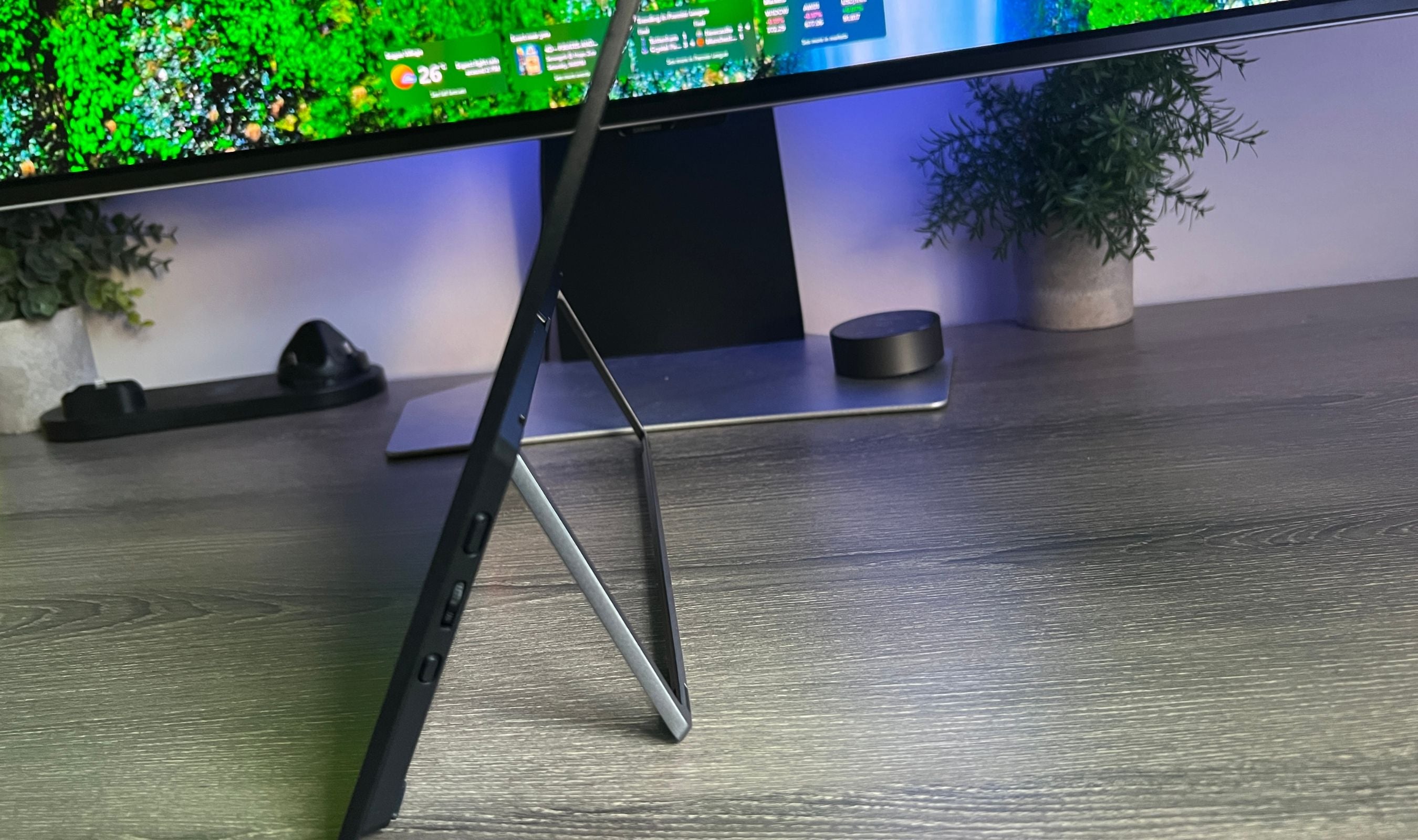
The weight is what surprised me the most. At 1.23 pounds, this is the lightest 15.6-inch touchscreen portable monitor on the market. I keep it in my bag alongside my laptop and genuinely forget it is there. The thinness helps too. At 0.19 inches at its slimmest point, you are looking at something barely thicker than a few stacked credit cards. It fits into laptop sleeves and backpack compartments without any fuss.
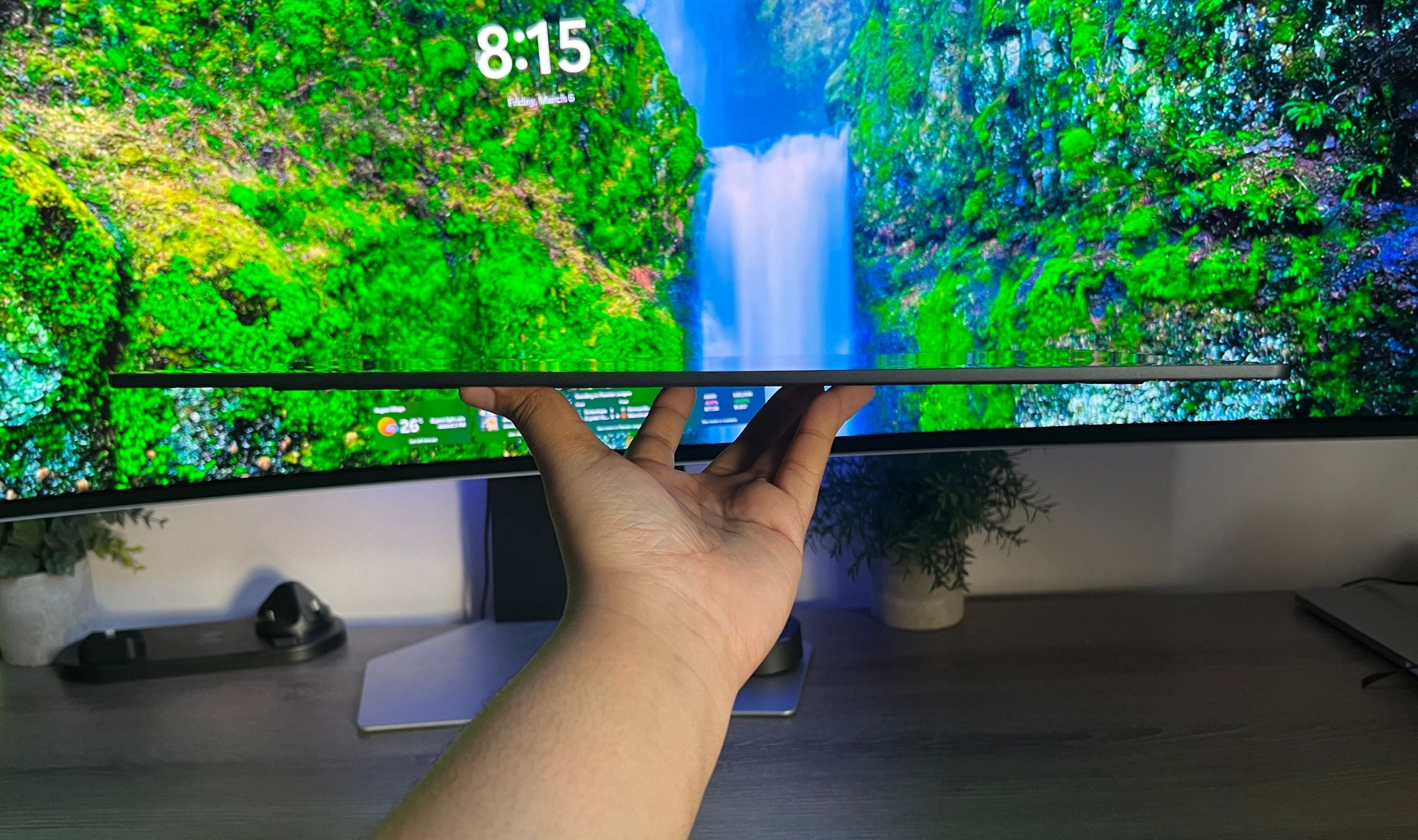
Then there is the display. This is where the RICOH 150 truly separates itself from the competition. OLED changes everything. The blacks are not dark gray like you get with IPS panels. They are completely off, pitch black, the way content is meant to be seen. Watching movies, editing photos, or even just browsing the web on this display is noticeably better than on a standard portable monitor. Colors are rich and saturated without looking overblown, and the 100% coverage of both sRGB and Adobe RGB means you can trust what you see for creative work.
In testing, the RICOH 150 measured close to its rated 300 nits of brightness, with a contrast ratio that exceeds 100,000:1 thanks to the OLED panel. For a portable monitor at this price, those numbers are remarkable. You will see the difference immediately when placing it next to an IPS portable display. The OLED advantage is not subtle.
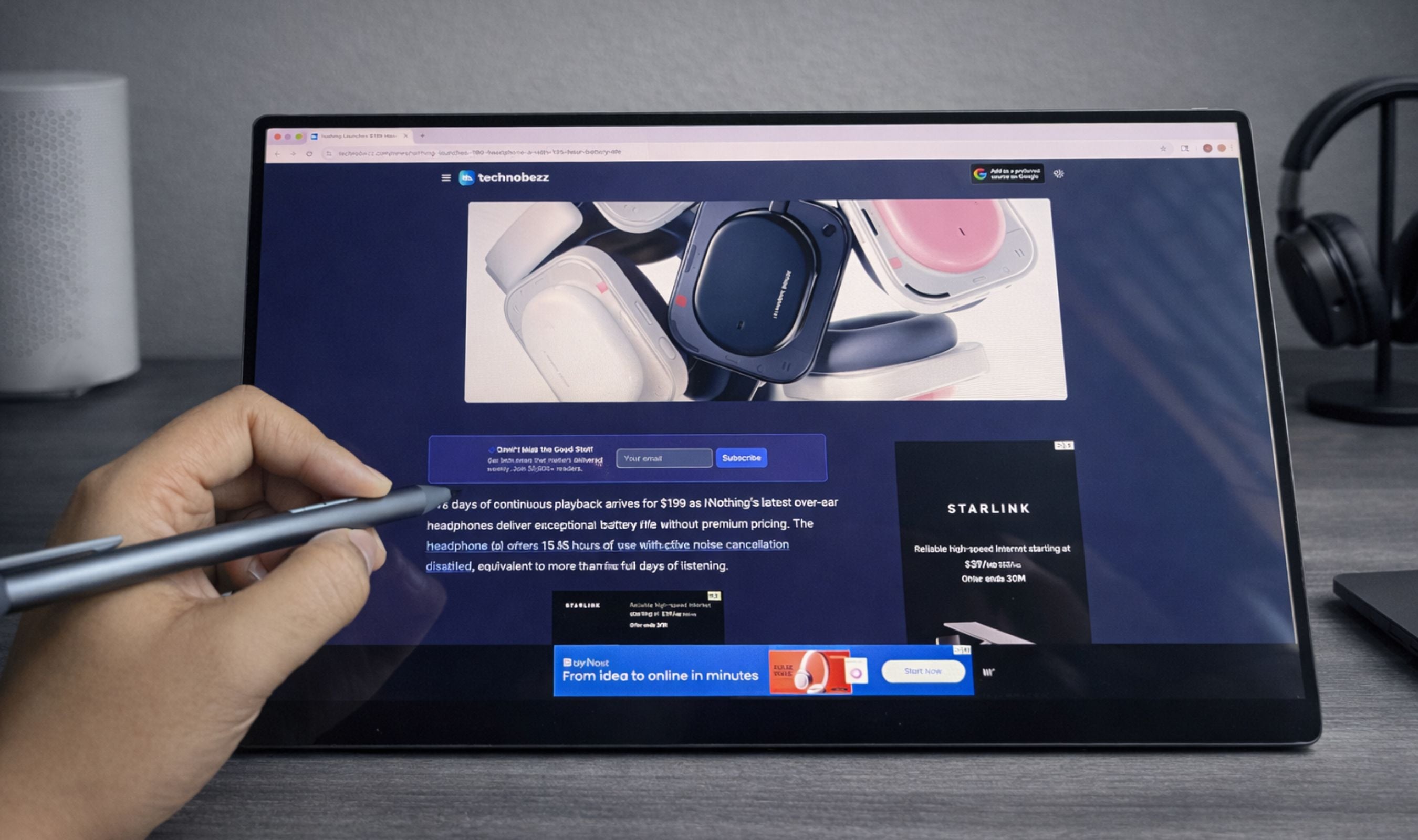
The 10-point touchscreen adds a layer of utility that I did not expect to use as much as I do. Navigating between windows, scrolling through documents, or quickly tapping through menus feels natural. The optional RICOH Stylus Pen takes things further with 4,096 levels of pressure sensitivity, turning this into a capable drawing tablet for sketching and note-taking. One thing to note: touch functionality works on Windows and Android devices but is not supported on macOS due to Apple's software limitations.
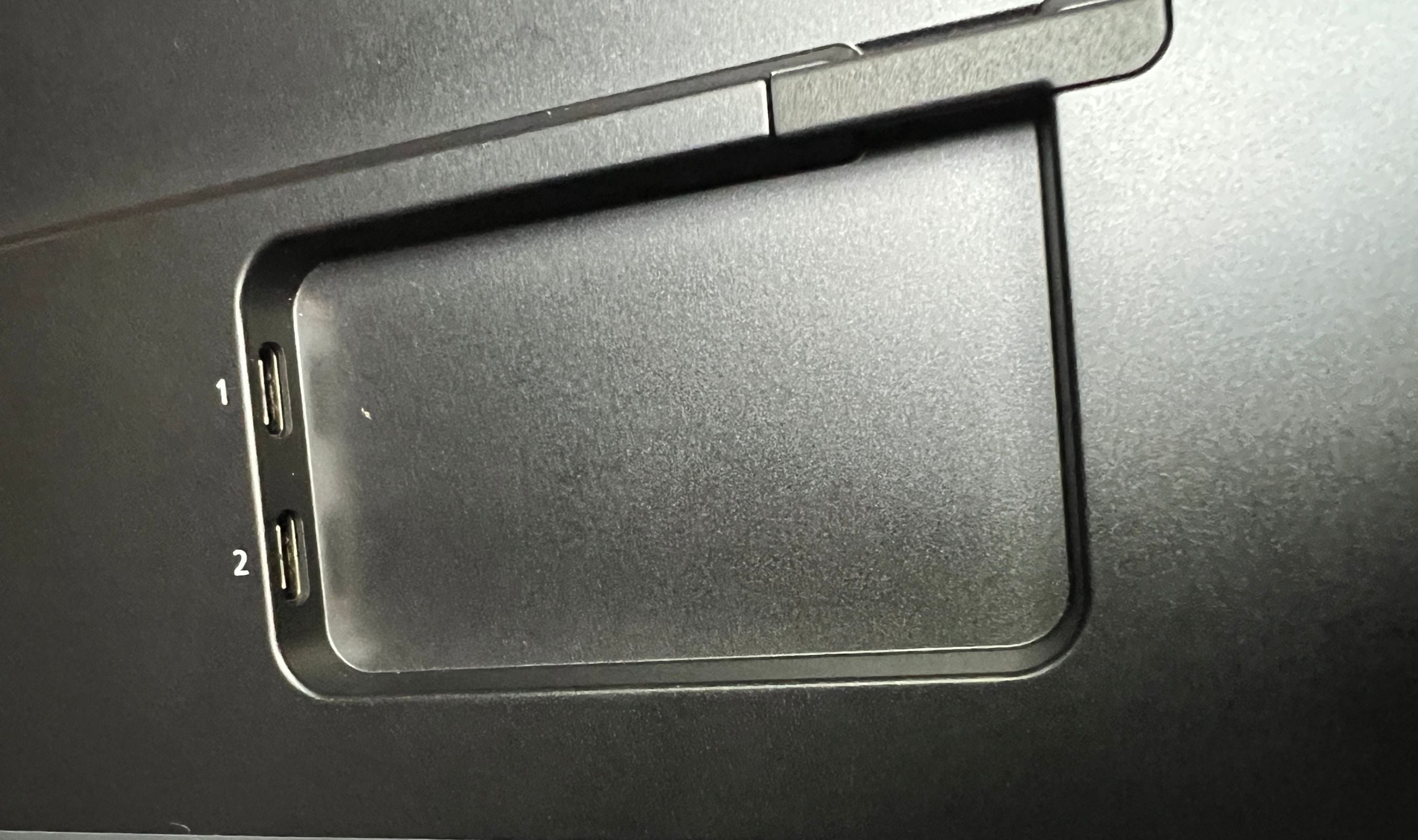
I appreciate that Ricoh placed both USB-C ports on the center back of the monitor rather than on the sides. This small design choice makes a big difference. Cables route neatly behind the display instead of jutting out to the side, giving the whole setup a clean, professional look. The included cable management clamps help keep things organized as well.
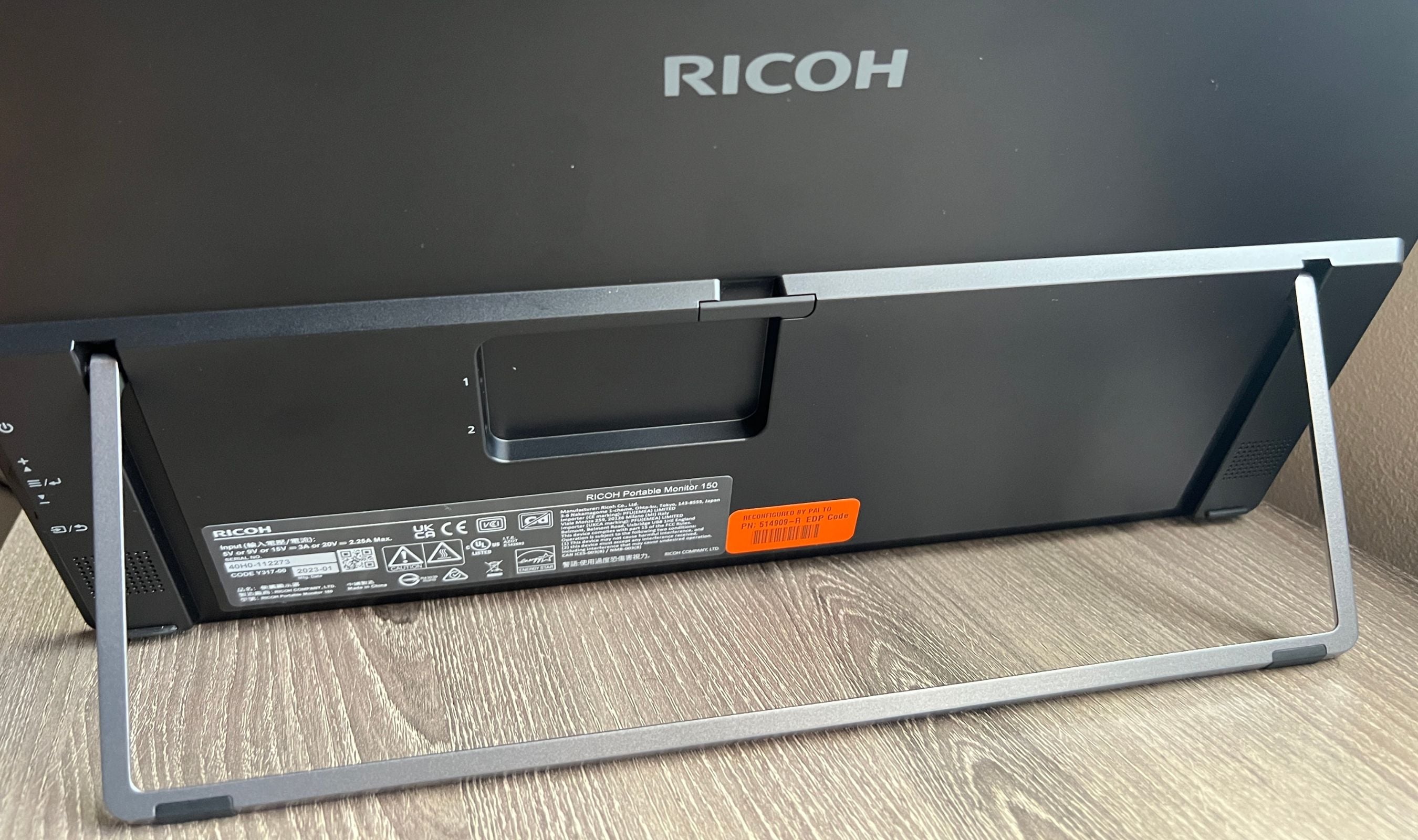
The integrated kickstand is another highlight. Unlike the flimsy flip-out stands you find on most portable monitors, the RICOH 150's metal kickstand is sturdy and adjustable across a wide range of angles. You can set it nearly upright for standard desktop use or lay it almost flat for drawing with the stylus. It stays exactly where you put it.
The built-in speakers are the one area where the RICOH 150 does not impress. The dual 1.5W speakers are thin and lack any real bass. They work for system notifications and basic video calls, but you will want to use your laptop speakers or headphones for anything beyond that. Given how thin and light this monitor is, the speaker limitation is understandable and honestly expected.
At its original price of $500+, the RICOH 150 was a premium product competing against cheaper IPS alternatives. But at the current price of around $182, the value equation has completely flipped. You are getting an OLED panel with true blacks, professional-grade color accuracy, a touchscreen, and a build quality that puts monitors twice its price to shame. That is very hard to argue with.
This product was provided to Technobezz for review. We independently select what we review. The manufacturer had no input on this article and did not see it before publication. All opinions are our own.
FAQ
Does the RICOH 150 need an external power source?
No. The RICOH 150 draws power directly from your laptop through the USB-C connection. As long as your laptop's USB-C port supports DisplayPort Alt Mode, a single cable handles both video and power. If you are connecting through an adapter, you may need to use the second USB-C port for external power.
Does the touchscreen work on Mac?
The display works perfectly as a monitor on macOS, but the touchscreen functionality is not supported. This is an Apple limitation, not a Ricoh issue. Touch and stylus features work on Windows and Android devices.
Is the RICOH 150 the same as the 150BW?
No. The RICOH 150 is the wired-only model, while the 150BW adds wireless connectivity via Wi-Fi (Miracast), a built-in 3,740mAh battery, and screen mirroring capabilities. The 150BW weighs slightly more at 1.58 lbs. The display quality is identical on both models.
Can I use this for gaming?
For casual gaming, yes. The 1ms response time and OLED panel with true blacks create an excellent visual experience. However, the 60Hz refresh rate makes it unsuitable for competitive gaming where higher refresh rates matter. For single-player games, media, and console gaming, it is fantastic.
What devices is it compatible with?
The RICOH 150 works with Windows laptops, MacBooks, Android phones (Samsung DeX supported), and tablets that have USB-C ports with DisplayPort Alt Mode. It does not have HDMI, so older devices without USB-C video output will need an adapter.
Does it come with a case?
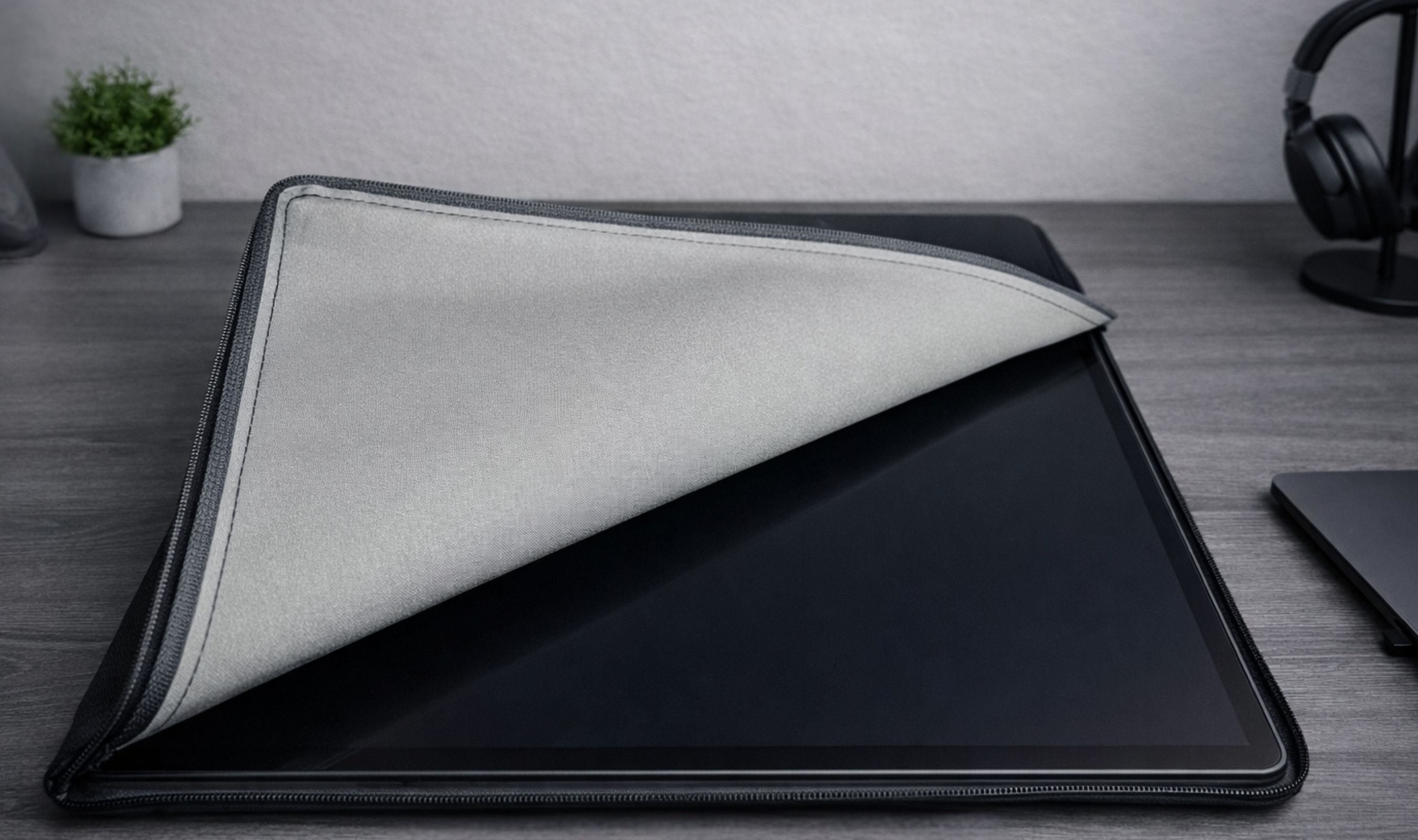
Yes. The RICOH 150 includes a padded, zippered carrying sleeve to protect the display during transport. The sleeve is lightweight and fits the monitor snugly.
Other RICOH portable monitors worth considering
If you want wireless functionality, the RICOH 150BW adds Wi-Fi connectivity, Miracast support, and a built-in rechargeable battery that provides up to 3 hours of wireless use. It supports multicasting to up to 5 displays simultaneously, making it ideal for meeting rooms and presentations. The display quality is identical to the wired 150 model. RICOH also offers the optional RICOH Stylus Pen Type 1, which adds precision input with 4,096 levels of pressure sensitivity for drawing, annotation, and note-taking.
Share this article
More on monitors
Deal
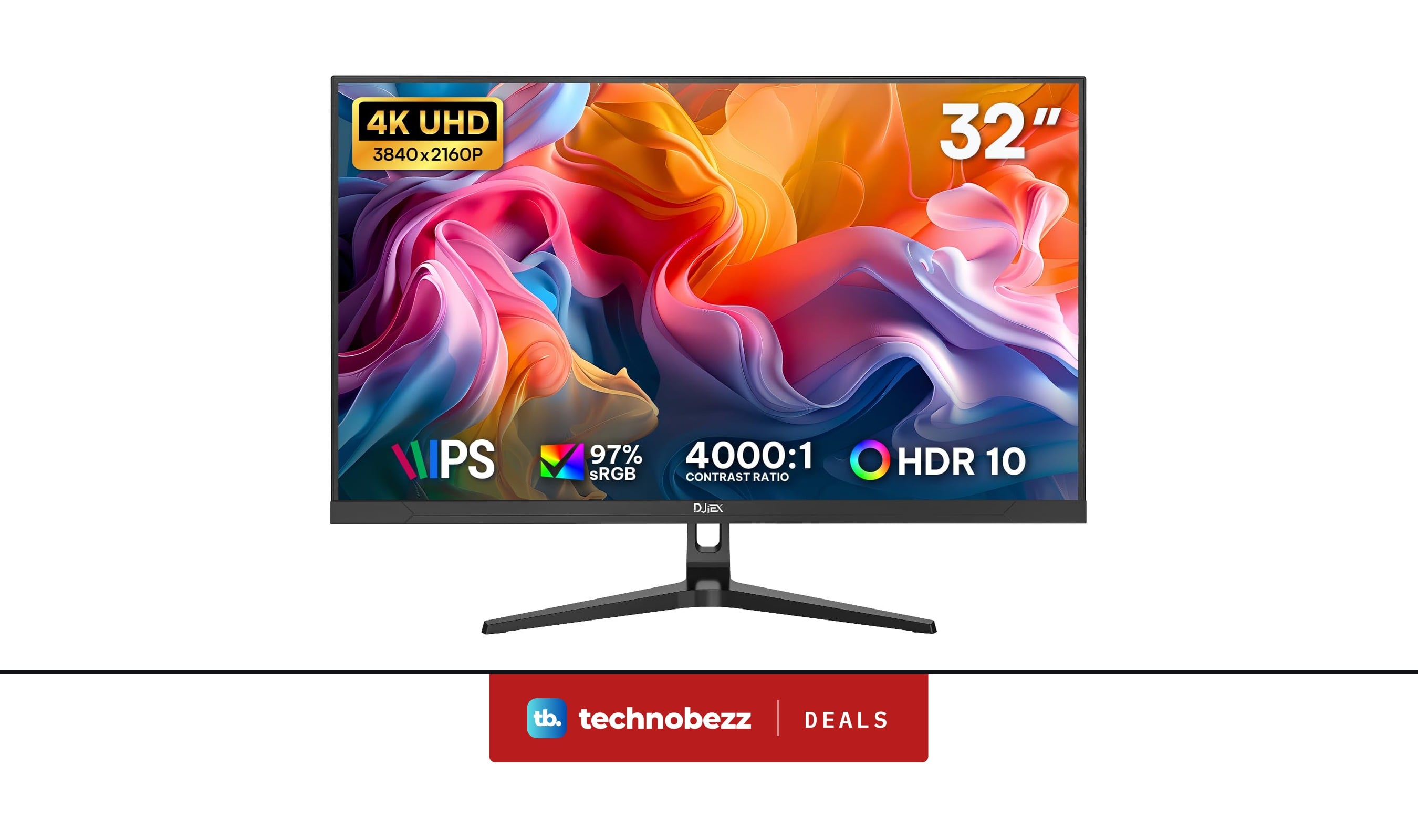
4K Computer Monitor UHD 3840 x2160P marked down to $172.98
Deal
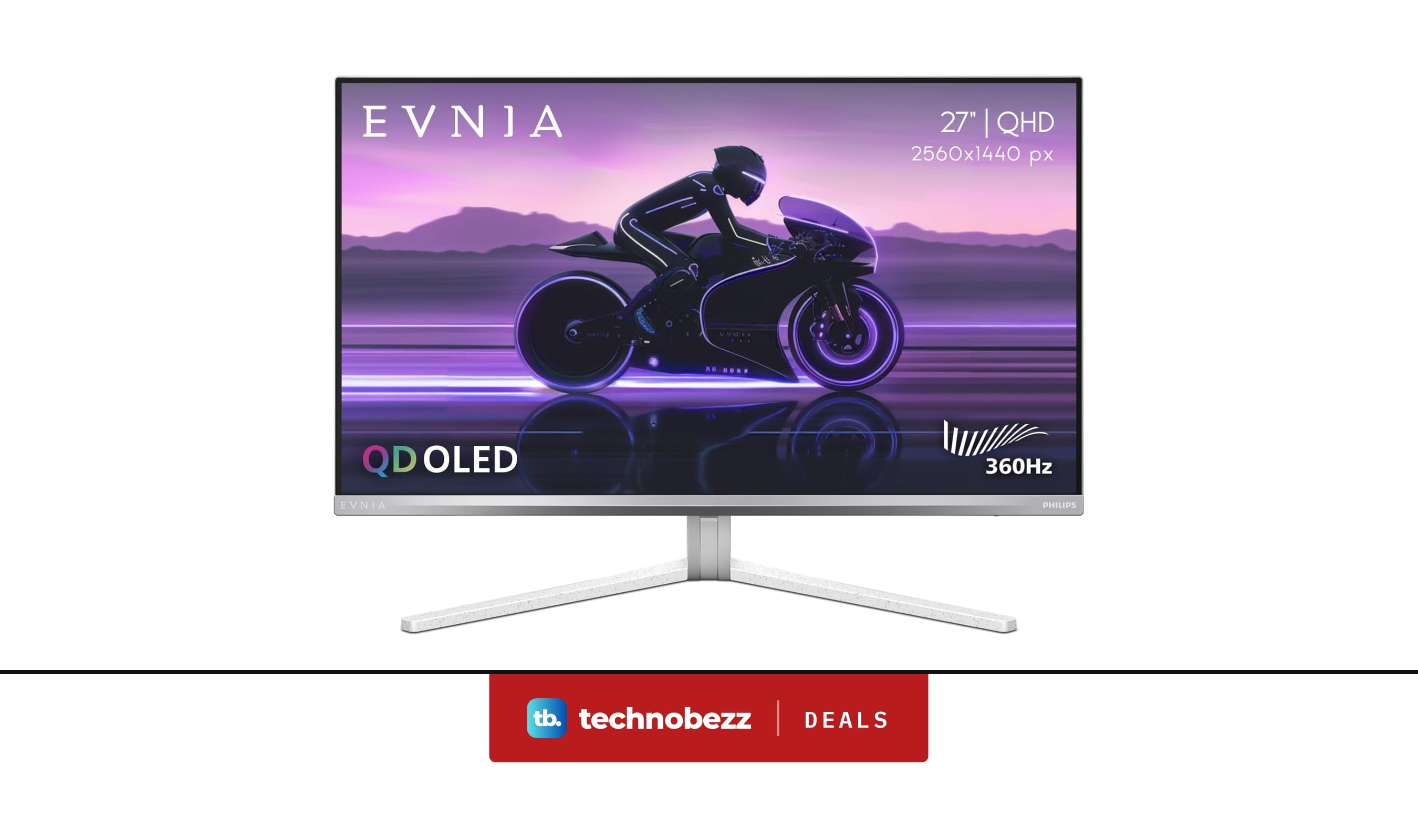
PHILIPS Evnia Gaming Monitor QHD QD OLED now $399.99, down from $436.01
Deal
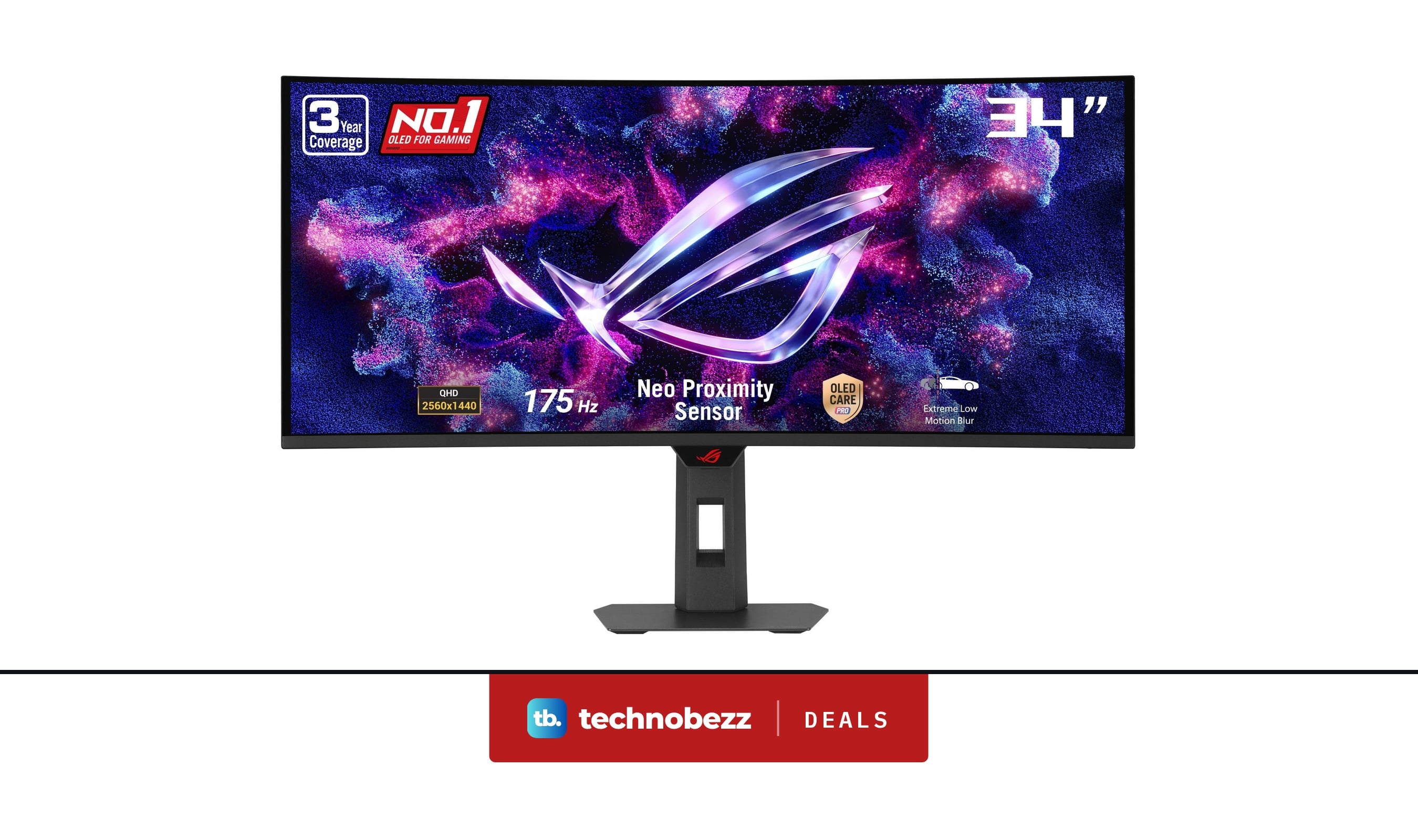
ASUS ROG XG34WCDG 1440p Ultrawide OLED G-SYNC Monitor gets a $120 price cut to $629
Deal
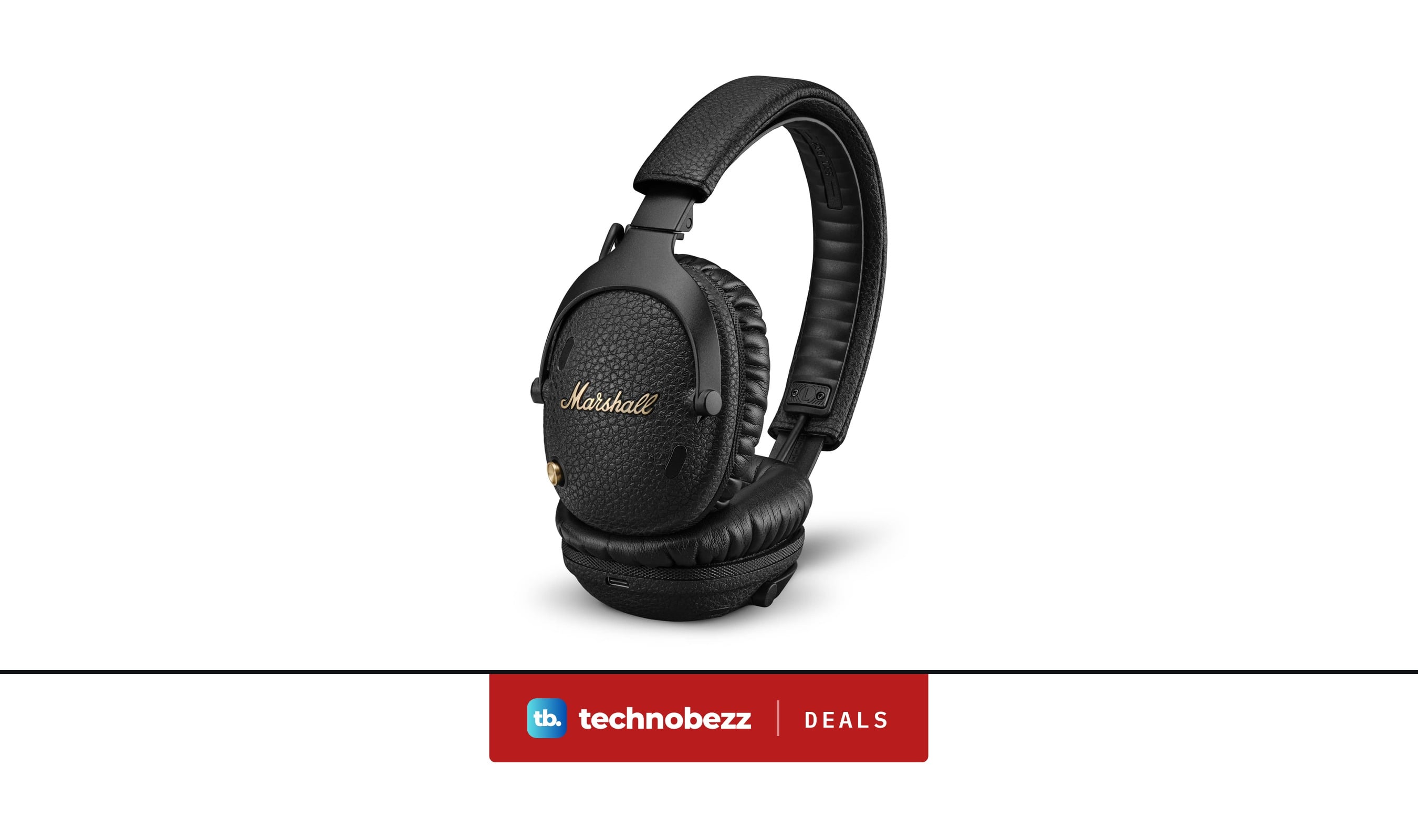
Marshall Monitor III ANC Wireless Over-Ear Headphones drops to $199.99, its lowest price yet
More reviews
ReviewTribit PocketGo Review, a Small Speaker With Big SoundReviewThe Baseus Bowie MC2 Is the Open-Ear Pair I Keep Forgetting to Take OffReviewThe Dreame AirPursue PM20 Purifies, Heats, Cools and Follows You Around the RoomReviewI Spent Weeks Looking for a Flaw in the HHKB Professional HYBRID Type-SReviewiPhone 18 Pro Max vs iPhone 17 Pro Camera Comparison in DaylightReviewDreame D20 Air Plus Review, Built Like a Robot That Costs Three Times as MuchReviewThe Boulies EP600 Moves in More Directions Than Any Chair We Have TestedReviewNarwal Freo 20 Edge Review, Reaching the Corners Without Dragging the Dirt