A good wireless presenter gives you freedom to move and connect with your audience, whether you're in a boardroom or a lecture hall. The Logitech R500s stands out as the best overall choice for its reliable performance and versatile connectivity. This list helps you find the right tool for your specific needs, from basic slide control to advanced presentation features.
Technobezz is supported by its audience. We may get a commission from retail offers.
7 Best Wireless Presenters for 2026
The Logitech R500s leads our wireless presenter picks, with options from about $22 to $112 covering Bluetooth clickers, green-laser pointers, and Teams-ready remotes.
T
Technobezz
Senior Editor
Updated September 14, 2026Sep 14, 2026
•8 min read

Get Deals Like These in Your Inbox
The best prices, reviewed weekly.
At a Glance
| Category | Product | Why We Picked It |
|---|---|---|
| Best overall | Logitech R500s | Reliable performance with dual connectivity options |
| Best value | Logitech R400 | Simple and dependable basic presenter |
| Best for bright rooms | Kensington Wireless Presenter Pro | Green laser and up to 150-foot wireless range |
| Best for Teams users | Microsoft Presenter+ | Integrated meeting controls |
| Best premium option | Logitech Spotlight 2 | Digital highlighting, annotation and haptic feedback |
| Also recommended | DinoFire USB-C Bluetooth Presenter | Bluetooth and USB-A/USB-C connections for student presentations |
| Also recommended | NORWII N95s | Up to 164-foot range with a digital pointer for TV screens |
How we chose and tested
We evaluated wireless presenters based on several key criteria that matter for real-world use. Our assessment considers connectivity reliability, range performance, battery life, and ease of use across different presentation environments. We prioritize products that work consistently with popular software like PowerPoint, Google Slides, and Keynote. Compatibility with various operating systems and ergonomic design also factor into our evaluation.
The best wireless presenters right now
Logitech R500s - Best overall
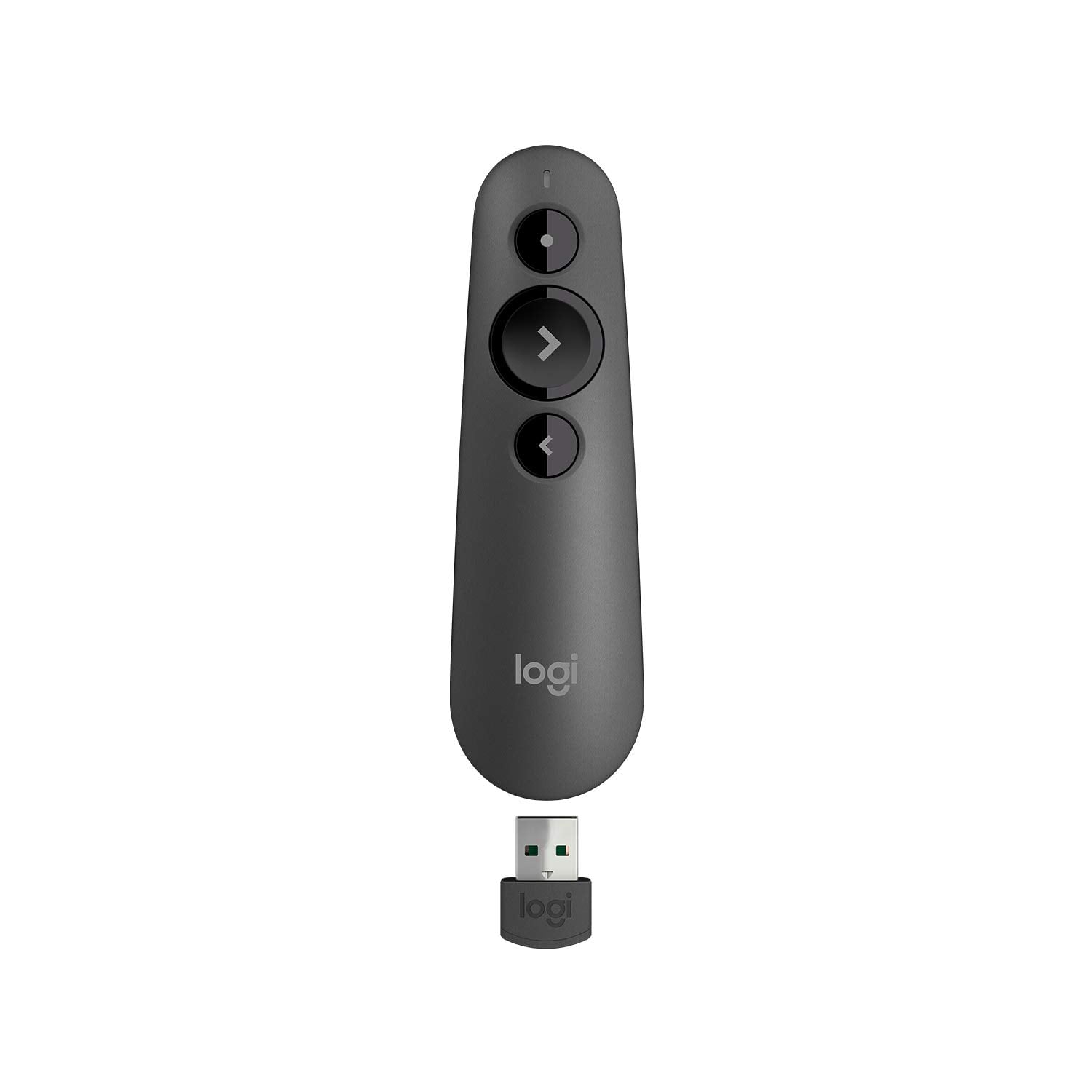
The Logitech R500s delivers reliable performance with dual connectivity, pairing to your computer via USB receiver or Bluetooth low energy, making it a versatile choice for presenters who work across different devices and environments.
Key highlights
- Dual connectivity via USB receiver or Bluetooth low energy
- Up to 20-meter wireless range suitable for most presentation spaces
- Long battery life lasting up to 12 months with typical use
- Simple three-button layout with intuitive slide control
- Compatible with Windows, macOS, iOS, and Android systems
Pros
- Works instantly with plug-and-play USB receiver
- Comfortable ergonomic design fits well in hand during extended use
- Reliable performance across various presentation software platforms
- Long battery life reduces maintenance concerns
Cons
- Red laser may be less visible in very bright rooms
- Lacks digital highlighting; its on-screen timer requires companion software
- Premium pricing compared to basic models
Who it is for: Professionals who present regularly and need a reliable tool that works across multiple devices and operating systems.
Skip if
You only need basic slide control and want to spend less, or if you require advanced features like on-screen annotation.
Logitech R400 - Best value
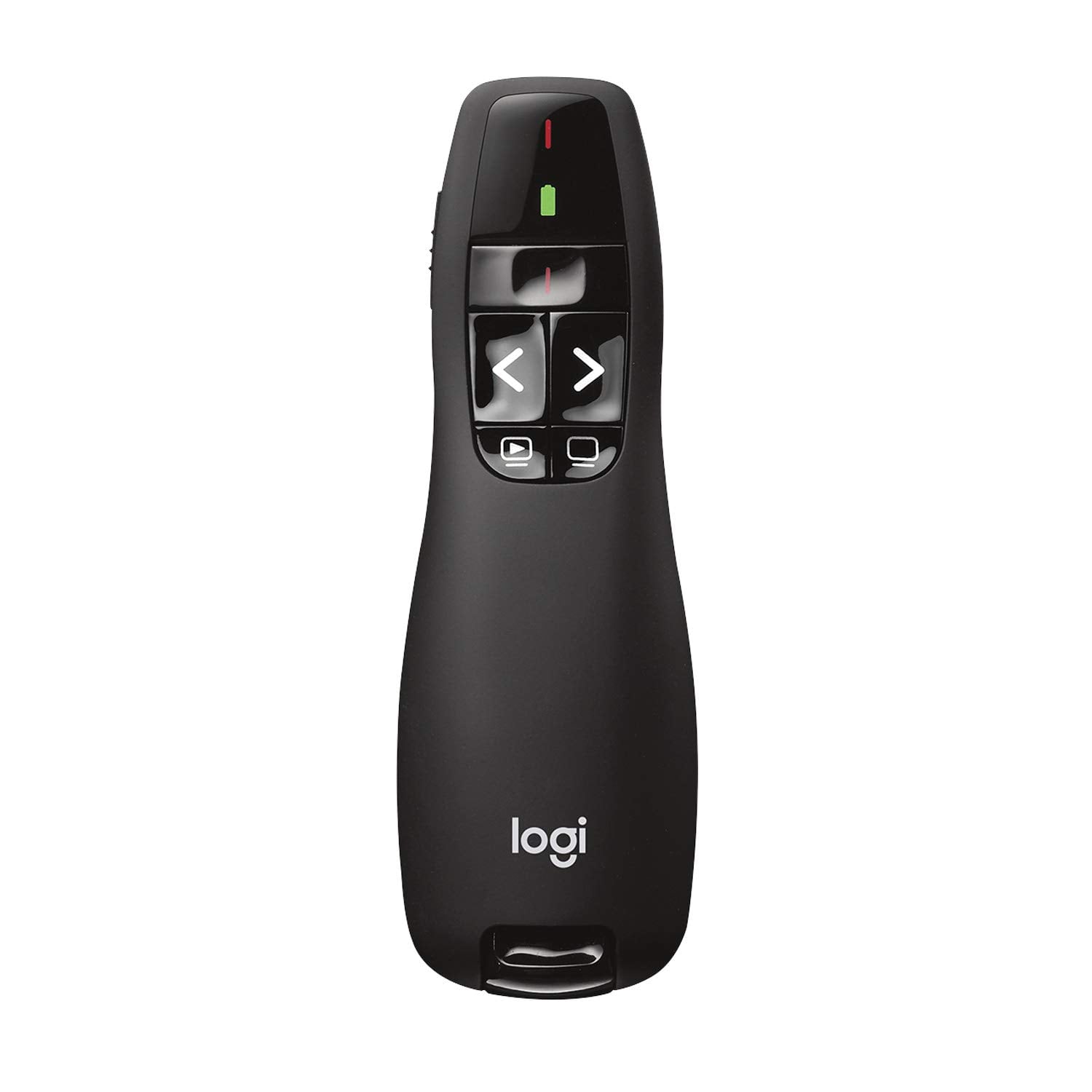
For presenters who need straightforward slide control without extra features, the Logitech R400 offers dependable performance at an accessible price point.
Key highlights
- 50-foot wireless range suitable for most meeting rooms
- Bright red laser pointer for highlighting key points
- Simple plug-and-play setup with USB receiver
- Ergonomic design with comfortable grip
- Long battery life using 2 AAA batteries
Pros
- Easy to use with intuitive button layout
- Reliable performance for basic presentation needs
- Compact design stores USB receiver internally
- Works with most presentation software without drivers
Cons
- Limited to USB connectivity only
- Basic feature set lacks advanced controls
- Red laser visibility can vary in bright conditions
Who it is for: Educators, trainers, and occasional presenters who need reliable slide control without complex features.
Skip if
You need Bluetooth connectivity, advanced features, or frequently present in very large venues.
Kensington Wireless Presenter Pro - Best for bright rooms
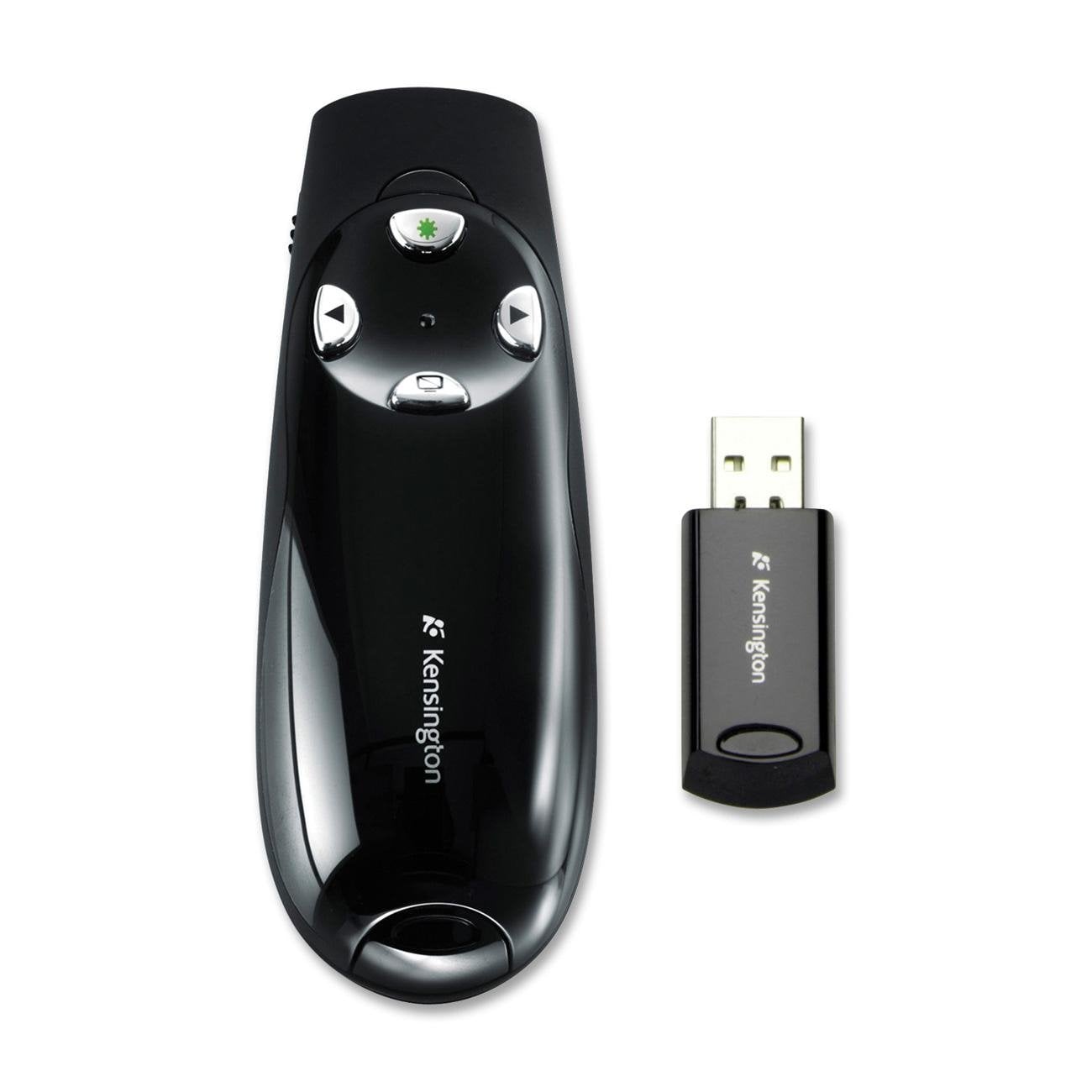
With its ultra-bright green laser, the Kensington Wireless Presenter Pro ensures visibility even in well-lit environments where red lasers struggle.
Key highlights
- Green laser pointer up to 10 times more visible than comparably powered red lasers
- Extended wireless range up to 150 feet for large presentation spaces
- Ergonomic design with comfortable four-button layout
- Includes carrying case for protection during transport
- 2.4GHz wireless technology for stable connection
Pros
- Excellent visibility in bright rooms and on various screen types
- Comfortable grip suitable for extended presentations
- Good range performance for larger venues
- Intuitive button placement for easy navigation
Cons
- Higher price point than basic red laser models
- Some users report USB recognition issues across different computers
- Requires battery management with occasional power concerns
Who it is for: Presenters who frequently work in brightly lit rooms, lecture halls, or conference venues where laser visibility matters.
Skip if
You present mostly in controlled lighting or want to minimize costs for basic functionality.
Microsoft Presenter+ - Best for Teams users
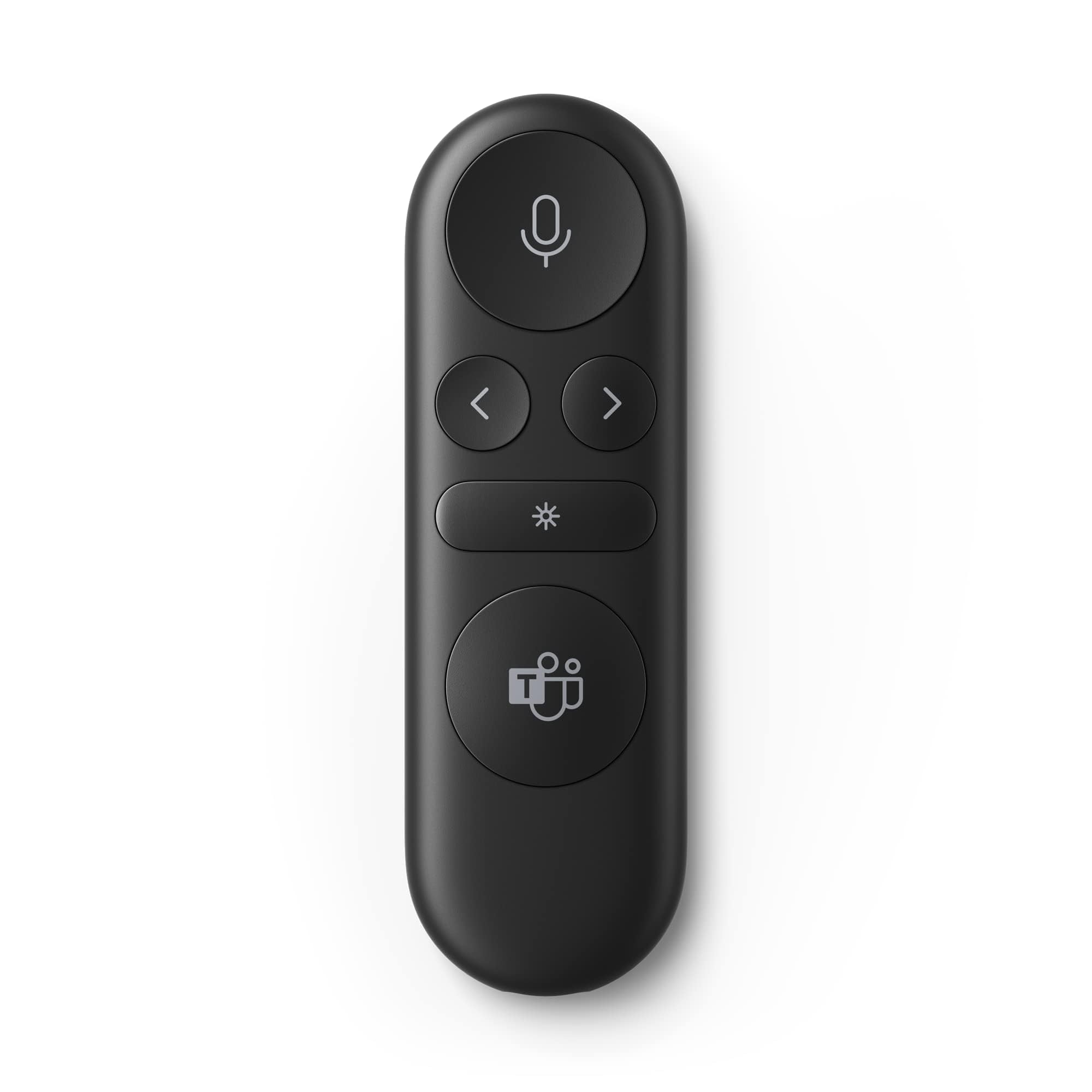
Designed specifically for Microsoft Teams users, this presenter integrates meeting controls with presentation functionality for seamless virtual collaboration.
Key highlights
- Integrated mute control with status light indicator
- Microsoft Teams button for quick meeting access
- Digital pointing through PowerPoint Live in Teams
- Bluetooth connectivity without USB receiver needed
- Rechargeable battery
Pros
- Seamless integration with Microsoft Teams meetings
- Mute control helps avoid "you're on mute" situations
- Clean design without separate USB receiver to manage
- Digital pointer works well for screen sharing sessions
Cons
- Primarily optimized for Microsoft ecosystem users
- Limited compatibility with non-Microsoft software
- Not all features are available in Teams for home or small business
- May not offer best value for non-Teams users
Who it is for: Professionals who regularly use Microsoft Teams for meetings and presentations.
Skip if
You use other collaboration platforms or need compatibility with a wider range of presentation software.
Logitech Spotlight 2 - Best premium option
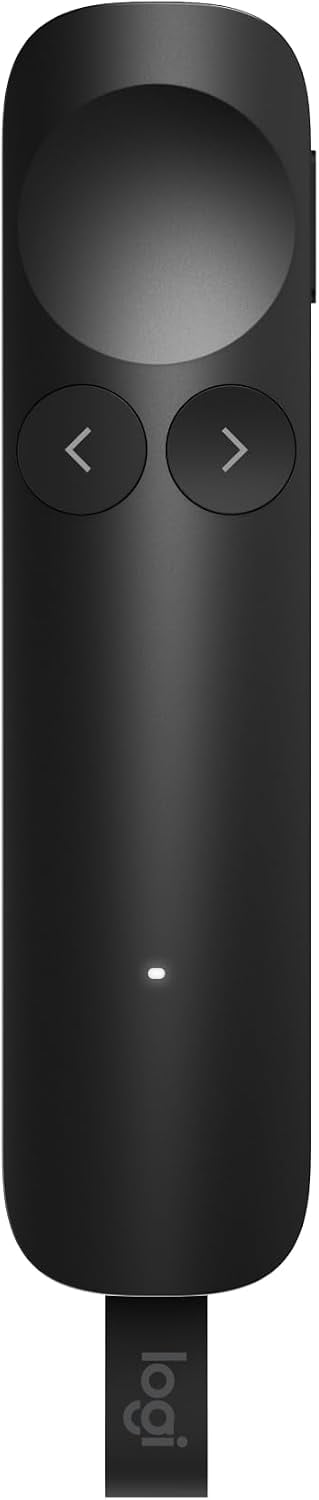
The Logitech Spotlight 2 combines digital highlighting, annotation and a physical laser pointer with haptic feedback, making it a premium option for in-person and hybrid presentations.
Key highlights
- Digital highlighting, magnification and annotation through Logi Options+
- Bluetooth or Logi Bolt USB-C receiver connectivity
- Up to 30-meter wireless range
- Up to three months of battery life per full charge
- Haptic highlight button and customizable Action Button
Pros
- Offers both digital pointing and a physical laser
- Haptic feedback confirms highlight-button presses
- A one-minute charge provides up to three hours of use
- Supports PowerPoint, Google Slides and Keynote
Cons
- Digital effects and customization require Logi Options+
- Included receiver requires a USB-C port
- Advanced controls add setup beyond basic slide navigation
Who it is for: Frequent presenters who want digital annotation, highlighting and haptic feedback for in-person or hybrid meetings.
Skip if
You only need slide navigation or cannot install Logi Options+ for the digital effects.
Also Good
- DinoFire USB-C Bluetooth Presenter - a student option with Bluetooth, a USB-A/USB-C receiver, slide navigation and volume control; requires two AAA batteries, sold separately.
- NORWII N95s - a rechargeable clicker with up to 164 feet of range; its digital pointer, highlight and magnify functions run through the Norwii Presenter software stored on the USB receiver.
How to Choose
Consider these factors when selecting your wireless presenter:
Connectivity type determines how you'll connect to your device. USB receivers offer plug-and-play simplicity but use a port, while Bluetooth models work with tablets and phones but require pairing. Dual connectivity options provide the most flexibility.
Laser visibility matters for your presentation environment. Red lasers work for most situations but green lasers offer better visibility in bright rooms. Digital pointers work on any screen but require software support.
Range requirements depend on your presentation space. Small meeting rooms need 30 to 50 feet while large venues require 100 feet or more. Consider where you'll present most often.
Battery preferences affect maintenance. Disposable batteries offer easy replacement but ongoing cost while rechargeable models need charging but reduce waste. Battery life ratings vary significantly between models.
Software compatibility ensures your presenter works with your tools. Most support PowerPoint and Google Slides but check specific compatibility with Keynote Prezi or collaboration platforms you use regularly.
FAQ
What's the difference between red and green lasers?
Green lasers are typically 10 times more visible than red lasers especially in bright rooms or on certain screen types. Red lasers work well for most standard presentation environments while green lasers excel in challenging lighting conditions.
Do I need Bluetooth or is USB sufficient?
USB connectivity offers reliable plug-and-play operation with any computer. Bluetooth adds compatibility with tablets and smartphones but may require pairing. If you only present from a laptop USB is sufficient. If you use multiple devices consider Bluetooth or dual connectivity options.
How important is wireless range?
Range matters based on your presentation space. For small meeting rooms 30-50 feet works fine. For lecture halls or conference venues look for 65-100 feet or more. Consider the largest space where you'll present regularly.
Should I choose rechargeable or battery powered?
Rechargeable models reduce waste and ongoing battery costs but require charging between uses. Battery-powered options offer instant replacement when power runs low. Frequent presenters often prefer rechargeable while occasional users may prefer battery convenience.
What features do I actually need?
Most presenters need forward back slide control and a laser pointer. Additional features like timers volume control or digital highlighting can enhance specific presentation styles but add complexity. Consider your actual presentation workflow before paying for extra features.
Published March 10, 2026 Last updated September 15, 2026
Share this article
More in News
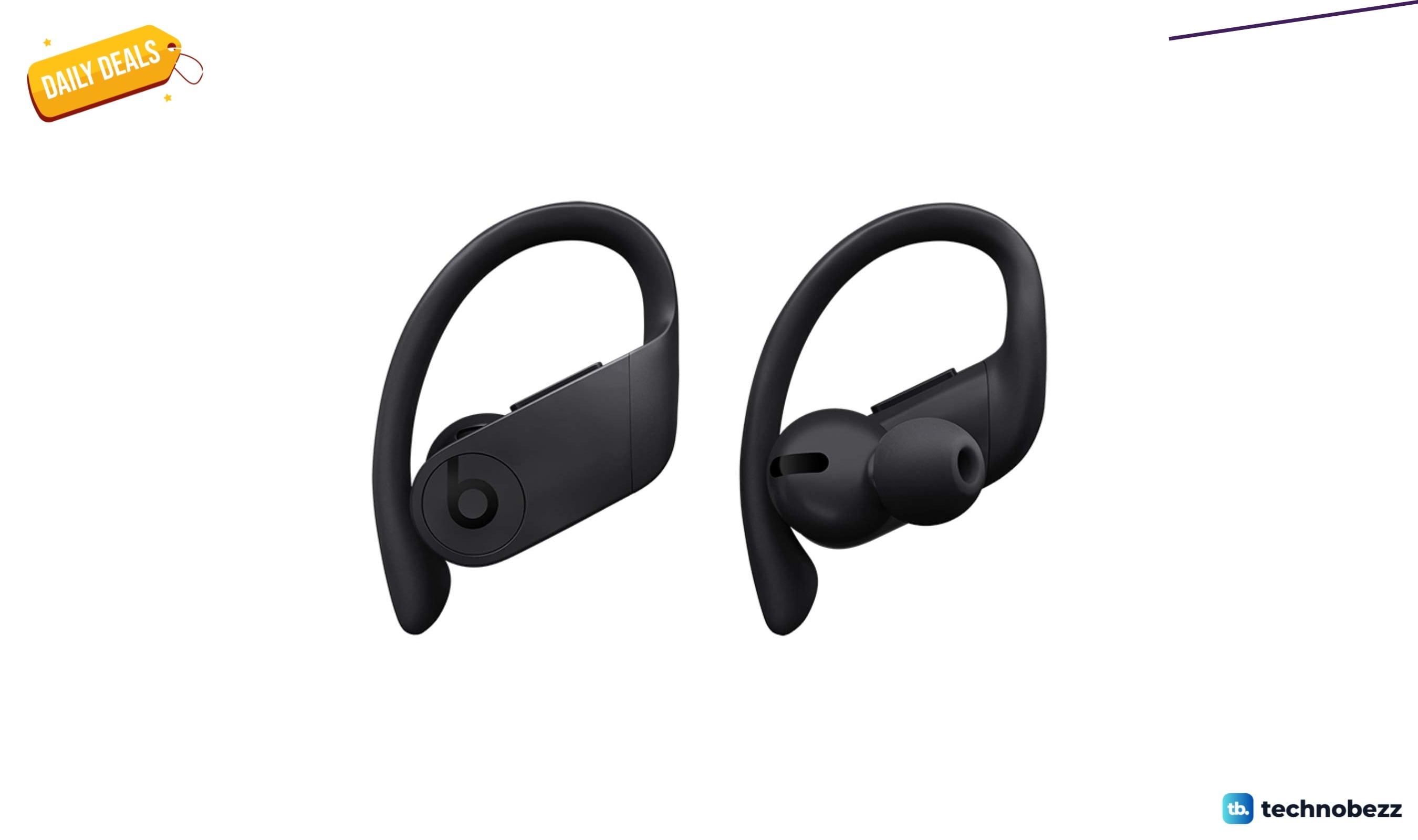
Powerbeats Pro Wireless Earphones Apple H1 Headphone down to $137.63 in latest price cut
Powerbeats Pro hit their lowest price ever at $137.63 on Amazon, a 38% drop from the usual $223.54 for these sweat-resistant earbuds.
4 min read
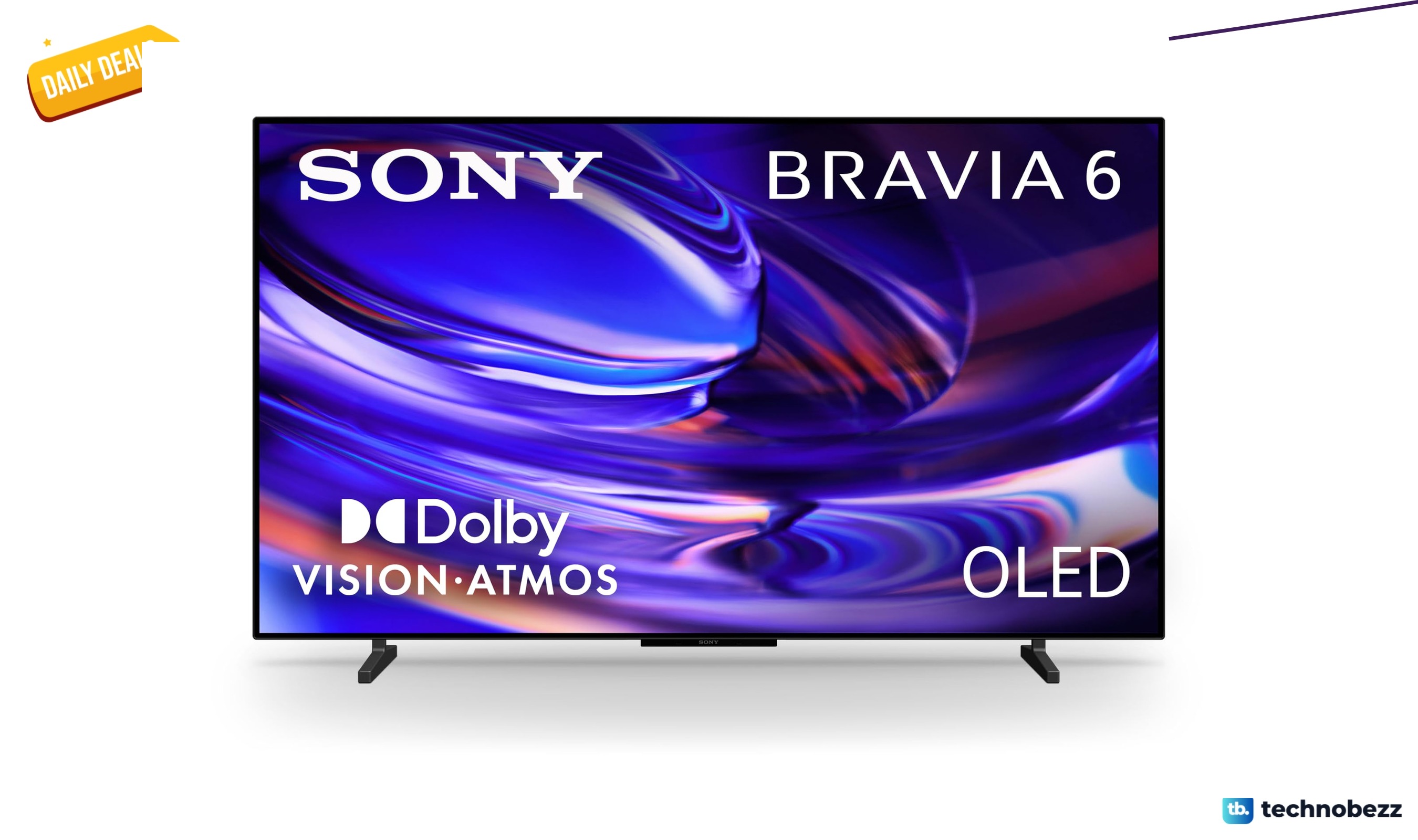
Sony 48-inch BRAVIA 6 OLED 4K HDR drops to $1098, its lowest price yet
Sony's 48-inch BRAVIA 6 OLED hits $1098, a new low that undercuts its $1299.99 list price by $201.99.
5 min read
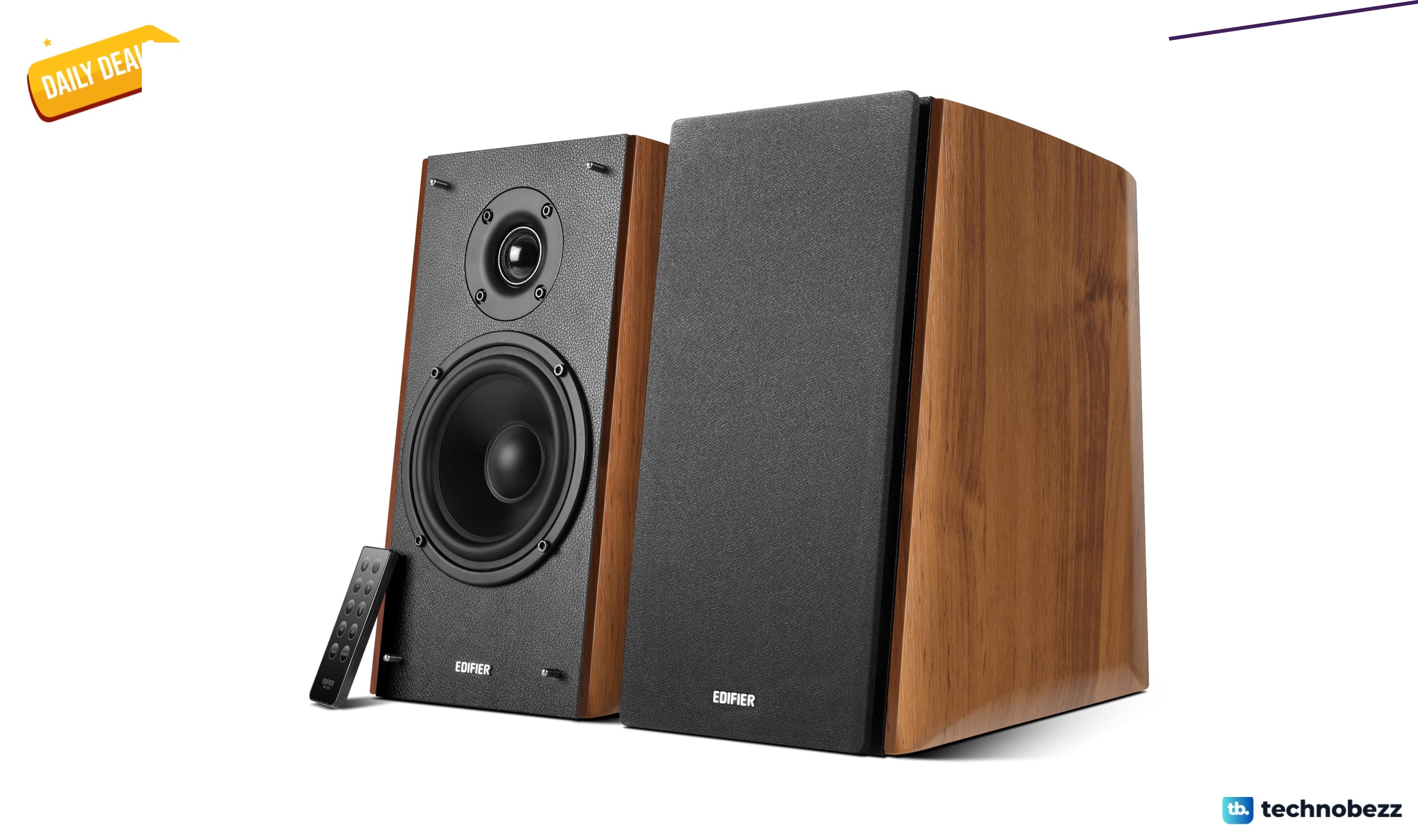
Edifier R2000DB Powered Bluetooth Bookshelf Speakers price drops to $299.98
Save 25% on Edifier R2000DB Bluetooth bookshelf speakers at $299.98, a $100 drop and the lowest price in months.
4 min read
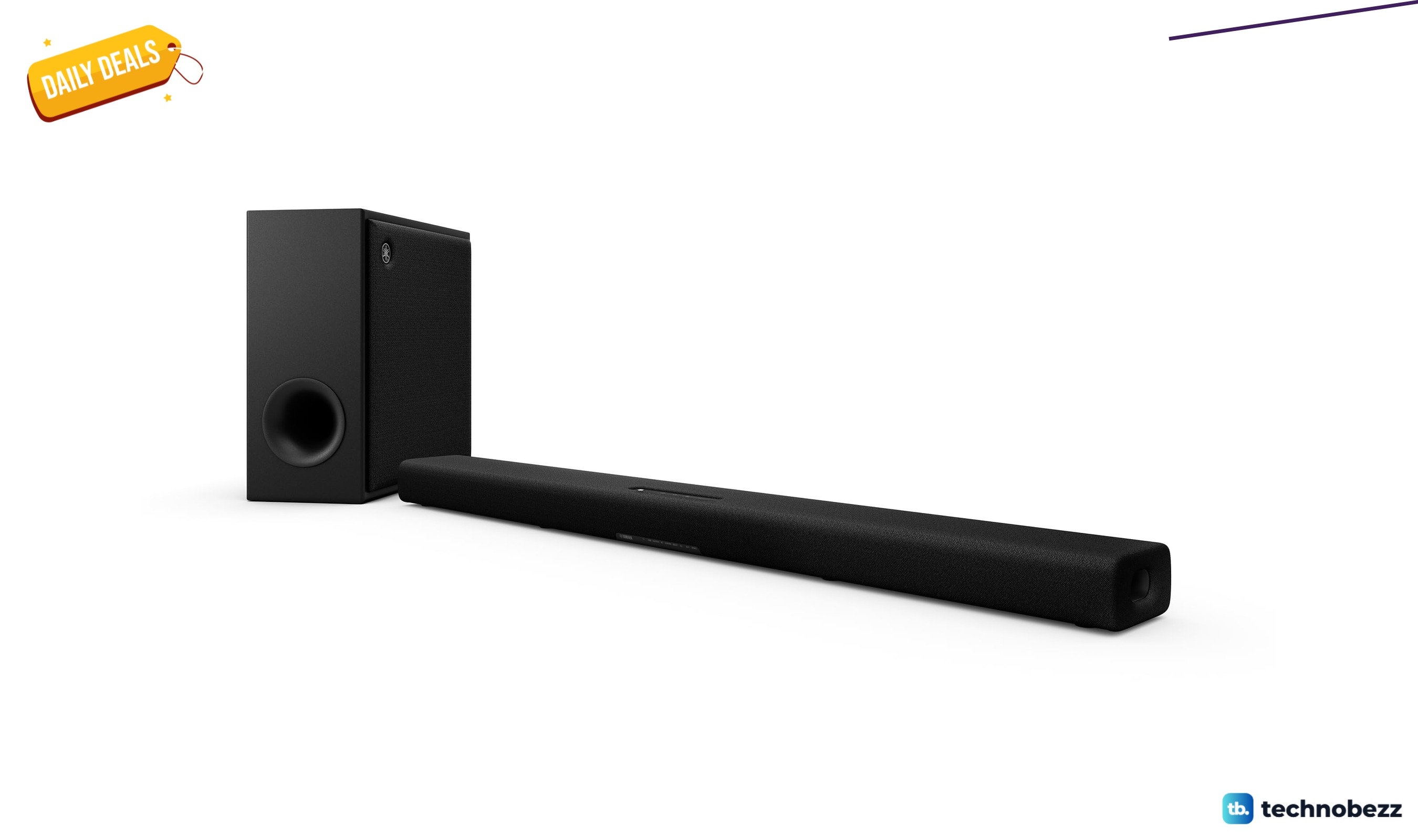
Yamaha True X Bar 50A Dolby Atmos hits new low at $199.99
Save 60% on the Yamaha True X Bar 50A sound bar, now $199.99 with Dolby Atmos, wireless subwoofer, and dual built-in subs.
3 min read
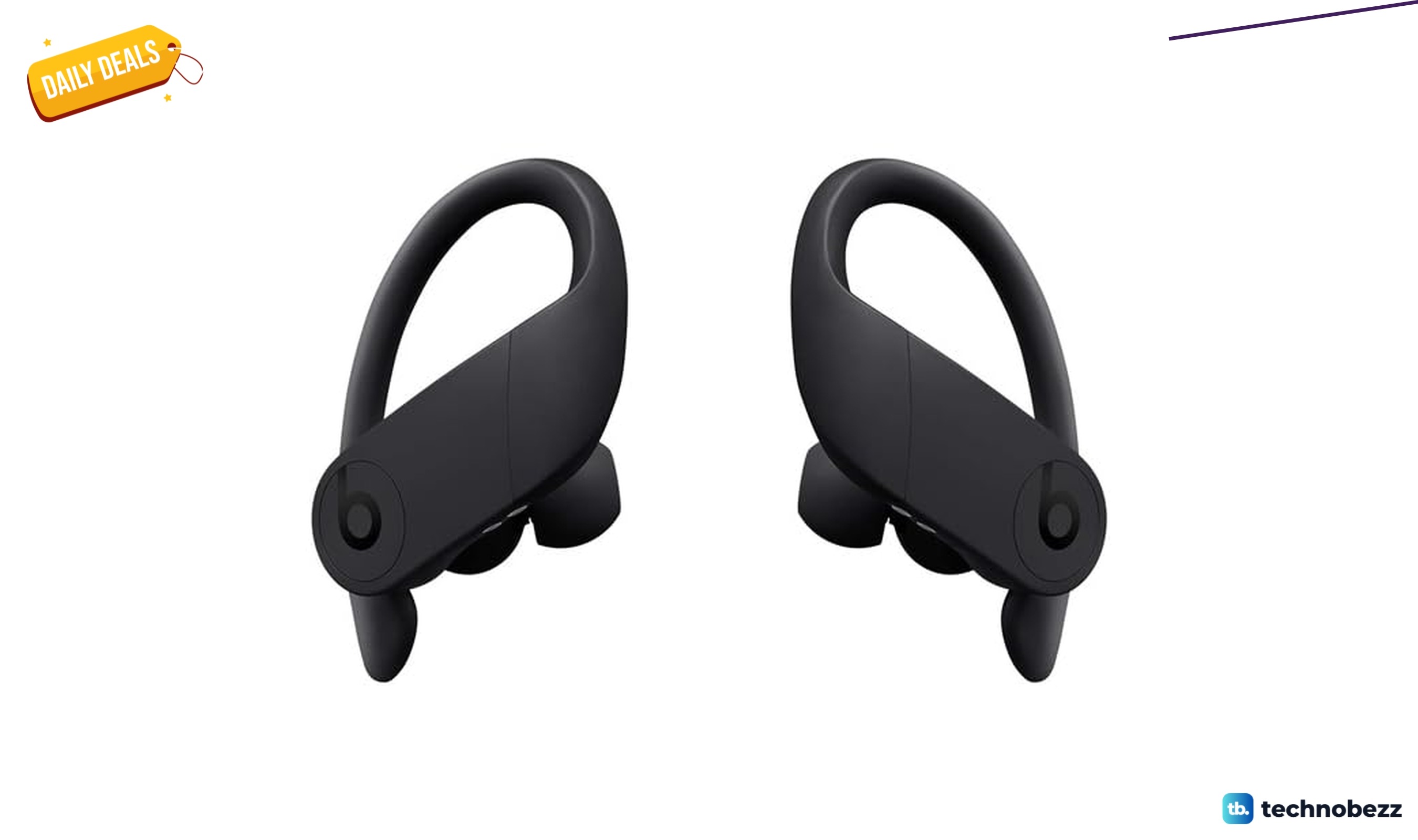
Beats Powerbeats Pro Wireless Earbuds are $99.99 at Woot
5 min read
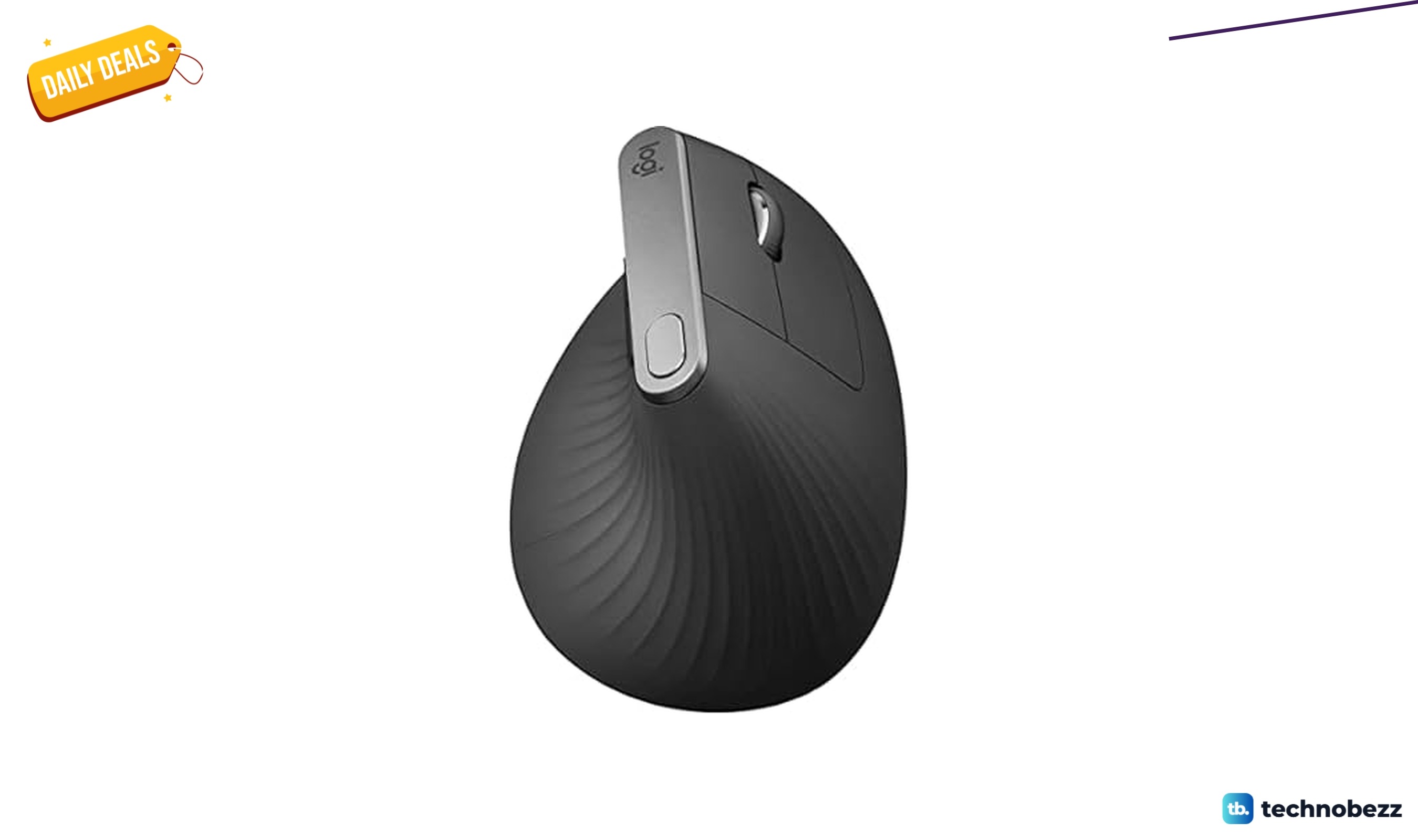
Logitech MX Vertical Wireless Mouse is $64.99 at Woot
4 min read
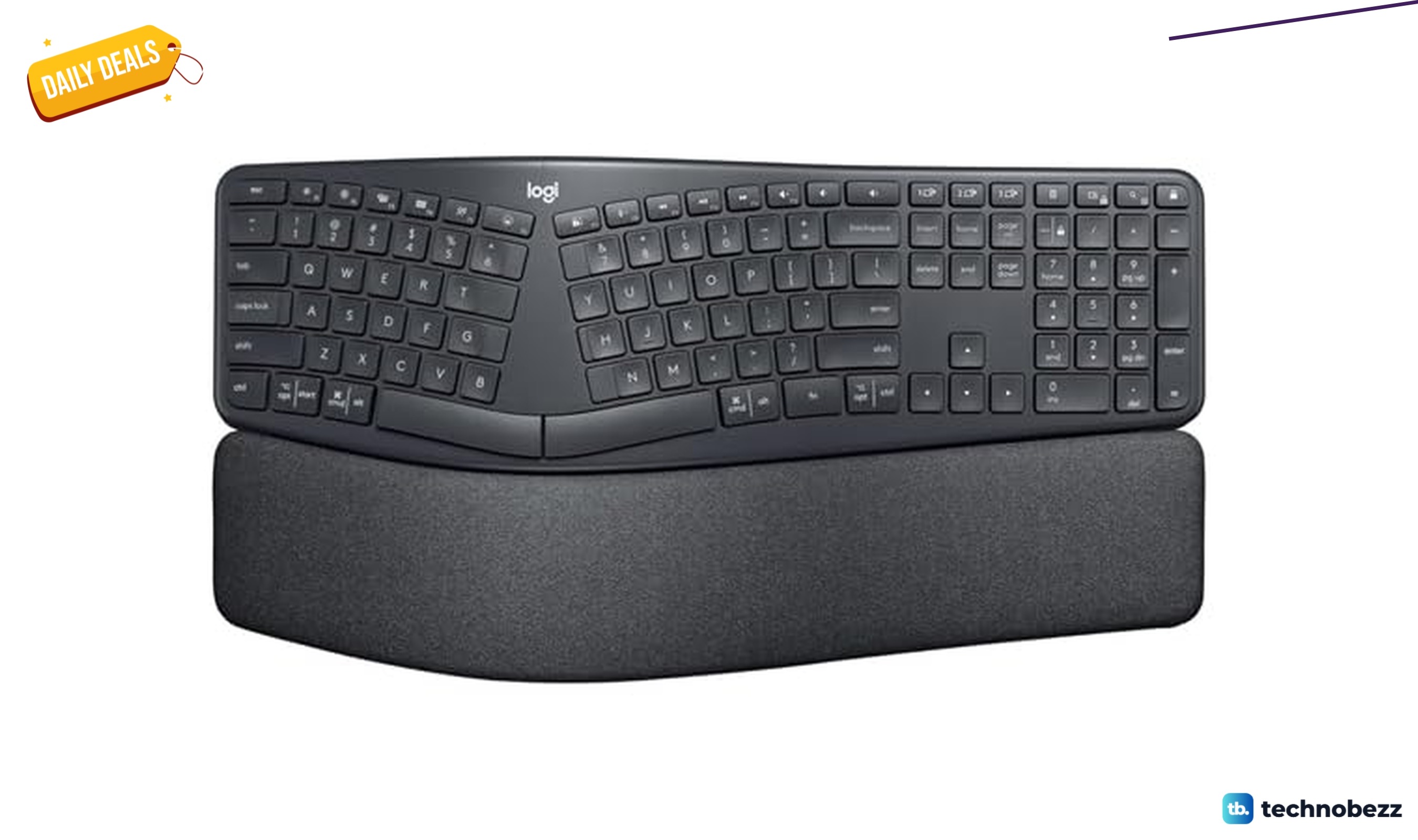
Logitech ERGO K860 Wireless Ergonomic Keyboard is $109.99 at Woot
3 min read
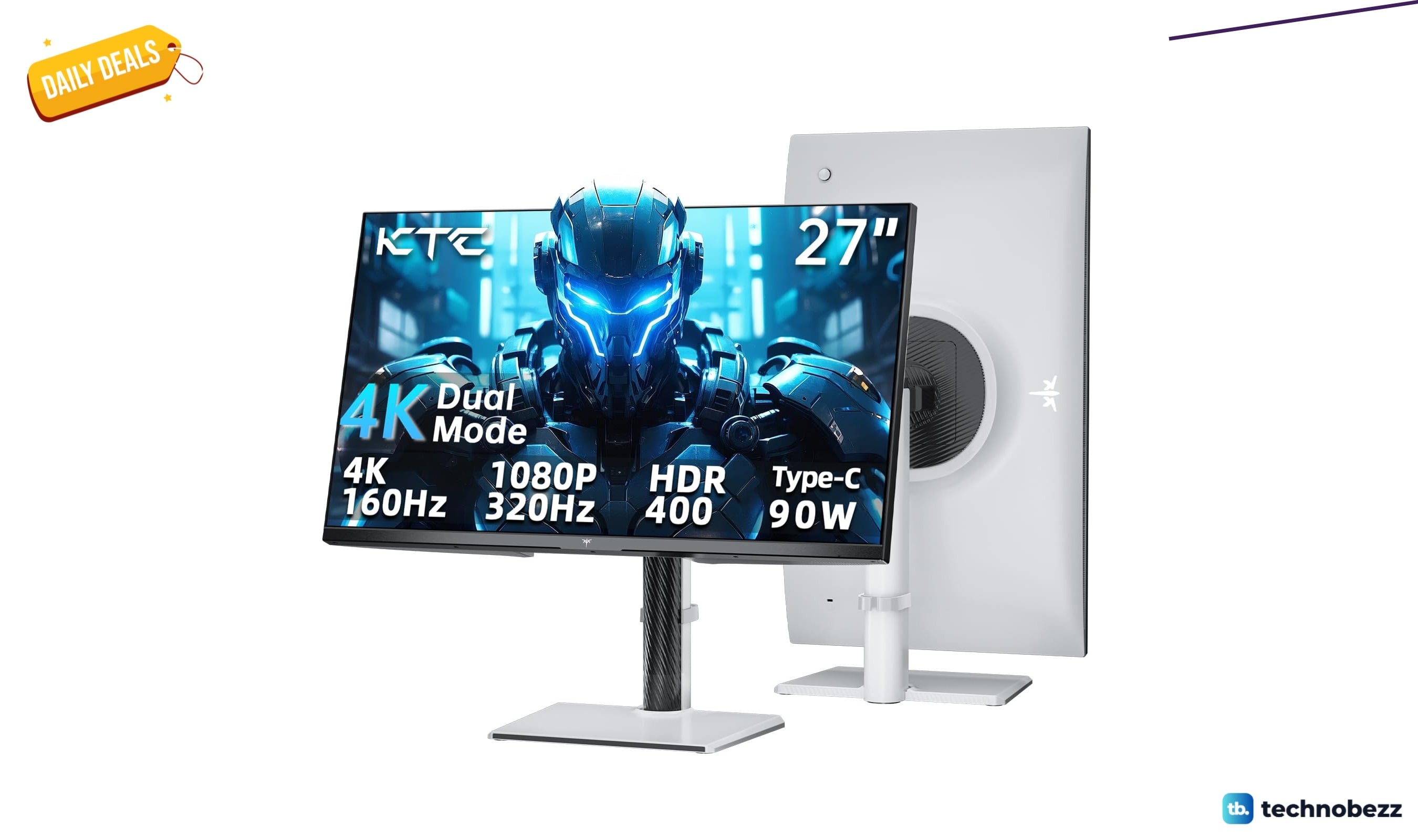
KTC Gaming Monitor 4K falls to $260.08
5 min read
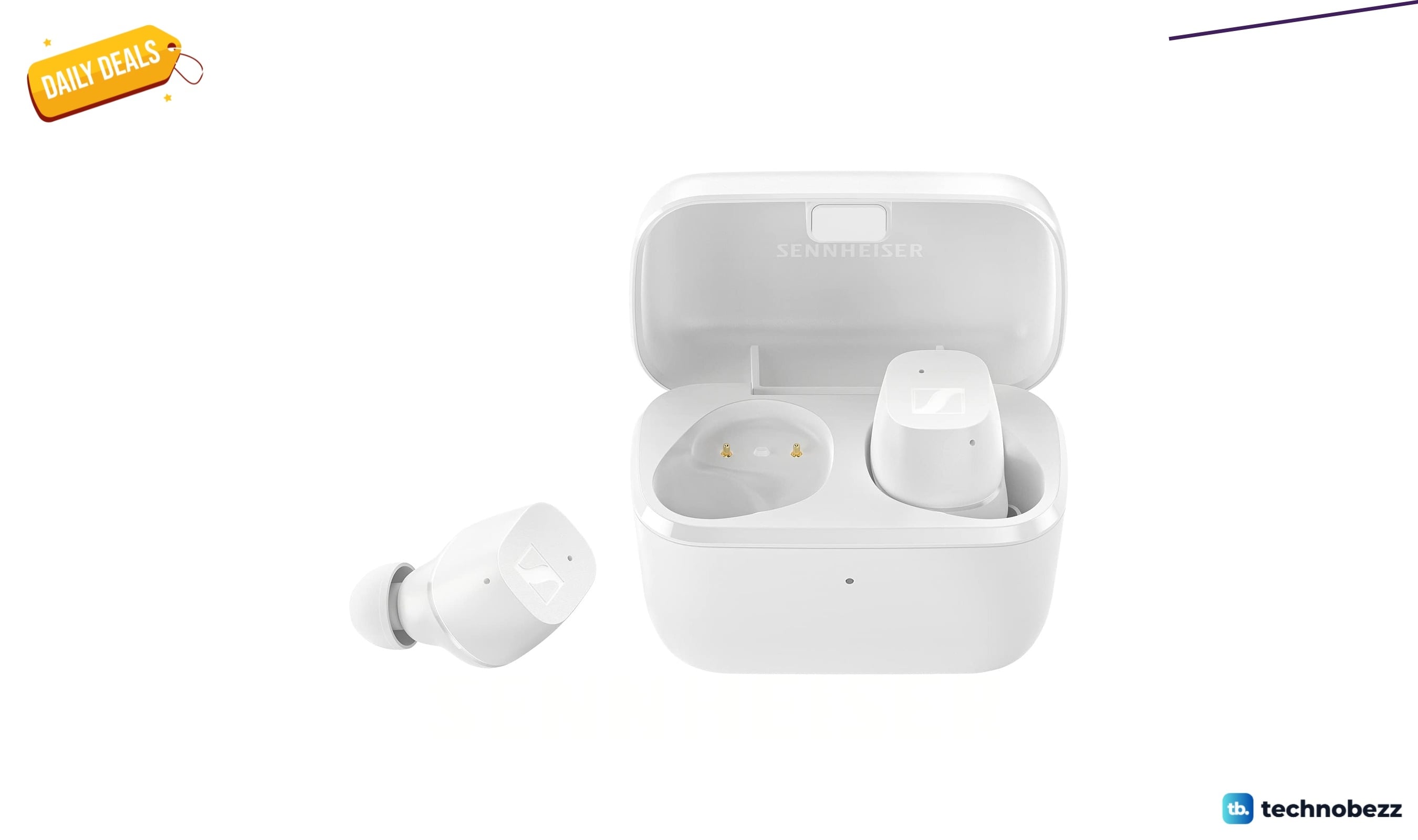
Sennheiser Consumer Audio CX True Wireless Earbuds drops to $74.95
3 min read
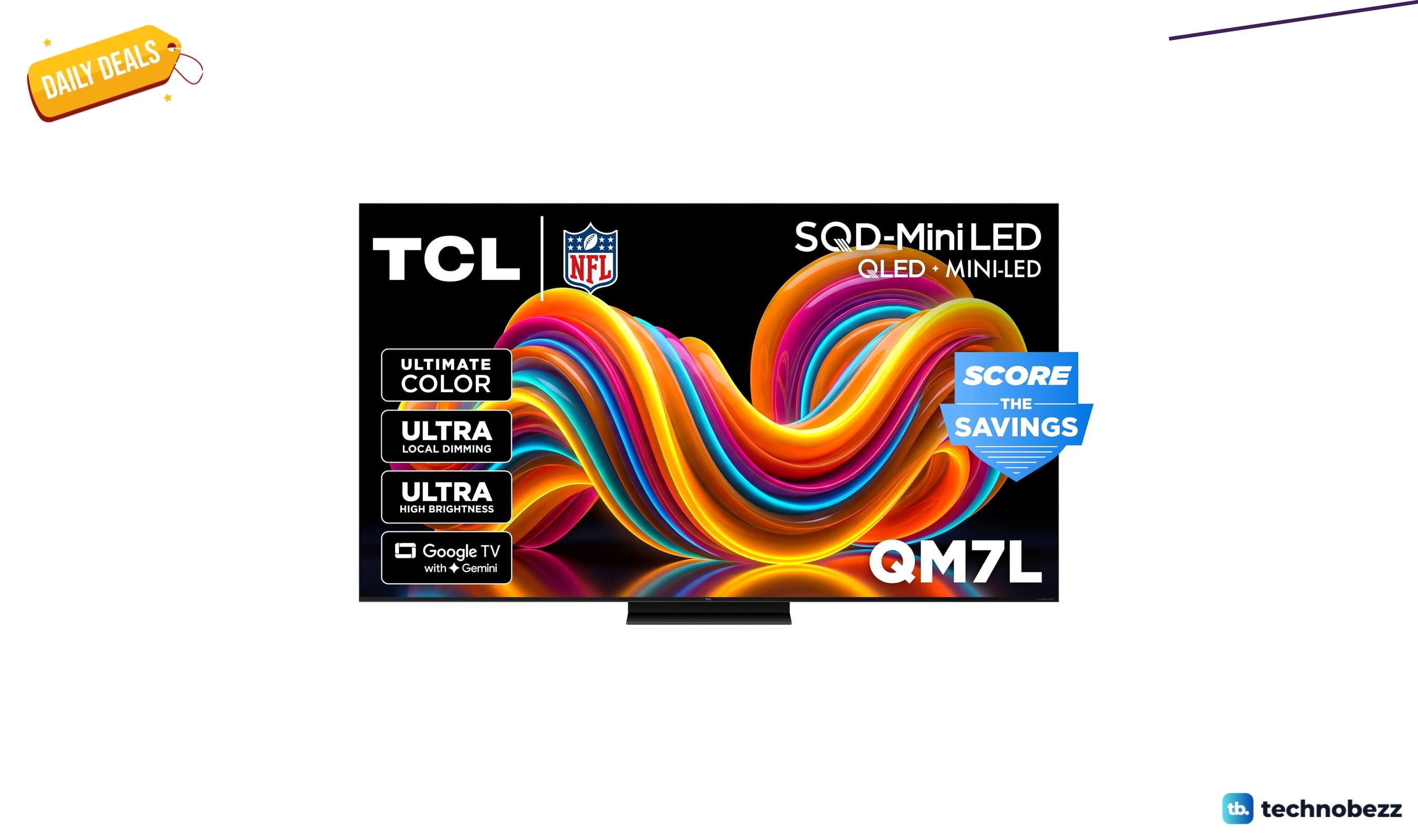
TCL 75-inch QM7L SQD-Mini-LED QLED TV 75QM7L gets a $754.14 price cut to $1245.85
3 min read
Hisense M7SR Review, an Easy First Step Into MiniLED
5 min read
TP-Link Dual-Band BE6500 WiFi 7 Gaming Router marked down to $169.98
3 min read