Rolling TV monitors and stands give you the freedom to move your screen anywhere. The LG Swing stands out as the best overall with its 32-inch 4K display and flexible hinge, while the Samsung MovingStyle M7 offers a great value rolling setup. These three picks cover flexible positioning, smart TV features, and battery-powered portability.
Technobezz is supported by its audience. We may get a commission from retail offers.
3 Best Rolling TV Monitors You Can Buy Right Now
LG Swing leads our picks for the best rolling TV monitors. See top models for medical use, multi-monitor setups, and budget-friendly options.
T
Technobezz
Senior Editor
Updated September 5, 2026Sep 5, 2026
•6 min read

Get Deals Like These in Your Inbox
The best prices, reviewed weekly.
At a Glance
| Category | Product | Why We Picked It |
|---|---|---|
| Best overall | LG Smart Monitor Swing | 32-inch 4K display with flexible positioning |
| Best value | Samsung MovingStyle M7 | 32-inch 4K smart monitor with rolling stand at a great price |
| Best portable | LG StanbyME 2 | 27-inch QHD touchscreen with detachable wheeled stand, built-in battery, and Dolby Vision |
How we chose and tested
We evaluated rolling monitors and stands based on mobility, stability, weight capacity, and ease of use. Products were assessed for their real-world applications in different environments, from home offices to living rooms. The focus was on practical features that actually matter when moving a screen around, including display quality, build construction, and how smoothly they roll on different surfaces.
The best rolling TV monitors right now
LG Smart Monitor Swing - Best overall
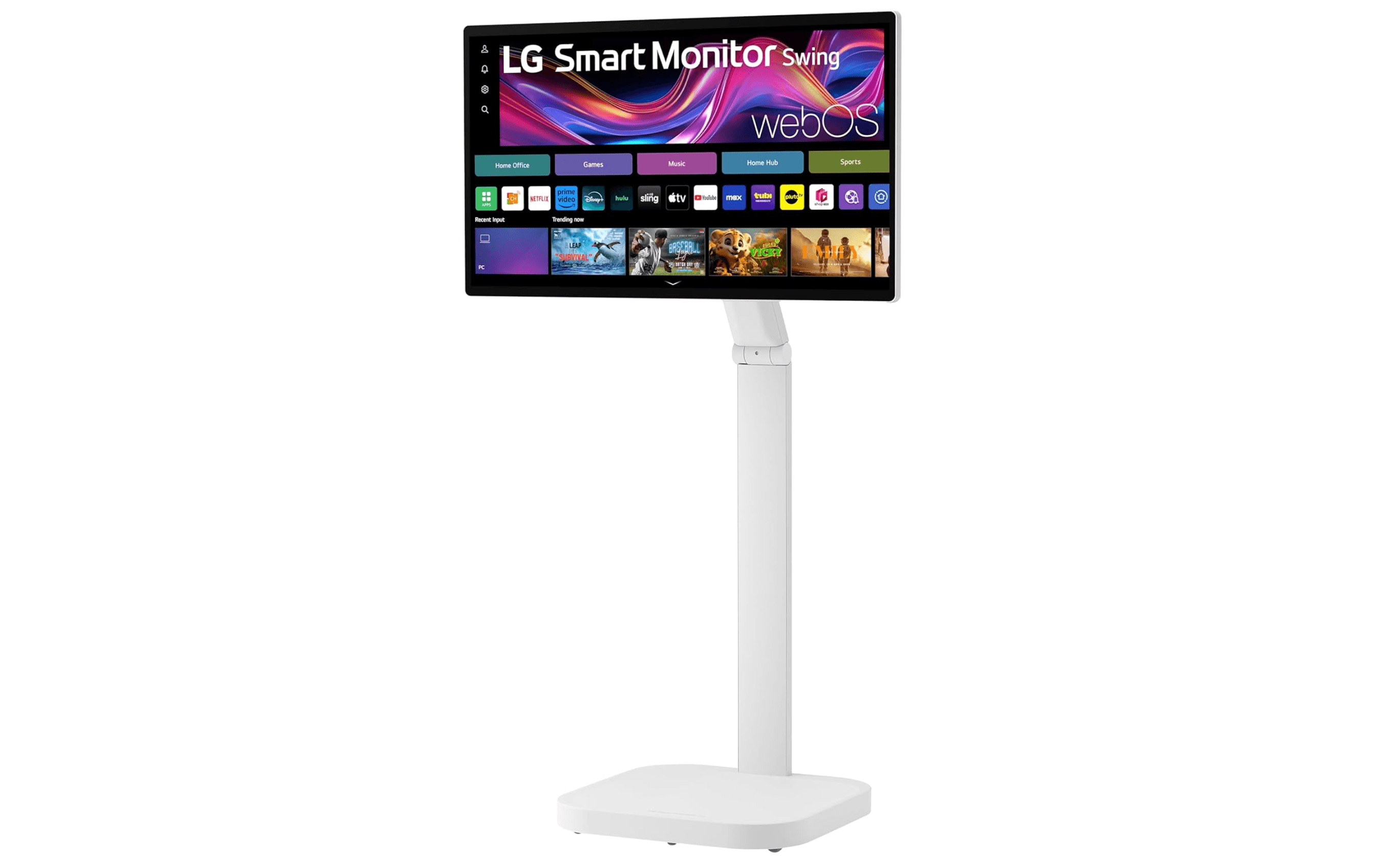
The LG Swing combines a high-quality 32-inch 4K display with a flexible hinge system that lets you position it exactly where needed. It works well as both a TV and computer monitor, giving you versatility without sacrificing picture quality.
Key highlights
- 32-inch 4K display with excellent color accuracy
- Flexible hinge allows positioning from standing height to near-tabletop level
- Can function as a TV or computer monitor
- Freestanding design requires no desk or furniture
- Built-in speakers for audio without extra equipment
Pros
- High-resolution display suitable for both entertainment and work
- Easy to move around your home or office
- Versatile enough to replace both a TV and secondary monitor
- No need for additional stands or mounts
Cons
- Higher price point than basic monitors
- May not be suitable for extremely heavy professional use
- Limited to single monitor setup
Best for: People who want one flexible screen that can serve as both entertainment and work display in different rooms. Not ideal for multiple monitors or specific mounting requirements.
Samsung MovingStyle M7 - Best value
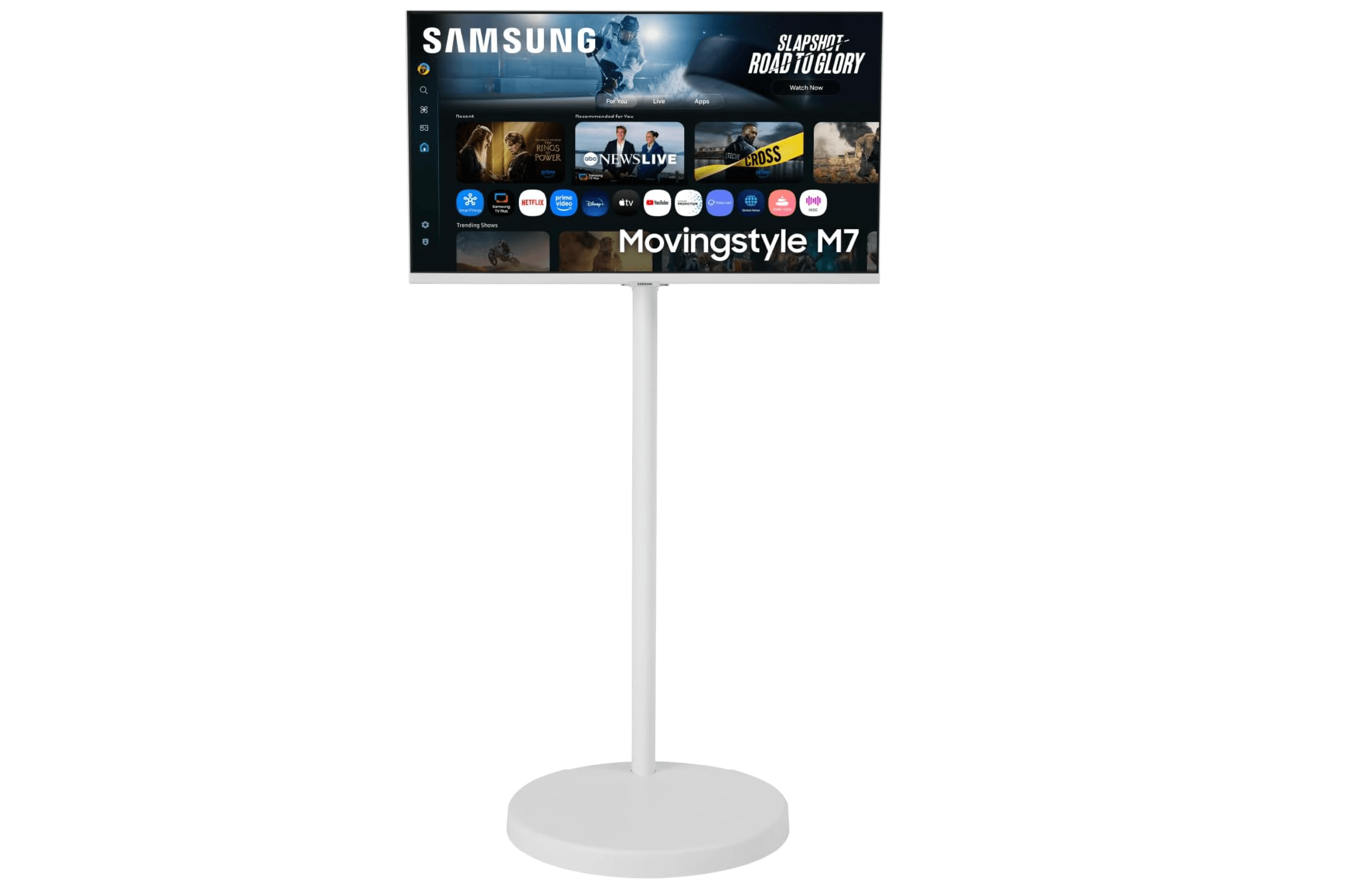
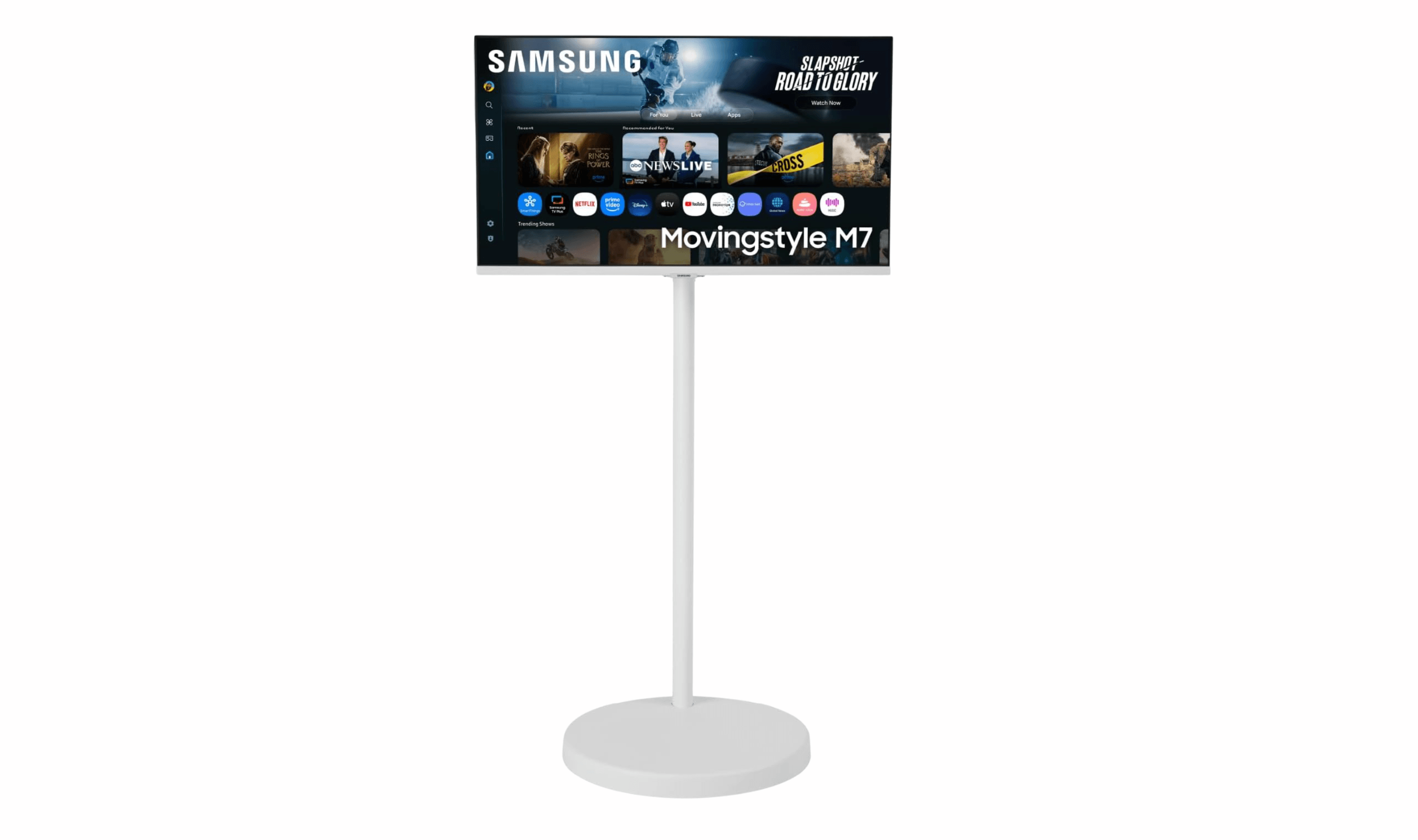
The Samsung MovingStyle M7 brings 4K resolution to a rolling monitor setup at a price that undercuts the competition. The 32-inch VA panel sits on Samsung's height-adjustable rolling stand, and it doubles as a smart TV with built-in apps like Netflix and YouTube, so you don't even need a separate streaming device.
Key highlights
- 32-inch 4K UHD (3840 x 2160) VA panel at 60Hz
- Height-adjustable rolling stand included
- Built-in smart TV apps via Samsung Tizen OS
- Samsung Vision AI with AI Picture Optimizer
- USB-C (65W) and HDMI connectivity
- SmartThings integration for smart home control
Pros
- 4K resolution at a lower price than LG's options
- Rolling stand included in the box
- Smart TV features eliminate the need for extra devices
- USB-C with 65W power delivery can charge a laptop while displaying
Cons
- No built-in battery, requires power outlet
- 60Hz refresh rate won't satisfy gamers
- No touchscreen functionality
Best for: Anyone who wants a 4K rolling monitor with smart TV features at a competitive price point. Ideal for home offices and living rooms where you want to move your display between work and entertainment setups.
LG StanbyME 2 - Best portable
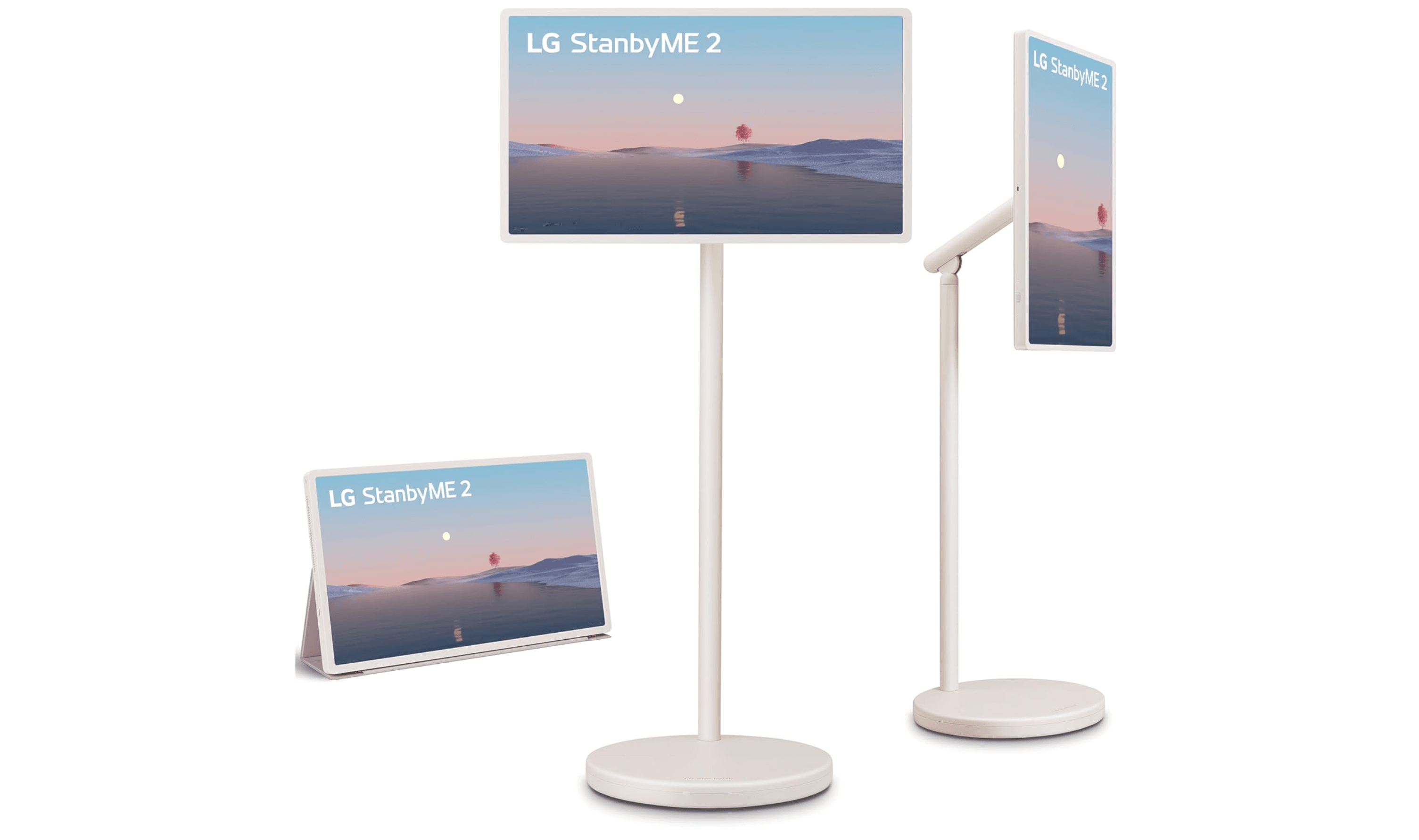
The LG StanbyME 2 is a substantial upgrade on the rollable smart screen concept, bringing QHD resolution and up to 4 hours of battery life to the same wheeled, wireless format. The 27-inch touchscreen detaches from its stand for use anywhere in your home, runs webOS with built-in streaming apps, and handles Dolby Vision and Dolby Atmos for genuinely cinematic picture and sound without needing a power outlet.
Key highlights
- 27-inch QHD (2560 x 1440) touchscreen at 60Hz -- a sharp upgrade from the original's 1080p
- Built-in rechargeable battery with up to 4 hours of use
- Full swivel rotation, tilt, and height adjustment on a wheeled stand
- Detachable screen with included folio cover for use completely off-stand
- webOS with built-in streaming apps, AirPlay 2, and Google Cast
- Dolby Vision, HDR10, and Filmmaker Mode for accurate picture reproduction
- Dolby Atmos with AI Sound Pro and virtual 9.1.2 up-mix
Pros
- QHD resolution delivers noticeably sharper images than the original StanbyME
- Built-in battery allows true cord-free portability throughout the home
- Detaches from the wheeled stand for bedside or tabletop use
- Dolby Vision and Atmos bring premium AV quality to a portable form factor
- Folio cover and magnetic remote included in the box
Cons
- 4-hour battery life is only achievable in Eco mode
- Touchscreen supports only 2-finger multi-touch gestures
- 60Hz refresh rate is not suited for fast-paced gaming
Best for: People who want a truly portable screen with upgraded QHD resolution and premium HDR support that can be rolled from room to room without power cables. Not the best pick for gamers who need high refresh rates.
How to Choose
Consider these factors when selecting a rolling TV monitor or stand:
- 1.All-in-one vs. cart: Decide whether you want a monitor with a built-in rolling stand, like the models recommended here, or a separate cart for your existing TV.
- 2.Display quality: If picture quality matters, look for 4K resolution. The LG Swing and Samsung MovingStyle M7 offer 4K, while the LG StanbyME 2 is QHD (2560x1440).
- 3.Battery life: If you need true wireless portability, the LG StanbyME 2 has a built-in battery. Others require a power outlet.
- 4.Size and weight capacity: Consider how big a screen you need. If buying a separate cart, check its supported screen sizes and weight capacity against your TV.
- 5.Smart features: Some rolling monitors include built-in streaming apps so you don't need a separate device. Check for Wi-Fi, app stores, and voice assistant support.
FAQ
What's the difference between a rolling monitor stand and a freestanding monitor?
Rolling stands hold existing monitors and provide mobility, while freestanding monitors like the LG Swing have built-in stands and can function independently.
Can I use any monitor with a rolling stand?
Most use standard VESA mount patterns (75x75mm or 100x100mm), but always verify compatibility.
Are rolling monitors stable when moved?
Quality products have weighted bases and locking casters to prevent tipping. Lockable wheels are essential for keeping your screen in place once positioned.
Do rolling monitors need to be plugged in?
It depends on the model. The LG StanbyME 2 has a built-in battery for wireless use, while the Samsung MovingStyle M7 and LG Swing need a power outlet. Rolling carts depend on whatever TV you attach.
Do I need special flooring for rolling monitors?
Most casters work on hard floors and low-pile carpets. For thick carpets or uneven surfaces, look for larger wheels.
Published February 14, 2026 Last updated September 5, 2026
Share this article
More in News
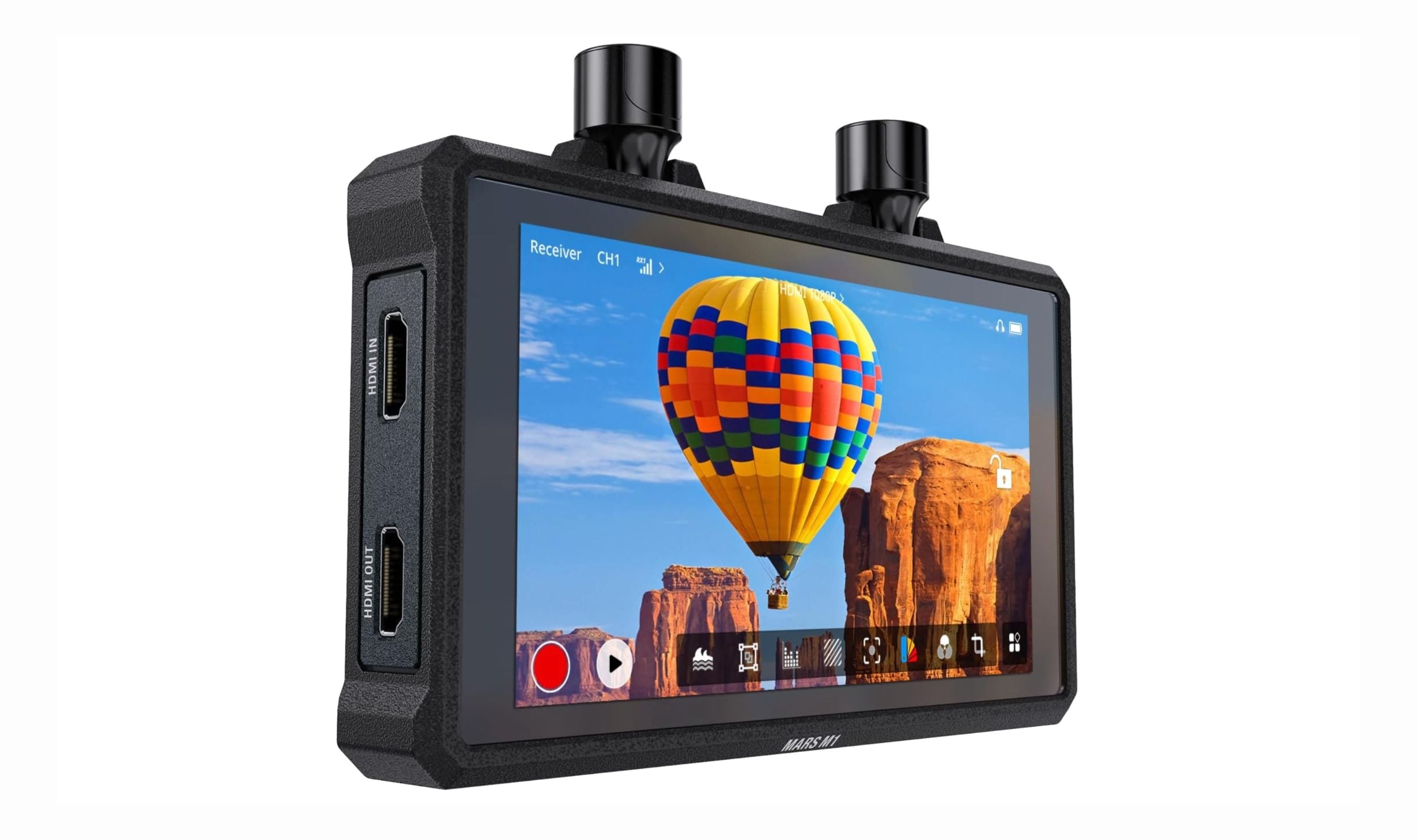
Best Wireless and Wired Camera Monitors for 2026
The Hollyland Mars M1 tops our list of the 3 best wireless camera monitors in 2026, combining TX, RX, and a bright 5.5-inch display for cable-free video.
5 min read
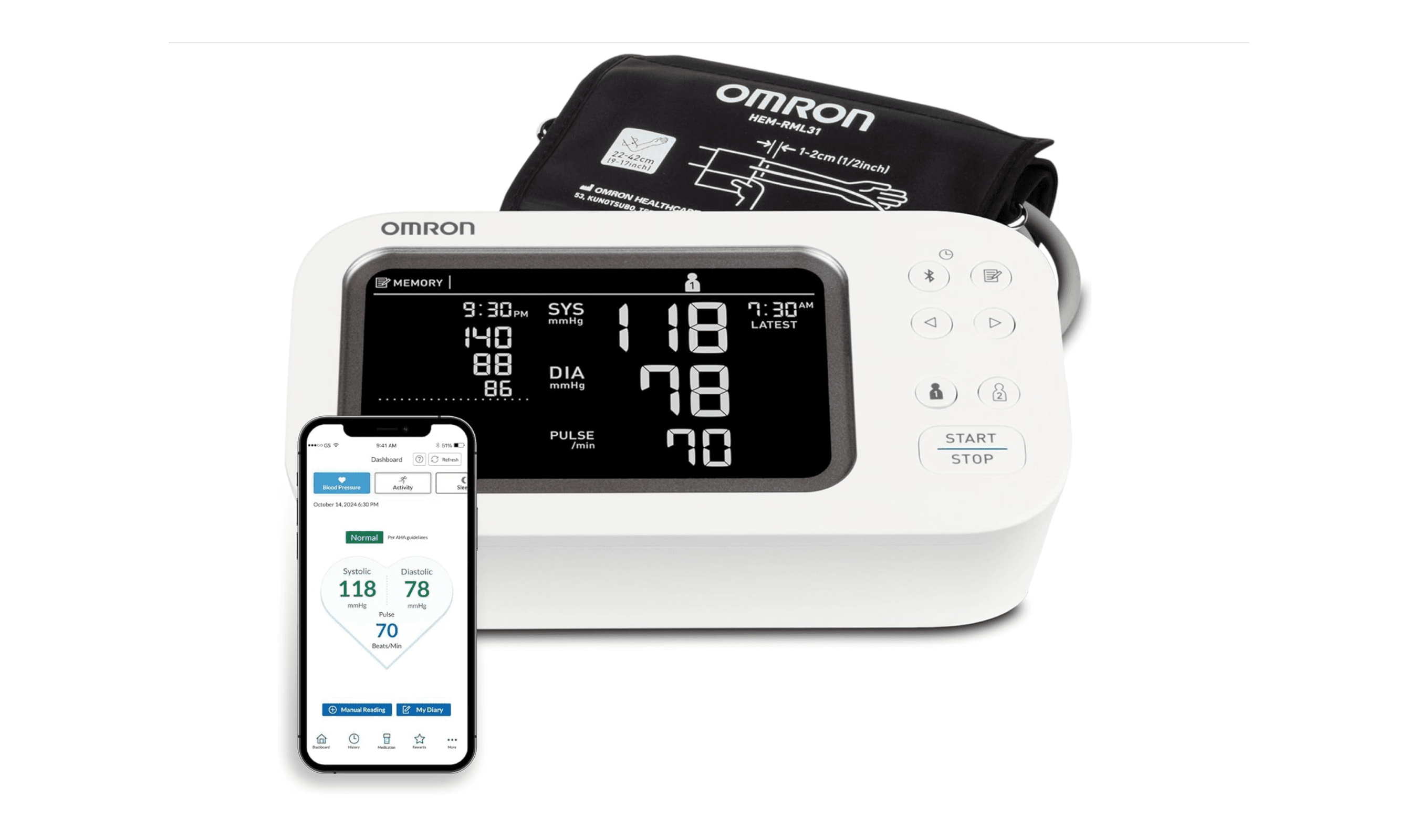
8 Best Blood Pressure Monitors for Home Use in 2026
We tested clinically validated blood pressure monitors from Omron, Withings, and more. The Omron Platinum leads our picks, with options from $40 to $140.
3 min read
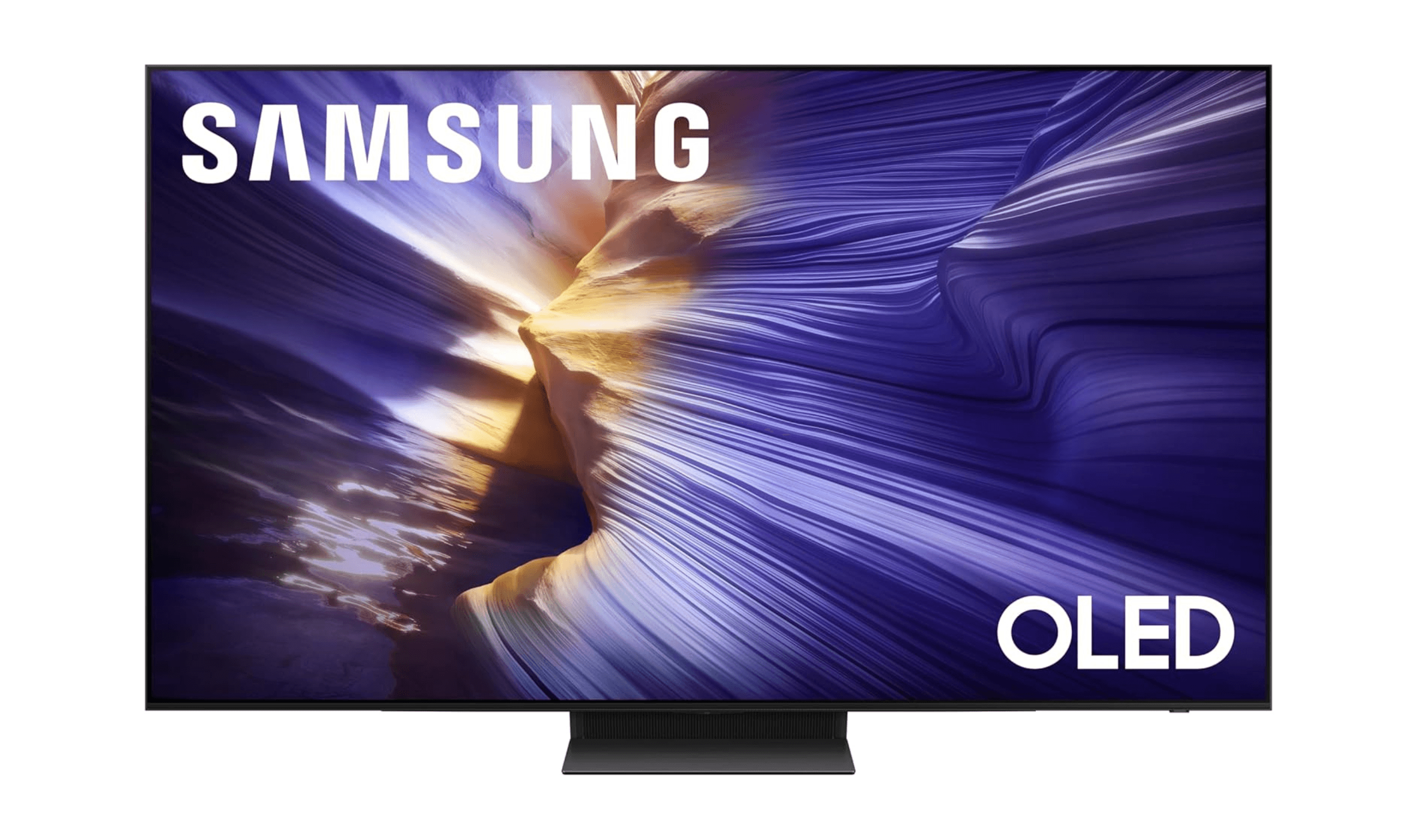
The 8 Best Smart TVs of 2026
Samsung S90F leads our picks for the best smart TVs of 2026. Compare top models for picture quality, gaming, and value to find your perfect screen.
3 min read
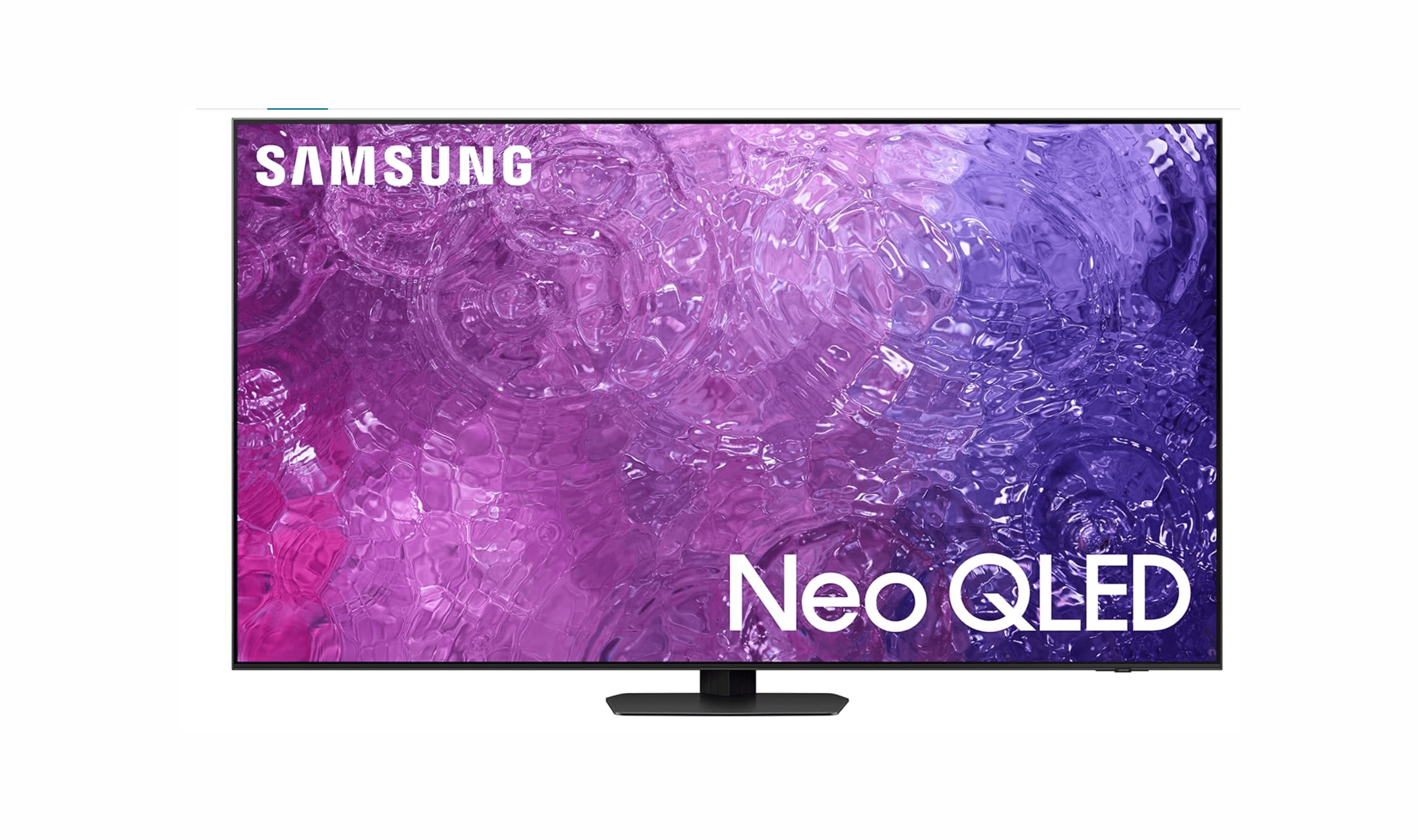
8 Best Anti-Glare TVs for 2026
Samsung QN90C Neo QLED leads our 2026 picks for the best anti-glare TVs, balancing reflection reduction with vibrant picture quality for bright rooms.
3 min read

7 Best Monitor Arms for 2026
4 min read
6 Best Monitor Light Bars for 2026
4 min read

Lenovo coupon codes and deals
5 min read
LG coupon codes and deals
4 min read

Woot coupon codes and deals
3 min read

Samsung coupon codes and deals
5 min read

Best tech coupon codes and online deals
4 min read
KTC Curved Gaming Monitor now selling for $180.47
5 min read