Unlock your Samsung Galaxy S26 from carrier restrictions and use it with a compatible network provider you choose.
What You Need to Know First
A Network Unlock PIN is a code used to remove the software lock tying your Galaxy S26 to a specific carrier, if your carrier uses this unlock method. This is different from your SIM card PIN. Your carrier may ask for your phone's IMEI number, which you can find by dialing *#06# on the keypad.
Your current carrier is almost always the best place to start. Unlock requirements vary by carrier, so ask about eligibility, the unlock method, and any fees before changing your service. I'd contact them before looking anywhere else.
Be very careful entering the code. Samsung devices typically allow a limited number of incorrect attempts. If a code is rejected, stop and check with your carrier before trying again.
Get Your Unlock Code from Your Carrier
Start by checking if you're eligible. Ask your carrier about payment requirements, lost or stolen device restrictions, and any minimum period of service. Check how an outstanding financing plan affects eligibility. Contact them before deactivating your current service and activating your S26 on a new carrier.
Next, contact your carrier's customer support. You can usually do this through their website, app, or by calling. Clearly request a carrier unlock for your Samsung Galaxy S26 and ask whether you need a "network unlock code" or "SIM unlock code." Have your IMEI number and account details ready in case they're needed.
Once submitted, ask your carrier how long processing will take and how you'll receive the unlock instructions. If they provide a code, save it somewhere safe. Follow their instructions to complete the unlock. When you're ready to switch physical SIMs, power off your S26, remove the old SIM card, and insert a Nano-SIM from a compatible new carrier.
Power the phone back on. If it prompts you to enter the unlock code, type the carrier-provided code carefully. Follow any remaining activation instructions from your new carrier, then check that your phone connects to the new network.
Using a Reputable Third-Party Service
If your carrier can't or won't provide the code, ask why and whether another unlock method is available. Before paying a third-party unlocking service, check with your carrier about your device's eligibility. Look for good, verified reviews and clear refund terms before sharing your IMEI number or paying a fee.
Be cautious of services that promise "free" or "instant" unlocks without explaining their terms. Check whether a service specifically lists the Samsung Galaxy S26 and your original carrier. Before paying, ask how the process works, how long it may take, and what happens if the unlock cannot be completed.
If you're given a code, check the instructions before using it. Insert a Nano-SIM from a compatible different carrier, turn on the phone, and enter the code only when prompted. If it is rejected, stop and contact your carrier rather than repeatedly trying codes.
If You Get a "SIM Network PIN Blocked" Error
If you see this message, stop entering codes and contact your current carrier. Give them the exact wording on the screen and explain which unlock steps you've already tried, including any code you received.
Ask the carrier to check your unlock eligibility and provide the next steps for your device. Before deactivating your current service, confirm that the carrier unlock is complete and that you're ready to activate the phone on your new network.
Follow the instructions they provide for the message on your screen. If you obtained a code from a third-party service, keep its instructions and payment details available when explaining the problem.
Troubleshooting Other Unlock Problems
If your S26 has trouble connecting after switching carriers, contact your new carrier to check activation and your original carrier to check the unlock. On an unlocked phone, changing carriers can change network configuration, carrier features, and system apps while preserving your downloaded apps and personal content. Power the phone off and back on to apply the new carrier's configuration. A factory reset isn't needed for this carrier change.
If the phone doesn't prompt for a code at all when you insert a new SIM, it might already be unlocked. Try making a call or sending a text. You can also check the lock status in the settings menu. Go to Settings > Connections > More connection settings and look for "Network unlock" or a similar option.
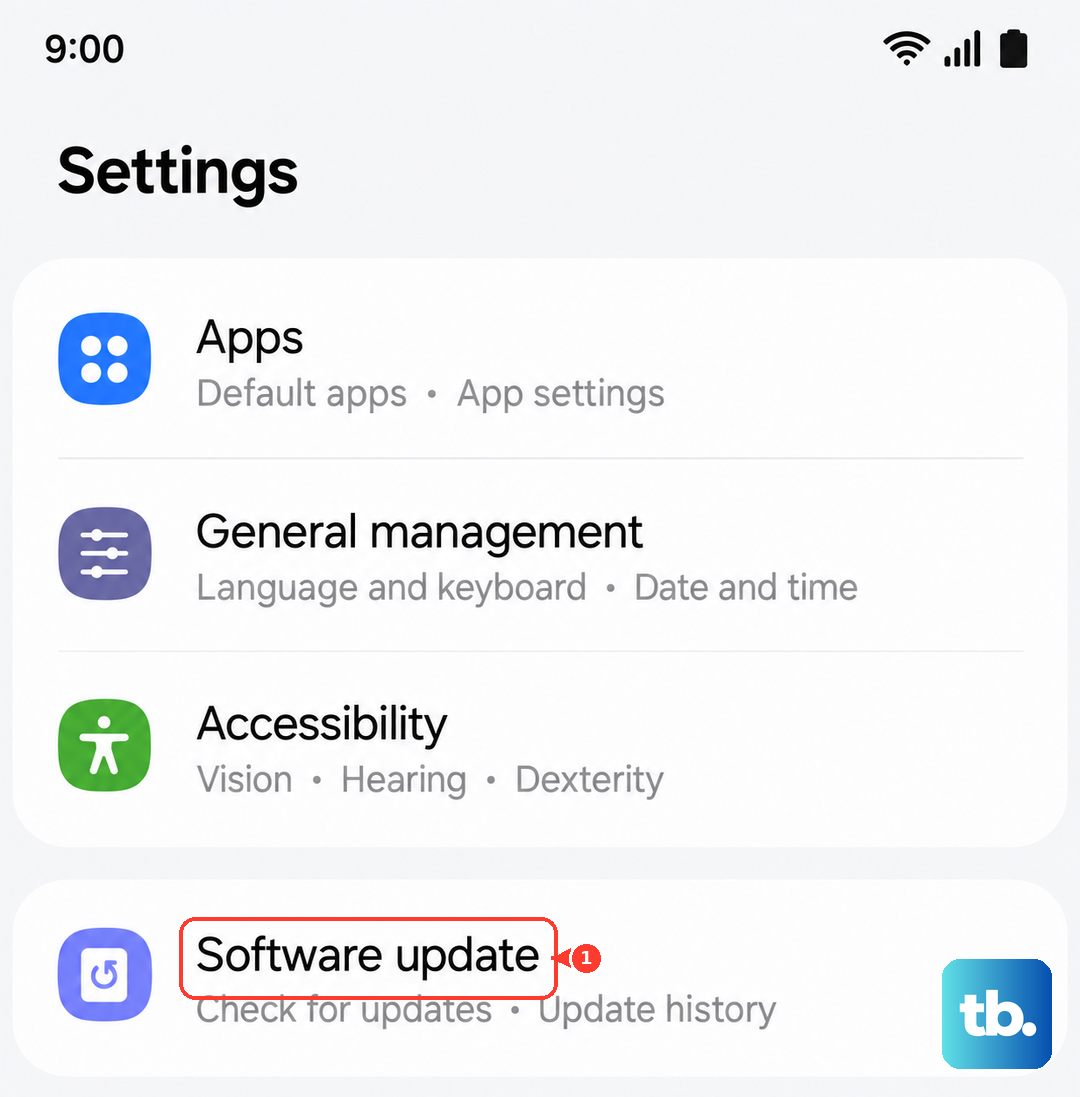
For the Galaxy S26, keep your phone's software up to date. Check for updates in Settings > Software update. Follow the on-screen instructions to install any available updates, then follow your carrier's unlock instructions before switching networks.