
If your Samsung Galaxy S25 is taking forever to charge, you're likely missing out on its 25W fast charging. The right setup should get you from empty to a significant charge in under an hour, but a few common issues can bring that to a halt.
Start with the Right Charger and Cable
For the full 25W speed, you need a charger that supports USB Power Delivery (PD) PPS, which is Samsung's standard. The small 15W adapter from an older phone won't cut it. I'd check for a Samsung-approved 25W EP-TA800 charger or another brand that explicitly lists 25W PD PPS support.
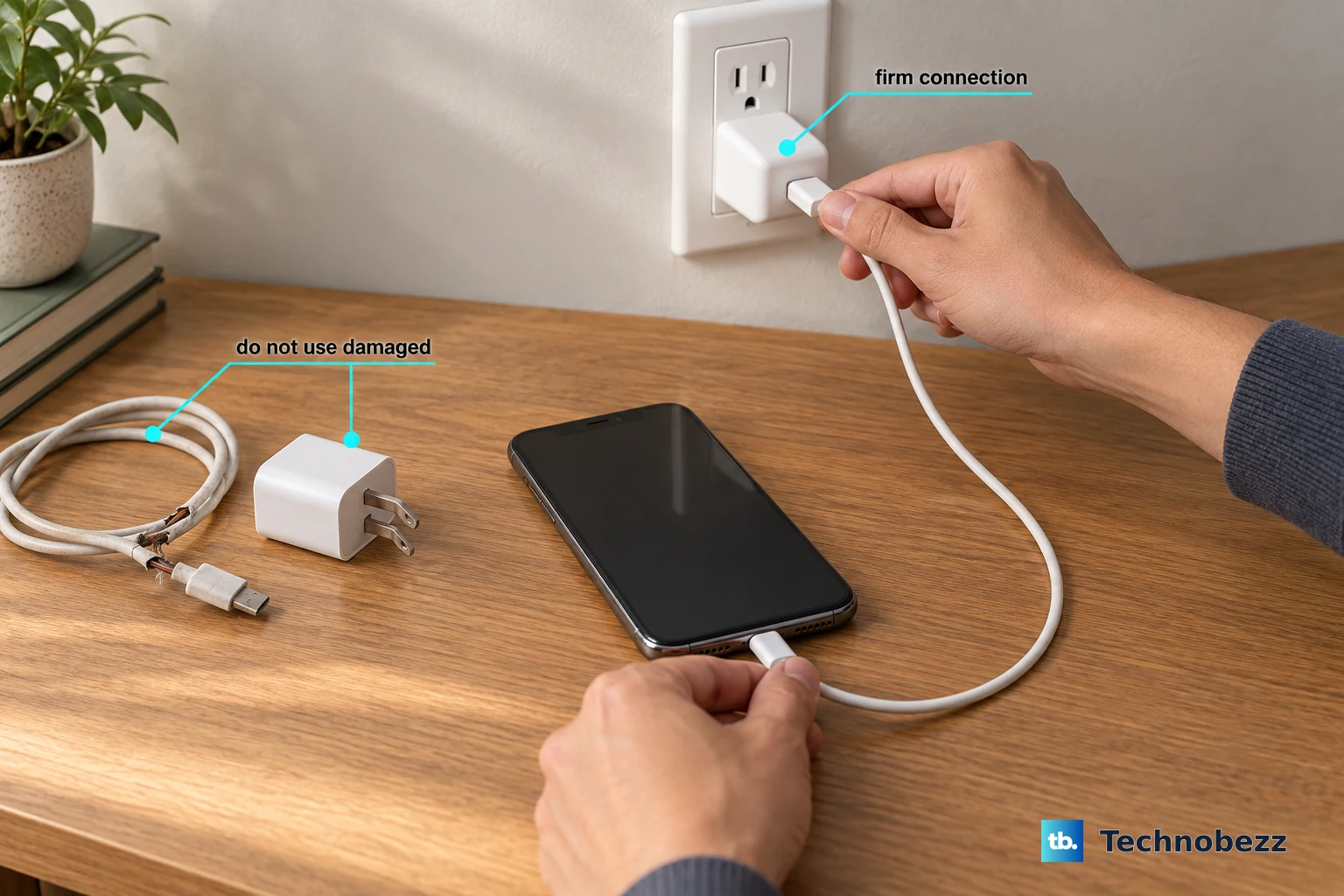
You also need a good USB-C to USB-C cable. The one that came with your S25 is perfect. Older or worn-out cables, especially USB-A to USB-C ones, are physically incapable of delivering the necessary power for fast charging.
Check Your Charging Settings
One UI 7 has some smart features that can intentionally slow things down. Head to Settings > Battery > Charging settings. Make sure Fast charging and Super fast charging are switched on here.
Next, open Settings > Battery > Battery protection, where you might find the Adaptive mode enabled. This mode learns your routine to finish charging by your wake-up time, which can mean slower charging overnight. If you need a fast top-up now, switch it back to Basic temporarily.
Clear the "Moisture Detected" Warning
This is a known quirk for Samsung phones. Even a little humidity or pocket lint can trigger a false "Moisture detected in USB port" alert, which completely blocks fast charging for safety. If you see this, unplug the cable immediately.
Gently dry the port with a blast of compressed air or a cool setting on a hairdryer from a distance. Don't use anything metal inside the port. Then, just leave the phone unplugged for about 30 minutes to let the sensor reset itself.
Let Your Phone Cool Down
Heat is the enemy of fast charging. If your S25 is warm from use or in a hot environment, it will throttle the charging speed to protect the battery. This is especially true for wireless charging, which generates more heat and will stop entirely if the phone overheats.
Take off any thick case, move the phone off soft surfaces like a bed or couch, and charge it on a cool, hard table. Avoid using it for games or videos while it's plugged in if you want the fastest possible charge.
Clean the USB-C Port
A surprising amount of pocket lint can get packed into the charging port over time. This creates a weak connection that can limit power flow. Power off your phone first for safety.
Then, use a wooden toothpick or a soft, clean brush to gently scrape out any debris you see. Be very careful not to damage the central pin. A quick blast of compressed air can help loosen things up first.
Perform a Force Restart
Sometimes a minor software glitch can mess with the charging controller. A simple reboot can clear it. Press and hold the Volume Down button and the Side key together for about 10 seconds.
You'll see the Samsung logo appear as the phone restarts. This doesn't erase any data, it just gives the system a fresh start, which often resolves odd charging behavior.
Update Your Software
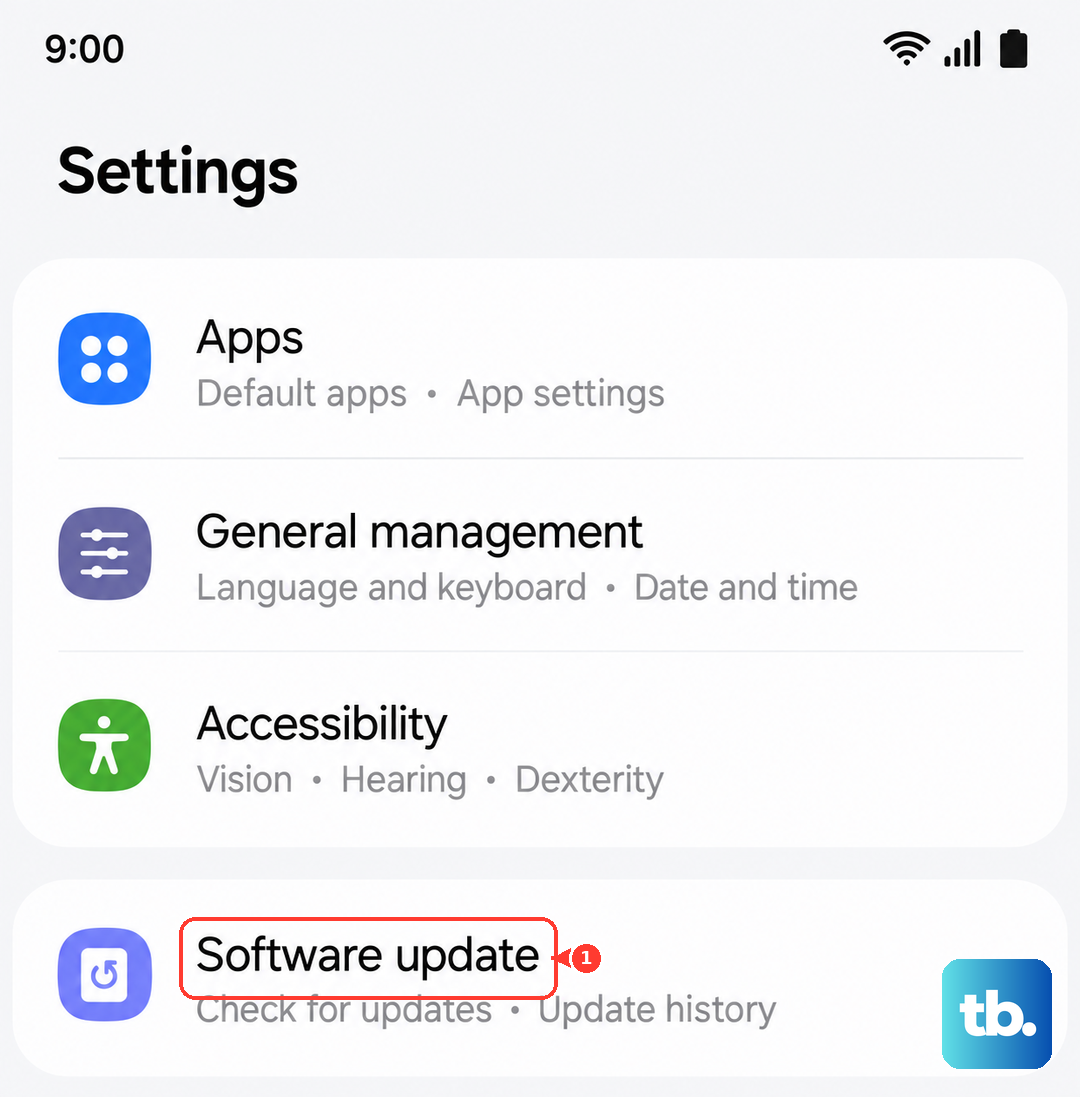
Samsung releases updates that can improve power management and fix bugs. Go to Settings > Software update and tap Download and install. Running the latest version of One UI ensures your phone's charging algorithms are optimized and any known issues are patched.
Test with Another Outlet and Adapter
Before assuming the worst, try a different wall outlet. Sometimes a faulty power strip or a loose socket is the culprit. If that's not it, try a different 25W PD PPS charger and cable altogether.
If fast charging works with a different setup, you've found your problem. Cables and adapters do wear out over time, particularly if they've been bent or frayed near the connectors.