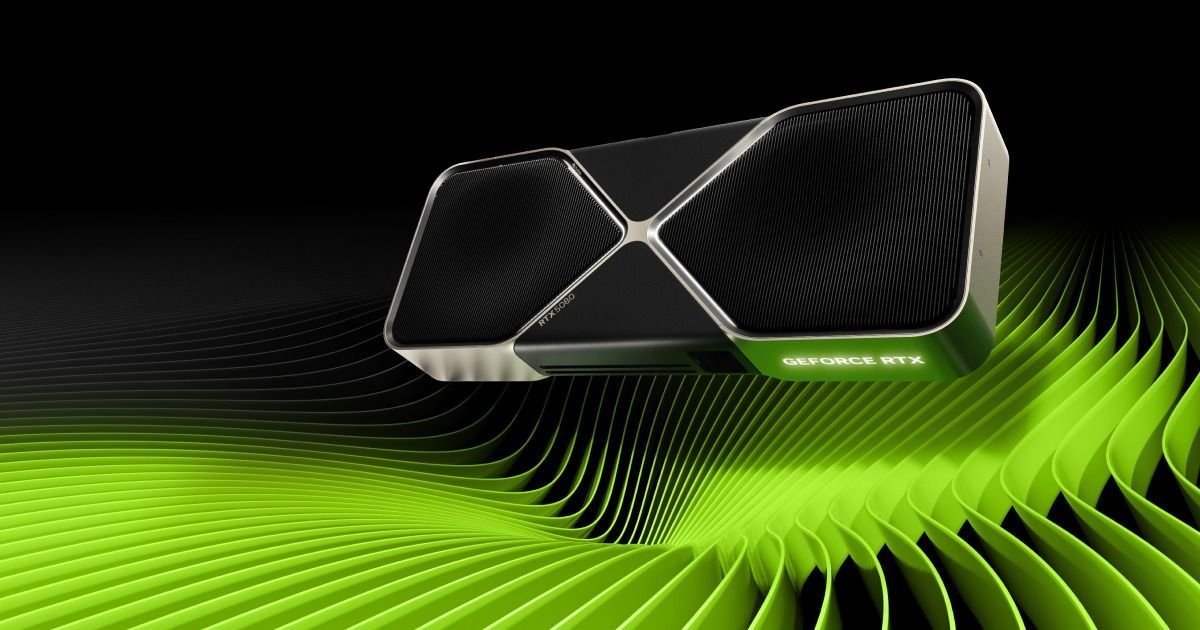
Some Nvidia GeForce users report that drivers 621.14 and 621.24 repeatedly write data to their SSDs even when their PCs are idle, with one reporting roughly 30GB an hour. TroubleGrid investigated the complaints, which center on NVDisplay.Container.exe and a binary log that the process reportedly keeps rewriting.
Driver 621.14, released November 4, reportedly increased that activity substantially: one user's comparison measured about 515MB over five idle minutes, versus under 2MB with 621.01 under matching conditions. These are measurements of process activity, which do not necessarily match the volume physically written to an SSD.
Recording Settings Give Mixed Results
Wccftech reproduced continuous writes of approximately 1.43MB/s on an idle Windows 11 PC equipped with an RTX 4090, despite disabling NVIDIA Capture Highlights, ShadowPlay, Replay, Desktop Capture and the NVIDIA App Overlay. Its measurement was a snapshot, insufficient to establish either a sustained hourly rate or actual wear on the drive's NAND memory.
In the discussion, one commenter in r/pcmasterrace wrote, "I turned Nvida highlights off and the Nvidia container stopped writing to disk". Other users checking their computers found no suspicious activity, so the reported behavior does not appear to affect every installation running the latest drivers.
Check the Process Before Changing Drivers
The reported logging targets C:\ProgramData\NVIDIA Corporation\nvtopps\nct\nvlog.nvlgstg, with accounts describing replacement of existing contents instead of additions at the end. Reports collected in the investigation also describe stuttering during games and video playback, mouse pointer hitches and bursts of several hundred MB when switching programs with Alt+Tab.
Users can investigate through Windows Resource Monitor by selecting Disk and checking whether NVDisplay.Container.exe repeatedly writes to that specific file. Task Manager's Details view also offers an I/O write bytes counter for watching the process, while an SSD manufacturer's utility can track changes in the drive's own host-write totals.
Complaints about this logging behavior predate the current drivers: a Dell Community account from January 2025 described repeated rewrites involving the same file. Similar complaints extend back to 2021.
Some affected users report temporary improvement after stopping NVIDIA Display Container LS, removing the log and starting the service again. One measured attempt on 621.14 reduced process writes by 91%, but the file subsequently grows again; a separate user running 621.24 reported no improvement after restarting the service and rebooting.
Leaving the service disabled can disrupt the NVIDIA Control Panel and NVIDIA App. Nvidia has yet to publicly acknowledge the reported logging problem, while some affected users report that returning to driver 621.01 resolved their excessive writes.