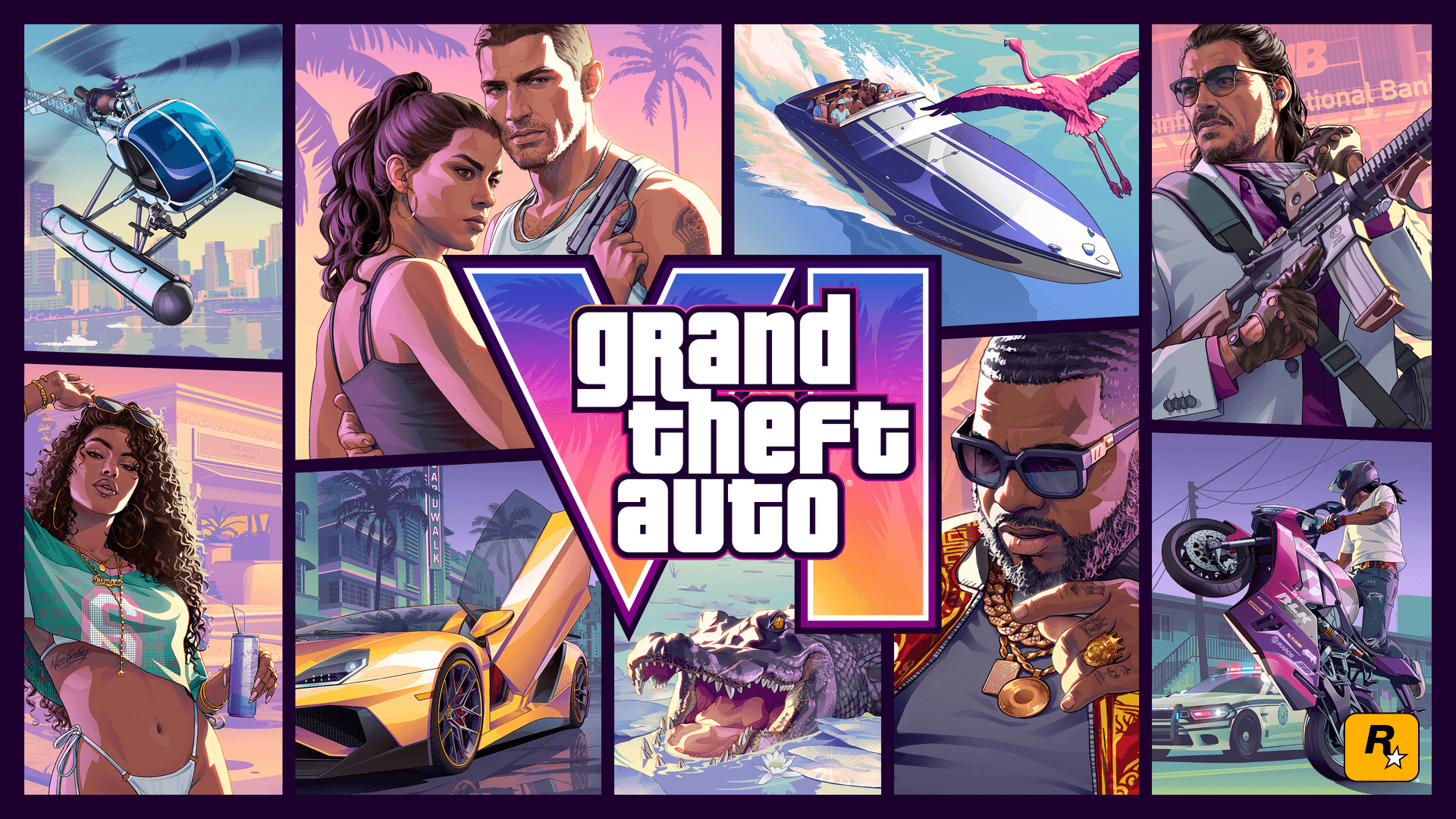
PlayStation has a support page for Grand Theft Auto VI download and launch problems on PS5. These are the steps it lists.
If GTA 6 won't download on PS5
- 1.Open Downloads/Uploads in the control center and select the download. Select Pause, then Resume.
- 2.If that doesn't fix it, select Cancel and Delete, then find the game in your Game Library and download it again.
- 3.Check the PlayStation status page. If it shows an alert, wait until the service is back up, then try again.
- 4.Update the console at Settings > System > System Software > System Software Update and Settings.
- 5.Check your free space. In your Game Library, select the game, then ... (more) > View Product; the required free space appears on the right of the screen. The console's free space is under Settings > Storage.
- 6.Start the PS5 in Safe Mode and select Clear Cache and Rebuild Database.
If GTA 6 won't launch on PS5
- Check that it has been released where you are: PlayStation says Grand Theft Auto VI releases on November 19, 2026, on PS5, and Rockstar says it unlocks at midnight local time.
- Check the account: PlayStation asks whether you are using the account that owns the game.
- Restore licenses: go to Settings > Users and Accounts > Other > Restore Licenses and select the licenses to restore. You can also go to the game on the home screen or in your Game Library, press the options button and select Restore License.
- If the download failed: use the download steps above.
Missing bonus content
PlayStation says Ultimate Edition bonuses become available throughout Jason and Lucia's story, with new bonuses in each chapter. It also says the Vintage Vice City Pack is included with all digital purchases made before 11:59:59 p.m. local time on November 19, 2026.
The steps above are from PlayStation's Grand Theft Auto VI troubleshooting page. To see whether other players are having problems, check our GTA 6 status page and PlayStation Network status page.