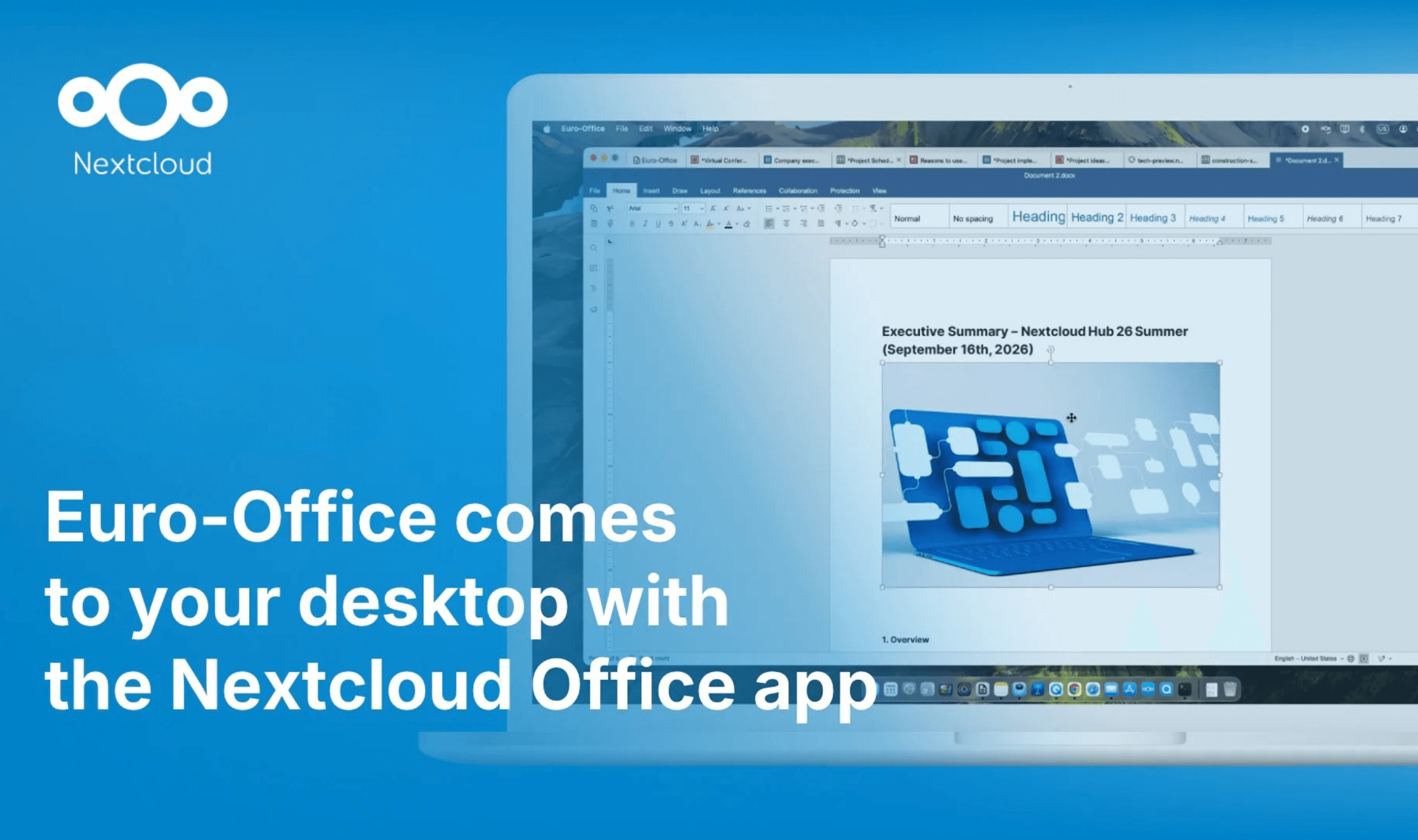
Nextcloud Office Desktop app is available to download, bringing offline file editing and digital signatures to computers alongside the browser version’s features. Users can work on files stored on their device without an internet connection, then connect a Nextcloud instance to reach online documents and collaborate with colleagues in real time. The app also uses locally installed fonts, including custom typefaces a business already uses.
Downloads support both ARM64 and x64 Windows computers, plus macOS machines with Apple Silicon. Linux users have a choice of .rpm packages for Fedora or .deb packages for Debian and Ubuntu. Nextcloud provides downloads through its official installation page, while unsigned Euro-Office builds and instructions for compiling the app are also available.
Read more: Nextcloud Write Offers Collaborative Editing on Your Own Servers
Users choose which files remain on their computer and which are stored in the cloud. Nextcloud says local editing lets them continue working during an internet outage or when online tools are unavailable. A single app can connect to several Nextcloud instances, giving users access to more than one cloud working environment.
Connecting an account involves selecting Nextcloud under the Home tab’s cloud options, entering the instance’s URL and signing in with the account credentials. Once connected, users can select that instance and access the files available to their account. Those online files support both individual editing and work with teammates in real time.
Digital signing covers presentations and spreadsheets as well as documents, but requires a digital certificate. Users can request a certificate from their workplace IT team or obtain one for personal use through a trusted provider. The Protection tab also offers passwords and restrictions that allow only comments, form completion or edits recorded with tracked changes.
Installed fonts do not guarantee an identical view for every collaborator: someone without the same typeface will see a fallback font. Users can add more custom fonts to their computer without asking their Nextcloud administrators to install them.
The desktop release follows September’s Hub 26 Summer plans, when Nextcloud said Office would reach computers without giving a general availability date. That earlier release also introduced Channels for broadcasting updates and a Classified conversation preset that restricted sharing and access in Nextcloud Talk.