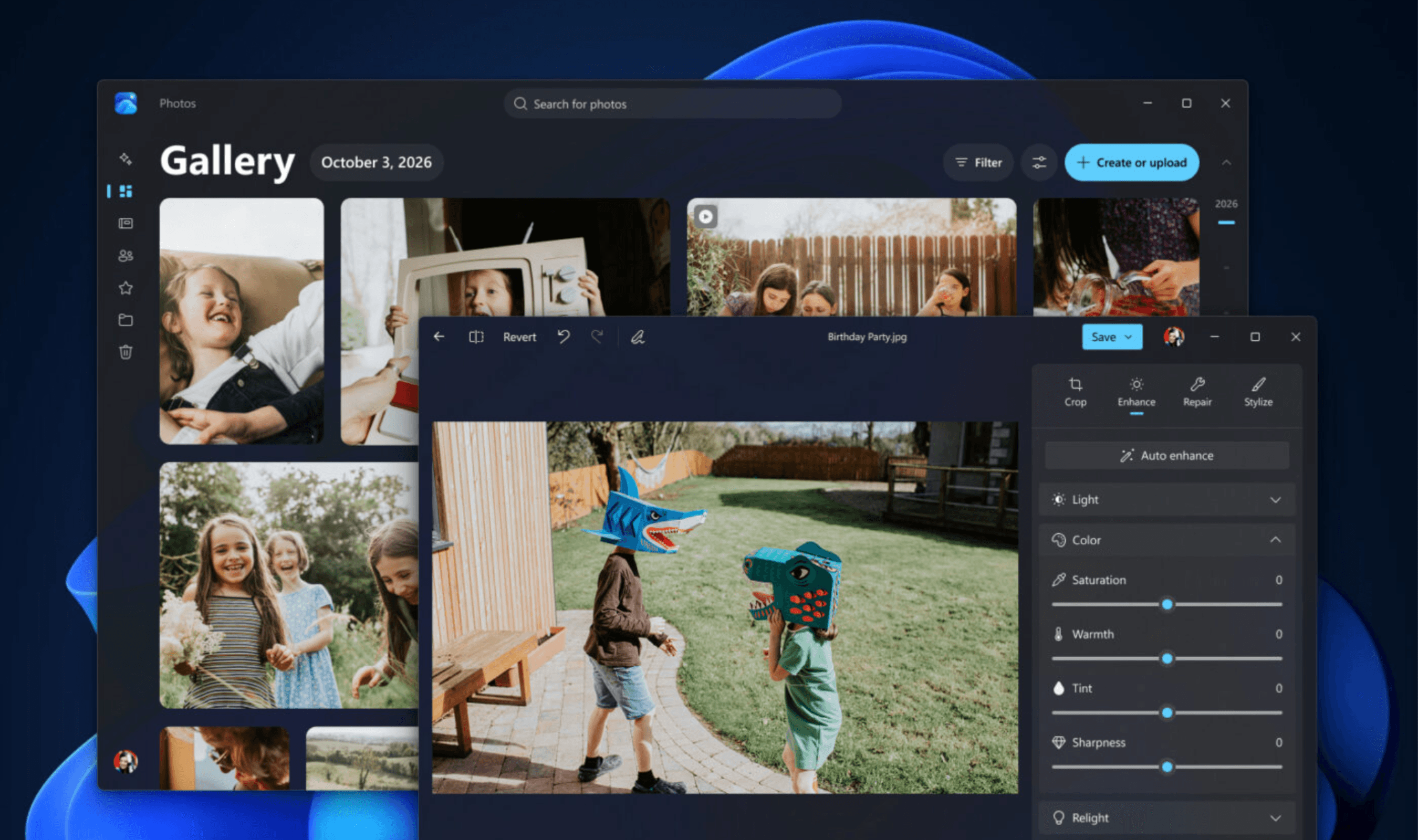
Microsoft is updating Photos on Windows 11 with a rebuilt Editor that it says launches 25% faster, plus a new Gallery combining pictures stored locally and in cloud services. The experiences are starting to roll out today to Windows Insiders, alongside a redesigned Viewer that Microsoft says opens images up to 30% faster.
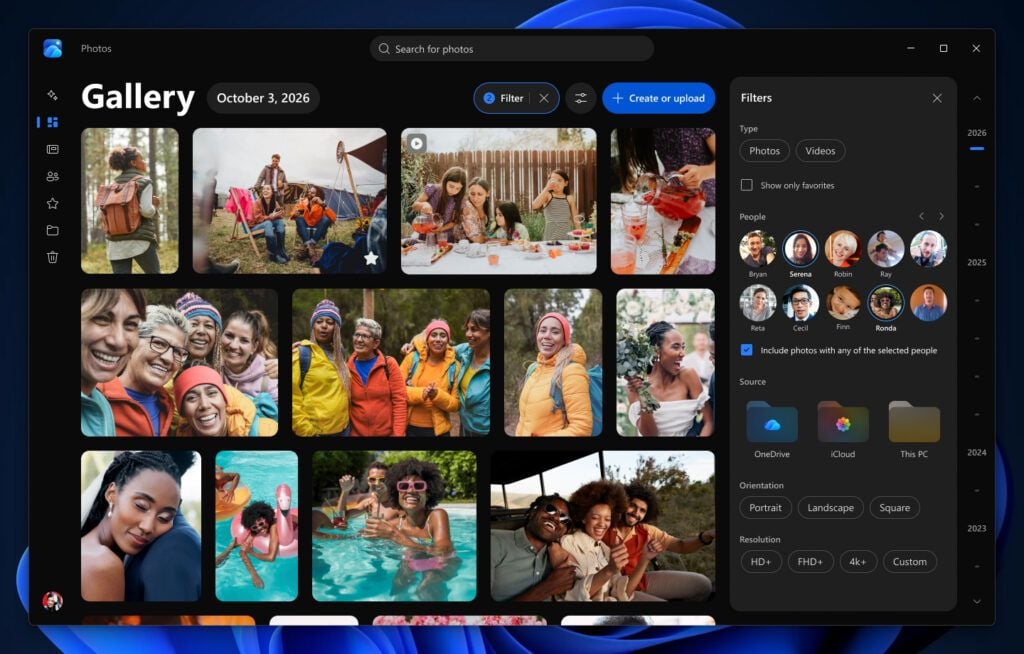
Gallery gathers videos and photos from Apple iCloud, OneDrive and the PC into a single collection, with searches based on descriptions rather than filenames. Users can narrow results by both storage location and the people pictured, including finding images featuring two particular people together. Photos stored on the device remain accessible without an internet connection.
Read more: Microsoft quietly extends free Windows 10 security updates through October 2027
Using Photos for local files or iCloud content does not require a OneDrive sign-in, while the Moments feature specifically works with pictures saved in OneDrive. Apple’s iCloud for Windows app connects its photo collection to Gallery, and File Explorer can download those files for offline viewing. For phone backups, Camera Backup in the OneDrive mobile app sends pictures and videos from Android or iOS to OneDrive.
The Editor supports saving edited HEIC and WebP pictures without changing their format, and Microsoft says it retains HDR color and contrast during editing. Built with WinUI 3, it can edit images opened through Gallery as well as those accessed elsewhere on the PC. Its controls group tasks such as fixing imperfections, changing composition and adjusting a picture’s appearance.
Microsoft is also extending Relight to every Windows 11 device, giving users a way to alter lighting after taking a picture. The feature supports up to three light sources with selectable colors and a shared focus point, plus controls for brightness and intensity. In Repair, users can brush over or circle an unwanted object to remove it, with Microsoft claiming faster processing and better results from an updated AI model.
For OneDrive collections, Moments groups related pictures by theme and automatically assembles a recap after each season. The resulting memories run as slideshows that users can share or save in video form. Albums provide another way to collect and share selected pictures, while marked favorites have their own dedicated view.