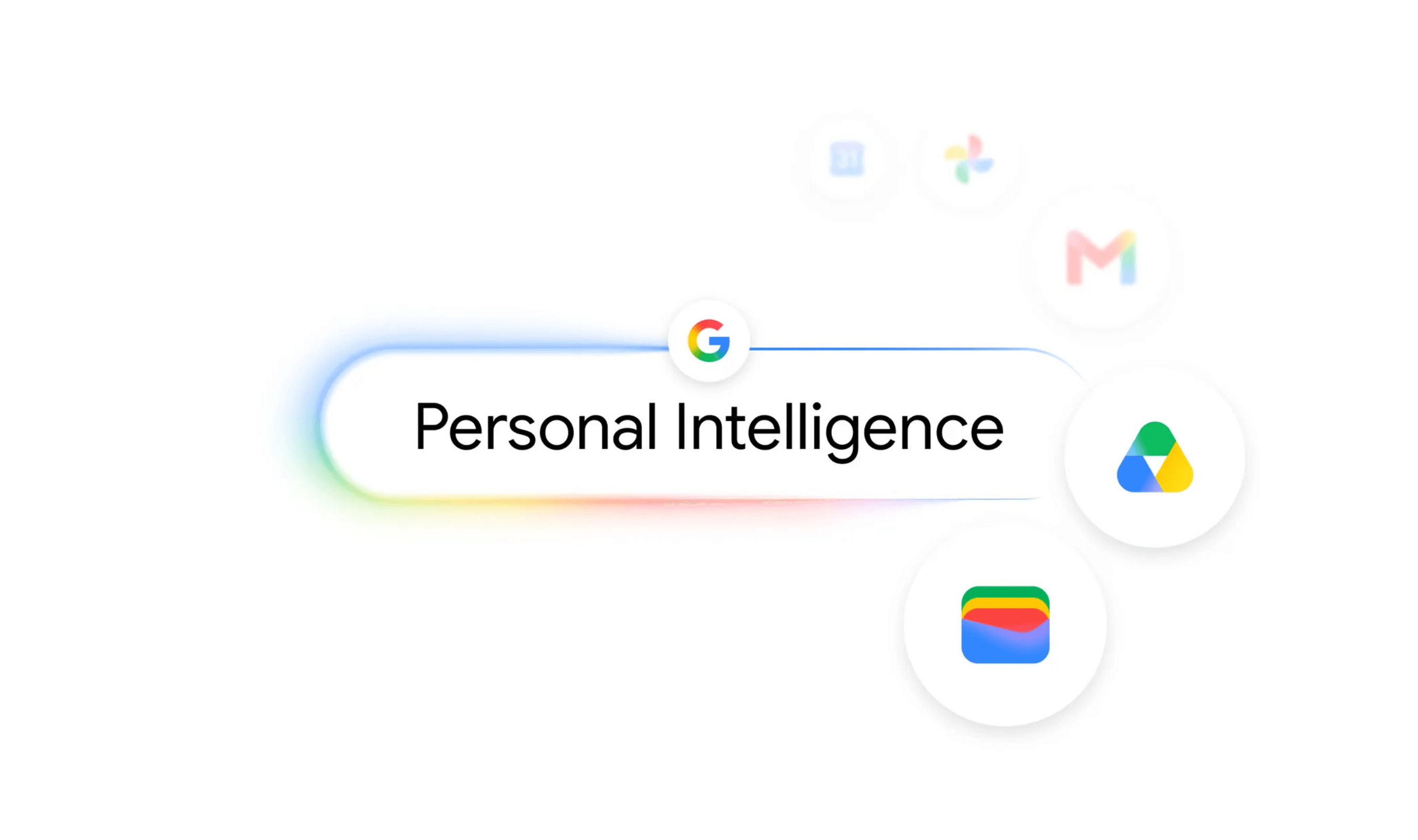
Google says AI Overviews and AI Mode will begin using recent searches to make answers more relevant to each user. Someone researching a trip, for example, could carry that context into another search conversation without explaining their plans again, according to Google. Users can change personalization preferences or disable the feature through Search Settings.
For Personal Intelligence in AI Mode, users can link apps by opening Search Personalization, choosing Connected Apps and selecting which apps to link. Connecting apps is optional, and users decide when to enable a connection and can switch it off whenever they choose. Google also lets users tell AI Mode directly when personal information needs correcting, such as a change in dietary preferences.
Read more: Google Overhauls Links in AI Mode and AI Overviews to Drive More Traffic to Websites
Google says a forthcoming “Personalization” icon beneath personalized answers will let users inspect the context behind AI Mode’s response. That visibility feature is promised for soon, while users can already manage their app connections and personalization preferences.
The personalization changes follow Google’s rollout of temporary threads in AI Mode, which let users ask questions without saving the session in their search history. Google says those sessions neither shape personalization in subsequent searches nor use earlier preferences to tailor answers within the temporary conversation.