
Unlock your Motorola Edge 40 from carrier restrictions and use any network provider you want.
What You Need to Know First
- Contact your carrier first. If your phone is paid off and your account is in good standing, they are legally required to provide the unlock code for free.
- You need your IMEI number. Dial *#06# on your phone's keypad to get this unique 15-digit identifier. Write it down.
- The unlock code is specific to your phone. It's tied to your Edge 40's IMEI and your original carrier. A code from a friend won't work.
- Be very careful entering the code. Most carriers allow only a few attempts (often 5 or 10) before the phone permanently locks to the network.
If you just got your unlock code and need to use it right away, here's the quick process. Power off your Edge 40 and remove your current SIM card. Insert a SIM card from a different carrier. Power the phone back on. When it boots up, you should see a prompt asking for the "Network Unlock Code" or "SIM Network Unlock PIN." Carefully enter the code you received. If successful, you'll see a confirmation message and your phone will connect to the new network.
Getting Your Unlock Code from Your Carrier
This is the official, free, and safest method. The exact steps can vary a bit by carrier, but the general flow is the same. I'd start here every time.
First, make sure you're eligible. Your Motorola Edge 40 typically needs to be fully paid off, not reported lost or stolen, and have been active on the carrier's network for a certain period (often 60 days for prepaid plans). If you're still financing the device, you'll need to pay the remaining balance before they'll unlock it.
Next, contact your carrier. You can usually do this through their website, their mobile app, or by calling customer service. Look for a section labeled "Device Unlock," "Unlock Your Phone," or something similar. You'll need to provide your account information for verification and that IMEI number you got from dialing *#06#.
Submit the request and wait. By FCC rules in the U.S., carriers have to process unlock requests within a specific timeframe, often one to two business days if you meet all the requirements. They'll send the unlock code to the email address on your account. Save that email. You won't need the code until you put in a new SIM, but it's good to have it ready.
Using a Third-Party Unlocking Service
Sometimes a carrier can't or won't provide an unlock code, maybe because the phone was bought second-hand and the original owner's account is delinquent. In these cases, third-party services are an option. They work by accessing carrier databases to generate a code for your specific IMEI.
Choosing a reputable service is crucial. Look for sites with clear guarantees, like a refund if the code doesn't work. Read recent customer reviews. Be wary of any service promising "instant free unlocks," as those are almost always scams. A legitimate service will ask for your Motorola Edge 40's IMEI number, its model (sometimes listed as XT-xxxx), and the original carrier.
After you pay, the service will process your request. This can take anywhere from an hour to a couple of days. Once they email you the code, you use it the exact same way as a carrier-provided code: insert a new SIM, turn on the phone, and enter the code when prompted.
If You Run Into Problems
You might see an error like "SIM Network PIN Blocked" or "Network unlock unsuccessful." This usually happens after several incorrect code entries. The phone's security has locked you out for a period, which could be hours or even permanently.
If this happens, stop trying codes immediately. You likely need what's called a Master Unlock Code or Unfreeze Key to reset the attempt counter. Contact whoever gave you the original unlock code, your carrier or the third-party service, and explain the situation. They may be able to provide this secondary code.
Another common issue is the phone not prompting for a code at all when you insert a new SIM. First, double-check that the new SIM is active and from a different network. If it is, try a manual network selection. Go to Settings > Network & internet > Mobile network > Carrier and see if you can select the new network manually. Sometimes this can trigger the unlock prompt.
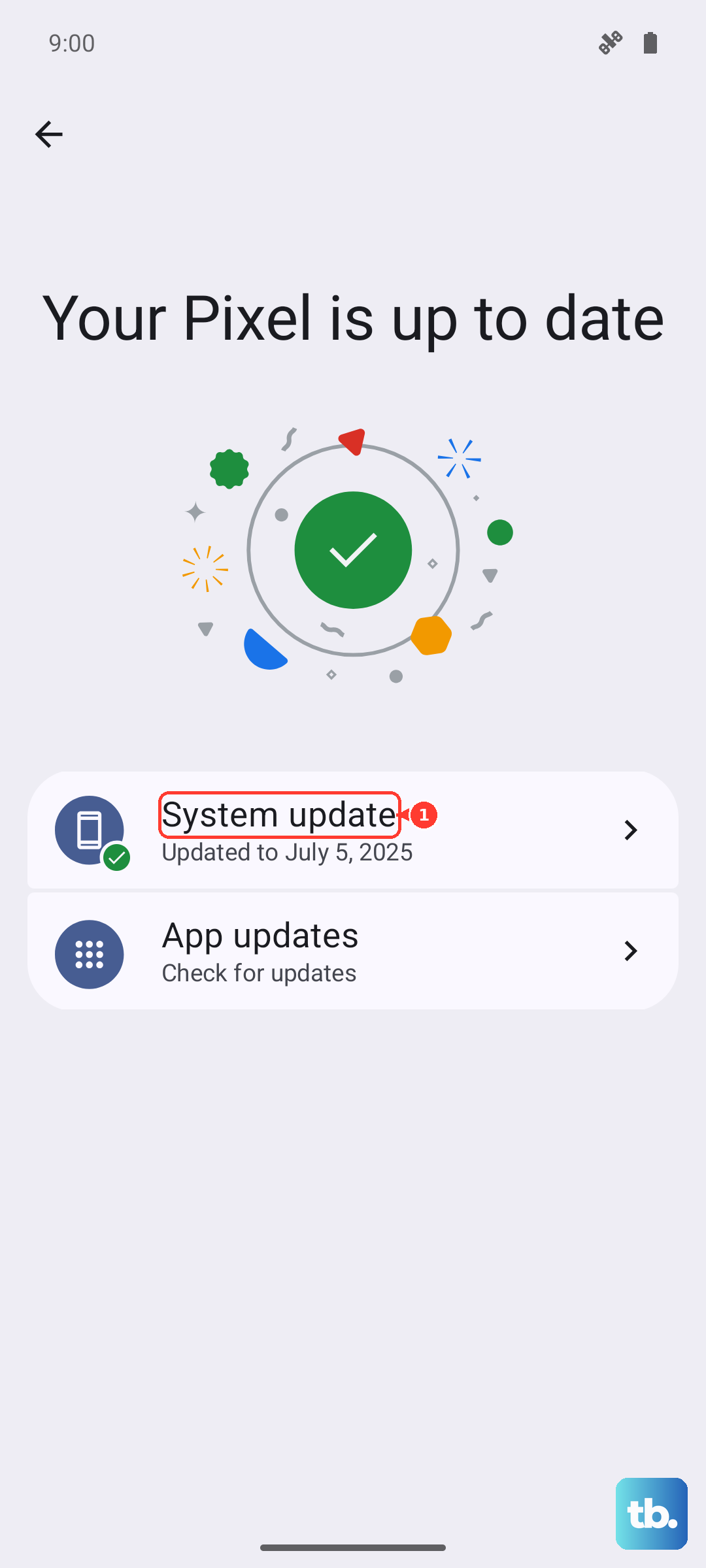
For the Motorola Edge 40 specifically, also ensure your software is up to date. Go to Settings > System > System updates. An outdated OS version can sometimes cause glitches with the unlock process. An update won't relock a properly unlocked phone.
Remember, the number of attempts is limited. If a code isn't working, don't just keep guessing. Go back to your code provider for confirmation that they gave you the correct one for your Edge 40's exact IMEI and original carrier.