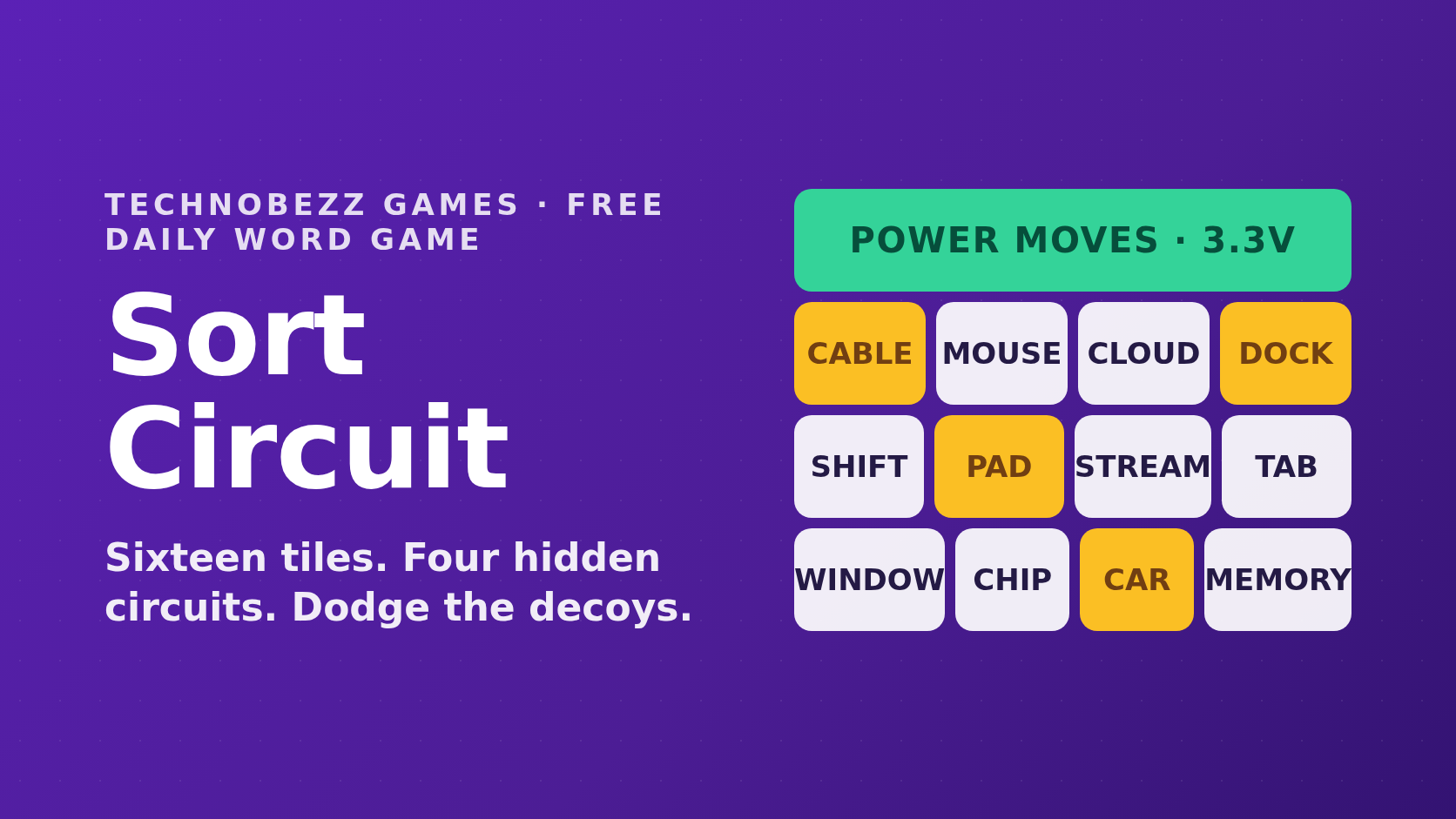
Sort Circuit Daily Word Game
Play Sort Circuit, a free daily word game. Sort sixteen tiles into four hidden circuits, dodge the decoys, and keep your daily streak alive.
9 min read
Technobezz Games
Light every zone. Avoid interference. A new puzzle every day. Free, no account.
One beacon in every row, every column, and every colored zone, and no two beacons touching in any direction. Tap once for a dot mark, twice for a beacon, and the timer stops the moment the last zone lights up.
The board above is today's Beacons puzzle, and every player who opens this page today gets the same grid. The goal is to light one beacon in every row, every column, and every colored zone, and to do it without letting any two beacons touch. Those two rules are the whole game, and they are enough to keep a nine by nine board interesting long after the first few moves.
We built Beacons ourselves, drew the boards in house, and checked every one of them for a single solution before it entered the rotation. If you already play a crown or star puzzle somewhere else, the logic here will feel instantly familiar, and then a few things will behave differently.
Each board is cut into colored zones with heavy borders, and the grid size moves through the week. Monday and Tuesday boards are seven by seven, Wednesday through Friday are eight by eight, and weekend boards are nine by nine. Whatever the size, the rule never changes, because every row, every column, and every zone holds exactly one beacon.
Tapping a cell cycles it through three states. The first tap leaves a small dot, which is your own note for a cell you have ruled out. The second tap places a beacon, and the third clears the cell so the cycle can start again. Keyboard players do the same thing with Space or Enter.
Two beacons interfere when they share a row, share a column, share a zone, or sit next to each other in any direction, diagonals included. The moment that happens both cells pick up an amber ring, and the status line under the board reports that interference has been detected. The rest of the time that line just counts the beacons you have placed.
The board is solved when the number of beacons matches the size of the grid and nothing is interfering. There is no submit button and no penalty for experimenting. A timer starts on your first tap and stops the moment the last zone lights up, and the result card reports your time.
Beacons rewards elimination far more than inspiration. The four habits below come straight out of the rules, and they will carry you through a weekend nine by nine without a single guess.
Zones do the most work, so read them before anything else. A zone that lives entirely inside one row owns that row, because its beacon has to sit somewhere in it, which kills every other zone's cells in that row. The same argument works for a zone squeezed into a single column, and clearing those two cases first usually opens the board.
The dot mark exists so you do not have to hold eliminations in your head. When a cell is ruled out, tap it once and move on. On a large board a screen of dots turns a wall of color into a short list of live candidates, and the moment a zone has one candidate left, that beacon places itself.
Every beacon removes its whole row, its whole column, its entire zone, and up to eight neighboring cells. That last part is the piece a sudoku habit will miss. Two zones that meet along a narrow seam often cannot both use the cells beside it, and spotting that pair is worth more than three eliminations found one at a time.
Interference highlighting only reacts to beacons you have already placed. It will tell you when two of your own beacons clash, and it will never tell you that an empty cell is wrong, so treat it as a spell check on the placements you commit to. When a board gets messy, Clear board wipes the grid without rewinding the clock.
The idea is older than the daily puzzle habit. Placing pieces so that none of them share a row, a column, or a line of attack goes back to the eight queens problem, composed in 1848, with the first published solutions and the generalized version for any board size following in 1850.
The zone constraint and the no touching rule arrived much later. They belong to the Star Battle style, created by Hans Eendebak for the 2003 World Puzzle Championship in Arnhem, where the fixed number of stars per row, column, and region may never be placed in cells that share an edge or a corner. Beacons is our take on the one per zone version of that family, dressed as a signal grid rather than a night sky.
A new board arrives at your own local midnight rather than on a fixed time zone somewhere else, and the result card counts down to the changeover. The full lineup lives on the daily games hub, so you can move between puzzles once today's grid is lit.
Your record stays in this browser. Boards played, win rate, current streak, and best streak are kept in local storage on your own device, which means no account, no sign in, and nothing to sync. Open the game on a second device and you start a fresh set of numbers, and a private window forgets everything once you close the last private tab.
Sharing sends a short line of text rather than a picture of your board. It carries the puzzle number, your clock, and your streak once that streak is longer than a day, so a share opens with something like Beacons #12 📡 and ends with the link. On phones the system share sheet opens, and where a browser has no support for it the text goes to your clipboard instead.
Streaks work the plain way. Solving today after solving yesterday extends the run, a missed day ends it, and your next solve starts a fresh streak at one while your best streak stays on the stats card.
Practice mode is the biggest difference. The button under the board deals a random grid from a pool of four hundred, with New board for another and Reveal solution for the one that beat you. Practice never touches your daily record, so you can warm up or play for an hour with no risk to a streak.
Every board here has exactly one solution. We verified that for the entire daily rotation and for all four hundred practice boards, which means guessing is never necessary and a contradiction always means an earlier step was wrong rather than an unlucky branch.
The smaller differences add up too. Interference feedback is always on instead of a setting you have to find, the timer sits quietly in the toolbar with no leaderboard attached, and the grid size shifts through the week so a Monday board is a coffee break and a Saturday board is a project. LinkedIn's Queens releases a new board at midnight Pacific time and retires the previous one, while Beacons follows your local midnight and keeps the practice pool open whenever you want another grid.
To be clear about the family resemblance, Beacons is our own build and is not affiliated with LinkedIn or any other puzzle publisher. If you enjoy Queens, this will feel instantly familiar, and the board state and stats never leave your browser.
The grid is made of real buttons, so it plays without a mouse. Arrow keys move the focus one cell at a time, Space or Enter cycles the cell under the focus, and Escape releases the board so you can carry on tabbing. Only the focused cell sits in the tab order, which stops a nine by nine grid from swallowing eighty one tab stops.
Screen readers get the whole picture of a cell. Every button announces its row, its column, its zone letter, and whether the cell is empty, a mark, or a beacon, and the status line is a live region, so the beacon count and any interference are read out as they change. Zones carry heavy borders and those spoken labels as well as color, so color is never the only signal.
If your system asks for reduced motion, we honor that request. The shake on interfering cells and the pulse across a solved board are switched off while everything else stays the same. The how to play, stats, and result dialogs behave the way you would expect too, closing on Escape and handing focus back to the control that opened them.
No. Beacons is free, there is nothing to install, and there is no sign in anywhere on the page. The only thing stored is your own record, and it stays in your browser.
Come back the same day and the grid returns exactly as you left it, with your dots, your beacons, and your elapsed time. Once a board is solved, the page reopens in its finished state with a button that brings the result card back.
Not from the daily rotation, which stays the same for everyone on a given day. Practice mode is the place for extra grids, and it will deal you as many as you want without touching your stats.
For words, Sort Circuit asks you to sort sixteen tiles into four hidden circuits. For hardware trivia, Techle reveals a spec sheet one row at a time until you can name the device. Away from the puzzles, our browser device tests check a microphone or a camera in seconds, and the symbols reference is the quickest way to find a character you cannot type.
Play Sort Circuit, a free daily word game. Sort sixteen tiles into four hidden circuits, dodge the decoys, and keep your daily streak alive.
9 min read
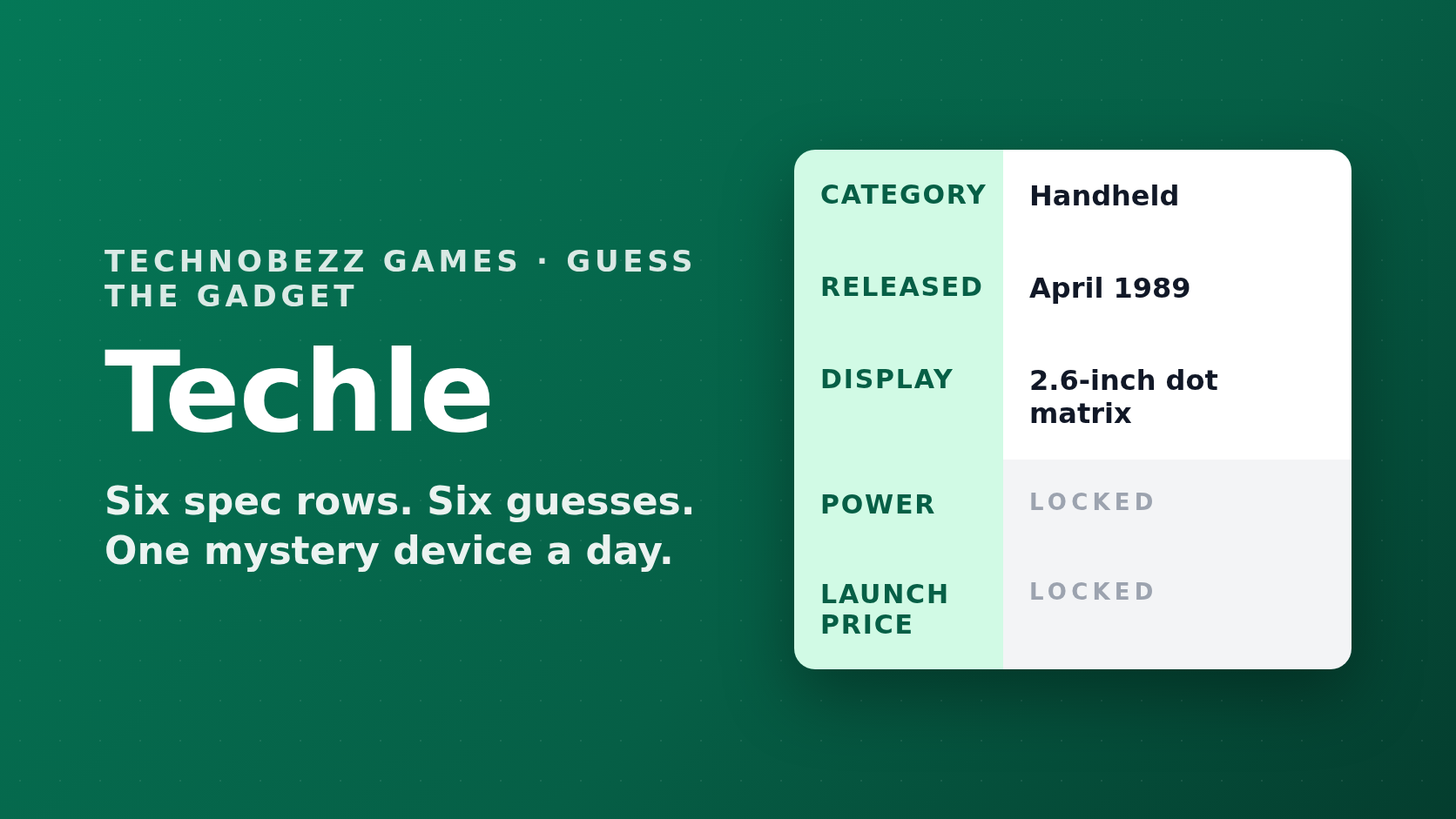
Play Techle, a free daily guessing game from Technobezz. Reveal a mystery device spec sheet row by row and name the gadget in six guesses.
9 min read