A streaming device decides which home screen, voice assistant and remote you use every night. This page is for US buyers who want to add 4K streaming apps to a TV and need to know which player fits the phones, speakers and smart home gear they already own.
Technobezz is supported by its audience. We may get a commission from retail offers.
6 Best Streaming Devices in 2026
The Amazon Fire TV Stick 4K Max leads our six streaming device picks for 2026, with options for Apple and Google homes, Plex users and hands-free control.
T
Technobezz
Editorial Team
Updated November 16, 2026Nov 16, 2026
•13 min read

Get Deals Like These in Your Inbox
The best prices, straight to your inbox.
Add Technobezz on Google:Preferred SourceGoogle Discover
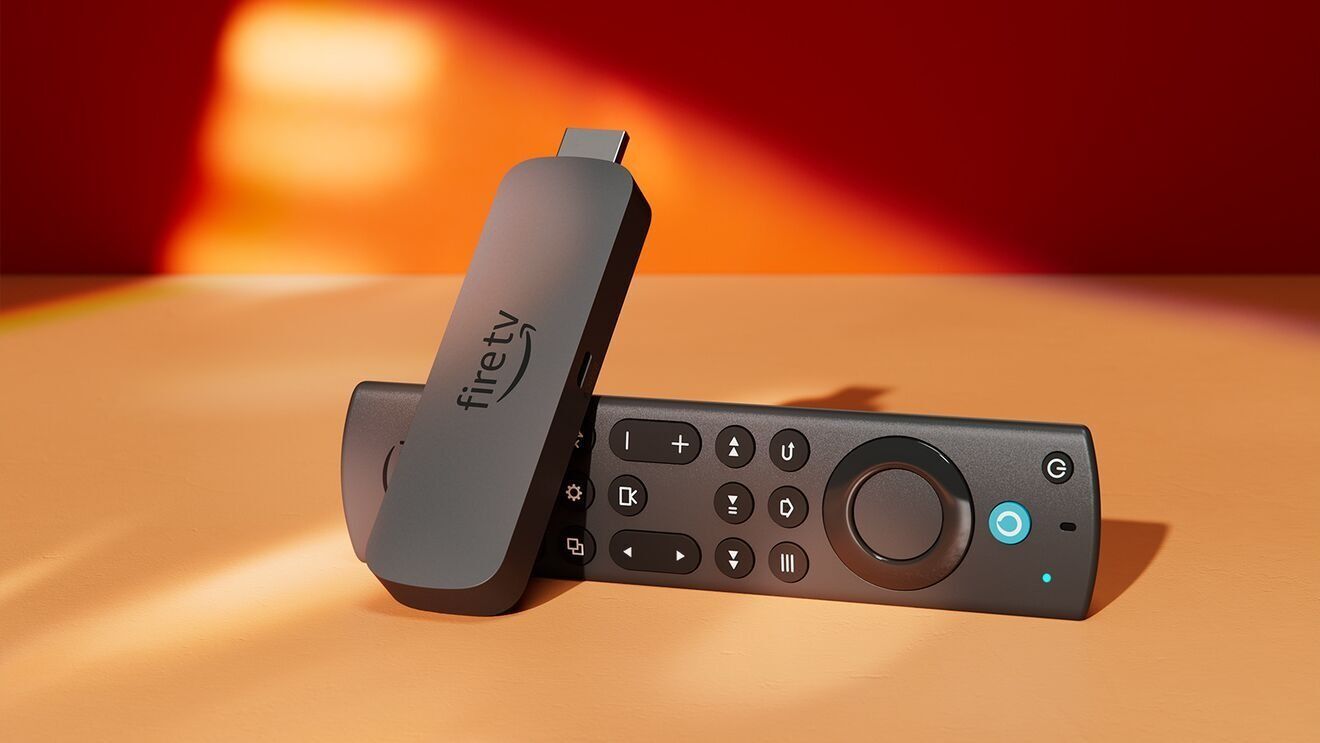
The Amazon Fire TV Stick 4K Max is our best overall pick. It streams in 4K with Dolby Vision, HDR10+ and Dolby Atmos, supports Wi-Fi 6E, has 16GB of storage for apps, games and downloads, and brings Alexa+ voice search to the remote.
The other five picks are matched to specific needs: Apple homes, Google TV users, a value 4K stick, power users who run Plex, and hands-free voice control.
At a Glance
| Category | Product | Why We Picked It |
|---|---|---|
| Best overall | Amazon Fire TV Stick 4K Max | Dolby Vision, HDR10+ and Dolby Atmos, Wi-Fi 6E support, 16GB of storage and Alexa+ voice search |
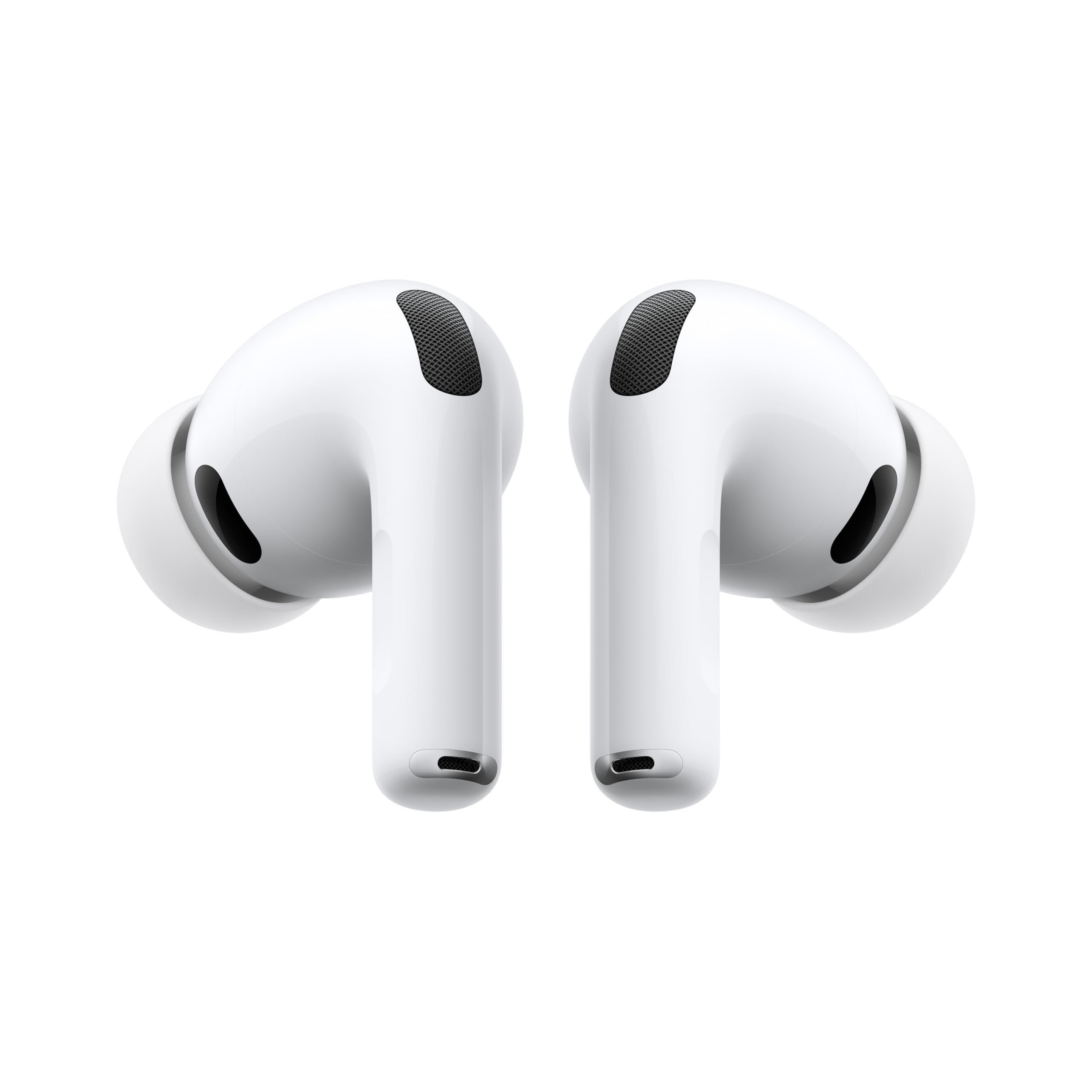
| Best for Apple users | Apple TV 4K (4th gen) | A19 chip, Dolby Vision and HDR10+, far-field microphones for Siri and HomePod surround pairing |
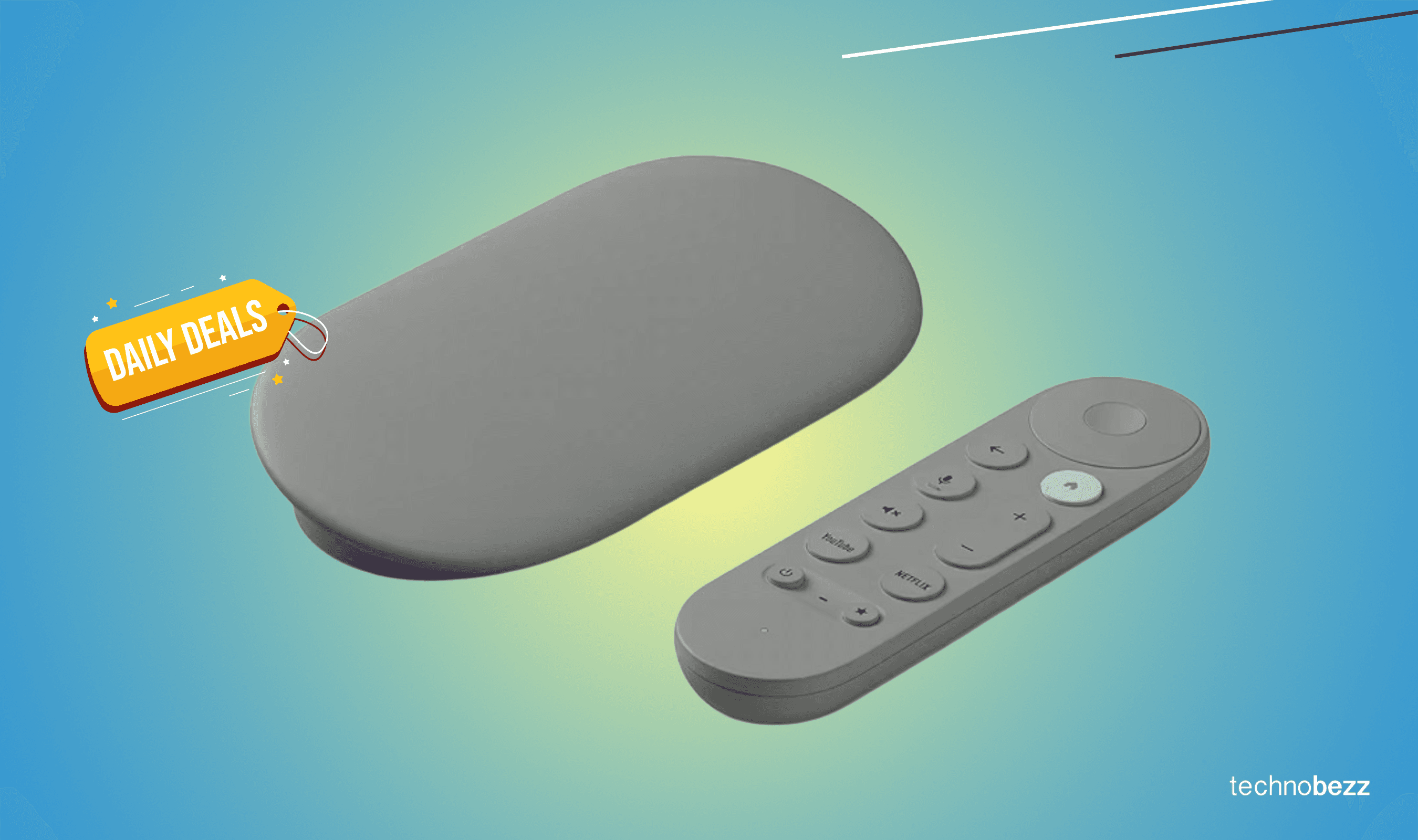
| Best for Google TV users | Google TV Streamer (Porcelain) | 32 GB storage, up to 4K HDR with Dolby Vision and a voice search remote |
| Best value 4K stick | Roku Streaming Stick 4K | 4K with Dolby Vision and HDR10+, the Roku Voice Remote and a long-range Wi-Fi receiver |
| Best for power users and Plex | NVIDIA Shield TV Pro | Built-in Plex Media Server, 2x USB 3.0 ports, Gigabit Ethernet and AI upscaling to 4K |
| Best hands-free voice control | Amazon Fire TV Cube | Hands-free Alexa with a built-in mic and speakers, an octa-core processor and Wi-Fi 6E support |
How we chose
We compared the specifications on each product's Amazon page. We also checked that each pick is sold new by Amazon or the brand.
The best streaming devices right now
Amazon Fire TV Stick 4K Max - Best overall
The Amazon Fire TV Stick 4K Max streams in 4K Ultra HD with support for Dolby Vision, HDR10+ and Dolby Atmos audio. It supports Wi-Fi 6E and has 16GB of storage for apps, games and downloads.
Alexa+ is built in. Press the voice remote button and talk naturally to find what to watch across your apps or manage your smart home. The remote also has a recents button and dedicated channel buttons for live TV, and Prime members can access popular games on Amazon Luna with no console required. It runs the 2026 Fire TV interface, with dedicated content categories and personalized recommendations from Alexa+.
Key highlights
- 4K Ultra HD with Dolby Vision and HDR10+
- Dolby Atmos audio
- Wi-Fi 6E support
- 16GB of storage
- Alexa+ voice search from the remote button
- Remote with a recents button and dedicated channel buttons
Pros
- States Dolby Vision, HDR10+ and Dolby Atmos
- Supports Wi-Fi 6E
- Amazon Luna games for Prime members with no console required
- Fire TV Ambient Experience displays over 2,000 pieces of art and photography
Cons
- Alexa+ starts with a press of the voice remote button, while the Amazon Fire TV Cube states hands-free Alexa with a built-in mic
- 16GB of storage, less than the 32 GB on the Google TV Streamer (Porcelain)
- Amazon does not list Ethernet for this model
Who it is for: Most buyers who want Dolby Vision, HDR10+, Dolby Atmos, Wi-Fi 6E and 16GB of storage in one stick, especially homes that already use Alexa and have a Prime membership.
Skip if
You want to control the TV by voice without the remote. The Amazon Fire TV Cube states hands-free Alexa with a built-in mic and speakers.
Apple TV 4K (4th gen) - Best for Apple users
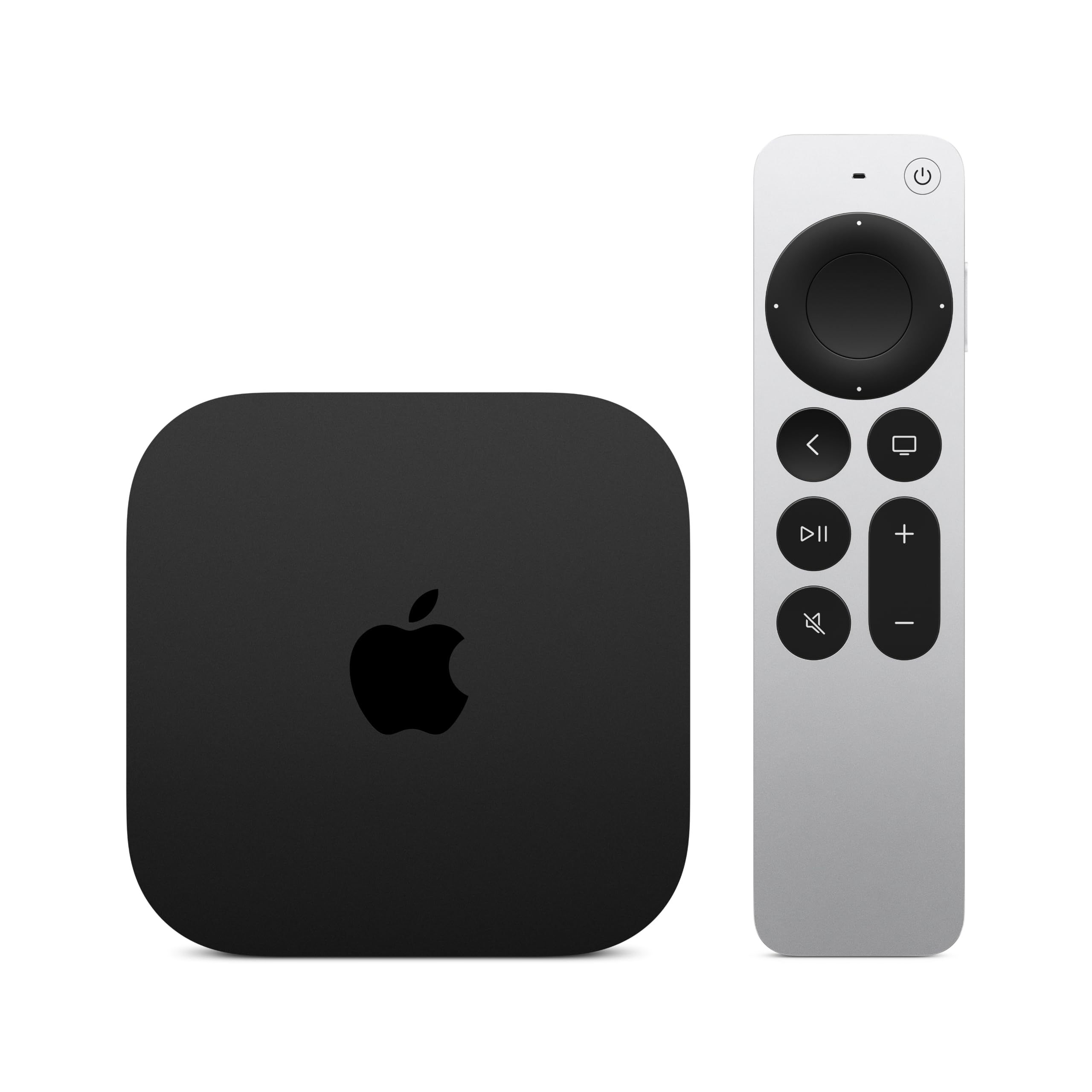
The Apple TV 4K (4th gen) runs on the A19 chip and plays 4K video in Dolby Vision and HDR10+. It supports Dolby Atmos and has Enhance Dialogue, which pulls spoken words forward. Far-field microphones are built in, so you can talk to Siri from across the room using just your voice.
It ties into other Apple gear. You can pair four HomePod speakers for home theater surround sound, and Find My can make the Siri Remote play a sound and locate it with Precision Finding on iPhone. As a home hub, it lets you control smart home accessories remotely through the Home app. Siri AI works once it is set up with your iPhone or iPad, and the Apple TV 4K (4th gen) also runs Photos, FaceTime, Apple Fitness+, Apple Arcade and Apple Music.
Key highlights
- A19 chip
- 4K with Dolby Vision and HDR10+
- Dolby Atmos and Enhance Dialogue
- Built-in far-field microphones for Siri
- Siri Remote with touch-enabled clickpad and Find My
- Home hub for smart home accessories
Pros
- Voice control from across the room through built-in far-field microphones
- Pairs with four HomePod speakers for surround sound
- A missing Siri Remote can play a sound through Find My
- Runs FaceTime, Apple Fitness+, Apple Arcade and Apple Music
Cons
- Siri AI has to be set up with an iPhone or iPad
- Precision Finding for the remote works on iPhone
- Apple does not list Ethernet or a Wi-Fi standard for this model
- Apple does not list storage capacity for this model
Who it is for: iPhone, iPad and HomePod owners who want Siri, Find My and the Home app on their TV.
Skip if
You do not own an iPhone or iPad. The Amazon Fire TV Stick 4K Max also states Dolby Vision, HDR10+ and Dolby Atmos, along with Wi-Fi 6E.
Google TV Streamer (Porcelain) - Best for Google TV users
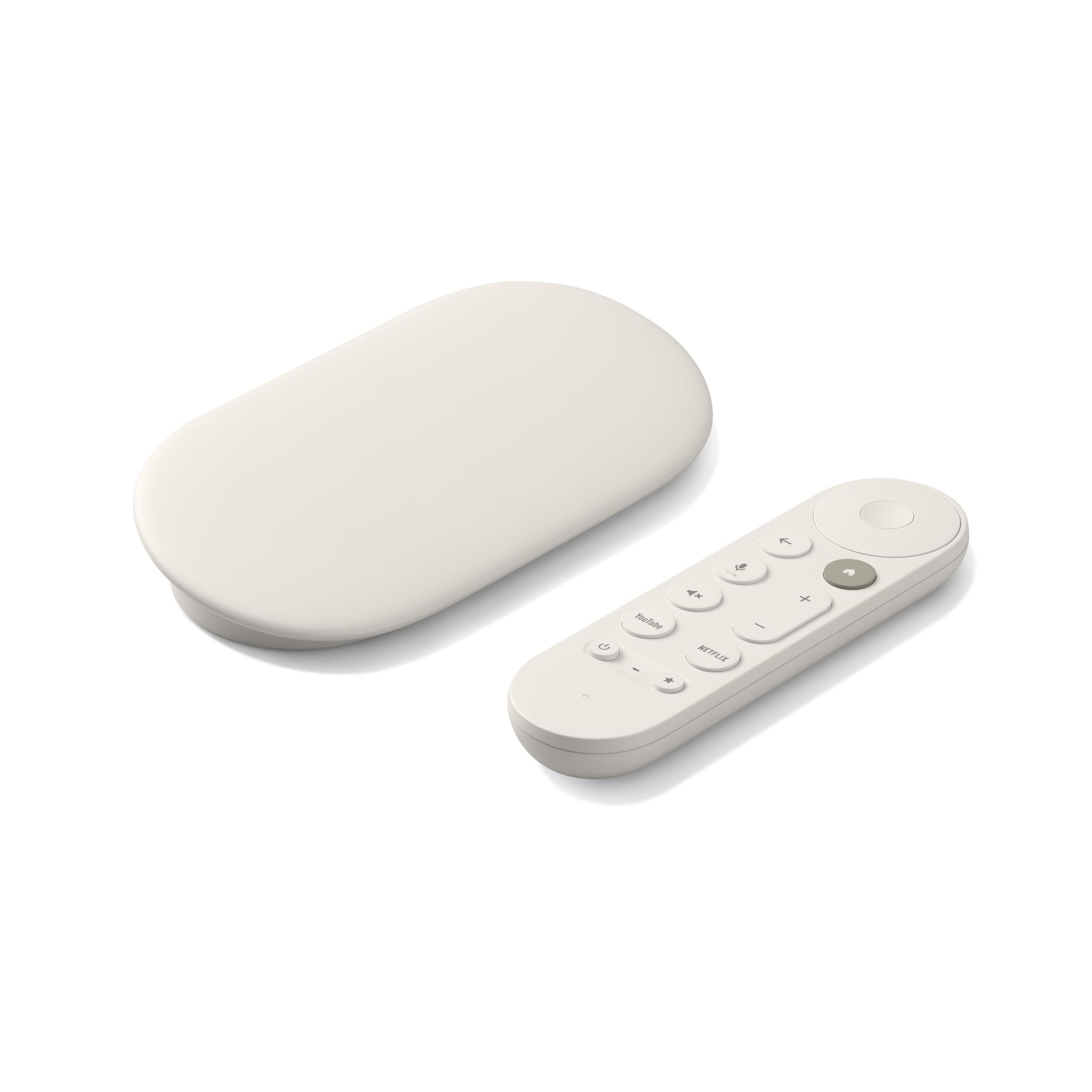
The Google TV Streamer (Porcelain) plays up to 4K HDR with Dolby Vision and has 32 GB of storage. It comes with a voice search remote and offers smart home control, and you can connect speakers that support Dolby Atmos.
The home screen shows movies and TV shows from all your services, with recommendations tailored to everyone in your home based on their interests and viewing habits. When you find a show or movie on your TV, the mobile app or Google search, you can add it to your watchlist. An HDMI 2.1 cable is required and sold separately.
Key highlights
- Up to 4K HDR with Dolby Vision
- 32 GB storage
- Voice search remote
- Smart home control
- Watchlist additions from the TV, mobile app or Google search
- Works with speakers that support Dolby Atmos
Pros
- 32 GB of storage
- Recommendations tailored to everyone in the home
- Home screen gathers movies and TV shows from all your services
- Watchlist can be filled from the TV, the mobile app or Google search
Cons
- An HDMI 2.1 cable is required and sold separately
- Dolby Atmos needs connected speakers that support it
- Google does not list HDR10+ for this model
- Google does not list Ethernet or a Wi-Fi standard for this model
Who it is for: Households that use Google services and want a watchlist they can add to from the TV, mobile app or Google search, plus recommendations tailored to everyone in the home.
Skip if
You want HDR10+ as well as Dolby Vision. The Amazon Fire TV Stick 4K Max and Apple TV 4K (4th gen) both state the two formats.
Roku Streaming Stick 4K - Best value 4K stick
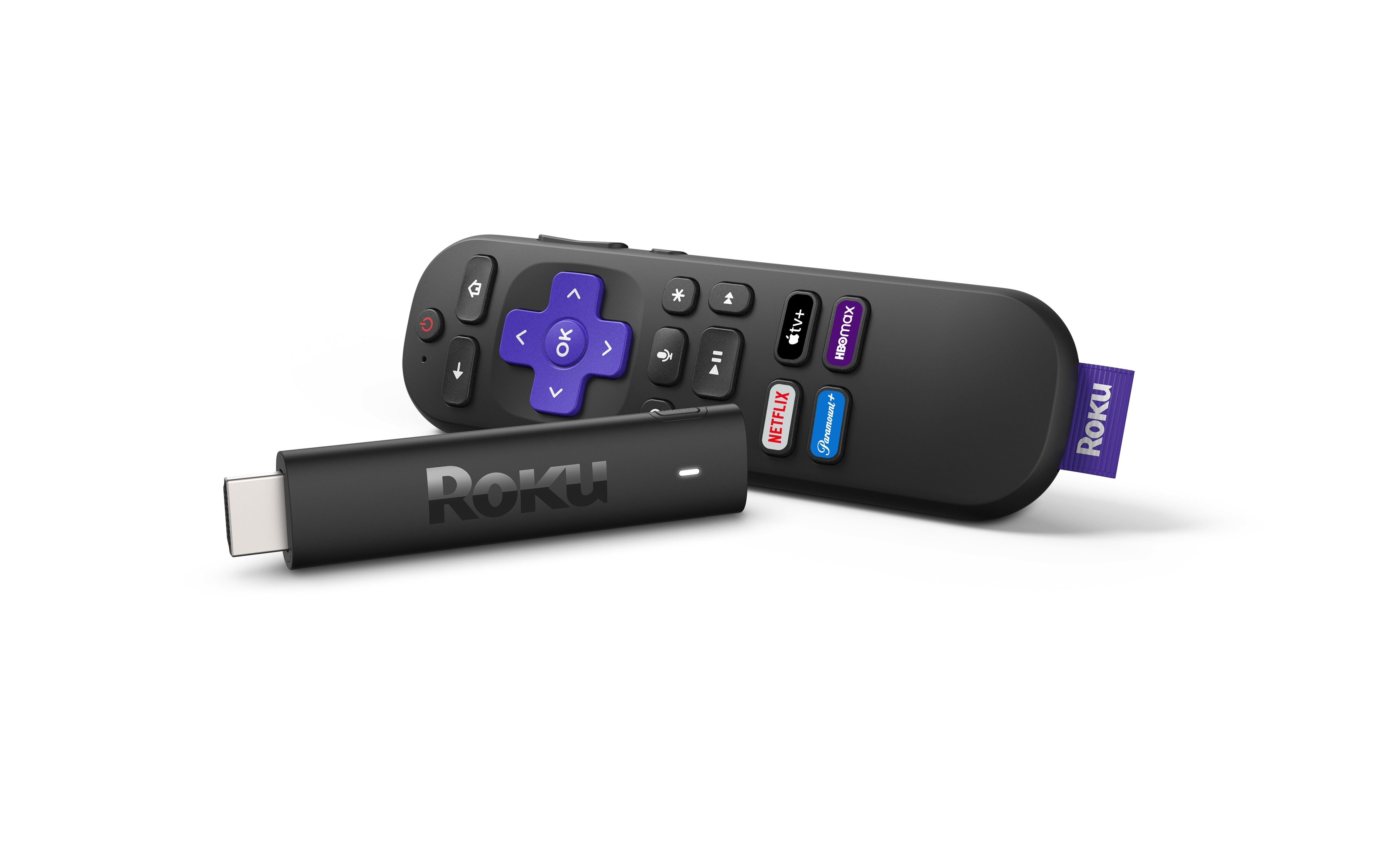
The Roku Streaming Stick 4K is the value pick on this page. It streams in 4K with Dolby Vision and HDR10+ and comes with the Roku Voice Remote.
A long-range Wi-Fi receiver is built in for rooms farther from your router. The stick is designed to stay hidden behind the TV and not block neighboring HDMI ports. It can also travel with you, so you do not need to log into someone else's device, and the Roku platform has popular apps plus free movies, shows and live TV.
Key highlights
- 4K with Dolby Vision and HDR10+
- Roku Voice Remote
- Long-range Wi-Fi receiver
- Compact stick measuring 3.7 by 0.8 by 0.45 inches
- Designed not to block neighboring HDMI ports
- Free movies, shows and live TV on the Roku platform
Pros
- States both Dolby Vision and HDR10+
- Designed to stay hidden behind the TV
- Long-range Wi-Fi receiver for rooms farther from the router
- Travels with you, so you do not log into someone else's device
Cons
- Roku does not list Dolby Atmos for this model
- Roku does not list Ethernet for this model
Who it is for: Buyers who want a value 4K stick with Dolby Vision and HDR10+ for a bedroom TV, a second room or travel.
Skip if
You want a wired connection. The NVIDIA Shield TV Pro states Gigabit Ethernet.
NVIDIA Shield TV Pro - Best for power users and Plex
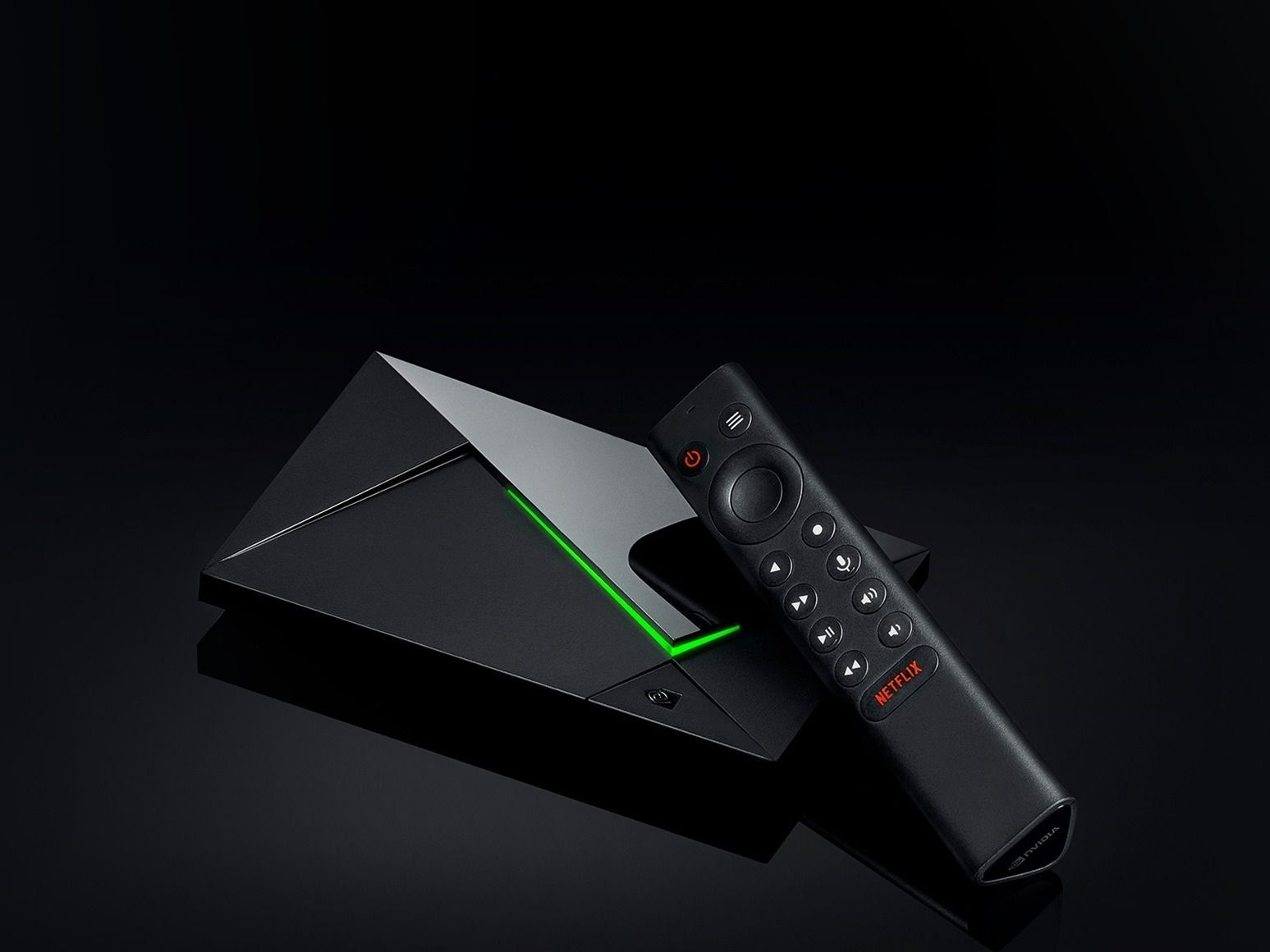
The NVIDIA Shield TV Pro is an Android TV streaming media player built around the NVIDIA Tegra X1+ chip, with 3 GB RAM and 16 GB storage. Plex Media Server is built in, and 2x USB 3.0 ports handle storage expansion, USB cameras, keyboards and controllers.
It supports Dolby Vision HDR, Dolby Atmos and Dolby Digital Plus, and its AI upscaling enhances HD video to 4K in real time. Connectivity covers Gigabit Ethernet, dual-band AC Wi-Fi and Bluetooth 5.0, and Chromecast 4K is built in for streaming from your phone. The remote has motion-activated backlit buttons, a customizable menu button, voice control, IR control for your TV and a built-in remote control locator.
Key highlights
- NVIDIA Tegra X1+ chip, 3 GB RAM and 16 GB storage
- Plex Media Server built in
- 2x USB 3.0 ports
- Gigabit Ethernet, dual-band AC Wi-Fi and Bluetooth 5.0
- Dolby Vision HDR, Dolby Atmos and Dolby Digital Plus
- AI upscaling of HD video to 4K
- Built-in Chromecast 4K
Pros
- Built-in Plex Media Server
- 2x USB 3.0 ports for storage expansion, USB cameras, keyboards and controllers
- Gigabit Ethernet for a wired connection
- Remote with motion-activated backlit buttons and a built-in locator
- Works with Alexa
Cons
- A game controller for games such as Fortnite and GeForce Now is sold separately
- Dual-band AC Wi-Fi, while the two Fire TV picks state Wi-Fi 6E
- NVIDIA does not list HDR10+ for this model
Who it is for: Power users who run Plex, keep media on USB storage or want wired Gigabit Ethernet on an Android TV player.
Skip if
You stream from apps and do not need a media server. The Amazon Fire TV Stick 4K Max states 4K, Dolby Vision, HDR10+, Dolby Atmos and Wi-Fi 6E.
Amazon Fire TV Cube - Best hands-free voice control
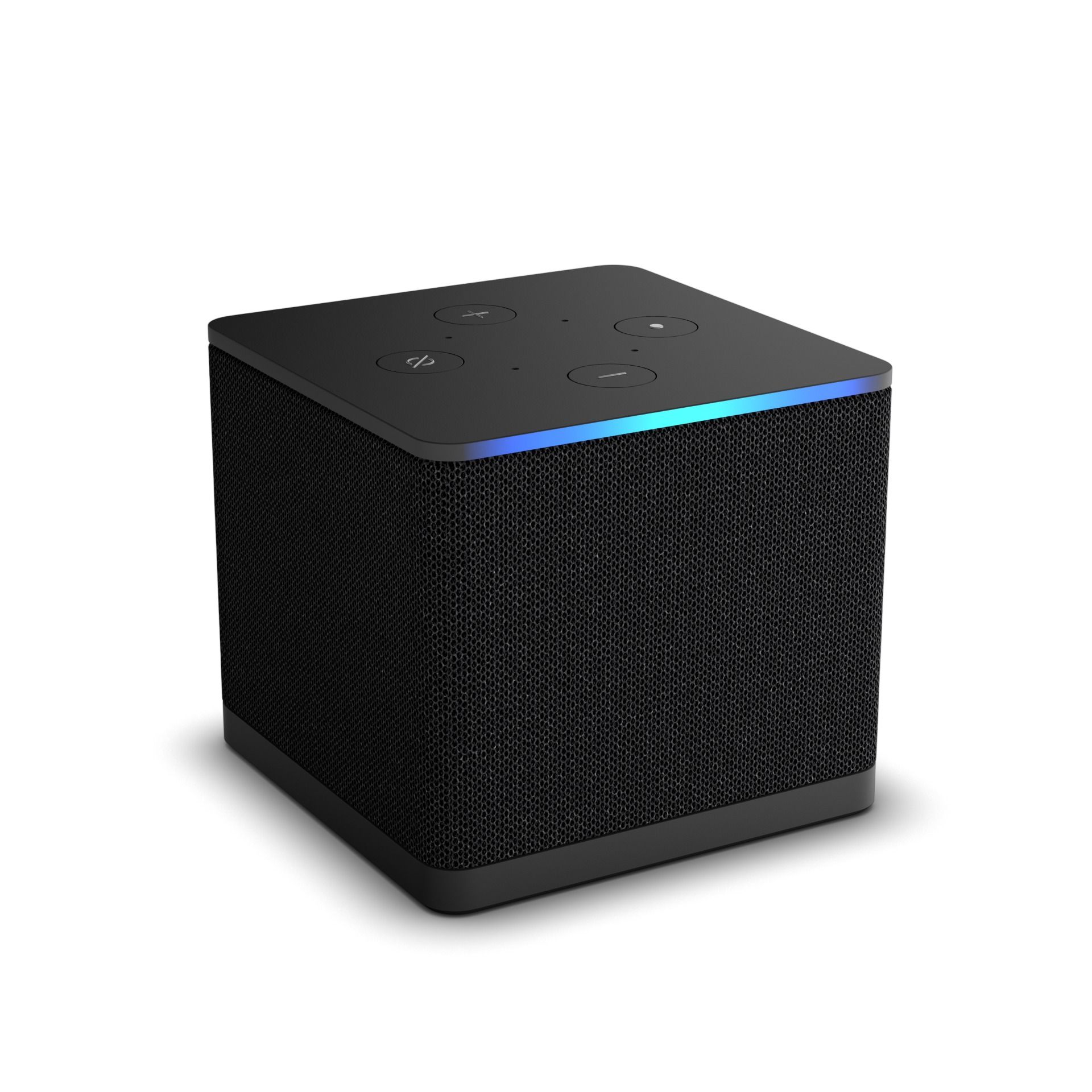
The Amazon Fire TV Cube has hands-free Alexa with a built-in mic and speakers, so you can control a compatible TV, soundbar and receivers with your voice from across the room. An off button electronically disconnects the microphones.
It runs on an octa-core processor, supports Wi-Fi 6E and plays 4K with support for Dolby Vision, HDR and Dolby Atmos audio. You can connect compatible devices and go from streaming to a cable box, game console or webcam. Alexa can also start video calls and show a live view of your Ring cameras on screen.
Key highlights
- Hands-free Alexa with a built-in mic and speakers
- Octa-core processor
- Wi-Fi 6E support
- 4K Ultra HD with Dolby Vision, HDR and Dolby Atmos
- Switches from streaming to a cable box, game console or webcam
- Off button for the microphones
Pros
- Voice control of a compatible TV, soundbar and receivers
- Off button electronically disconnects the microphones
- Live view of Ring cameras and video calls through Alexa
- Alexa+ finds what to watch across your apps
Cons
- Measures 3.39 by 3.39 by 3.03 inches, wider and taller than the two stick picks on this page
- Voice control of a TV, soundbar and receivers needs compatible models
- Amazon does not list HDR10+ for this model
- Amazon does not list storage capacity for this model
Who it is for: Alexa households that want to control the TV, soundbar and receivers by voice from across the room.
Skip if
You are happy to press a button to talk. The Amazon Fire TV Stick 4K Max states Alexa+ from the voice remote button, Wi-Fi 6E, HDR10+ and 16GB of storage.
How to Choose
- Start with the platform you already use. Choose the device whose voice assistant and smart home tools match your household. The Apple TV 4K (4th gen) works as a home hub for the Home app, and the two Fire TV picks use Alexa+.
- Match the HDR formats to your TV. Check which HDR formats your TV supports, then pick a device that states the same ones. The FAQ below shows which picks state HDR10+ alongside Dolby Vision.
- Decide how you will connect. If the TV sits near your router, a wired connection is an option worth having. If it sits far away, pay attention to the Wi-Fi features each device states.
- Think about voice control. Decide whether you want to speak to the room or press a button on the remote, and check which one each device states.
- Check storage if you install many apps and games. Look for a stated storage figure. The NVIDIA Shield TV Pro also has 2x USB 3.0 ports for storage expansion.
- Pick a shape that suits your setup. Decide whether the device should sit out of sight behind the TV or on a shelf. The Roku Streaming Stick 4K is designed to stay hidden behind the TV.
FAQ
Do all of these streaming devices support 4K and Dolby Vision?
Yes. All six picks state 4K and Dolby Vision. The Amazon Fire TV Stick 4K Max, Apple TV 4K (4th gen) and Roku Streaming Stick 4K also state HDR10+. The other three picks do not list HDR10+.
Which of these streaming devices have an Ethernet connection?
The NVIDIA Shield TV Pro states Gigabit Ethernet alongside dual-band AC Wi-Fi. The other five picks do not list Ethernet.
Which picks offer hands-free voice control?
The Apple TV 4K (4th gen) has built-in far-field microphones for Siri, and the Amazon Fire TV Cube has hands-free Alexa with a built-in mic and speakers. The other four picks state a voice remote or voice control and do not list hands-free use.
How much storage do these streaming devices have?
The Google TV Streamer (Porcelain) states 32GB, the Amazon Fire TV Stick 4K Max states 16GB, and the NVIDIA Shield TV Pro states 16GB plus 2x USB 3.0 ports for storage expansion. The other three picks do not list a storage figure.
Do I need a streaming device if I already have a smart TV?
Not always. If your TV already has the apps you watch and you are happy with its menus, you can keep using it. A separate device makes sense when you want a different home screen, voice assistant or smart home platform on the same screen. If you are shopping for the TV itself, see our guide to the best smart TVs.
Published November 16, 2026 Last updated November 16, 2026
Add Technobezz on Google:Preferred SourceGoogle Discover
More on streaming devices and other buying guides
Deal
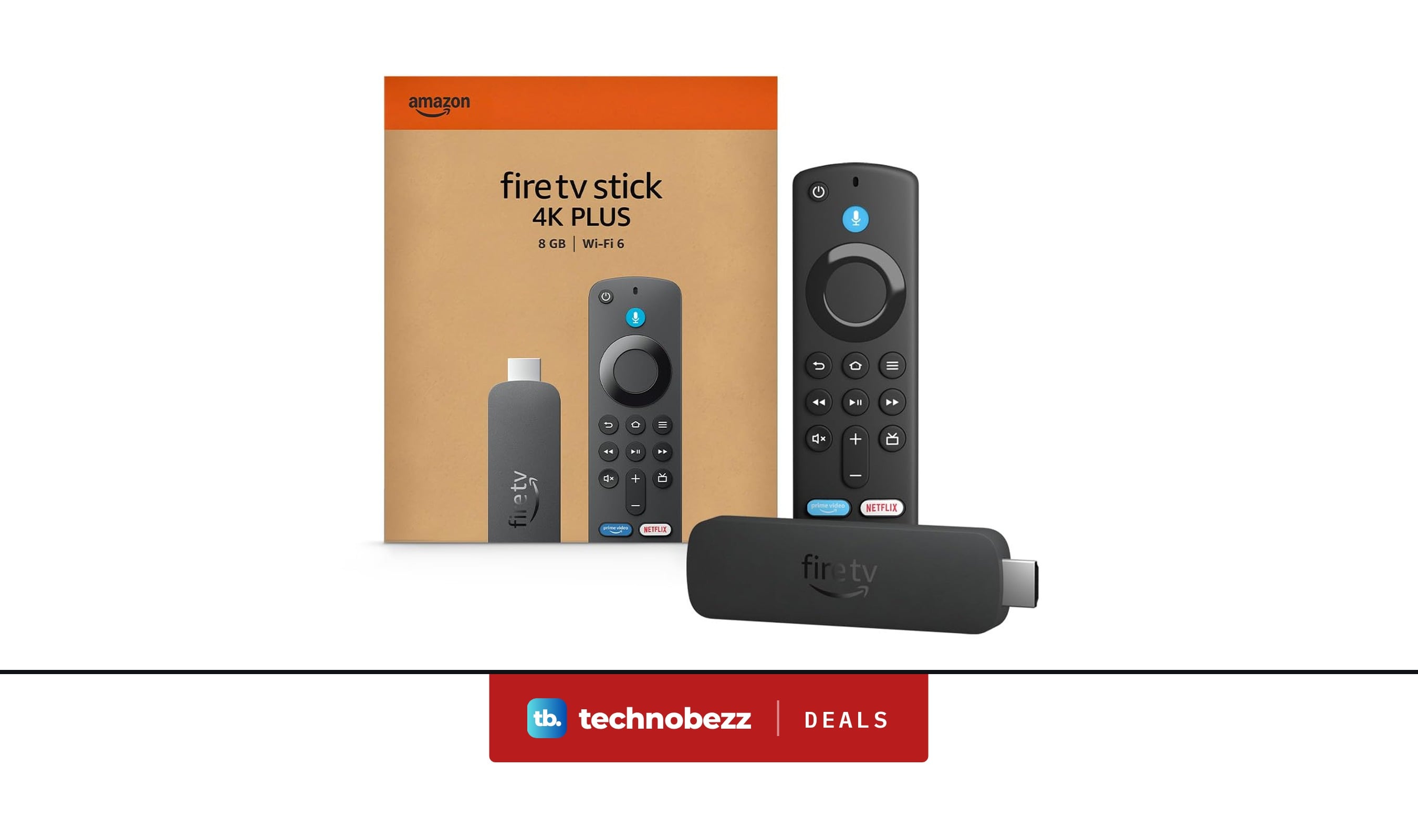
Amazon Fire TV Stick 4K slips to $39.99
Deal
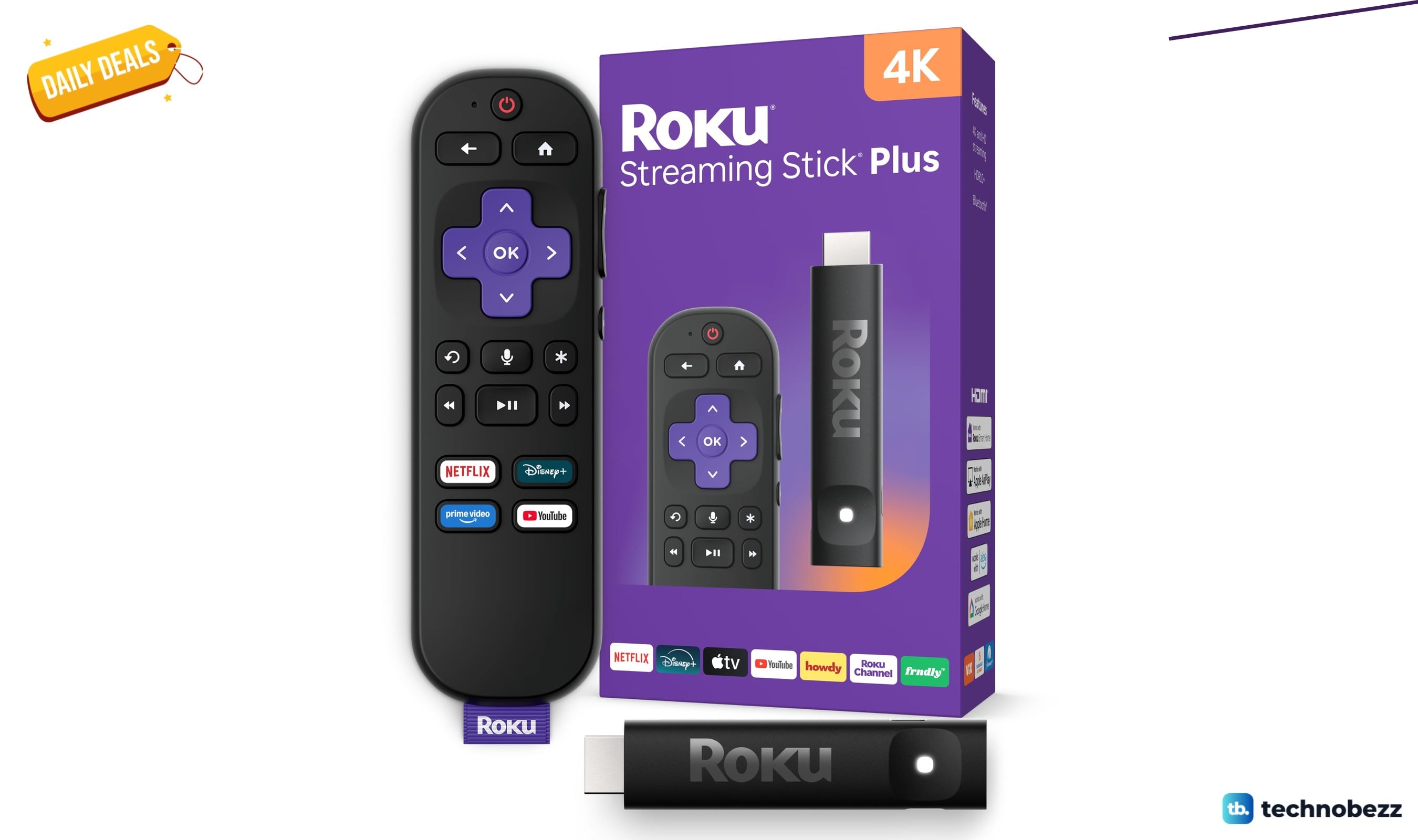
Roku Streaming Stick slips to $34
Deal
Google TV Streamer 4K drops to $79.99
Buying guide
6 Best Tech Gifts in 2026
More buying guides
Buying guide5 Best Graphics Cards in 2026Buying guide7 Best iPhone 17 Cases in 2026Buying guide5 Best Android Smartwatches in 2026Buying guide7 Best Mirrorless Cameras in 2026Buying guide5 Best Chromebooks in 2026Buying guide5 Best TVs for Xbox Series X in 2026Buying guide7 Best Monitors in 2026Buying guide6 Best Monitors for Xbox Series X in 2026