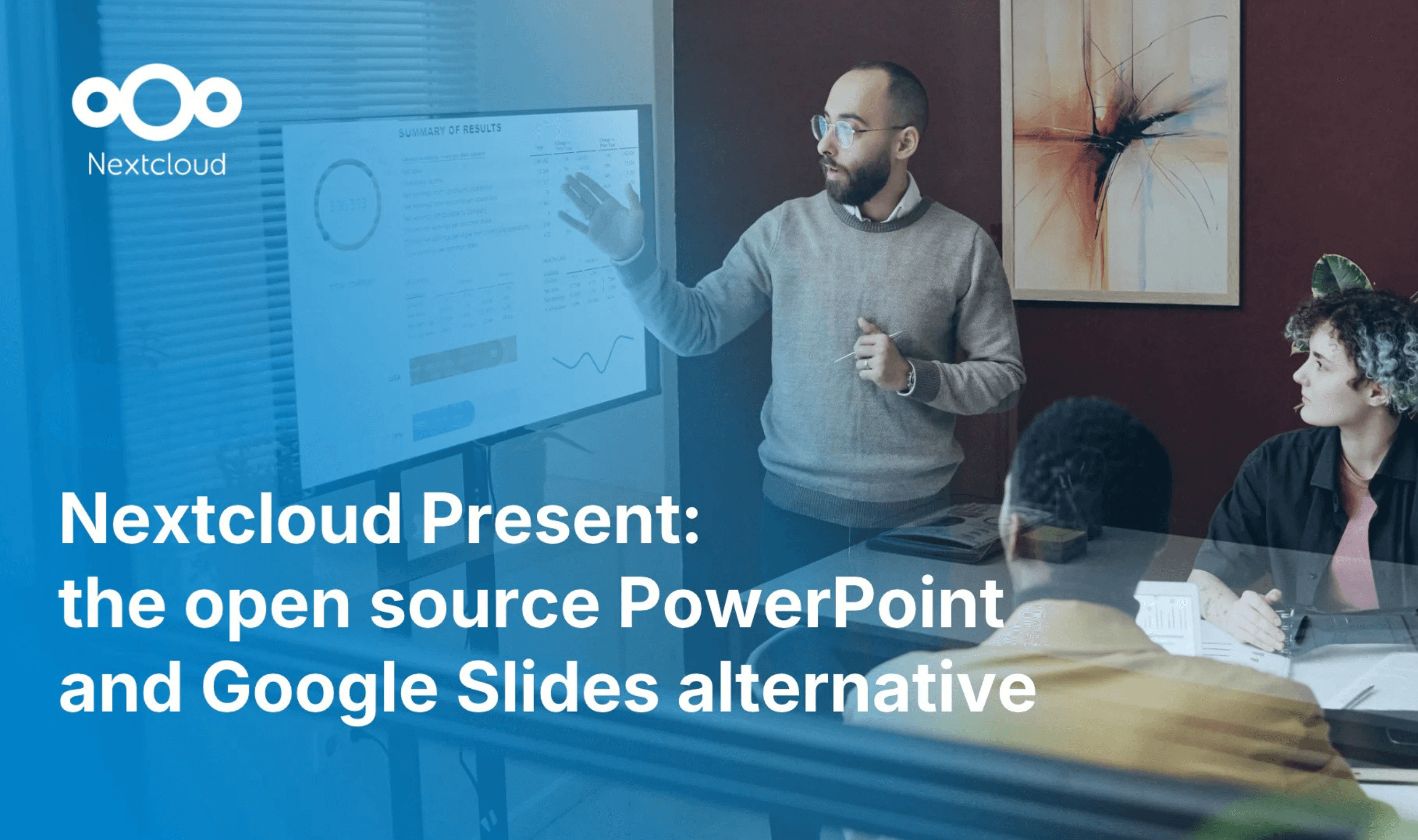
Nextcloud Present gives teams a presentation editor with PowerPoint compatibility, simultaneous editing and a choice of where their files are hosted. Included with Nextcloud Office, it works through a browser and supports offline editing through the Nextcloud Office Desktop app, which runs on Linux, Windows and macOS. Organizations can use their own servers or choose a hosting provider; pricing is not disclosed.
Existing presentations can be opened in PPTX, older PPT or ODP format, and Nextcloud says PowerPoint layouts and formatting are preserved. Users can export decks as images or PDFs, as well as ODP and PPTX files. Nextcloud Office can be enabled when setting up Nextcloud or added afterward, and an instant trial lasts one hour.
Read more: Nextcloud Office Desktop app Brings Offline Editing
Several collaborators can change a deck simultaneously, with updates visible as they work. Sharing permissions distinguish between viewing, commenting and editing, while public links can carry passwords or expiry dates. Users can also retrieve previous versions, attach comments to individual slide elements and mention colleagues when requesting feedback.
For organizations working together, federation allows people using different Nextcloud servers to collaborate on one file without creating an account on the other organization’s server. Nextcloud says each organization retains its data on infrastructure it controls. The desktop app connects to Nextcloud Hub for live collaboration with colleagues using mobile devices, browsers or desktop clients.
Nextcloud Assistant supplies image generation, transcription and help drafting text through the Smart Picker inside Nextcloud Present. Organizations select the models and where they run, and AI functions start disabled. Nextcloud says external services receive nothing unless the organization explicitly configures one.
PowerPoint interoperability has also been a focus for Google: in September, it opened applications for a beta that converts PowerPoint imports into client-side encrypted Slides. That beta was restricted to specified Workspace editions, including Enterprise Plus, with access subject to acceptance into the program.
For presenting, Nextcloud Present offers a presenter view that keeps speaker notes separate from the audience’s slides and allows direct navigation between slides. Remote presenters can share their screens during Nextcloud Talk calls, while an optional recording backend can produce a video for later viewing. Decks can include audio, video and charts, with adjustable slide transitions and themes for controlling their appearance.