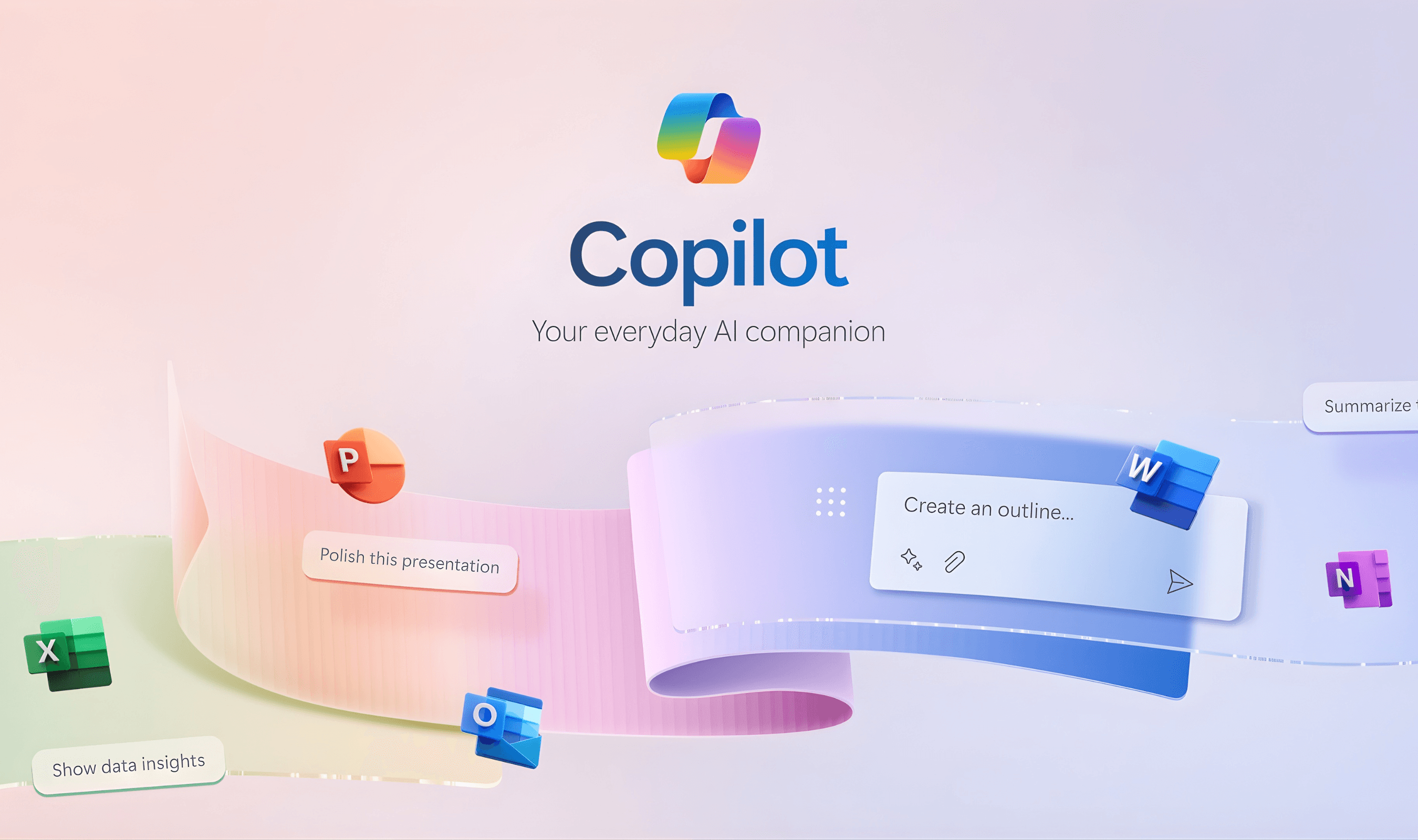
Microsoft Copilot users can save 2-4 hours weekly through targeted AI assistance, according to productivity studies cited by Newegg. The AI assistant, now integrated across Microsoft 365, Windows, and Edge, faces both adoption challenges and security scrutiny as it evolves into a core workplace tool.
Satya Nadella uses Copilot daily to prepare for meetings, scanning past interactions to surface priorities before conversations.
The Microsoft CEO's workflow exemplifies the shift from AI novelty to practical integration, where specific prompts deliver measurable productivity gains.
Effective Prompting Strategies
Legal professionals draft documents faster by providing Copilot with document type, purpose, and audience details, according to the American Bar Association. The association notes that clear prompts produce structured first drafts while emphasizing that lawyers must review all AI-generated content for accuracy.
eWEEK recommends 14 specific prompts that transform Copilot from corporate-speak generator to genuine sidekick. The "pre-meeting mind reader" prompt analyzes prior interactions to identify five likely discussion topics. Another prompt converts Word documents into 11-slide PowerPoint presentations with speaker notes addressing potential objections.
Email management improves with diplomatic reply drafting. Users specify tone requirements like "apologetic but confident" while offering concrete alternative dates. This approach avoids both defensiveness and excessive accommodation in sensitive communications.
Security and Privacy Considerations
Microsoft patched a critical "Reprompt" vulnerability in January 2026 that allowed single-click data theft from Copilot Personal. Varonis Threat Labs discovered the flaw, which exploited URL parameters to inject malicious prompts that bypassed security controls. The attack maintained session persistence even after users closed chat windows.
Enterprise Copilot deployments remained unaffected by the Reprompt vulnerability due to additional security layers. Microsoft deployed protections on January 14 following responsible disclosure in August 2025, highlighting the five-month remediation timeline for complex AI security issues.
The company plans AI-generated content watermarking for Copilot in Microsoft 365, according to its public roadmap. This invisible digital watermarking, similar to Google's SynthID system, aims to identify AI-created media while maintaining visual and audio quality.
The feature rollout reportedly begins in February 2026 across desktop and mobile platforms.
Hardware Integration and User Control
Copilot+ PCs represent Microsoft's hardware push for 2026, featuring dedicated neural processing units capable of 40 trillion operations per second. These NPUs enable local AI processing with enhanced privacy and offline functionality, though they command a $200-$400 premium over traditional laptops.
Asus allows ROG Ally handheld users to remap or disable Gaming Copilot entirely in its January 2026 software update. The feature removal option follows user resistance to Microsoft's aggressive AI integration across Windows platforms. Microsoft Edge version 144 similarly lets users hide the Copilot button from the browser toolbar.
Professional workflows benefit most from Copilot+ hardware, according to Newegg analysis. Content creators processing 4K footage, financial analysts handling sensitive data, and healthcare professionals requiring HIPAA-compliant AI assistance see the strongest productivity returns.
Knowledge workers reportedly save 2-4 hours weekly through AI automation of routine tasks.
Practical Implementation Approaches
ONLC Training hosts free January 2026 webinars demonstrating Copilot Studio's low-code AI agent creation. The 90-minute sessions show how simple chat interactions evolve into automated workflows across Microsoft 365 applications. Practical examples focus on reducing manual effort while maintaining human oversight.
Legal document summarization represents another effective application. Lawyers highlight text sections before requesting summaries, allowing faster review of contracts, briefs, and email chains under time pressure.
"Copilot increases productivity but cannot replace legal judgment."
Data analysis benefits from "plain English" explanations of spreadsheet trends. Instead of reading cells aloud, users ask Copilot to explain column trends over six months and suggest three next steps in conversational language. This approach transforms raw data into actionable business narratives.
Future Development and Industry Context
Microsoft commits to annual 50% NPU performance improvements for Copilot+ hardware, according to Newegg. This rapid evolution means today's premium models become tomorrow's baseline, with current-generation devices remaining capable for 3-4 years before feeling outdated.
The broader AI security landscape remains challenging, with prompt injection attacks representing an unsolved industry problem. Microsoft's watermarking initiative and security patches address specific vulnerabilities while the underlying architectural challenges persist across large language model deployments.
This comes as Snowflake announces a $200 million OpenAI partnership for enterprise AI, highlighting the growing enterprise focus on secure AI workflows.
User adoption patterns show mixed results, with some professionals embracing AI assistance while others disable features entirely. The availability of toggle options in Edge and gaming hardware suggests Microsoft acknowledges varying user preferences as Copilot integration deepens across its ecosystem.
This trend mirrors Mozilla's addition of a global AI kill switch to Firefox version 148, offering users full control over browser AI integration.
Effective Copilot usage requires balancing specificity in prompts with awareness of security considerations. As AI becomes more integrated into workplace tools, understanding both capabilities and limitations determines whether the technology delivers genuine productivity gains or becomes another unused feature.
Developers looking to extend Copilot's capabilities can explore GitHub's new Copilot SDK for embedding AI agents in applications, which simplifies integration across multiple programming languages.