
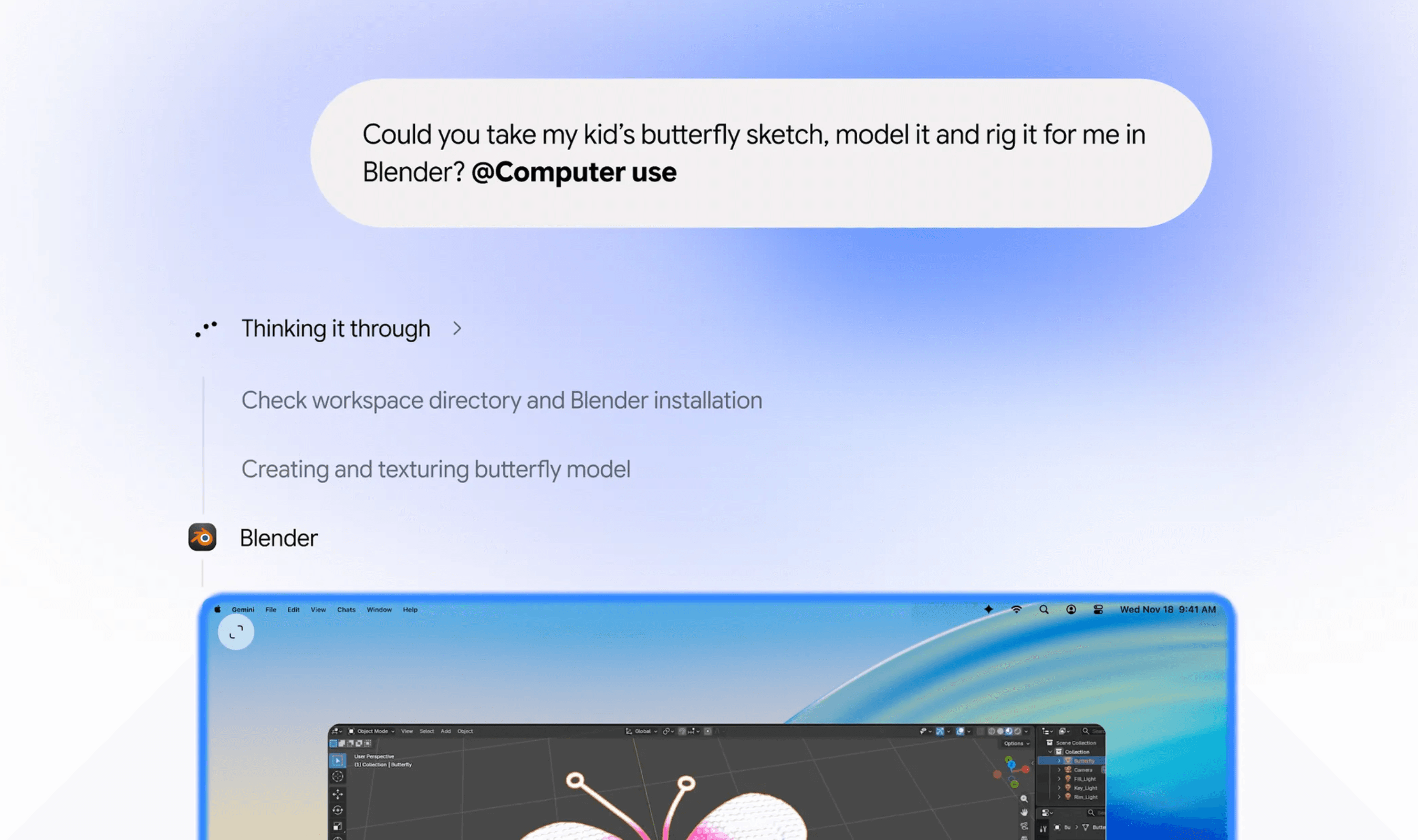
The Gemini app for Mac is adding computer use to automate jobs involving local files, desktop software and websites. Google’s November 19, 2026, announcement puts the English-language rollout in the U.S., with access for users of Google AI Plus, Pro and Ultra.
Access requires a personal Google account for someone aged 18 or older, plus a Mac with Apple Silicon and macOS Sequoia 15.0 or later. Google directs users to download the Mac app to get started with the feature.
You describe the job, and Gemini carries out the clicks, text entry, menu navigation and form filling. The work happens in a separate background window, with a live view displayed in the chat. That leaves the main display and cursor available for your own work.
App access is chosen by the user. Google says you can follow the process as it happens, pause the task whenever needed and approve key actions before Gemini takes them. The announcement describes these controls alongside examples of jobs the feature can handle.
For creative work, Google lists adjusting colors across a batch of photos in design software and preparing complex 3D scenes. Another example uses PDFs stored locally to pull out package weights, dimensions and addresses, then enter those details into shipping quote forms covering multiple boxes.
Gemini can also gather metrics and screenshots from live dashboards covering several regions and turn that material into a Google Slides presentation. For resale work, Google describes examining clothing pictures in a local folder, researching prices, recording item details and preparing listings on resale services.