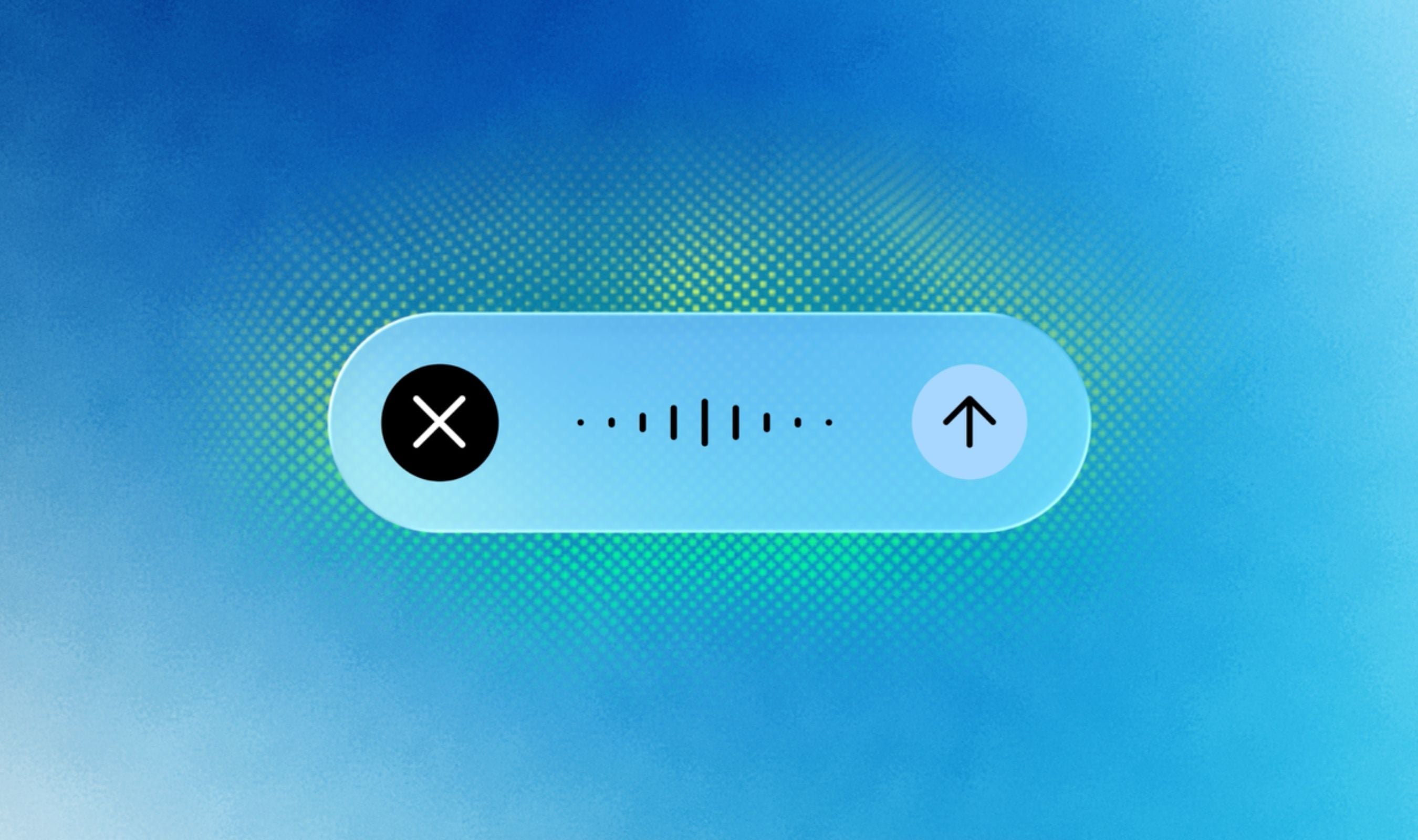
Google has updated Gemini for Mac with a quick keyboard shortcut that activates voice mode, MacRumors reports, letting users long-press the Fn key and speak naturally from any window on the desktop.
Gemini supports intelligent dictation, so users can address the chatbot in natural language and have speech transcribed to text. Filler words such as ums and ahs are stripped during the process, and mid-sentence corrections are caught so formatted text lands at the cursor.
An opt-in screen-aware reasoning mode is part of the same update. When enabled, Gemini can see what is on the Mac screen to finish tasks.
Users can highlight files, images, text, or documents and have the assistant edit, summarize, or compose content inside the app already in use.
With screen-aware mode on, spoken requests can also generate or edit images, including creating a dark-mode version of a design already visible on screen. Holding the Fn key and speaking transcribes speech directly into the active app, with the optional screen context available for more advanced commands.
A double press on the Fn key remains one way to trigger the Mac’s built-in dictation feature, so the Gemini shortcut should feel familiar to users who prefer the Google assistant instead. The new voice mode builds on earlier Mac app work that added local file access and automation through the Spark AI agent redesign.
Voice capability is rolling out globally to all users of the Gemini app for macOS in English, with Google planning to add more languages later. The native Gemini app for Mac first arrived in April, and the spoken create, edit, and summarize flow is meant to keep people inside the apps they are already using.