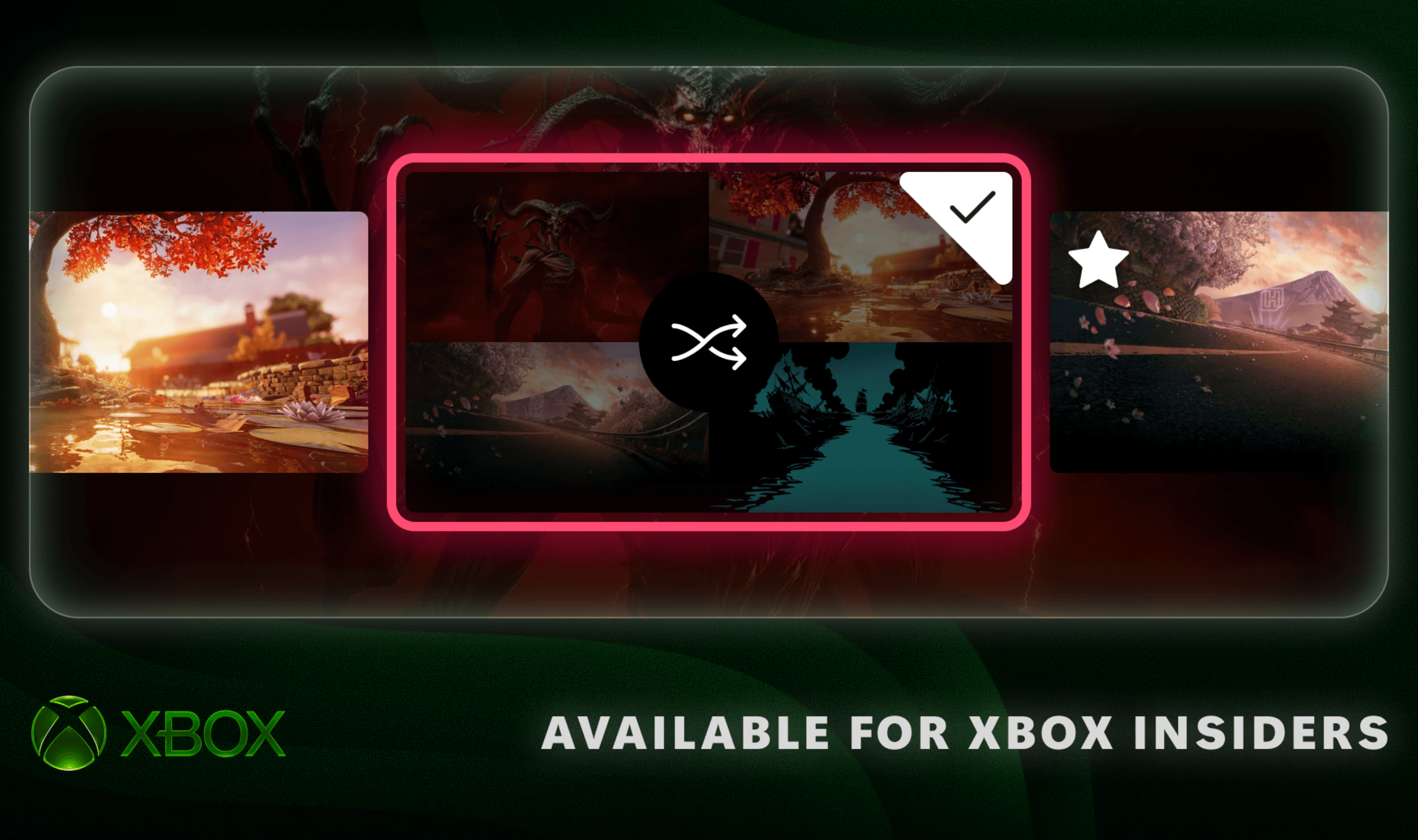
Xbox Insiders can now shuffle Home backgrounds, change how games with digital licenses claimed from discs appear in their library, and choose which side of the screen holds the Guide. The rollout began on November 12, 2026, with Alpha Skip-Ahead members first, according to Xbox's announcement. Xbox plans to extend the features to additional Insiders and players over time.
For Home customization, favorite dynamic backgrounds can be saved in a new Favorites category. Open Settings, choose General, then Personalization and My background, and enter Dynamic backgrounds, followed by its Dynamic backgrounds option. Select a background and press X to add it to Favorites.
The Shuffle option appears at the beginning of each background category. It can rotate either your saved favorites or backgrounds from an entire category. Changes can happen at sign-in or follow an hourly, daily or weekly schedule.
Saving a controller-exclusive background as a favorite also keeps it usable after that controller is disconnected. Xbox gives the Xbox Wireless Controller X25 Special Edition as an example of a controller with an exclusive background.
The library change applies to Insiders who have claimed digital licenses from disc-based games. Those titles get a separate category within the full library. Under General and Personalization in Settings, the Games & apps page lets you return them to the grouping with other owned games. That page also includes a control to hide the license icon shown on game tiles.
Guide placement is adjustable through the Guide option under Settings, General and Personalization. Insiders can set the panel to open on either the right or the left of the display.