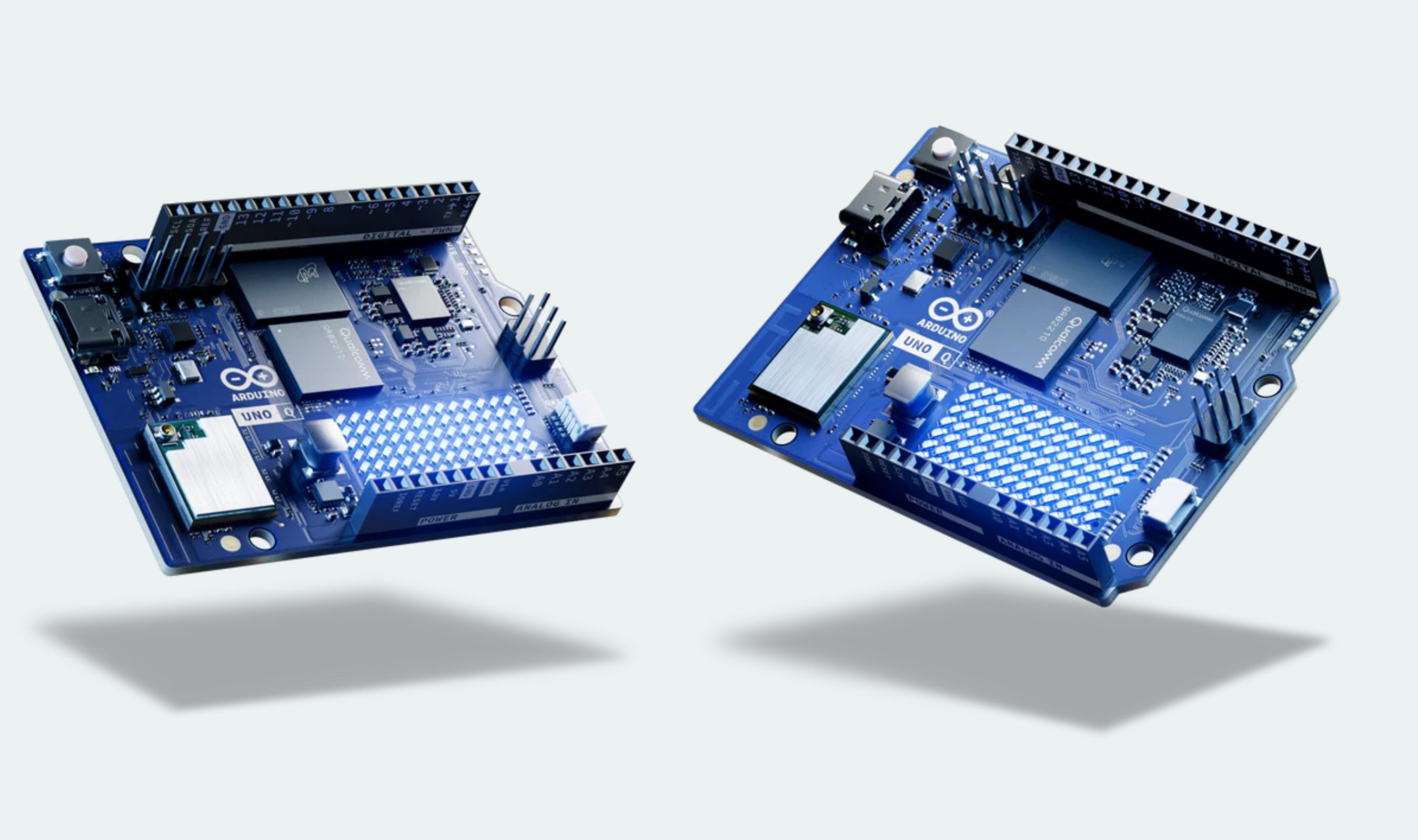
Owners of 3D printers without built-in cameras or sensor suites can now build their own failure detector, following a guide from Philipp Schweizer that Arduino highlighted on its blog. The setup pairs an Arduino UNO Q with a camera and watches a print job for anything that looks abnormal, then pauses the printer before filament and time are wasted.
The hardware list is short: the 4GB version of the UNO Q, an Arduino UNO Media Carrier, a V2-style IMX219 camera module, and a custom-printed mount with fasteners. Because the mount has to aim the camera at the hot end and the area below it, Arduino notes it will likely need adjusting to fit a given printer model.
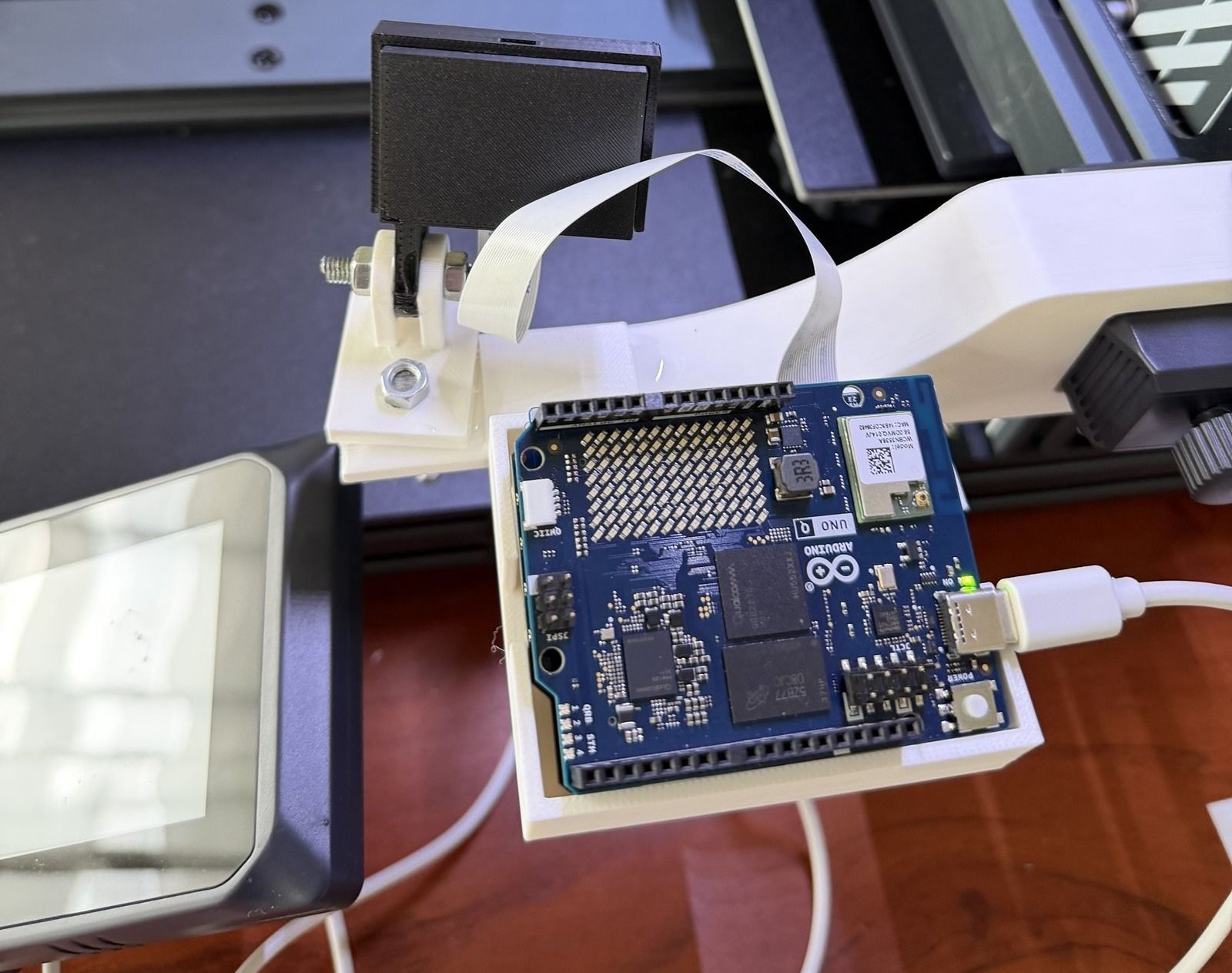
The detection model, FOMO-AD from Edge Impulse, runs through Arduino App Lab and is trained on images of prints that came out correctly rather than on pictures of failures. Anything that departs from that baseline gets flagged, which the guide says cuts the amount of training data needed and covers visible problems whether or not anyone thought to train for them. Images are kept small, at 632x480, to hold down processing overhead.
False alarms get their own safeguard. The app only pauses a job when at least three of the last four images show an anomaly, a threshold Schweizer set because, by his reasoning, a monitor that flags too often is worse than no monitor at all. Pausing happens through the Moonraker API used by Klipper-based systems, and the guide says the watchdog can also be wired into Octoprint or other control software.
Notifications go out over MQTT for Home Assistant, and a hosted webpage shows the current status. Everything stays on the local network, which the guide presents as a fit for people who care about privacy and security, and it points out that the approach needs no particular printer model and no subscription.
The project continues Arduino's run of community builds around the UNO Q. Earlier this month, a maker used the same board and 12 Modulino nodes to build a reaction game that spots a player's face with a USB camera and starts on its own, while an August project turned the board into the brains of an entry-level robot car kit.
What the guide does not provide is a price for the parts or a finished product. Readers supply their own UNO Q, camera, carrier, and printed mount, and the training images come from their own print jobs, so the cost depends on what is already on the bench.