If your Samsung Galaxy Z Fold 6 feels unusually warm, it's often a sign of the powerful hardware working inside its unique folding design. This heat can come from intensive apps, charging, or even the environment. While some warmth is normal, excessive heat can affect performance and battery life over time.
Let's get straight to the most common fix. If your phone is hot right now, close all your apps and give it a break for a few minutes. Then, perform a quick restart by pressing and holding the Volume Down button and the Side button together for about ten seconds until the Samsung logo appears. This clears out any stuck processes that might be overworking the processor.
Check for Rogue Apps and Background Activity
Android apps, especially social media, games, and video streaming services, can sometimes run wild in the background. Open your recent apps view and swipe everything closed. For a deeper check, go to Settings > Battery.
Look at the battery usage graph here. It will show you which apps have been using the most power since your last full charge. If you see an app you haven't actively been using at the top of the list, that's a prime suspect. Tap on it and select Put app to sleep or Restrict background activity.
Manage Your Display and Performance Settings
The Z Fold 6's large, high-refresh-rate inner display is a marvel, but it's also one of the biggest power draws. A simple way to reduce heat is to lower the screen brightness manually, especially indoors. You can also adjust the motion smoothness setting.
Head to Settings > Display > Motion smoothness. Switching from the highest "Adaptive" setting down to "Standard" (60Hz) can significantly reduce the workload on the GPU and processor, leading to less heat during general use. I'd only recommend keeping it on Adaptive if you're actively gaming or watching high-frame-rate video.
Also, consider enabling the Light performance profile. Go to Settings > Battery > More battery settings > Performance profile. Selecting "Light" will subtly limit the peak performance of the chipset, which is more than enough for everyday tasks and results in noticeably less heat generation.
Be Smart About Charging and Your Environment
Fast charging generates heat, and the Z Fold 6 supports 25W wired and 15W wireless charging. If your phone is hot while charging, take it out of its case. Charge it on a hard, flat surface in a cool room, not on a bed or couch where fabric can trap heat.
For overnight charging, you can use a feature to protect your battery and reduce heat. Enable Settings > Battery > More battery settings > Battery protection. This limits the maximum charge to 85%, which puts less stress on the battery chemistry and can mean less heat during the charging cycle.
Never leave your phone in direct sunlight, like on a car dashboard. The dark glass and metal can absorb a tremendous amount of heat, which is bad for the battery and can cause the phone to shut down. The inner screen is particularly sensitive to prolonged heat exposure.
Update Your Software and Reset App Preferences
Samsung regularly releases software updates that include optimizations for thermal management and battery efficiency. It's worth checking manually. Go to Settings > Software update > Download and install.
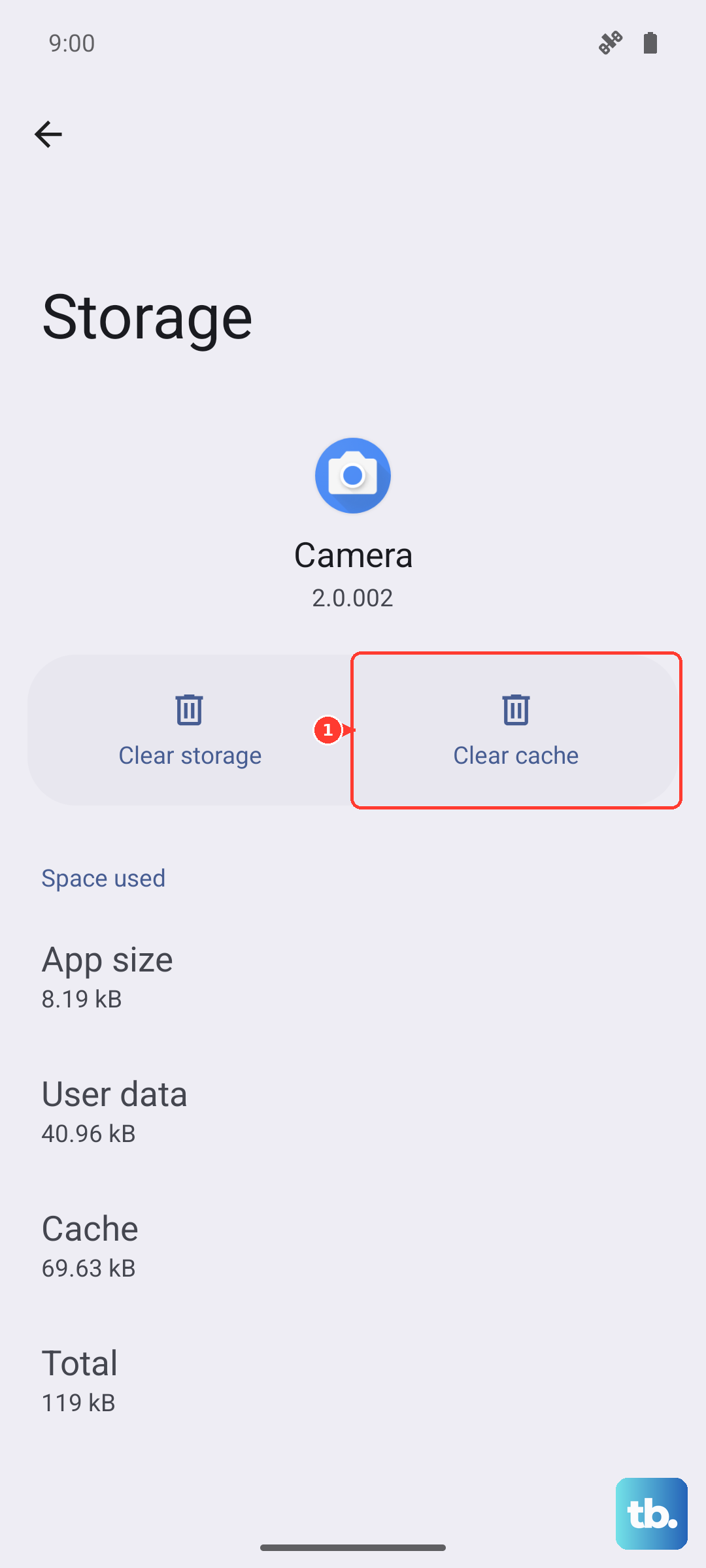
If a specific app seems to be causing heat issues after an update, try clearing its cache and data. Go to Settings > Apps, select the problematic app, then choose Storage > Clear cache. If that doesn't help, you can tap Clear data, but be aware this will reset the app as if you just installed it.
For a broader reset without losing your personal data, you can reset all app preferences. This reverts app permissions, background restrictions, and notification settings to default. Navigate to Settings > Apps > Menu (three dots) > Reset app preferences.
Address Hardware and Physical Considerations
The Z Fold 6's hinge is an engineering feat, but its moving parts can attract dust and lint over time. While this debris is designed not to affect the hinge mechanism, a significant buildup could potentially insulate heat. You can gently clean the hinge area with a soft brush or a quick burst of compressed air held a few inches away.
Always use a slim, breathable case. Thick, heavy-duty cases can act like a blanket, trapping the heat the phone needs to dissipate. Similarly, only use Samsung-approved screen protectors, as third-party films not designed for the folding mechanism could affect heat dispersion from the inner display.
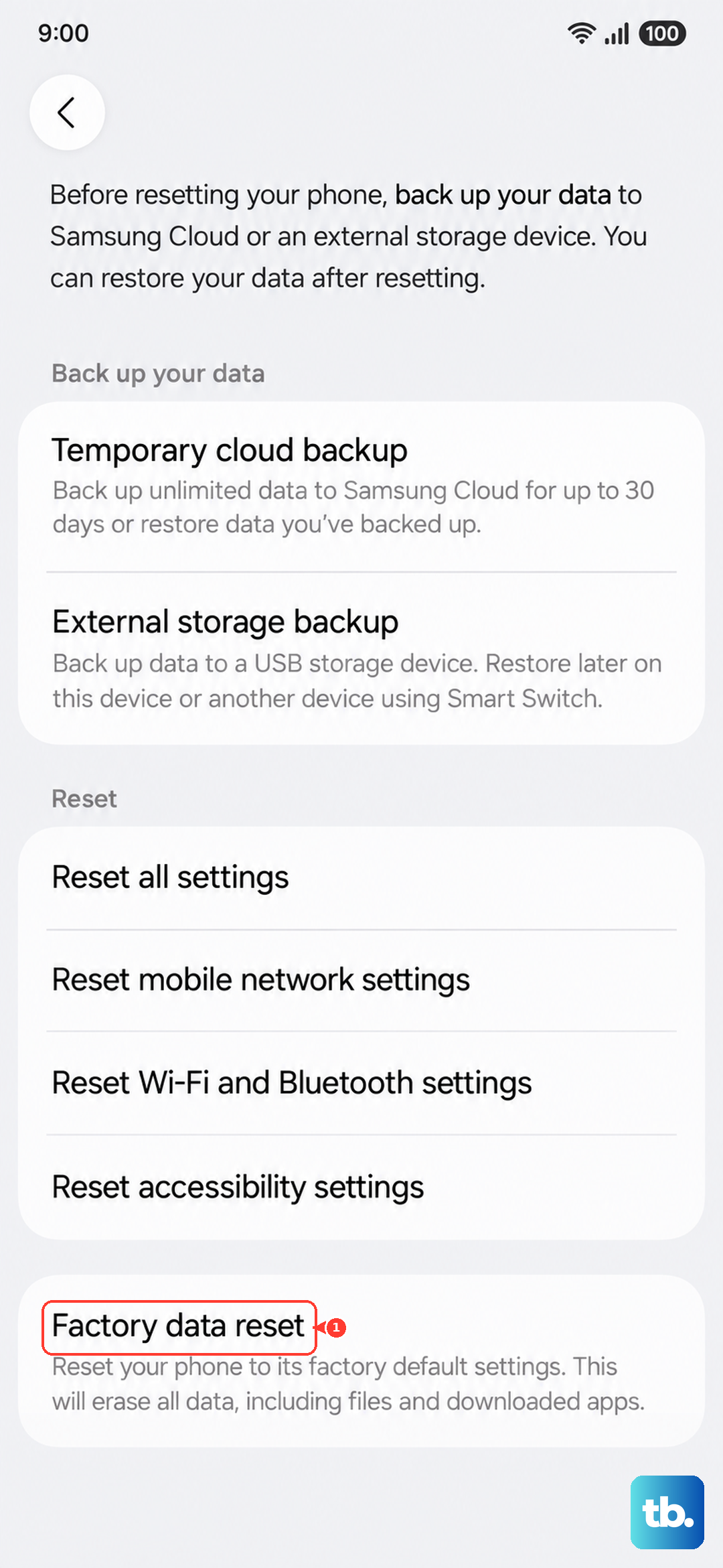
If your phone is consistently hot during normal use and none of these software steps help, it's possible a hardware component is faulty. Before considering service, one last step is to back up your data and perform a factory reset. This rules out any deep-seated software corruption. You can find this option under Settings > General management > Reset > Factory data reset.