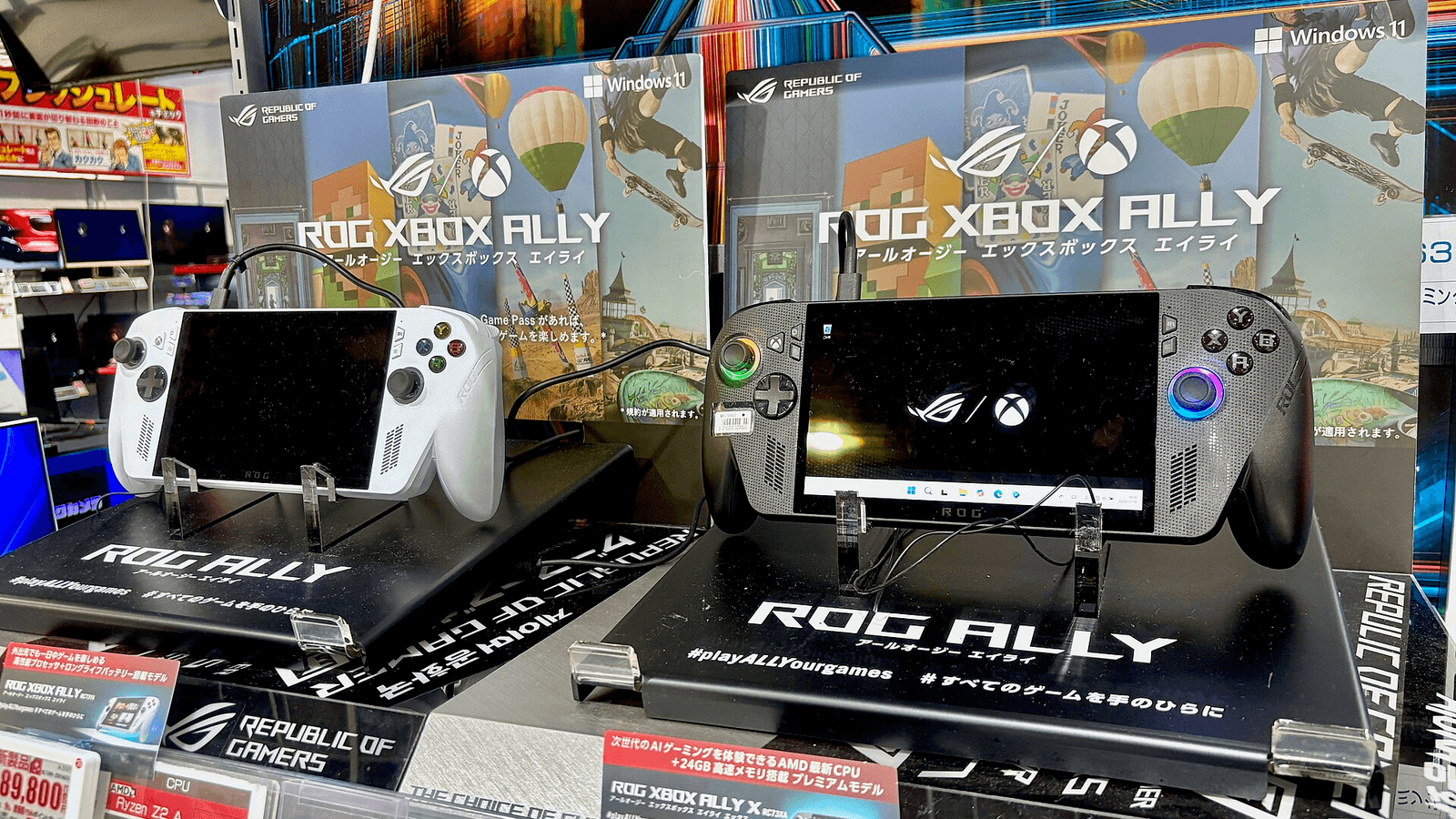
Microsoft released Automatic Super Resolution (Auto SR) beyond preview on November 10 for ROG XBOX Ally X and ROG XBOX Ally X20, letting owners use it while playing on battery. A new Performance Mode raises its ceiling to up to 120 FPS, although that feature is still rolling out through Windows updates.
The release also extends availability to select Windows Copilot+ PCs powered by AMD Ryzen. During the XBOX Insider preview, handheld owners needed a dock to use Auto SR; Microsoft says demand from players prompted support for the devices’ own screens.
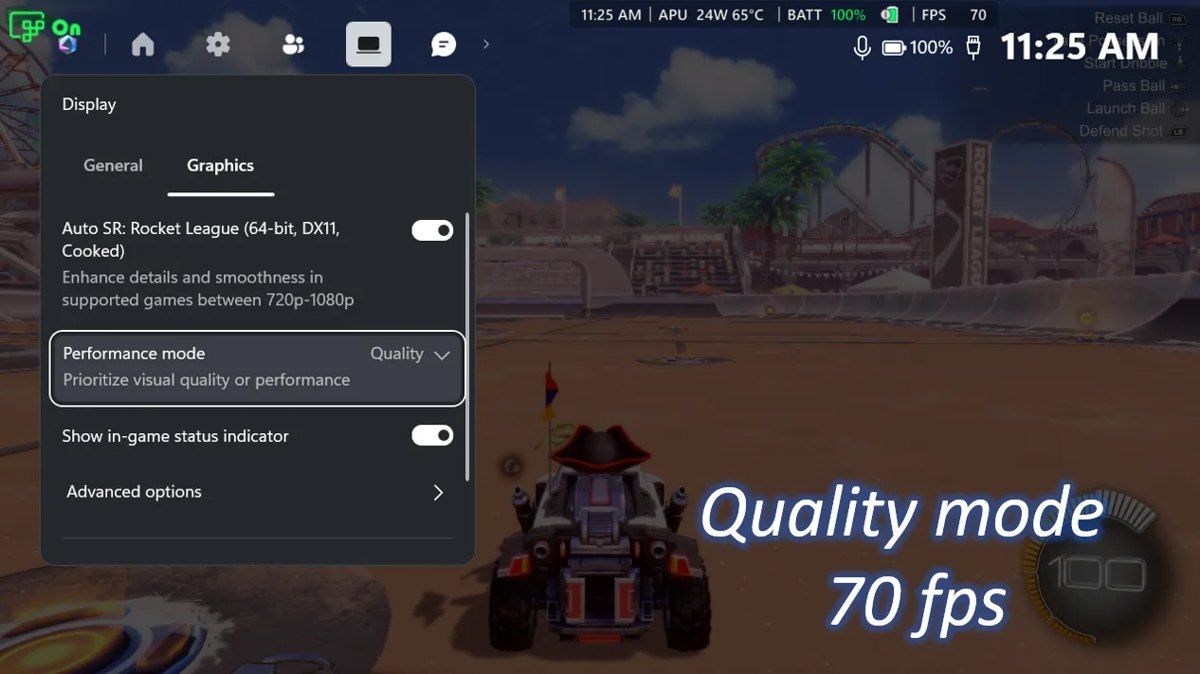 Image: Microsoft
Four Changes For Players
- Handheld play: works unplugged using the internal display.
- 1080p support: accepts games at their existing 1080p resolution.
- Performance Mode: raises the previous ceiling of around 60 to 75 FPS to as much as 120 FPS.
- Auto HDR compatibility: removes the choice between HDR enhancement and Auto SR.
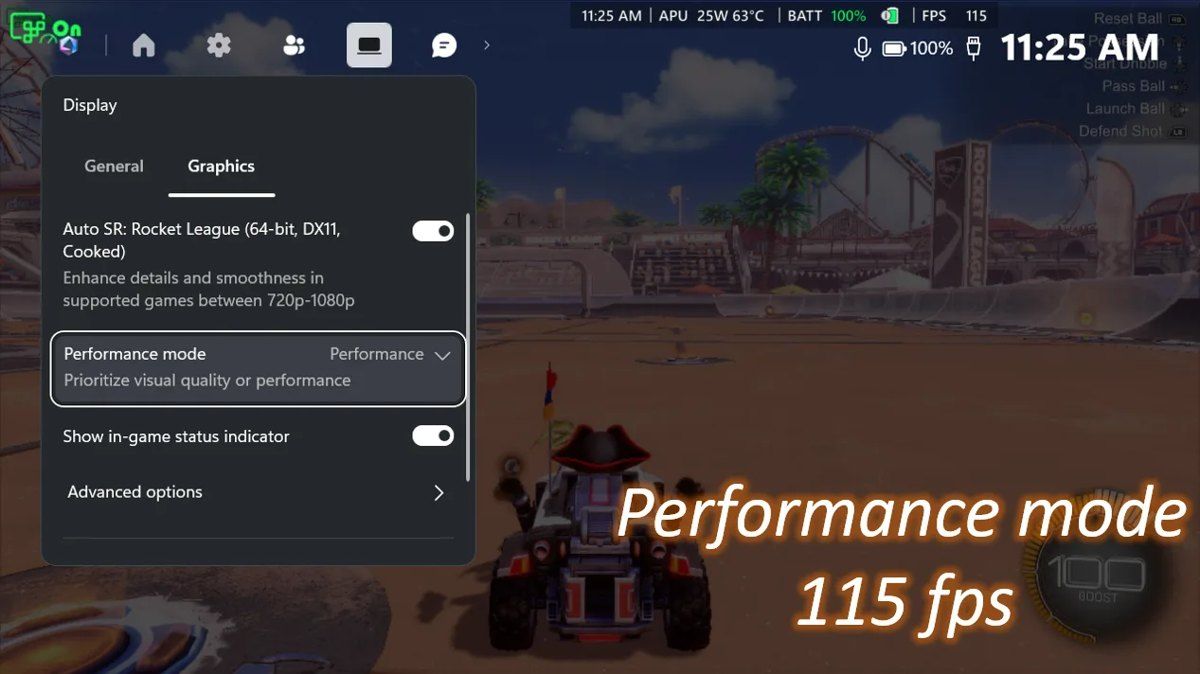 Image: Microsoft
Resolution And Frame Rate Tradeoffs
Many handheld games default to 1080p because that matches the built-in display. Previously, players had to reduce the game’s resolution before Auto SR would activate, and Microsoft identified that missed adjustment as a frequent reason it stayed off. When connected to a TV or monitor with a higher resolution, Auto SR can upscale the game to as much as 1440p.
Microsoft cautions that 1080p on the internal screen can perform less well than other configurations, while still improving image quality, particularly in older games. In its Rocket League demonstration, the ROG XBOX Ally X averaged 70 FPS with Quality Mode and 115 FPS with Performance Mode, using 720p and high graphics settings. Players can change modes through Game Bar during play and see the frame rate respond immediately.
Auto HDR gives games that lack native HDR brighter highlights and richer colors when used with an HDR display. The combined features support HDR TVs, monitors and the ROG XBOX Ally X20. Auto SR uses both the GPU and NPU for AI upscaling, without developers needing to build support directly into each game.
The base ROG XBOX Ally lacks the NPU required for the feature. Compatibility also has limits: Auto SR works with supported DirectX 10 or newer games, while DirectX 9, Vulkan, OpenGL and native HDR content remain unsupported.
Setup requires current Windows 11 updates, an updated Game Bar and the Auto Super Resolution Package from the Microsoft Store. Controls sit in Game Bar under Widgets > Display > Graphics. Microsoft asks players encountering problems to submit them through Feedback Hub’s Game Performance category with Auto SR in the title.
Handheld operation, 1080p input and the expanded AMD Ryzen support were available from November 10. Auto HDR compatibility follows through Windows updates alongside the higher frame rate option, so those additions can take longer to reach individual devices.