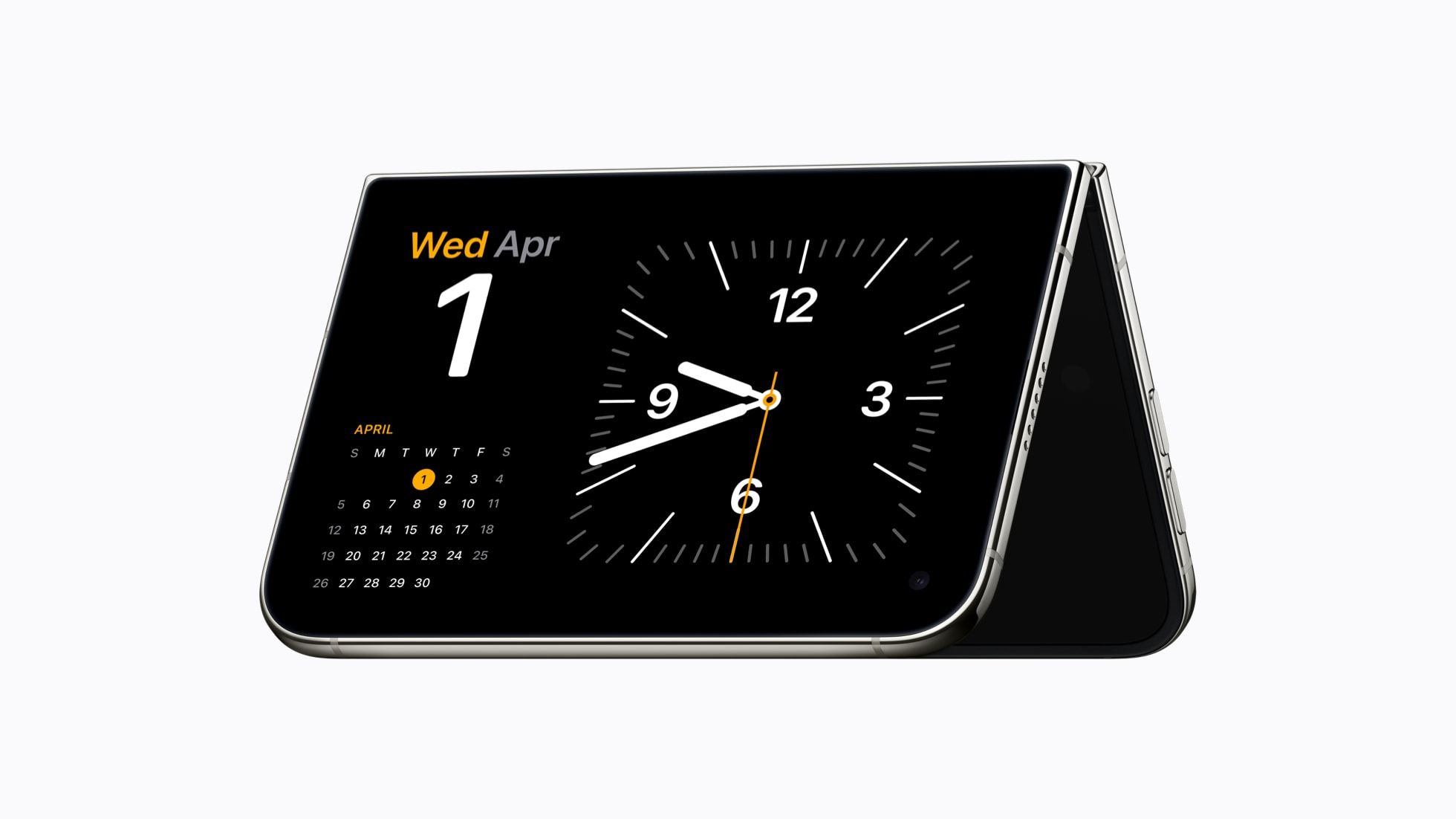
The iPhone Duo can now put a remote computer on its upper screen and typing controls below, thanks to Laptop Mode in Screens 5.10.6, a feature covered by Engadget on November 26. The iPhone update arrived November 25, giving owners a MacBook-style arrangement when they use the phone partly folded.
The software comes from Edovia, whose Screens app lets users operate a computer remotely from another device. The download is free, and the subscription runs $4.99 a month. Macworld said the app does little for anyone who does not pay.
A Keyboard Below Your Remote Desktop
Laptop Mode uses the Duo’s halfway-folded position to divide the display between the computer being controlled and the controls used to interact with it. The lower portion holds an on-screen keyboard and a trackpad.
The keyboard offers support for several languages, and a downward swipe on a key reveals alternate characters, using an interaction also found on the iPad. The trackpad works with the gestures Screens already supports.
Connecting a semi-folded Duo to a MacBook sends that computer’s shared output to the phone in an arrangement that looks like a laptop. Screens 5: VNC Remote Desktop also supports accessing a work MacBook through an iPad, another Mac or Vision Pro, extending its remote-access role beyond this particular phone configuration.
The Subscription Is Part of the Decision
A trial subscription is an option for people who want to test the new layout before deciding whether to keep paying for Screens. Anyone choosing that route needs to cancel before billing starts if they do not want to be charged after trying the feature.
Edovia said the matching Mac update was still waiting for App Store approval.