
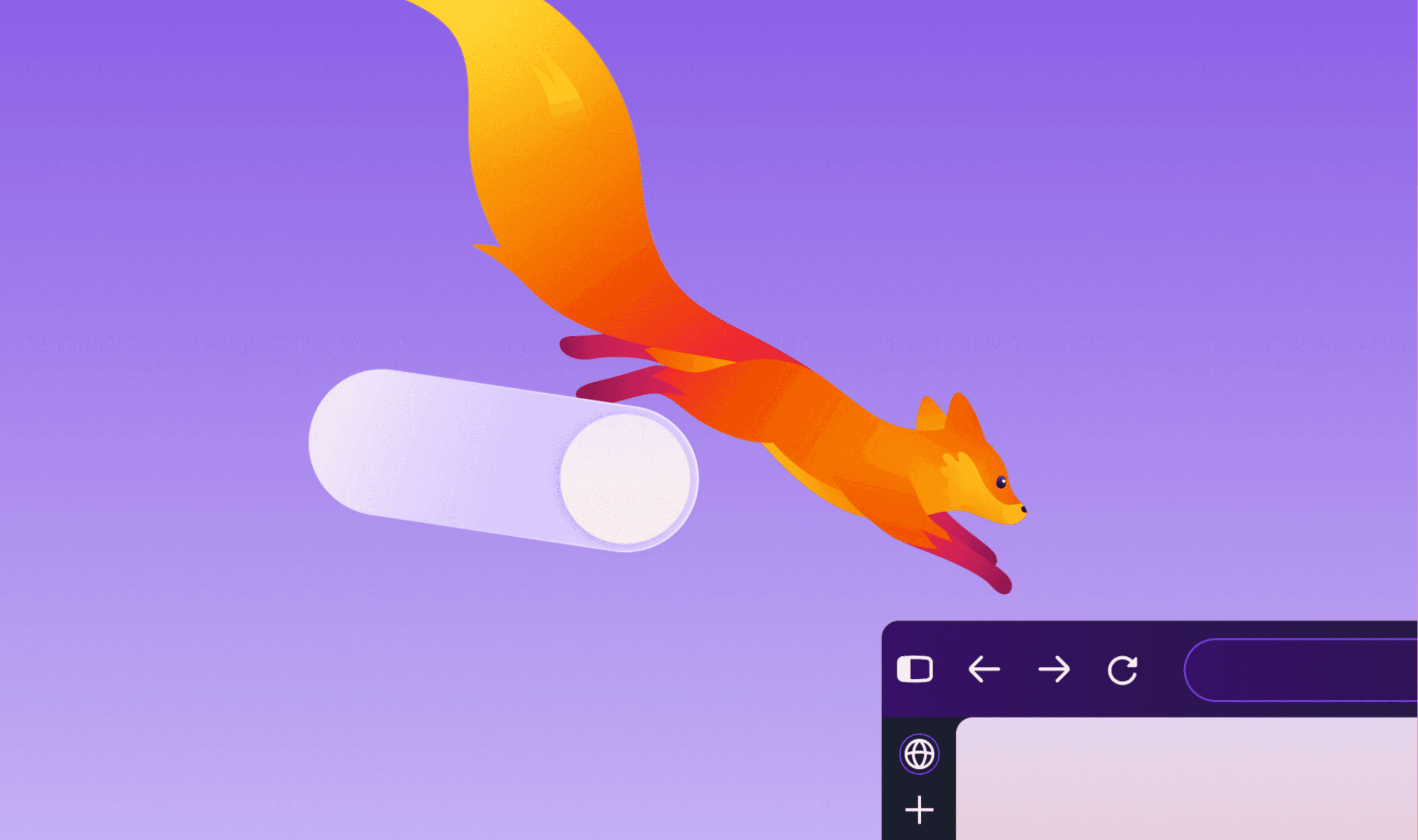
Firefox users on desktop and mobile are getting a new look today, as Mozilla rolls out a refreshed design with version FX 157. The update touches the colors, icons and themes throughout the browser, from tabs and toolbars to the New Tab page and Private Browsing, and Mozilla says it comes with no cost to browser performance. The design was tested for months in Nightly before reaching everyone.
The most concrete change for existing users is the return of Compact Mode, which shrinks tabs and the toolbar so more of the screen goes to web content. Mozilla says it brought the feature back after hearing from testers who wanted to fit more into their browser window, and an auto-compact option handles smaller screens.
Read more: Mozilla Uses Anthropic's Mythos to Uncover 271 Vulnerabilities in Firefox 150
Customization gets the rest of the attention. Firefox now includes a theme picker for switching between looks, along with additional themes and wallpapers, and the New Tab page can now be set up by the user, including pinning a shortcut so a frequently used site stays in place. Mozilla frames the visual work as a shared design language across desktop and mobile that gives the browser a consistent base for future features.
What the announcement does not include is any pricing or any statement about system requirements for the redesign. Mozilla also does not say how long the rollout to all users will take, only that it begins today.
The release lands days after Mozilla detailed three window options for desktop, Classic, Private and Smart, aimed at matching different browsing tasks, and days after it published guidance on using its mobile browsers for focused work. In June it introduced a redesigned settings experience meant to make options easier to find and manage.
AI remains part of the picture. Mozilla says users keep control over which AI features appear in the browser, which model they choose and what context it can access. That follows the September partnership with Mistral, which put Mistral models behind the Smart Window beta and framed the tie-up as an open-source alternative to Big Tech browser ecosystems. The beta launched in France and North America, with the UK and Germany expected later that year, and no pricing or model versions were disclosed at the time.
Mozilla describes the redesign as a renewal rather than a reinvention, pointing to the browser's independence, open-source code and built-in privacy protections as unchanged. The company says the same principles guided decisions as small as toolbar height and as broad as what belongs on the New Tab page.