Farming Simulator 25 mods on PC are simple until the ZIP lands in the wrong folder. The game has an official ModHub, manual ZIP installs, and a separate Microsoft Store location for Xbox app and PC Game Pass builds. Start with the method that matches where you got the mod, then activate it on your save.
1. Start with the in-game ModHub
This is the cleanest route because Farming Simulator 25 includes the official ModHub directly in the game, and GIANTS says ModHub mods are hands-on tested.
- 1.Launch Farming Simulator 25.
- 2.Open Downloadable Content from the main menu.
- 3.Browse the ModHub categories.
- 4.Select the mod you want.
- 5.Choose Install.
The game downloads and installs the mod automatically. No folder hunting, no file moving.
2. Grab official ZIP files from ModHub
Open the official Farming Simulator ModHub website. Pick a category such as MODHUB, LATEST, TOP DOWNLOADED, PREFAB, or CROSSPLAY. Open the mod's MORE INFO page.
Confirm it lists Platform PC/MAC, then choose DOWNLOAD. Leave the downloaded .zip file intact.
Use the ModHub website when you want to download the file yourself. Stick to the official mod page as your source, not a direct CDN file URL. The ModHub page also shows the file name, version, and release date, which matters when you need to match a server or troubleshoot a broken install.
3. Put the ZIP in the right Windows folder
For Steam, Epic, and GIANTS eShop installs, copy the mod ZIP to C:\Users\[Windows user]\Documents\My Games\FarmingSimulator2025\mods. If OneDrive redirects your Documents folder, use C:\Users\[Windows user]\OneDrive\Documents\My Games\FarmingSimulator2025\mods instead.
Keep the file zipped. After copying it, launch Farming Simulator 25 and enable the mod for your save before playing.
Do not put mods in the Steam, Epic, or GIANTS game installation folder. The correct FarmingSimulator2025 user folder is the one that also contains files and folders such as log.txt, game.xml, gameSettings.xml, inputDevices, and shader_cache.
4. Find the Game Pass mods location
Open File Explorer, then go to C:\Users\[Windows user]. Open AppData\Local\Packages. Find the folder that starts with GIANTSSoftware.FarmingSimulator25PC.
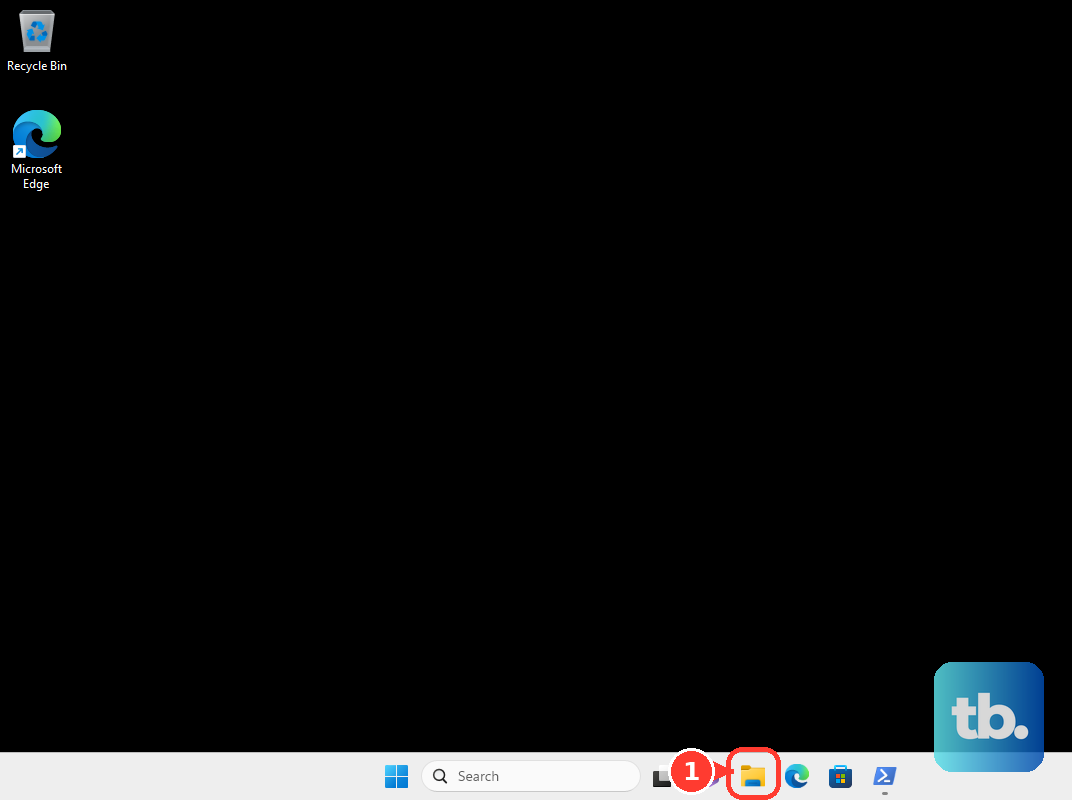
Open LocalCache\Local\mods, then copy your mod .zip files into that mods folder. Launch Farming Simulator 25.
Microsoft Store, Xbox app, and PC Game Pass builds use this different Windows app-data folder. The package folder suffix can vary, so use the folder name that starts with GIANTSSoftware.FarmingSimulator25PC.
5. Activate mods for your save
Installed mods still need to be enabled for the save you want to play. Skip this step and the mod can sit installed without changing anything in-game.
Launch Farming Simulator 25, then open Career or Multiplayer. Select or create your save. On the mods and DLC selection screen, tick the installed mods you want active.
Choose Start. Check the mod description before adding it to an existing farm. Some mods require a new save or have map-specific requirements.
6. Match multiplayer mods before joining
Open Multiplayer, then choose Join game. Select the server or session. Open the game details and review the listed required mods.
Install the matching mods before joining. Multiplayer is stricter than single-player. Players need the matching game version, required DLC, and the same mods used by the server.
For rented or dedicated servers, manage server-side mods through the host's web control panel. A typical FS25 panel has a Mods tab where admins can download ModHub mods or upload a mod .zip.
Players still need the same mod versions installed locally. Keep multiplayer mods as the original ZIP files. Unzipping or repacking can change the checksum and cause mismatch problems.
7. Add third-party mods carefully
Third-party PC mods follow the same folder rule, but they are not curated or compatibility-guaranteed by GIANTS.
Download a mod made for Farming Simulator 25. Use a .zip file intended for FS25, then leave the mod zipped.
Copy the ZIP to the active mods folder for your build: Documents\My Games\FarmingSimulator2025\mods for Steam, Epic, and GIANTS eShop, or AppData\Local\Packages\GIANTSSoftware.FarmingSimulator25PC...\LocalCache\Local\mods for Microsoft Store, Xbox app, and PC Game Pass. Launch FS25, then enable the mod for the save.
Avoid .rar downloads unless the download page explicitly says to extract a contained FS25 ZIP.
8. Remove broken mods cleanly
If a mod breaks a save, crashes the game, or refuses to load, remove it from the place where it was installed.
To disable a mod for one save, select the save and untick the mod on the mods and DLC selection screen. To remove a manual PC mod, quit Farming Simulator 25, open the active mods folder, and delete the mod ZIP.
To force a clean mods folder, rename the whole folder to mods.bak, then launch the game again. To uninstall a ModHub download, open Downloadable Content, open the installed mod's page or installed mods view, and choose Uninstall.
Back up saves before removing mods that added crops, productions, maps, or placeables. Removing scripted or gameplay mods from an existing save can break save data.
9. Send stubborn mod problems to support
Open Farming Simulator Support. Browse by Mods, or choose Get Support. Select your PC platform, such as PC Steam Store, PC Epic, PC GIANTS eShop, or Microsoft Game Pass.
Choose Farming Simulator 25, then select Farming Simulator 25 - Base game. Choose Mods as the issue. Attach log.txt when it helps explain the failure.
When a mod still will not install or load, use Farming Simulator Support. If you created your own unpublished mod, package it as an FS25 mod ZIP, place that ZIP in the mods folder, and enable it for a save like any other PC mod.
Frequently Asked Questions
Do Farming Simulator 25 mods need to be unzipped on PC?
No. Keep FS25 mods as ZIP files and place the ZIP in the active mods folder. For multiplayer, use the original ZIP to avoid checksum mismatches.
Why is my Farming Simulator 25 mod not showing up?
The ZIP is usually in the wrong folder, OneDrive has redirected Documents, or the mod is installed but not ticked on the save's mods and DLC selection screen.
Where do PC Game Pass Farming Simulator 25 mods go?
Use the Microsoft Store app-data location under AppData\Local\Packages\GIANTSSoftware.FarmingSimulator25PC...\LocalCache\Local\mods. The exact package suffix can vary.
Can I put FS25 mods in the Steam install folder?
No. Steam, Epic, and GIANTS eShop mods go in the user-data mods folder under Documents\My Games\FarmingSimulator2025\mods, not beside the game executable.