A good monitor arm clears desk space and positions your screen at the right height, which matters more than you might think. The Ergotron LX Pro balances smooth movement with a 10-year warranty. This list is for anyone tired of neck strain or a cluttered desk.
Technobezz is supported by its audience. We may get a commission from retail offers.
7 Best Monitor Arms for 2026
Ergotron LX Pro leads our picks for the best monitor arms of 2026. Clear desk space, reduce neck strain, and find the right model for any budget.
T
Technobezz
Senior Editor
Updated September 5, 2026Sep 5, 2026
•7 min read


Get Deals Like These in Your Inbox
The best prices, reviewed weekly.
At a Glance
| Category | Product | Why We Picked It |
|---|---|---|
| Best overall | Ergotron LX Pro | Smooth movement with 10-year warranty |
| Best under $50 | Huanuo FlowLift Pro | Mechanical spring with visible tension adjustment |
| Best for ultrawide | VIVO Heavy Duty | Handles large screens securely |
| Best upscale | Ergotron MXV | Slim V-shaped design with a 10-year warranty |
| Also recommended | Amazon Basics Single Monitor Arm | Reliable mid-range pick with clean cable management |
| Also recommended | Monoprice Workstream | Solid performance for a competitive price |
| Also recommended | Wali Single Premium | A step up from basic arms with better build |
How we chose and tested
Our selection process prioritized real-world performance across several key criteria. We focused on ease of installation, smooth adjustability, and long-term build quality to find reliable options for any desk. Our goal was to identify arms that excel in daily use, from frequent adjustments to a single, stable setup.
The best monitor arms right now
Ergotron LX Pro - Best overall
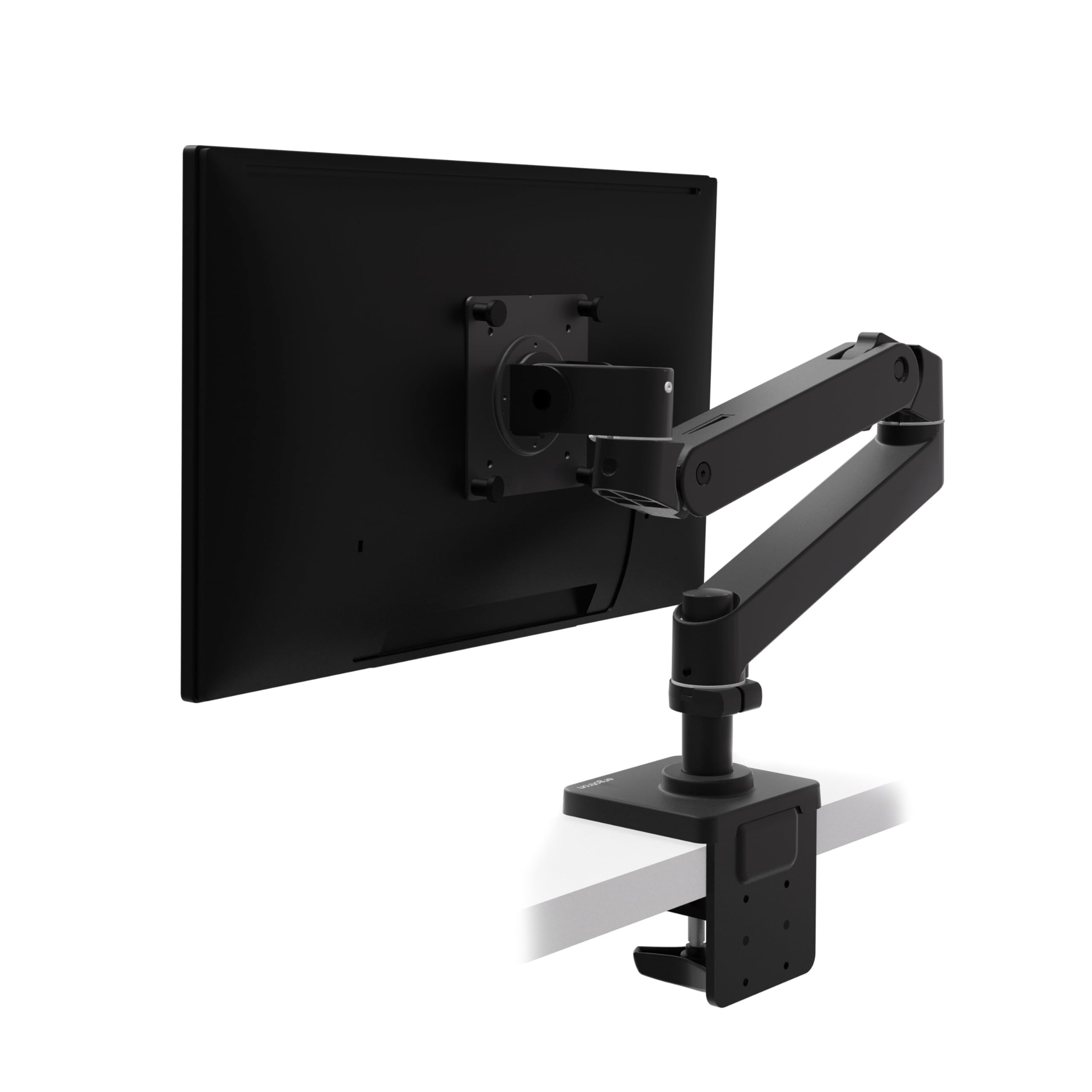
The Ergotron LX Pro sets the standard for smooth, precise monitor positioning that stays put exactly where you leave it. Its constant force spring technology feels premium and works reliably year after year.
Key highlights
- Patented constant force spring for smooth movement without drift
- 10-year warranty covering normal use
- Integrated cable management channels
- Supports monitors up to 34 inches and 22 pounds
- Matte-black finish
Pros
- Exceptionally smooth adjustment in all directions
- Stays in position without sagging over time
- Professional-grade build quality throughout
- Easy to install with included tools
Cons
- Premium price point may stretch some budgets
- Heavier than some alternatives
- Limited to standard desk thickness without optional parts
Who it is for: Anyone spending 8+ hours daily at their desk who values reliability and smooth operation. It's worth the investment if you plan to keep your setup for years.
Skip if
Your monitor weighs under 15 pounds and you rarely adjust its position after initial setup.
Huanuo FlowLift Pro - Best under $50
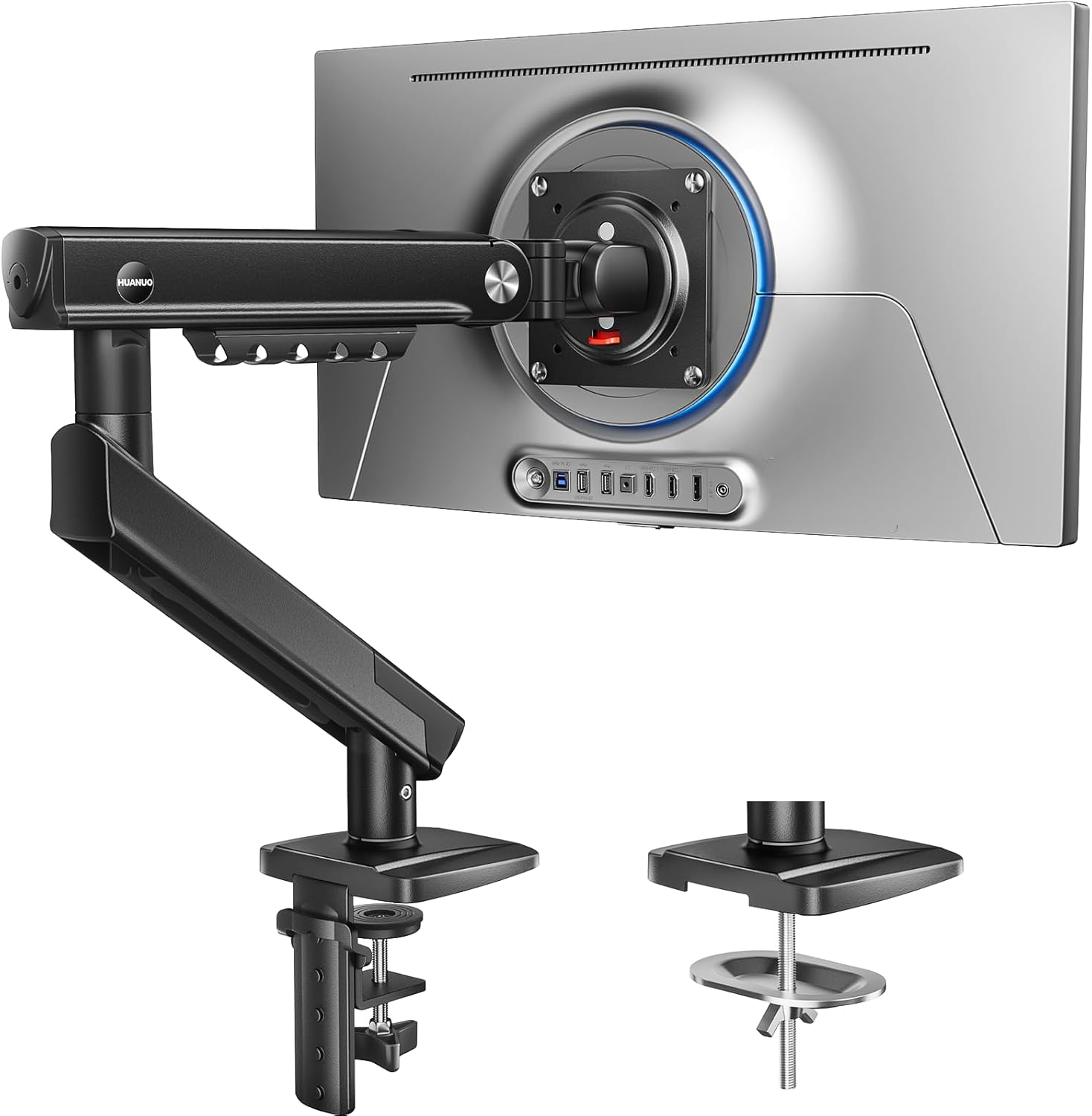
The Huanuo FlowLift Pro uses a mechanical spring and a visible tension indicator to simplify monitor positioning, with a tool-free VESA attachment for setup.
Key highlights
- Fits 13-32 inch screens with VESA 75x75mm or 100x100mm
- Supports 4.4-19.8 lbs for flat screens or 4.4-15.4 lbs for curved screens
- Mechanical spring with a visible tension indicator
- Tool-free VESA attachment and clamp or grommet mounting
Pros
- Tension indicator helps with initial adjustment
- Quick-release VESA plate simplifies monitor attachment
- Tilt, swivel and rotation adjustments
Cons
- Curved screens have a lower 15.4 lb weight limit
- Requires a monitor weighing at least 4.4 lbs
- Maker recommends wood desks 0.59-3.54 inches thick
Who it is for: Users with a compatible 13-32 inch monitor who want visible tension adjustment and straightforward monitor attachment.
Skip if
Your monitor falls outside the listed size or weight limits, or your desk does not meet the mounting requirements.
VIVO Heavy Duty - Best for ultrawide monitors
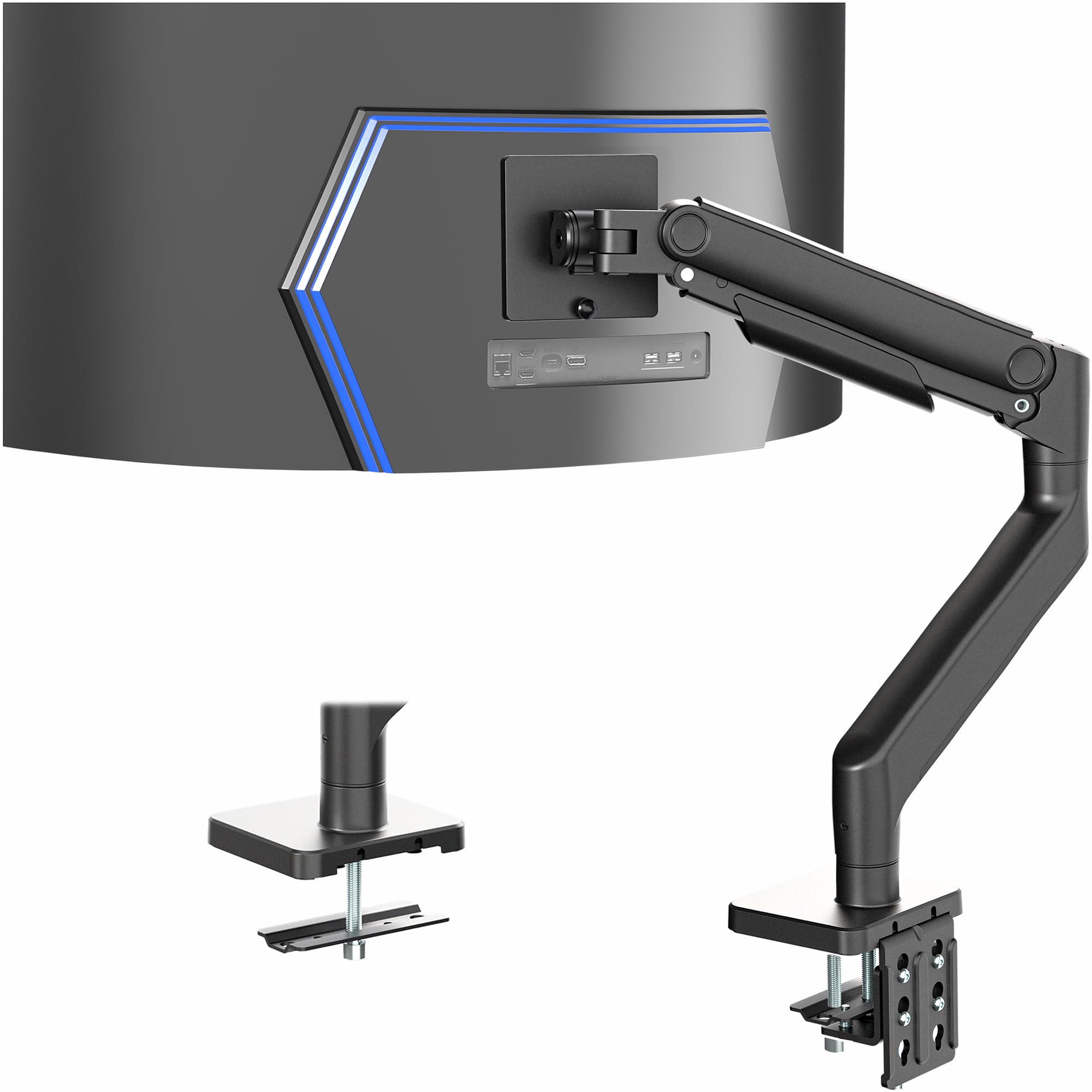
The VIVO Heavy Duty supports ultrawide screens up to 49 inches and 44 pounds with VESA 75x75mm or 100x100mm mounting patterns.
Key highlights
- Supports ultrawide screens up to 49 inches
- Handles heavier monitors up to 44 pounds
- Detachable VESA plate for installation
- Full articulation including tilt and rotation
- Often priced around $100
Pros
- Secure support for large, expensive displays
- Solid construction inspires confidence
- Good range of motion even with heavy monitors
- US-based customer support available
Cons
- Bulkier design than standard arms
- More complex installation
- Overkill for standard-sized monitors
Who it is for: Users with an ultrawide monitor up to 49 inches that weighs no more than 44 lbs and uses a VESA 75x75mm or 100x100mm mounting pattern.
Skip if
You have a standard 27-inch monitor that weighs under 20 pounds.
Ergotron MXV - Best upscale
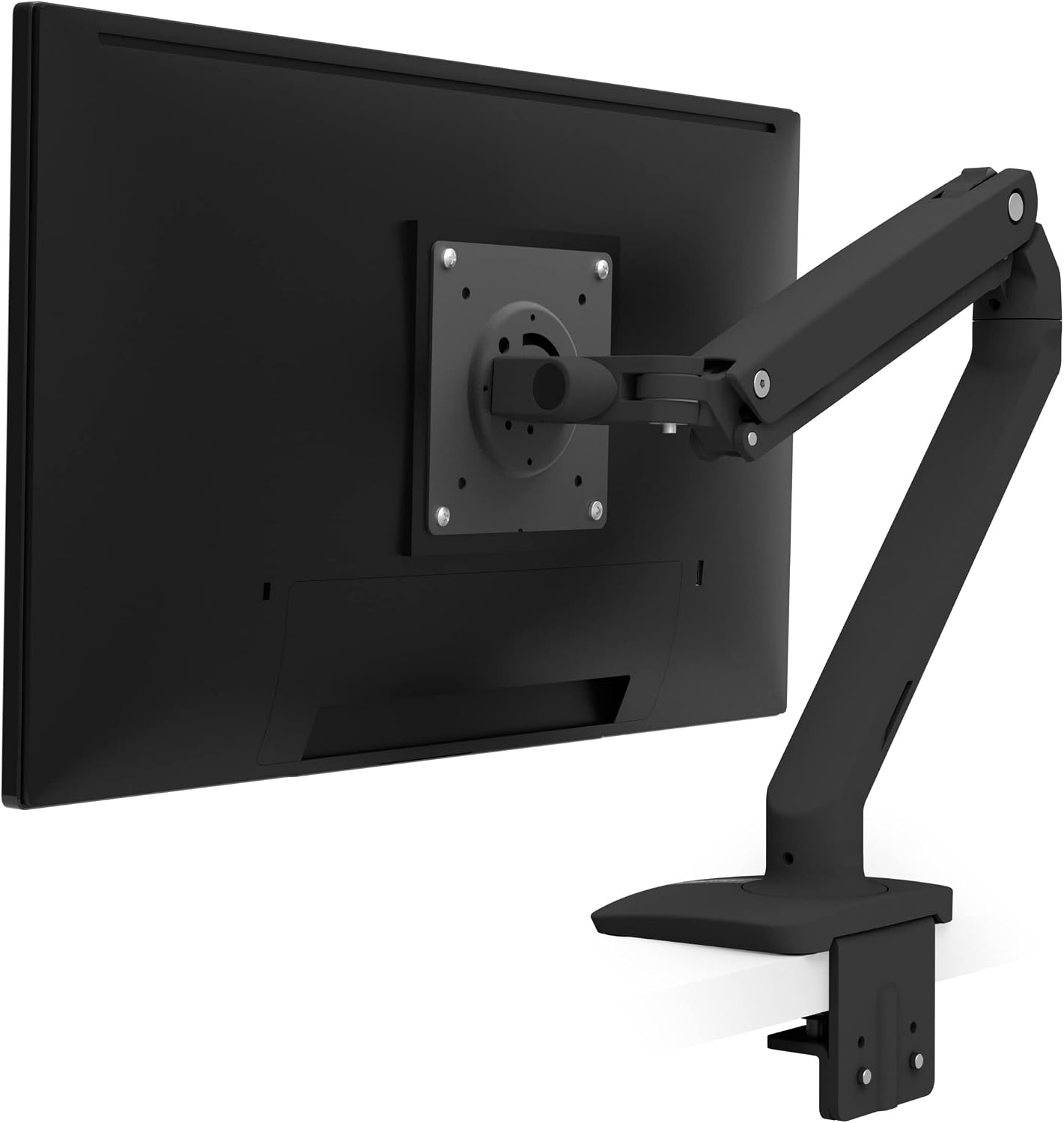
The Ergotron MXV pairs a slim V-shaped design with 13 inches of height adjustment and a 10-year warranty for a clean, adjustable desk setup.
Key highlights
- Slim V-shaped arm in matte black
- Fits screens up to 34 inches weighing 7-20 lbs
- 13 inches of lift and integrated cable management
- VESA 75x75mm and 100x100mm compatibility
- 10-year warranty
Pros
- Slim profile suits a minimalist workspace
- Arrives assembled with a two-piece desk clamp
- Built-in cable routing keeps cords organized
Cons
- Included clamp fits desks only 0.47-1.25 inches thick
- Grommet mounting requires a separate accessory
- Supports one monitor within a 7-20 lb weight range
Who it is for: Users who want a slim monitor arm with cable routing and a long warranty, and whose monitor and desk fit its limits.
Skip if
You need dual monitor support, your monitor weighs outside 7-20 lbs, or your desktop is too thick for the included clamp.
Also Good
- Amazon Basics Single Monitor Arm - reliable mid-range pick with clean cable management.
- Monoprice Workstream - solid performance for a competitive price.
- Wali Single Premium - a step up from basic arms with better build.
How to Choose
Consider these factors when selecting a monitor arm:
Monitor weight and size: Always check your monitor's weight and compare it to the arm's rated capacity. For safety and longevity, choose an arm rated for at least 20% more than your monitor weighs. Screen size matters too, especially for ultrawide displays.
Desk thickness and mounting: Measure your desk thickness before buying. Most arms work with desks up to 2.25 inches thick, but some premium options offer grommet mounts for thicker surfaces. Consider whether you want a clamp mount (easier) or grommet mount (more permanent).
Adjustment frequency: If you frequently change your monitor position, invest in smoother mechanisms like constant force springs. If you set it once and leave it, a basic gas spring arm works fine.
Warranty length: Longer warranties (5-10 years) typically indicate better build quality and manufacturer confidence. Budget arms often have 1-year warranties, while premium options offer 10-year coverage.
Cable management: Integrated channels keep cables organized and out of sight. Some arms include clips or routing options, while others require separate solutions.
FAQ
Do monitor arms damage desks?
Properly installed monitor arms with adequate padding don't damage desks. Most include rubber or foam padding to distribute pressure and prevent marks. Always follow installation instructions and don't overtighten clamps.
Can I use a monitor arm with a standing desk?
Yes, monitor arms work well with standing desks. Look for arms with sufficient height range to accommodate both sitting and standing positions. The constant movement of a standing desk may require more frequent tension adjustments.
What tools do I need for installation?
Most monitor arms include all necessary tools, typically a hex wrench or Allen key. You'll need a Phillips-head screwdriver for attaching the VESA plate to your monitor. Installation usually takes 15-30 minutes.
How do I know if my monitor is VESA compatible?
Check the back of your monitor for a square pattern of four screw holes, either 75x75mm or 100x100mm apart. Most monitors made in the last decade support at least one of these standards.
Can I mount two monitors on a single arm?
Dual monitor arms are available specifically for this purpose. They typically cost more than two single arms but provide coordinated movement. For independent adjustment, two separate single arms often work better.
Published February 27, 2026 Last updated September 5, 2026
Share this article
More in News
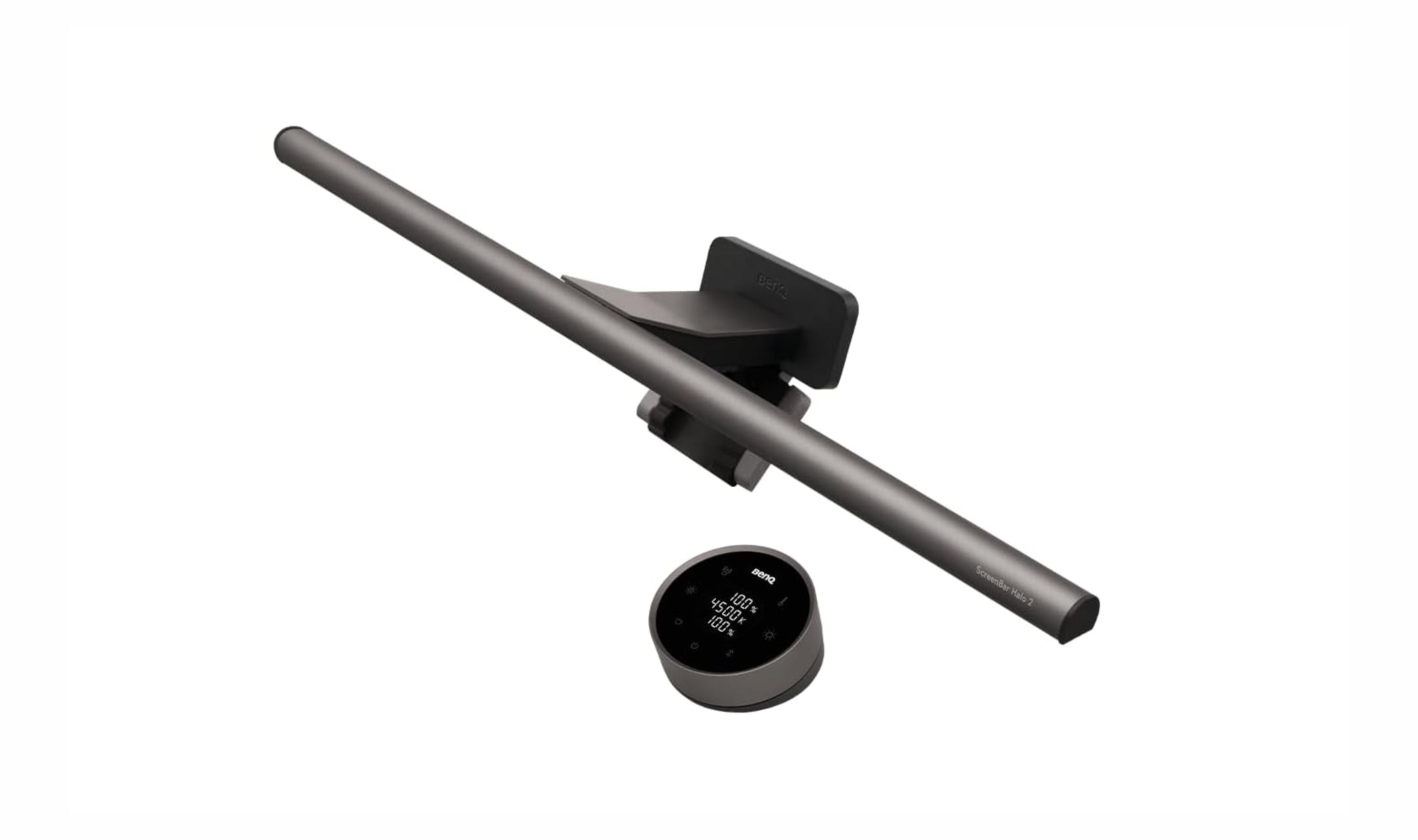
6 Best Monitor Light Bars for 2026
Our top monitor light bars for 2026, from the motion-sensing BenQ ScreenBar Halo 2 ($199) to a budget Quntis pick and gaming RGB bars that cut eye strain.
4 min read
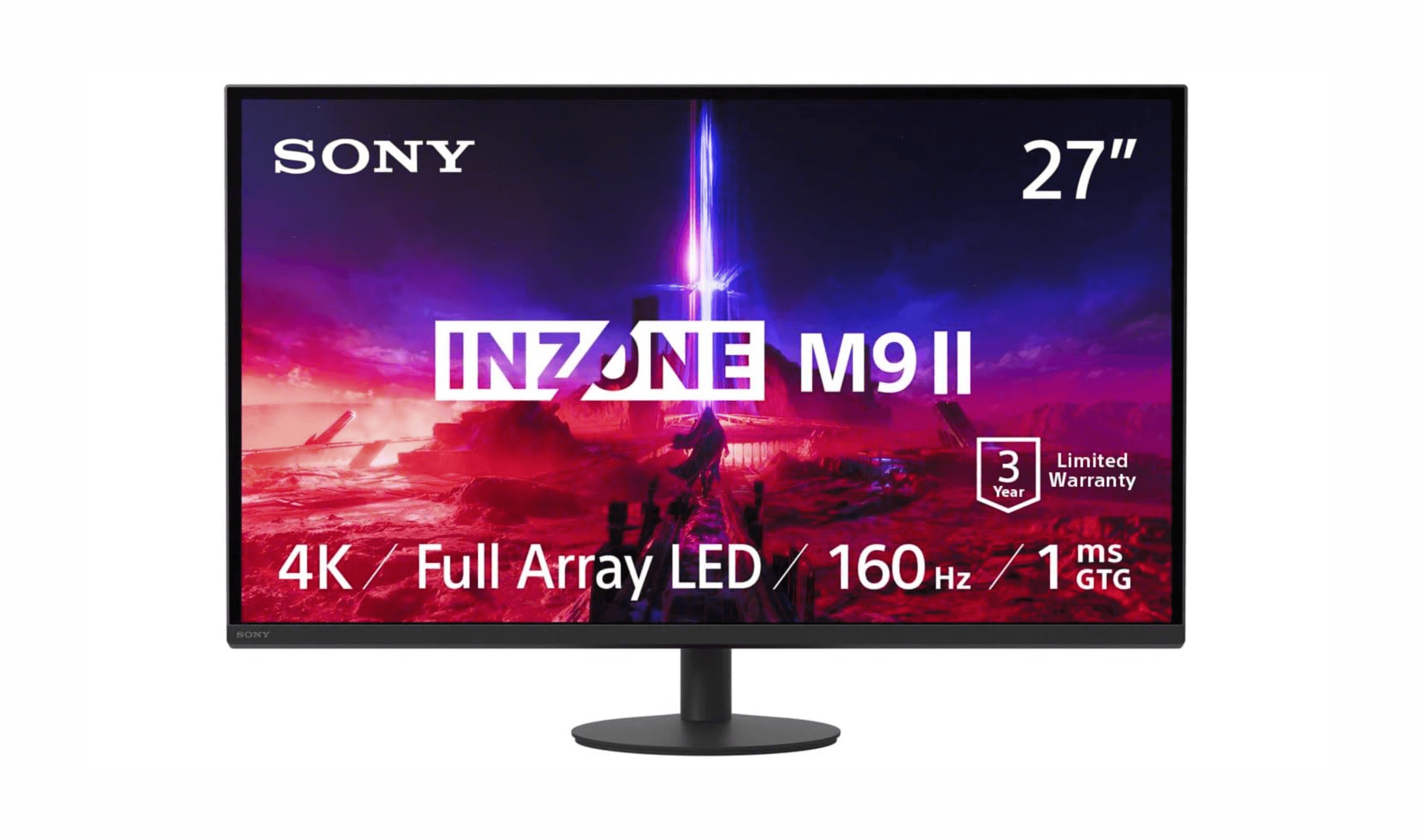
The 7 Best Monitors for PS5 in 2026
Sony InZone M9 II leads our picks for the best PS5 monitors. Get perfect integration, auto HDR, and top value or OLED options for 2026.
3 min read
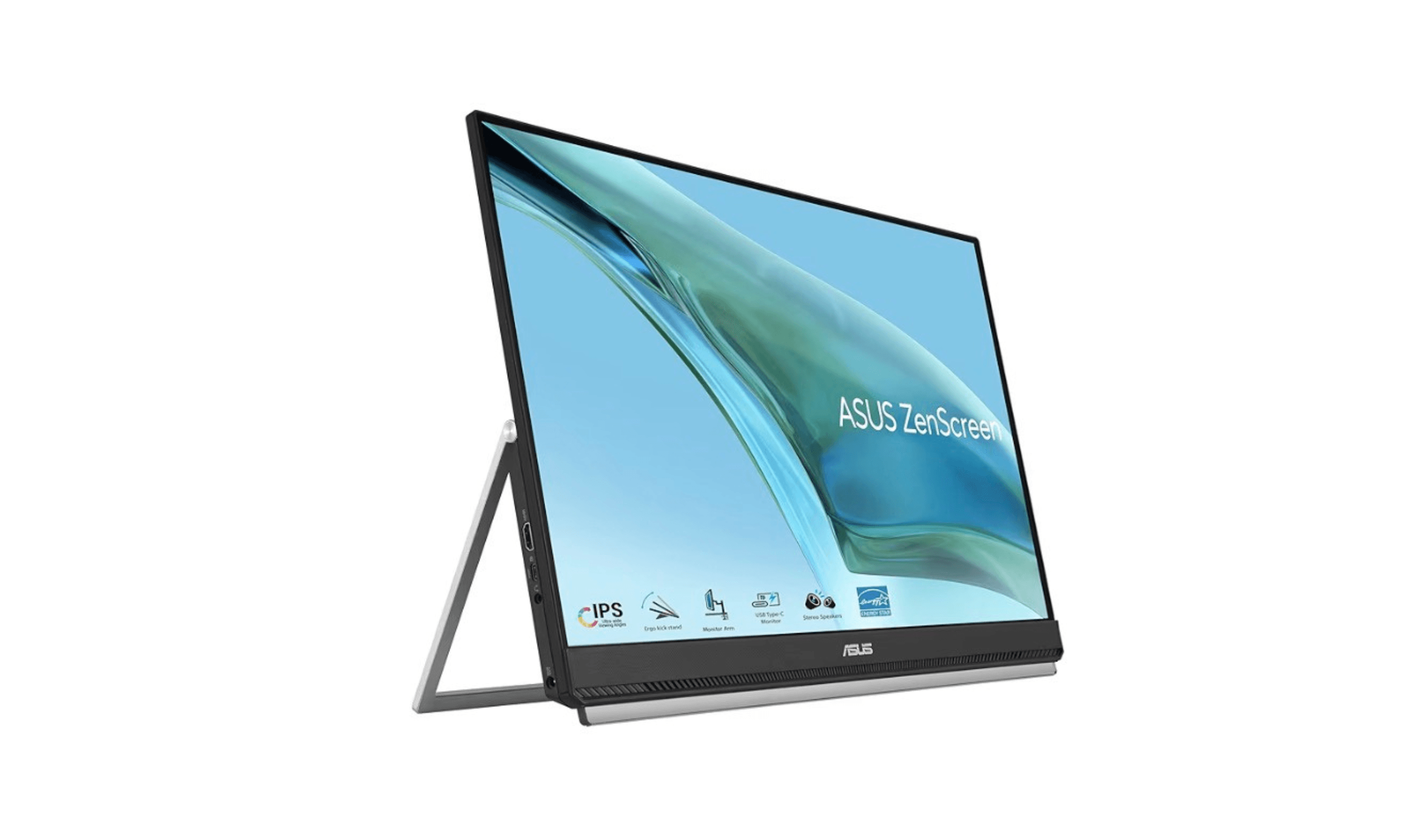
Best Portable Monitors for 2026
Discover the best portable monitors for 2026. Our top pick is the HP Series 5 Pro 514pn for premium build and image quality. Find the perfect travel or home office screen.
4 min read
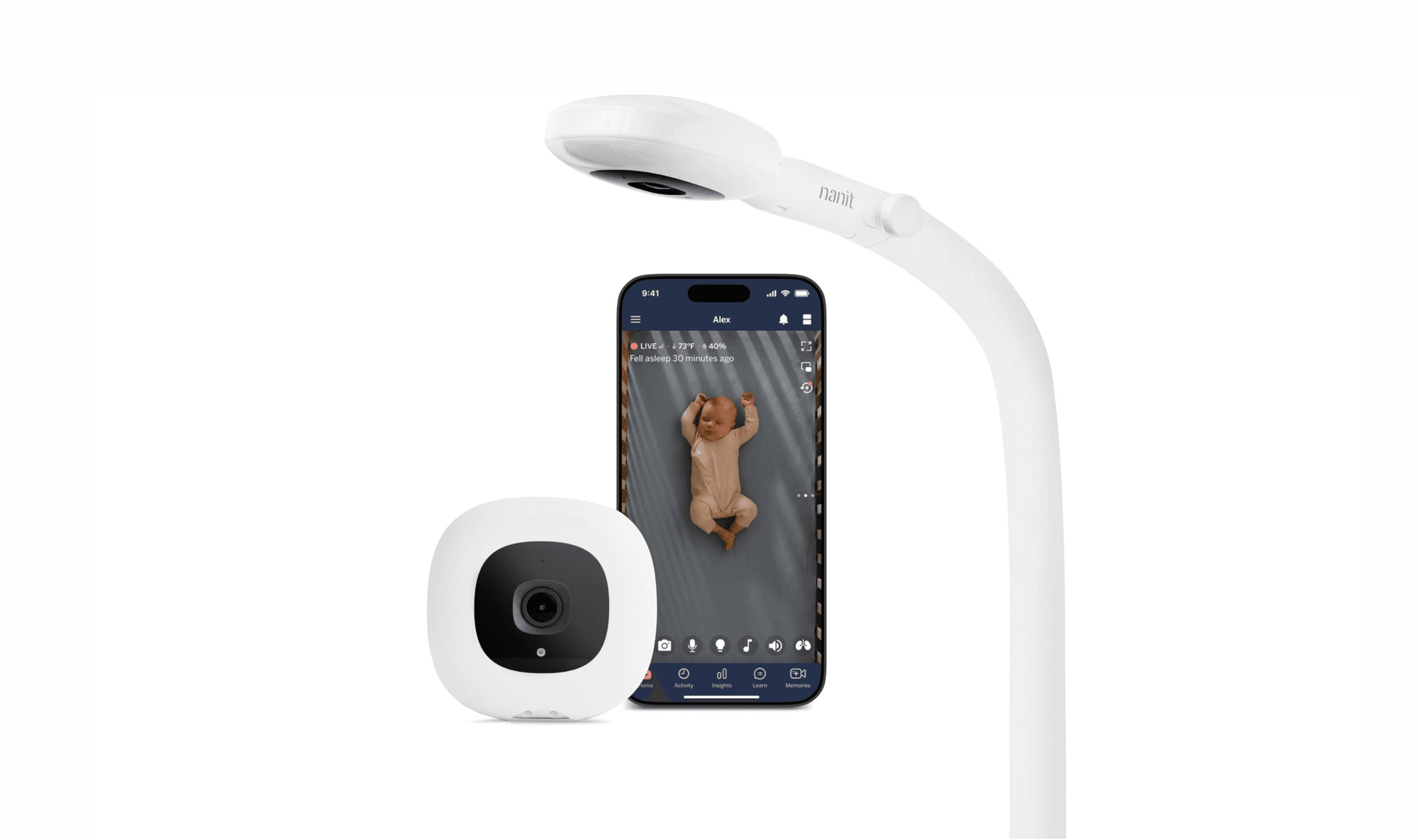
7 Best Smart Baby Monitors in 2026
The 7 best smart baby monitors of 2026, from the Nanit Pro for sleep and breathing tracking to budget VTech and FDA-cleared Owlet picks, $112 to $380.
3 min read
Best Monitors Under $300 for 2026
4 min read
8 Best Blood Pressure Monitors for Home Use in 2026
3 min read
3 Best Computers for AutoCAD in 2026
3 min read

7 Best Tablets for Seniors in 2026
4 min read
Best Laptops Under $500 for 2026
3 min read
5 Best Solar Power Stations for 2026
3 min read
6 Best Cheap Smartwatches for 2026
4 min read
8 Best Chromebooks for Students in 2026
3 min read