Finding the right tablet for seniors doesn't need to be complicated. The best options balance large screens, simple interfaces, and accessibility features that make technology approachable rather than overwhelming. Whether you're looking for video calls with grandkids, reading e-books, or managing daily tasks, these tablets deliver without frustration.
Technobezz is supported by its audience. We may get a commission from retail offers.
7 Best Tablets for Seniors in 2026
Discover the best tablets for seniors in 2026, featuring the top pick Apple iPad (10th Generation) for its excellent accessibility and performance.
T
Technobezz
Senior Editor
Updated September 5, 2026Sep 5, 2026
•9 min read

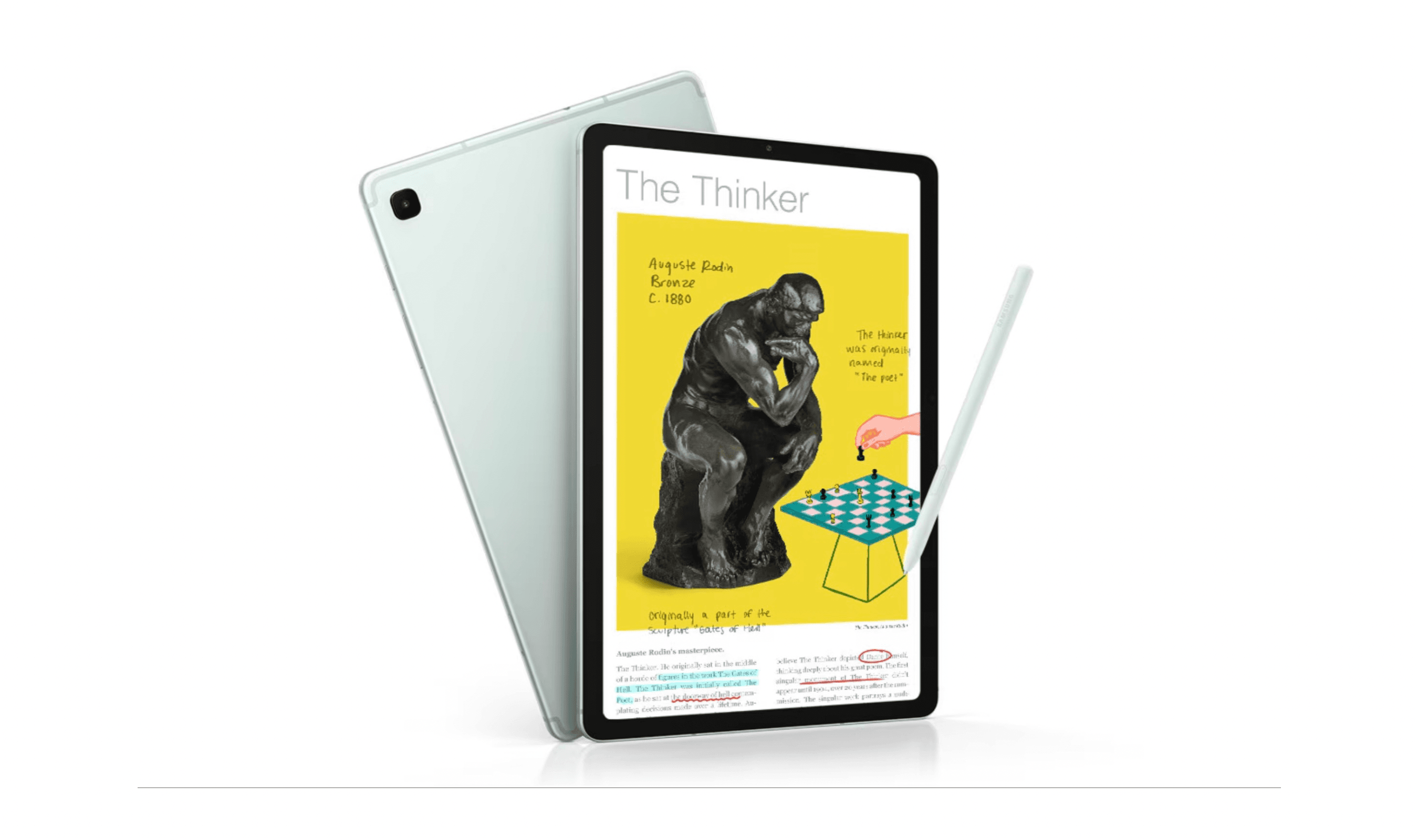
Get Deals Like These in Your Inbox
The best prices, reviewed weekly.
At a Glance
| Category | Product | Why We Picked It |
|---|---|---|
| Best overall | Apple iPad (A16) | Built-in accessibility tools and a landscape Center Stage camera for family calls |
| Best value | Amazon Fire HD 10 | A 10.1-inch Full HD screen, 4GB RAM, and expandable storage for everyday entertainment |
| Best for Android users | Samsung Galaxy Tab S10 Lite | A 10.9-inch screen and included S Pen for reading, navigation, and handwritten notes |
| Best senior-specific | GrandPad | Designed specifically for older adults with simplified interface |
| Best lightweight | Samsung Tab A7 Lite | Ultra-portable and easy to carry around |
| Also recommended | Microsoft Surface Pro 13-inch (2026) | A 13-inch Windows 11 tablet with Snapdragon X2 Plus, 16GB RAM, and 512GB SSD storage |
| Also recommended | Lenovo Tab M10 Plus | Great mid-range media tablet with strong speakers |
How we chose and tested
We evaluated tablets for seniors based on screen readability, interface simplicity, accessibility depth, and audio clarity.
Our assessment considered font scaling, voice assistance, emergency communication features, battery life, and how easy each tablet is to set up and maintain.
We prioritized devices that feel intuitive from day one and remain comfortable for everyday use.
The best tablets for seniors right now
Apple iPad (A16) - Best overall
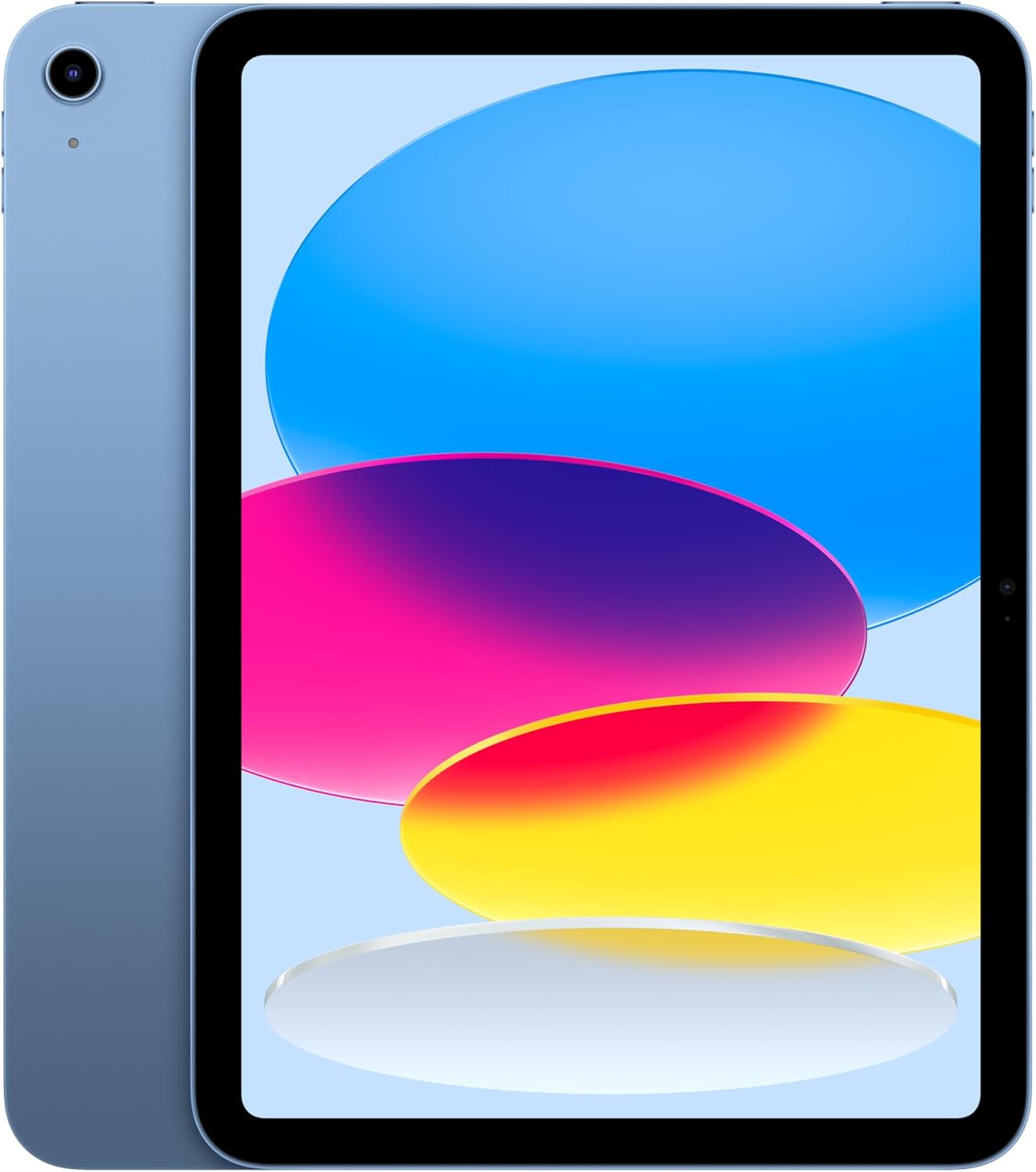
The iPad (A16) combines an 11-inch Liquid Retina display with built-in accessibility tools and a landscape 12MP Center Stage camera. It's a useful choice for reading, everyday apps, and video calls with family.
Key highlights
- 11-inch Liquid Retina display with True Tone
- A16 chip and 128GB storage in the linked model
- Landscape 12MP Center Stage front camera
- VoiceOver, Zoom, and Voice Control accessibility tools
- Wi-Fi 6 and USB-C charging
Pros
- Built-in screen reading, magnification, and voice controls
- Center Stage helps keep you in frame during calls
- Touch ID provides fingerprint unlocking
- Access to the iPad App Store
Cons
- Apple Pencil and keyboard are sold separately
- The linked Wi-Fi model has no cellular connection
Who it is for: Seniors who want accessibility tools, everyday apps, and family video calls, especially those already using Apple devices.
Skip if
You're on a tight budget or prefer the customization options of Android tablets.
Amazon Fire HD 10 - Best value
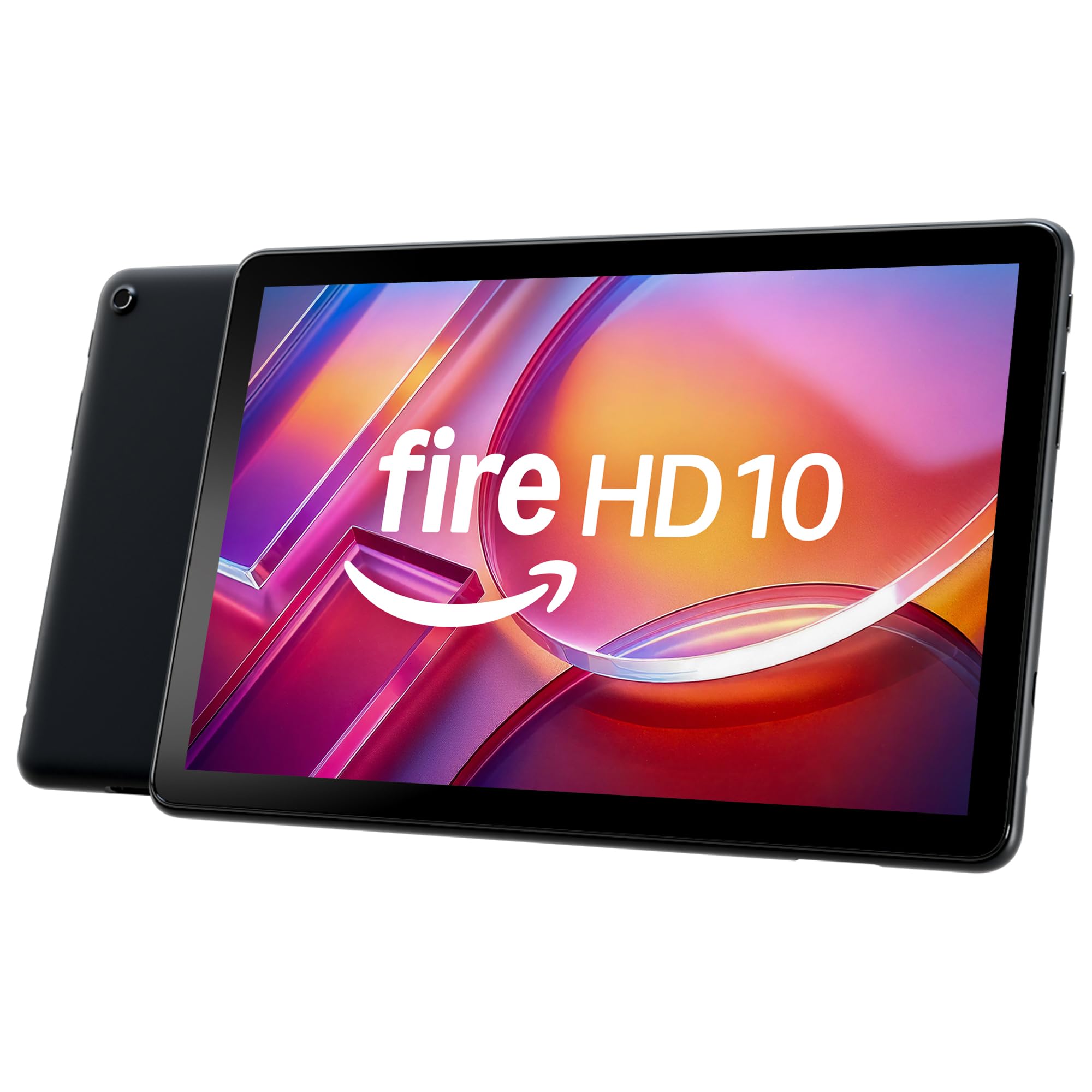
The Fire HD 10 with 4GB RAM pairs a 10.1-inch Full HD display with 32GB of expandable storage. It's suited to reading, watching videos, and basic web browsing, with screen magnification and adjustable text settings available.
Key highlights
- 10.1-inch display with 1920 x 1200 resolution
- Octa-core processor and 4GB RAM
- 32GB storage with microSD expansion up to 1TB
- VoiceView screen reader and Screen Magnifier
- Up to 13 hours of battery life, depending on use
Pros
- Full HD screen for reading and video
- Adjustable font size, display size, and contrast settings
- Headphone jack and dual speakers
- USB-C cable and 9W power adapter included
Cons
- The linked configuration includes lockscreen advertisements
- Google Play is not supported; check Amazon Appstore availability for essential apps
- Only 24GB of the advertised 32GB storage is available to the user
Who it is for: Budget-conscious seniors who primarily want a tablet for reading, watching videos, and basic internet use. It's also great for those already using Amazon services.
Skip if
You need access to specific apps not available in the Amazon Appstore or want a more traditional tablet experience.
Samsung Galaxy Tab S10 Lite - Best for Android users
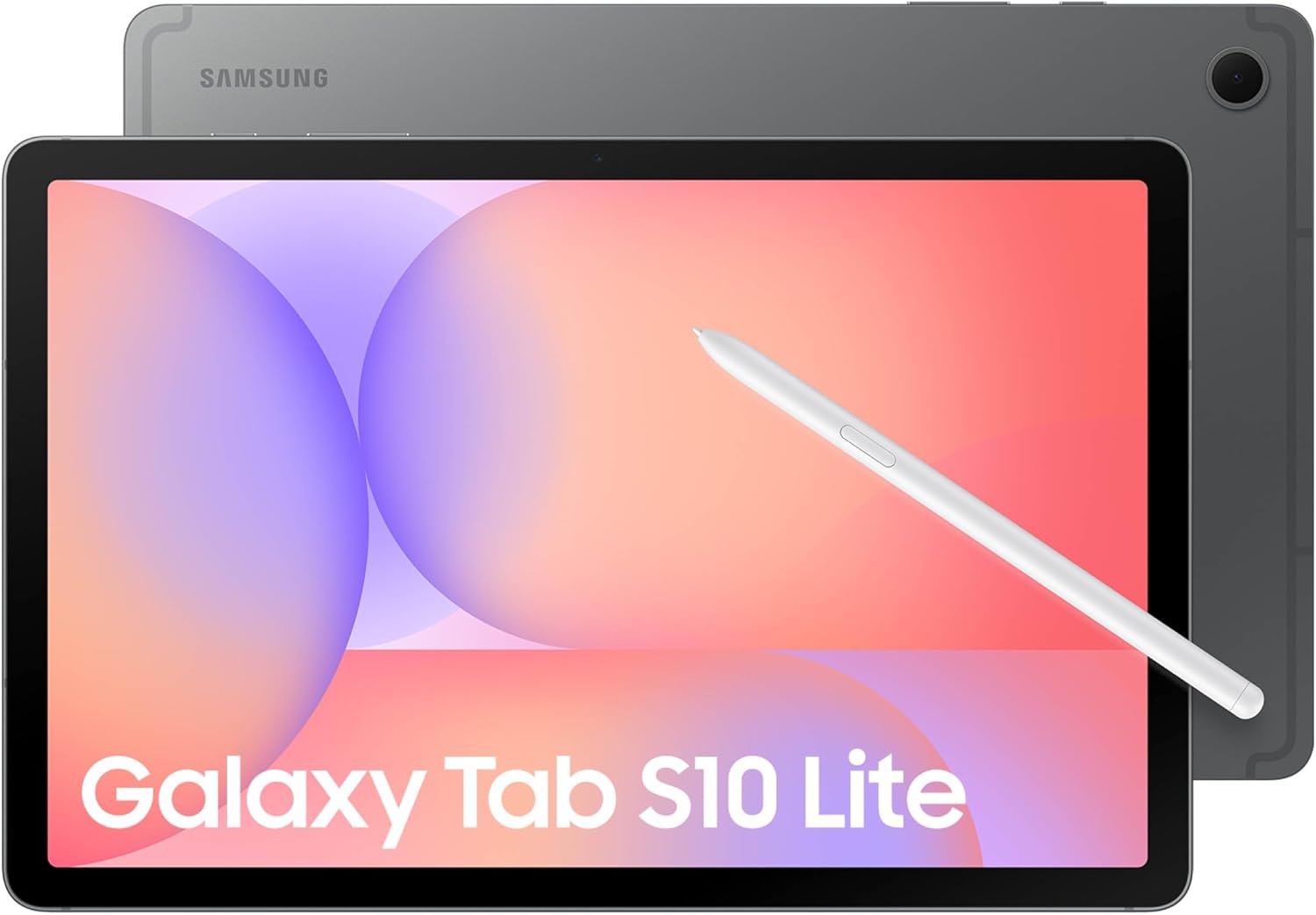
The Galaxy Tab S10 Lite combines a 10.9-inch display with an included S Pen for handwritten notes and precise navigation. Its Exynos 1380 processor and 6GB RAM support everyday apps and split-screen multitasking.
Key highlights
- 10.9-inch LCD with up to 90Hz refresh rate
- S Pen included for writing and drawing
- Exynos 1380 processor with 6GB RAM
- 128GB storage, expandable by microSD up to 2TB
- Up to 16 hours of video playback under Samsung's test conditions
Pros
- Stylus included in the box
- Vision Booster adjusts display brightness to the surroundings
- Expandable storage for photos and downloaded videos
- Up to seven Android OS upgrades and seven years of security updates from launch
Cons
- The 45W wall charger for Super Fast Charging is sold separately
- Keyboard and microSD card are sold separately
- At about 1.16 pounds, it may be tiring to hold for long sessions
Who it is for: Seniors who prefer Android or want more customization options than Apple offers. It's also good for those who appreciate the included stylus for easier navigation.
Skip if
You want the absolute simplest interface or need the strongest video calling capabilities.
GrandPad - Best senior-specific
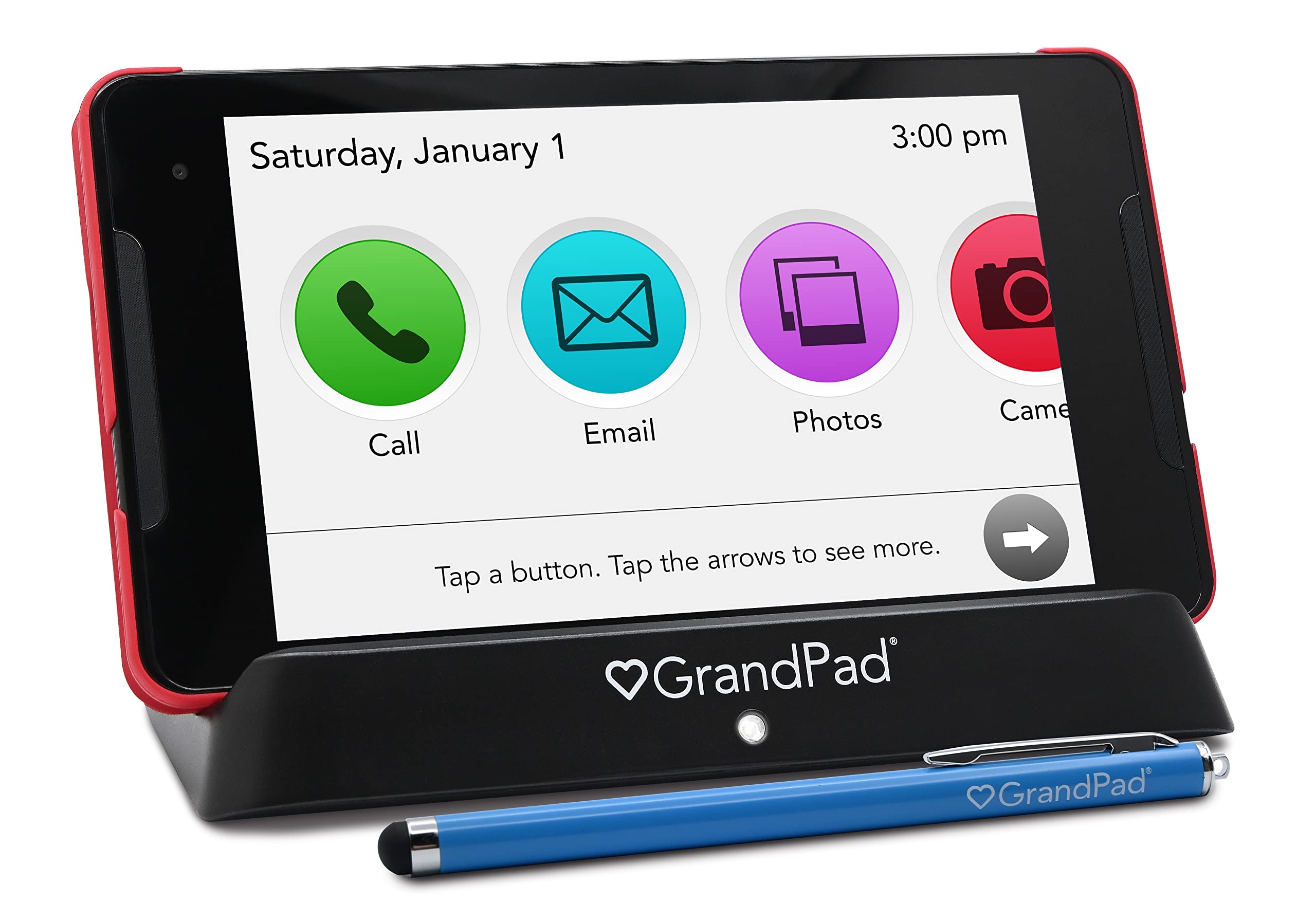
Designed from the ground up for older adults, the GrandPad eliminates complexity with a simplified interface and built-in support. It's a complete solution rather than just a tablet, though it comes with ongoing subscription costs.
Key highlights
- Simplified interface with large icons and clear labels
- Cellular data available with Premium or Ultimate plans; Basic uses Wi-Fi
- Customer support for seniors, with service hours varying by plan
- Curated app selection focused on senior needs
- Family portal for remote assistance and content sharing
Pros
- No learning curve - designed specifically for seniors
- Built-in support removes tech frustration
- Premium and Ultimate plans support use away from Wi-Fi where cellular coverage is available
- Excellent for video calls with automatic answer features
- Family can easily add photos and manage settings remotely
Cons
- Activation and a paid monthly or annual plan are required; functionality is limited without a plan
- Higher total cost over time compared to buying a tablet outright
- Limited to curated apps and services
- Less versatile than mainstream tablets
Who it is for: Seniors who want a simplified interface and built-in support. Those without home Wi-Fi should choose a plan with cellular data and check coverage where they will use it.
Skip if
You're comfortable with technology or don't want ongoing monthly fees.
Samsung Tab A7 Lite - Best lightweight
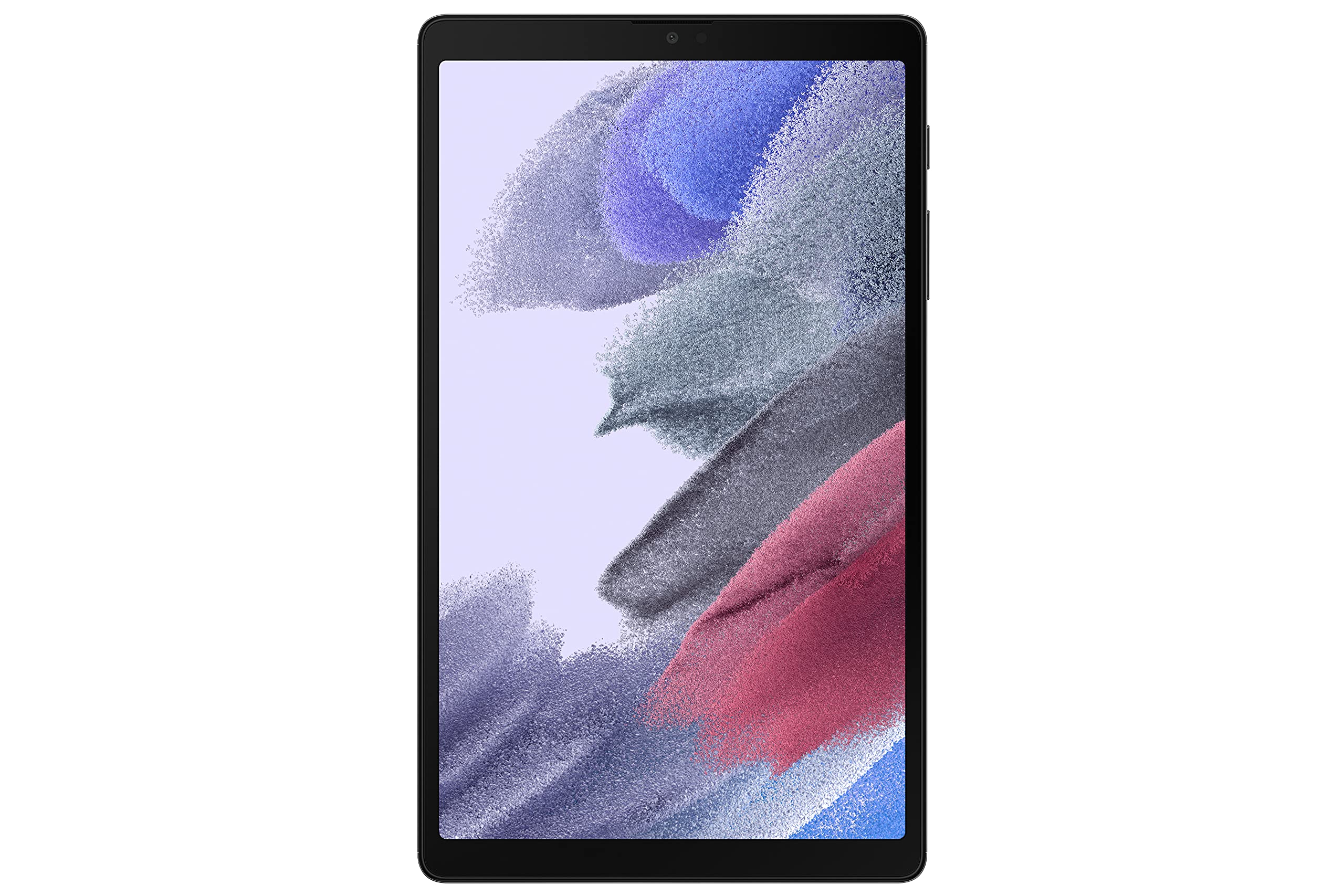
For seniors who prioritize portability, the Tab A7 Lite offers a compact form factor without sacrificing screen readability. It's easy to carry around the house or take on outings.
Key highlights
- 8.7-inch display that's large enough to read comfortably
- Ultra-lightweight design at just under 1 pound
- Good battery life for its size
- Affordable price point
- Durable metal build that feels solid
Pros
- Extremely portable and easy to handle
- Affordable entry point for tablet ownership
- Good performance for basic tasks
- Comfortable to hold for extended periods
- Expandable storage available
Cons
- Smaller screen may be challenging for those with vision issues
- Basic camera quality
- Limited multitasking capabilities
- Lower resolution display than premium tablets
Who it is for: Seniors who want a tablet they can easily carry from room to room or take on trips. It's also good as a secondary device or for those with limited hand strength.
Skip if
You need a large screen for reading or video calls, or want premium features and performance.
Also Good
- Microsoft Surface Pro 13-inch (2026) - a Windows 11 tablet with a 13-inch LCD, Snapdragon X2 Plus processor, 16GB RAM, and 512GB SSD. Its built-in kickstand supports desk use; a keyboard is sold separately. Best for seniors comfortable with Windows.
- Lenovo Tab M10 Plus - great mid-range media tablet with strong speakers.
How to Choose
- 1.Screen size matters most: For seniors, a 10-inch or larger screen makes reading and navigation much easier. Consider vision needs first.
- 2.Interface simplicity: Look for adjustable text, screen magnification, or large icons. iPad and Fire HD offer accessibility tools, while GrandPad provides a simplified interface.
- 3.Battery life: Aim for devices that advertise 10+ hours of battery life - you don't want to be constantly charging.
- 4.Support availability: Consider whether you need built-in support (GrandPad) or are comfortable with family assistance (mainstream tablets).
- 5.Budget vs. features: Balance upfront cost with long-term value. Sometimes paying more upfront saves frustration later.
FAQ
What makes a tablet "senior-friendly"?
Senior-friendly tablets typically have large screens (10+ inches), simple interfaces with big icons, strong accessibility features like adjustable text sizes, and reliable performance that doesn't require constant troubleshooting.
Do seniors really need cellular connectivity in a tablet?
It depends on usage. If the tablet will only be used at home with Wi-Fi, cellular isn't necessary. For seniors who travel, visit family, or want to use it in different locations, cellular capability (either built-in or via hotspot) provides more flexibility.
How important are accessibility features?
Very important for many seniors. Look for tablets with adjustable text sizes, high contrast modes, voice control, and magnification features. iPad generally has the most comprehensive accessibility options built in.
Should I buy a refurbished tablet for a senior?
Refurbished tablets can offer good value, but ensure they come with a warranty and have been properly tested. For seniors, reliability is key, so consider whether the savings are worth potential issues.
What about tablets with stylus support?
Stylus support can be helpful for seniors with touch sensitivity issues or who prefer more precise navigation. The Samsung Galaxy Tab S10 Lite includes an S Pen, while iPad requires purchasing an Apple Pencil separately.
Published January 31, 2026 Last updated September 5, 2026
Share this article
More in News
7 Best Tablets for Gaming in 2026
Discover the top gaming tablets for 2026, led by the Apple iPad Pro (M5). Compare performance, value, and features for on-the-go gaming.
4 min read
Best Tablets for Toddlers in 2026
Amazon Fire HD 8 Kids leads our picks for 2026. Compare the best toddler tablets for durability, parental controls, and value.
3 min read
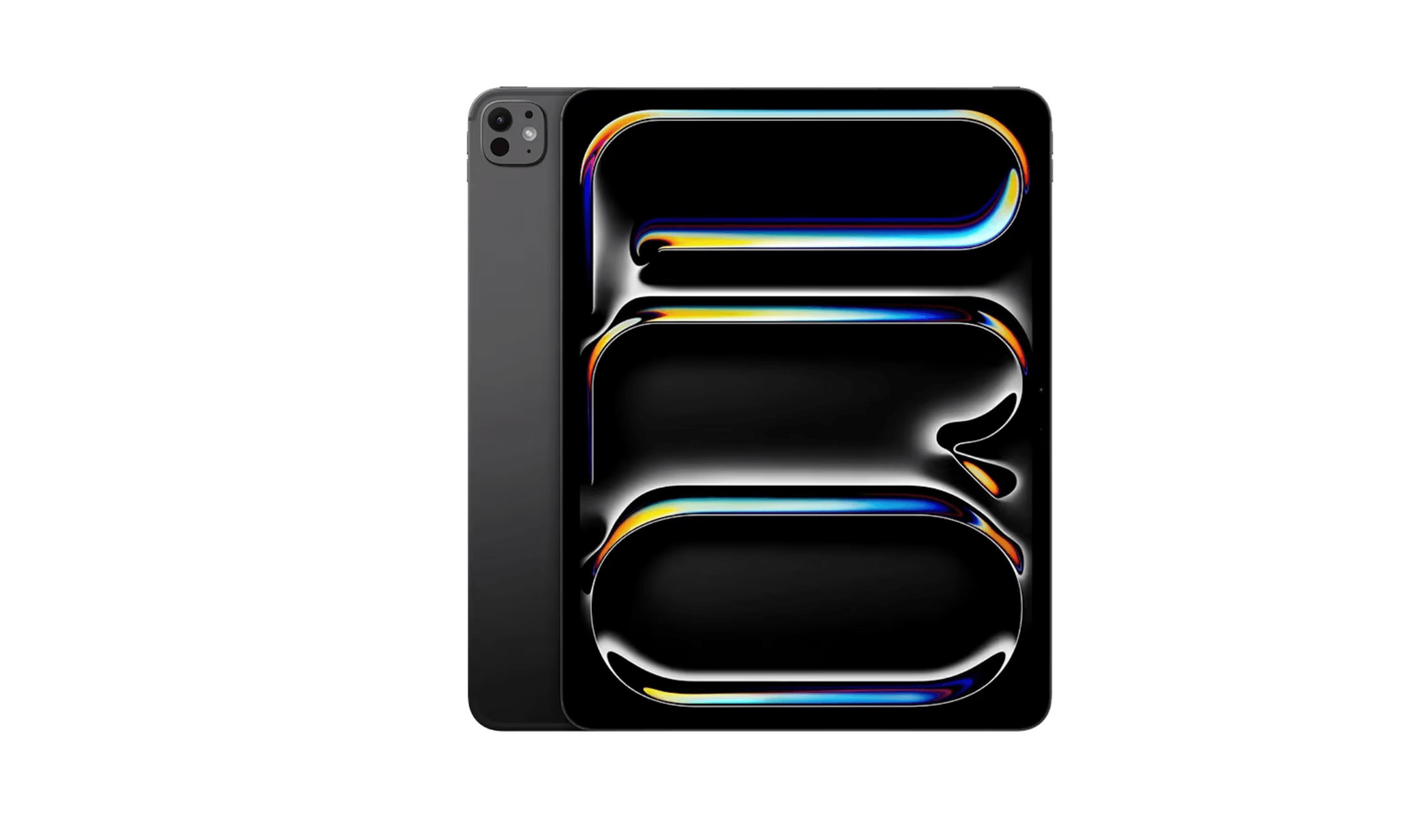
8 Best Tablets for Photo Editing in 2026
Discover the best tablets for 2026, featuring our top pick, the Apple iPad Air M2. Find the perfect device for photo editing, drawing, and productivity.
3 min read
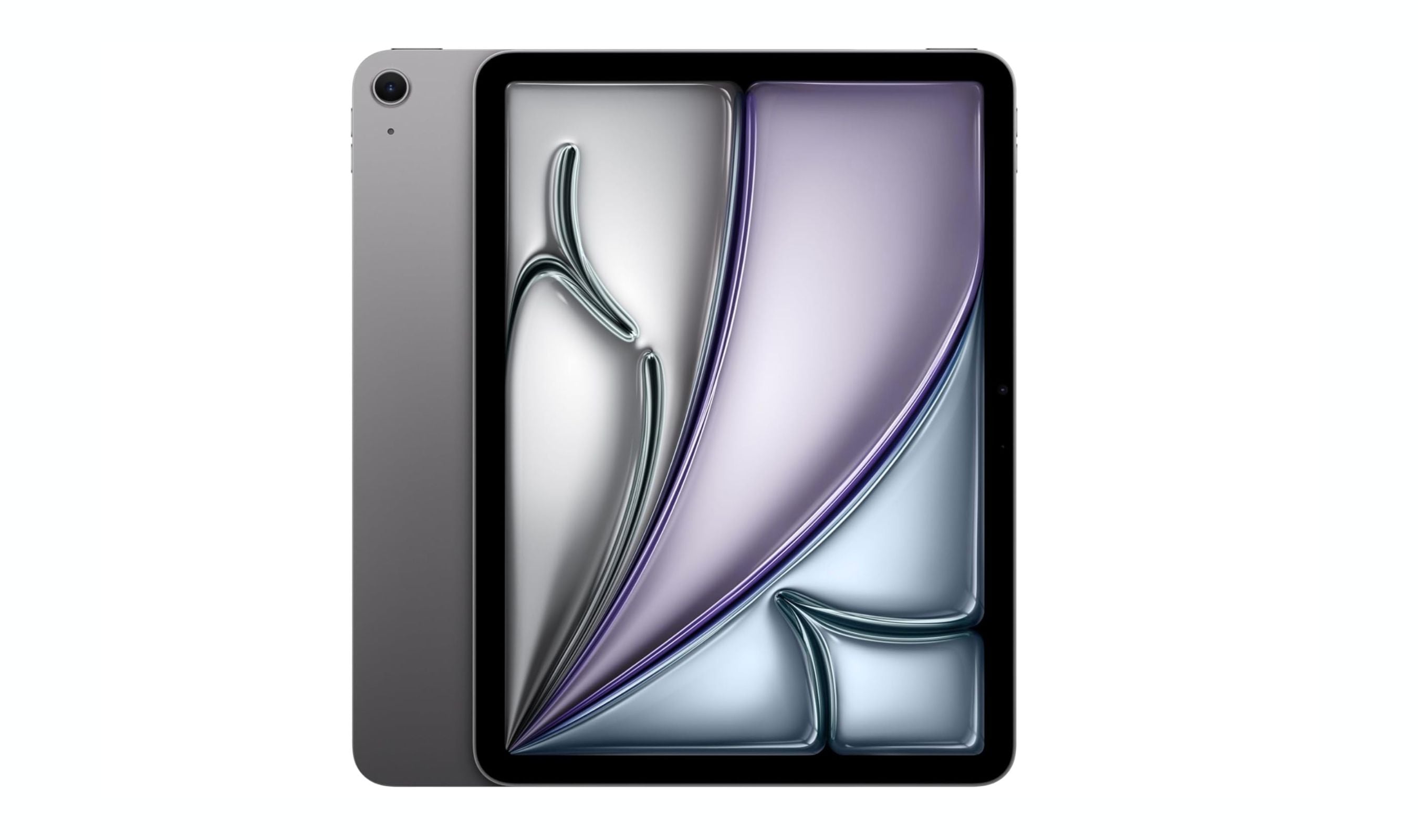
8 Best Tablets for Note Taking in 2026
The iPad Air 7th gen tops our list of the 8 best tablets for note taking in 2026, balancing Apple Pencil Pro support with a full app ecosystem and distraction-free e-ink options.
5 min read
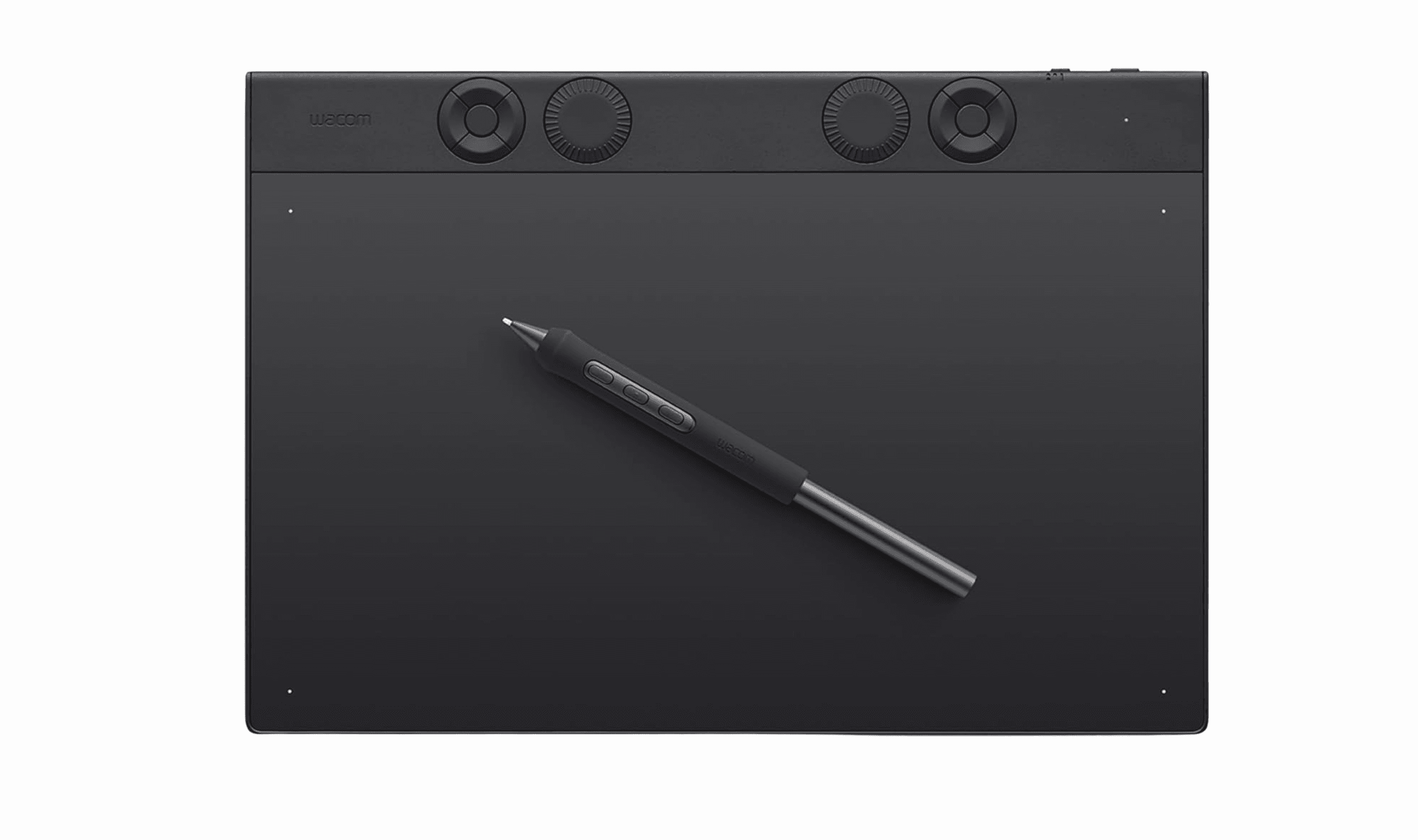
Best Drawing Tablets for 2026
5 min read

7 Best Tablets for Bloggers in 2026
4 min read
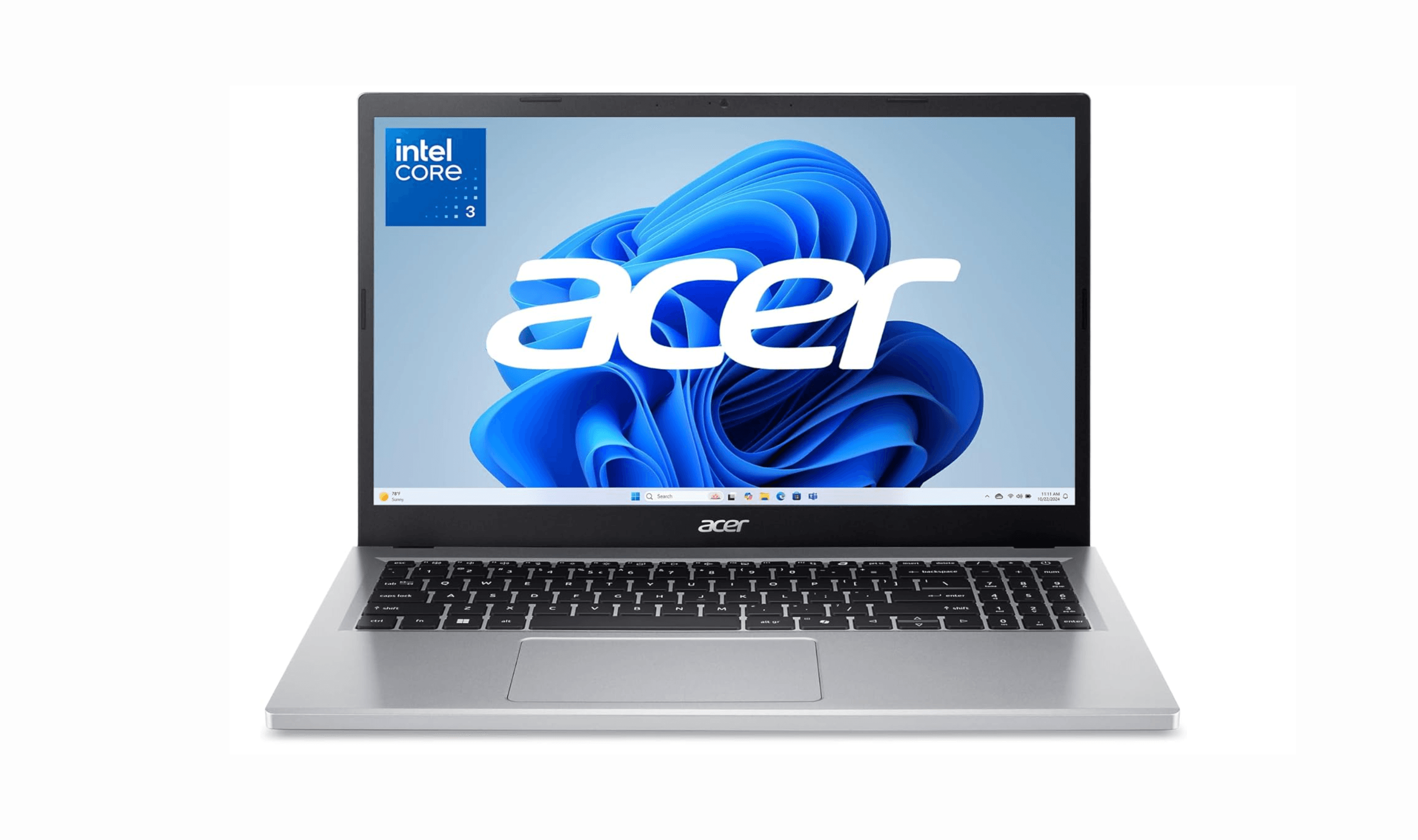
Best Laptops Under $500 for 2026
3 min read
5 Best Solar Power Stations for 2026
3 min read
6 Best Cheap Smartwatches for 2026
4 min read
8 Best Chromebooks for Students in 2026
3 min read
Top 8 Laptops for Writers for 2026
3 min read
Best Gaming Keyboards for 2026
5 min read