The $300 monitor market has completely transformed in 2026. Mini-LED backlighting, 1440p 180Hz panels, and even 4K displays with USB-C charging now fit comfortably under this cap. The AOC Q27G3XMN with its 336-zone Mini-LED and HDR1000 certification is the clear top pick, but the right choice depends on whether you game competitively, need a productivity workhorse, or want an ultrawide setup.
Product
Technobezz is supported by its audience. We may get a commission from retail offers.
Best Monitors Under $300 for 2026
The AOC Q27G3XMN tops our list of the 4 best monitors under $300 for 2026, with Mini-LED HDR and 180Hz performance.
T
Technobezz
Senior Editor
Updated June 16, 2026Jun 16, 2026
•10 min read

Get Deals Like These in Your Inbox
The best prices, reviewed weekly.
At a Glance
| Category | Product | Why We Picked It |
|---|---|---|
| Best overall | AOC Q27G3XMN | Mini-LED HDR with 180Hz that rivals monitors twice the price |
| Best value | ASUS TUF VG27AQ3A | 1440p 180Hz IPS at a price that's hard to beat |
| Best for competitive gaming | ViewSonic XG2431 | 240Hz with Blur Busters-approved motion clarity |
| Best for productivity | Dell S2725QC | 4K IPS with 65W USB-C charging |
| Best ultrawide | KTC H34S18S | 34-inch 3440x1440 curved VA at 180Hz |
| Also recommended | Gigabyte M27Q2 | Great KVM switch for dual-PC setups |
| Also recommended | LG 27GP850-B | Excellent color for work and gaming |
| Also recommended | KTC M27T6 | Mini-LED with fast laptop charging |
| Also recommended | Sceptre E345B-QUN168W | Affordable ultrawide with IPS quality |
How we chose and tested
We evaluated over 30 monitors under $300, comparing panel quality, refresh rates, color accuracy, connectivity, build quality, and real-world usability across gaming, office work, and content creation scenarios. Our assessment prioritizes products that deliver the best balance of performance and value, drawing from extensive specification analysis and verified user feedback. Key factors include resolution and pixel density, panel type (IPS, VA, Mini-LED), refresh rate and response time, HDR capability, ergonomic adjustability, and port selection including USB-C power delivery.
The best monitors under $300 right now
AOC Q27G3XMN - Best overall
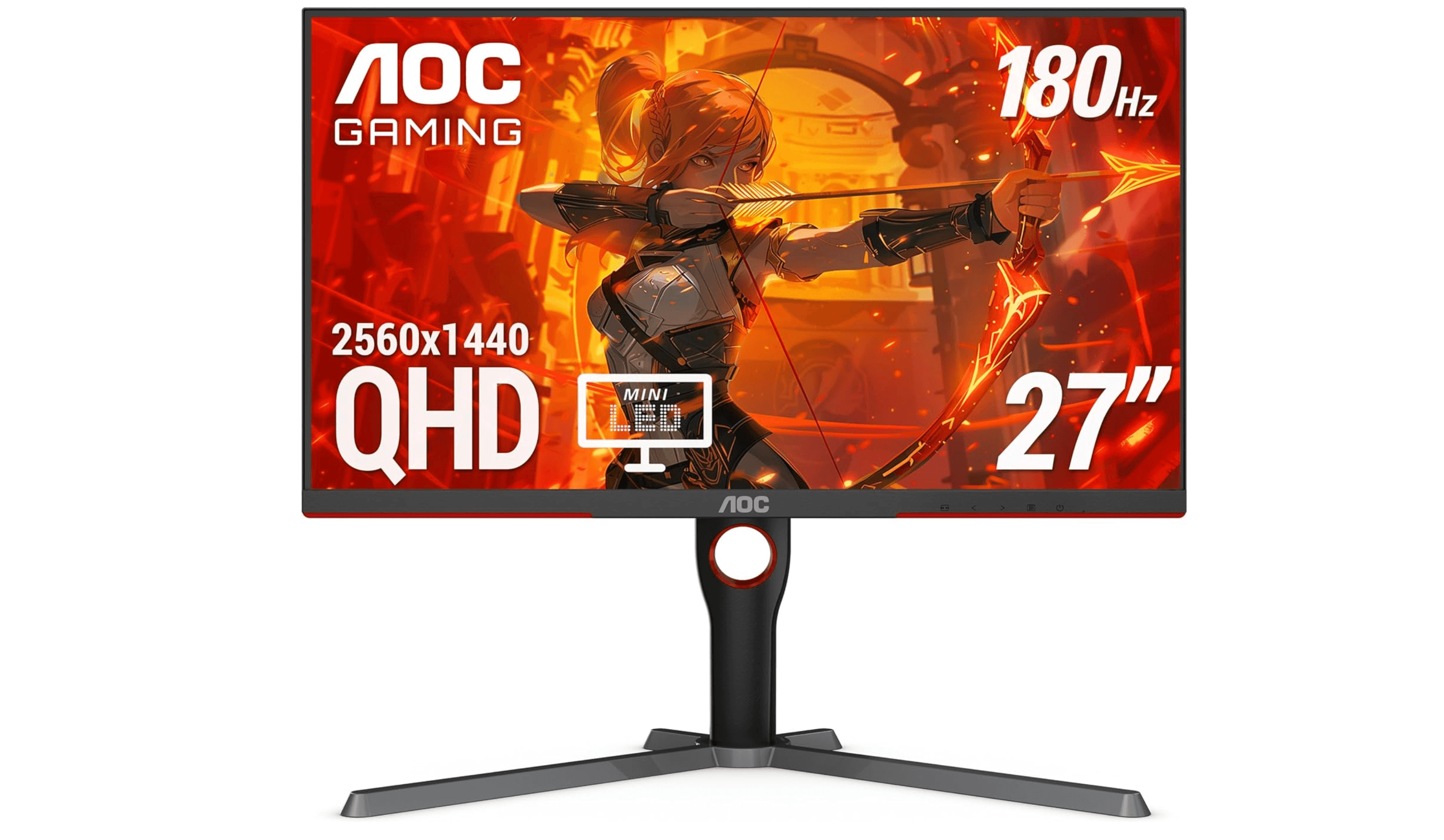
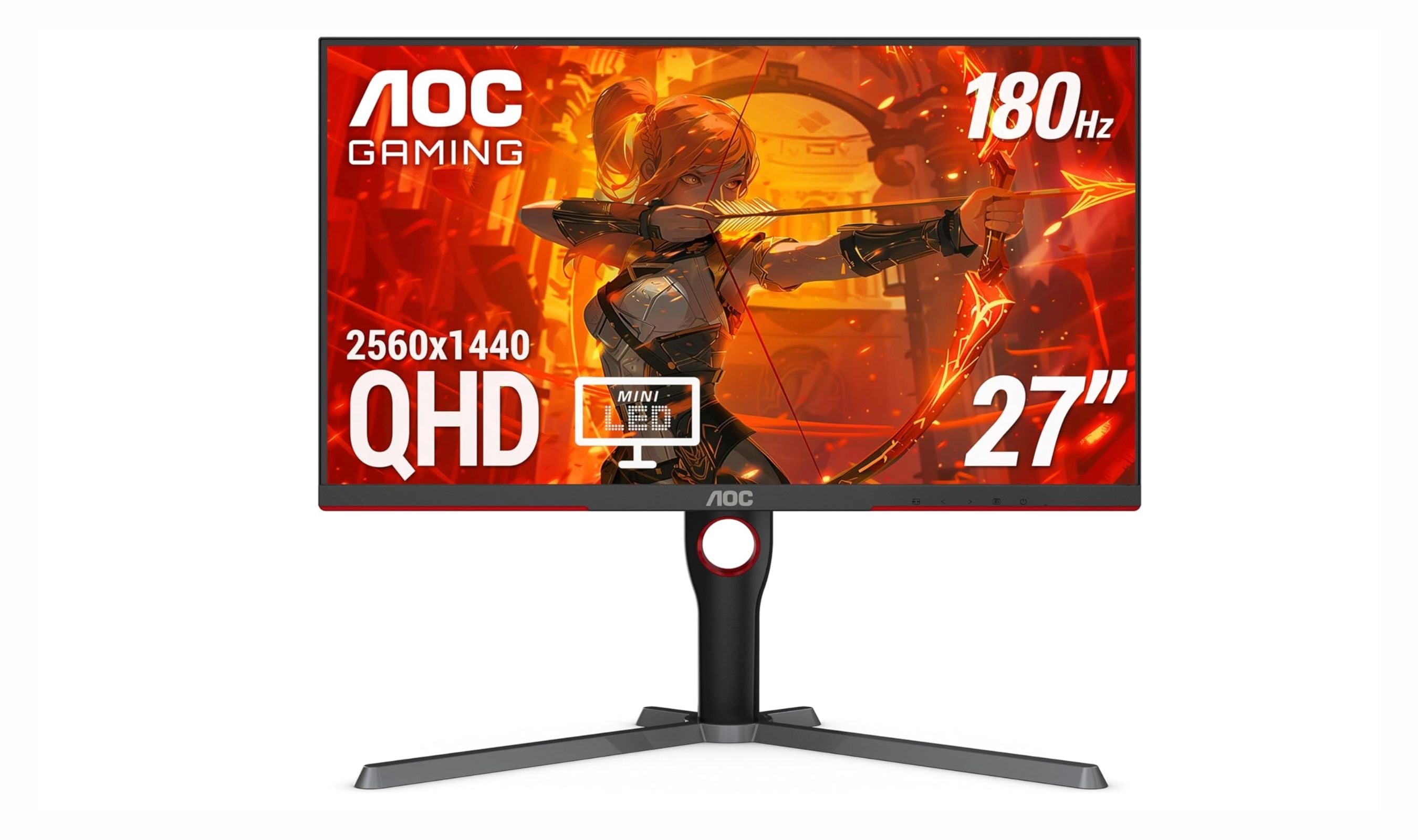
The AOC Q27G3XMN is the monitor that redefines what you can expect for under $300. Its 336-zone Mini-LED backlight delivers genuine HDR performance with DisplayHDR 1000 certification, producing bright highlights and deep blacks that standard edge-lit monitors simply cannot match. The 27-inch 1440p VA panel runs at 180Hz with adaptive sync support, making it equally capable for single-player adventures and competitive titles.
Key highlights
- 336-zone Mini-LED full-array local dimming for real HDR contrast
- 1440p resolution with 180Hz refresh rate and 1ms response time
- DisplayHDR 1000 certified with 1000-nit peak brightness
- 97% DCI-P3 color gamut coverage for vivid, accurate colors
- Adaptive Sync support for tear-free gaming on both AMD and Nvidia GPUs
Pros
- HDR performance is transformative at this price point
- Fast 180Hz refresh rate handles competitive gaming well
- Excellent color volume and contrast for the category
Cons
- Tilt-only stand, no height adjustment included
- Minor VA black smearing in very dark scenes
- Some blooming visible around bright objects on black backgrounds
Who it is for: Gamers who want the best possible image quality under $300, especially those who play HDR-supported titles or value contrast and brightness over pure speed.
Skip if
You need a fully adjustable stand out of the box, or you are a competitive esports player who prefers the faster pixel response of a high-end IPS panel.
ASUS TUF Gaming VG27AQ3A - Best value
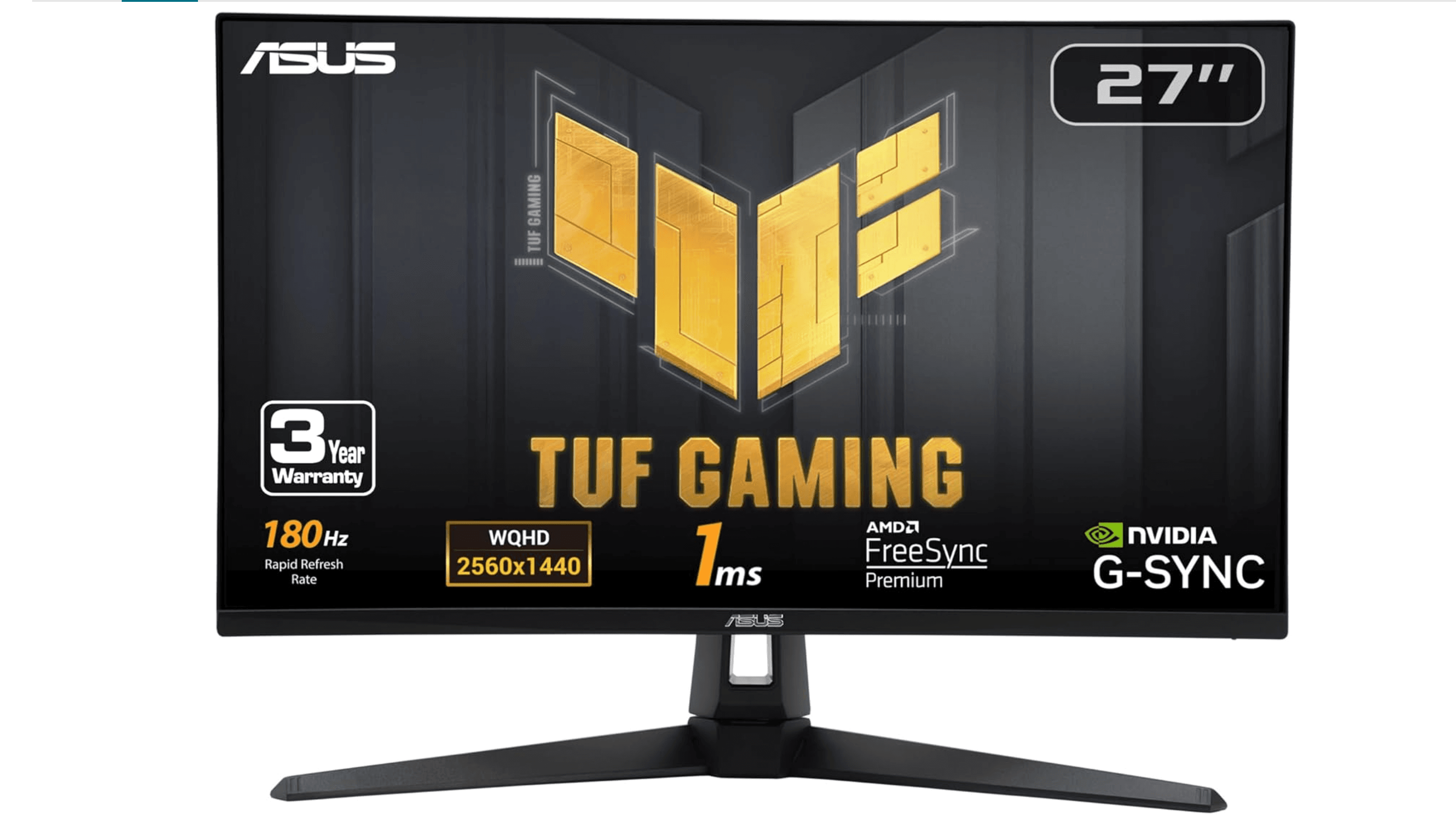
The ASUS TUF VG27AQ3A delivers 1440p gaming at 180Hz with a Fast IPS panel for under $200, making it one of the strongest value propositions in the category. The panel offers excellent response times with minimal ghosting, and ASUS's ELMB Sync technology lets you use backlight strobing alongside adaptive sync for sharper motion in fast-paced games. Color accuracy is solid with 130% sRGB coverage, and the monitor includes built-in speakers, which is rare at this price.
Key highlights
- 27-inch 1440p Fast IPS panel with 180Hz refresh rate
- ELMB Sync combines motion blur reduction with variable refresh rate
- 130% sRGB color gamut for punchy, vibrant visuals
- AMD FreeSync Premium and G-Sync compatible
- Built-in speakers for basic audio without external gear
Pros
- Excellent motion clarity for competitive shooters
- Very competitive price for a 1440p 180Hz IPS panel
- ELMB Sync works well without the typical brightness penalty
Cons
- Tilt-only stand, no height or swivel adjustment
- HDR performance is basic, no local dimming
- Contrast ratio is typical IPS (1000:1), not great for dark rooms
Who it is for: Budget-conscious gamers who want 1440p resolution with high refresh rates and don't mind using a VESA arm for proper ergonomics.
Skip if
You need USB-C connectivity, a height-adjustable stand, or you prioritize HDR performance for cinematic gaming.
ViewSonic XG2431 - Best for competitive gaming
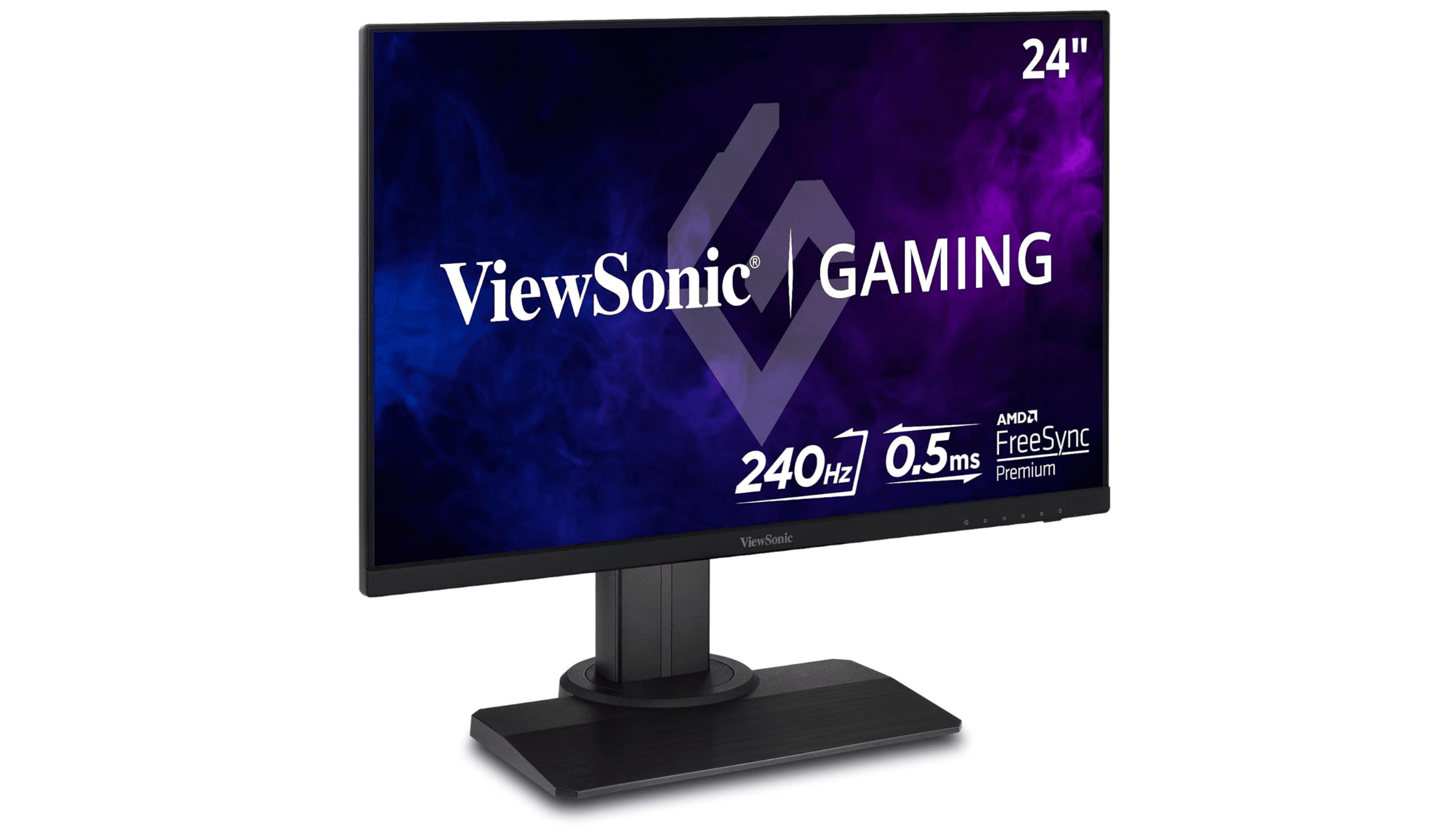
The ViewSonic XG2431 is a 24-inch 1080p 240Hz monitor built for one thing: delivering the smoothest, clearest motion possible in competitive esports titles. Its Fast IPS panel provides quick pixel response, and the Blur Busters-approved backlight strobing (PureXP+) offers CRT-like motion clarity that serious players will appreciate. The fully ergonomic stand includes height, pivot, swivel, and tilt adjustment, and the monitor features a USB hub for convenient peripheral connections.
Key highlights
- 24-inch 1080p Fast IPS panel with 240Hz refresh rate
- Blur Busters-approved PureXP+ backlight strobing for elite motion clarity
- Fully ergonomic stand with height, pivot, swivel, and tilt
- Dual USB 3.0 hub and built-in speakers
- FreeSync support with 48-240Hz variable refresh rate range
Pros
- Motion clarity is class-leading at this price point
- Excellent stand with full adjustability
- USB hub adds desk convenience
Cons
- Only 1080p resolution, not ideal for productivity
- 24-inch screen is small for general use or media consumption
- IPS glow and modest contrast ratio
Who it is for: Competitive esports players who prioritize motion clarity and high frame rates over resolution and screen size.
Skip if
You play single-player or cinematic games, need a larger screen for work, or want higher than 1080p resolution.
Dell S2725QC - Best for productivity
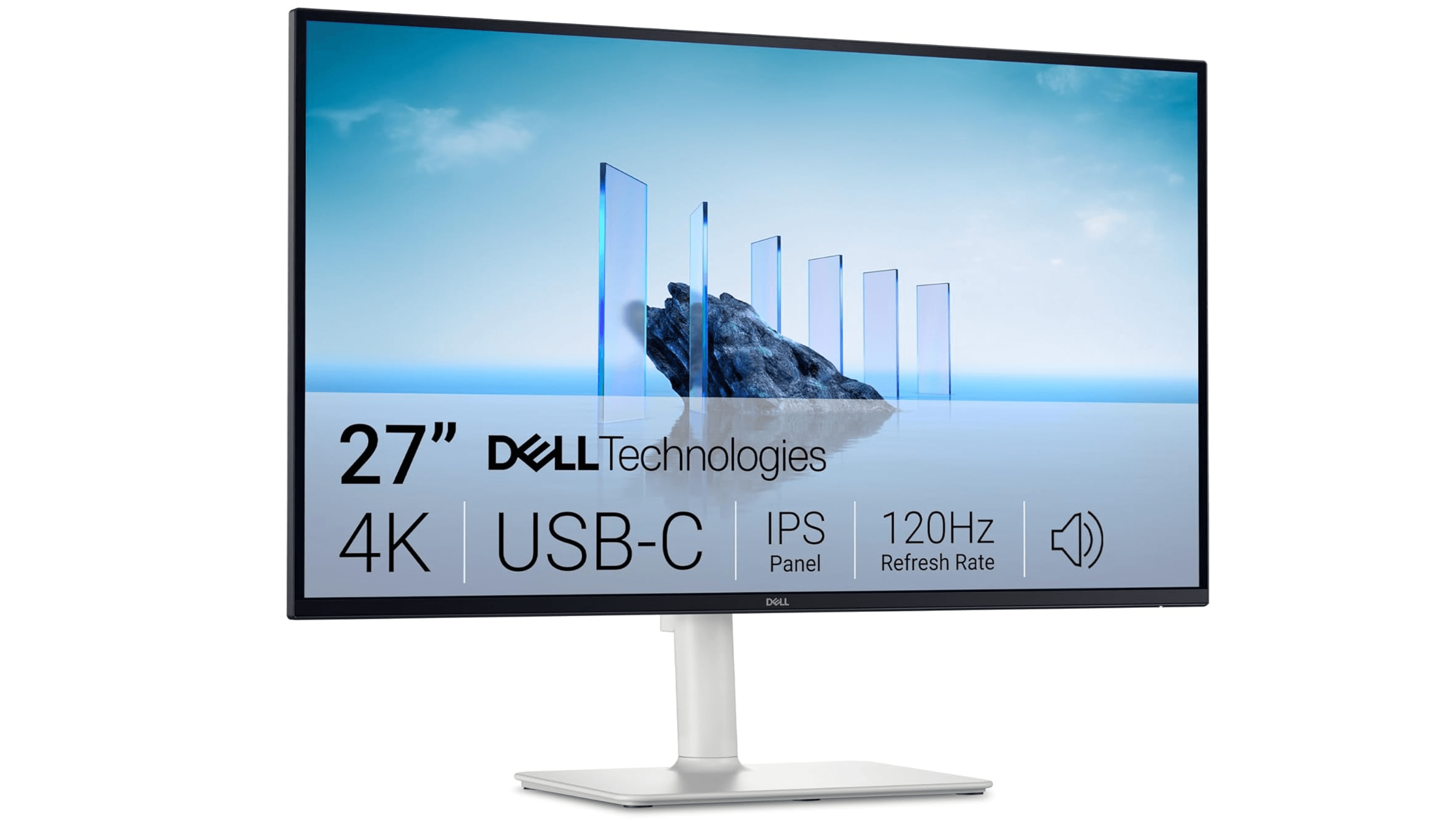
The Dell S2725QC is the gold standard for office and productivity monitors under $300. Its 27-inch 4K IPS panel delivers razor-sharp text and plenty of screen real estate for multitasking. The USB-C port provides 65W power delivery, letting you charge a laptop and transmit video over a single cable. A smooth 120Hz refresh rate makes scrolling and window management feel fluid, and Dell's 3-year advanced exchange warranty adds peace of mind.
Key highlights
- 27-inch 4K UHD IPS panel with 120Hz refresh rate
- USB-C with 65W power delivery for single-cable laptop setups
- Fully adjustable stand with height, tilt, swivel, and pivot
- Built-in dual 3W speakers for video calls
- Dell 3-year advanced exchange warranty
Pros
- 4K resolution makes text incredibly sharp for reading and coding
- 65W USB-C charging simplifies desk cable management
- Premium build quality and excellent warranty support
Cons
- Not suitable for high-refresh-rate gaming
- Speakers are basic, fine for calls but not music
Who it is for: Remote workers, coders, and office professionals who want a sharp 4K display with clean single-cable laptop connectivity.
Skip if
Gaming is a primary use case, or you need a monitor with higher than 120Hz for competitive play.
KTC H34S18S - Best ultrawide
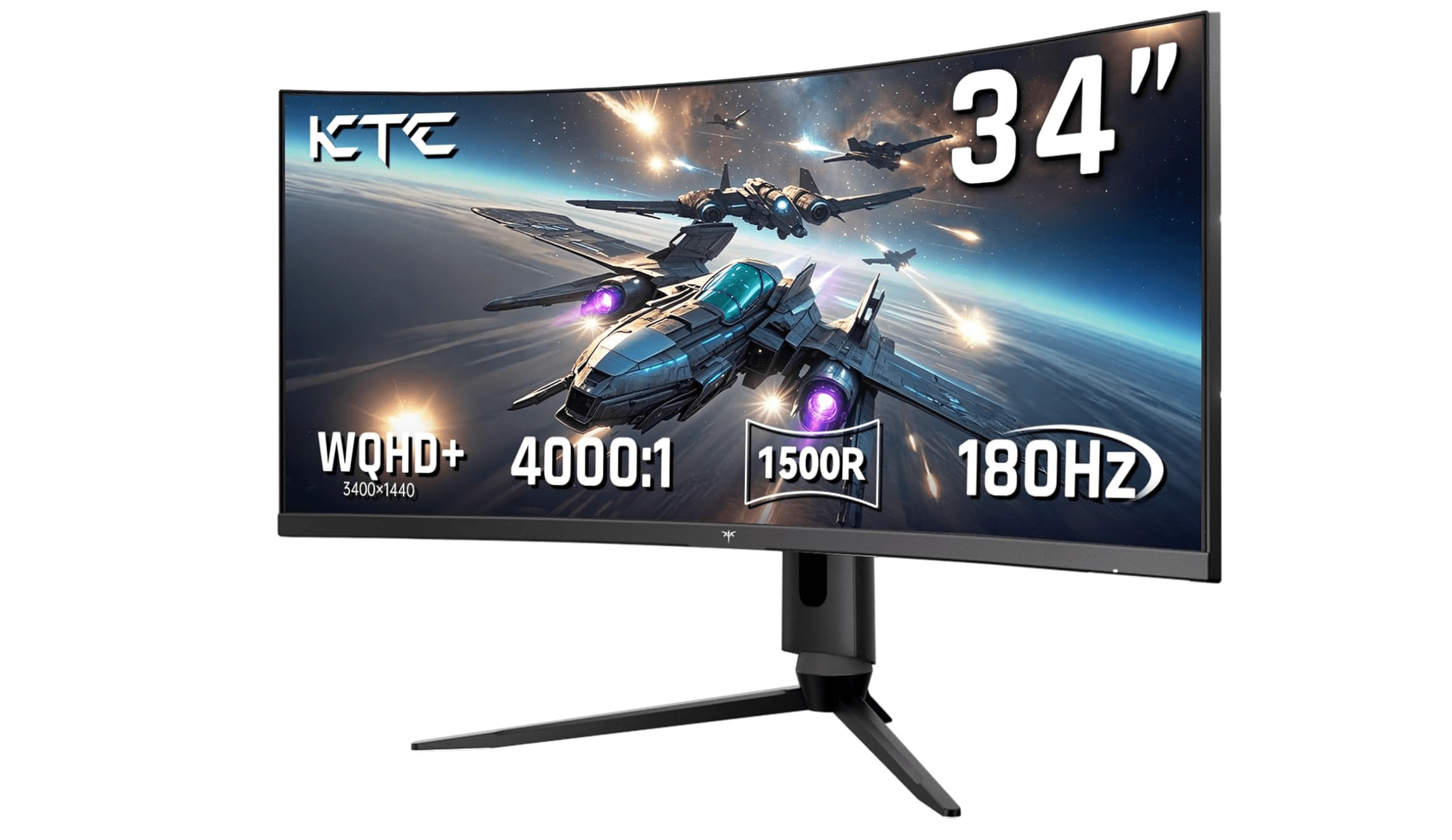
The KTC H34S18S brings a 34-inch 3440x1440 ultrawide experience to the sub-$300 category with a 180Hz refresh rate and a 1500R curved VA panel. The high contrast ratio delivers deep blacks for immersive gaming, and the extra horizontal screen space is a game-changer for both gaming and productivity. It includes VRR and MBR support, plus Picture by Picture and Picture in Picture features for multi-source workflows.
Key highlights
- 34-inch 3440x1440 ultrawide VA panel with 1500R curvature
- 180Hz refresh rate with VRR and MBR support
- 4000:1 contrast ratio for deep blacks and rich colors
- 98% DCI-P3 color gamut coverage
- Picture by Picture and Picture in Picture modes
Pros
- Immersive ultrawide format at a budget price
- High contrast ratio with vibrant color coverage
- Good ergonomic stand with height, tilt, and swivel
Cons
- VA dark smearing noticeable in fast-paced scenes
- Some VRR brightness flickering in certain games
- Not all games support 21:9 aspect ratio properly
Who it is for: Gamers who want a cinematic ultrawide experience for racing, flight sims, and RPGs, plus productivity users who benefit from extra horizontal workspace.
Skip if
You primarily play competitive shooters that don't support ultrawide, or you need a flat panel for color-critical design work.
Also Good
- Gigabyte M27Q2 - great KVM switch for dual-PC setups.
- LG 27GP850-B - excellent color for work and gaming. Check Price on LG
- KTC M27T6 - mini-LED with fast laptop charging.
- Sceptre E345B-QUN168W - affordable ultrawide with IPS quality.
How to Choose
- Resolution matters more than you think. At 27 inches, 1440p is the sweet spot. 1080p looks soft at this size, and 4K requires scaling that eats into the resolution advantage. If you primarily work with text, 4K is great. If you game, 1440p offers the best balance of sharpness and performance.
- Panel type decides your trade-off. IPS gives you wide viewing angles and fast response times but lower contrast. VA delivers deep blacks and high contrast but can show dark smearing. Mini-LED combines the best of both with local dimming, but it costs more. Pick based on whether you play fast games (IPS) or atmospheric ones (VA or Mini-LED).
- Refresh rate beyond 144Hz has diminishing returns. The jump from 60Hz to 144Hz is massive. From 144Hz to 180Hz, most people can barely tell. Only competitive players need to chase 240Hz or higher. Save your budget for better resolution or panel quality instead.
- USB-C power delivery changes your desk setup. If you use a laptop, a monitor with 65W or 90W USB-C charging lets you run video, data, and power through one cable. This is worth prioritizing over minor spec differences if productivity is your main use.
- Don't buy a monitor for its stand. Most monitors under $300 have mediocre stands. If you care about ergonomics, budget for a VESA monitor arm and focus your comparison on panel quality, connectivity, and refresh rate. A good arm costs around $30 and makes any monitor better.
FAQ
Is Mini-LED worth it under $300?
Yes, but only if the monitor has 300 or more dimming zones. The AOC Q27G3XMN with 336 zones delivers real HDR performance. Models with fewer zones offer minimal improvement over standard backlighting.
Can I get a good 4K monitor for under $300?
Yes. The Dell S2725QC offers a sharp 4K IPS panel with 65W USB-C charging and 120Hz smoothness. It is not built for gaming, but it is excellent for productivity and media consumption.
What is the best refresh rate for gaming under $300?
144Hz to 180Hz is the sweet spot. Most monitors in this range offer 165Hz or 180Hz, which is smooth enough for all but the most competitive players. Only go for 240Hz if you play esports titles and can push those frame rates.
Are ultrawide monitors under $300 worth it?
Yes, provided you get at least 3440x1440 resolution. Avoid 2560x1080 ultrawides at 34 inches, as the pixel density is too low and text looks fuzzy.
What panel type is best for gaming under $300?
Fast IPS panels are the safest choice for most gamers, offering good response times and color accuracy. VA panels offer better contrast for single-player games. Mini-LED VA panels like the AOC Q27G3XMN offer the best overall image quality if HDR matters to you.
Published May 9, 2026 Last updated June 16, 2026
Share this article
More in News
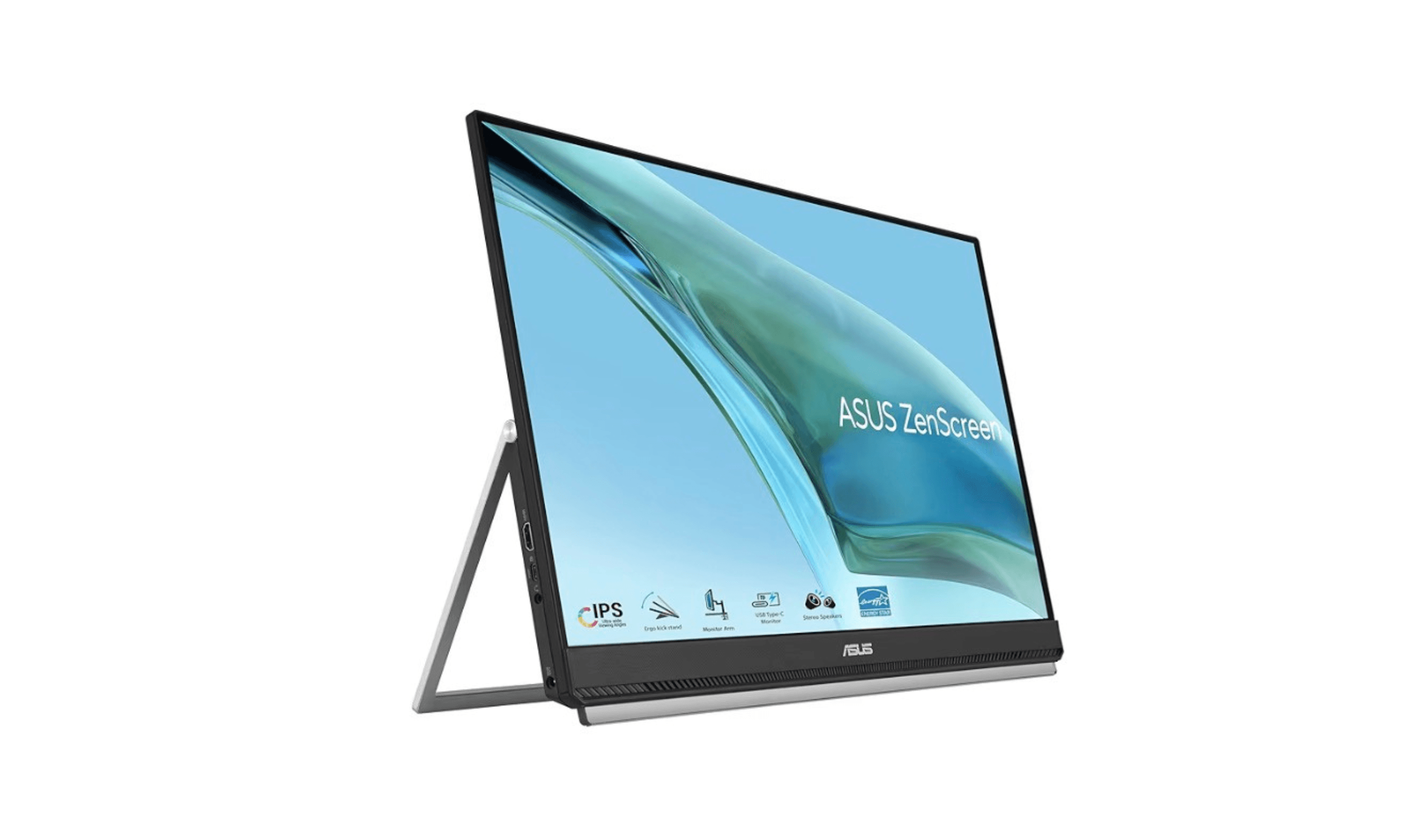
Best Portable Monitors for 2026
Discover the best portable monitors for 2026. Our top pick is the HP Series 5 Pro 514pn for premium build and image quality. Find the perfect travel or home office screen.
4 min read
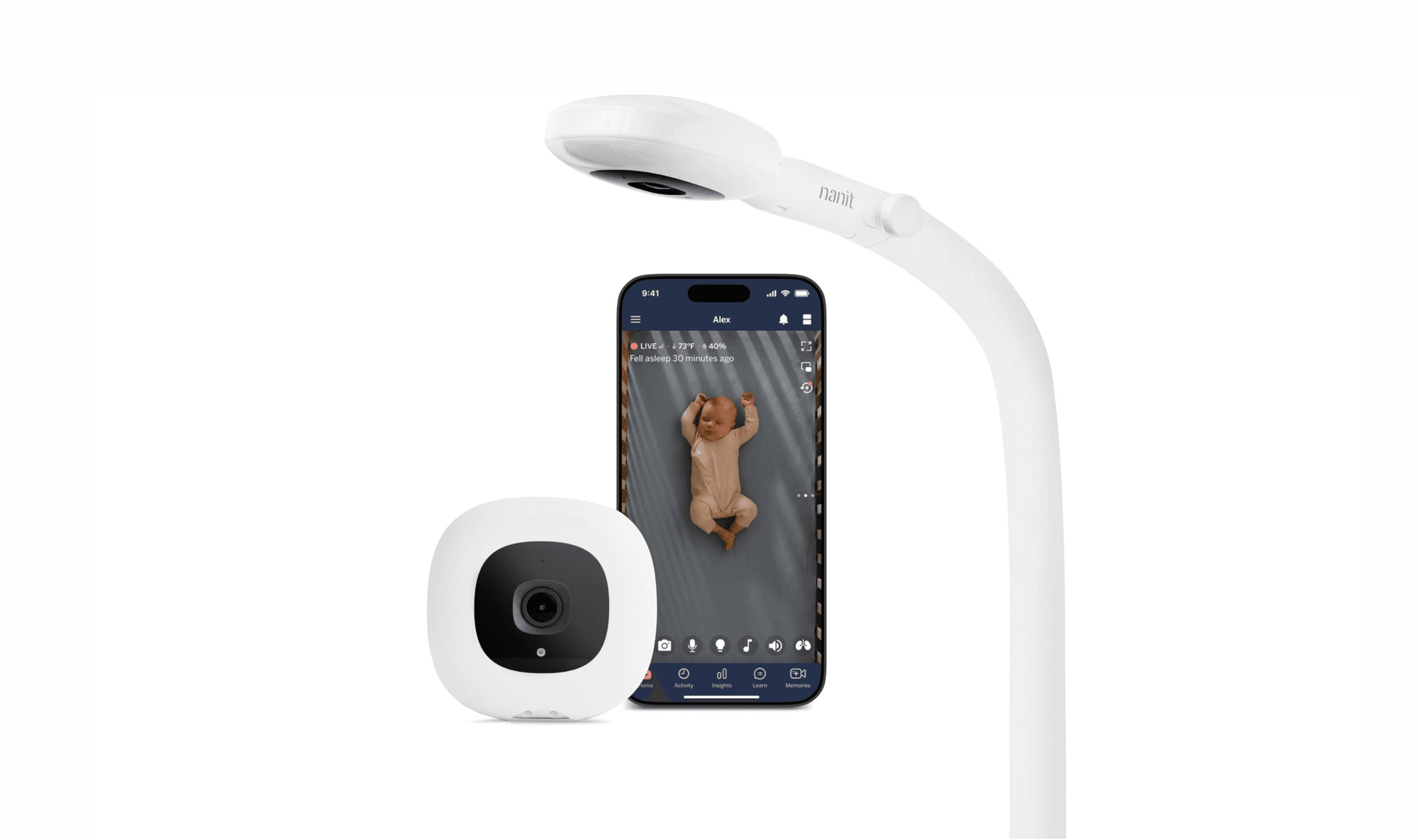
7 Best Smart Baby Monitors in 2026
The 7 best smart baby monitors of 2026, from the Nanit Pro for sleep and breathing tracking to budget VTech and FDA-cleared Owlet picks, $112 to $380.
3 min read
8 Best Blood Pressure Monitors for Home Use in 2026
We tested clinically validated blood pressure monitors from Omron, Withings, and more. The Omron Platinum leads our picks, with options from $40 to $140.
3 min read
Best TVs Under $300 for 2026
Discover the best TVs under $300 for 2026. Our top pick, the Hisense QD7QF, leads the list for its balance of picture quality, size, and smart features.
4 min read
Best Ultrawide Monitors to Buy in 2026
5 min read
8 Best Monitor Light Bars for 2026
4 min read
Victrola Navigator 8-in-1 Bluetooth Record Player drops to $189.99 at Amazon
4 min read
GM Parts 42856227 Audio Amplifier sees price cut to $207.66
3 min read
Samsung Galaxy S26 Ultra Unlocked Drops to $960 on Amazon
4 min read
ASUS N51Vn-A1 Versatile Entertainment Silver Blue falls to $1227.39
3 min read
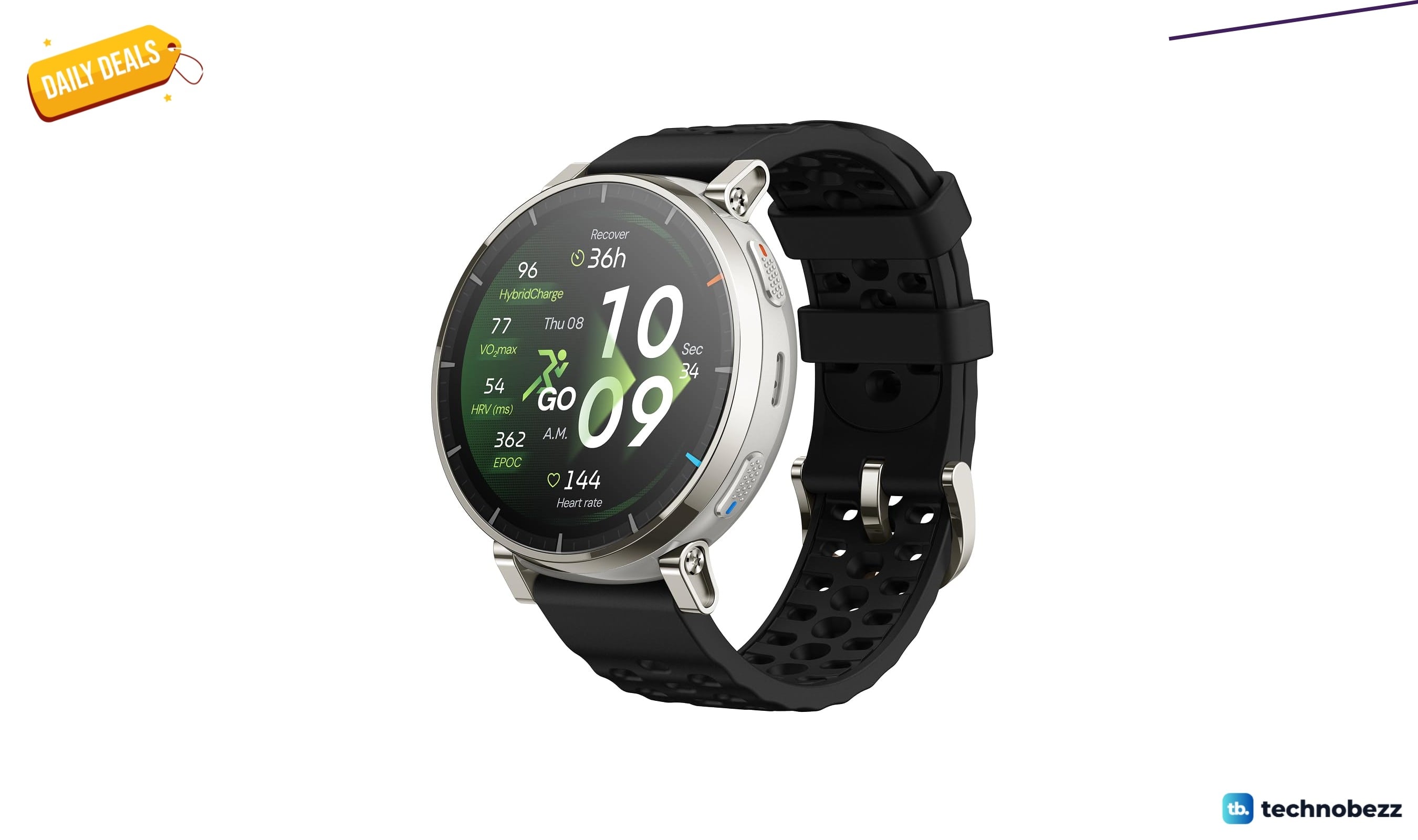
Amazfit Active 3 Smart Watch drops to $149.99 on Amazon
5 min read
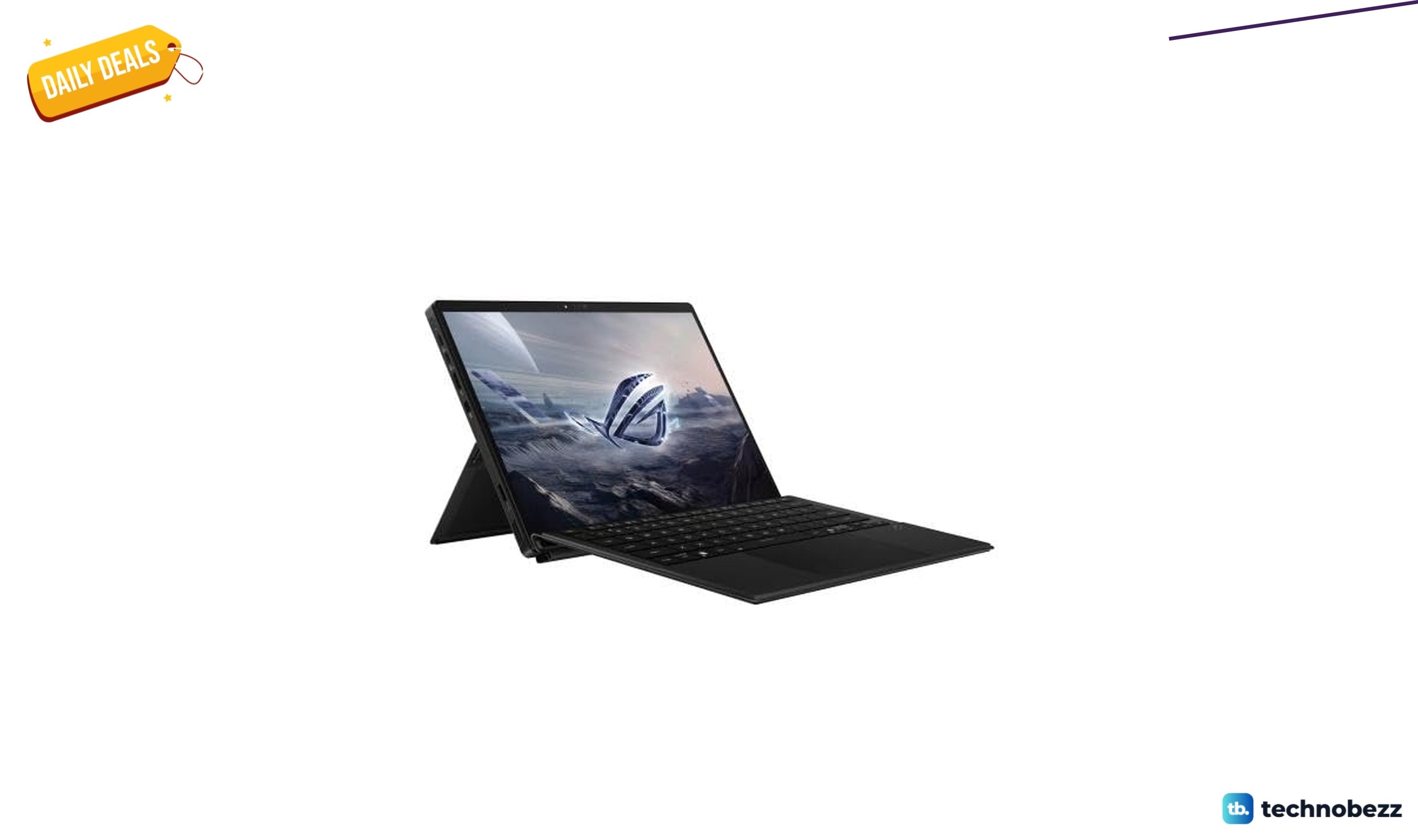
2 gaming laptop deals worth checking today, starting at $1583.06
4 min read