If you spend long hours at your desk, a monitor light bar can reduce eye strain and improve your workspace lighting. The BenQ ScreenBar Halo 2 stands out with its motion sensor that automatically lights your desk when you approach. This list helps you choose between premium features, budget options, and gaming-focused designs.
Technobezz is supported by its audience. We may get a commission from retail offers.
6 Best Monitor Light Bars for 2026
Our top monitor light bars for 2026, from the motion-sensing BenQ ScreenBar Halo 2 ($199) to a budget Quntis pick and gaming RGB bars that cut eye strain.
T
Technobezz
Editorial Team
Updated September 5, 2026Sep 5, 2026
•6 min read

Get Deals Like These in Your Inbox
The best prices, reviewed weekly.
At a Glance
| Category | Product | Why We Picked It |
|---|---|---|
| Best overall | BenQ ScreenBar Halo 2 | Motion sensor turns lights on automatically |
| Best value | Quntis Light Bar | Auto-dimming and touch controls for flat monitors |
| Best for gaming | Xiaomi Mi Light Bar | Wireless remote and no auto-dimming interference |
| Best compact option | HIOUME Light Bar | 10.2-inch light bar for compatible laptop screens |
| Also recommended | Asus ROG Aura Monitor Light Bar | Gaming-focused with PC sync |
| Also recommended | Quntis RGB Pro+ | A solid, affordable RGB pick |
How we chose
We evaluated monitor light bars based on several key factors. Our assessment considers brightness adjustment range, color temperature options, installation compatibility with different monitor types, and special features like auto-dimming or motion sensors. We prioritize products that effectively reduce eye strain while providing practical workspace illumination without screen glare.
The best monitor light bars right now
BenQ ScreenBar Halo 2 - Best overall
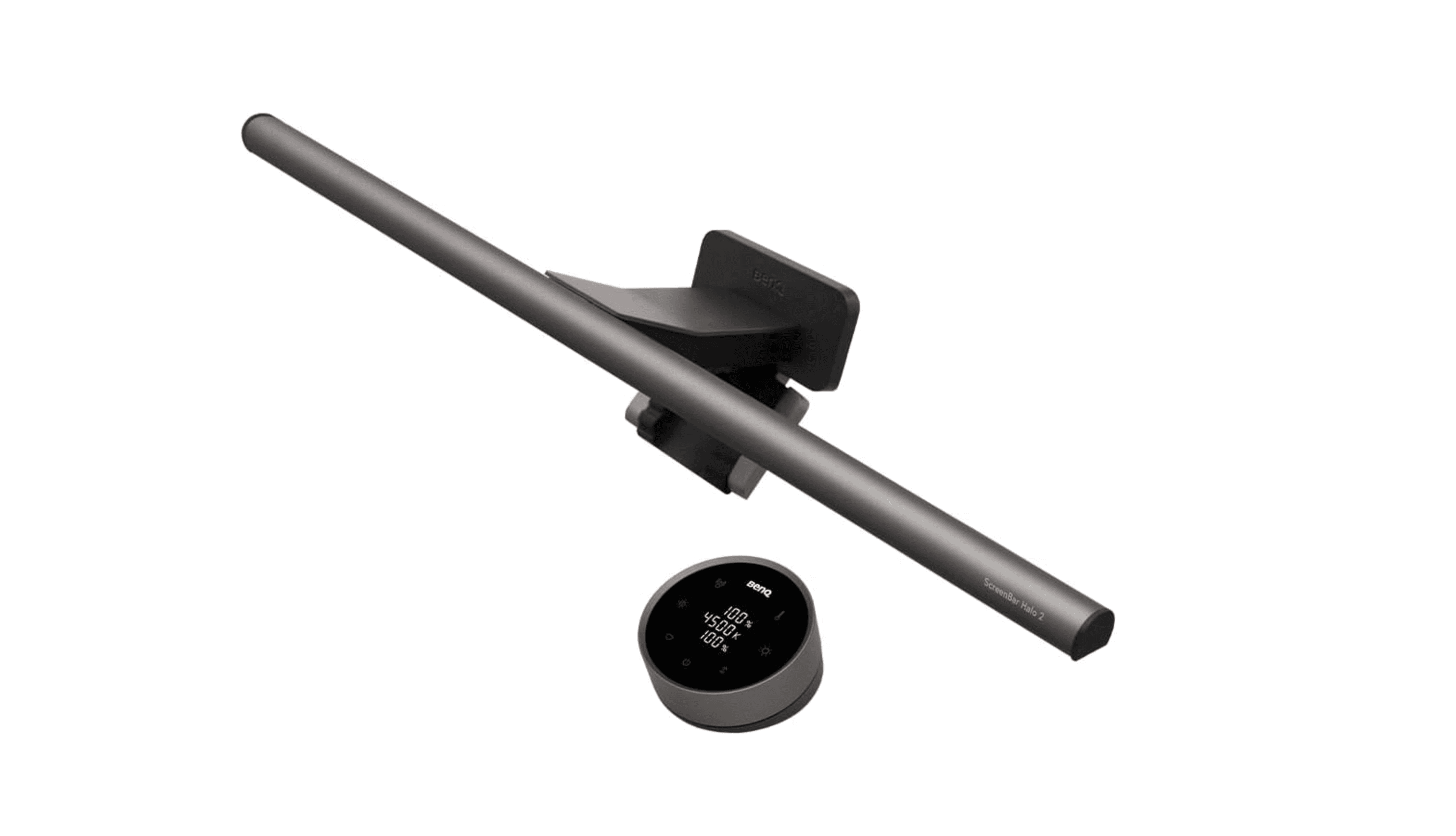
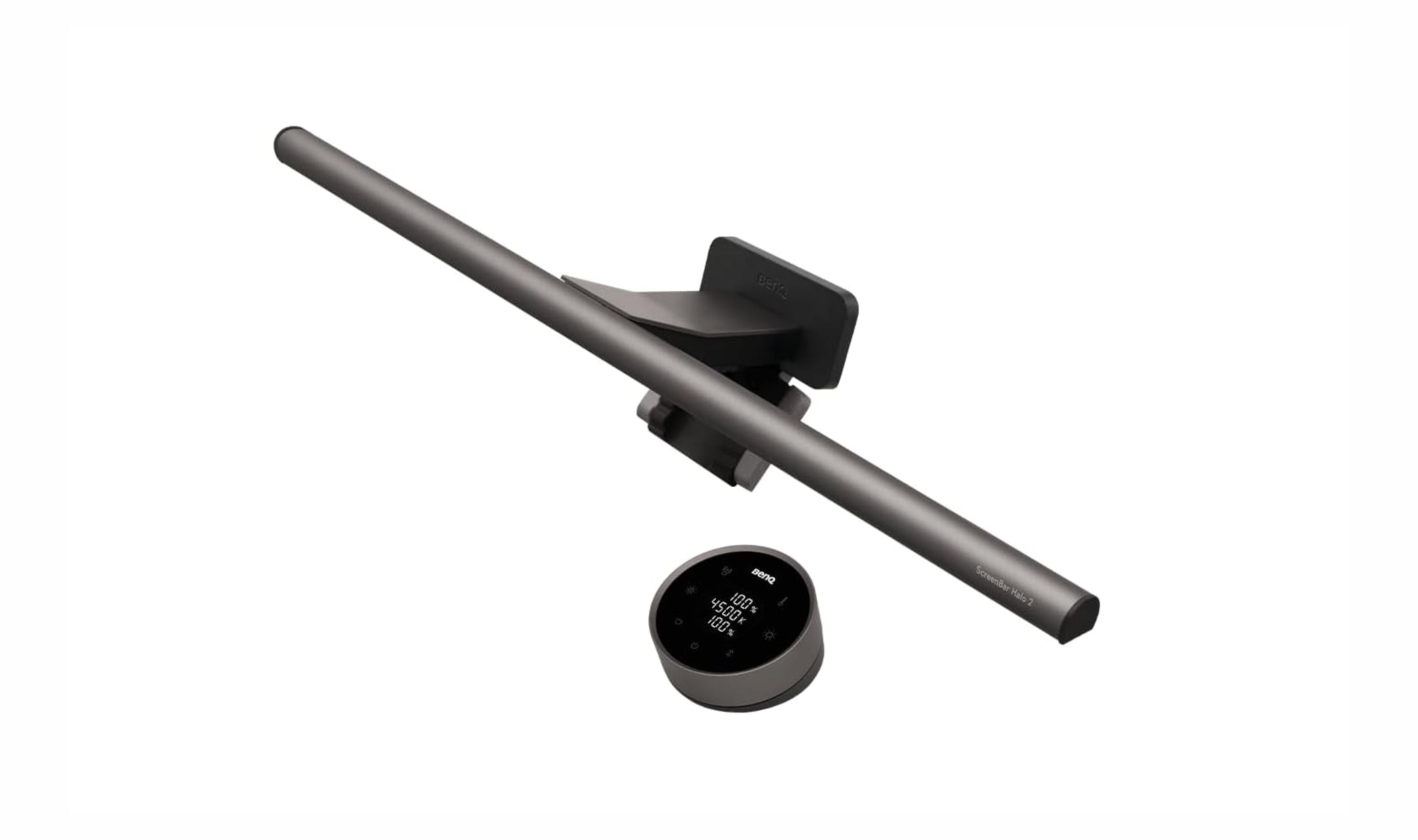
This premium light bar automatically illuminates your workspace when you approach, thanks to its built-in ultrasonic motion sensor. It works with both flat and curved displays while providing excellent brightness control.
Key highlights
- Motion sensor turns lights on when you approach your desk
- Works with flat and curved monitors without adapters
- Includes webcam mounting kit in the box
- Wireless controller with rechargeable battery
- Front light reaches 1,000 lux for ample desk illumination
Pros
- Automatic operation eliminates manual switching
- Wide compatibility with various monitor types
- Premium build quality and materials
- Backlight creates ambient wall lighting
Cons
- Higher price point than basic models
- Motion sensor may not suit all desk setups
- Requires AC adapter for optimal performance
Who it is for: Professionals who want hands-free, automated lighting for their workspace with premium features.
Skip if
You prefer manual control or have a very tight budget.
Quntis Light Bar - Best value
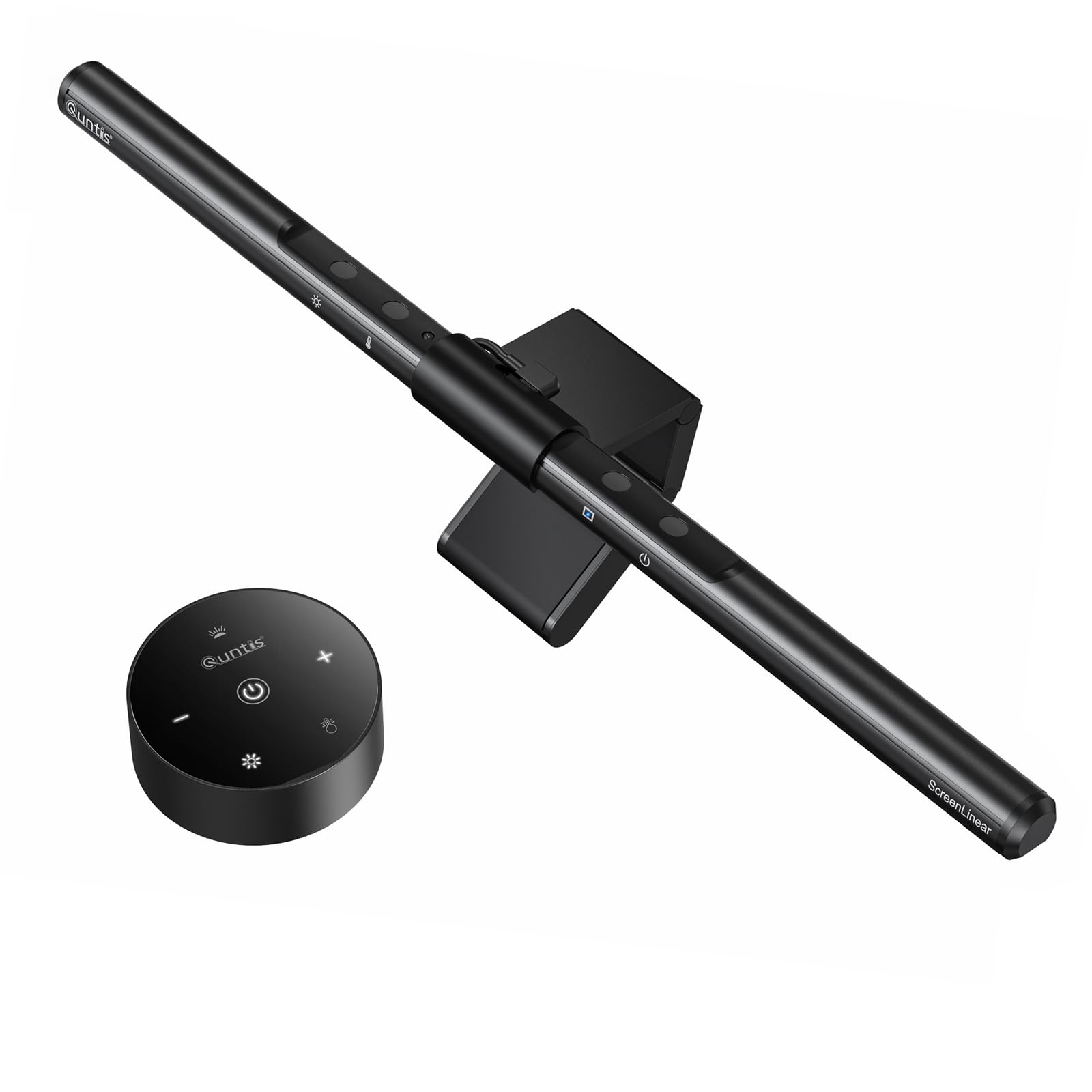
This light bar provides auto-dimming and adjustable color temperature through touch controls. Quntis specifies compatibility with 15-22-inch flat monitors measuring 0.3-1.4 inches thick; it is not suitable for laptops or curved monitors.
Key highlights
- Auto-dimming function adjusts to ambient light
- Stepless dimming for brightness and color temperature adjustment (3000K to 6500K)
- Fits 15-22-inch flat monitors measuring 0.3-1.4 inches thick
- Asymmetrical design prevents screen glare
- 78 LEDs provide consistent illumination
Pros
- Affordable alternative to premium models
- Includes two adjustment covers for the monitor clip
- Simple installation without tools
- Effective eye strain reduction
Cons
- Touch controls require reaching up to the light bar
- Not suitable for laptops or curved monitors
Who it is for: Budget-conscious users who want effective eye protection without premium features.
Skip if
You use a laptop or curved monitor, or want a wireless remote.
Xiaomi Mi Light Bar - Best for gaming
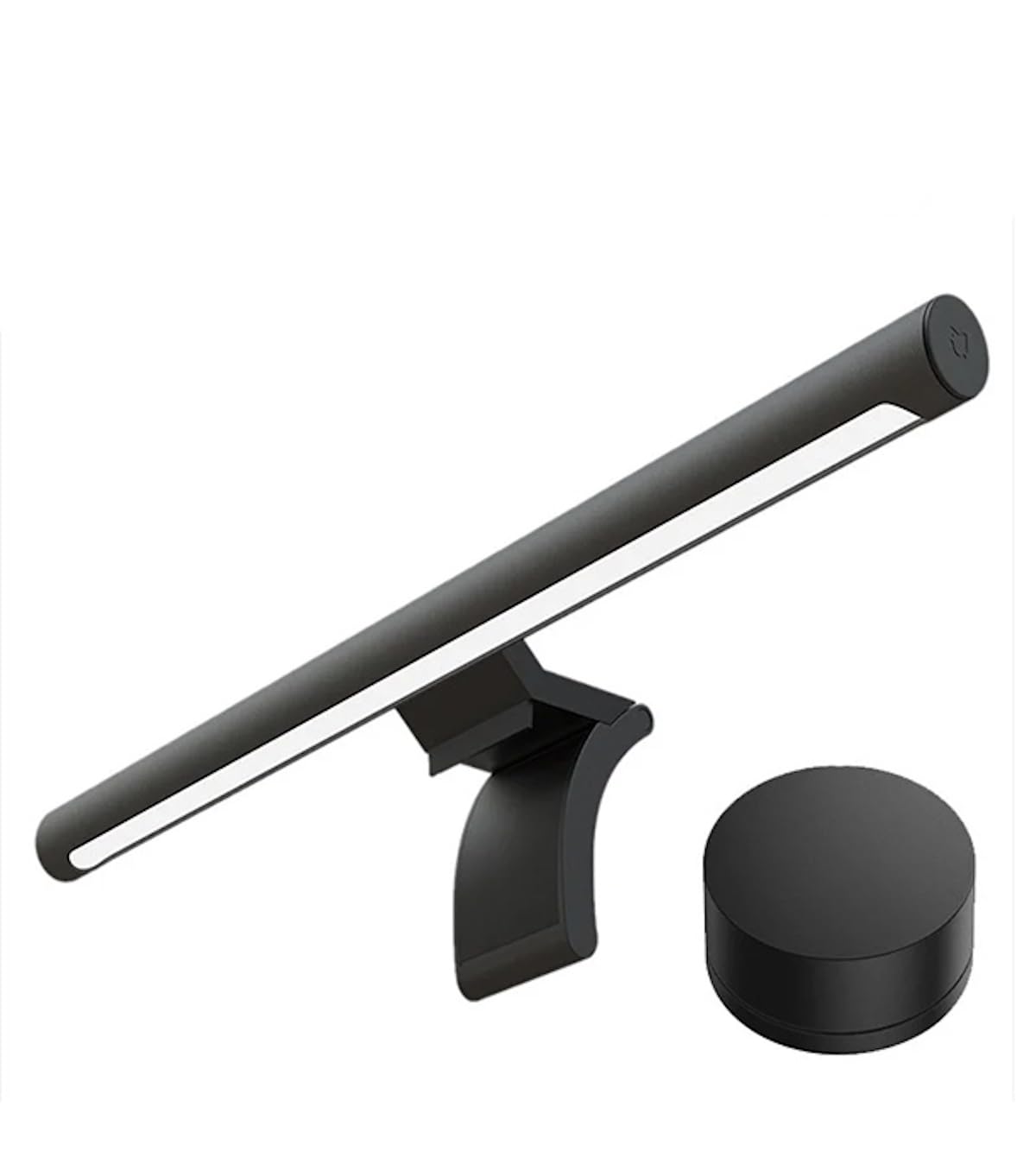
Designed with gamers in mind, this light bar includes a convenient wireless remote and avoids auto-dimming that could interfere with gameplay. The magnetic rotating base allows precise angle adjustment.
Key highlights
- Wireless remote with 2.4GHz connection
- Magnetic rotating base for easy angle adjustment
- Works with curved monitors within thickness requirements
- Asymmetric optical design prevents screen glare
Pros
- Remote provides instant control without reaching
- Gaming-friendly feature set
- Solid construction quality
- Good compatibility with various monitors
Cons
- No controls directly on the light bar
- Limited to specific monitor thickness ranges
- Fewer color temperature options than some competitors
Who it is for: Gamers who want convenient lighting control without features that might disrupt gameplay.
Skip if
You need auto-dimming or prefer controls directly on the light bar.
HIOUME Light Bar - Best compact option
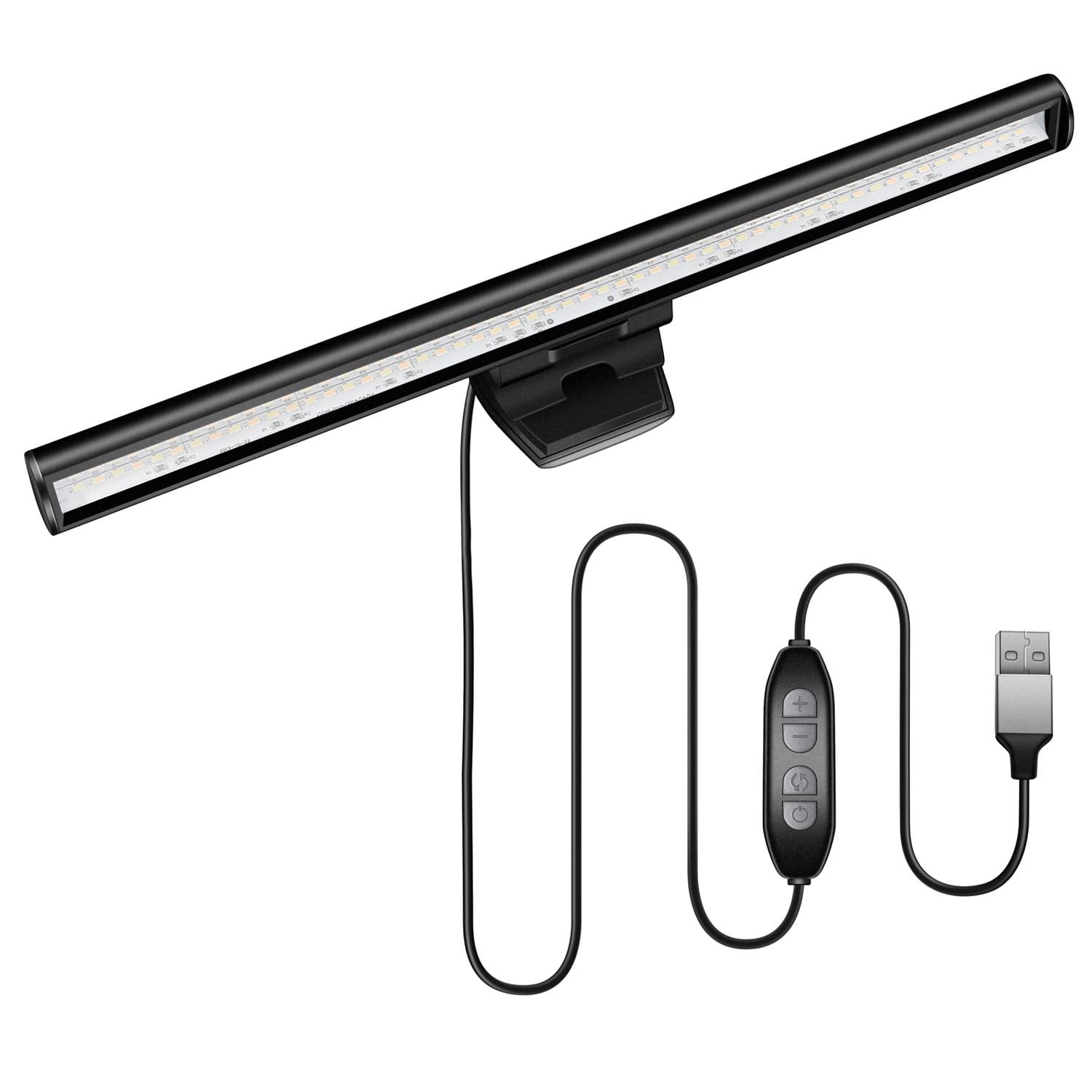
This 10.2-inch light bar is designed for laptop screens and provides adjustable brightness and color temperature. Its clip fits screens measuring 0.2-0.4 inches thick.
Key highlights
- Compact 10.2-inch length for laptop setups
- Three color temperature settings: 3000K, 4000K and 6500K
- Ten brightness adjustment levels
- Clamp design requires no tools for installation
Pros
- Compact design for compatible laptop screens
- Simple, straightforward operation
- Affordable pricing
Cons
- Not compatible with curved monitors
- Clip fits screens only 0.2-0.4 inches thick
- No auto-dimming feature
Who it is for: Laptop users with compatible screens who want compact lighting and manual brightness controls.
Skip if
You have a curved monitor or want automated lighting features.
Also Good
- Asus ROG Aura Monitor Light Bar - gaming-focused with PC sync.
- Quntis RGB Pro+ - a solid, affordable RGB pick.
How to Choose
Consider these factors when selecting a monitor light bar:
Monitor compatibility matters most. Check if the light bar works with your monitor's thickness, bezel width, and curvature. Some models require specific adapters for curved displays.
Control options vary significantly. Wireless remotes offer convenience, while motion sensors provide automation. Consider whether you prefer manual adjustment or automated features.
Lighting features include brightness levels, color temperature range, and special modes like auto-dimming. More adjustment options provide better customization for different tasks and times of day.
Additional functionality like webcam mounts or backlighting can be valuable if you need integrated solutions. These features add convenience but also increase cost.
Installation simplicity affects daily use. Look for clamp designs that don't require tools and check cable length to ensure it reaches your power source comfortably.
FAQ
Do monitor light bars actually help with eye strain?
Yes, by providing consistent ambient light, they reduce the contrast between your bright screen and dark surroundings. This helps your eyes adjust less frequently, decreasing fatigue during long sessions.
What's the difference between a light bar and monitor backlighting?
Light bars illuminate your desk workspace directly, while backlighting (bias lighting) creates ambient glow behind your monitor. Some premium models like the BenQ ScreenBar Halo 2 include both functions.
Can I use a monitor light bar with a curved monitor?
Many modern light bars support curved monitors, but check compatibility specifications. Some require specific curvature ratings or include adapters for proper installation.
How do I prevent screen glare from a light bar?
Look for models with asymmetric optical designs that direct light away from the screen surface. Proper angle adjustment during installation also helps minimize reflections.
Are wireless remotes better than controls on the light bar?
Wireless remotes offer convenience since you don't need to reach up to adjust settings. However, controls on the light bar can be simpler and don't require batteries or charging.
Published March 5, 2026 Last updated September 5, 2026
Share this article
More in News
6 Best OLED TVs for 2026
Samsung S90F leads our picks for the best OLED TVs in 2026, balancing stunning picture quality and strong value for movies and gaming.
3 min read
8 Best Blood Pressure Monitors for Home Use in 2026
We tested clinically validated blood pressure monitors from Omron, Withings, and more. The Omron Platinum leads our picks, with options from $40 to $140.
3 min read
3 Best Rolling TV Monitors You Can Buy Right Now
LG Swing leads our picks for the best rolling TV monitors. See top models for medical use, multi-monitor setups, and budget-friendly options.
3 min read
The 8 Best Smart TVs of 2026
Samsung S90F leads our picks for the best smart TVs of 2026. Compare top models for picture quality, gaming, and value to find your perfect screen.
3 min read
8 Best Anti-Glare TVs for 2026
3 min read
The 7 Best Monitors for PS5 in 2026
3 min read
8 Best Tablets for Photo Editing in 2026
3 min read
Best Workout Earphones for 2026
5 min read
6 Best Wi-Fi Routers for 2026
5 min read
9 Best Wireless Gaming Mice in 2026
3 min read
8 Best Fitness Trackers for 2026
5 min read
Best TVs Under $300 for 2026
4 min read