Finding a decent laptop under $500 is easier than ever, but you still need to know where to look. The Acer Aspire Go 15 delivers the best Windows experience for the money, while Chromebooks like the Acer Chromebook Plus 514 offer better performance at this price point. This list is for students, casual users, and anyone who needs a reliable machine without breaking the bank.
Technobezz is supported by its audience. We may get a commission from retail offers.
Best Laptops Under $500 for 2026
The Acer Aspire Go 15 leads our picks for the best laptops under $500 in 2026, including top Chromebooks for students and budget users.
T
Technobezz
Editorial Team
Updated September 5, 2026Sep 5, 2026
•8 min read

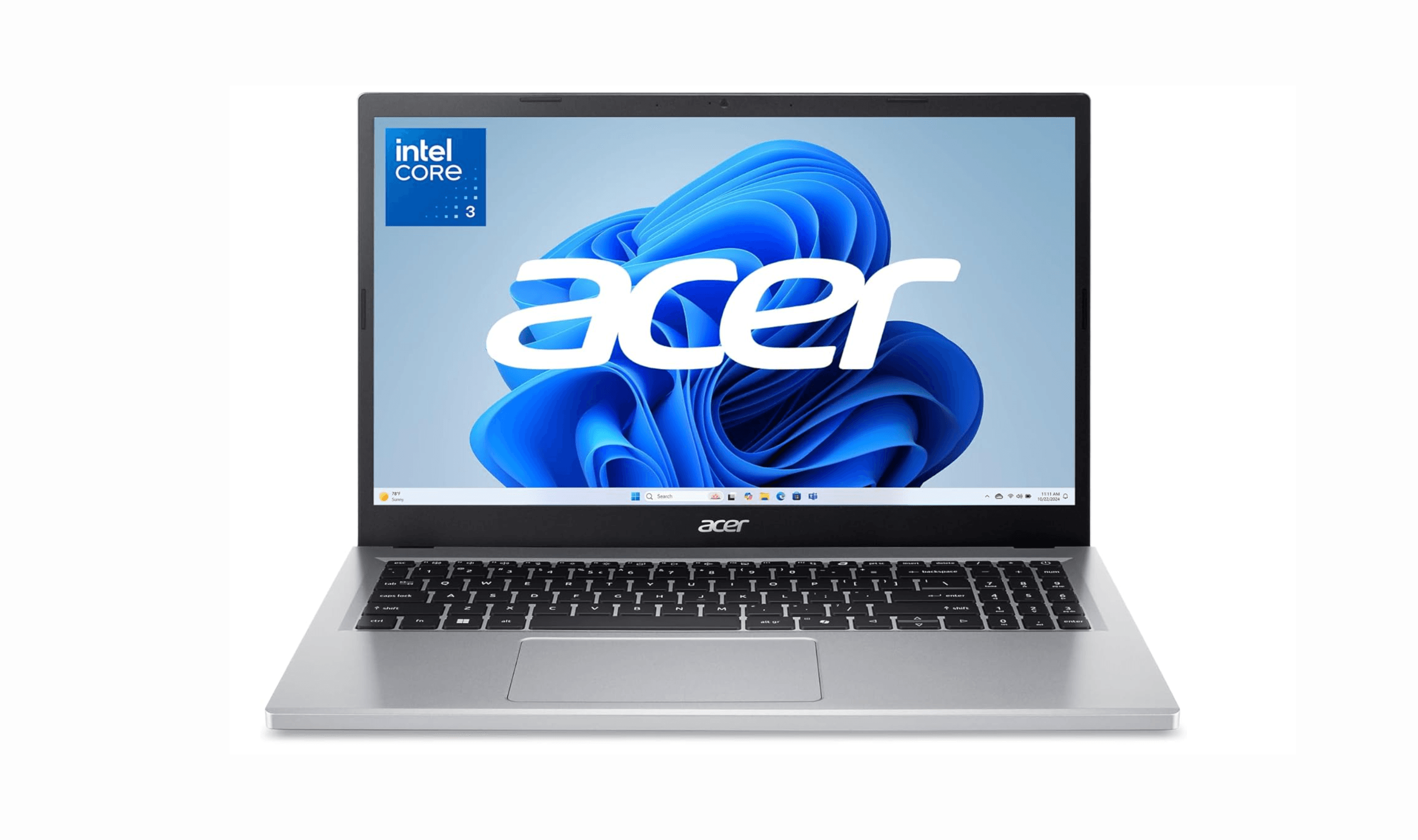
Get Deals Like These in Your Inbox
The best prices, checked by our editors.
At a Glance
| Category | Product | Why We Picked It |
|---|---|---|
| Best overall | Acer Aspire Go 15 | Solid Windows performance with good battery life |
| Best value | Acer Chromebook Plus 514 | Excellent Chrome OS experience with long battery |
| Best for 2-in-1 flexibility | Lenovo Chromebook Plus 2-in-1 | Versatile convertible design |
| Best for portability | Lenovo Chromebook Duet | Lightweight detachable with included keyboard |
| Best for Windows power users | Acer Aspire 3 | Better processor for demanding tasks |
| Also recommended | Asus Chromebook Plus CX34 | Core i3-1215U processor with 8GB RAM |
| Also recommended | Dell 15 | Windows 11 with a Core 3 100U and 512GB SSD |
| Also recommended | Acer Chromebook Spin 312 | Affordable 2-in-1 with good battery |
How we chose
We evaluated laptops based on performance benchmarks, battery life measurements, display quality assessments, and real-world usability testing. Our assessment considers processor capability, memory configuration, storage speed, and overall build quality. We prioritize products that deliver reliable performance for everyday tasks while staying within the budget constraint. Our evaluation framework examines how well each machine handles web browsing, document editing, video streaming, and basic productivity work.
The best laptops under $500 right now
Acer Aspire Go 15 - Best overall
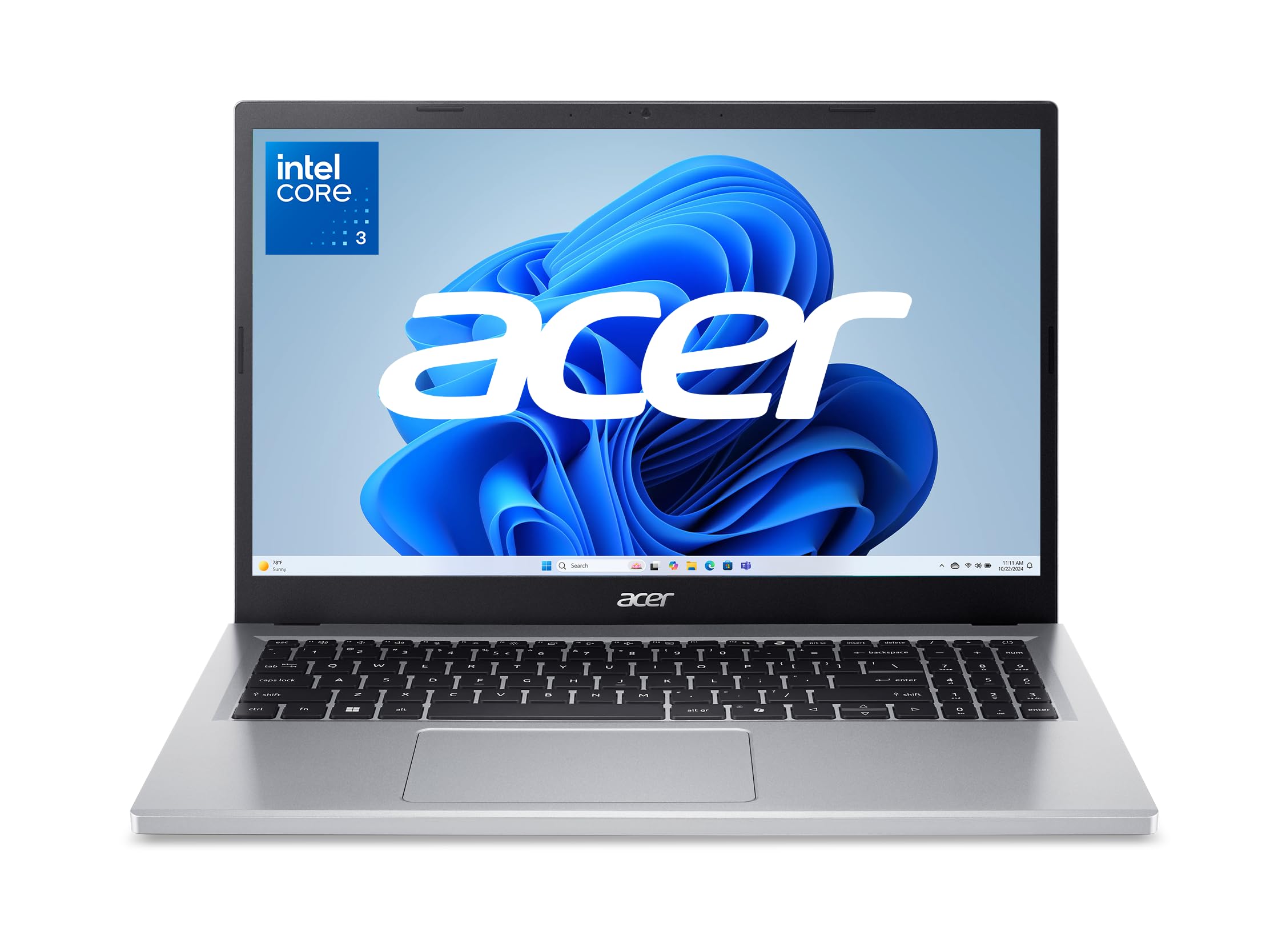
This Windows laptop strikes the right balance between performance and price, offering enough power for everyday tasks without the usual compromises of budget machines. It's the go-to choice if you need Windows compatibility but don't want to spend more than necessary.
Key highlights
- 15.6" FHD (1920 x 1080) IPS display provides clear visuals for work and entertainment
- Dual full-function USB Type-C ports add modern connectivity
- 8GB RAM configuration handles multiple browser tabs and applications smoothly
- Acer rates this model for up to 12.5 hours of battery life; actual runtime varies with usage
- 720p HD camera with Acer TNR for low-light video calls
Pros
- Solid performance for everyday computing tasks
- Good selection of ports including USB-C and USB-A
- Surprisingly decent display quality for the price
- Includes modern USB-C connectivity
Cons
- Comes with Windows 11 in S mode by default (can be switched)
- Includes pre-installed software that should be removed
- Build quality shows some flex under pressure
- No fingerprint reader or webcam privacy cover
Who it is for: Students, home users, and anyone who needs a reliable Windows laptop for basic productivity, web browsing, and media consumption without spending extra money.
Skip if
You need premium build quality, want a lightweight portable machine, or require powerful performance for demanding applications.
Acer Chromebook Plus 514 - Best value
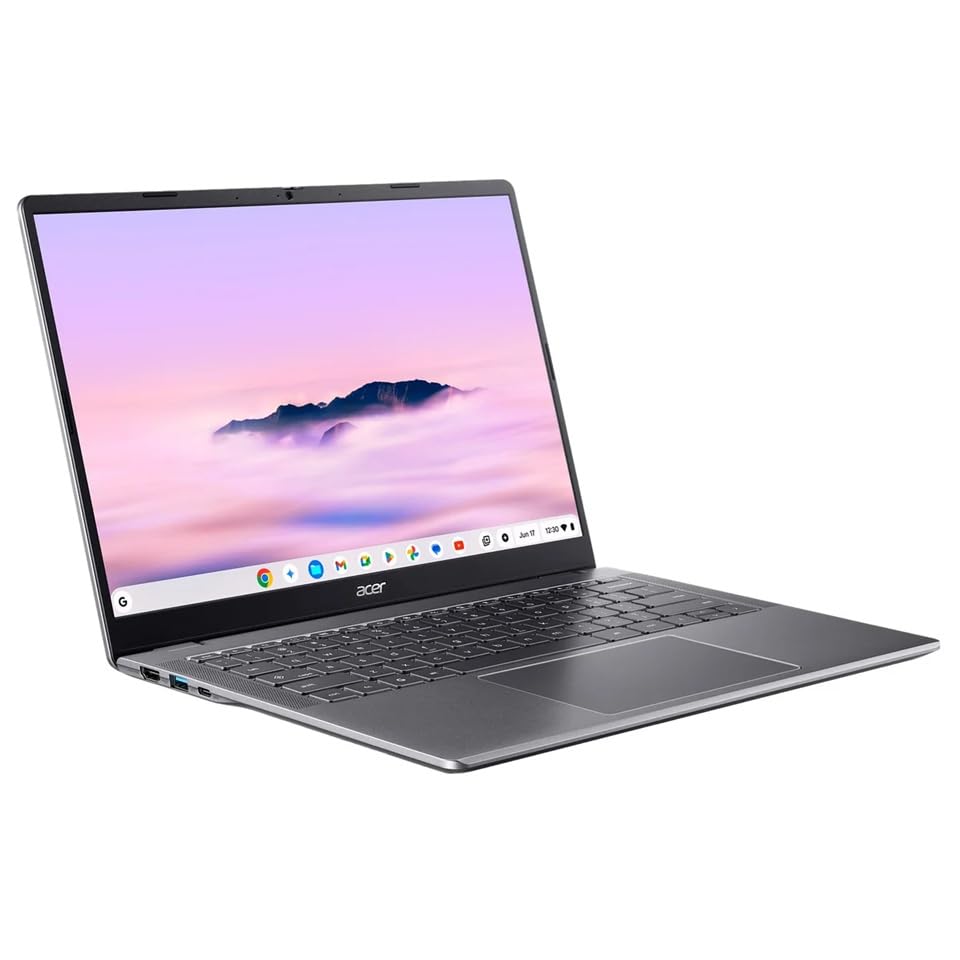
Chromebooks often deliver better performance than Windows laptops at this price, and the Chromebook Plus 514 proves that rule with excellent battery life and a comfortable typing experience. It's the smart choice if most of your work happens in a browser.
Key highlights
- Chrome OS provides snappy performance with minimal bloatware
- All-day battery life significantly outlasts most Windows competitors
- Comfortable keyboard with decent key travel for extended typing
- 14-inch touchscreen adds versatility for certain tasks
- Qualifies as a Chromebook Plus with access to Google AI features
Pros
- Exceptional battery life for all-day use
- Clean, responsive Chrome OS experience
- Good keyboard and trackpad for the price
- Lightweight and portable design
Cons
- Linux applications require enabling the Linux development environment
- Display could be brighter in outdoor conditions
- Speakers produce mediocre audio quality
- No 360-degree hinge for tablet mode
Who it is for: Students, casual users, and anyone whose computing needs revolve around web browsing, Google Docs, email, and streaming services.
Skip if
You need specialized Windows software, want to play PC games, or require extensive offline functionality.
Lenovo Chromebook Plus 2-in-1 - Best for 2-in-1 flexibility
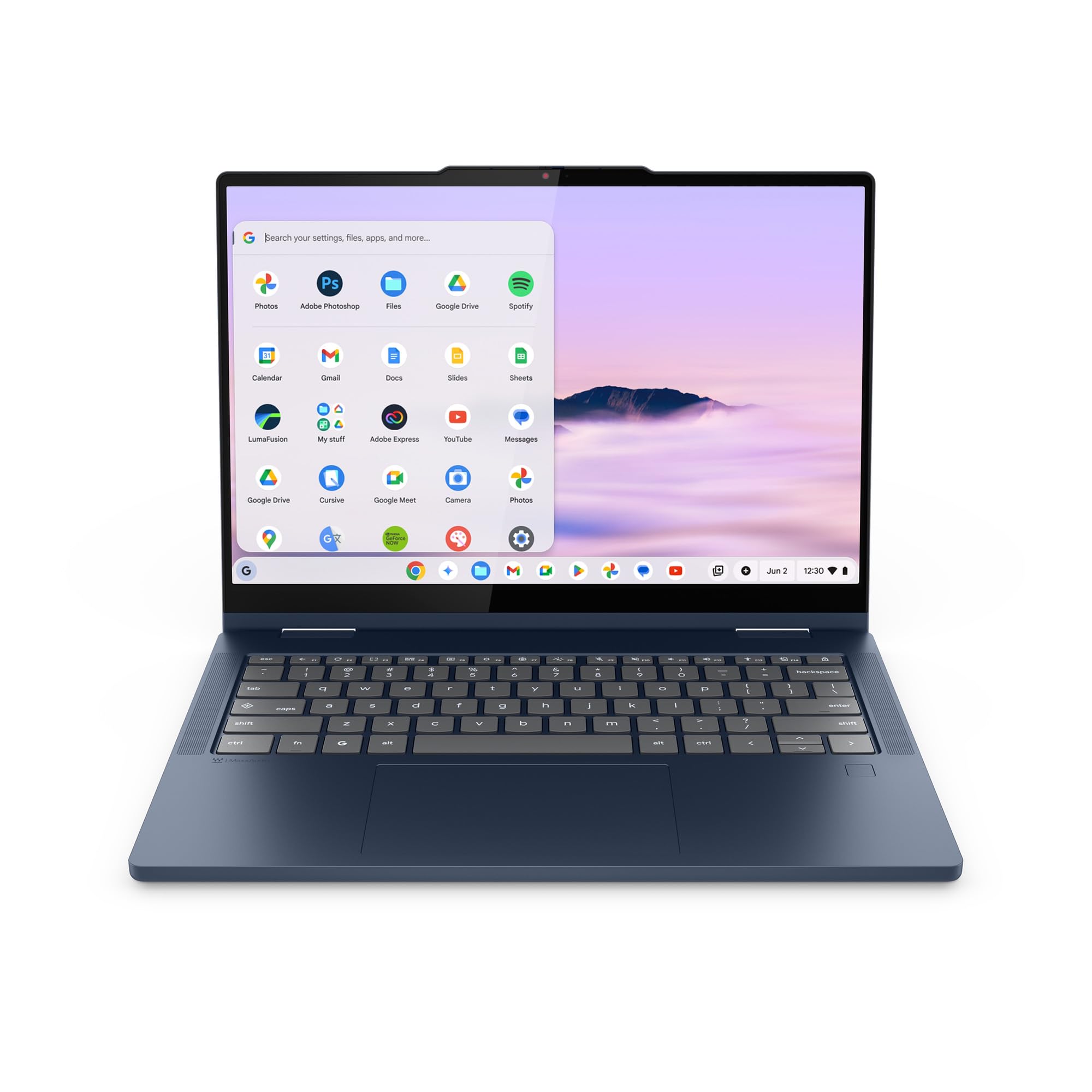
This convertible Chromebook offers the versatility of a 2-in-1 design without the usual performance compromises found at this price point. The flexible hinge and touchscreen make it adaptable for different use cases.
Key highlights
- 360-degree hinge enables laptop, tablet, tent, and stand modes
- Intel Core 3 N355 processor powers this ChromeOS configuration
- 8GB RAM configuration handles multitasking smoothly
- Backlit keyboard works well in low-light conditions
- Touchscreen supports both finger and stylus input
Pros
- Versatile 2-in-1 design adds functionality
- Good performance for a budget convertible
- Backlit keyboard is rare at this price
- Solid build quality with sturdy hinges
Cons
- Battery life is shorter than some Chromebook competitors
- Display brightness could be better
- Heavier than some traditional clamshell laptops
- Chrome OS limitations apply
Who it is for: Students who want tablet functionality for note-taking, users who appreciate convertible designs, and anyone who values versatility in their computing device.
Skip if
You need maximum battery life, prefer a lighter traditional laptop, or require Windows-specific applications.
Lenovo Chromebook Duet - Best for portability
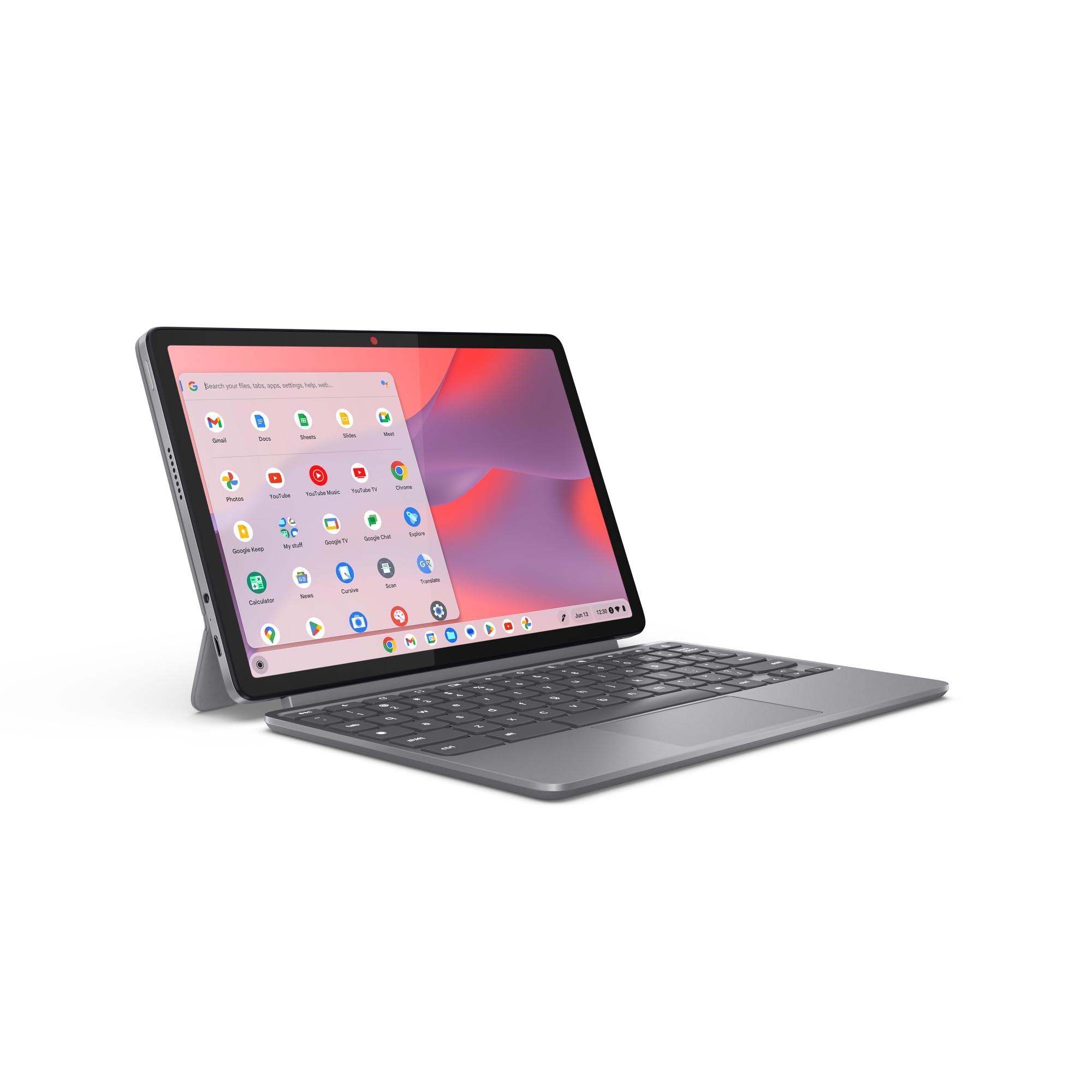
This detachable Chromebook combines tablet convenience with laptop functionality in an ultra-portable package. The included keyboard cover and kickstand make it ready to work right out of the box.
Key highlights
- Detachable design works as both tablet and laptop
- Included keyboard cover and kickstand add value
- All-day battery life supports mobility
- Weight starts at 2.43 pounds with the folio keyboard and stand
- Bright display with good color reproduction
Pros
- Extremely portable and lightweight
- Keyboard and cover included at no extra cost
- Excellent battery life for mobility
- Good display quality for the price
Cons
- Performance lags behind more powerful Chromebooks
- Keyboard feels cramped for extended typing
- Limited to 4GB RAM in base configuration
- Small screen size may not suit everyone
Who it is for: Students, travelers, and anyone who needs maximum portability with basic computing capabilities. It's ideal as a secondary device or for users with minimal performance needs.
Skip if
You need powerful performance, plan to do extensive typing, or want a larger screen for productivity work.
Acer Aspire 3 - Best for Windows power users
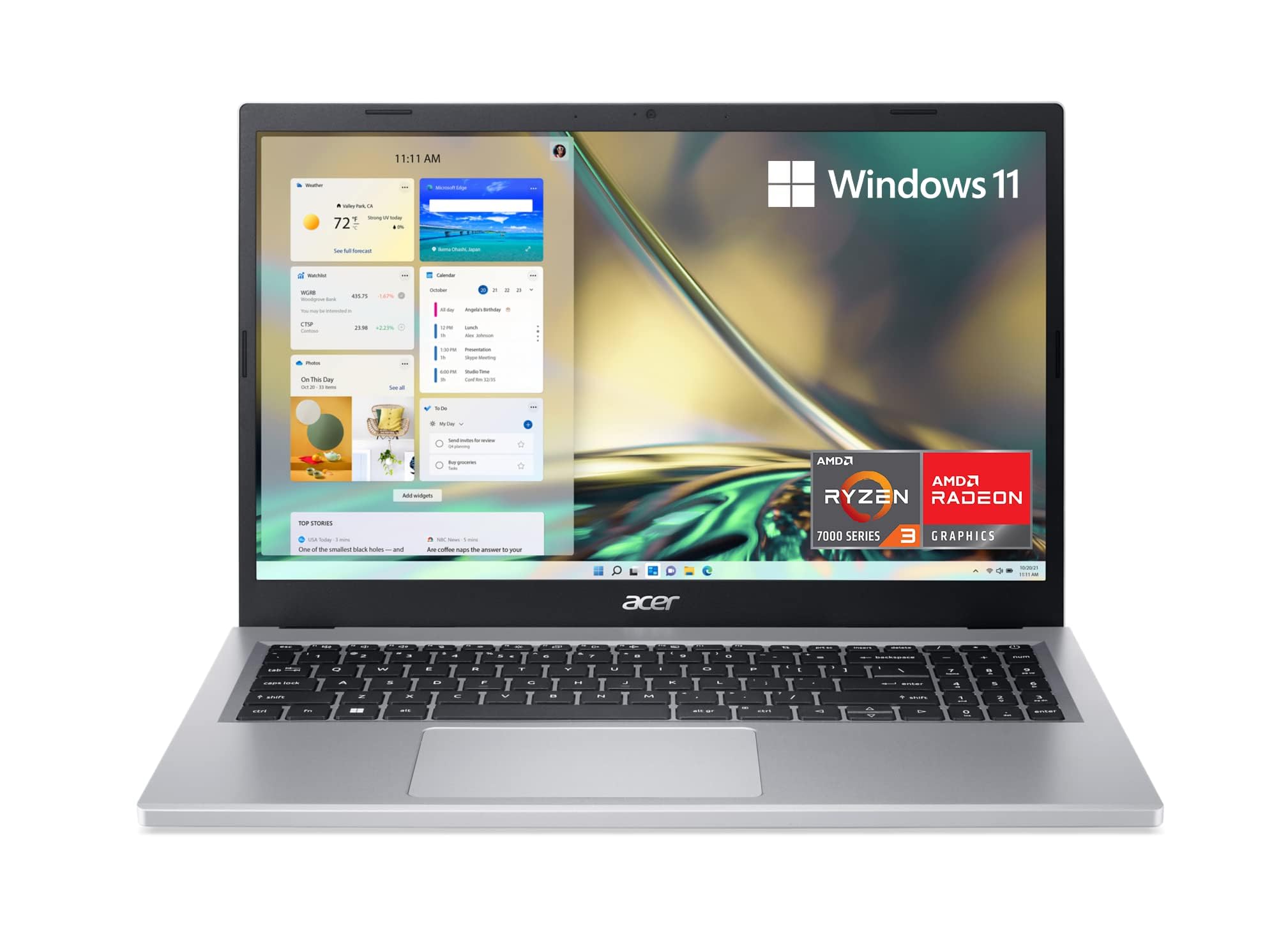
When you need more processing power within the budget constraint, the Aspire 3 delivers with better CPU options and solid overall performance. It's the choice for users who push their laptops harder.
Key highlights
- AMD Ryzen 3 7320U Quad-Core processor provides solid performance
- 8GB RAM standard configuration handles multitasking well
- 128GB NVMe SSD storage in the linked configuration
- 15.6" FHD (1920 x 1080) IPS display works for productivity and media
- Good port selection including USB-C and HDMI
Pros
- Better processor performance for demanding tasks
- Good keyboard with decent typing experience
Cons
- Heavier and bulkier than some alternatives
- Battery life is average for the category
- Display quality varies between configurations
- Build materials feel budget-appropriate
Who it is for: Users who need more processing power for slightly demanding applications, students in technical fields, and anyone who wants better future-proofing within the budget.
Skip if
You prioritize portability, need all-day battery life, or want premium build materials.
Also Good
- Asus Chromebook Plus CX34- 14-inch Full HD Chromebook with 8GB RAM and 128GB storage
- Dell 15- 15.6-inch Windows laptop with 8GB RAM and a 512GB SSD
- Acer Chromebook Spin 312- affordable 2-in-1 with good battery
How to Choose
Consider these factors when selecting a laptop under $500:
Operating system: Chrome OS generally performs better at this price point and offers longer battery life, but Windows is necessary for specific software compatibility. Choose based on your application needs rather than personal preference.
Performance priorities: Look for at least 8GB of RAM and an SSD rather than eMMC storage. Processor choice matters less than these components for everyday smoothness.
Display quality: Don't settle for less than 1080p resolution. IPS panels offer better viewing angles than TN screens, which is important if you share your screen or work at different angles.
Battery life: Chromebooks typically last longer than Windows laptops in this price range. Consider how often you'll be away from power outlets when making your choice.
Form factor: Traditional clamshells offer better value, but 2-in-1s provide versatility for note-taking and media consumption. Consider whether the extra functionality justifies any performance or battery compromises.
FAQ
Can I get a good gaming laptop under $500?
Not for modern AAA games, but you can find laptops capable of cloud gaming services like NVIDIA GeForce Now or Xbox Game Pass Cloud Gaming. The Acer Chromebook Plus 516 GE is specifically designed for cloud gaming with a 120Hz display and often goes on sale under $500.
How long should a $500 laptop last?
With reasonable care, expect 3-4 years of useful life. Performance may feel slower toward the end, but the laptop should remain functional for basic tasks throughout that period.
Should I buy a Windows laptop or Chromebook under $500?
Chromebooks generally offer better performance and battery life at this price point. Choose Windows only if you need specific software that doesn't have web or Android alternatives.
What's the minimum RAM I should accept?
8GB is the practical minimum for smooth performance in 2026. Some Chromebooks with 4GB can work for very basic use, but they'll struggle with multitasking.
Are refurbished laptops a better value?
Sometimes, especially if you can find a higher-end model from a previous year. Look for reputable refurbishers with warranties, and check that the battery has been replaced or tested.
Published March 10, 2026 Last updated September 5, 2026
Share this article
More in News
8 Best Chromebooks for Students in 2026
The best Chromebooks for students in 2026, from the Samsung Galaxy Chromebook Plus to budget picks under $200 and rugged, all-day classroom models.
3 min read
Top 7 High-End Laptops for 2026
MacBook Air M4 leads our 2026 high-end laptop picks. See the top 9 premium models for professionals and creators, including Dell XPS 14 and more.
3 min read
7 Best Budget Gaming Laptops for 2026
We rank the 8 best budget gaming laptops for 2026, from the $799 Acer Nitro V 15 to the RTX 5070 MSI Katana 15 HX, our top pick, plus an OLED Lenovo Legion 5i.
5 min read
6 Best Laptops for Engineering Students in 2026
Discover the best laptops for engineering students in 2026. Our top pick, the Asus ProArt P16, delivers workstation power in a portable form.
3 min read
7 Best Laptops for Stock Trading in 2026
5 min read
6 Best Laptops for Teachers in 2026
4 min read

AKG K 701 Ultra Reference Class Stereo discounted to $247.37
5 min read

Apple Watch SE 3 GPS 40mm Smartwatch discounted to $189.97
5 min read

Cleer Audio Enduro ANC Noise Canceling Headphones price drops to $94.99
3 min read

Lenovo coupon codes and deals
5 min read

Woot coupon codes and deals
3 min read

Samsung coupon codes and deals
5 min read