Choosing the right laptop for teaching isn't about flashy specs. It's about finding a reliable machine that handles lesson planning, grading, and presentations without slowing you down. The picks below run from a budget Chromebook to premium Windows and Mac laptops, so you can match the machine to the way you teach.
Technobezz is supported by its audience. We may get a commission from retail offers.
6 Best Laptops for Teachers in 2026
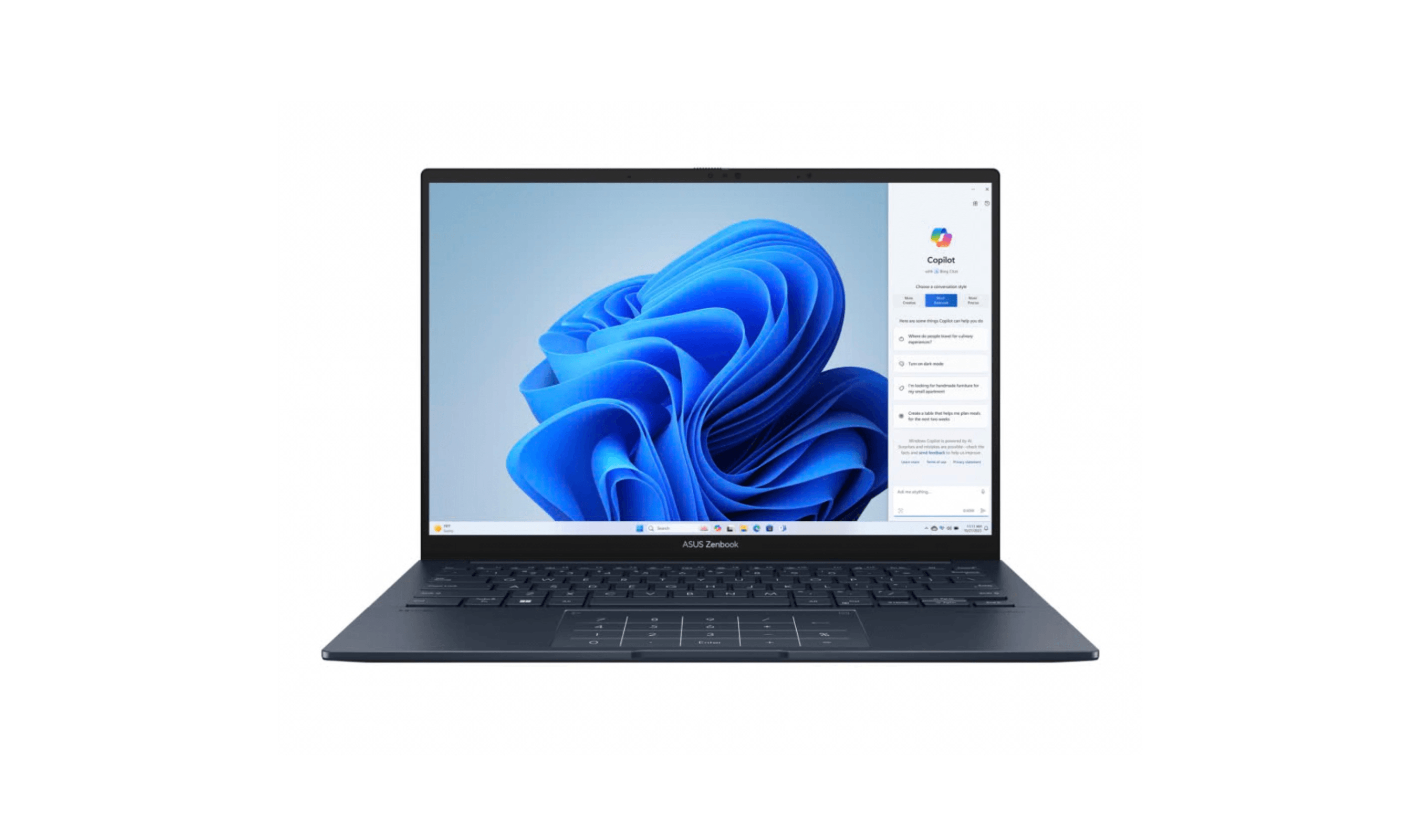
Discover the best laptops for teachers in 2026, led by the top pick Asus Zenbook 14 OLED. Compare top models for performance, value, and battery life.
T
Technobezz
Editorial Team
Updated October 1, 2026Oct 1, 2026
•6 min read

Get Deals Like These in Your Inbox
The best prices, reviewed weekly.
At a Glance
| Category | Product | Why We Picked It |
|---|---|---|
| Best value | Acer Aspire 5 | Offering solid specs at an affordable price point |
| Best for typing | Lenovo ThinkPad T14s Gen 7 | Backlit keyboard, 32GB memory, and a 500-nit anti-glare touchscreen for lesson planning |
| Best budget Chromebook | Lenovo IdeaPad Flex 5i Chromebook Plus | Perfect for basic classroom tasks |
| Best Mac option | MacBook Air 13-inch (M5) | M5 processor, 512GB SSD, and a 12MP Center Stage camera for online lessons |
| Also recommended | Dell XPS 14 Premium | Premium build and power in a sleek design |
| Also recommended | Acer Swift 3 | A lightweight, stylish choice with long battery life |
How we chose
We evaluated laptops for teachers based on what matters most in classroom environments. Key criteria included all-day battery life, comfortable keyboards for lesson planning, durability for daily transport, and reliable performance for educational software.
The best laptops for teachers right now
Lenovo ThinkPad T14s Gen 7 - Best for typing
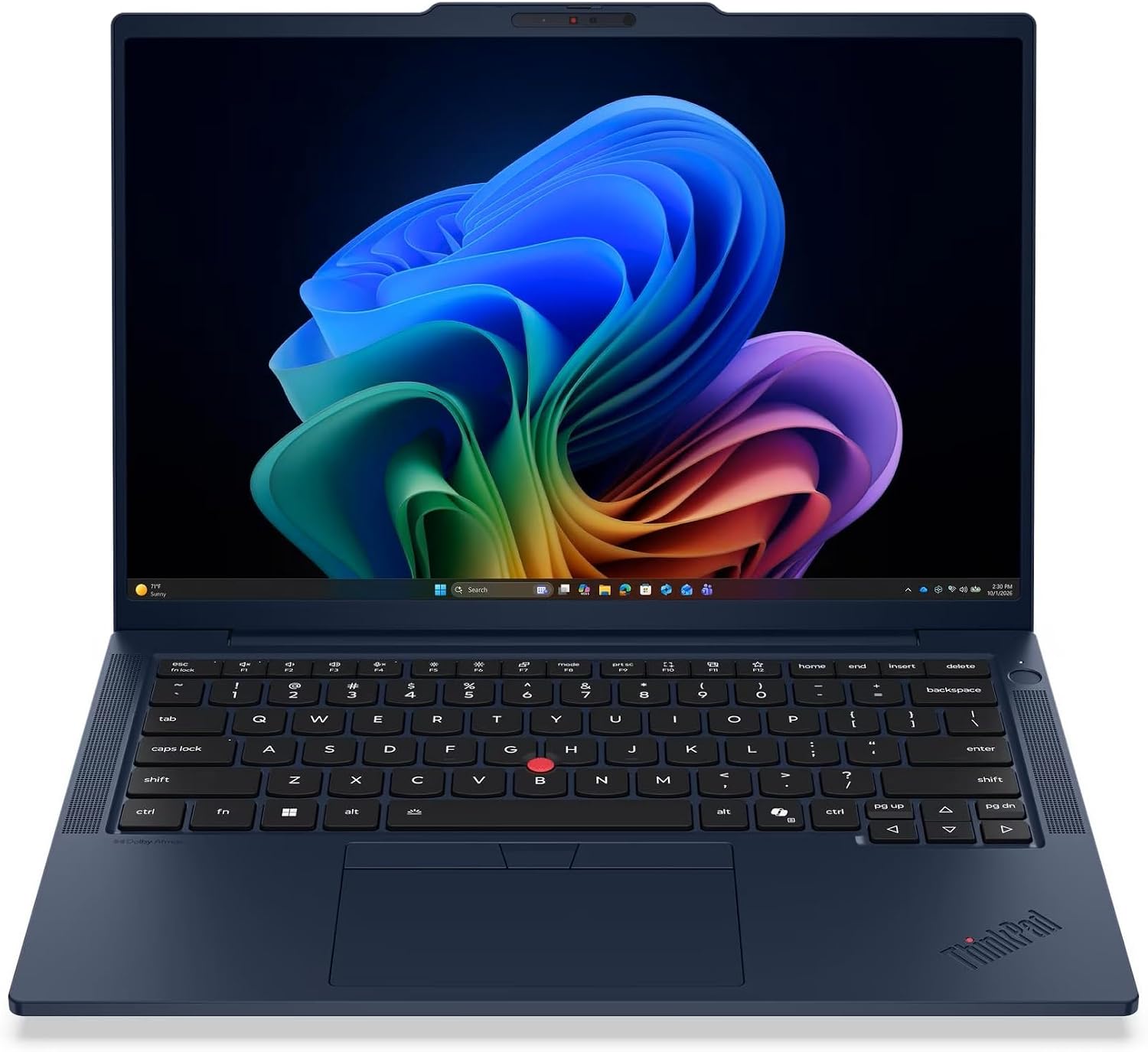
The ThinkPad T14s Gen 7 pairs a backlit keyboard with 32GB of memory and a 1TB SSD for lesson planning. This Intel configuration also includes a bright, anti-glare touchscreen.
Key highlights
- Intel Core Ultra 7 365 vPro processor
- 32GB LPDDR5X memory and 1TB SSD
- 14-inch 1920 x 1200 IPS touchscreen, rated at 500 nits
- Backlit keyboard and fingerprint reader
- Three Thunderbolt 4 ports, USB-A, and HDMI
Pros
- Anti-glare display with 100% sRGB coverage
- 5MP infrared camera with privacy shutter
- Windows 11 Pro and Wi-Fi 7
Cons
- Soldered memory cannot be upgraded
- No built-in card reader
- Only one USB-A port
Who it is for: Teachers who prioritize typing comfort and durability over flashy features.
Skip if
You need upgradeable memory or several USB-A accessories without a hub.
Acer Aspire 5 - Best value
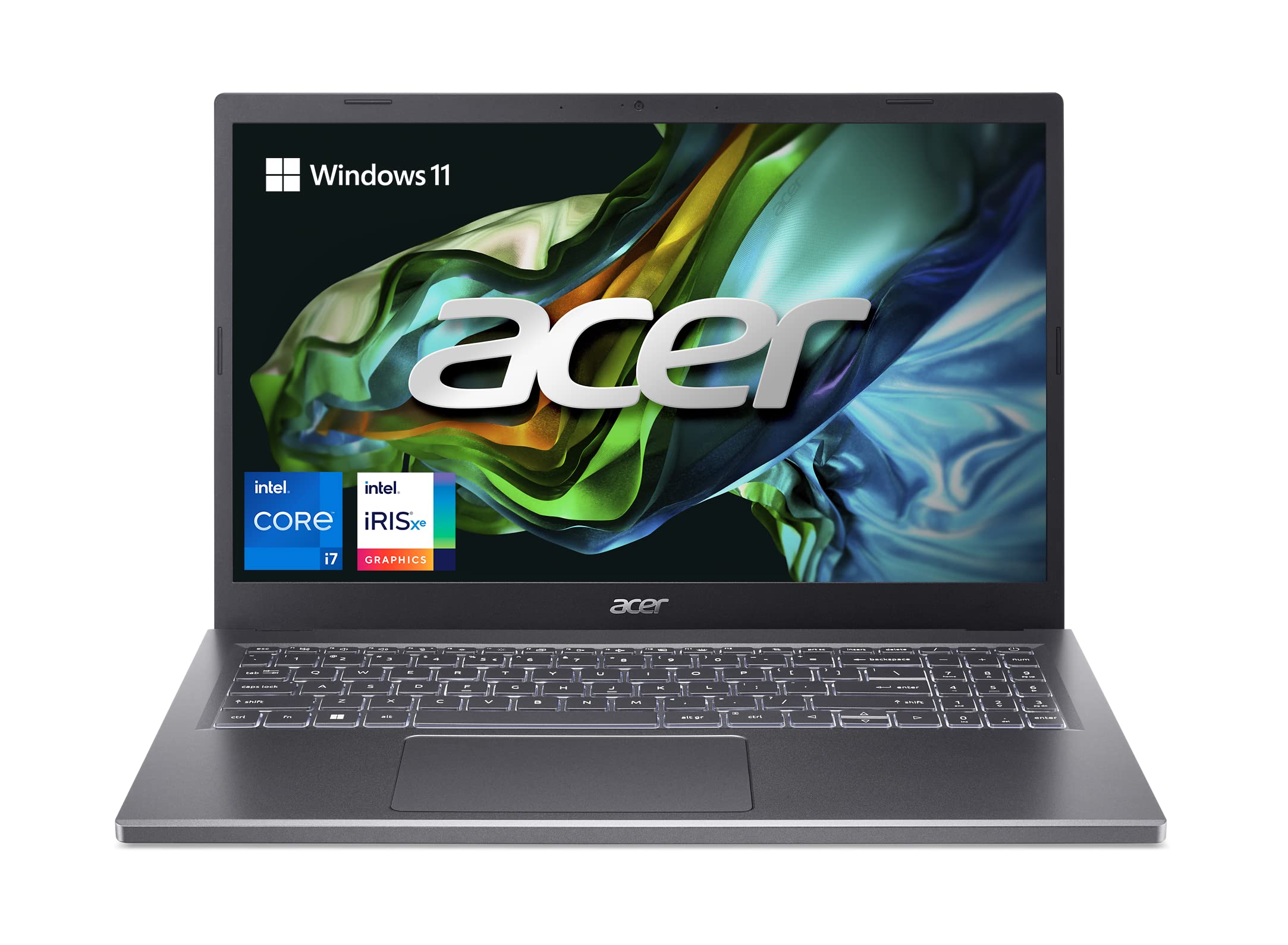
For teachers watching their budget, the Aspire 5 delivers solid performance without breaking the bank. It handles basic teaching tasks competently while offering decent battery life and a comfortable keyboard.
Key highlights
- Budget-friendly price point
- Solid specs for basic teaching tasks
- Comfortable keyboard for lesson planning
- Decent battery life for classroom use
- Includes modern connectivity options
Pros
- Excellent value for money
- Handles document editing, web browsing, and basic educational software
- Keyboard comfort supports extended typing sessions
- Modern design with adequate ports
Cons
- Display quality is mediocre with limited brightness
- Build quality feels less premium than more expensive options
- Performance struggles with demanding applications
Who it is for: Budget-conscious teachers who need reliable performance for basic classroom tasks.
Skip if
You regularly use demanding educational software or need exceptional display quality.
MacBook Air 13-inch (M5) - Best Mac option
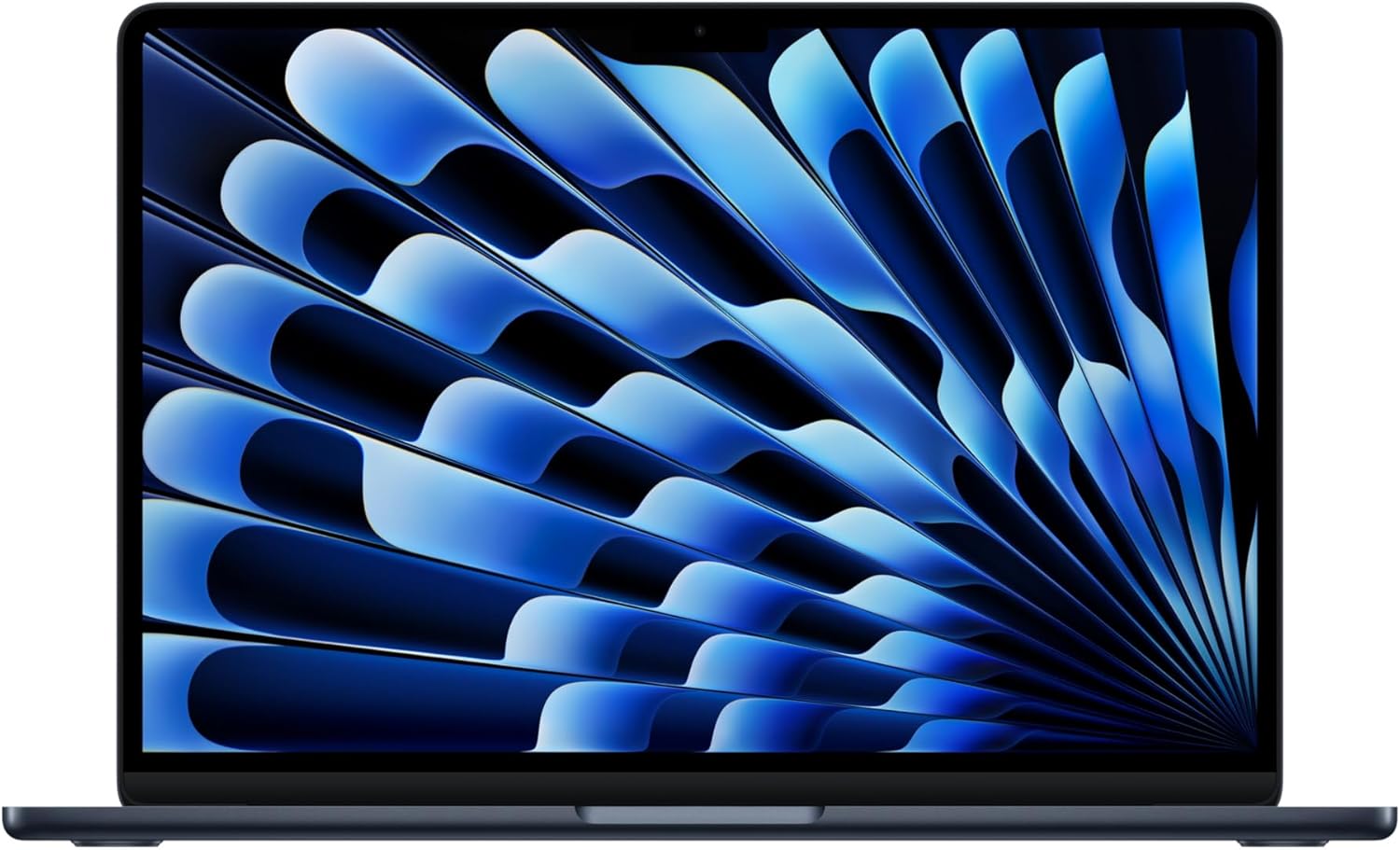
The M5 MacBook Air pairs 16GB of memory with a 512GB SSD and a 13.6-inch display. Its 12MP Center Stage camera is useful for online lessons.
Key highlights
- Apple M5 chip
- 16GB unified memory and 512GB SSD
- 13.6-inch Liquid Retina display
- Up to 18 hours of video streaming, according to Apple
- Wi-Fi 7 and two Thunderbolt 4 ports
Pros
- 12MP Center Stage camera helps keep you in frame
- Supports two external displays
- MagSafe charging leaves USB-C ports available
Cons
- No built-in USB-A or HDMI ports
- Windows-only school software needs a compatibility check
Who it is for: Teachers invested in the Apple ecosystem who value performance and portability.
Skip if
Your school uses Windows-specific software or you need extensive connectivity options.
Lenovo IdeaPad Flex 5i Chromebook Plus - Best budget Chromebook
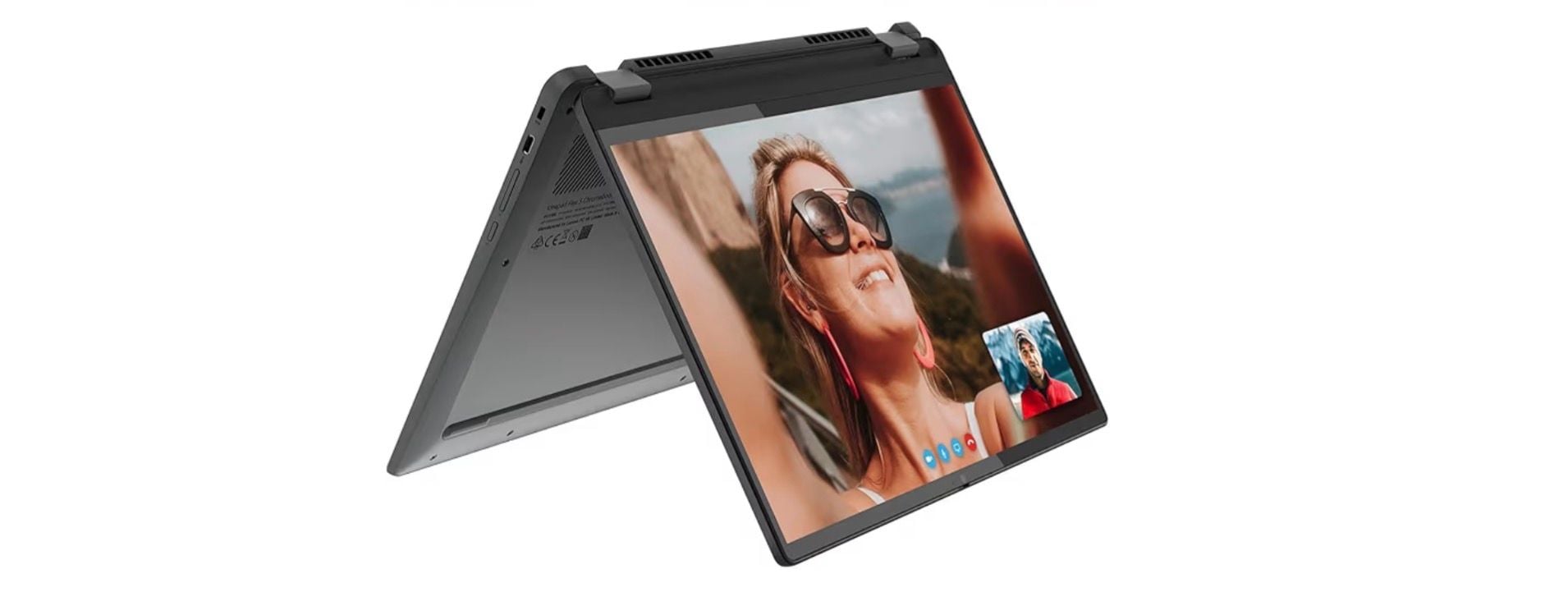
This Chromebook offers a 360-degree hinge and a 14-inch touchscreen for teachers who primarily use web-based educational tools.
Key highlights
- 8GB memory and 256GB SSD
- 2-in-1 design works as laptop or tablet
- Chrome OS simplicity with automatic updates
- Good battery life for classroom use
- Touchscreen capability for interactive lessons
Pros
- Excellent value for web-based teaching tools
- 2-in-1 flexibility supports different teaching styles
- Simple, secure Chrome OS with minimal maintenance
- Lightweight and portable design
Cons
- Limited to web applications and Android apps
- Not suitable for Windows or macOS-specific software
- Display quality and brightness are basic
Who it is for: Teachers who primarily use web-based educational platforms and want maximum flexibility.
Skip if
You need traditional desktop software or work with large multimedia files.
Also Good
- Dell XPS 14 Premium - premium build and power in a sleek design.
- Acer Swift 3 - a lightweight, stylish choice with long battery life.
How to Choose
Consider these factors based on your teaching needs:
- 1.Battery life: Aim for at least 8-10 hours to get through a full school day without charging. OLED displays and powerful processors can reduce battery life.
- 2.Keyboard comfort: If you type lesson plans and emails regularly, prioritize keyboards with good key travel. ThinkPads remain the gold standard here.
- 3.Durability: Classroom environments demand sturdy builds. Look for laptops with metal construction or business-grade durability certifications.
- 4.Software compatibility: Check if your educational software runs on Windows, macOS, or Chrome OS. Some specialized applications only work on specific platforms.
- 5.Portability: Consider weight and size if you move between classrooms frequently. 13-14 inch laptops offer the best balance of screen size and portability.
FAQ
What's the most important feature for a teacher's laptop?
Battery life and keyboard comfort matter most. You need enough power to last through teaching days and a comfortable keyboard for extended lesson planning sessions.
Are Chromebooks good for teachers?
Yes, if you primarily use web-based tools like Google Classroom, Docs, and educational websites. They're affordable, secure, and require minimal maintenance.
How much should I spend on a teaching laptop?
$500-750 gets you a decent laptop for basic teaching tasks. $1,000+ buys better displays, more performance, and premium build quality that lasts longer.
Do I need a touchscreen for teaching?
Touchscreens are helpful for interactive lessons and tablet-style use, but not essential. Consider a 2-in-1 if you want flexibility, but prioritize other features first.
Should I get a Mac or Windows laptop for teaching?
Choose based on your existing ecosystem and school software. Macs offer excellent performance and battery life, while Windows has broader software compatibility and more affordable options.
Published February 3, 2026 Last updated October 1, 2026
Share this article
More in News
Best Digital Notebooks for 2026
Supernote A5 X2 Manta leads our picks for the best digital notebooks of 2026, balancing superior writing feel with digital versatility.
4 min read
9 Best Laptops for Programming and Coding in 2026
The MSI Prestige 16 AI Evo leads our 2026 picks for programming and coding, from MacBooks for iOS work to ThinkPads for Linux.
5 min read
Top 8 Laptops for Writers for 2026
Discover the best laptops for writers in 2026. Our top pick is the Apple MacBook Air M4 for its excellent keyboard and all-day battery.
3 min read
7 Best Laptops for Music Production in 2026
The best music production laptops for 2026, led by the MacBook Pro M5 Pro for power and the M5 MacBook Air for portable studios, plus a top Windows pick.
4 min read
The 9 Best Laptops for Architects of 2026
3 min read
8 Best Laptops for Home Use in 2026
4 min read
8 Best Wireless Chargers for 2026
4 min read
6 Best Smart Toasters for 2026
4 min read

7 Best Digital Photo Frames for 2026
3 min read
7 Best Mice for Photo Editing in 2026
3 min read
8 Best Keyboards From Top Brands in 2026
3 min read
8 Best High Capacity Power Banks for 2026
5 min read