If you're tired of lugging around a heavy laptop, you're in the right place. The best lightweight laptops today balance portability with performance, letting you work from anywhere without shoulder strain. Our top pick, the Apple MacBook Air M5, balances portability with battery life and power efficiency, but Windows users have excellent options too.
Technobezz is supported by its audience. We may get a commission from retail offers.
7 Best Lightweight Laptops to Consider in 2026
Discover the top lightweight laptops for 2026. Our top pick is the Apple MacBook Air M4, plus great Windows options for portability and performance.
T
Technobezz
Editorial Team
Updated September 4, 2026Sep 4, 2026
•10 min read

Get Deals Like These in Your Inbox
The best prices, checked by our editors.
At a Glance
| Category | Product | Why We Picked It |
|---|---|---|
| Best overall | Apple MacBook Air 13 (M5, 2026) | Balances a 2.7-pound design with M5 performance and battery life |
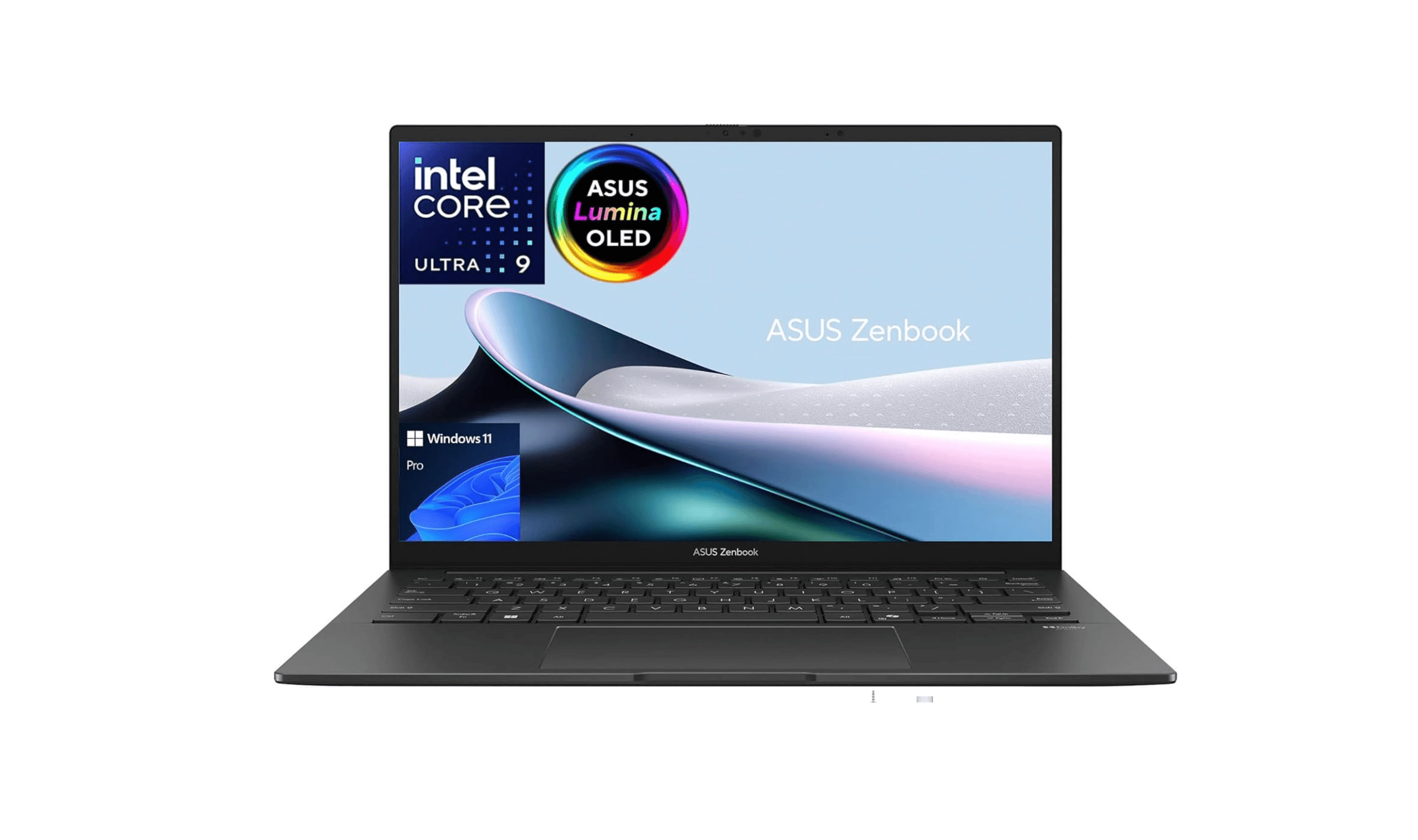
| Best value | Asus Zenbook 14 OLED Touch | Offering premium features at a reasonable price |
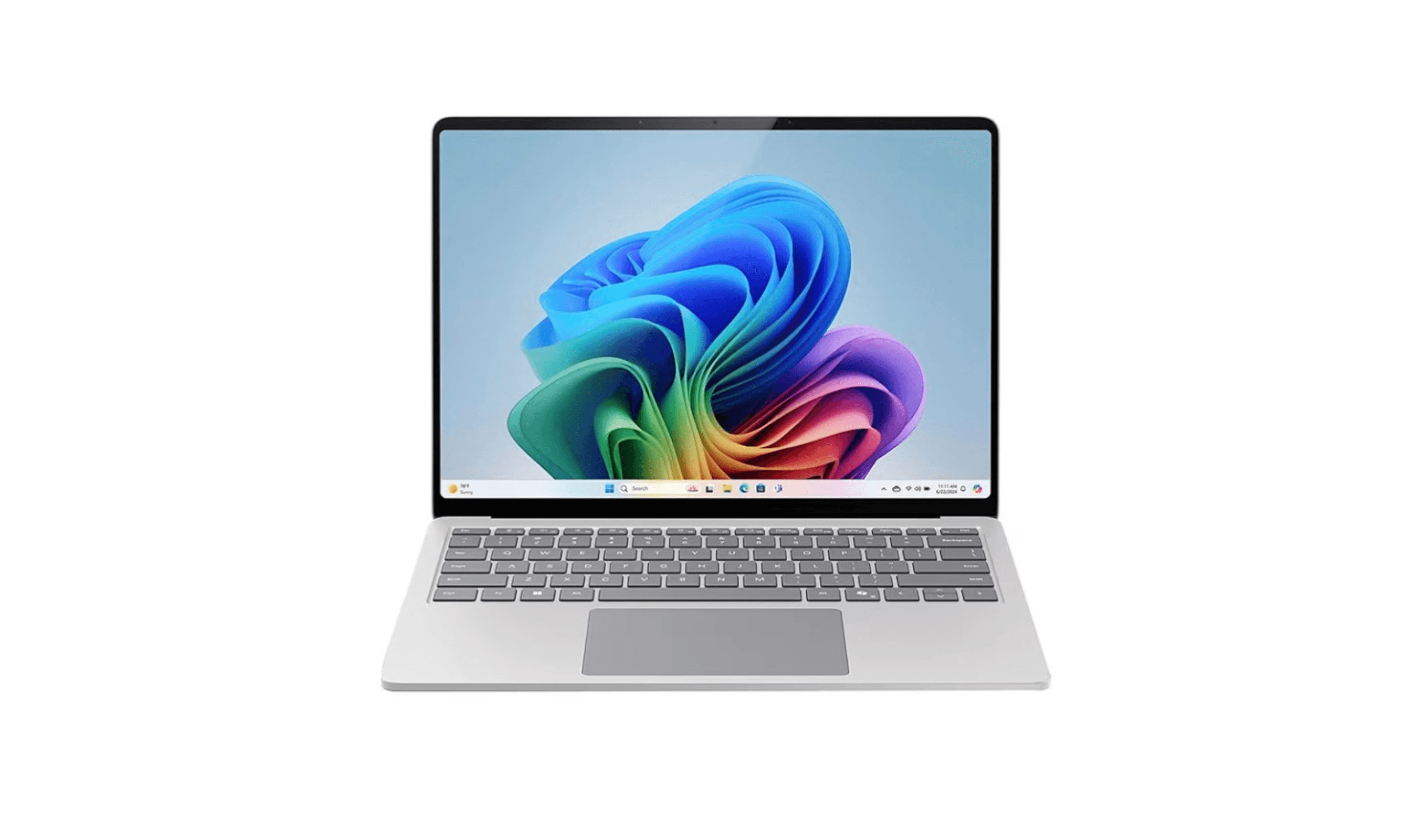
| Best for Windows users | Microsoft Surface Laptop 8 (13.8-inch) | Snapdragon X2 Elite performance and a 13.8-inch 120Hz touchscreen |
| Best for business | Lenovo ThinkPad X1 Carbon Gen 14 | Core Ultra 7 365 vPro, 32GB RAM and three Thunderbolt 4 ports for business use |
| Best for gaming | Asus ROG Zephyrus G14 | Packing gaming power into a surprisingly light chassis |
| Also recommended | Acer Swift 16 AI (2026) | A 16-inch 120Hz OLED touchscreen and Core Ultra X7 358H in a roughly 3.4-pound laptop |
| Also recommended | Dell XPS 13 | A premium, compact favorite with great build quality |
How we chose
Our selection prioritized portability without sacrificing essential features. We assessed each laptop's weight, build quality, and keyboard comfort for daily productivity. Display clarity and overall value were also key evaluation points.
The best lightweight laptops right now
Apple MacBook Air 13 (M5, 2026) - Best overall
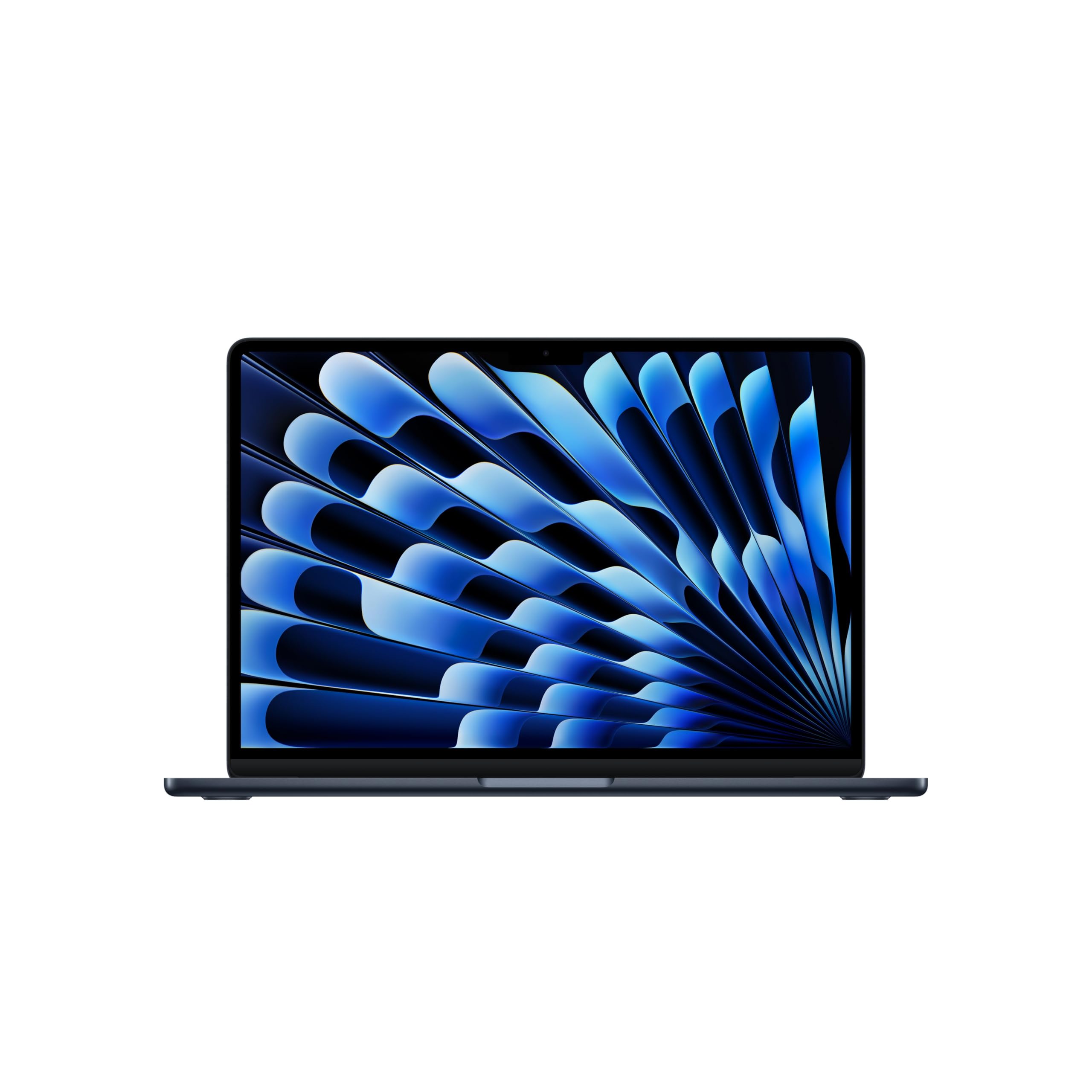
The MacBook Air M5 combines a 2.7-pound design with a 13.6-inch Liquid Retina display. The linked configuration includes 16GB of unified memory and a 512GB SSD, while Apple rates battery life at up to 18 hours of video streaming or 15 hours of wireless web use.
Key highlights
- Weighs 2.7 pounds (1.23 kg) with a thin aluminum design
- M5 chip supports everyday tasks and creative workflows
- Apple rates battery life at up to 18 hours of video streaming or 15 hours of wireless web use
- Supports up to two external displays simultaneously
- 13.6-inch Liquid Retina display with excellent color accuracy
Pros
- Up to 15 hours of wireless web use in Apple's battery testing
- Fanless design means completely silent operation
- macOS optimization makes everything feel smooth and responsive
- Excellent build quality that feels premium and durable
Cons
- Limited port selection (only two USB-C/Thunderbolt ports)
- The 512GB SSD may be limiting for large local media libraries
- Not ideal for heavy gaming or professional video editing
- More expensive than comparable Windows laptops
Who it is for: Students, professionals who travel frequently, and anyone who values battery life above all else. It's perfect for writers, researchers, and people who work primarily in web apps and office software.
Skip if
You need Windows-specific software, want extensive port options, or plan to do heavy gaming or video editing regularly.
Asus Zenbook 14 OLED Touch - Best value
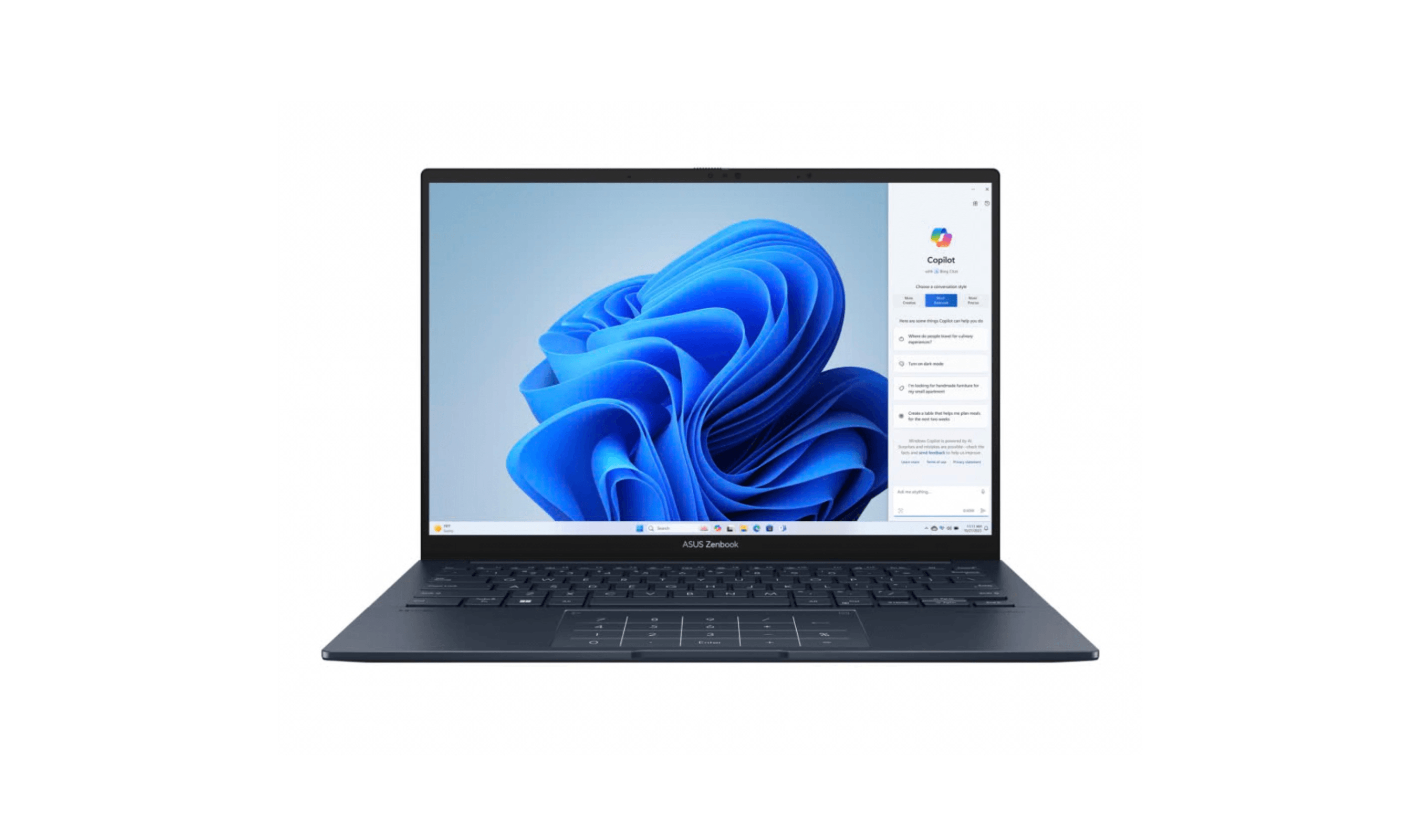
The Zenbook 14 OLED Touch delivers premium features at a price that won't break the bank, making it our top pick for value-conscious buyers. Its brilliant OLED display and solid performance punch above its weight class, literally and figuratively.
Key highlights
- Gorgeous 14-inch OLED display with vibrant colors and deep blacks
- Weighs around 2.8 pounds with premium aluminum construction
- Strong CPU performance for everyday productivity tasks
- Includes a comprehensive port selection including HDMI and USB-A
- Touchscreen adds versatility for certain workflows
Pros
- OLED display quality rivals laptops costing twice as much
- Good balance of performance and battery life (around 10-12 hours)
- Includes useful ports that many ultraportables omit
- Keyboard offers comfortable typing with decent travel
- Often available at significant discounts during sales
Cons
- OLED display can reduce battery life compared to IPS panels
- Webcam quality is merely adequate for video calls
- Can get warm under sustained heavy loads
- Trackpad feels less premium than some competitors
Who it is for: Budget-conscious professionals, students who need a good display for media consumption, and anyone who wants premium features without the premium price tag.
Skip if
You need maximum battery life or plan to use your laptop primarily outdoors where OLED's advantages are less noticeable.
Microsoft Surface Laptop 8 (13.8-inch) - Best for Windows users
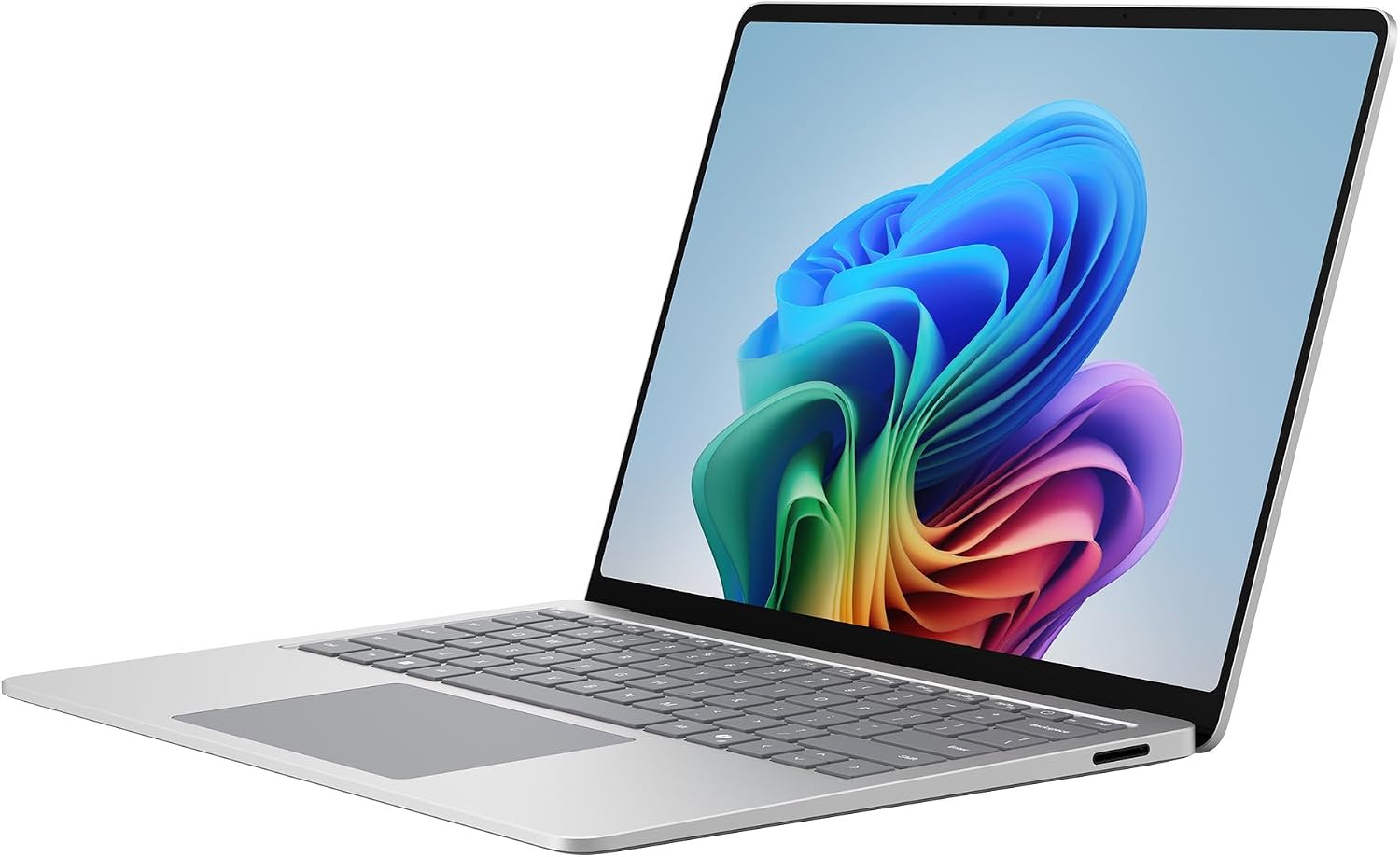
The 13.8-inch Surface Laptop 8 pairs a Snapdragon X2 Elite processor with 16GB of RAM and a 512GB SSD. Its touchscreen, aluminum chassis and roughly 3-pound weight make it a practical choice for Windows users who carry their laptop daily.
Key highlights
- Snapdragon X2 Elite processor with 12 CPU cores
- 13.8-inch 2304 x 1536 LCD touchscreen with a 120Hz refresh rate
- 16GB RAM and a 512GB SSD in the linked configuration
- Two USB-C/USB4 ports, USB-A, a headphone jack and Surface Connect
- Wi-Fi 7 and Windows Hello facial recognition
Pros
- 3:2 touchscreen provides useful vertical space for documents
- Haptic touchpad and aluminum construction
- USB-A and USB4 support both older peripherals and modern docks
Cons
- Check compatibility with Windows on Arm before relying on specialist apps or peripherals
- No built-in HDMI port or memory-card reader on this 13.8-inch model
- Touchscreen does not support Surface Pen input
Who it is for: Windows users who want a compact touchscreen laptop for documents, web apps and everyday work, with Copilot+ features available for supported tasks.
Skip if
You rely on legacy Windows applications that might not work well on ARM, or need extensive port options without dongles.
Lenovo ThinkPad X1 Carbon Gen 14 - Best for business
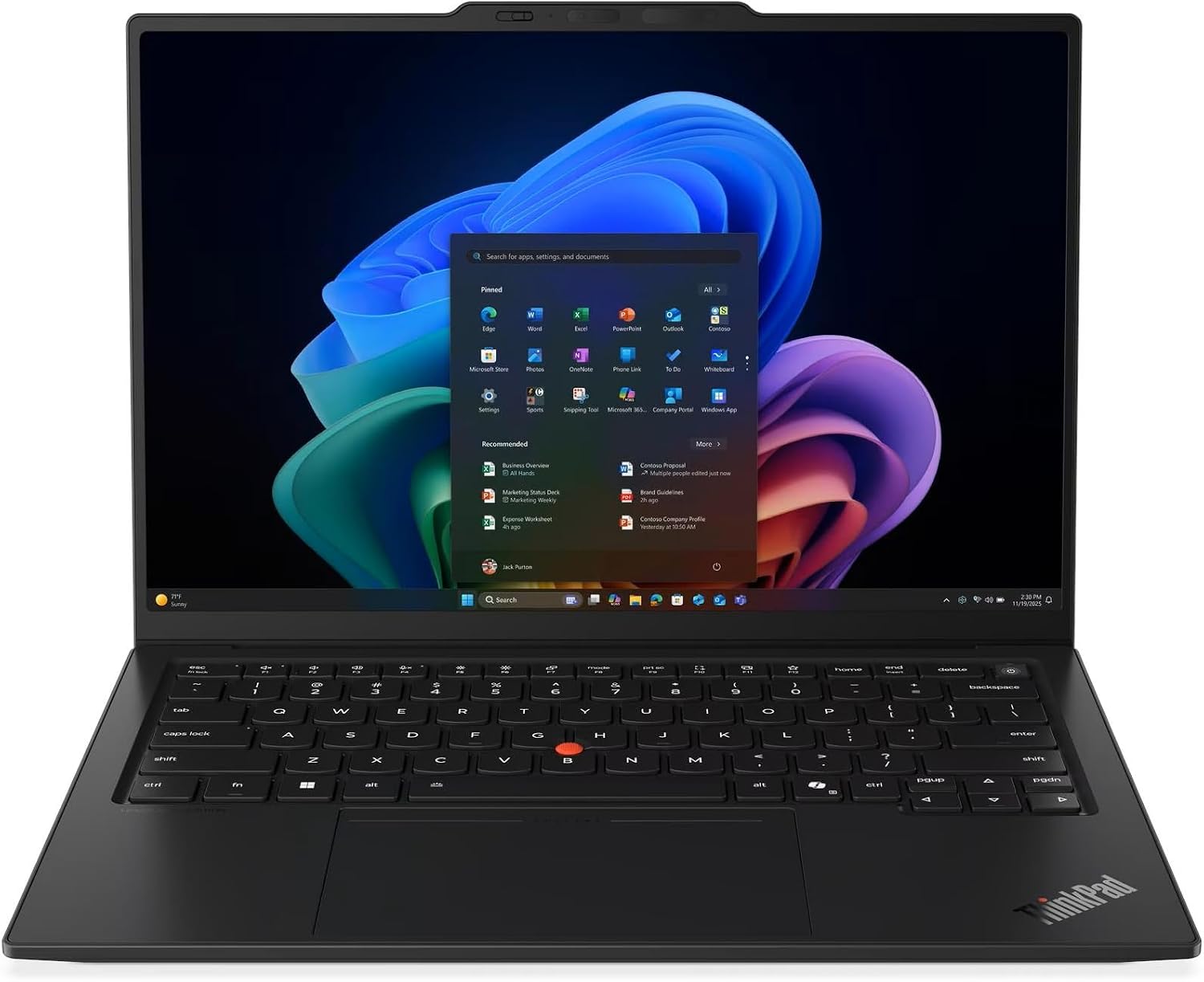
The ThinkPad X1 Carbon Gen 14 brings Intel Core Ultra 7 365 vPro, 32GB of RAM and a 1TB SSD to a compact business laptop. The linked configuration combines an anti-glare touchscreen with Windows 11 Pro and a one-year Lenovo onsite warranty.
Key highlights
- Intel Core Ultra 7 365 vPro processor
- 14-inch 1920 x 1200 IPS touchscreen with 500-nit brightness and a 60Hz refresh rate
- 32GB LPDDR5X memory and a 1TB PCIe SSD
- Three Thunderbolt 4 ports, USB-A, HDMI and a headphone jack
- IR camera for Windows Hello with a privacy shutter, plus a fingerprint reader in the power button
Pros
- Anti-glare touchscreen for office work
- 32GB of memory for multitasking
- Backlit keyboard, TrackPoint and fingerprint login
- One-year Lenovo onsite warranty in the linked listing
Cons
- Memory is soldered and cannot be upgraded
- This configuration has a 60Hz IPS panel, not OLED
- No built-in Ethernet port or smart-card reader
Who it is for: Business travelers, consultants, writers, and anyone who spends hours typing each day. It's ideal for enterprise environments with existing ThinkPad deployments.
Skip if
You need upgradeable RAM, built-in Ethernet, or an OLED screen in the linked configuration.
Asus ROG Zephyrus G14 - Best for gaming
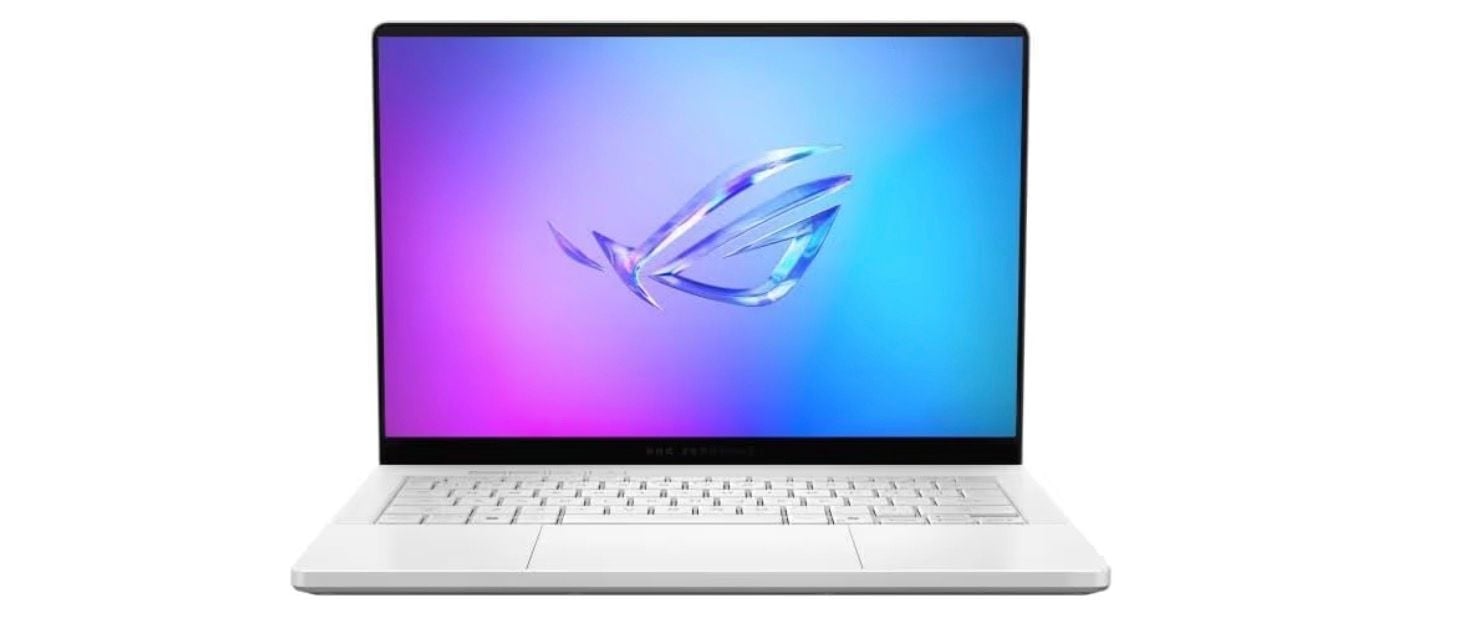
The Zephyrus G14 packs an RTX 5080 GPU into a roughly 3.5-pound laptop. Its 14-inch chassis suits gamers who need a machine they can carry between home, work and school.
Key highlights
- Weighs 3.46 pounds with dedicated NVIDIA GeForce RTX 5080 graphics
- AMD Ryzen AI 9 HX 370 processor
- 14-inch 3K OLED display with a 120Hz refresh rate and NVIDIA G-SYNC
- Slash Lighting on the lid
- 32GB LPDDR5X memory and a 2TB SSD
Pros
- Unmatched power-to-weight ratio for gaming laptops
- Good battery life when not gaming (can last a workday)
- Compact size fits in smaller bags than most gaming laptops
- Display offers excellent color accuracy and high refresh rates
- Keyboard has decent travel for a thin gaming laptop
Cons
- Can get loud and hot under heavy gaming loads
- More expensive than non-gaming laptops with similar specs
- Battery life drops significantly during gaming sessions
- Onboard memory cannot be upgraded
Who it is for: Gamers who travel frequently, students who want one device for gaming and schoolwork, and content creators who need GPU power on the go.
Skip if
You don't game at all, need maximum battery life, or prefer completely silent operation.
Also Good
- Acer Swift 16 AI (2026) - a roughly 3.4-pound laptop with a 16-inch 120Hz OLED touchscreen, Core Ultra X7 358H, 16GB RAM and a 1TB SSD.
- Dell XPS 13 - a premium, compact favorite with great build quality. Check Price on Dell
How to Choose
Weight matters most: Under 3 pounds should be your target for true portability. Between 2.5-2.8 pounds is the sweet spot where you won't notice the weight in your bag.
Battery life trumps raw power: For portable use, aim for at least 10 hours of real-world usage. Manufacturers' claims are often optimistic, so look for independent testing results.
Screen quality affects everything: A good display reduces eye strain during long sessions. OLED offers better contrast but can reduce battery life, while high-refresh-rate IPS panels are better for smooth scrolling.
Keyboard comfort is non-negotiable: If you type a lot, test the keyboard first. Key travel around 1.5mm is ideal, and backlighting is essential for low-light work.
Ports prevent dongle hell: Consider what you actually connect regularly. Two USB-C ports are minimum, but HDMI and USB-A can save you from carrying adapters everywhere.
FAQ
What's considered a lightweight laptop in 2026?
Most experts define lightweight laptops as those under 3 pounds (1.36 kg). True ultraportables often weigh between 2.2-2.8 pounds, while anything over 3.5 pounds starts feeling noticeably heavy in a backpack all day.
Are lightweight laptops powerful enough for work?
Absolutely. Modern processors like Apple's M-series, Intel Core Ultra, and AMD Ryzen provide plenty of power for office work, web browsing, media consumption, and even light photo editing. Only demanding tasks like video editing, 3D rendering, or gaming require heavier machines.
How much should I expect to pay for a good lightweight laptop?
Good options start around $700-900, with excellent models in the $1,000-1,500 range. Premium models with exceptional build quality or specialized features can reach $2,000+. The sweet spot for value is typically $900-1,200.
Do lightweight laptops sacrifice durability?
Not necessarily. Many use premium materials like aluminum or magnesium alloy that are both light and strong. Look for laptops with MIL-STD durability ratings if you're particularly rough on your gear.
Can I get a lightweight laptop with good gaming performance?
Yes, but with compromises. Gaming laptops like the Asus ROG Zephyrus G14 pack impressive power into relatively light packages (around 3.5 pounds), but they're thicker, louder, and have shorter battery life than non-gaming ultraportables.
Published February 3, 2026 Last updated September 5, 2026
Share this article
More in News
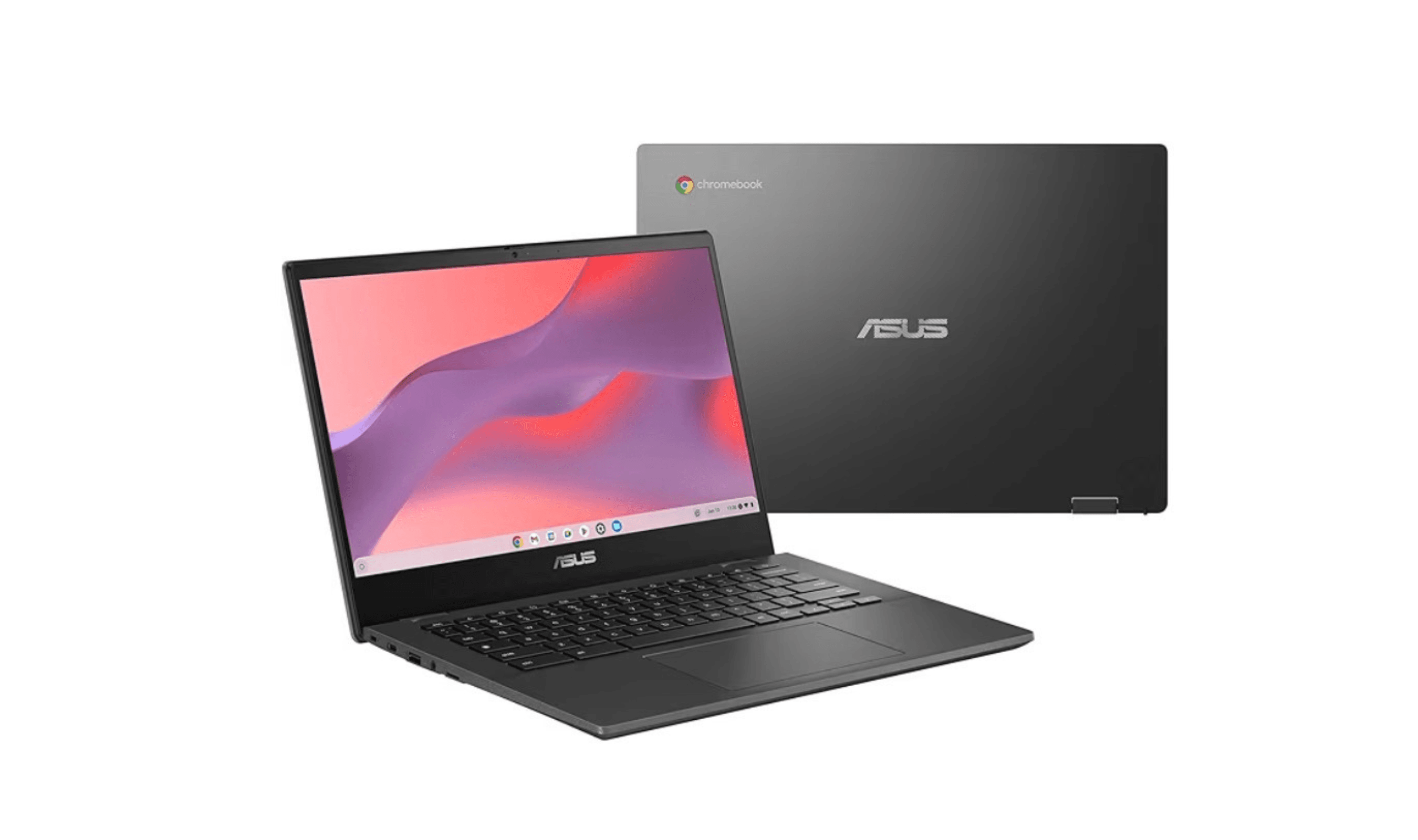
8 Best Chromebooks for Students in 2026
The best Chromebooks for students in 2026, from the Samsung Galaxy Chromebook Plus to budget picks under $200 and rugged, all-day classroom models.
3 min read
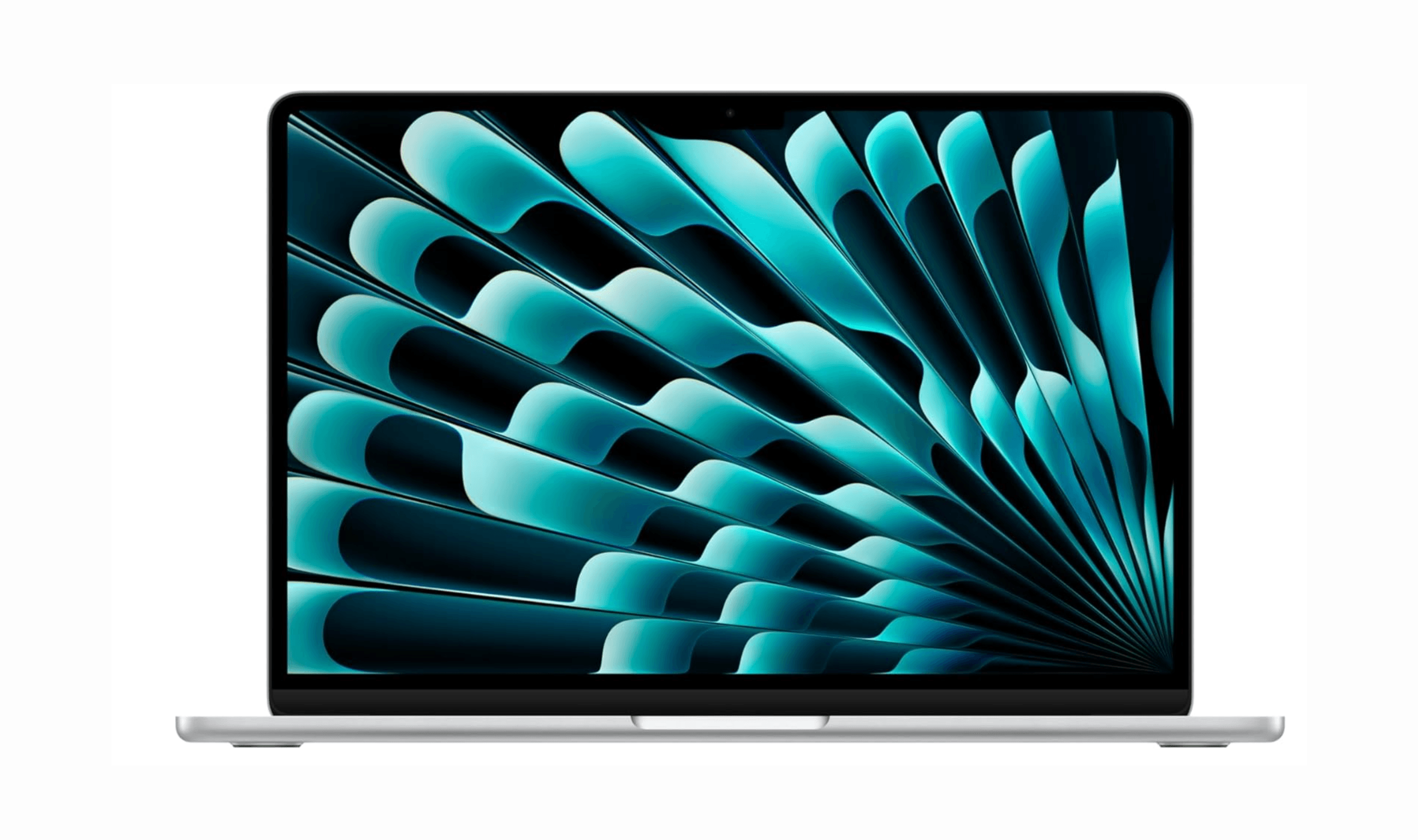
Top 7 High-End Laptops for 2026
MacBook Air M4 leads our 2026 high-end laptop picks. See the top 9 premium models for professionals and creators, including Dell XPS 14 and more.
3 min read
7 Best Budget Gaming Laptops for 2026
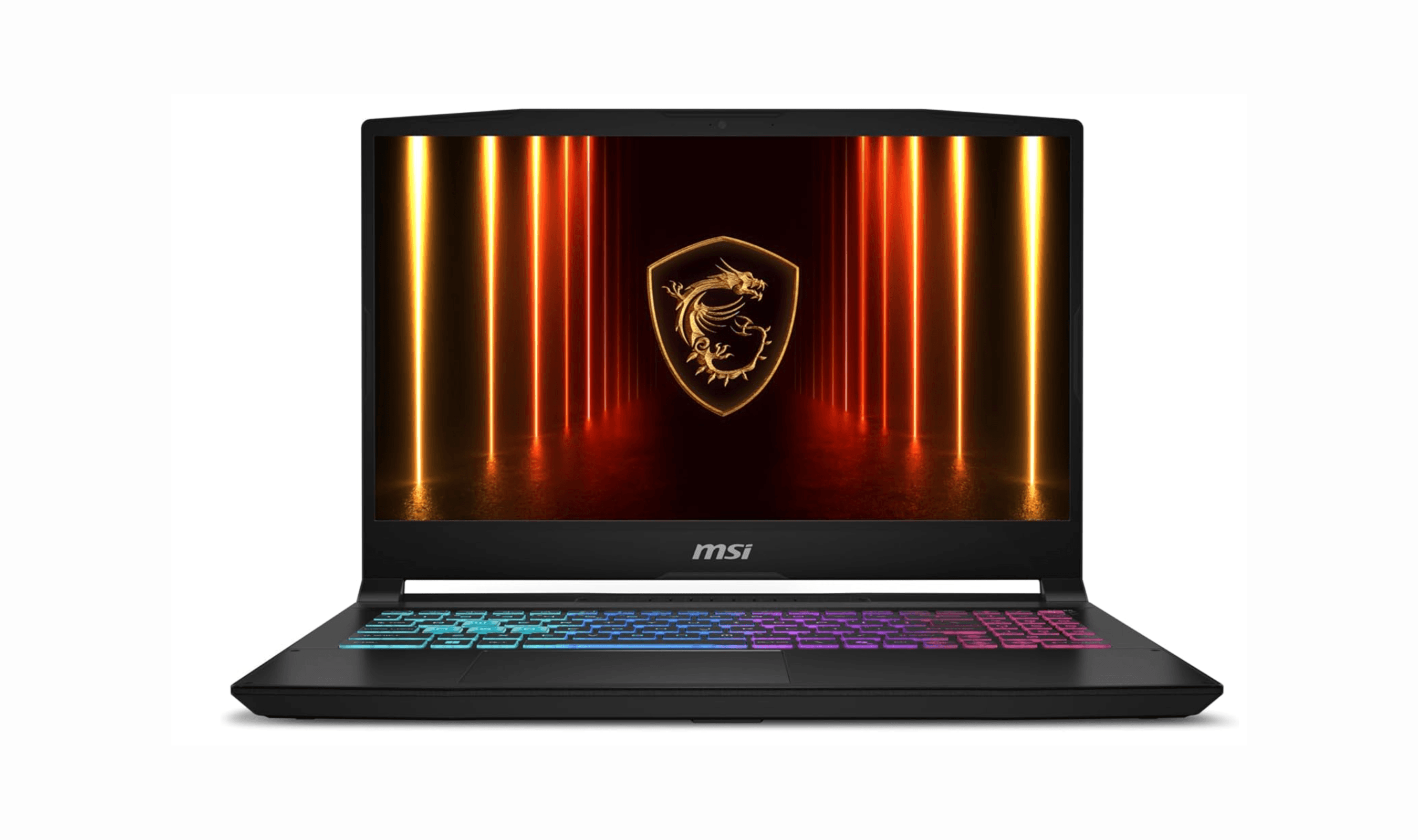
We rank the 8 best budget gaming laptops for 2026, from the $799 Acer Nitro V 15 to the RTX 5070 MSI Katana 15 HX, our top pick, plus an OLED Lenovo Legion 5i.
5 min read
6 Best Laptops for Engineering Students in 2026
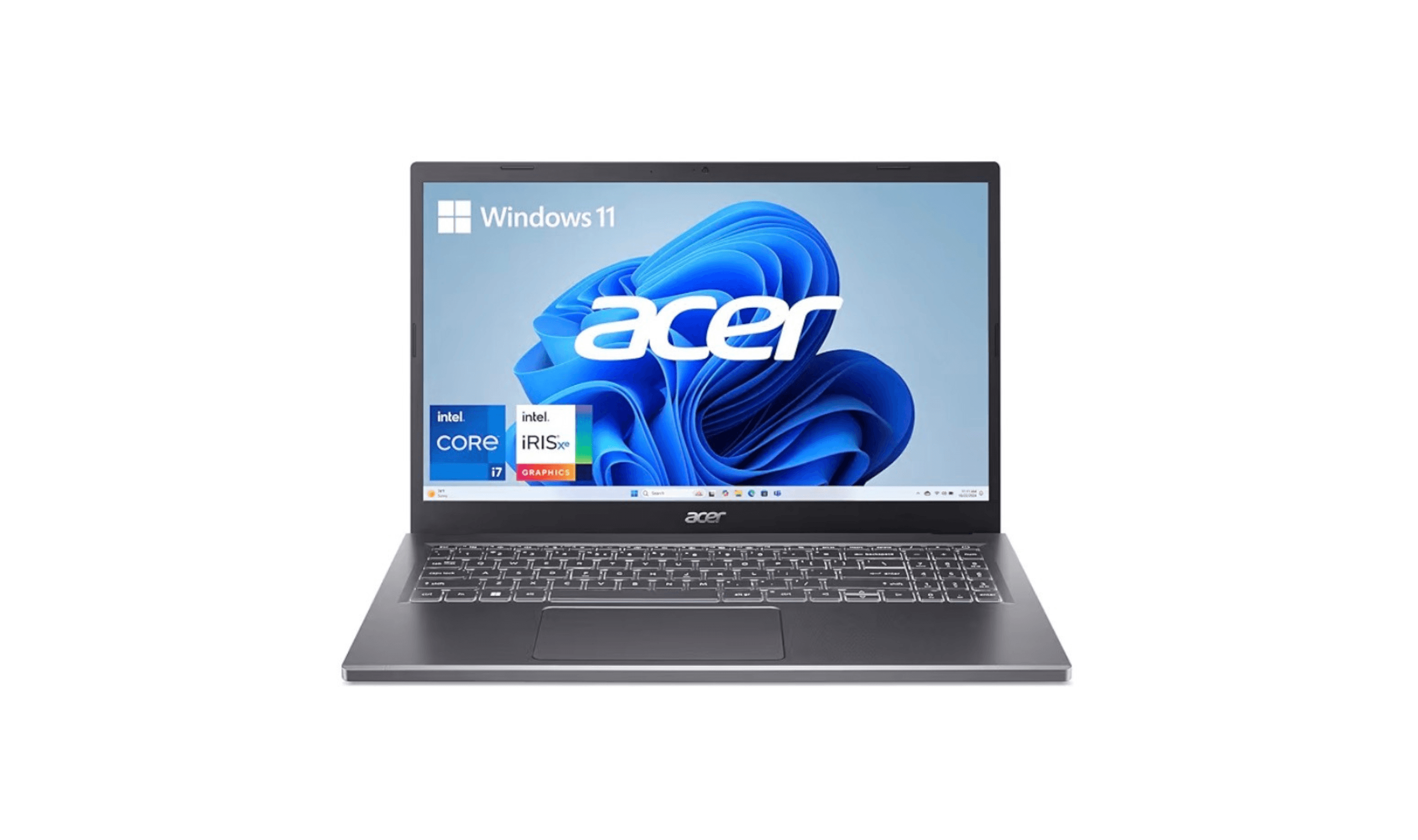
Discover the best laptops for engineering students in 2026. Our top pick, the Asus ProArt P16, delivers workstation power in a portable form.
3 min read
7 Best Laptops for Stock Trading in 2026
5 min read
6 Best Laptops for Teachers in 2026
4 min read

AKG K 701 Ultra Reference Class Stereo discounted to $247.37
5 min read

Apple Watch SE 3 GPS 40mm Smartwatch discounted to $189.97
5 min read

Cleer Audio Enduro ANC Noise Canceling Headphones price drops to $94.99
3 min read

Lenovo coupon codes and deals
5 min read

Woot coupon codes and deals
3 min read

Samsung coupon codes and deals
5 min read