Business laptops come in a range of configurations and prices. These picks focus on everyday productivity, portability, and useful work features. This list is for small business owners, remote workers, and professionals who need reliable productivity without breaking the bank.
Technobezz is supported by its audience. We may get a commission from retail offers.
7 Best Business Laptops for Everyday Work in 2026
Discover the Dell 14 Plus and other top-rated business laptops under $1,000 for 2026. Our expert picks deliver performance and value for professionals.
T
Technobezz
Senior Editor
Updated September 4, 2026Sep 4, 2026
•8 min read

Get Deals Like These in Your Inbox
The best prices, reviewed weekly.
At a Glance
| Category | Product | Why We Picked It |
|---|---|---|
| Best overall | Dell 14 Plus | For balanced performance and business features |
| Best value | Acer Swift Go 14 | For solid specs at a competitive price |
| Best for Apple users | MacBook Air (M5) | For macOS with 16GB memory and a 512GB SSD |
| Best for upgradability | Framework Laptop 13 | For sustainability-minded buyers |
| Also recommended | HP OmniBook 5 | A solid, modern pick with great battery life |
| Also recommended | Lenovo Yoga 7i | 2-in-1 flexibility for note-takers and presenters |
| Also recommended | Acer Aspire 3 (A315-24P-R7VH) | For light office work with a Ryzen 3 processor and 8GB RAM |
How we chose and tested
We evaluated business laptops based on productivity performance, battery endurance, keyboard quality, and security feature coverage. Our assessment considered webcam and microphone reliability for meetings, port selection, chassis durability, serviceability, and features like TPM, fingerprint login, and privacy shutters.
The best business laptops for everyday work
Dell 14 Plus - Best overall
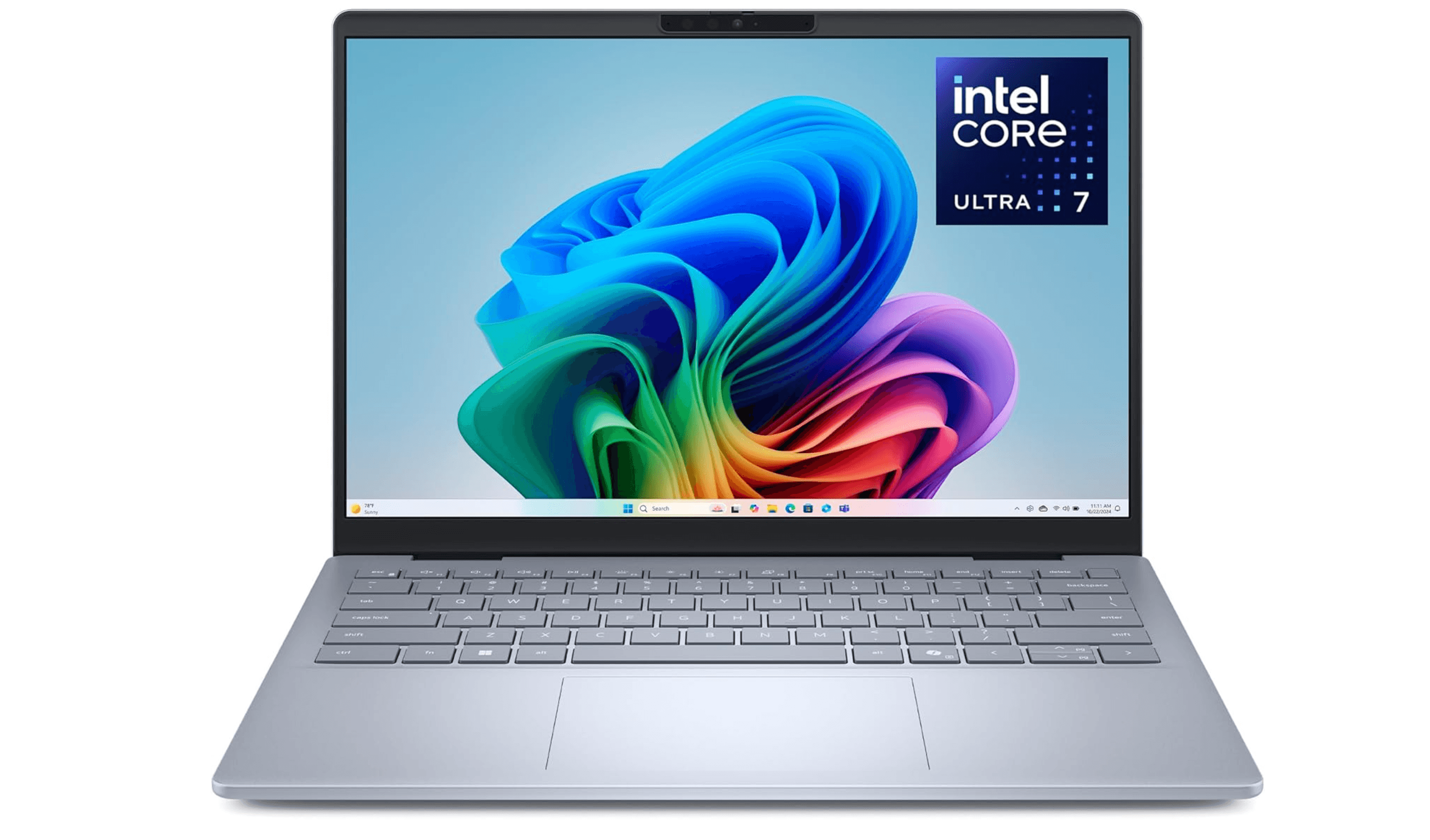
The Dell 14 Plus hits the sweet spot for most business users, offering peppy everyday performance without sacrificing essential features. It's the Windows laptop that gets the fundamentals right at this price point.
Key highlights
- Intel Core Ultra 7 258V processor in the linked configuration
- 14-inch display with good color accuracy
- Solid build quality for the price
- Business-appropriate port selection
- Reliable battery life for a full workday
Pros
- Balanced performance for office tasks
- Good display quality for presentations
- Professional design that works in any setting
- Decent keyboard for extended typing sessions
Cons
- Not the lightest option available
- Some configurations may exceed $1,000
- Build quality good but not premium
Who it is for: Professionals who need a reliable Windows laptop for everyday business tasks, from email and documents to video calls and presentations.
Skip if
You need maximum portability or specialized features like a dedicated GPU for creative work.
Acer Swift Go 14 - Best value
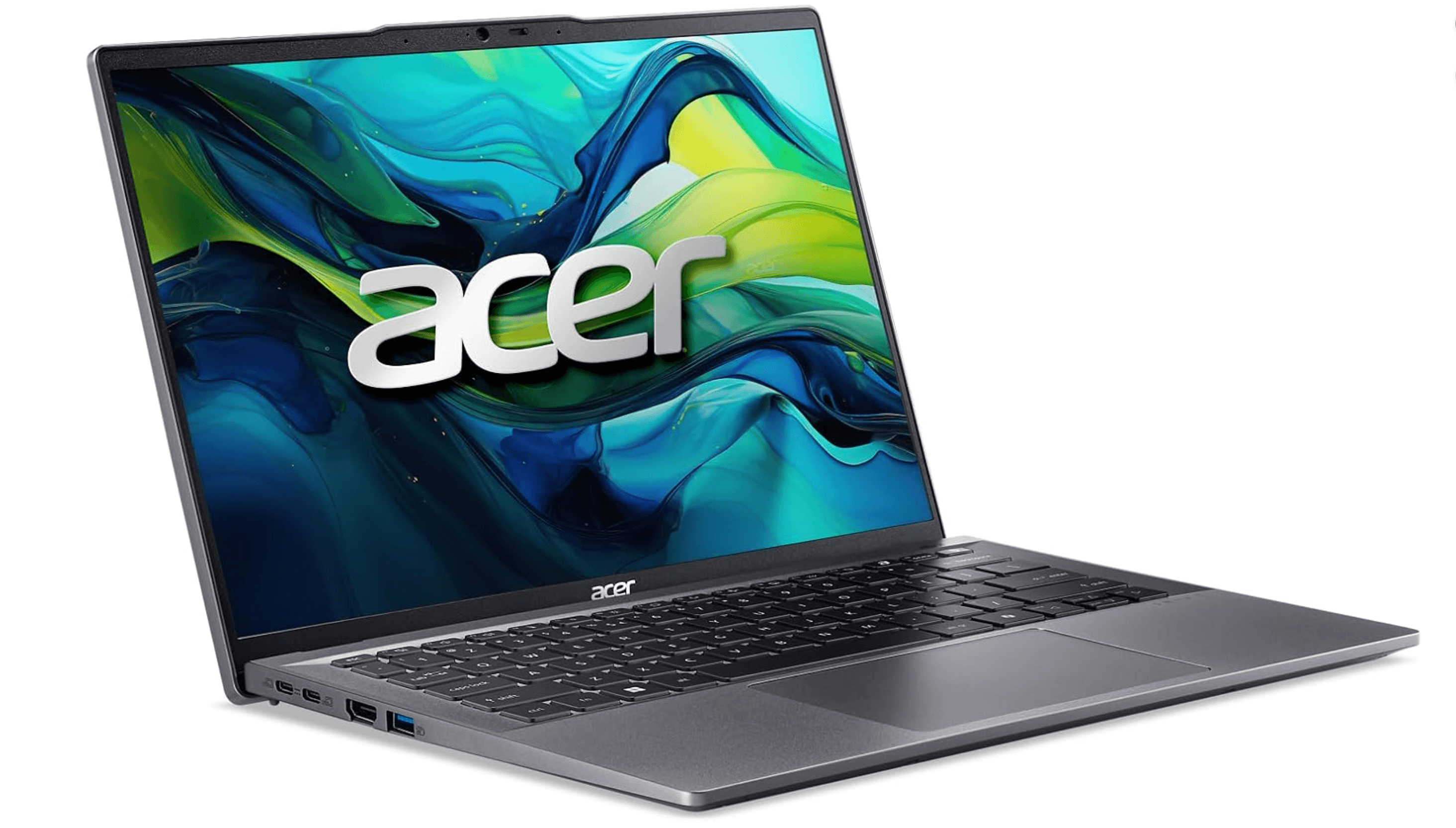
The Acer Swift Go 14 delivers impressive specs for the money, making it a smart choice for budget-conscious professionals who still need capable performance. It proves you don't have to spend a fortune for a competent business machine.
Key highlights
- AMD Ryzen 7 8845HS processor
- Good battery life for the price
- Lightweight and portable design
- Solid performance for productivity tasks
- Competitive pricing
Pros
- Excellent value for specifications
- Good performance for the price
- Portable and easy to carry
- Decent build quality
- Modern connectivity options
Cons
- Display quality may be basic
- Keyboard and trackpad are adequate but not exceptional
- Some cost-cutting in materials
Who it is for: Budget-focused professionals who want modern performance without premium pricing, especially those who travel frequently.
Skip if
You need premium build quality, exceptional display, or top-tier keyboard experience.
Apple MacBook Air (M5) - Best for Apple users
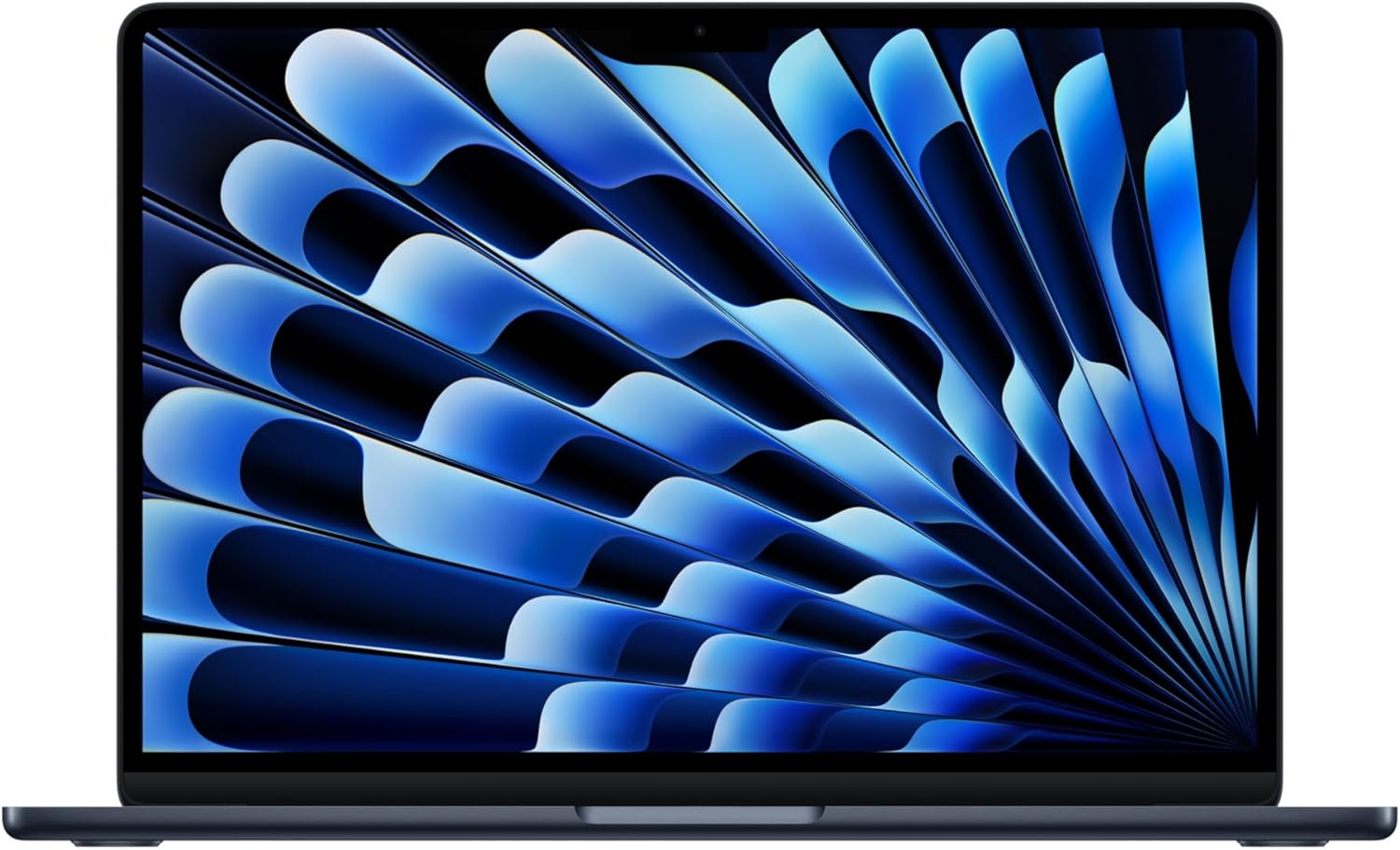
The MacBook Air M5 suits professionals already using macOS, with 16GB of unified memory and a 512GB SSD in this configuration. Its 13.6-inch display and 12MP Center Stage camera make it a practical choice for documents and video meetings.
Key highlights
- Apple M5 chip
- 16GB unified memory and 512GB SSD
- 13.6-inch Liquid Retina display
- 12MP Center Stage camera
- Two Thunderbolt 4 ports, MagSafe charging, and Wi-Fi 7
Pros
- Silent fanless design
- Up to 18 hours of video streaming, according to Apple
- Supports up to two external displays
- Touch ID for fingerprint login
Cons
- Only two Thunderbolt 4 ports
- No built-in HDMI or USB-A ports
- Some business software may be Windows-only
Who it is for: Professionals who prefer macOS, need exceptional battery life, or work primarily with Apple ecosystem applications.
Skip if
You need specific Windows-only business software, extensive ports, or easy hardware upgrades.
Framework Laptop 13 - Best for upgradability
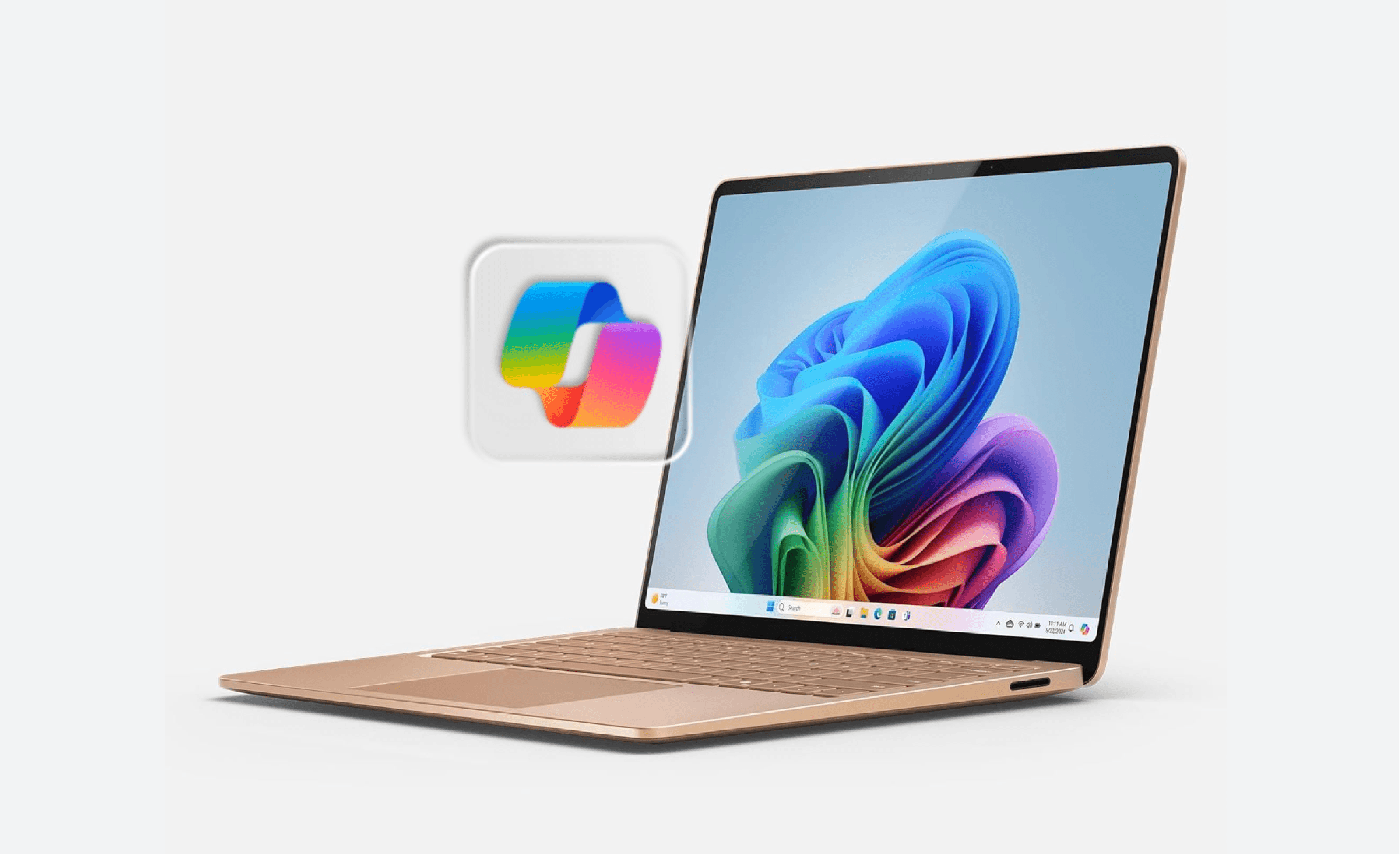
The Framework Laptop 13 takes a different approach with its modular design, allowing you to upgrade components over time. It's a smart choice for sustainability-minded businesses and tech-savvy professionals.
Key highlights
- Modular design for easy upgrades
- User-replaceable components
- Customizable port configuration
- Sustainable approach to computing
- Good performance for business tasks
Pros
- Easy to repair and upgrade
- Reduces electronic waste
- Customizable to specific needs
- Good community support
- Competitive performance
Cons
- Premium for modularity concept
- Requires some technical comfort
- Not as polished as traditional business laptops
- Availability can be limited
Who it is for: Tech-savvy professionals, sustainability-focused businesses, and those who want to keep laptops longer through upgrades.
Skip if
You prefer traditional, polished business laptops or want maximum simplicity without tinkering.
Also Good
- HP OmniBook 5 - a solid, modern pick with great battery life.
- Lenovo Yoga 7i - 2-in-1 flexibility for note-takers and presenters. Check Price on Lenovo
- Acer Aspire 3 (A315-24P-R7VH) - a basic office option with a 15.6-inch Full HD display, 8GB RAM, and a 128GB SSD; best for light workloads.
How to Choose
Consider these factors when selecting your business laptop:
Performance needs: For most business tasks, a Core i5/Ryzen 5 or better processor with 16GB RAM is sufficient. Don't overspend on specs you won't use.
Portability vs. screen size: 14-inch laptops offer the best balance of screen real estate and portability for most professionals. Consider weight and thickness if you travel frequently.
Battery life: Look for laptops that can last a full workday (8+ hours) on a charge. Real-world battery life often differs from manufacturer claims.
Durability and serviceability: Business laptops should withstand daily use. Consider keyboards, hinge quality, and whether components can be repaired or upgraded.
Ecosystem compatibility: Choose an operating system that works with your existing software and workflows. Don't switch ecosystems without checking compatibility.
FAQ
What's the minimum RAM I should consider for business use?
16GB is the sweet spot for 2026. 8GB can work for basic tasks but may limit multitasking and future-proofing.
Are refurbished business laptops a good option under $1,000?
Yes, refurbished business laptops from reputable sellers can offer excellent value, often including business-grade features at lower prices.
How important is a dedicated GPU for business use?
For most business tasks (email, documents, video calls), integrated graphics are sufficient. Only consider a dedicated GPU if you do video editing, 3D modeling, or data visualization.
Should I prioritize CPU or RAM?
For business use, prioritize getting 16GB of RAM first, then look for a decent modern processor. Both matter, but insufficient RAM causes more immediate performance issues.
What business features should I look for?
Consider security features (fingerprint readers, TPM), better keyboards, serviceability, business warranty options, and professional design that works in office settings.
Published February 5, 2026 Last updated September 5, 2026
Share this article
More in News
7 Best Laptops for Music Production in 2026
The best music production laptops for 2026, led by the MacBook Pro M5 Pro for power and the M5 MacBook Air for portable studios, plus a top Windows pick.
4 min read
4 Best Budget Laptops Around $300 for 2026
The Acer Aspire Go 15 leads our picks for the best laptops under $300. See our full list for top budget models for students and everyday use in 2026.
4 min read
Top 8 Laptops for Personal Use for 2026
Discover the best laptops for 2026, led by the Apple MacBook Air (M4). Compare top picks for performance, value, and budget to find your perfect match.
5 min read
Best Laptops for Medical Students in 2026
The Apple MacBook Air M4 takes the top spot with 18-hour battery life and a featherlight design, but Windows users and budget shoppers have strong options too.
5 min read
7 Best Lightweight Laptops to Consider in 2026
5 min read
8 Best Detachable Laptops and 2-in-1s for 2026
4 min read
The 7 Best Monitors for PS5 in 2026
3 min read
7 Best Tablets for Gaming in 2026
4 min read

Best Mobile Workstations for 2026
4 min read
Best Universal Travel Adapters for 2026
3 min read
9 Best Smartphones With the Longest Battery Life for 2026
3 min read
The Best FlexiSpot Standing Desks and Chairs for 2026
4 min read