Finding the right laptop for personal use means balancing performance, battery life, and price. The Apple MacBook Air (M5) is our top pick for most people, while the Lenovo Yoga 7i offers touchscreen and 2-in-1 flexibility. This list helps you choose based on what you actually do, not just specs.
Technobezz is supported by its audience. We may get a commission from retail offers.
Top 8 Laptops for Personal Use for 2026
Discover the best laptops for 2026, led by the Apple MacBook Air (M4). Compare top picks for performance, value, and budget to find your perfect match.
T
Technobezz
Senior Editor
Updated September 4, 2026Sep 4, 2026
•9 min read

Get Deals Like These in Your Inbox
The best prices, reviewed weekly.
At a Glance
| Category | Product | Why We Picked It |
|---|---|---|
| Best overall | Apple MacBook Air (M5) | M5 performance and 512GB storage |
| Best value | Dell 14 Plus | Premium features at mid-range pricing |
| Best for Windows users | Lenovo Yoga 7i 2-in-1 | Versatile with great battery |
| Best budget | Acer Swift Go 14 | Ryzen 7 processor, 16GB memory and a 1TB SSD |
| Best ultra-budget | Acer Aspire Go 15 | Basic needs under $400 |
| Also recommended | Microsoft Surface Laptop (8th Edition) | 15-inch touchscreen and Snapdragon X2 Elite |
| Also recommended | Lenovo Yoga 9i | Top-tier 2-in-1 with a premium build |
| Also recommended | Apple MacBook Pro 14-inch (M5 Pro) | M5 Pro, 24GB memory and 1TB storage for demanding work |
How we chose and tested
We evaluated laptops for personal use based on performance for everyday tasks and media consumption. We assessed battery life, display quality, and overall build quality. We also considered value and portability for daily carrying.
The best laptops for personal use right now
Apple MacBook Air (M5) - Best overall
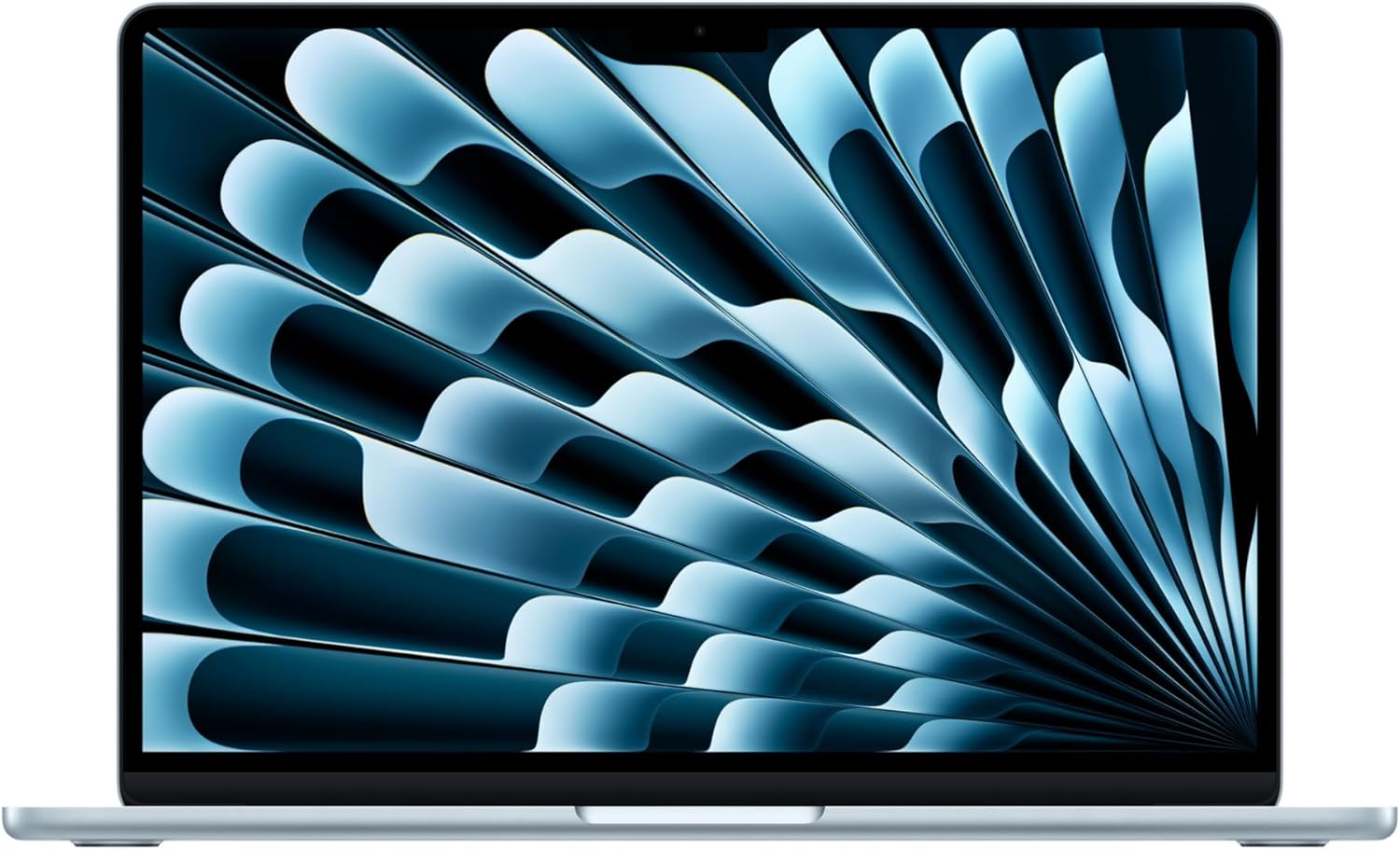
The MacBook Air with M5 pairs a 13.6-inch Liquid Retina display with 16GB of memory and a 512GB SSD. It suits everyday work, browsing and video calls, with Apple rating battery life at up to 18 hours; actual runtime varies with use.
Key highlights
- M5 chip with 16GB unified memory and a 512GB SSD
- 13.6-inch Liquid Retina display
- Apple rates battery life at up to 18 hours; actual runtime varies
- 12MP Center Stage camera for video calls
- Two Thunderbolt 4 ports, MagSafe charging and Wi-Fi 7
Pros
- Liquid Retina display supports 1 billion colors
- Center Stage camera keeps you framed during calls
- MagSafe charging leaves both Thunderbolt ports available
- Supports up to two external displays
- Works with iPhone for calls, messages and iPhone Mirroring
Cons
- Only two USB-C ports
- 512GB storage may be limiting for large media libraries
- Check software compatibility if you rely on Windows-only apps
Who it is for: People who want a reliable, no-fuss laptop for everyday tasks and value battery life over raw power.
Skip if
You need Windows-specific software, want to play modern games, or need more than two USB ports regularly.
Dell 14 Plus - Best value
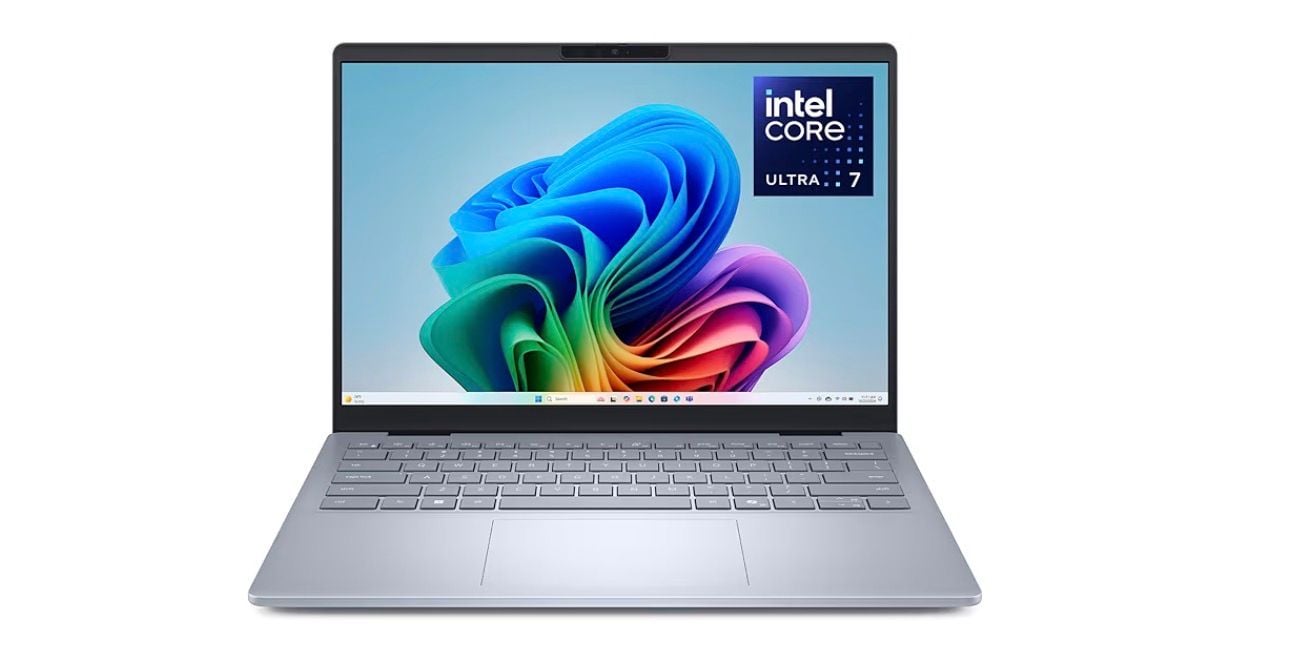
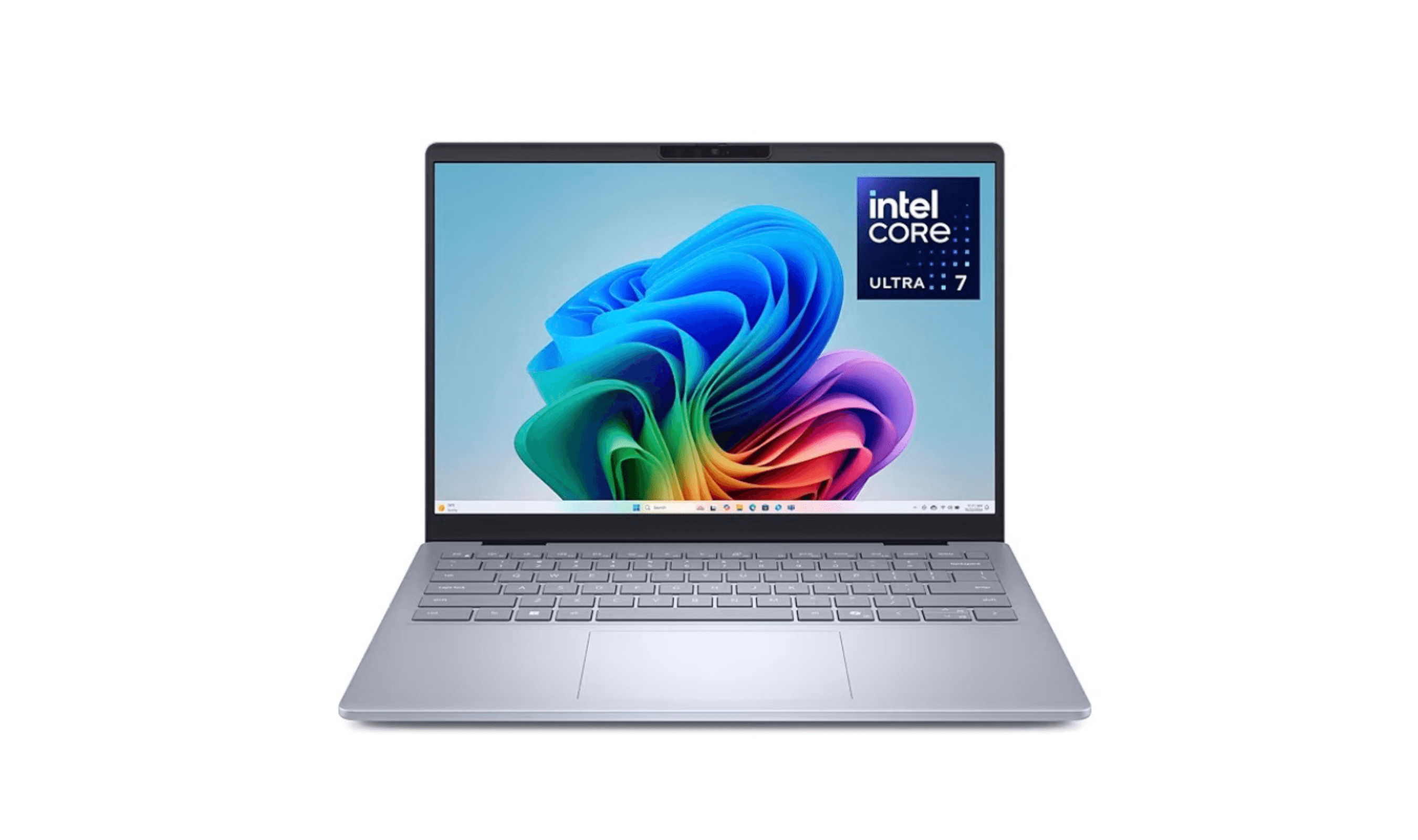
The Dell 14 Plus combines a 2.5K display with an Intel Core Ultra 7 258V processor. The linked configuration includes 32GB of memory and a 1TB SSD for everyday multitasking.
Key highlights
- Vibrant 2.5K (2560x1600) display
- Up to 20 hours of battery life in testing
- Good selection of ports including Thunderbolt 4
- Solid build quality for the price
- Strong CPU performance for multitasking
Pros
- Excellent battery life that competes with MacBooks
- 2.5K display provides great visual quality
- Good port selection reduces need for adapters
- Reliable performance for everyday tasks
- Often available at discounts below MSRP
Cons
- Can get expensive with higher RAM options
- Heavier than some ultraportable competitors
- Display can be too reflective in bright environments
- Some configurations have soldered RAM
Who it is for: Windows users who want premium features without premium pricing, especially those who value display quality.
Skip if
You need the absolute lightest laptop or prefer macOS over Windows.
Lenovo Yoga 7i 2-in-1 - Best for Windows versatility
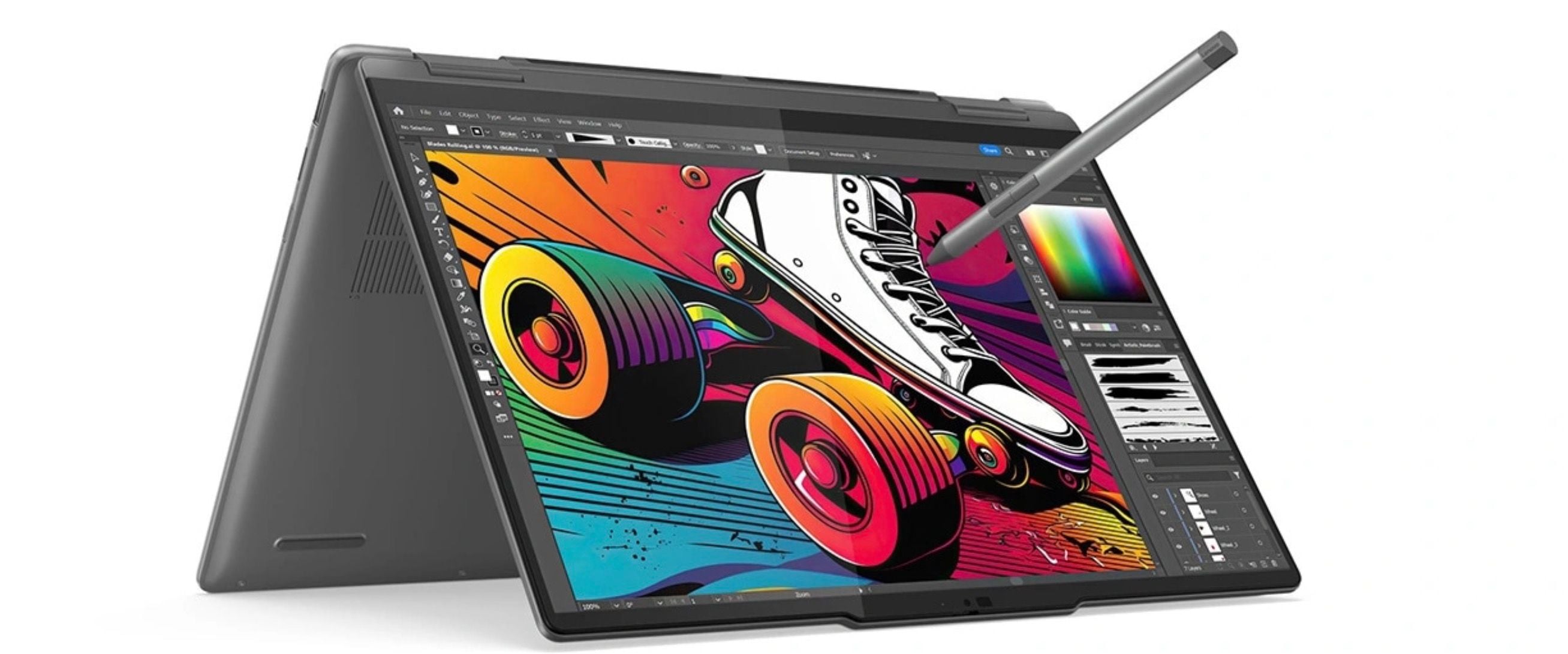
The Lenovo Yoga 7i combines good performance with 2-in-1 flexibility and excellent battery life. It's the Windows laptop to get if you want tablet functionality without sacrificing laptop capabilities.
Key highlights
- 360-degree hinge enables tablet and tent modes
- Nearly 16 hours of battery life in testing
- 2K IPS touchscreen display
- Good keyboard and trackpad for productivity
- Reasonable pricing for the feature set
Pros
- Versatile 2-in-1 design adds functionality
- Strong battery life for all-day use
- Good build quality for the price
- Touchscreen works well in tablet mode
- Often discounted below MSRP
Cons
- Heavier than traditional clamshell laptops
- Battery life slightly shorter than some competitors
- Can get warm under heavy load
- Display brightness could be better outdoors
Who it is for: People who want both a laptop and tablet in one device, especially students and creative users.
Skip if
You never plan to use tablet mode or want the absolute longest battery life available.
Acer Swift Go 14 - Best budget
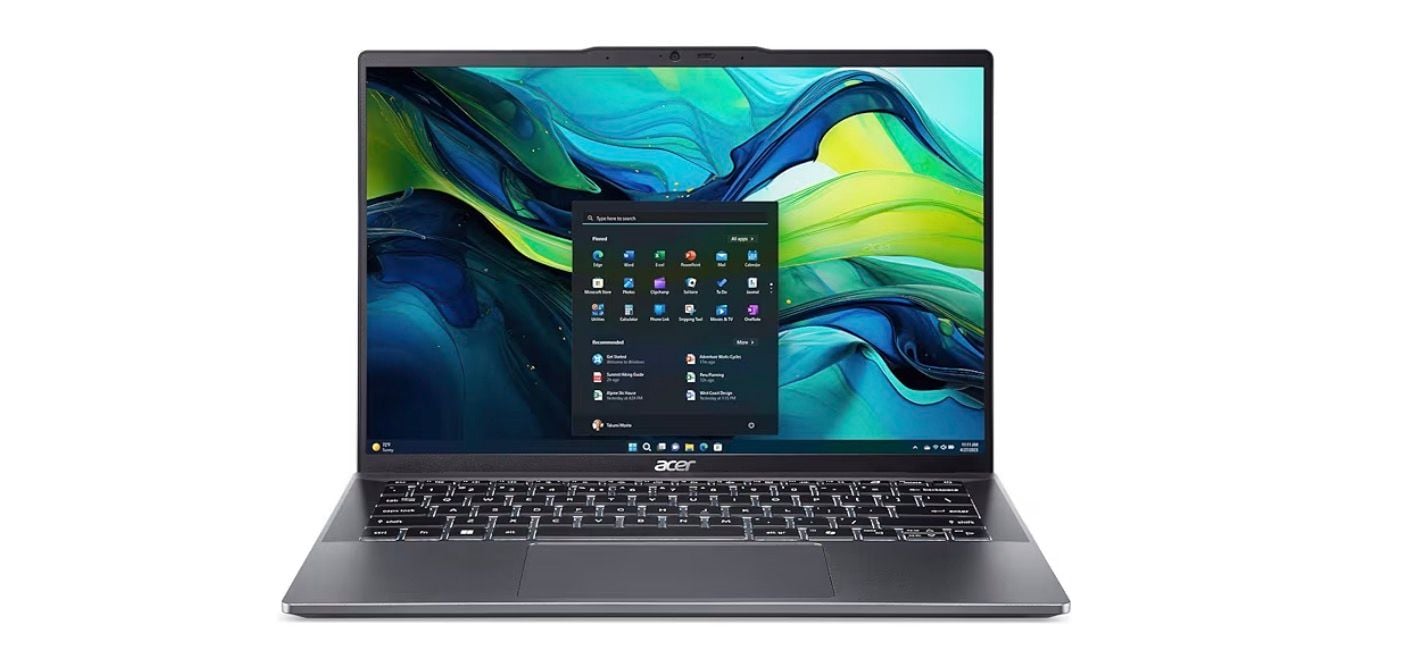
The Acer Swift Go 14 pairs a Ryzen 7 8845HS processor with 16GB of memory, a 1TB SSD and a WUXGA touchscreen. Check the current offer before deciding whether it fits your budget.
Key highlights
- Ryzen 7 8845HS processor with Radeon 780M graphics
- WUXGA (1920 x 1200) touch display
- Reasonable performance for everyday tasks
- Lightweight and portable design
- Good selection of modern ports
Pros
- Excellent value for the features offered
- Touchscreen display is a good feature at this price
- Lightweight and easy to carry
- Good performance for the price
- Often available with discounts
Cons
- Build quality feels less premium than more expensive options
- Battery life is average, not exceptional
- Display can be dim in bright environments
- Speakers are just adequate
Who it is for: Buyers who want a compact Windows laptop with a touchscreen, 16GB of memory and a 1TB SSD.
Skip if
You need all-day battery life or premium build materials.
Acer Aspire Go 15 - Best ultra-budget
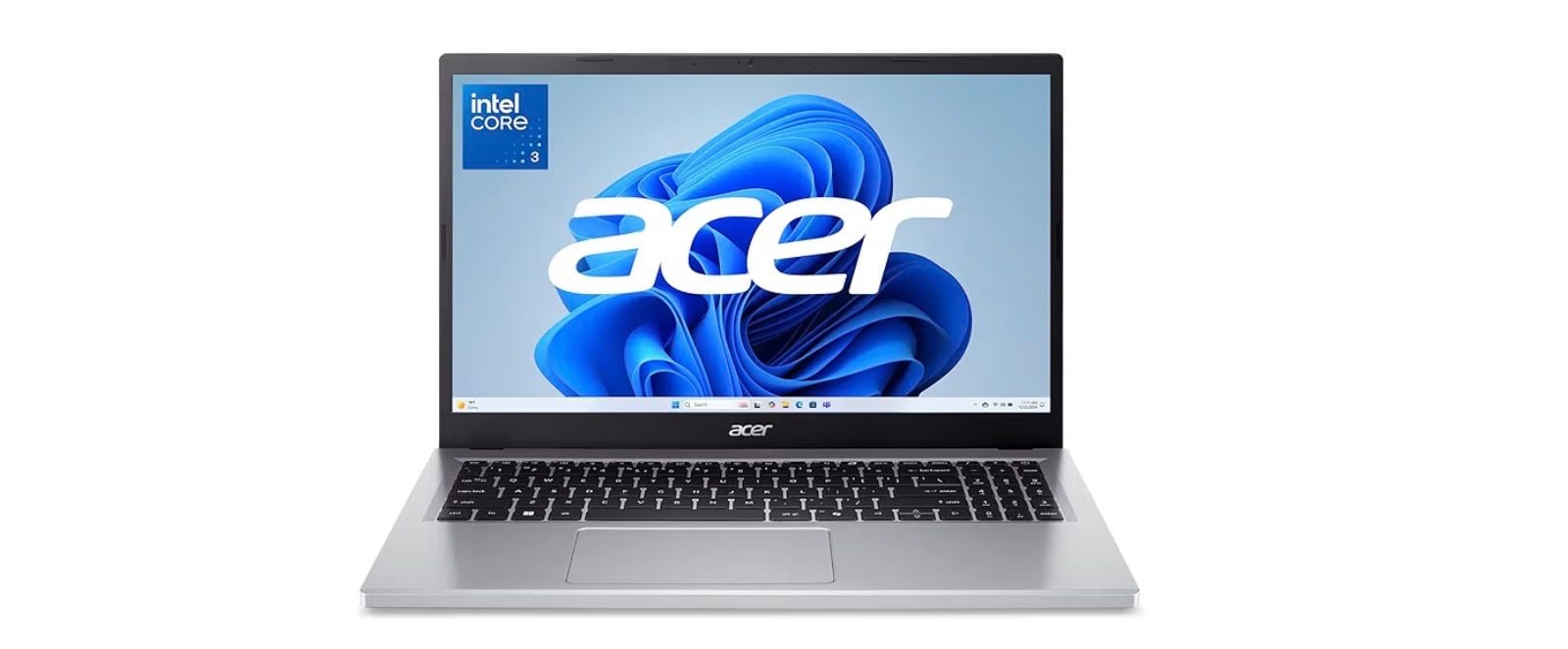
For under $400, the Acer Aspire Go 15 handles basic computing needs surprisingly well. It's the laptop to get when your budget is tight but you still need something reliable.
Key highlights
- 8GB DDR5 memory and 128GB UFS storage
- Near 12 hours of battery life in testing
- 15.6-inch display for comfortable viewing
- Basic but functional performance
- Includes essential ports
Pros
- Extremely affordable pricing
- Surprisingly good battery life for the price
- Large screen for the cost
- Handles basic tasks adequately
- Often available with additional discounts
Cons
- Display quality is basic and grainy at angles
- Performance struggles with multiple apps
- Build quality feels cheap
- No backlit keyboard
- Limited to basic tasks only
Who it is for: People who need a laptop for very basic tasks like web browsing, email, and document editing on a tight budget.
Skip if
You need to run multiple applications simultaneously or want any level of gaming capability.
Also Good
- Microsoft Surface Laptop (8th Edition) - premium Windows laptop with a 15-inch HDR touchscreen, Snapdragon X2 Elite, 16GB RAM and a 1TB SSD.
- Lenovo Yoga 9i - top-tier 2-in-1 with a premium build. Check Price on Lenovo
- Apple MacBook Pro 14-inch (M5 Pro) - for demanding creative work, with a 15-core CPU, 16-core GPU, 24GB memory, a 1TB SSD and a 14.2-inch Liquid Retina XDR display.
How to Choose
- 1.Budget first: Decent laptops start around $500-750, good ones at $800-1,000, and premium options above $1,000. Don't spend more than you need.
- 2.Battery life matters: Look for at least 10 hours of real-world use if you move around frequently. MacBooks and some Windows laptops now hit 16+ hours.
- 3.Consider the ecosystem: If you use iPhone/iPad, a MacBook makes sense. If you need Windows-specific software or gaming, stick with Windows.
- 4.Screen size vs portability: 13-14 inches offers the best balance. Go larger if you work mostly in one place, smaller if you travel constantly.
- 5.Future-proofing: 16GB RAM and 512GB storage are good targets for longevity. Avoid 8GB RAM if you can afford not to.
FAQ
What's the sweet spot for laptop pricing in 2026?
Most people should plan to spend $700-800 for a reliable laptop that will last several years. You can find basic options for $300-500, but they'll feel slow sooner.
How much RAM do I really need for personal use?
16GB is the new standard for comfortable multitasking. 8GB works for very basic use, but 16GB will keep your laptop feeling fast longer.
Are MacBooks worth the premium over Windows laptops?
For most personal use, yes, they last longer, have better battery life, and hold their value better. But Windows laptops offer more variety and better gaming options.
Should I wait for new models to come out?
New laptops typically launch in the spring and fall. If you need one now, buy now, there's always something newer coming. The current models are excellent.
How important is battery life really?
Very important if you move around. Look for at least 10 hours of real-world use. Many modern laptops now achieve 14-16 hours, which means charging every other day for light users.
Published February 3, 2026 Last updated September 5, 2026
Share this article
More in News
Best Laptops for Medical Students in 2026
The Apple MacBook Air M4 takes the top spot with 18-hour battery life and a featherlight design, but Windows users and budget shoppers have strong options too.
5 min read
7 Best Lightweight Laptops to Consider in 2026
Discover the top lightweight laptops for 2026. Our top pick is the Apple MacBook Air M4, plus great Windows options for portability and performance.
5 min read
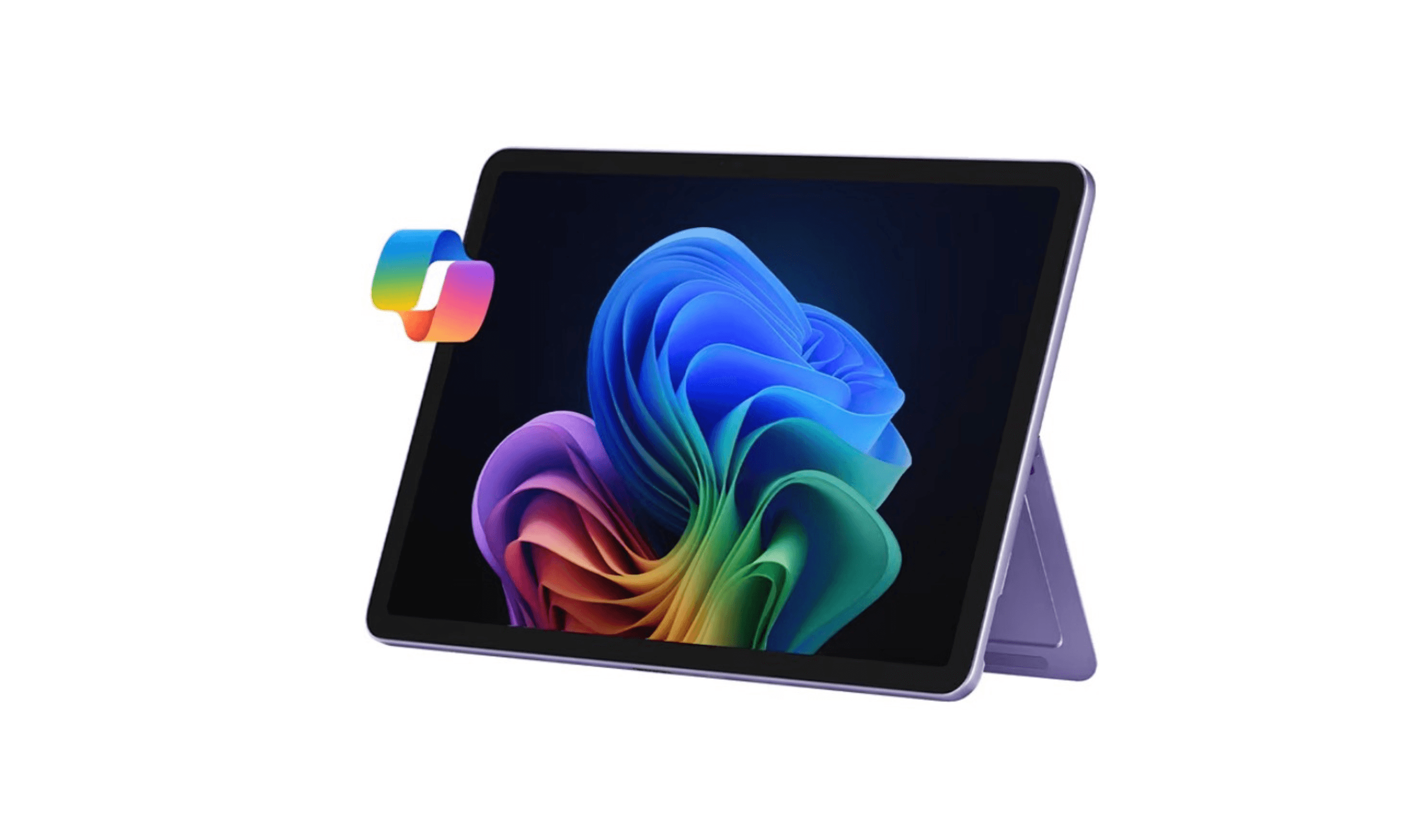
8 Best Detachable Laptops and 2-in-1s for 2026
Discover the best detachable laptops for 2026, led by the Microsoft Surface Pro 12. Compare top picks for performance, value, and versatility in one device.
4 min read
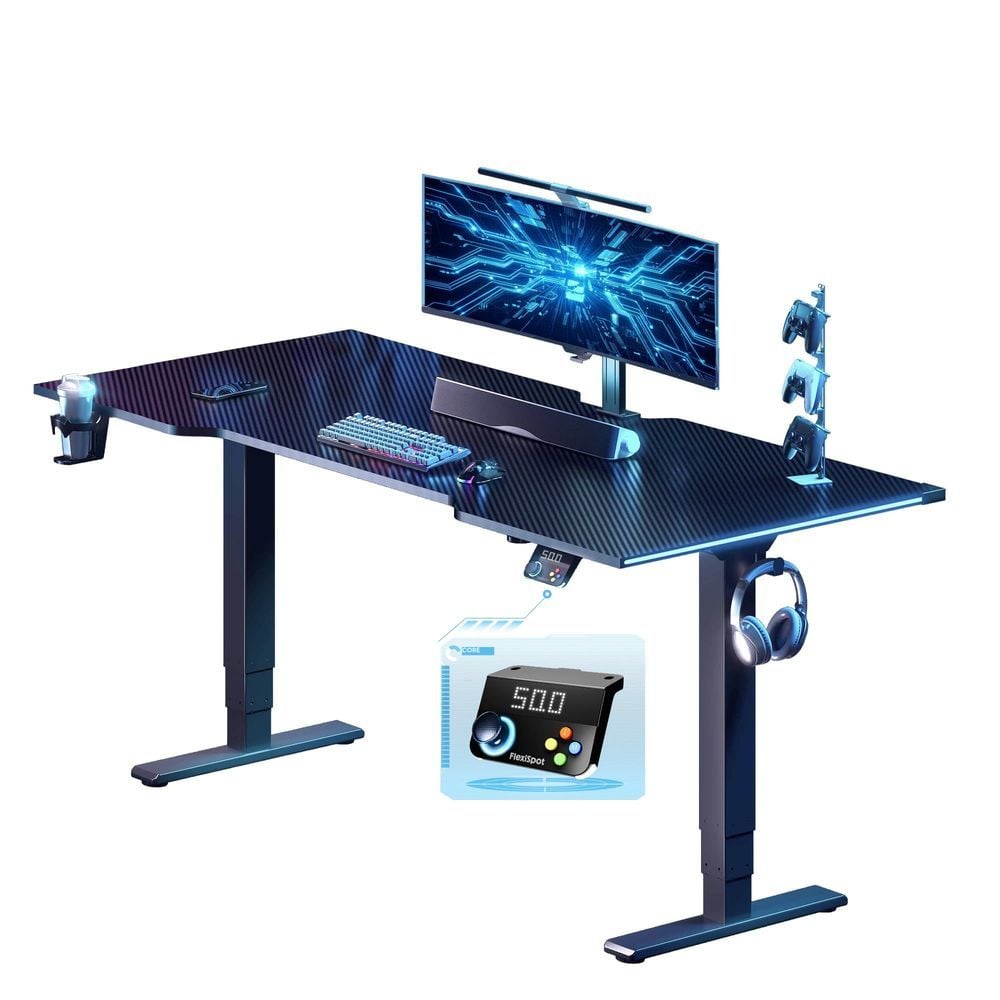
The Best FlexiSpot Standing Desks and Chairs for 2026
FlexiSpot's Amazon lineup ranked, from the RGB CyberX gaming desk and solid wood Woodix to the 551 lb ErgoX-PRO office chair and the reclining Sentinel-Pro gaming chair.
4 min read
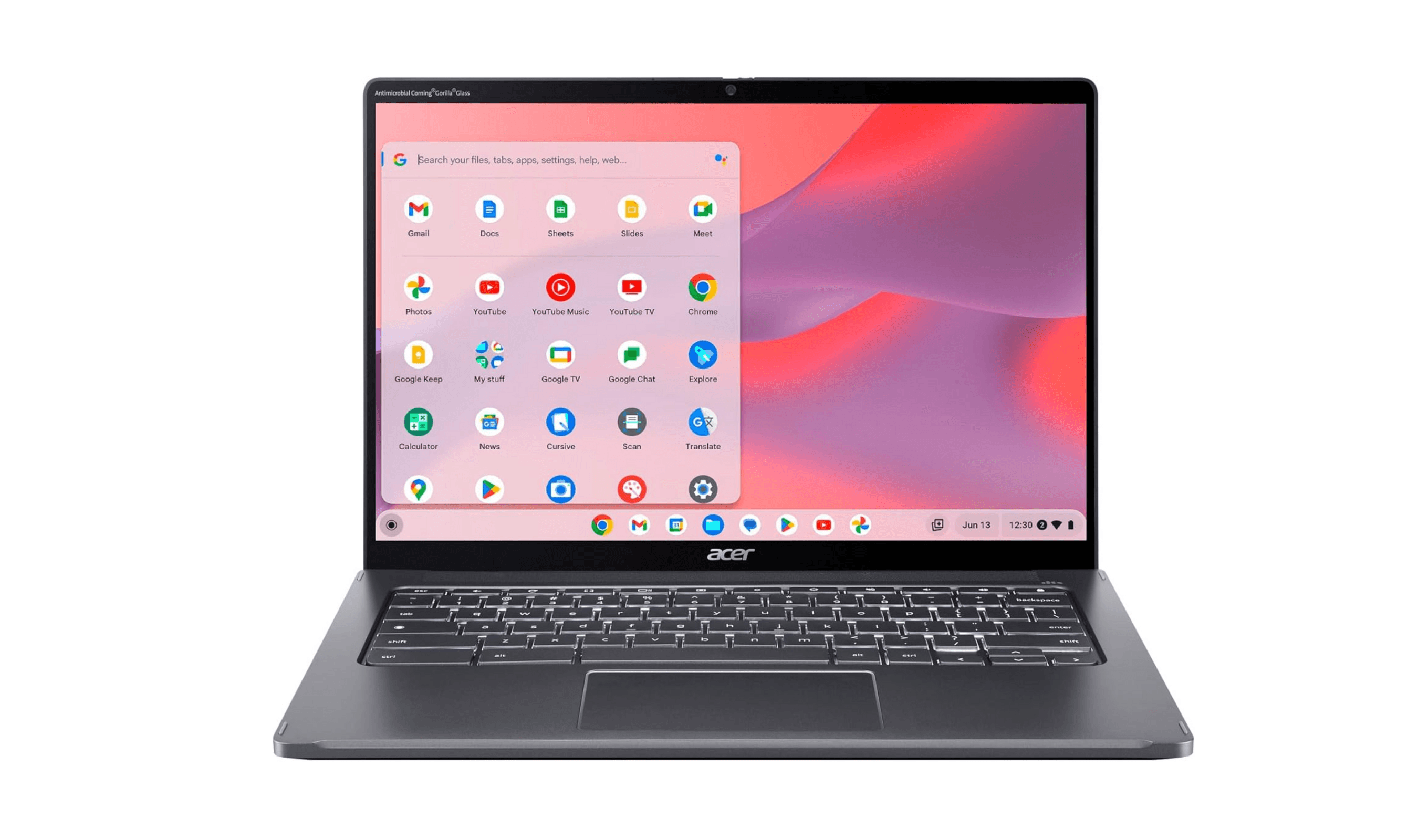
The 9 Best Laptops for High School Students of 2026
5 min read
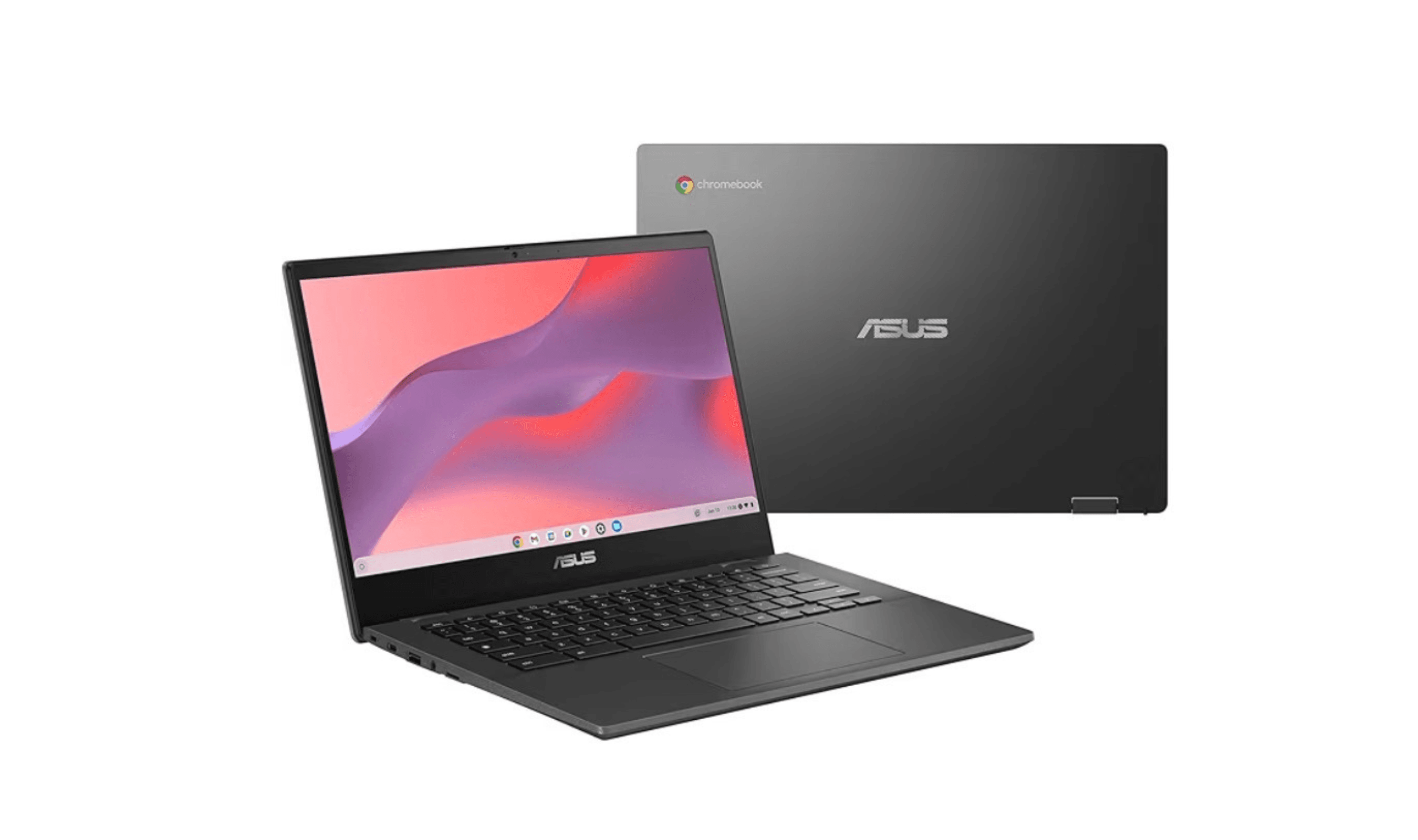
8 Best Chromebooks for Students in 2026
3 min read
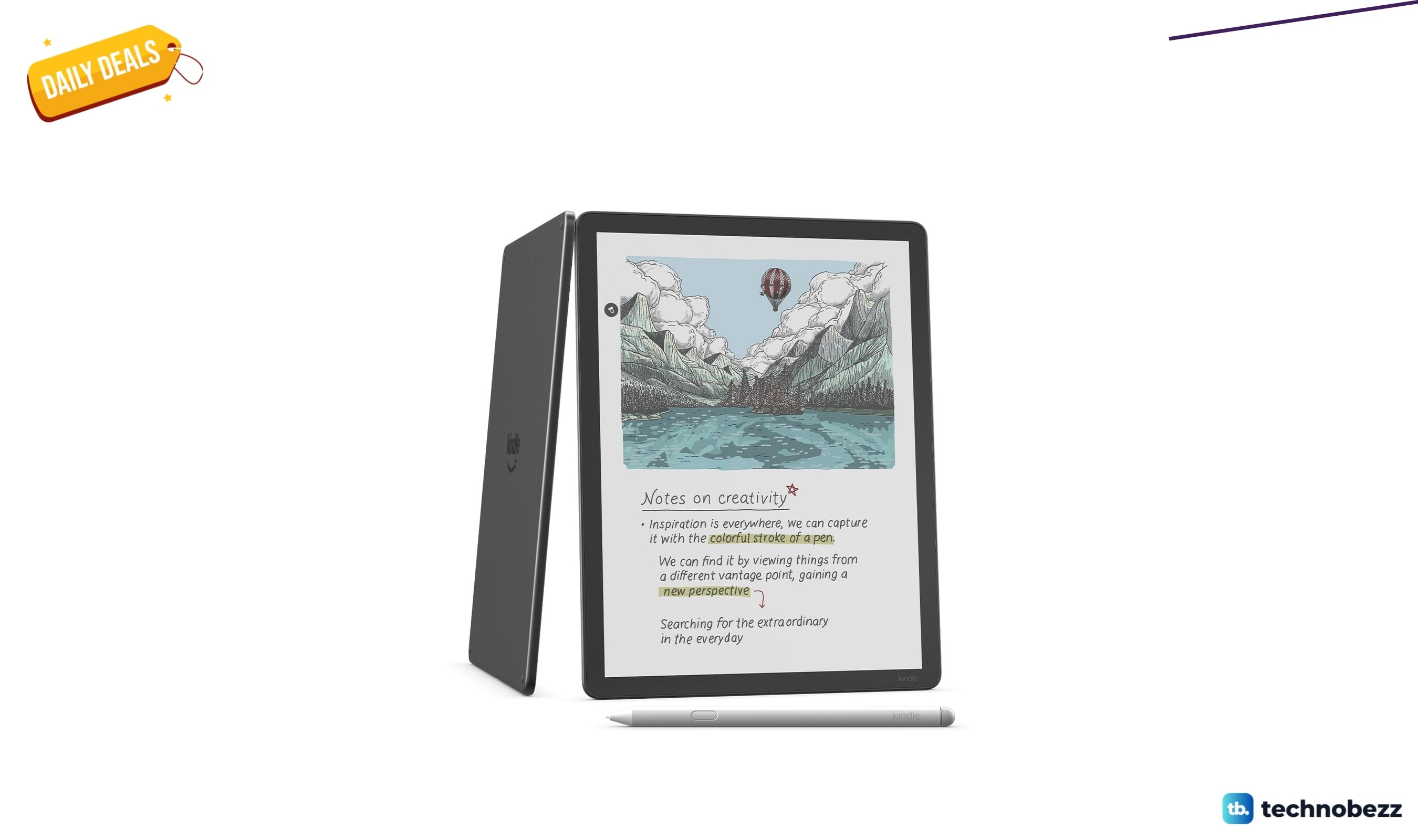
Amazon Kindle Scribe Colorsoft paper-like color display marked down to $543.99
4 min read
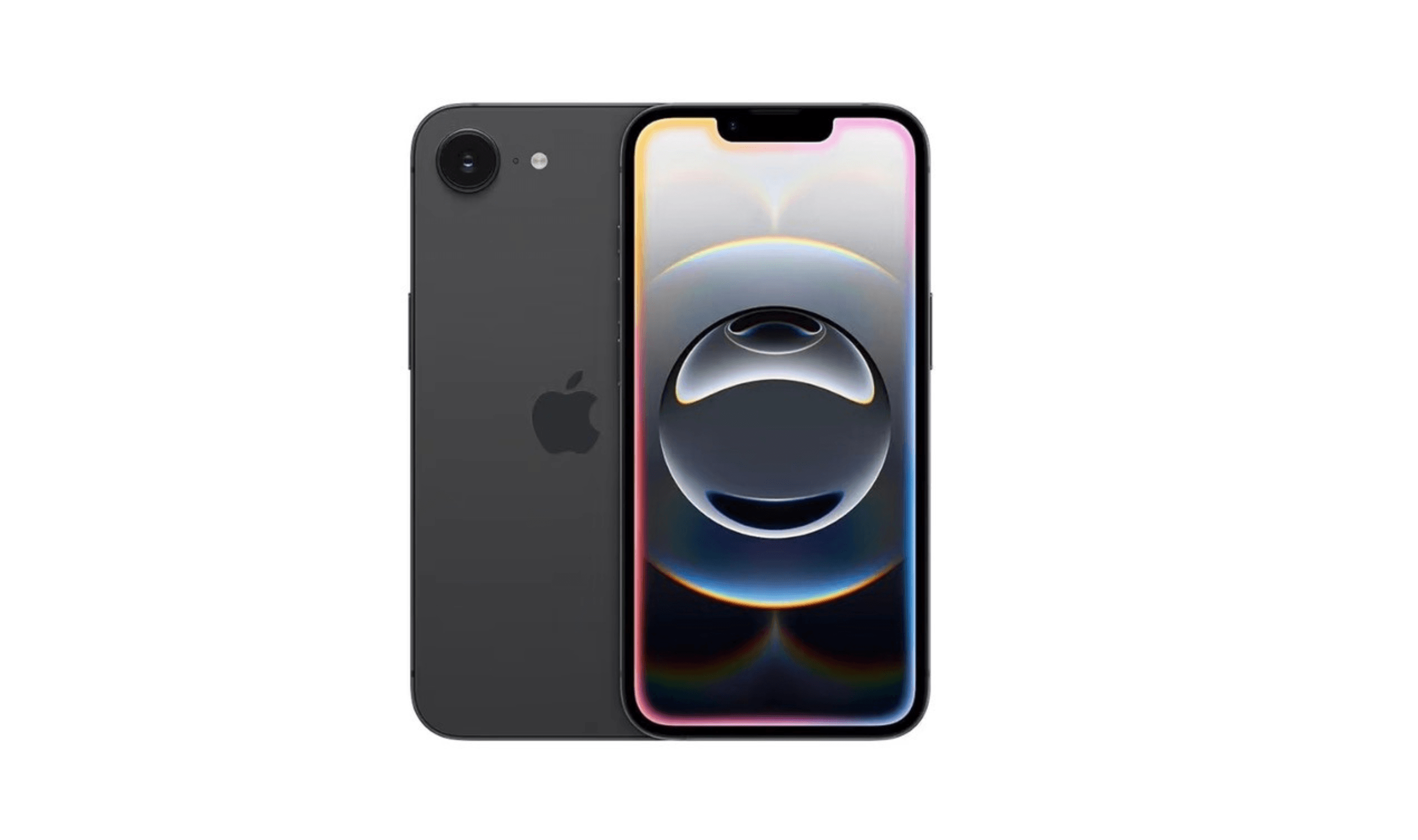
4 Best Smartphones Under $500 for 2026
4 min read
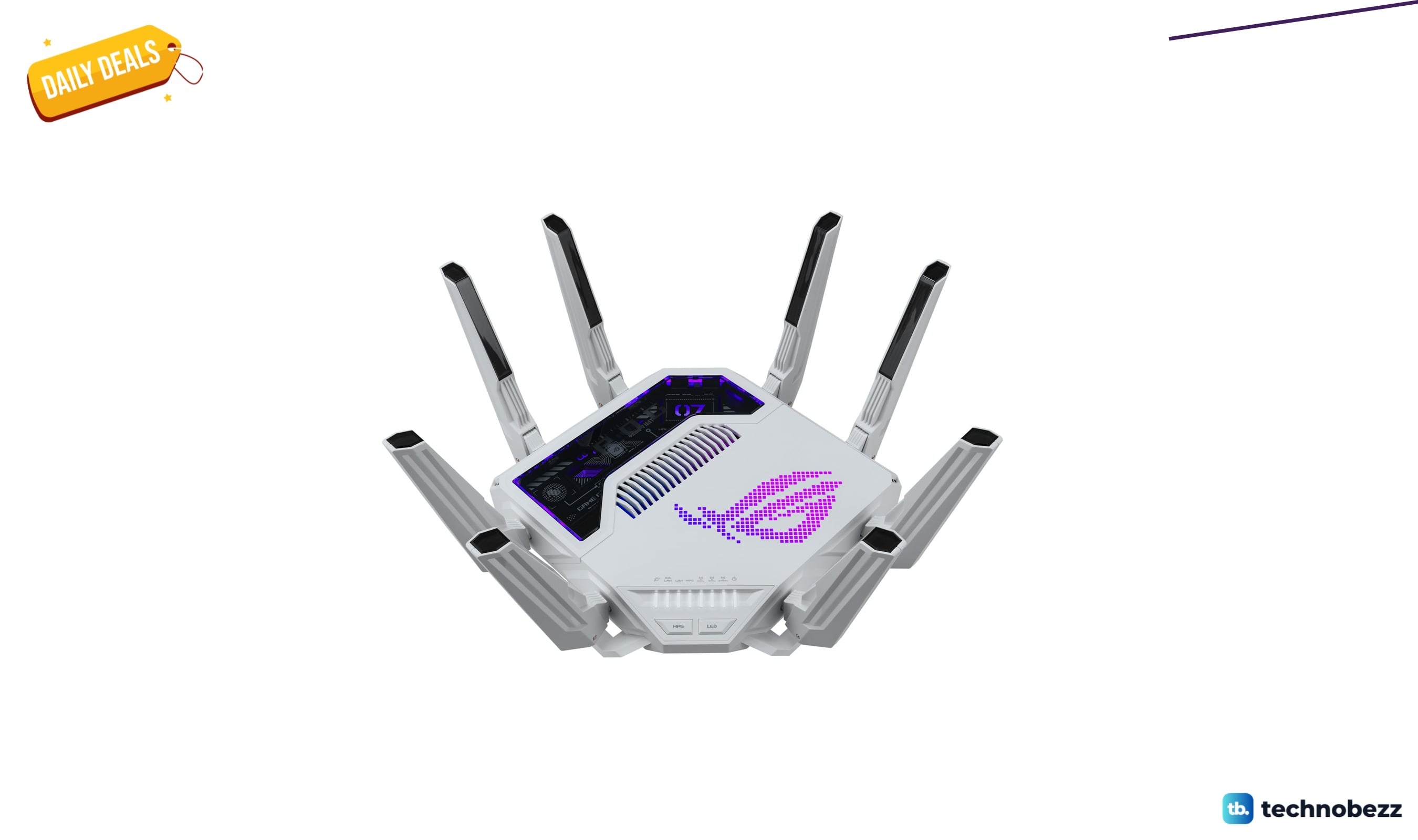
ASUS GT-BE19000AI Tri-Band WiFi 7 AI Gaming discounted to $699.99
3 min read
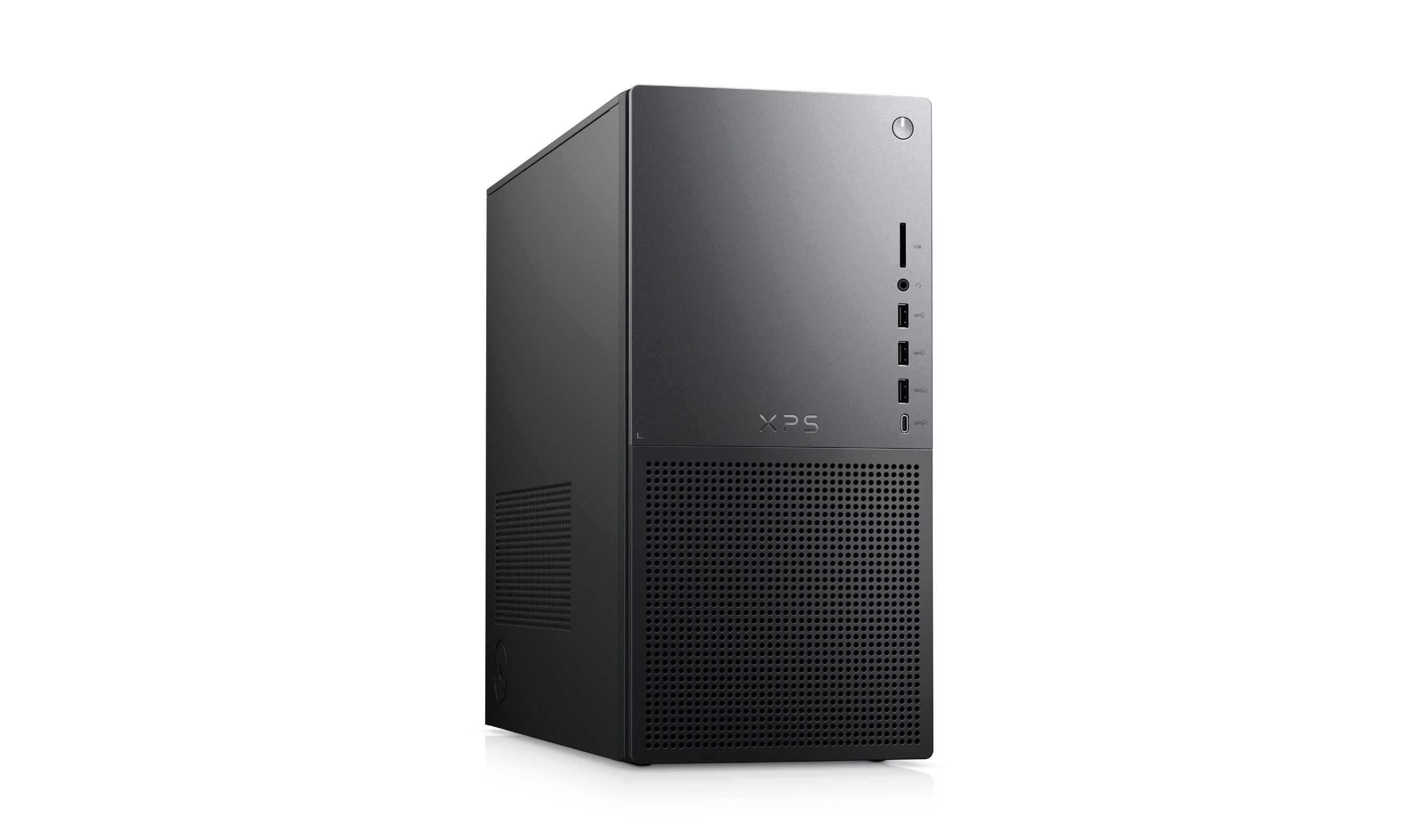
Best Desktop Computers for Home Use in 2026
4 min read
5 Best Portable Wi-Fi Hotspots for 2026
5 min read
8 Best Laptops for Bloggers in 2026
4 min read