If you write for a living or as a serious hobby, your laptop needs are different. You want a comfortable keyboard, enough battery to last through long sessions, and a screen that won't strain your eyes. The Apple MacBook Air M5 nails this balance best right now, but Windows and Chromebook options offer compelling alternatives at different price points.
Technobezz is supported by its audience. We may get a commission from retail offers.
Top 8 Laptops for Writers for 2026
Discover the best laptops for writers in 2026. Our top pick is the Apple MacBook Air M4 for its excellent keyboard and all-day battery.
T
Technobezz
Editorial Team
Updated September 28, 2026Sep 28, 2026
•7 min read

Get Deals Like These in Your Inbox
The best prices, straight to your inbox.
On GoogleFollow Technobezz: add us as a preferred source.

This list is for novelists, journalists, bloggers, and anyone who spends hours typing. We've focused on keyboards you'll actually enjoy using, battery life that won't leave you hunting for outlets, and displays that make long writing sessions comfortable.
At a Glance
| Category | Product | Why We Picked It |
|---|---|---|
| Best overall | Apple MacBook Air M5 | Excellent keyboard and all-day battery |
| Best Windows alternative | Microsoft Surface Laptop 8th Edition | 15-inch 3:2 touchscreen and Snapdragon X2 Plus |
| Best value | Acer Chromebook Plus Spin 714 | Convertible touchscreen with Core Ultra 5 and SSD storage |
| Best keyboard | ThinkPad X1 Carbon Gen 14 Aura Edition | Backlit ThinkPad keyboard and anti-glare touchscreen |
| Best 2-in-1 | HP OmniBook Ultra Flip 14 | 14-inch OLED convertible with active pen |
| Also recommended | Dell XPS 13 | Compact, premium build with a great keyboard |
| Also recommended | Lenovo Slim 7i Aura Edition | 14-inch OLED display with 16GB RAM and 1TB SSD |
| Also recommended | Acer Aspire 5 | 15.6-inch touchscreen and Core i5 for everyday writing |
How we chose
We evaluated laptops for writers based on keyboard feel, battery longevity, display comfort, and portability for frequent writing sessions.
Our assessment considered key travel and actuation feedback, screen glare control, fan noise, weight, and reliability during long stretches in browser and document apps.
We prioritized machines that disappear into the background so writing stays the focus.
The best laptops for writers right now
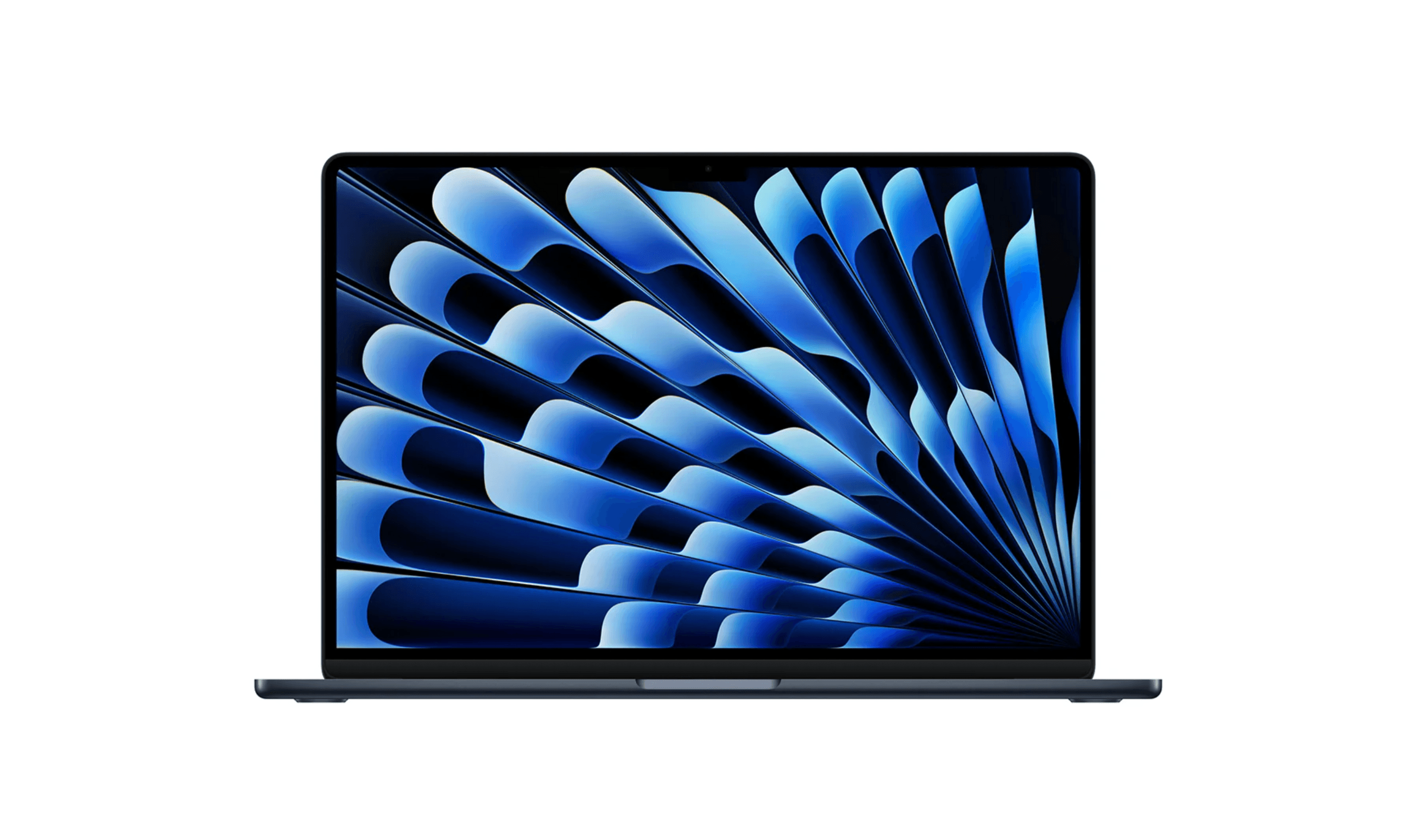
Apple MacBook Air M5 - Best overall
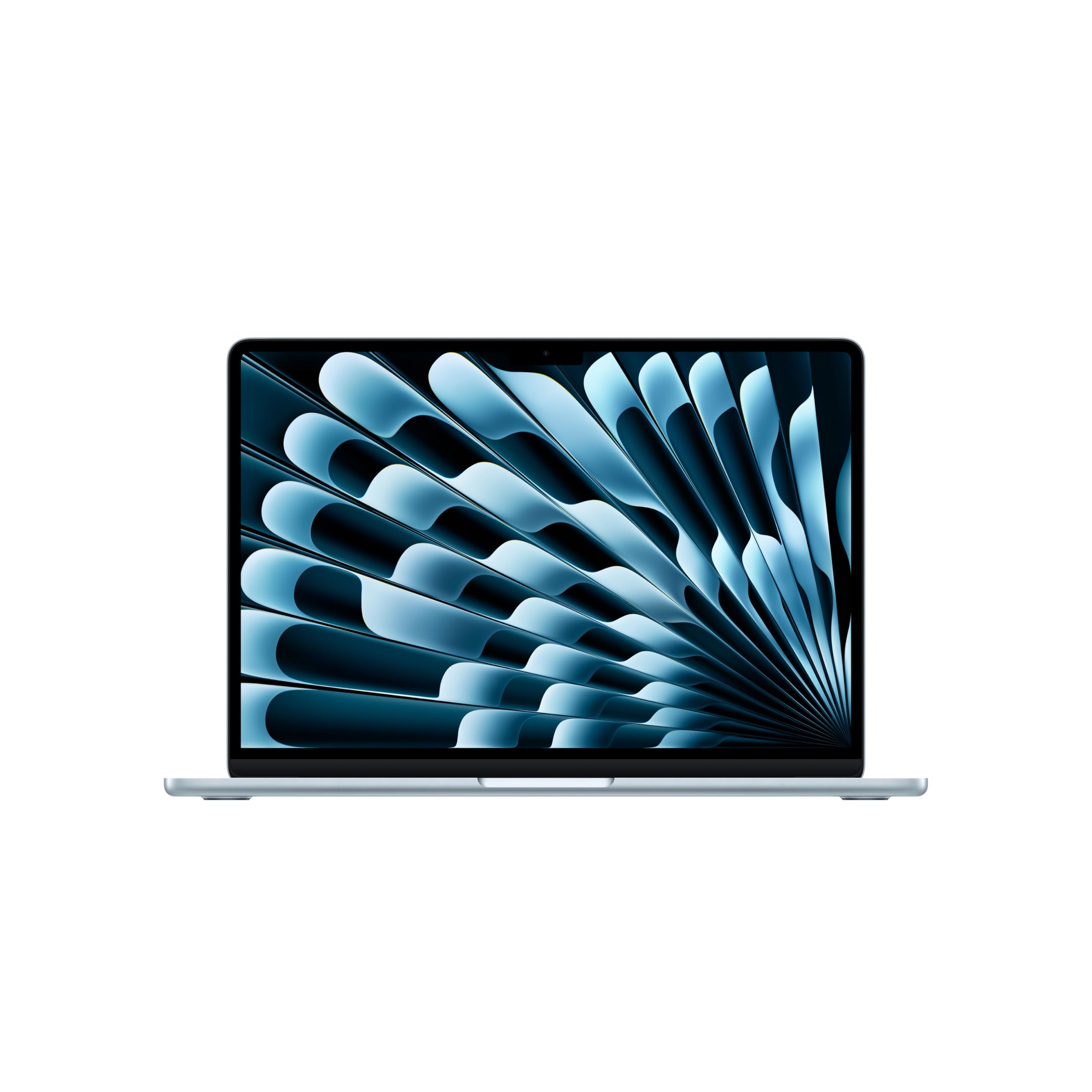
The MacBook Air M5 delivers everything writers need in a nearly perfect package. Its keyboard strikes the right balance between responsiveness and comfort, while the M5 chip handles research tabs and writing apps without breaking a sweat.
Key highlights
- M5 chip provides plenty of power for writing and research
- Excellent keyboard with good tactile feedback
- Apple rates battery life at up to 18 hours of video streaming or 15 hours of wireless web use
- Lightweight and portable at under 3 pounds
- Bright, color-accurate display reduces eye strain
Pros
- Industry-leading battery life for café work sessions
- Silent operation with no fan noise
- Seamless integration with other Apple devices
- Excellent build quality that lasts for years
Cons
- More expensive than Windows alternatives
- Limited port selection requires adapters
- Not ideal if you need specific Windows-only writing software
Who it is for: Writers deeply invested in the Apple ecosystem who want premium build quality and exceptional battery life.
Skip if
You're on a tight budget or need Windows-specific writing applications.
Microsoft Surface Laptop 8th Edition - Best Windows alternative
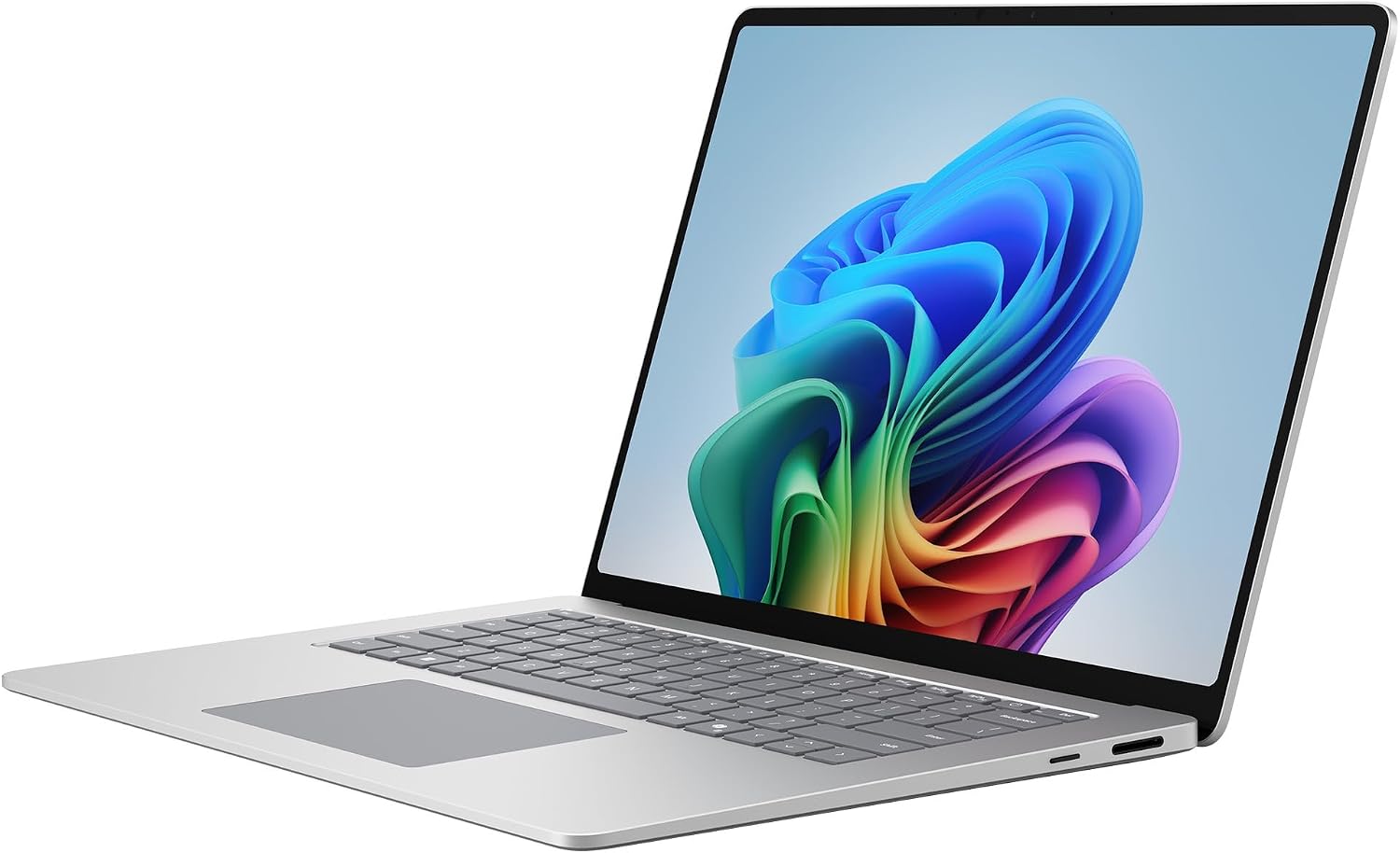
The Surface Laptop 8th Edition pairs a 15-inch PixelSense touchscreen with a Snapdragon X2 Plus processor, 16GB RAM and a 512GB SSD. Its tall 3:2 screen gives documents and research tabs room to sit side by side.
Key highlights
- Snapdragon X2 Plus 10-core processor
- 16GB RAM and 512GB SSD
- 15-inch PixelSense touchscreen with a 3:2 aspect ratio
- Two USB-C/USB4 ports plus USB-A and microSD
- Microsoft rates video playback at up to 19 hours; actual battery life varies
Pros
- Tall screen suits documents and web research
- Aluminum chassis and full-size keyboard
- USB-A and USB-C support a range of peripherals
Cons
- At 3.67 pounds, it exceeds our under-3-pound travel target
- 512GB storage in this configuration
- Check compatibility of specialist software with Windows on Arm
Who it is for: Windows users who want a premium writing experience with excellent keyboard quality.
Skip if
You need maximum portability or are on a strict budget.
Acer Chromebook Plus Spin 714 - Best value
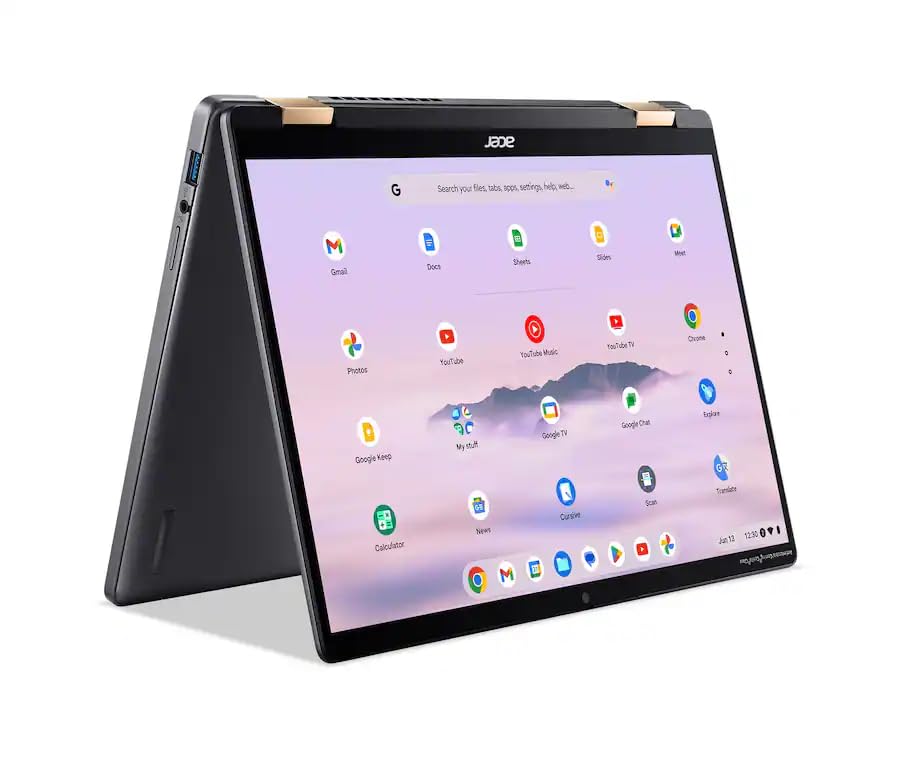
The Chromebook Plus Spin 714 combines a 14-inch touchscreen with a Core Ultra 5 processor, 8GB RAM and a 256GB SSD for web-based writing. Its convertible design also works for reading research in tablet mode.
Key highlights
- Intel Core Ultra 5 115U processor
- 14-inch 1920 x 1200 touchscreen
- 8GB LPDDR5 RAM and 256GB SSD
- Convertible design for laptop or tablet use
- Backlit keyboard and Thunderbolt 4 connectivity
Pros
- Touchscreen works for reading and navigation
- 16:10 display provides room for documents
- USB-C, USB-A and HDMI connections
Cons
- 8GB RAM offers limited headroom for heavy multitasking
- 256GB SSD limits local storage
- Check that required writing software supports ChromeOS
Who it is for: Budget-conscious writers who primarily use web-based writing tools like Google Docs.
Skip if
You need specific desktop writing applications or work extensively offline.
ThinkPad X1 Carbon Gen 14 Aura Edition - Best keyboard
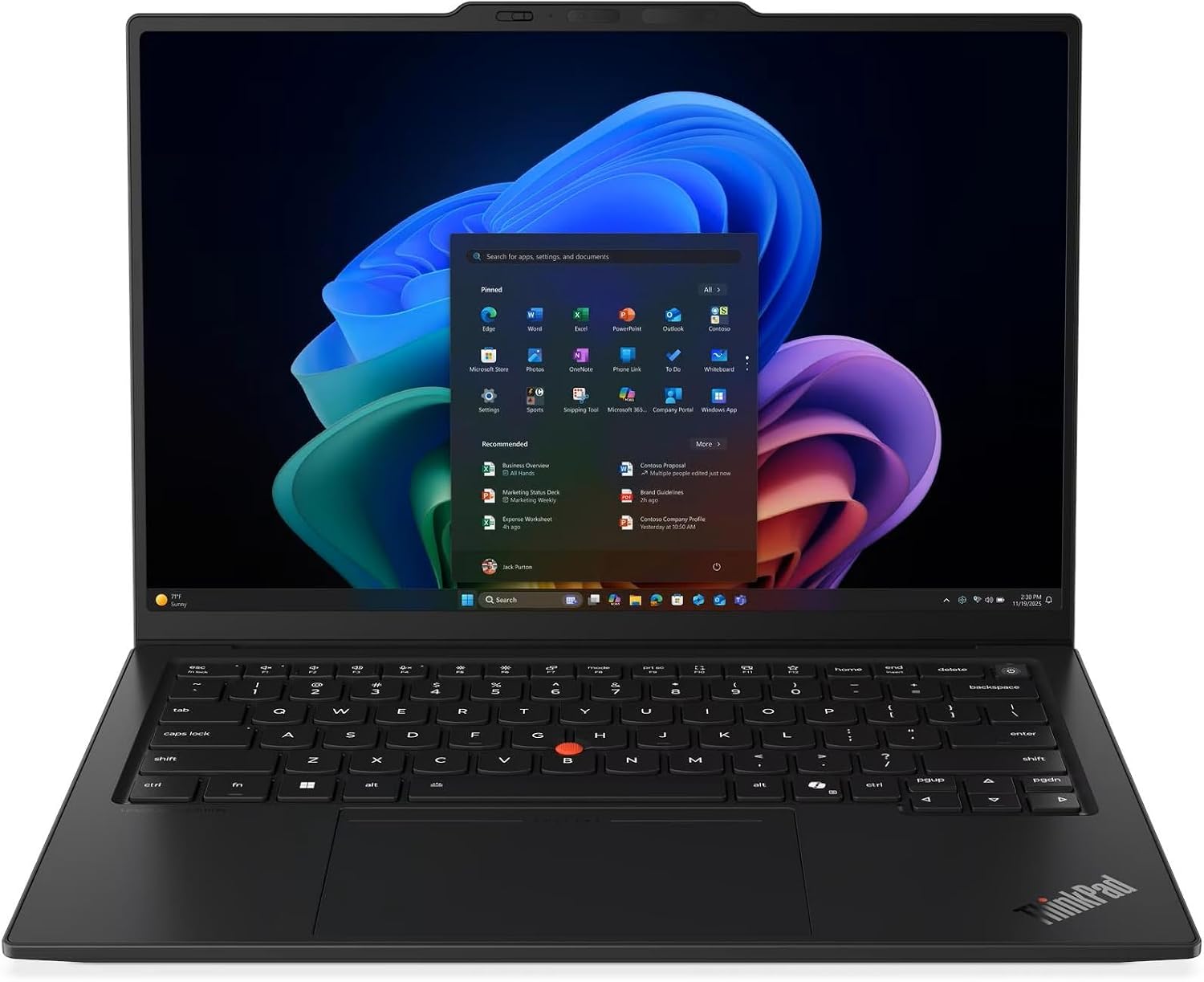
The X1 Carbon Gen 14 Aura Edition pairs a backlit ThinkPad keyboard with a 14-inch anti-glare touchscreen. This configuration adds a Core Ultra 7 365 processor, 32GB RAM and a 1TB SSD for writing and research.
Key highlights
- Backlit, spill-resistant keyboard with TrackPoint
- 14-inch 1920 x 1200 IPS touchscreen rated at 500 nits
- Intel Core Ultra 7 365 processor
- 32GB LPDDR5X RAM and 1TB SSD
- Three Thunderbolt 4 ports, USB-A and HDMI
Pros
- Anti-glare display suits bright workspaces
- 32GB RAM provides room for research tabs
- Carbon-fiber lid and one-year Lenovo onsite warranty
Cons
- Memory is soldered and cannot be upgraded
- No built-in Ethernet port
- This configuration has a 60Hz WUXGA display, not OLED
Who it is for: Professional writers who prioritize keyboard quality above all else.
Skip if
You want a more stylish design or are on a tight budget.
HP OmniBook Ultra Flip 14 - Best 2-in-1
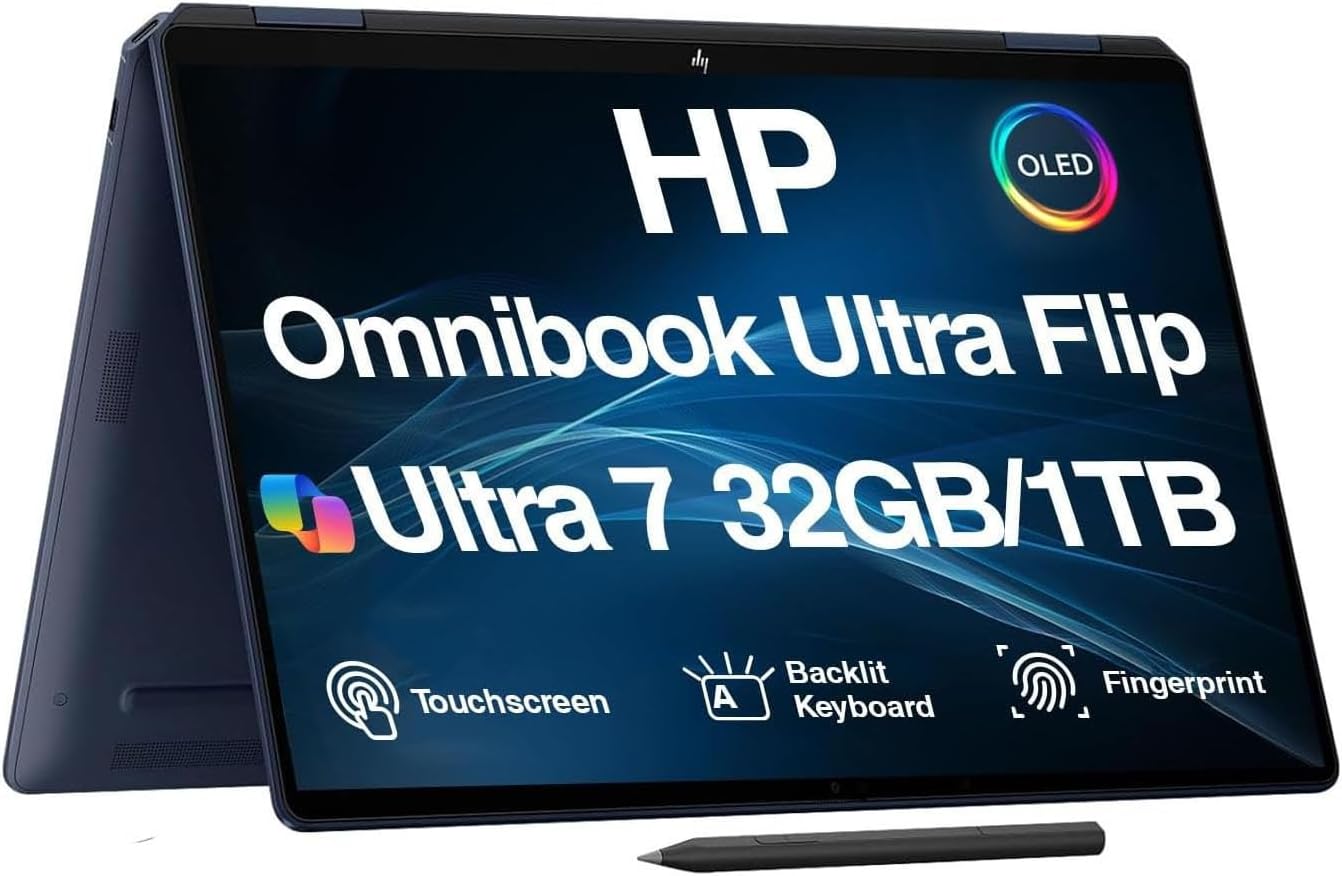
The OmniBook Ultra Flip 14 gives writers a convertible OLED touchscreen and an active pen for notes and document markup. The linked configuration has a Core Ultra 7 258V processor, 32GB RAM and a 1TB SSD.
Key highlights
- 14-inch 2880 x 1800 OLED touchscreen with 120Hz refresh rate
- Convertible design and active pen
- Intel Core Ultra 7 258V processor
- 32GB onboard RAM and 1TB PCIe SSD
- Backlit keyboard, fingerprint reader and Windows 11 Pro
Pros
- Touch and pen input suit handwritten notes
- High-resolution OLED screen for documents and research
- Two Thunderbolt 4 ports for peripherals and displays
Cons
- 14-inch display may feel small for side-by-side research
- Onboard RAM cannot be upgraded
- Sold by a third-party seller rather than HP, so check the seller's return and warranty terms
Who it is for: Writers who want the flexibility to type or write by hand on a compact 14-inch convertible.
Skip if
You need a 16-inch display or never use touch/pen input.
Also Good
- Dell XPS 13 - compact, premium build with a great keyboard. Check Price on Dell
- Lenovo Slim 7i Aura Edition - a 14-inch WUXGA OLED Windows laptop with a Core Ultra 7 256V processor, 16GB RAM and a 1TB SSD for writing and research. Check Price on Lenovo
- Acer Aspire 5 - a 15.6-inch Full HD touchscreen laptop with a Core i5-13420H processor for everyday writing.
How to Choose
Consider these factors when picking a laptop for writing:
Keyboard quality is the most important factor. Look for decent key travel (1.5mm or more) and a layout that feels natural to you. Some writers prefer clicky keys, others like softer actuation.
Battery life matters if you write in cafes or while traveling. Aim for at least 8 hours of real-world use, though 10+ is better for all-day sessions without charging.
Display quality affects eye strain. Look for good brightness (300+ nits) and consider matte finishes if you work near windows. Screen size depends on your preference - some like compact 13-inch models, others prefer 15-16 inches for research.
Portability matters if you move around. Under 3 pounds is ideal for carrying all day, but don't sacrifice keyboard quality just for weight savings.
Operating system depends on your writing tools. Mac users get excellent integration, Windows offers more software options, and ChromeOS works well for web-based writing.
FAQ
What's the most important feature for a writing laptop?
The keyboard. You'll spend hours typing, so comfort and responsiveness matter more than raw performance or fancy features.
Do I need a powerful laptop for writing?
Not really. Writing itself doesn't require much processing power, but having enough RAM (16GB recommended) helps with research tabs and multiple documents.
Is a Chromebook good for writers?
Yes, if you use web-based tools like Google Docs. Chromebooks offer good value and battery life, but check that your preferred writing apps have web versions.
How much should I spend on a writing laptop?
You can find good options from $700-1500. Spending more gets you better build quality, battery life, and displays, but doesn't necessarily improve the writing experience dramatically.
Should I get a 2-in-1 for writing?
Only if you want to write by hand or mark up documents. The convertible design adds weight and cost, so skip it if you only type.
Published February 6, 2026 Last updated September 29, 2026
Share this article
More on laptops
Deal
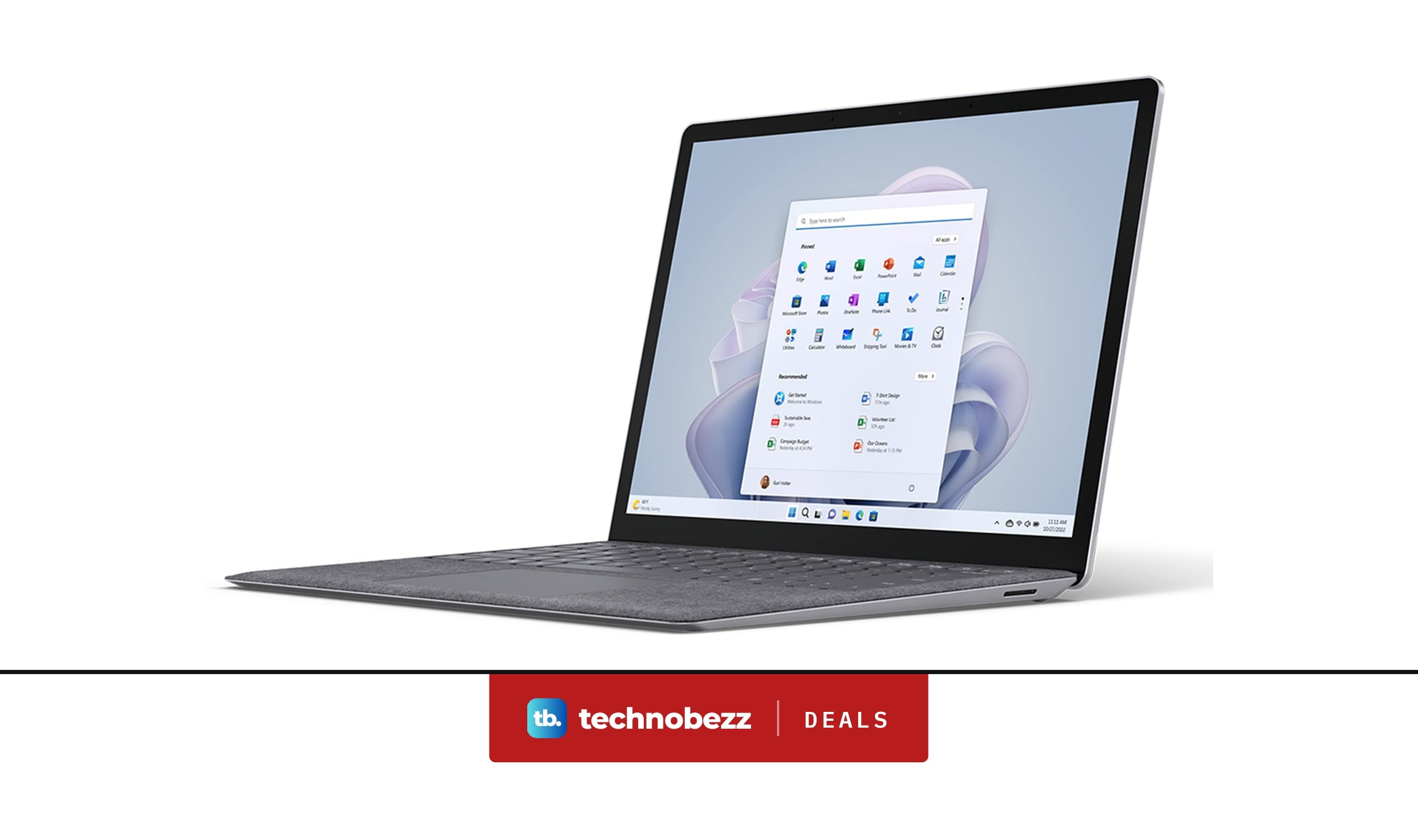
Microsoft Surface Laptop 5 slips to $608.84
Deal
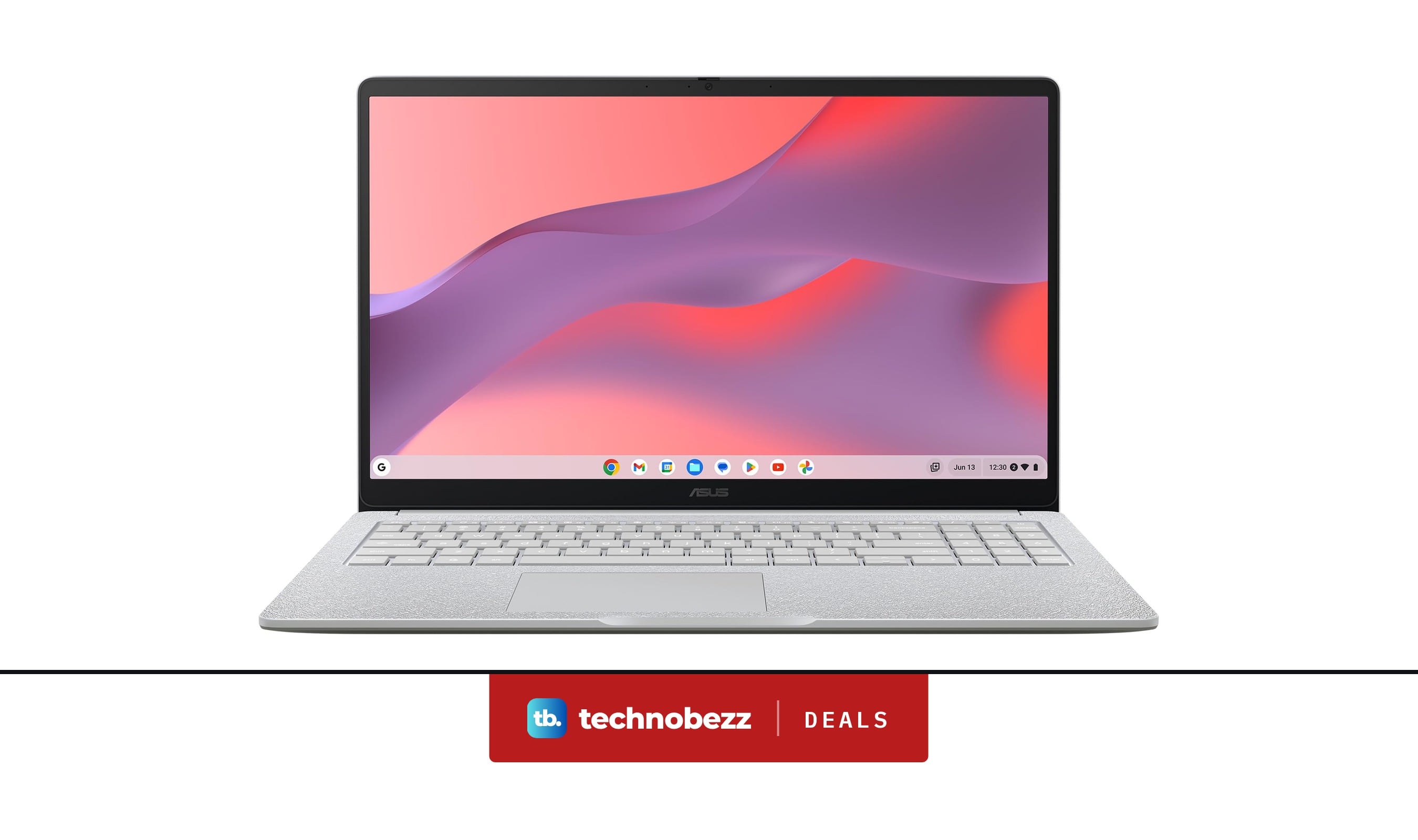
ASUS Chromebook CM15 dips to $370.99
Buying guide
7 Best Laptops for Interior Designers in 2026
Buying guide
4 Best Budget Laptops Around $300 for 2026
More buying guides
Buying guide9 Best Keyboards From Top Brands in 2026Buying guide8 Best 60 Percent Keyboards of 2026Buying guideTop 7 Home Theater Systems for 2026Buying guide6 Best Handheld Gaming Consoles for 2026Buying guide5 Spy Cameras for Home and Portable Monitoring (2026)Buying guide6 Best Tablets for Gaming in 2026Buying guide7 Gaming Consoles for Every Budget in 2026Buying guideBest Lenovo ThinkPad Laptops in 2026