Finding a reliable Chromebook under $300 means balancing performance with budget constraints. The picks below cover a detachable 2-in-1, a large-screen model for schoolwork and two conventional 14-inch laptops. This list is for students, casual users, and anyone who needs a dependable laptop for web browsing, documents, and streaming without breaking the bank.
Technobezz is supported by its audience. We may get a commission from retail offers.
4 Best Chromebooks Under $300 for 2026
Discover the best Chromebooks under $300 for 2026. Our top pick, the Acer Chromebook Plus 514, leads a list of budget-friendly, high-value laptops for students and casual users.
T
Technobezz
Editorial Team
Updated September 5, 2026Sep 5, 2026
•5 min read

Get Deals Like These in Your Inbox
The best prices, checked by our editors.
At a Glance
| Category | Product | Why We Picked It |
|---|---|---|
| Best value | Lenovo Chromebook Duet | Detachable touchscreen design with an included folio keyboard |
| Best for students | Acer Chromebook 315 | Large screen for productivity work |
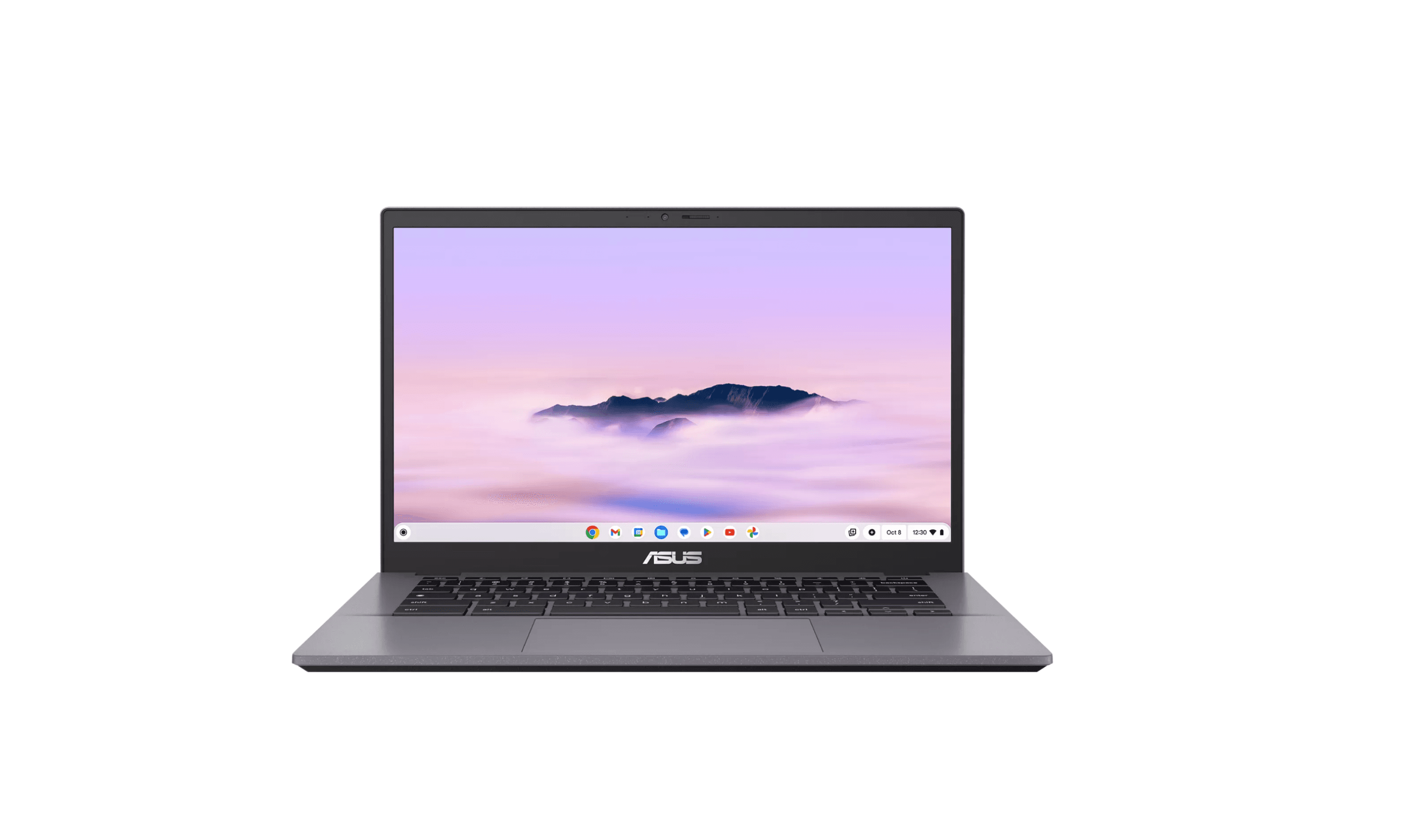
| Best portable clamshell | Asus Chromebook CM14 | 14-inch clamshell with USB-C charging and a spill-resistant keyboard |
| Also recommended | HP Chromebook 14 | N100 processor, 8GB RAM and 128GB UFS storage |
How we chose
Our selection process focused on what matters most for budget Chromebooks. We prioritized display quality, battery life, and reliable performance for everyday tasks like browsing and streaming.
The best Chromebooks under $300 right now
Lenovo Chromebook Duet - Best value
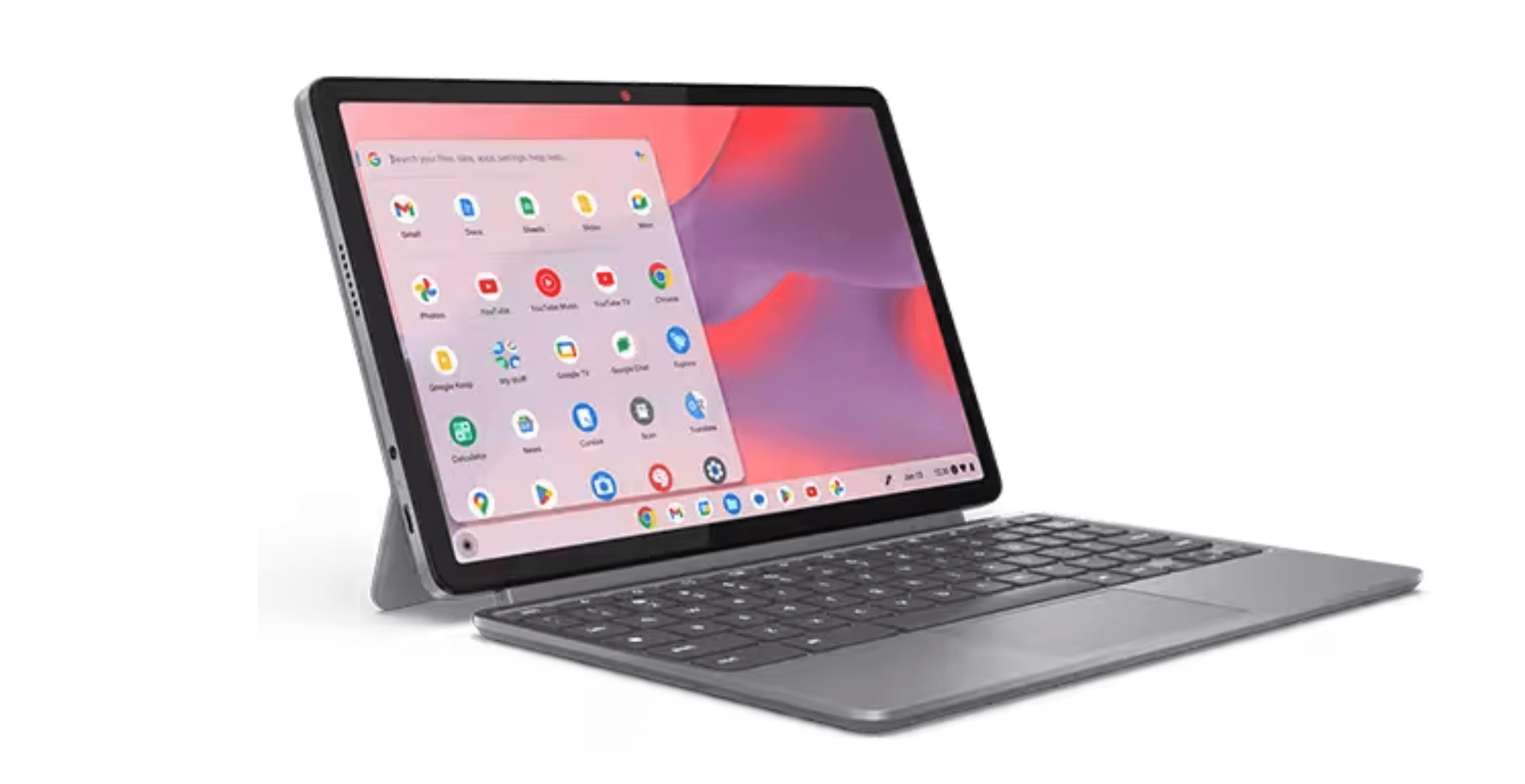
The Lenovo Chromebook Duet combines a 10.95-inch WUXGA IPS touchscreen with a detachable folio keyboard. The linked configuration has a MediaTek Kompanio 838 processor, 4GB RAM and 64GB storage for browsing, streaming and light productivity.
Key highlights
- Detachable design works as both tablet and laptop
- Included keyboard case adds no extra cost
- Lightweight and highly portable at around 2 pounds
- Touchscreen with optional pen support
- Good battery life for tablet-style use
Pros
- Incredible value with keyboard included
- Extremely portable for students and travelers
- Touchscreen makes it great for media consumption
- Solid performance for basic Chrome OS tasks
- Configured with 4GB RAM
Cons
- Small 10.95-inch screen limits workspace
- Keyboard attachment can feel cramped for extended typing
- Limited to lighter workloads due to mobile processor
- 64GB storage limits space for offline files
Who it is for: Students who need both tablet and laptop functionality, travelers wanting maximum portability, and households looking for a versatile secondary device.
Skip if
You need a traditional laptop form factor, plan to type extensively, or want a larger screen for productivity work.
Acer Chromebook 315 - Best for students
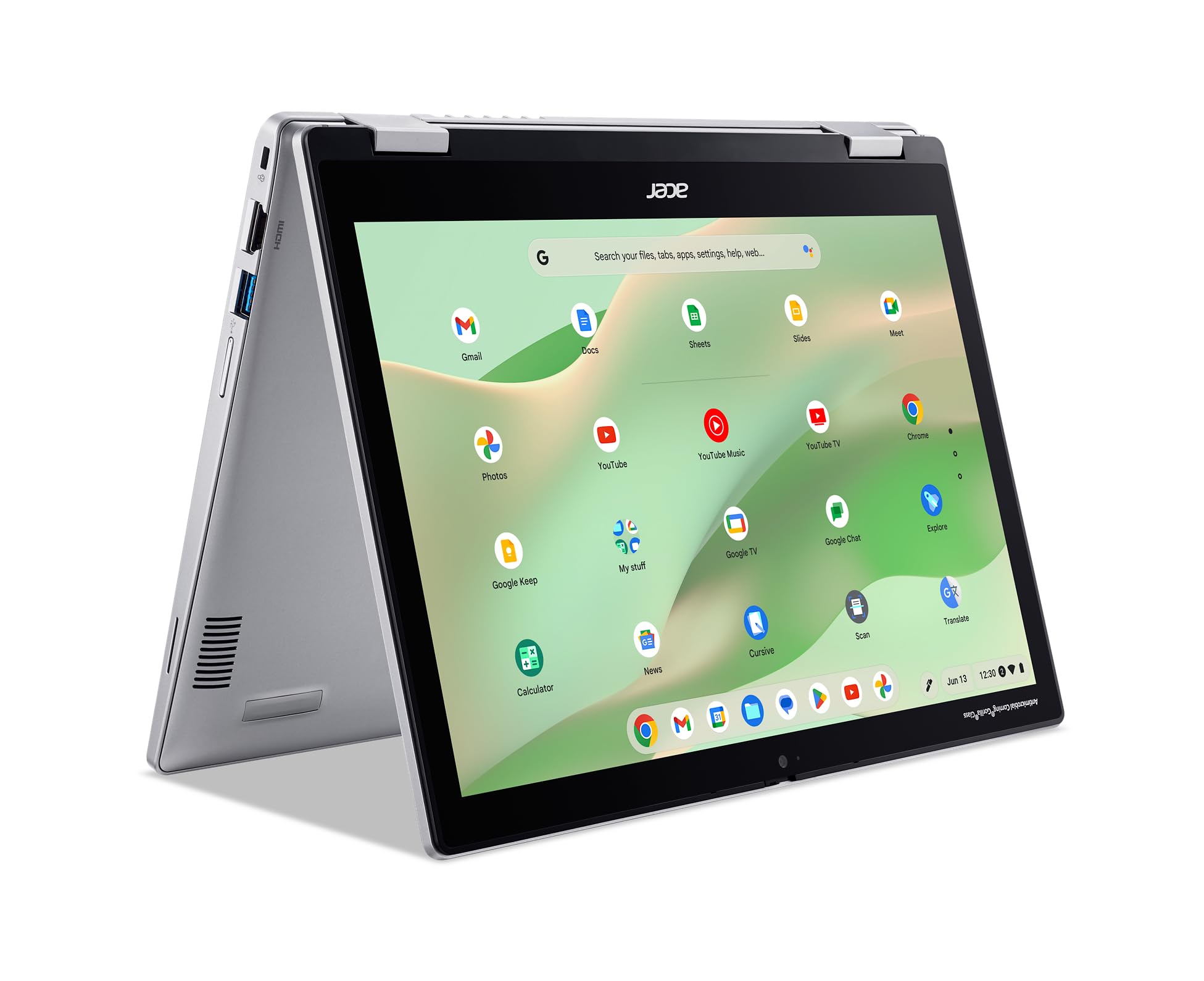
The Acer Chromebook 315 offers a 15.6-inch Full HD IPS display for research papers and side-by-side documents. The linked CB315-4H-C8XU configuration has a Celeron N4500 processor, 4GB RAM and 64GB eMMC storage.
Key highlights
- Large 15.6-inch display helps with productivity
- 1920 x 1080 IPS display on the linked configuration
- Numeric keypad included for data entry tasks
- Decent battery life for all-day school use
- 4GB LPDDR4X RAM and 64GB eMMC storage
Pros
- Big screen is great for split-screen multitasking
- Includes full keyboard with number pad
- Build quality is sturdy enough for backpack life
- Good value when found on sale
- Enough power for typical student workloads
Cons
- Bulkier and heavier than other options
- Older processor may feel slow with many tabs
- 64GB internal storage limits offline file space
- Limited to basic performance tasks
- Automatic updates end in June 2031
Who it is for: Students who need a larger screen for research and writing, budget-conscious families, and anyone who prefers a traditional laptop size.
Skip if
You prioritize portability, need the latest performance features, or want guaranteed long-term update support.
Asus Chromebook CM14 - Best portable clamshell
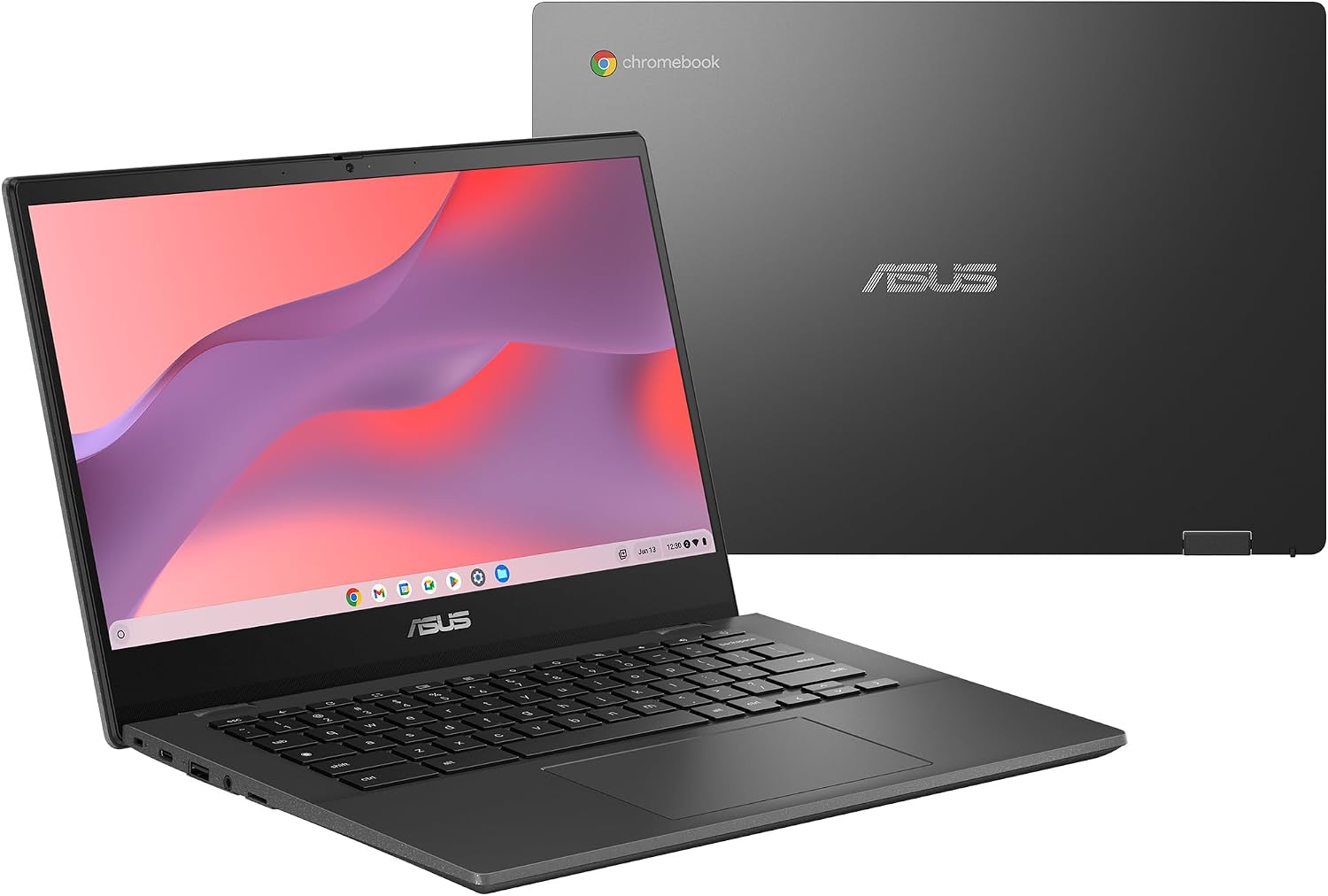
The Asus Chromebook CM14 is a 14-inch clamshell for basic browsing, email and documents. The linked configuration uses a MediaTek Kompanio 520 processor, 4GB RAM and 64GB eMMC storage, with an HD anti-glare display.
Key highlights
- 14-inch 1366 x 768 anti-glare display
- MediaTek Kompanio 520 processor
- 4GB RAM and 64GB eMMC storage
- Wi-Fi 6 and a microSD card reader
- USB-C charging with display output support
Pros
- Spill-resistant keyboard
- Physical webcam privacy shield
- USB-C charging and display connections
- microSD slot for additional file storage
Cons
- HD display has fewer pixels than a Full HD screen
- 4GB RAM suits lighter workloads
- 64GB internal storage limits offline files
Who it is for: Students and commuters who want a 14-inch conventional laptop for browsing, email and documents.
Skip if
You need a Full HD display, a touchscreen or substantial memory for multitasking.
Also Good
- HP Chromebook 14 - an N100 Chromebook with 8GB RAM and 128GB UFS storage; its 14-inch display is HD rather than Full HD.
How to Choose
Consider these factors when picking a Chromebook under $300:
Display size and quality: Larger screens (15.6 inches) help with productivity but reduce portability. Look for at least 1080p resolution for clear text and decent video quality.
Performance needs: Basic web browsing and document work need only 4GB RAM, but 8GB makes multitasking smoother. Chromebook Plus models generally offer better performance guarantees.
Form factor: Traditional clamshells are best for typing, while 2-in-1 convertibles add tablet flexibility. Detachables like the Duet offer maximum versatility but smaller keyboards.
Storage considerations: Most files live in the cloud, so 64GB is often enough. If you download many Android apps or work offline frequently, aim for 128GB.
Update support: Check the exact model's automatic update expiration date in Google's support list. Support depends on the device platform and release date, not simply whether it carries Chromebook Plus branding.
FAQ
What can I realistically do with a $300 Chromebook?
You can handle web browsing, email, document editing (Google Docs, Sheets), video streaming, video calls, and light Android apps. These are perfect for students, casual home use, and as secondary devices.
How much RAM do I need at this price?
4GB works for basic single-tab browsing, but 8GB makes a noticeable difference for multitasking with multiple tabs and apps open simultaneously. If you can find an 8GB model within budget, it's worth the upgrade.
Are touchscreens common under $300?
Touchscreens are less common at this price point, but 2-in-1 convertibles like the Lenovo Chromebook Duet include them. Traditional clamshell models often skip touch to hit the price target.
How long do Chromebooks typically last?
Chromebooks receive automatic updates for up to 10 years from their platform release date, according to Google's current policy. For devices prior to 2021, support timelines varied, and some features may not be supported in extended updates.
Can these handle video calls and online classes?
Yes, most modern Chromebooks include built-in webcams and microphones suitable for video calls, though quality varies by model. Performance is generally smooth for Zoom, Google Meet, and similar services with typical class sizes.
Published February 6, 2026 Last updated September 5, 2026
Share this article
More in News
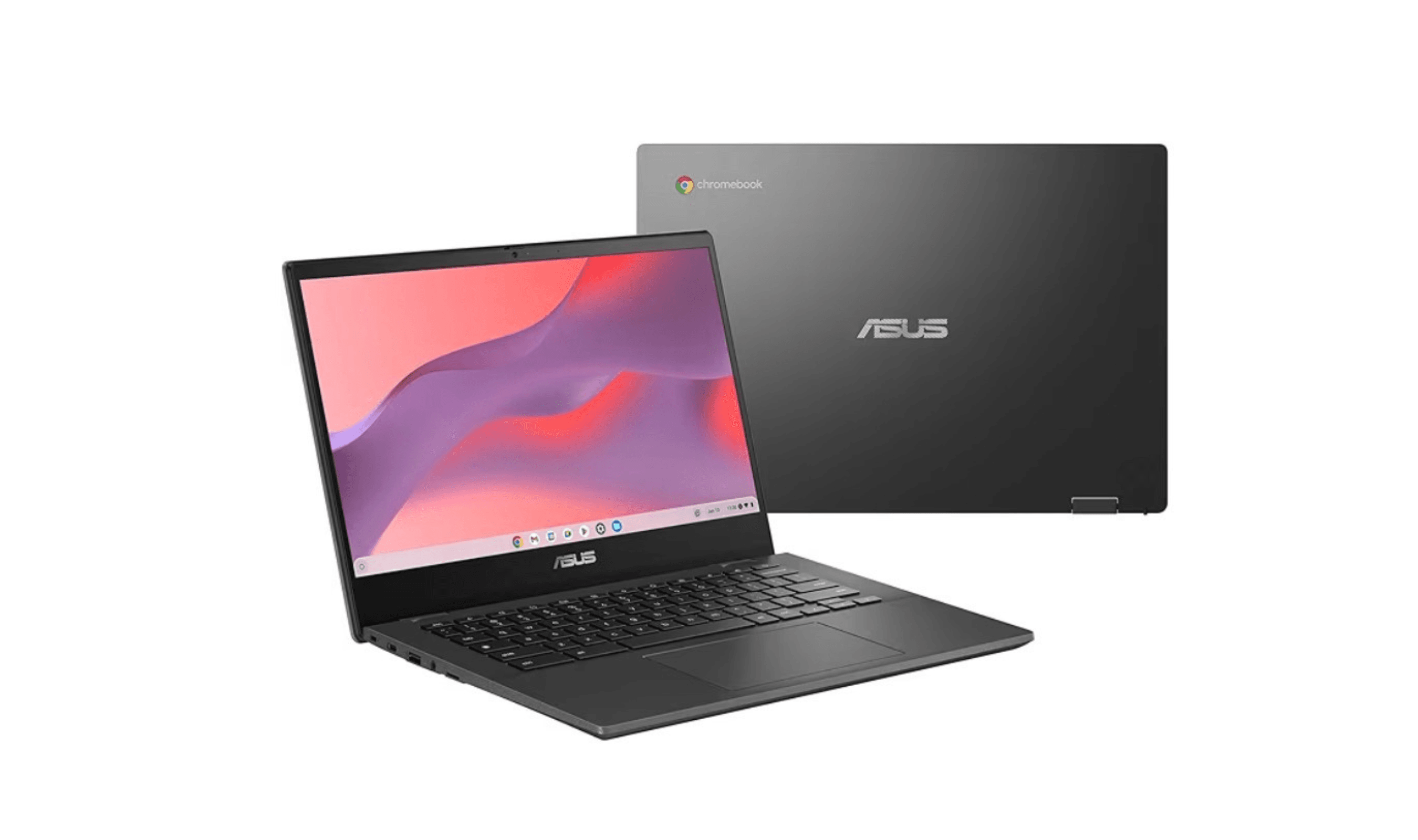
8 Best Chromebooks for Students in 2026
The best Chromebooks for students in 2026, from the Samsung Galaxy Chromebook Plus to budget picks under $200 and rugged, all-day classroom models.
3 min read
Top 7 High-End Laptops for 2026
MacBook Air M4 leads our 2026 high-end laptop picks. See the top 9 premium models for professionals and creators, including Dell XPS 14 and more.
3 min read
7 Best Budget Gaming Laptops for 2026
We rank the 8 best budget gaming laptops for 2026, from the $799 Acer Nitro V 15 to the RTX 5070 MSI Katana 15 HX, our top pick, plus an OLED Lenovo Legion 5i.
5 min read
6 Best Laptops for Engineering Students in 2026
Discover the best laptops for engineering students in 2026. Our top pick, the Asus ProArt P16, delivers workstation power in a portable form.
3 min read
7 Best Laptops for Stock Trading in 2026
5 min read
6 Best Laptops for Teachers in 2026
4 min read

AKG K 701 Ultra Reference Class Stereo discounted to $247.37
5 min read

Apple Watch SE 3 GPS 40mm Smartwatch discounted to $189.97
5 min read

Cleer Audio Enduro ANC Noise Canceling Headphones price drops to $94.99
3 min read

Lenovo coupon codes and deals
5 min read

Woot coupon codes and deals
3 min read

Samsung coupon codes and deals
5 min read