Free cloud storage is no longer just a place to park a few spare files. The best services now work like a quiet layer across your phone, laptop, browser, and shared folders, which means the right pick depends less on raw capacity alone and more on how naturally it fits the devices and accounts you already use.
Google Drive is the best free cloud storage software for most people because it offers the most useful mix of free space, easy uploads, desktop access, mobile apps, and everyday document handling. It is the safest default for personal files, simple sharing, school folders, and household organization.
The other picks here are not backup choices in the weak sense. OneDrive is the cleanest fit for Windows and Microsoft accounts, iCloud belongs at the center of an Apple setup, Proton Drive and Sync.com are the privacy-first options, and Box, Dropbox, pCloud, Icedrive, and Koofr each earn a place for a specific kind of user.
At a Glance
| Best for | Software | Standout | Free tier |
|---|---|---|---|
| Most people | Google Drive | 15 GB shared across Google services with broad app access | Up to 15 GB |
| Windows and Microsoft users | Microsoft OneDrive | Microsoft 365 Free account integration | 5 GB cloud storage |
| Apple households | Apple iCloud | Native iPhone, iPad, Mac, Windows, and web access | 5 GB |
| Simple file handoff | Dropbox Basic | Straightforward sync across desktop, mobile, web, and Linux | 2 GB |
| Personal document sharing | Box Individual | 10 GB storage with Box Sign requests | 10 GB |
| Privacy-first storage | Proton Drive | Encrypted cloud storage with Proton Docs and Sheets | 2 GB, up to 5 GB |
| Flexible consumer storage | pCloud | Virtual drive, backup, sync, and upload surfaces | Up to 10 GB |
| Encrypted sharing controls | Sync.com | Password protected links and 30-day recovery | 5 GB |
| Large free space without desktop sync | Icedrive | 10 GB free storage through web, desktop, and mobile apps | 10 GB |
| Power users on a free plan | Koofr | Unlimited file size and external cloud connections | 10 GB |
How we chose
We prioritized cloud storage software with an official free tier, current vendor documentation, clear app availability, and limits that a normal person can understand before trusting it with files. Storage capacity mattered, but we weighted ecosystem fit, sharing controls, desktop and mobile access, recovery behavior, upload limits, and privacy posture just as heavily.
We disqualified deprecated services, outdated storage claims, and any free plan without clear official terms. We also left out anything that leaned on hardware, retail bundles, temporary promotions, or second-hand reputation instead of an active official free account.
Google Drive
Key highlights
- Standout: 15 GB shared across Google services with broad app access
- Free tier: Up to 15 GB
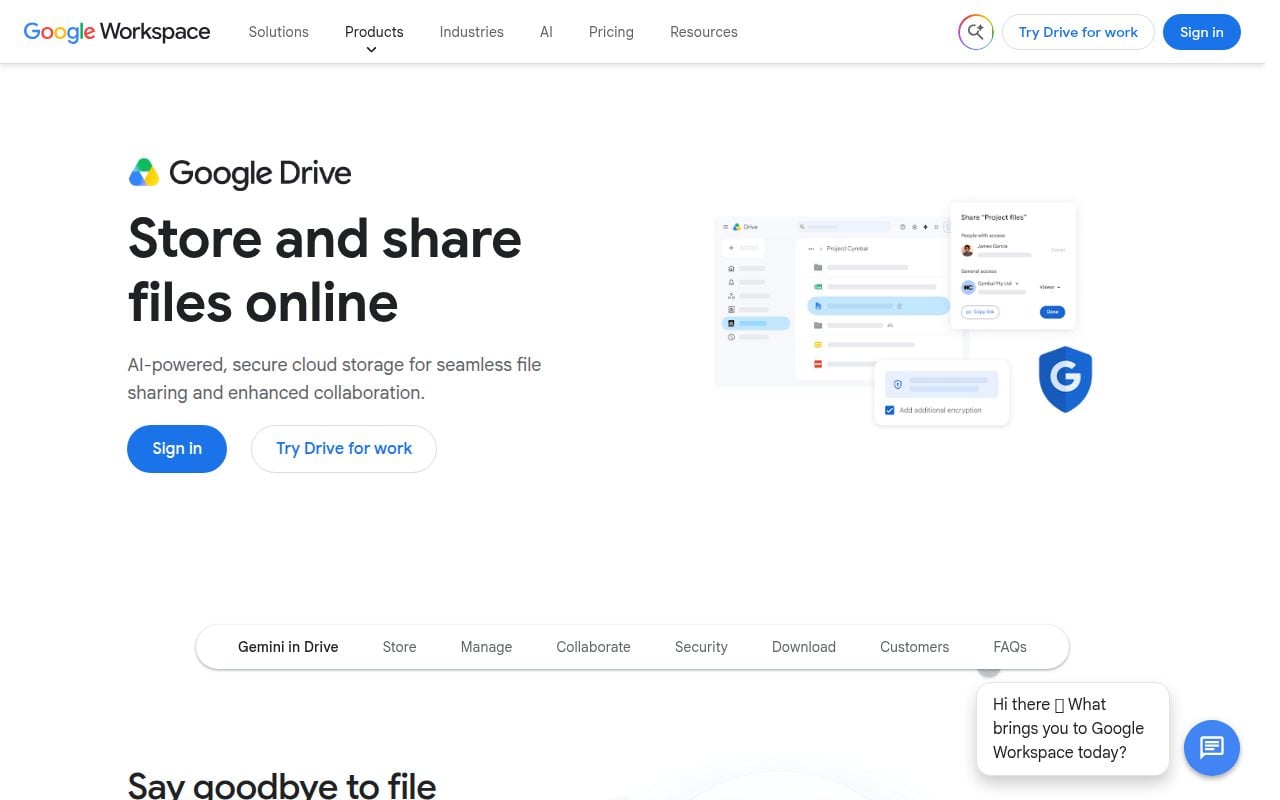
Google Drive is the default recommendation because it gives personal Google Account users up to 15 GB of free storage shared across Google Drive, Gmail, Google Photos, Android backup data, and other counted Google services. That shared pool is not unlimited, but it is more generous than many mainstream free tiers and works across the browser, Android, iPhone, iPad, Windows, and macOS through Drive for desktop.
Its strongest feature is how little setup it asks from people who already live in Google. On the web, New gives you file upload and folder upload, while Drive for desktop places a Google Drive folder directly in File Explorer or Finder after sign-in. For most people, that combination makes it the best place to keep documents, personal folders, and shared files without building a new storage habit from scratch.
Pros
- It offers up to 15 GB of free storage for a personal Google Account.
- It works across web, Android, iPhone, iPad, Windows, and macOS.
- Drive for desktop brings cloud files into File Explorer and Finder.
- Folder upload and file upload are built directly into the web interface.
Cons
- The 15 GB allowance is shared with Gmail, Google Photos, Android backup data, and other counted Google services.
- People who avoid Google accounts will not get the same natural fit.
Most people should choose Google Drive when they want the strongest free default for everyday files, simple uploads, and access from nearly any common device.
Your Google storage is already crowded by Gmail, Photos, or Android backups, or you want a storage account outside the Google ecosystem.
Microsoft OneDrive
Key highlights
- Standout: Microsoft 365 Free account integration
- Free tier: 5 GB cloud storage
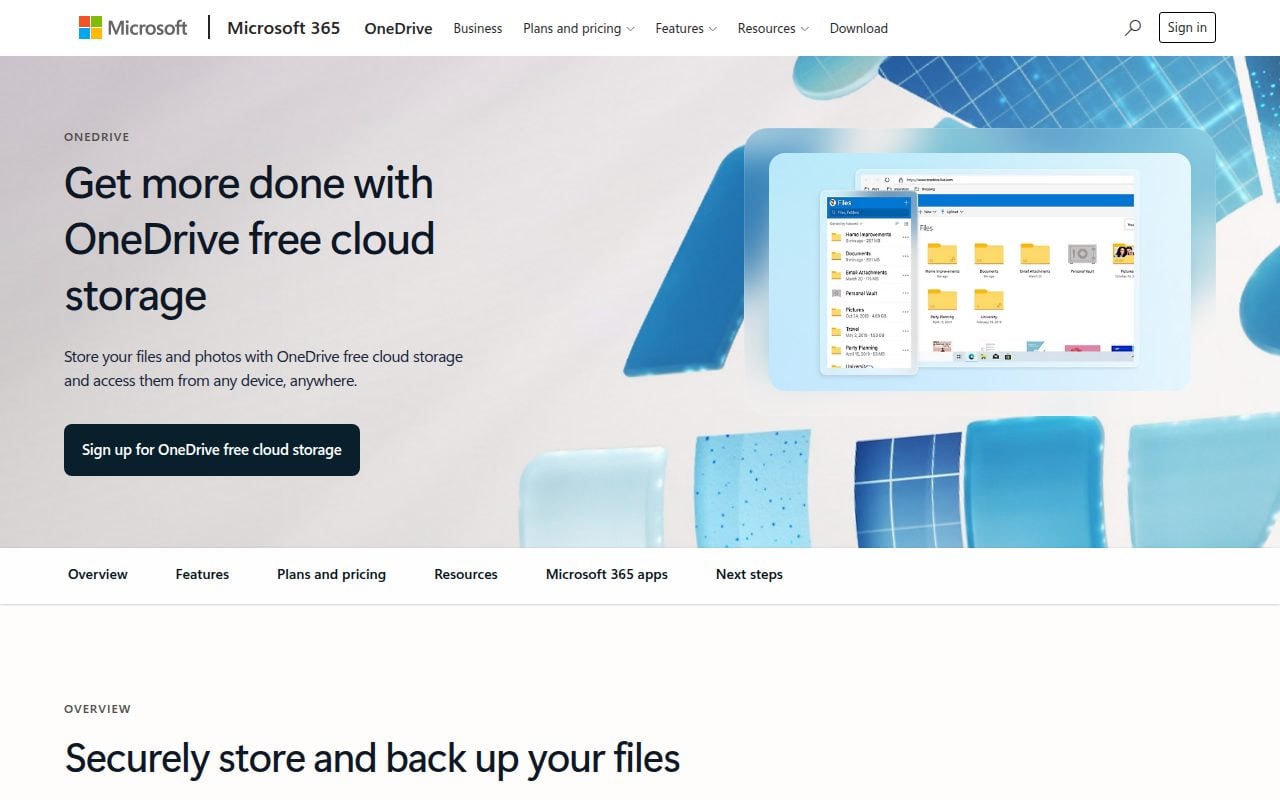
OneDrive is the right pick when a Microsoft account is already part of your daily setup. The free Microsoft 365 account includes 5 GB of cloud storage and 15 GB of mailbox storage, and the service works on Windows, macOS, iOS, Android, and the web.
The practical advantage is account gravity. You can sign up for free or sign in with a Microsoft account, then use OneDrive to upload, scan, create folders, and keep files available across the devices where Microsoft services already make sense. For Windows users in particular, OneDrive feels less like a separate app and more like the cloud storage attached to the account they already use.
Pros
- It includes 5 GB of free cloud storage with a Microsoft 365 Free account.
- It also includes 15 GB of mailbox storage.
- It supports Windows, macOS, iOS, Android, and web access.
- The app supports upload, scan, and folder creation actions.
Cons
- The free cloud storage allowance is smaller than Google Drive, Box, Icedrive, Koofr, and pCloud.
- It is most compelling when you already use a Microsoft account.
OneDrive is for Windows users and Microsoft account holders who want cloud storage tied closely to the software and inbox they already use.
You want the largest free storage pool or do not want your file storage centered on a Microsoft account.
Apple iCloud
Key highlights
- Standout: Native iPhone, iPad, Mac, Windows, and web access
- Free tier: 5 GB
iCloud is the obvious choice when your files, photos, and device habits already orbit an Apple Account. The free tier includes 5 GB, and iCloud Drive can be enabled from iPhone, iPad, and Mac settings, while iCloud.com gives you browser access and iCloud for Windows extends the setup beyond Apple hardware.
What earns it a place is not a huge free quota. It is the native placement inside iPhone, iPad, and Mac workflows. If your main goal is to keep Apple devices in step and reach the same cloud files from the web or a Windows machine when needed, iCloud is the most direct answer.
Pros
- It includes 5 GB of free storage for Apple Account users.
- It is built into iPhone, iPad, and Mac settings.
- It can be used from iCloud.com in a browser.
- Windows access is available through iCloud for Windows.
Cons
- The free tier is limited to 5 GB.
- Its best experience belongs to people already using Apple devices.
iCloud is for Apple users who want the cloud storage layer built into their iPhone, iPad, Mac, and Apple Account.
You want a larger free quota or your daily devices are mostly outside Apple’s ecosystem.
Dropbox Basic
Key highlights
- Standout: Straightforward sync across desktop, mobile, web, and Linux
- Free tier: 2 GB
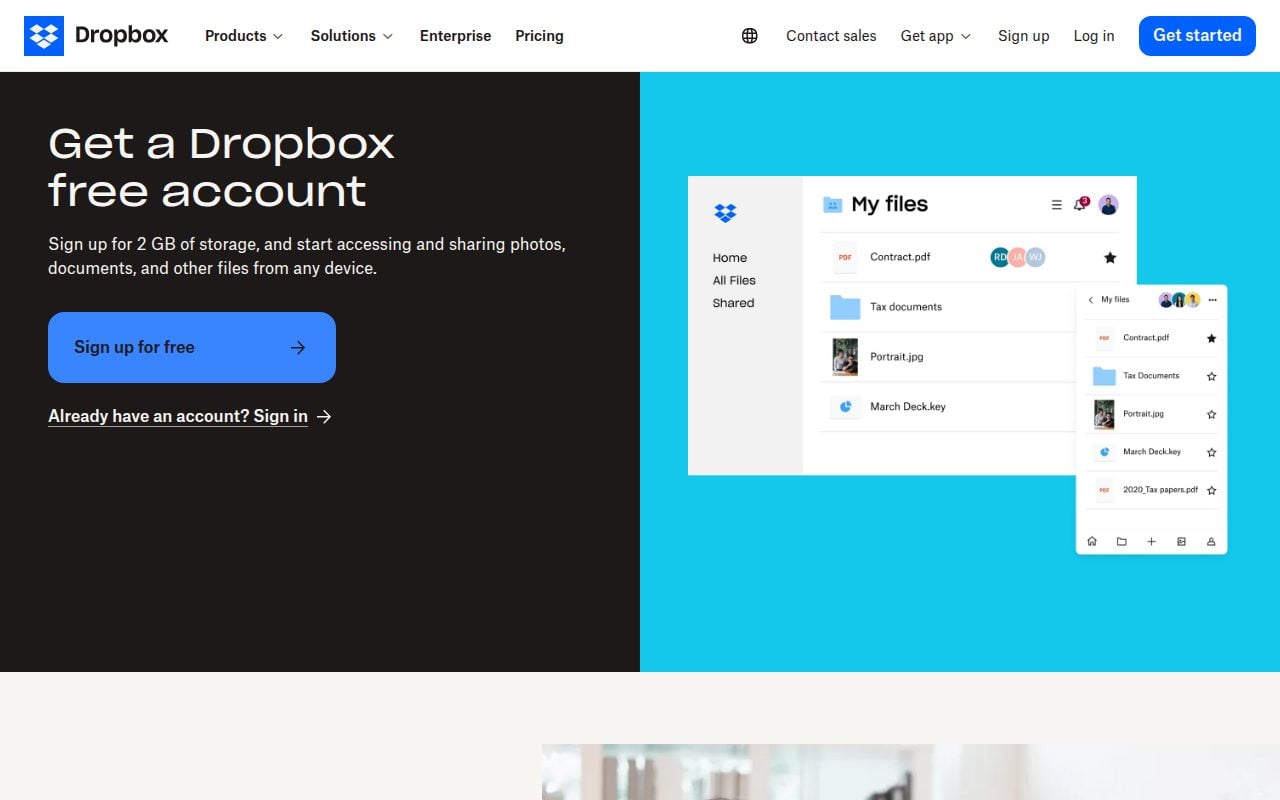
Dropbox Basic remains the cleanest small free account for people who care more about familiar file movement than a large allowance. The free plan includes 2 GB of storage for individual users and supports web, Windows, macOS, Linux, iOS, and Android.
Its standout is still the straightforward Dropbox folder habit: install Dropbox, sign in, and add files to the Dropbox folder, or use Upload from the web or mobile app. The free personal plan also lists one person and up to 3 connected devices, so it works best when you need a compact, predictable place for active documents rather than a broad personal archive.
Pros
- It works on web, Windows, macOS, Linux, iOS, and Android.
- The Dropbox folder model is simple and familiar.
- Files can be added through desktop, mobile, or web upload.
- The Basic plan is aimed at individual users.
Cons
- The free tier includes only 2 GB of storage.
- The personal plan page lists up to 3 connected devices.
- It is not the best fit for a large free archive.
Dropbox Basic is for people who want a small, simple sync space that works across nearly every major desktop and mobile platform, including Linux.
You need more free storage or want to connect a larger set of personal devices.
Box Individual
Key highlights
- Standout: 10 GB storage with Box Sign requests
- Free tier: 10 GB
Box Individual is the free account to choose when documents, links, and signatures matter more than photo libraries or giant media folders. The plan is for one user and includes 10 GB of storage through the web, Box Drive desktop integration, and the Box Mobile App.
The detail that makes Box stand out is its stricter professional shape. The free tier includes a 250 MB file upload limit, 1 file version, and 5 Box Sign signature requests per month. Those limits make it less flexible for bulky files, but they also make the plan useful for personal paperwork, forms, and lightweight document exchange.
Pros
- It includes 10 GB of free storage for one user.
- It supports web access, Box Drive, and the Box Mobile App.
- The free tier includes 5 Box Sign signature requests per month.
- Browser uploads support file and folder upload from the New menu.
Cons
- The free plan has a 250 MB file upload limit.
- The free plan includes 1 file version.
- It is less suited to large media files than services with higher upload flexibility.
Box Individual is for people who want 10 GB of free storage with a document-forward setup and a small monthly allowance for signature requests.
You regularly upload files larger than 250 MB or need deeper file version history on the free tier.
Proton Drive
Key highlights
- Standout: Encrypted cloud storage with Proton Docs and Sheets
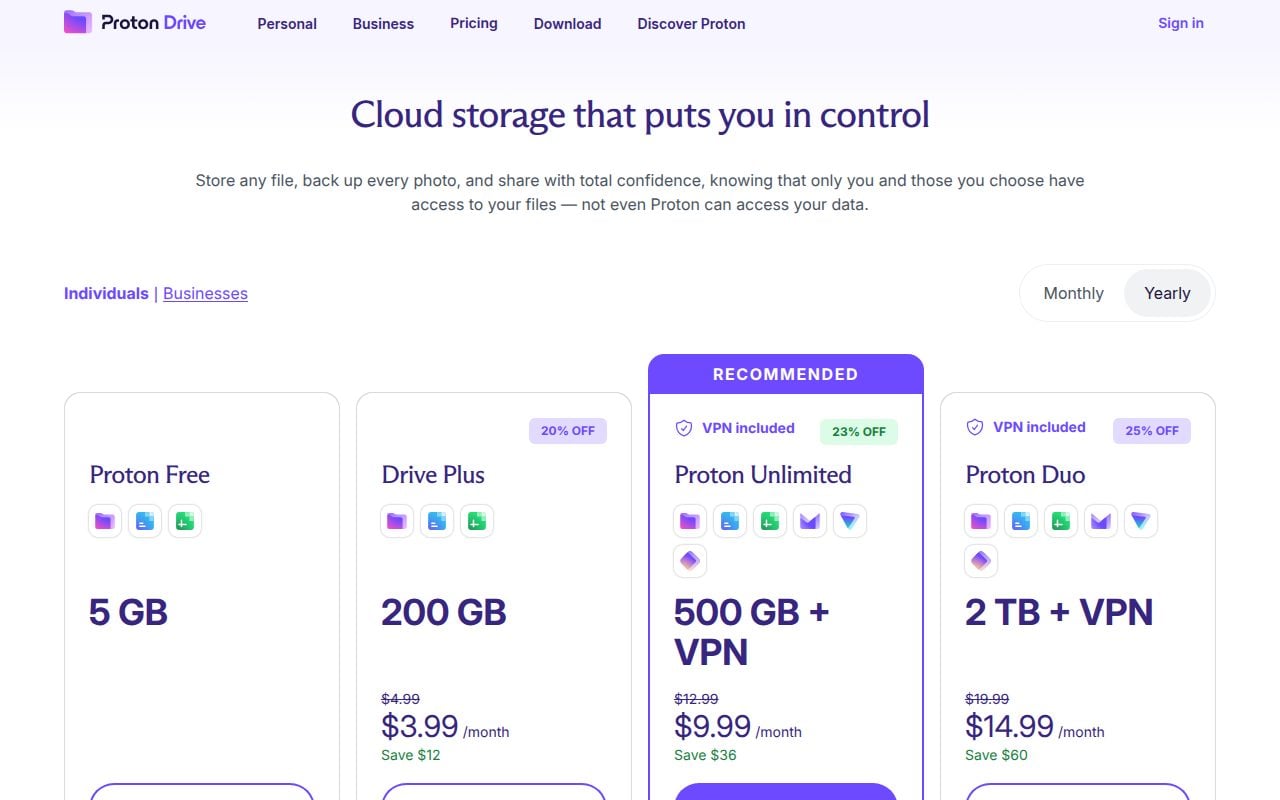
- Free tier: 2 GB, up to 5 GB
Proton Drive is the recommendation for people who want free cloud storage built around encryption from the start. Proton Free starts with 2 GB of encrypted Drive storage and unlocks the full 5 GB once you finish Proton’s short welcome checklist within 30 days of creating the account. Either way, the free plan comes with basic Drive features, along with Proton Docs and Sheets.
The platform coverage is strong for a privacy-first service: web, Windows, macOS, iOS, iPadOS, Android, plus a CLI for Linux, macOS, and Windows. The best reason to choose it is not the largest free quota; it is the combination of encrypted storage and usable everyday apps for people who want their cloud drive to come from Proton.
Pros
- It starts at 2 GB of free encrypted cloud storage and reaches 5 GB after the welcome checklist.
- It includes basic Drive features with Proton Docs and Sheets.
- It supports web, Windows, macOS, iOS, iPadOS, and Android.
- A CLI is available for Linux, macOS, and Windows.
Cons
- The free storage tops out at 5 GB, and the extra 3 GB only arrives if you complete the welcome actions within 30 days.
- Some larger storage and recovery capacity belongs to paid Proton plans.
Proton Drive is for privacy-focused users who want encrypted free cloud storage and are comfortable choosing Proton as their file home.
You mainly want the largest free space or the tightest integration with Google, Microsoft, or Apple devices.
pCloud
Key highlights
- Standout: Virtual drive, backup, sync, and upload surfaces
- Free tier: Up to 10 GB
pCloud is a strong free choice for people who want consumer cloud storage with several ways to reach their files. The official product page advertises free signup with no credit card, and official product copy says users can get up to 10 GB of free storage.
Its standout is the mix of surfaces. pCloud offers upload, sync, backup, and a virtual drive experience across web, Windows, macOS, Linux, iOS, and Android. That makes it a practical pick for someone who wants more than a browser locker but does not want to commit their storage life to the biggest platform accounts.
Pros
- It offers up to 10 GB of free storage.
- It supports web, Windows, macOS, Linux, iOS, and Android.
- It includes upload, sync, backup, and virtual drive surfaces.
- Free signup is advertised with no credit card.
Cons
- Some larger quotas and premium encryption features belong to paid plans.
- The free storage is described as up to 10 GB rather than a flat larger allowance.
pCloud is for users who want a flexible personal cloud drive with desktop, mobile, web, sync, backup, and virtual drive options.
You want a vendor page that states every free-plan limit in a simple table, or you need premium encryption included in the free tier.
Sync.com
Key highlights
- Standout: Password protected links and 30-day recovery
- Free tier: 5 GB
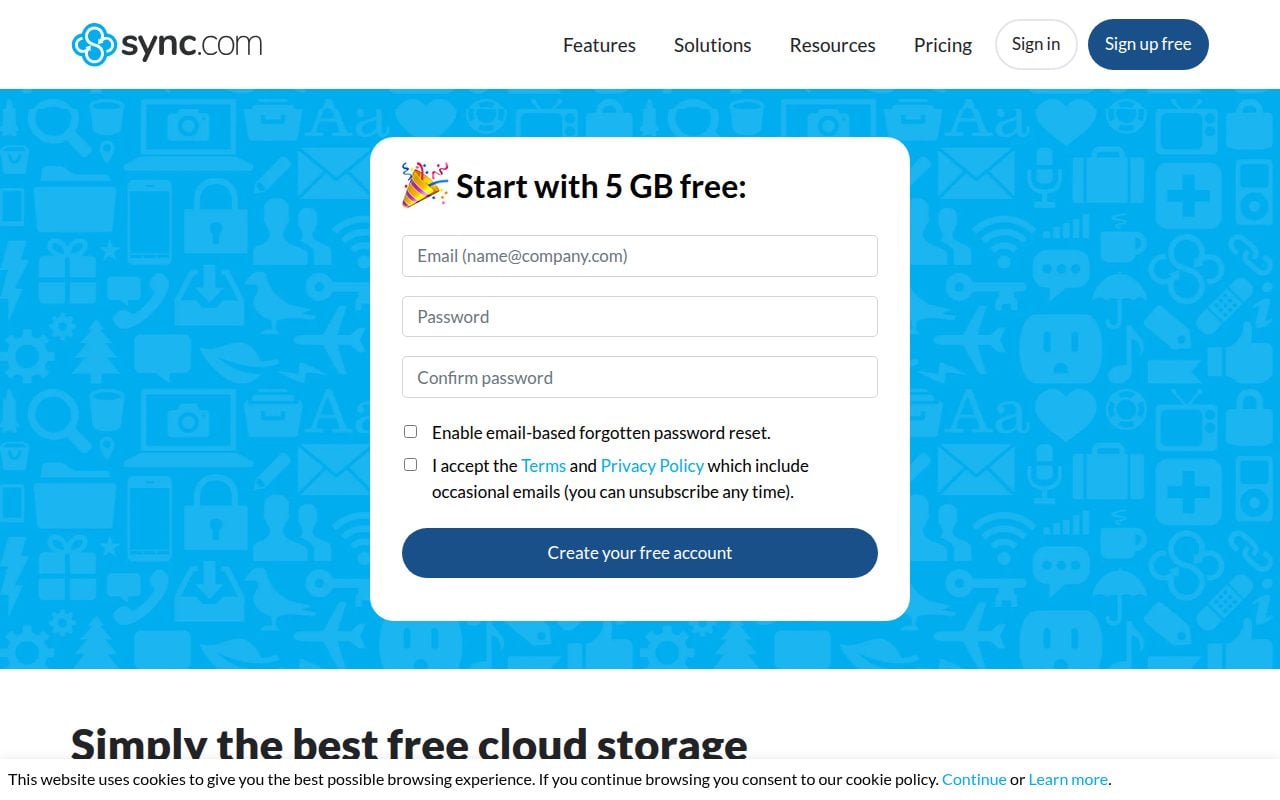
Sync.com is the best fit when free encrypted storage needs to include practical sharing limits you can understand. Sync Free is for one user and includes 5 GB of storage across Windows, macOS, iOS, Android, and the web.
The standout is how much of the free plan is shaped around controlled sharing. It includes sync on up to 5 own devices, 3 password protected links, 3 team shared folders, 5 GB of monthly share transfer, and 30-day version and deleted-file recovery. For a free account, that is a clear package for someone who sends private files occasionally and wants guardrails.
Pros
- It includes 5 GB of free storage for one user.
- It supports Windows, macOS, iOS, Android, and web access.
- It allows sync on up to 5 own devices.
- It includes 3 password protected links and 30-day version and deleted-file recovery.
Cons
- The free plan has a 5 GB monthly share transfer limit.
- It includes only 3 password protected links and 3 team shared folders.
- CloudFiles, offline access, unlimited sharing, and advanced controls are not part of the free tier.
Sync.com is for people who want encrypted free cloud storage with modest but specific sharing controls and recovery windows.
You need unlimited sharing, offline access through CloudFiles, or a free tier larger than 5 GB.
Icedrive
Key highlights
- Standout: 10 GB free storage through web, desktop, and mobile apps
- Free tier: 10 GB
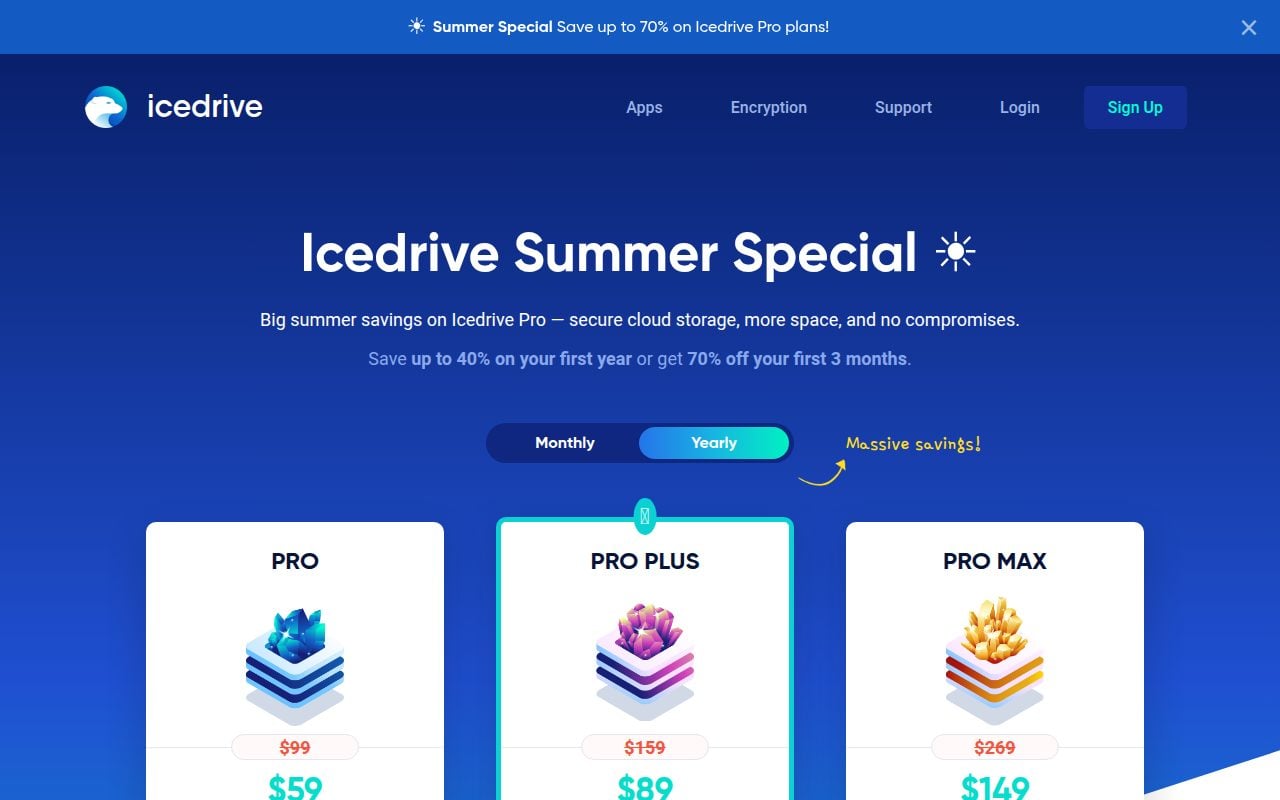
Icedrive earns its place with a simple promise: the Free plan includes 10 GB of storage and can be used through web, desktop and laptop apps, and mobile and tablet apps. For users who mainly want a larger free locker and do not require every advanced control, that is an appealing trade.
The important detail is what the free plan leaves out. The plan table shows no desktop sync, no encrypted virtual drive, no user-to-user sharing, no request files, and limited link controls compared with paid plans. That makes Icedrive best as a roomy free cloud space, not the strongest free sync engine.
Pros
- It includes 10 GB of free storage.
- It offers web, desktop and laptop, and mobile and tablet app access.
- The free account can be started directly from the Free plan.
- It is straightforward for users who mostly need storage capacity.
Cons
- The free plan does not include desktop sync.
- The free plan does not include encrypted virtual drive access.
- User-to-user sharing, request files, and advanced public-link controls are not included in the free tier.
Icedrive is for people who want 10 GB of free cloud storage and can live without desktop sync and advanced sharing features.
Desktop sync, encrypted virtual drive access, request files, or richer link controls are must-have features for your free account.
Koofr
Key highlights
- Standout: Unlimited file size and external cloud connections
- Free tier: 10 GB
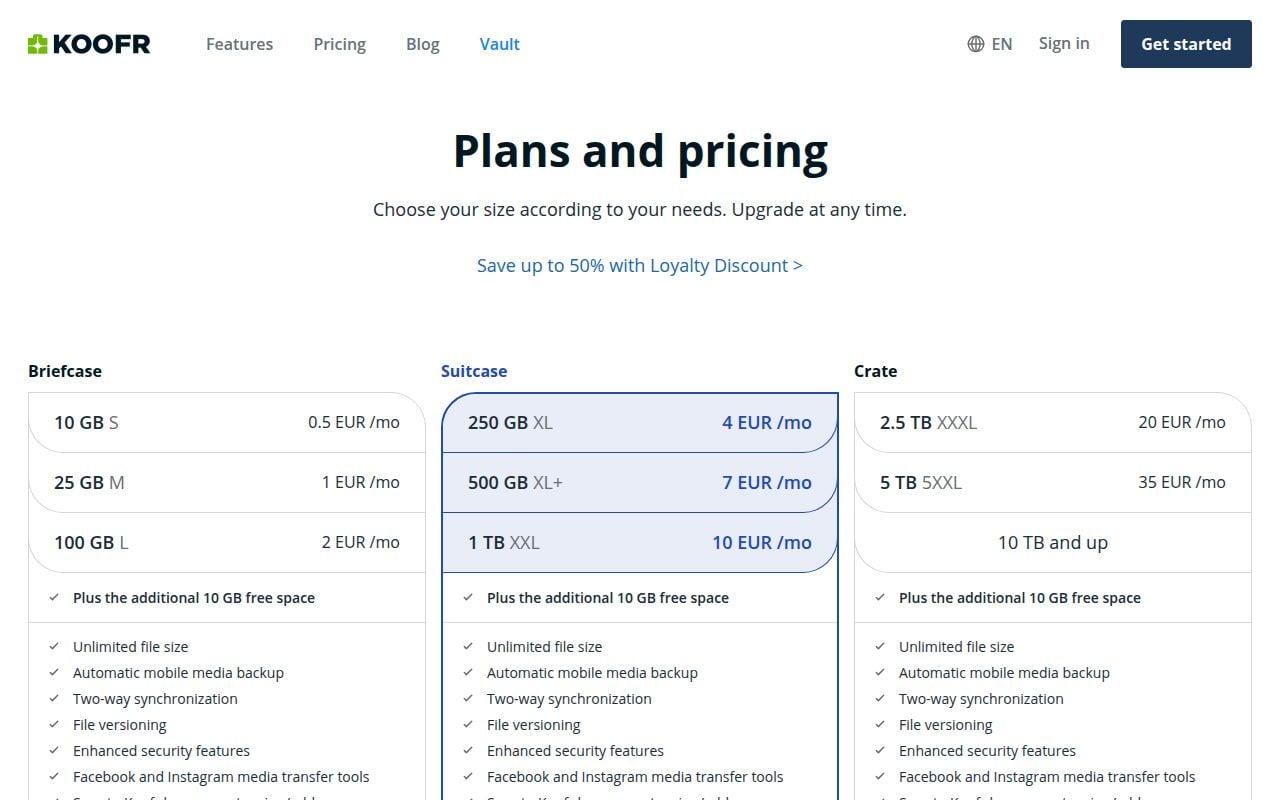
Koofr is the most generous pick for people who like reading the fine print because the free plan is specific and useful. It includes 10 GB free forever, unlimited file size, automatic mobile media backup, two-way synchronization, file versioning, 1 Koofr Vault Safe Box, and 7-day deleted file retention.
Its standout is the number of controls that remain available without paying. The free tier includes up to 2 external cloud connections, private sharing with up to 10 other Koofr users, up to 10 time-limited public links, up to 10 receive links, and a 50 GB daily public transfer limit. That makes Koofr the best free choice for organized users who want more knobs to turn without giving up a clear 10 GB allowance.
Pros
- It includes 10 GB free forever.
- It supports unlimited file size on the free tier.
- It includes automatic mobile media backup and two-way synchronization.
- It allows up to 2 external cloud connections and includes 1 Koofr Vault Safe Box.
- It includes private sharing with up to 10 other Koofr users, 10 time-limited public links, and 10 receive links.
Cons
- Deleted file retention is limited to 7 days on the free tier.
- Only 1 Koofr Vault Safe Box is included.
- External cloud connections and link counts are capped on the free plan.
Koofr is for power users who want 10 GB of free storage with sync, sharing limits, mobile backup, file versioning, and external cloud connections spelled out clearly.
You need longer deleted-file retention, more safe boxes, more external cloud connections, or higher link limits on the free tier.
How to Choose
- Pick the account you already trust. Google Drive is the best default, OneDrive belongs with Microsoft-heavy setups, and iCloud is the cleanest Apple-first choice.
- Check the real free limit. Google gives up to 15 GB shared across counted Google services, while several strong picks sit at 10 GB or 5 GB and Dropbox Basic is 2 GB.
- Match the service to the job. Box is better for personal documents, Proton Drive and Sync.com are better for privacy-minded storage, and Koofr is better for users who want detailed free-plan controls.
- Read the feature limits before moving files. Upload caps, connected-device caps, sharing limits, recovery windows, and missing desktop sync can matter more than the headline storage number.
- Do not choose a discontinued cloud drive. Amazon Drive is no longer the right answer, Samsung’s older cloud drive path is being replaced by OneDrive, and old OneDrive 15 GB free-base claims should be ignored.











