Arm and x86 are two different instruction set architectures, the rule sets software uses to talk to a processor. Intel and AMD build x86 chips, while Apple silicon Macs and Snapdragon X Windows PCs run on Arm. x86 software reaches Arm machines through translation, and Microsoft and Apple both document limits on it.
What an architecture is
Arm describes an instruction set architecture as the interface between a processor's hardware and the software it runs. It specifies the instructions, registers, data types and memory access a chip supports. Intel defines x86 the same way, as an instruction set architecture that specifies the commands software uses to communicate with a CPU.
Arm identifies its CPU architecture as a reduced instruction set computing (RISC) architecture. Intel classifies x86 as a complex instruction set computing (CISC) design.
Microsoft describes x64 as a backward-compatible extension of x86, and says the term includes both AMD64 and Intel 64. On the Arm side, Apple calls the native CPU architecture of Apple silicon Macs arm64, and Qualcomm writes it as ARM64.
Who uses each
- Intel (x86): Intel identifies Lunar Lake, its Core Ultra Series 2 laptop processor family, as x86.
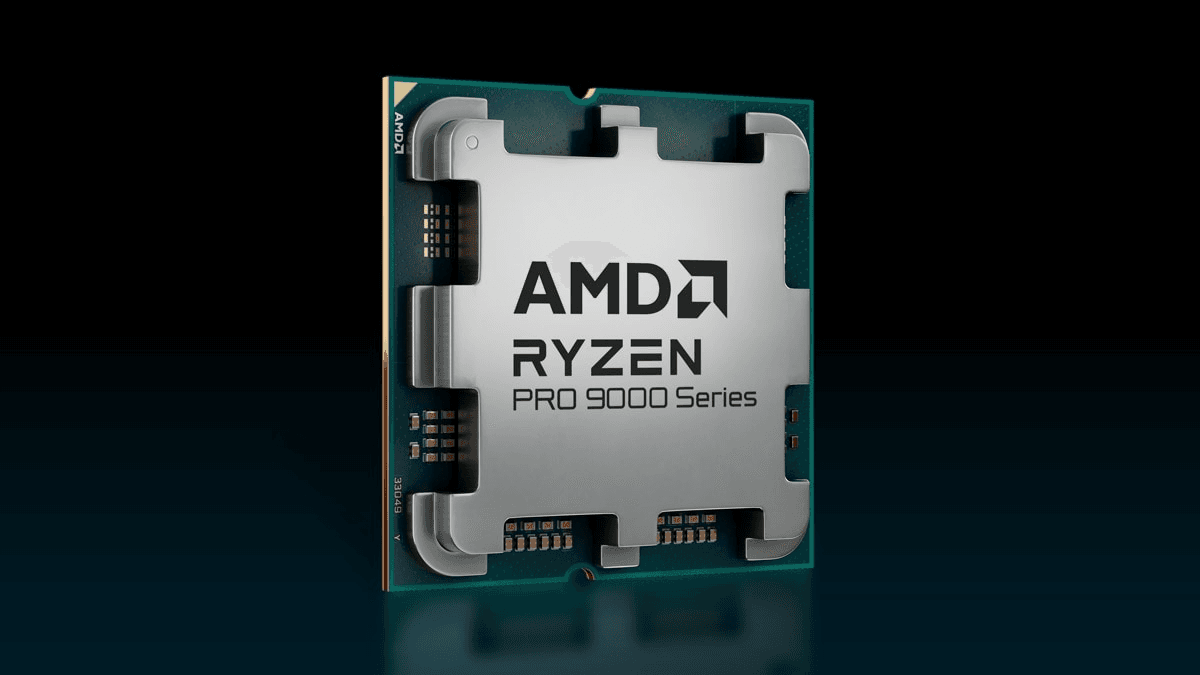
- AMD (x86): AMD describes its Zen-based chiplet processors as x86. It lists Zen as the core architecture in Ryzen desktop and mobile processors, EPYC server processors and Threadripper workstation processors.
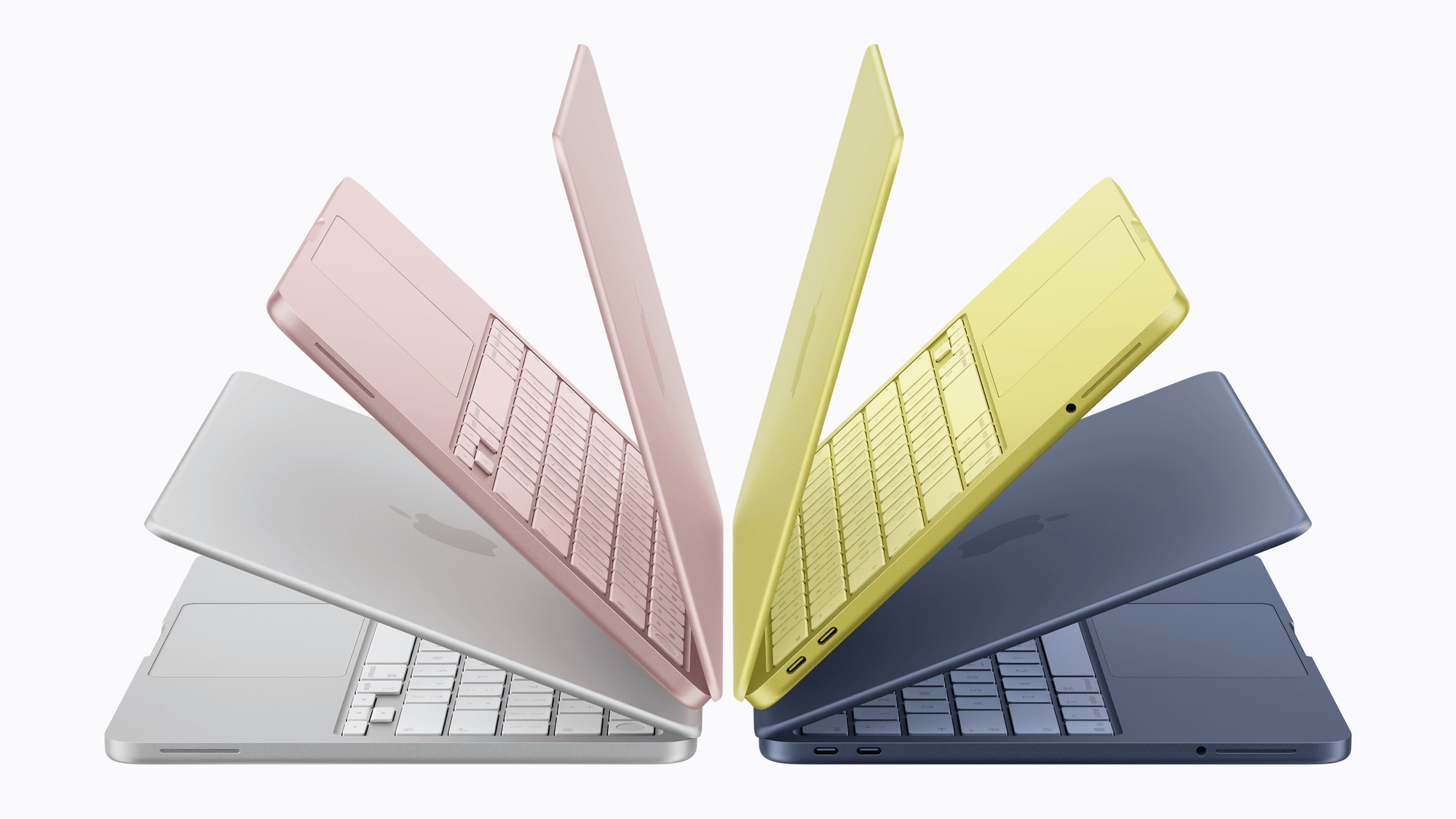
- Apple (Arm): Apple's list of Macs with Apple silicon runs from the MacBook Neo back to the M1 MacBook Air and the 13-inch M1 MacBook Pro from 2020.
- Qualcomm (Arm): Qualcomm names ARM64 as the native app target for Windows 11 devices powered by Snapdragon X Series processors. Its newer Snapdragon X2 Elite platforms use a Qualcomm Oryon CPU with up to 18 cores.
Running x86 apps on Windows on Arm
Microsoft separates apps on Arm PCs into two groups. Native Arm apps run without any emulation, while x86 and x64 apps run through emulation. Windows 11 on Arm emulates both 32-bit x86 and 64-bit x64 apps. Windows 10 on Arm supports x86 app emulation only.
The emulator is called Prism, and it was introduced with Windows 11 version 24H2. Microsoft says it is available on all supported Windows 11 on Arm devices running 24H2, although some performance features require Snapdragon X Series hardware. It works by translating blocks of x86 instructions into Arm64 instructions with just-in-time compilation, then caching the translated code.
Microsoft's emulation supports user-mode code and does not support drivers, and Microsoft says kernel-mode components must be compiled for Arm64. Microsoft's Arm-based PCs FAQ adds that peripherals need drivers built into Windows 11 or Arm64 drivers from their makers. Games and apps might not work if they rely on anti-cheat drivers that do not support Windows 11 on Arm.
Running x86 apps on an Apple silicon Mac
On a Mac, the translation layer is Rosetta. Apple describes it as a translation process that lets Apple silicon Macs run Mac apps containing x86_64 instructions.
Apple's Rosetta support page, dated September 2026, says Rosetta is available for Apple silicon Macs running macOS 27 or earlier. Starting with macOS 28, Apple says Rosetta will be limited to certain older, unmaintained games that rely on Intel-based frameworks.
Which one fits
If the Windows apps you use are native Arm apps, Microsoft says they run on an Arm PC without any emulation. If you depend on a peripheral, check that it has a driver built into Windows 11 or an Arm64 driver from its maker before choosing a Snapdragon X PC, because Microsoft says emulation does not support drivers. If you play games that rely on anti-cheat software, confirm that the game supports Windows 11 on Arm first, since Microsoft says games might not work if their anti-cheat drivers do not support Windows 11 on Arm.
If you are on a Mac and still rely on an app that needs Rosetta, plan around macOS 28. From that release, Apple says Rosetta will cover only certain older, unmaintained games that rely on Intel-based frameworks.