
When your Samsung Galaxy S25 Ultra won't charge on a wireless pad, it's frustrating, especially when you're used to the convenience. The issue is almost always with the setup, not a broken phone. I'd start by checking the basics, as a simple misalignment or a thick case is the culprit more often than not.
Center Your Phone on the Charger
Wireless charging needs the coils inside your phone and the pad to line up perfectly. Place your S25 Ultra dead center on the charging surface. You should feel a slight vibration and see the charging animation pop up on your Always On Display. Being off by even half an inch can break the connection, so take a second to get it just right.
Take the Case Off
Pop your phone out of its case and try charging it bare. Thick protective cases, wallets with credit cards inside, or any case with a metal plate or ring for a magnetic car mount will block the wireless signal. Most slim silicone or clear plastic cases are fine, but if charging works without the case, you'll need to find a more compatible one.
Verify Your Charger and Power Source
Make sure your wireless charger is actually plugged in and has a light on. Try a different wall outlet. Many wireless pads, especially fast ones, require a powerful enough wall adapter. For the S25 Ultra's 15W Qi2 charging, you need at least a 25W USB-C power adapter. Using a weak 5W or 10W brick from an old phone will often result in no charge at all.
Perform a Force Restart
If the software gets hung up, it might stop talking to the charger. Press and hold the Volume Down button and the Side button together for about ten seconds. Let go when you see the Samsung logo. This reboots the system and can clear out temporary glitches that are preventing the charging circuit from activating.
Clean the Phone and Charger Surface
Wipe down the entire back of your S25 Ultra with a soft, dry cloth. Pay special attention to the area around the camera module. Also, give the surface of your charging pad a good wipe. Dust, lint, or even a thin film of oil from your hands can create enough of a gap to disrupt the charging field.
Check for a Software Update
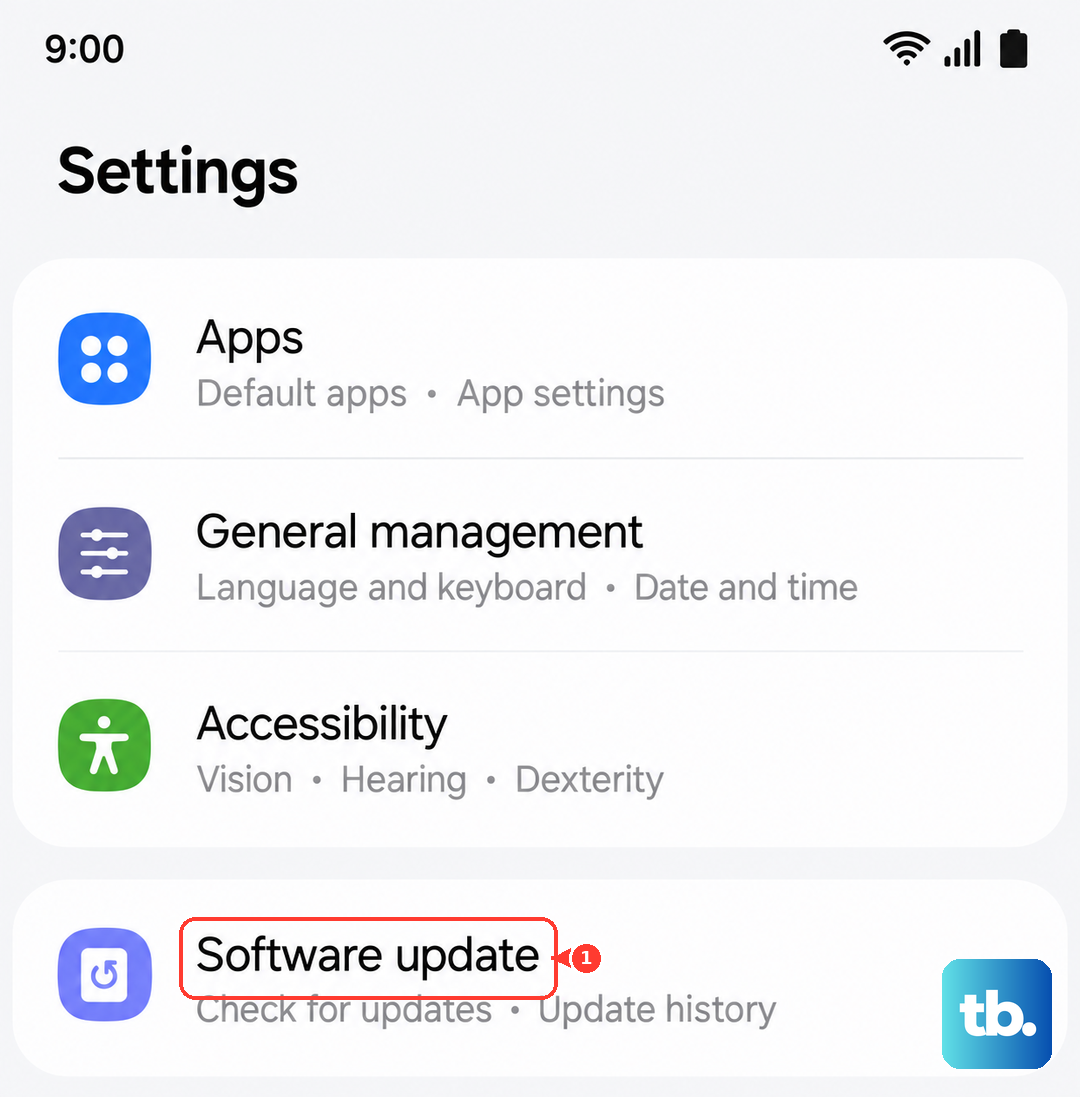
Head to Settings > Software update and tap Download and install. Samsung frequently releases updates that fix bugs, including ones related to power management and charging. Making sure you're on the latest version of Android 15 and One UI 7 is a key step that solves a lot of weird issues.
Let Your Phone Cool Down
Wireless charging generates more heat than wired charging. If your S25 Ultra is hot from gaming, using the camera, or being in a warm environment, it may refuse to charge to protect the battery. You might see a message saying Charing paused. Phone too hot. Just take it off the pad, let it cool for a few minutes, and try again.
Reset Your Network and Device Settings
This is a deeper fix that won't erase your personal files. Go to Settings > General management > Reset. Tap Reset settings. This resets all your system preferences like Wi-Fi passwords and display settings, and it can sometimes clear a stubborn software conflict that's interfering with hardware functions like charging.
Test With Another Charger
Find another wireless charger to test with, if you can. If your S25 Ultra charges on a different pad, then your original charger is faulty. If it still won't charge on any wireless charger, the issue is likely with the phone's internal hardware. For the fastest and most reliable experience, use a charger that supports the newer Qi2 standard, which the S25 Ultra is built for.