
Seeing a "Not Registered on Network" message on your iPad mini (7th generation) is frustrating. It means your cellular model can't connect to your carrier, so you can't make calls, send texts, or use mobile data away from Wi-Fi. This usually happens when there's a hiccup in the communication between your iPad and the cell towers.
Before you do anything else, the quickest thing to try is toggling Airplane Mode. Swipe down from the top-right corner to open Control Center and tap the airplane icon. Wait about 15 seconds, then tap it again to turn it off. This forces your iPad's cellular radio to restart and attempt a fresh connection, which often clears up temporary glitches.
Restart Your iPad mini
A full restart is a classic fix for a reason. It clears the device's memory and reloads all the system processes, including the cellular modem. To restart, go to Settings > General > Shut Down, slide to power off, and wait a minute before turning it back on. Once it boots up, give it a moment to search for the network again.
Check and Reseat Your SIM Card
Even though it's a tablet, a loose or dirty SIM card can still cause registration failures. First, power off your iPad completely. Use the SIM eject tool (or a small paperclip) to open the SIM tray on the side. Gently remove the SIM, inspect the gold contacts for any dirt or damage, and then firmly reseat it. Push the tray back in until it clicks. Power the iPad back on and see if it connects.
If you're using an eSIM, you can try removing and re-adding it. Go to Settings > Cellular > Cellular Plans, tap your plan, and select "Remove Cellular Plan." Afterward, you can add it again by scanning the QR code or entering the details provided by your carrier.
Verify Your Carrier Account Status
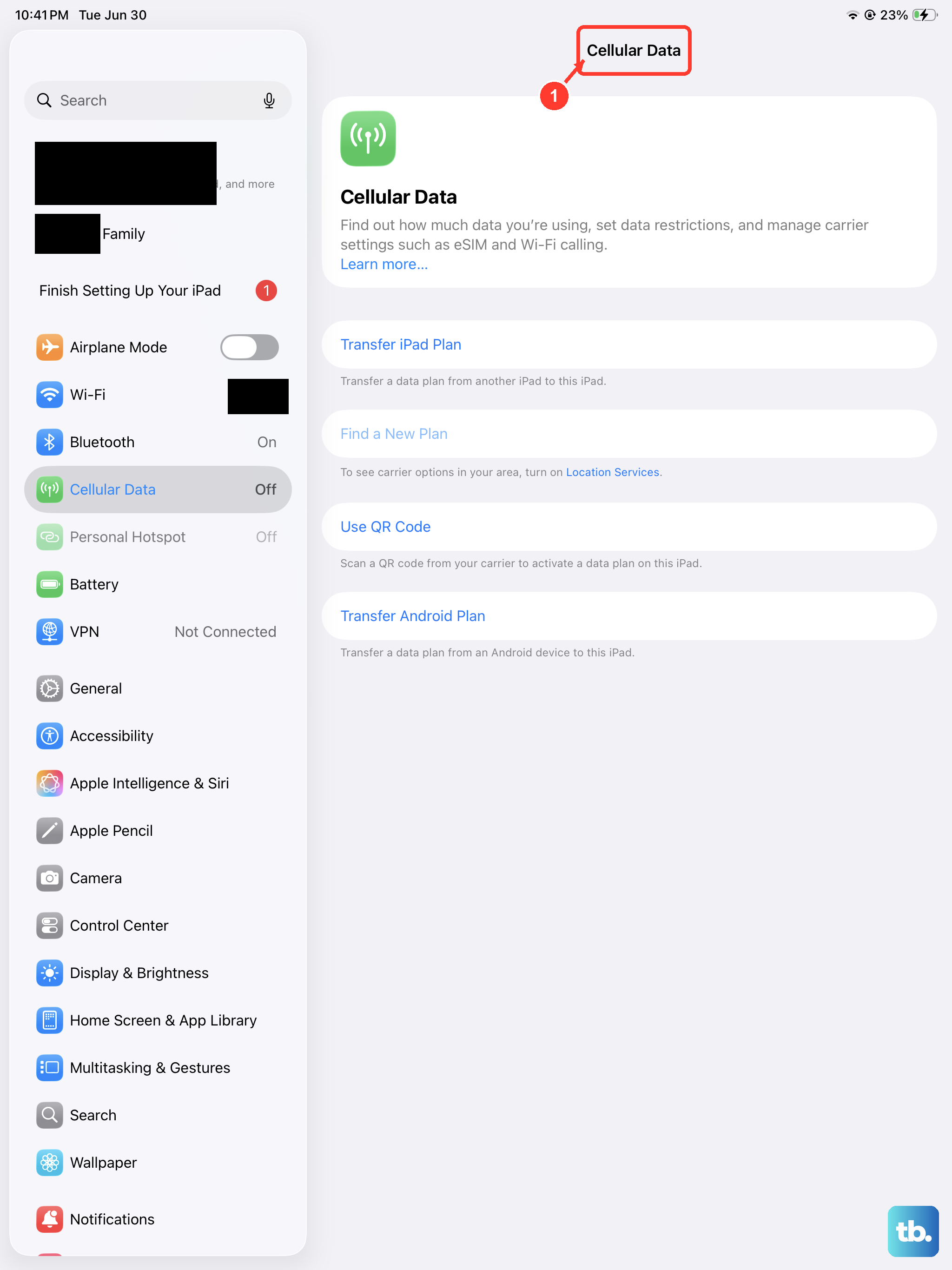
Sometimes the issue isn't with your iPad at all. If your cellular data plan has expired, hit a usage cap, or there's an unpaid bill, your carrier will suspend service. I'd recommend checking your account status through your carrier's website or app on another device. You can also try calling customer service from a different phone to confirm everything is active on their end.
Update iPadOS
Running outdated software can lead to known network bugs that Apple has already fixed in a later update. Make sure your iPad mini is connected to Wi-Fi, then go to Settings > General > Software Update. If an update for iPadOS 26 (or newer) is available, install it. These updates often include important carrier settings updates and modem firmware patches that directly affect cellular connectivity.
Reset Network Settings
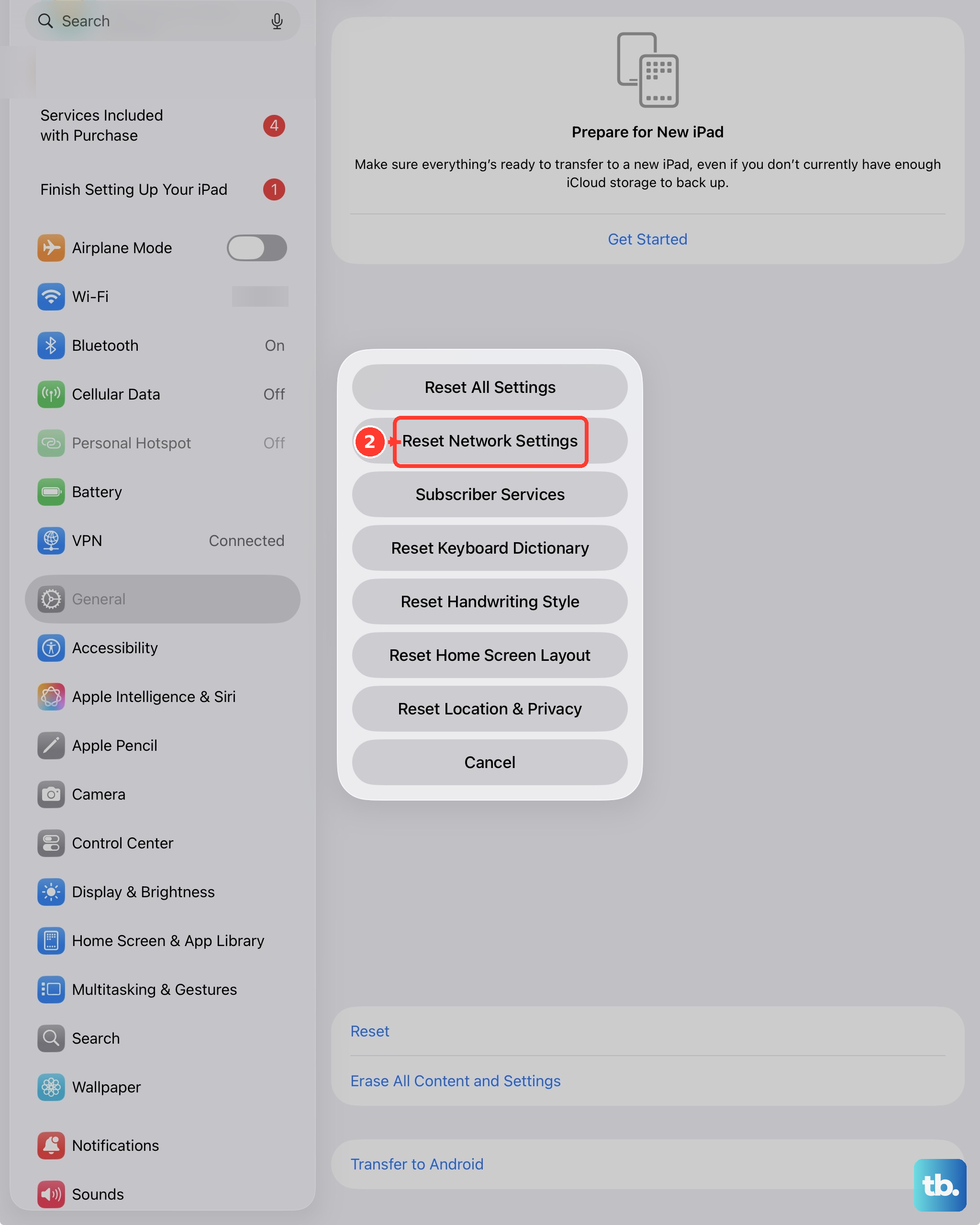
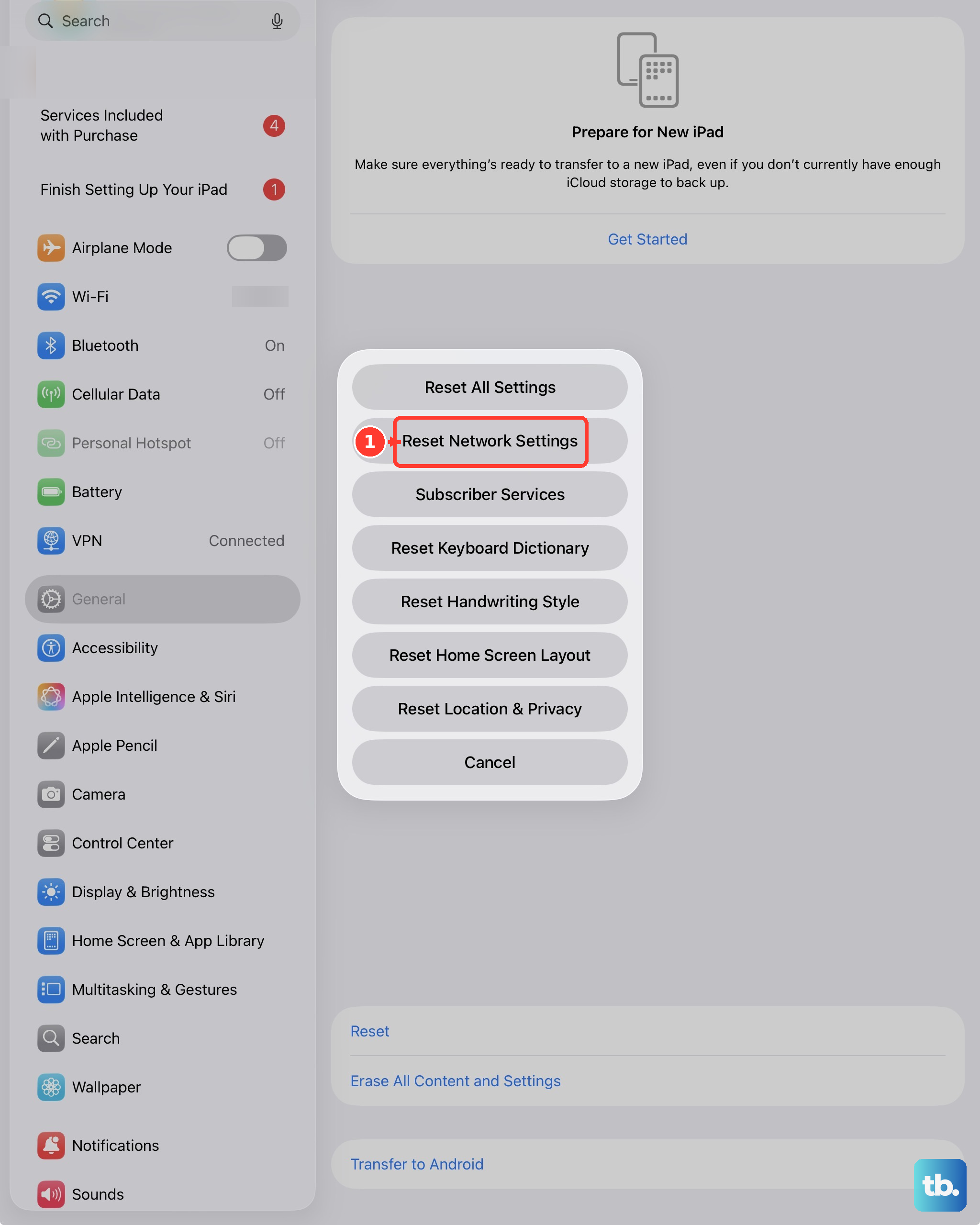
This step clears out all your saved network configurations, which can resolve deeper software conflicts. It will erase your Wi-Fi passwords, Bluetooth pairings, and VPN settings, so you'll need to rejoin your networks afterward. To do this, navigate to Settings > General > Transfer or Reset iPad > Reset, and then tap Reset Network Settings. Your iPad will restart. After it boots, you'll need to re-enable cellular data in Settings.
Manually Select Your Network
Your iPad might be trying to latch onto a weak or incompatible carrier signal automatically. You can force it to search for and connect to your specific provider. Go to Settings > Cellular > Network Selection. Turn off "Automatic." After a moment, a list of available networks will appear. Select your carrier's name from the list. If it connects, you can turn Automatic selection back on later.
Try a Different SIM Card
This is a great way to figure out where the problem lies. If you can borrow a working SIM card from a friend (on a compatible network), pop it into your iPad mini. If their SIM card registers on the network without any issues, then your original SIM is likely faulty or deactivated, and you should contact your carrier for a replacement. If the borrowed SIM also fails, the issue is with the iPad itself.
Perform a Force Restart
A force restart is more thorough than a standard shutdown and can fix unresponsive software, including cellular modem issues. On the iPad mini (7th generation), you press and quickly release the Volume Up button, then press and quickly release the Volume Down button. Finally, press and hold the Top button until you see the Apple logo appear on the screen, then release it. This doesn't erase any data.
Restore Your iPad
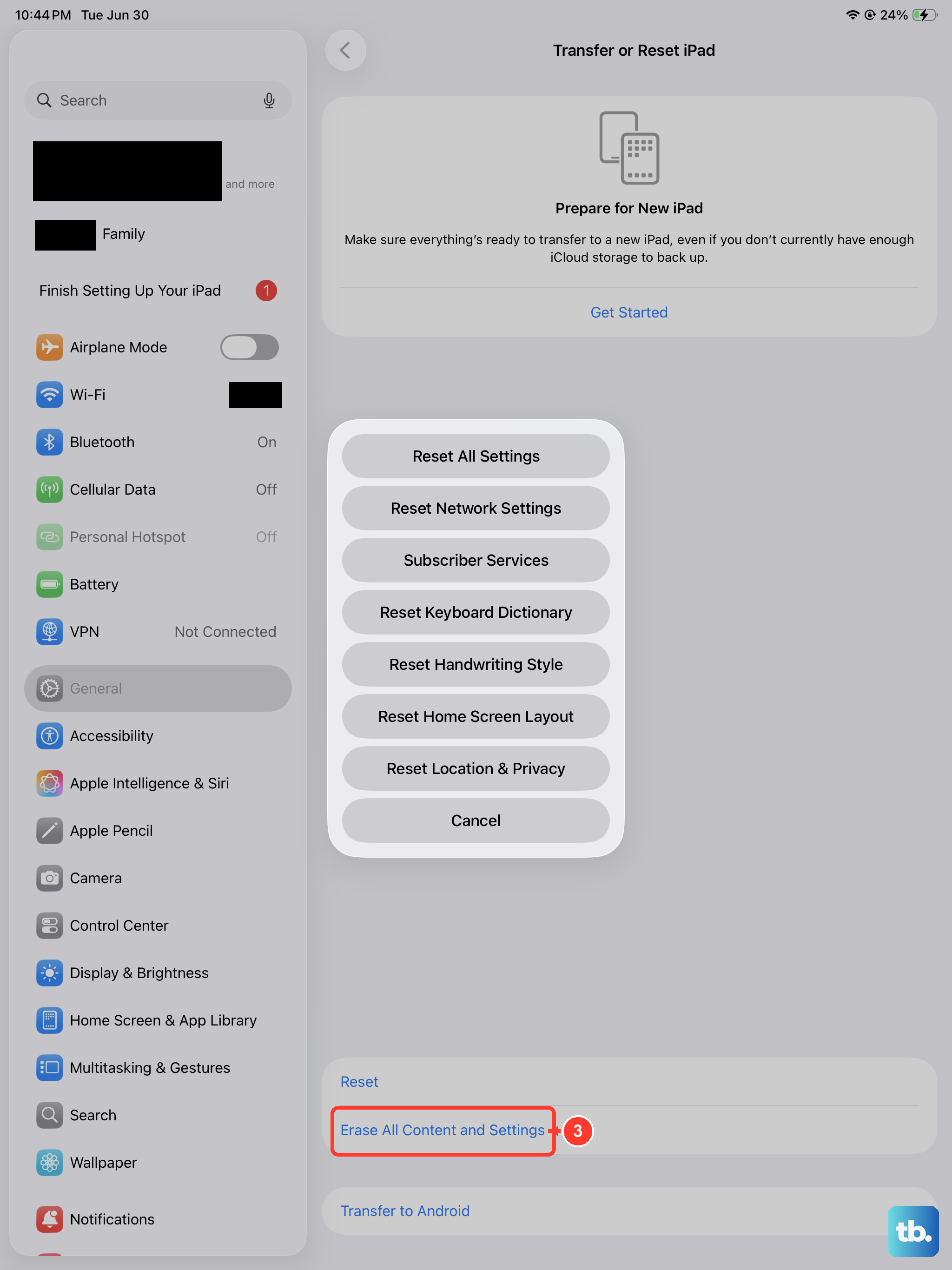
If you've tried everything else, restoring your iPad through a computer is the final software step. This will install a completely fresh copy of iPadOS. First, make sure you have a recent backup in iCloud or on your computer. Connect your iPad to a Mac or PC, open Finder (on Mac) or iTunes (on PC), select your device, and choose "Restore iPad." This will erase all content and settings and install the latest software. After it's done, you can set it up as new to test the cellular connection immediately, or restore from your backup.