If you spend hours in Lightroom or Photoshop, the right mouse can transform your workflow. The Logitech MX Master 3S stands out as our top pick for its perfect balance of comfort, precision, and programmable shortcuts. This list is for photographers and editors who need reliable tools that won't slow them down during marathon editing sessions.
Technobezz is supported by its audience. We may get a commission from retail offers.
7 Best Mice for Photo Editing in 2026
Discover the best mice for 2026, led by the Logitech MX Master 3S. Our top picks enhance comfort and precision for photo editing and productivity.
T
Technobezz
Editorial Team
Updated October 1, 2026Oct 1, 2026
•5 min read

Get Deals Like These in Your Inbox
The best prices, reviewed weekly.
How we chose
We evaluated mice for photo editing based on sensor precision, ergonomic comfort, button customization, and tracking consistency across long sessions.
Our assessment considered DPI control accuracy, scroll wheel finesse, software macro options for editing shortcuts, and grip designs that reduce wrist strain.
We prioritized models that speed up detailed edits while staying comfortable for sustained creative work.
The best photo editing mice right now
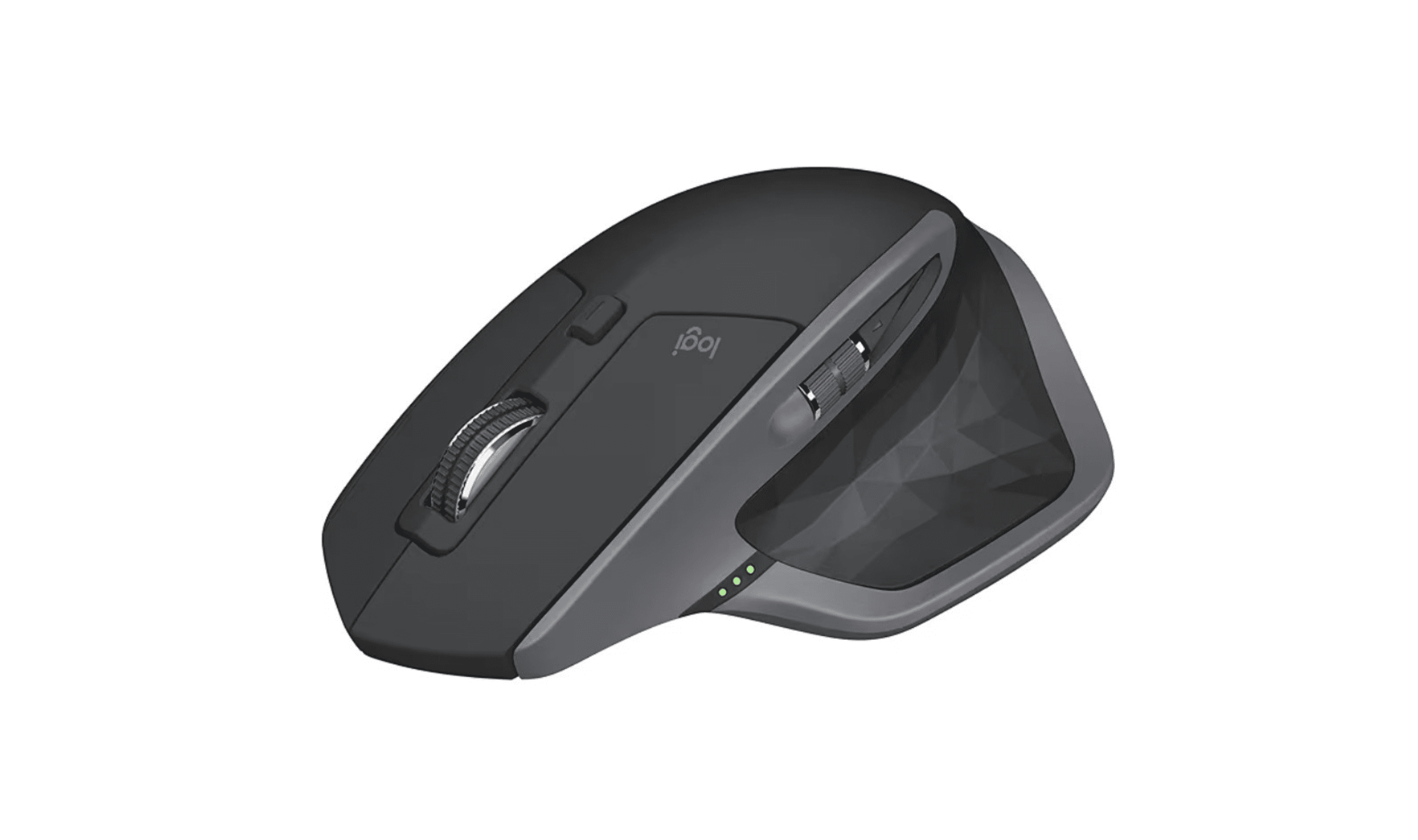
Logitech MX Master 3S - Best overall
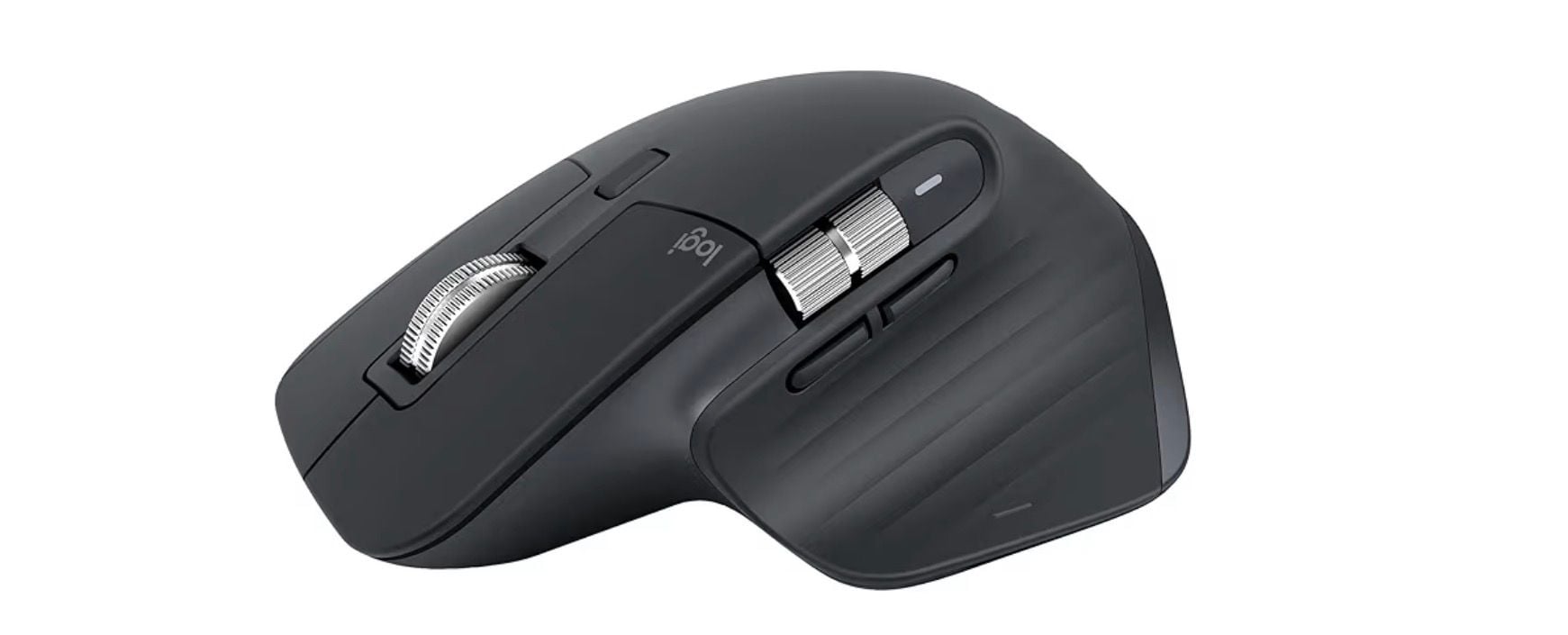
This mouse delivers everything a photo editor needs: exceptional comfort, precise tracking, and customizable buttons that can be mapped to your most-used Photoshop shortcuts.
Key highlights
- MagSpeed electromagnetic scroll wheel with both precise and free-spin modes
- 8K DPI Darkfield sensor works on virtually any surface
- Programmable buttons including a thumb wheel for horizontal scrolling
- USB-C charging
- Logi Options+ software for deep customization with Adobe Creative Cloud
Pros
- Outstanding ergonomic shape fits most hand sizes comfortably
- Silent clicking is perfect for quiet work environments
- Gesture button provides additional shortcut options
- Multi-device pairing works across three computers
Cons
- Premium price point compared to basic mice
- Larger size may not suit smaller hands
- Software required for full customization
Who it is for: Professional photographers and serious hobbyists who spend hours editing and want every efficiency advantage.
Skip if
You need a compact travel mouse or prefer a symmetrical ambidextrous design.
Apple Magic Mouse (USB-C) - Best for Mac users
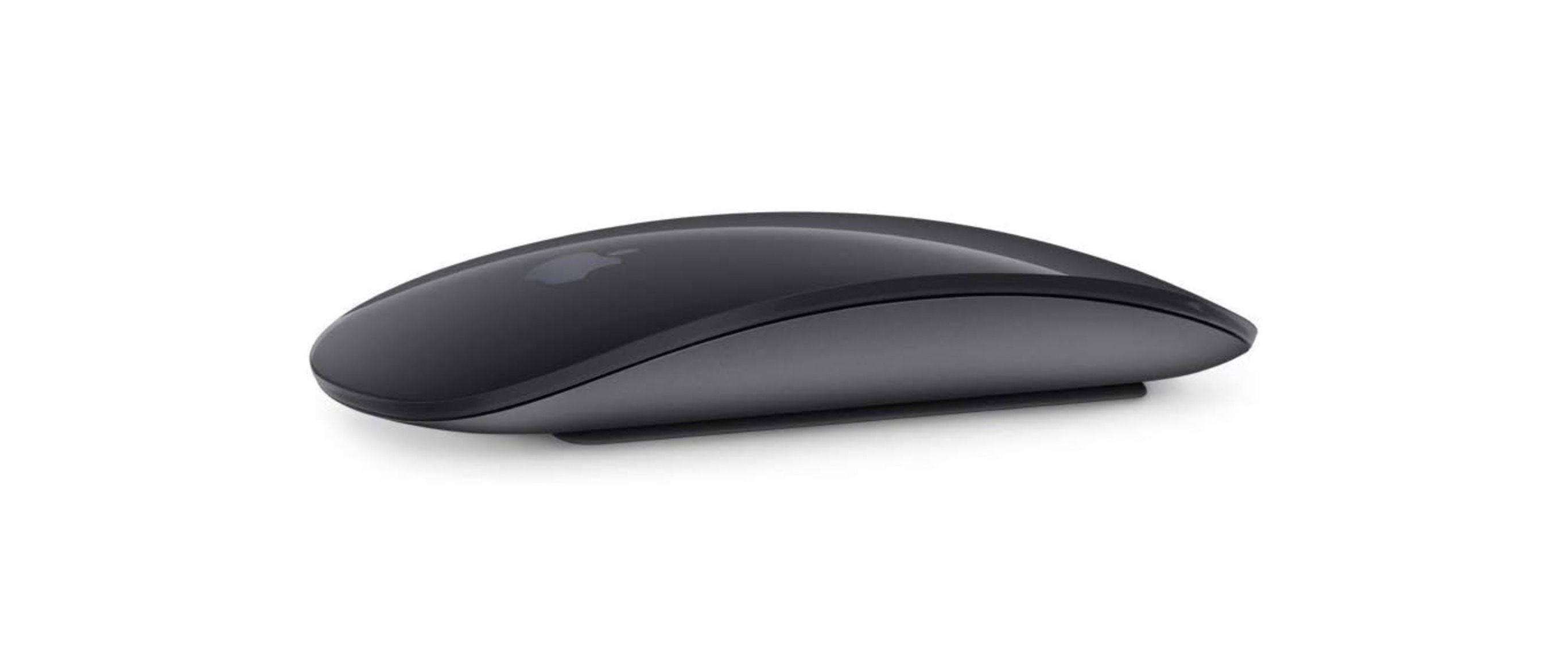
While not the most ergonomic choice, this mouse integrates perfectly with macOS and offers unique multi-touch surface controls that feel natural to Apple users.
Key highlights
- Multi-touch surface allows for gesture controls like swiping between photos
- Seamless Bluetooth connectivity with Mac computers
- Rechargeable via USB-C (2024 model)
- Extremely low profile design slides easily into laptop bags
- Works with both right and left-handed users
Pros
- Perfect macOS integration with native gesture support
- Sleek, minimalist design matches Apple aesthetics
- Lightweight and highly portable
- No software installation needed for basic functions
Cons
- Flat design can cause wrist strain during long sessions
- Charging port placement makes it unusable while charging
- Limited to two-button functionality without customization
Who it is for: MacBook users who value ecosystem integration and portability over ergonomic comfort.
Skip if
You edit for hours at a time or need programmable buttons for workflow shortcuts.
Microsoft Sculpt Ergonomic Mouse - Best ergonomic option
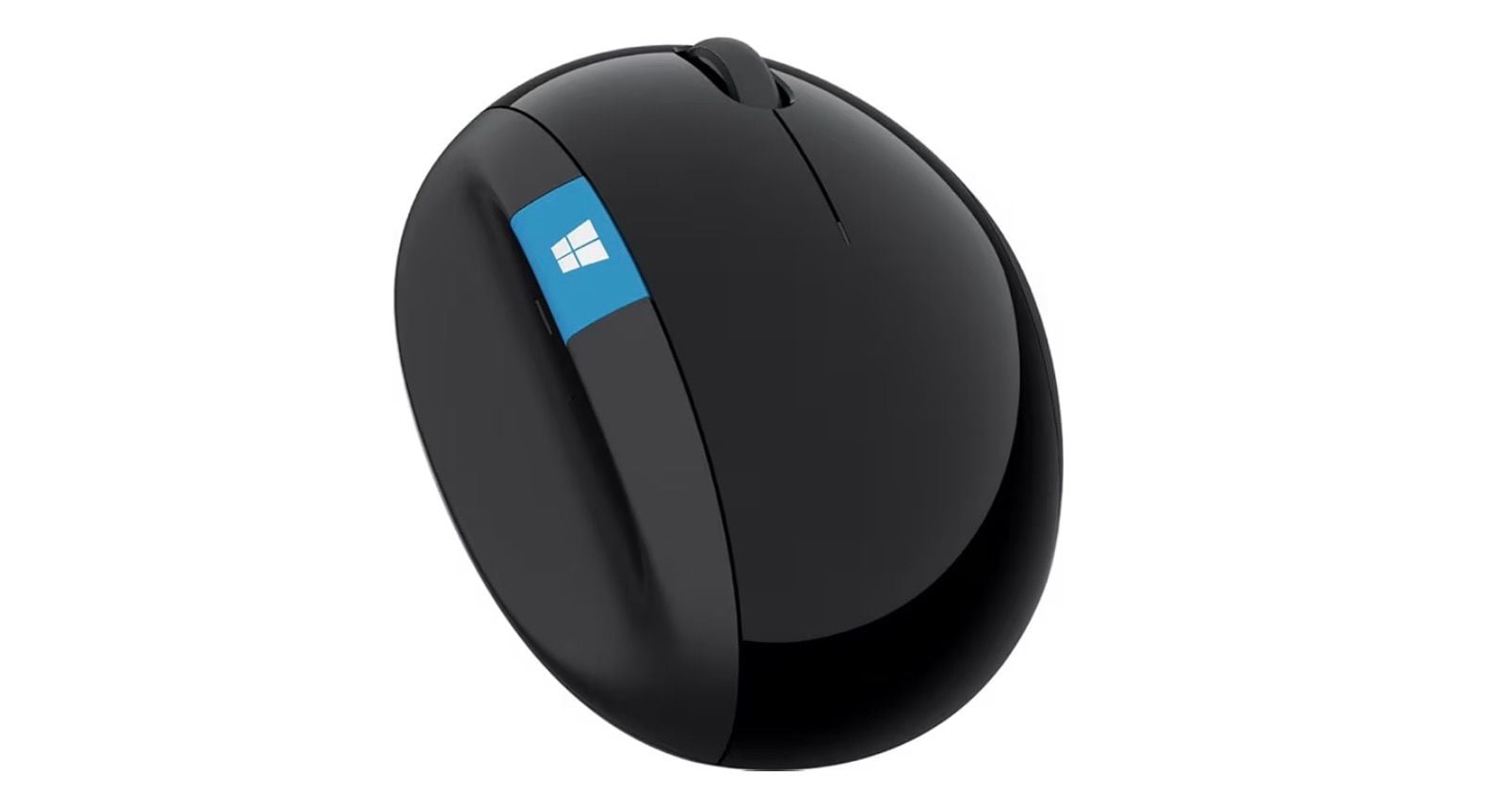
Designed to reduce strain during extended computer use, this mouse positions your hand in a more natural handshake position that many editors find more comfortable.
Key highlights
- Natural arc design positions your hand in a more comfortable handshake position
- BlueTrack tracking works on many surfaces, but not clear glass or mirrors
- Buttons including a Windows button, Back button, and 4-way scroll wheel
- 2.4 GHz wireless connection through a USB receiver
- Compatible with both Windows and macOS
Pros
- Noticeably reduces wrist and forearm strain
- Affordable compared to premium ergonomic mice
- Reliable tracking performance
- No software required for basic operation
Cons
- Limited button customization compared to premium options
- Design may feel awkward until you adjust to the grip
- Not as feature-rich as productivity-focused mice
Who it is for: Editors who experience wrist pain or want to prevent repetitive strain injuries.
Skip if
You need extensive button programming or frequently switch between different computers.
Logitech Ergo M575S - Best trackball alternative
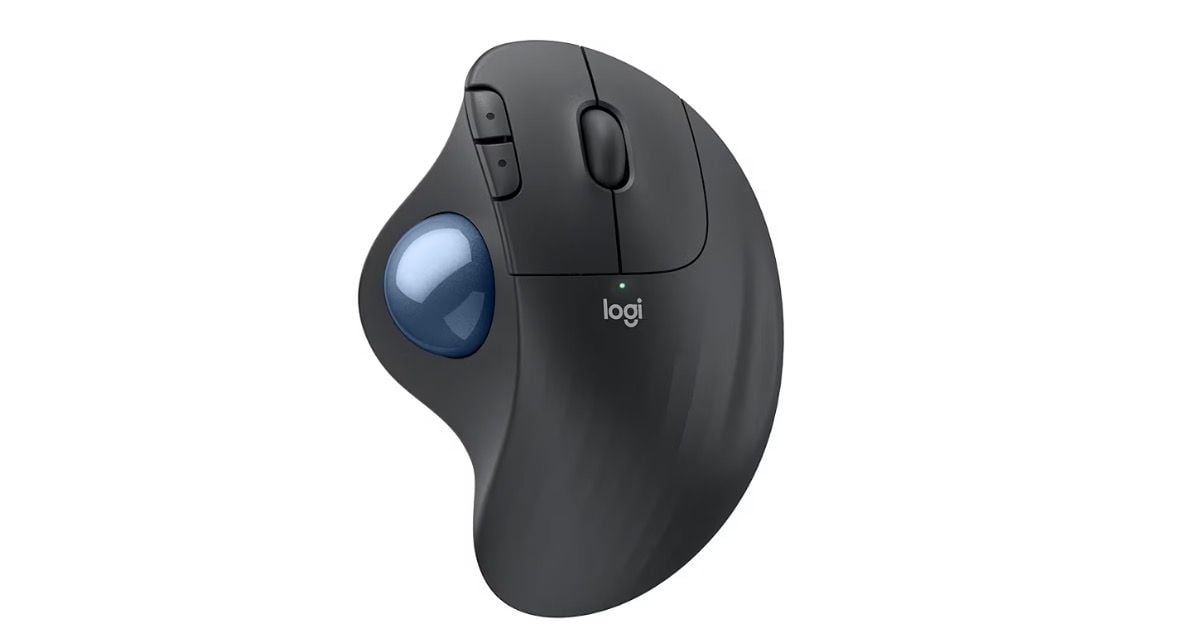
For editors who prefer stationary precision, this trackball mouse eliminates arm movement and can provide exceptional control for detailed retouching work.
Key highlights
- Large, precise trackball controlled by your thumb
- Sculpted shape supports your hand and encourages a more natural forearm posture
- Wireless connectivity with Bluetooth and an encrypted dongle
- Programmable buttons for common shortcuts
- Works on virtually any surface (no mousepad needed)
Pros
- Reduces desk space requirements significantly
- Eliminates arm fatigue from constant mouse movement
- Excellent for precise pixel-level editing
- Can be more accurate for some users than traditional mice
Cons
- Steep learning curve if you're new to trackballs
- Thumb-controlled design may not suit everyone
- Requires an AA battery
Who it is for: Editors who do detailed retouching work or want to minimize arm movement.
Skip if
You frequently need to make large cursor movements across multiple monitors.
Also Good
- Razer Pro Click V2 - gaming-grade precision for professional editors.
- Logitech MX Anywhere 3S - compact and powerful for editing on the go.
- Kensington Expert Mouse - a veteran-favorite trackball for precise finger control.
How to Choose
Consider these factors based on your specific editing needs:
Ergonomics first: If you edit for hours, prioritize comfort over features. Try different shapes, what feels good for five minutes may cause strain after three hours.
Programmable buttons matter: Look for mice that can map to your most-used shortcuts. The ability to assign brush size changes, layer selections, or tool switches to mouse buttons can save countless clicks.
Precision needs: Most photo editing works fine with 800-2000 DPI. Higher DPI matters more for multi-monitor setups or extremely detailed retouching work.
Wireless reliability: Modern wireless mice have eliminated lag concerns. Look for models with reliable connections that won't drop during critical edits.
Software compatibility: Check if the mouse software plays nicely with your editing applications. Some mice offer specific Adobe Creative Cloud integrations.
FAQ
Do I really need a special mouse for photo editing?
While any mouse works, a good editing mouse with programmable buttons and precise tracking can significantly speed up your workflow and reduce fatigue during long sessions.
What DPI should I look for?
800-2000 DPI covers most photo editing needs. Higher DPI (4000+) helps with multi-monitor setups or extremely detailed work, but most editors won't notice the difference.
Are trackballs better for photo editing?
Some editors swear by trackballs for precision work like masking and cloning. They eliminate arm movement and can reduce fatigue, but require an adjustment period.
Should I choose wireless or wired?
Modern wireless mice offer excellent reliability with no noticeable lag. Wireless reduces cable clutter, while wired ensures you never run out of battery mid-edit.
How many programmable buttons do I need?
Start with 2-3 extra buttons beyond left/right/scroll. You can map these to your most-used shortcuts like zoom, brush size, or layer selection. More buttons offer more customization but can become confusing.
Published February 3, 2026 Last updated October 1, 2026
Share this article
More in News
8 Best Keyboards From Top Brands in 2026
Logitech MX Keys S Full-Size is our top pick for quiet typing, smart backlighting, and broad platform support.
3 min read
8 Best High Capacity Power Banks for 2026
The Anker Prime 27,650mAh tops our list of the 3 best high capacity power banks in 2026, with 250W output for laptops and travel.
5 min read
Best microSD Cards for Nintendo Switch in 2026
The SanDisk 512GB Extreme tops our list of the best microSD cards for Nintendo Switch in 2026, offering fast A2 speeds for smooth gameplay.
4 min read
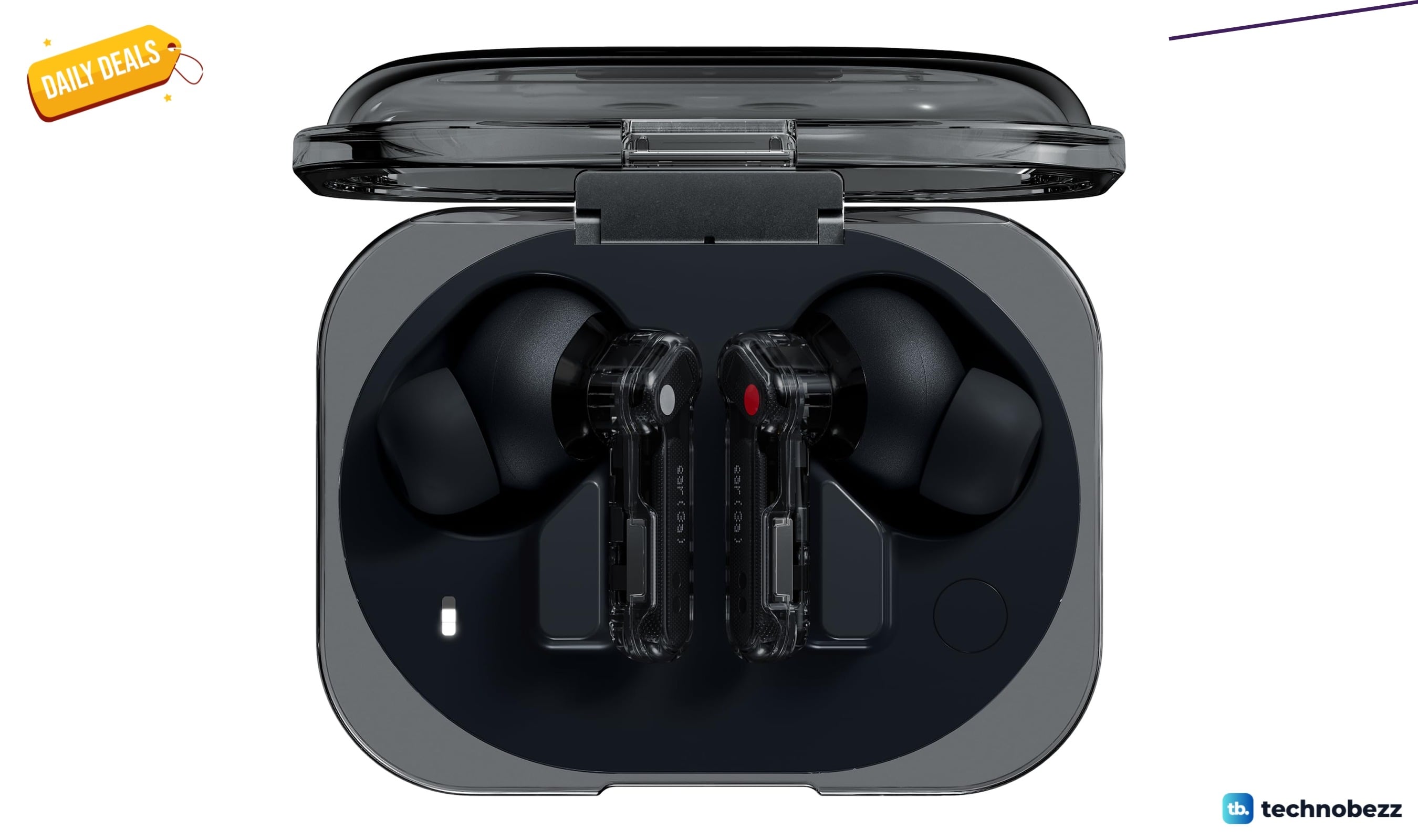
Two headphone price drops worth checking, from $79.99
Two headphone deals land within $0.64 of each other, with the Nothing Ear earbuds at $79.99 and Sennheiser HD 280 Pro at $80.63.
3 min read
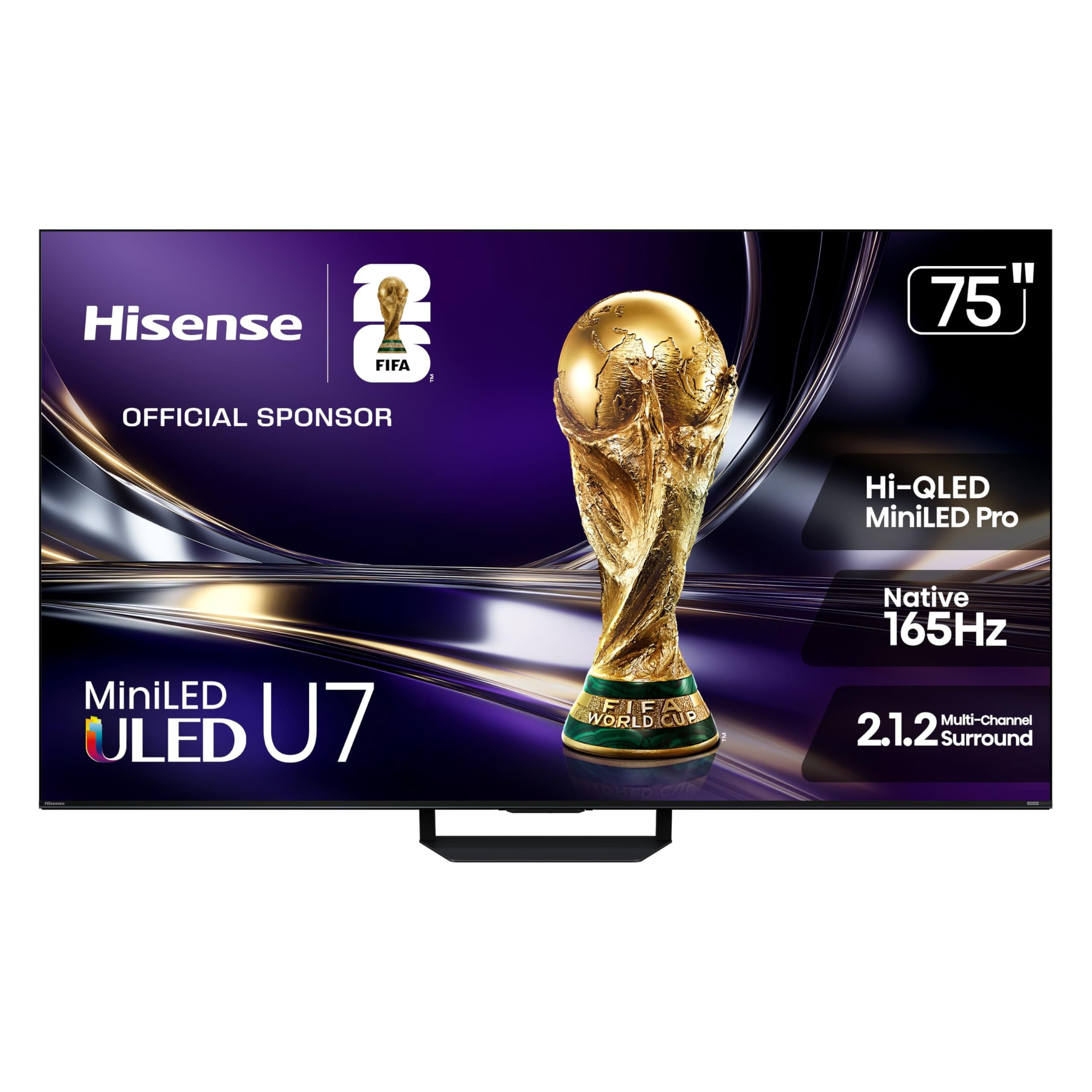
8 Best 75-Inch TVs in 2026
5 min read
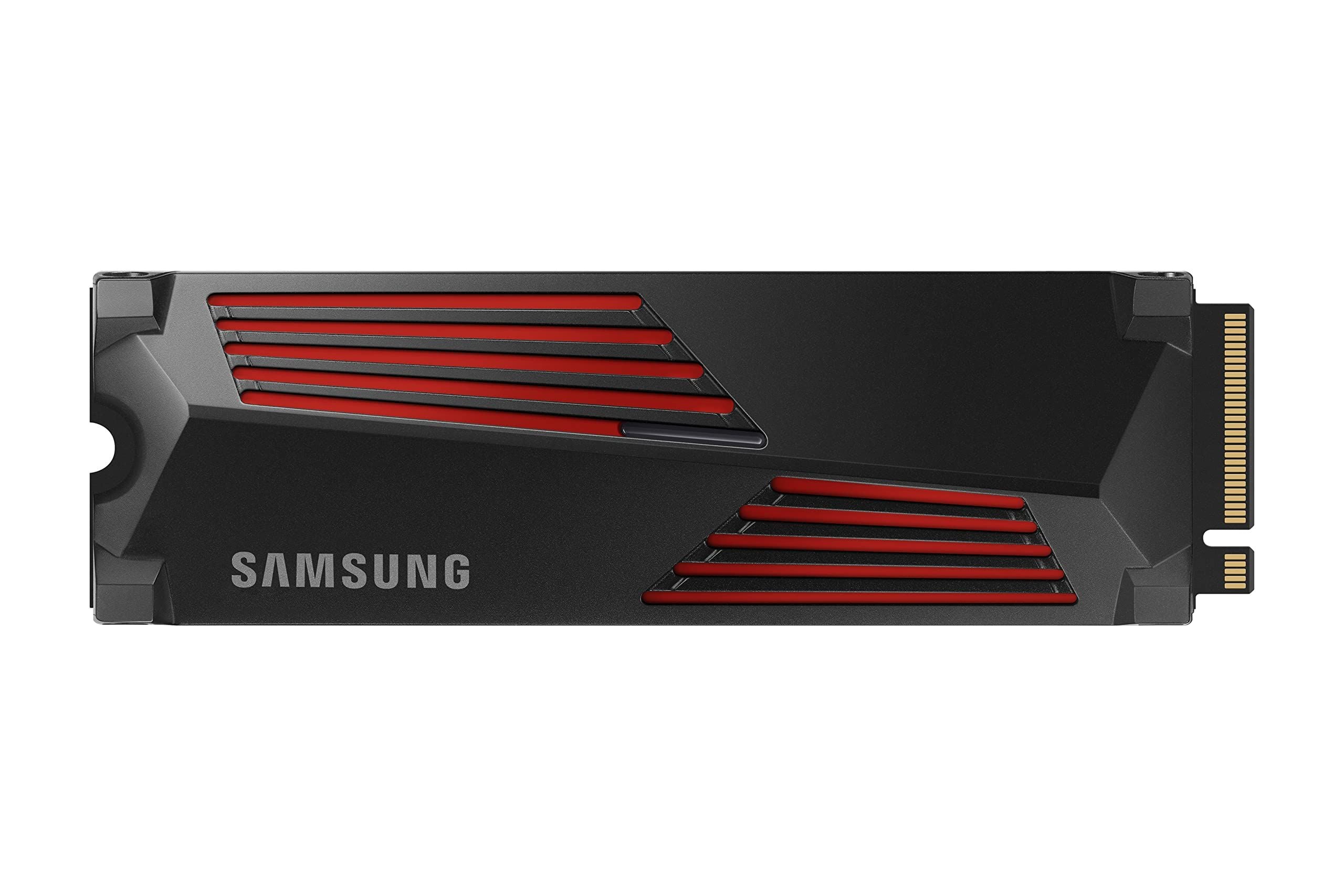
6 Best SSDs for PS5 in 2026
4 min read
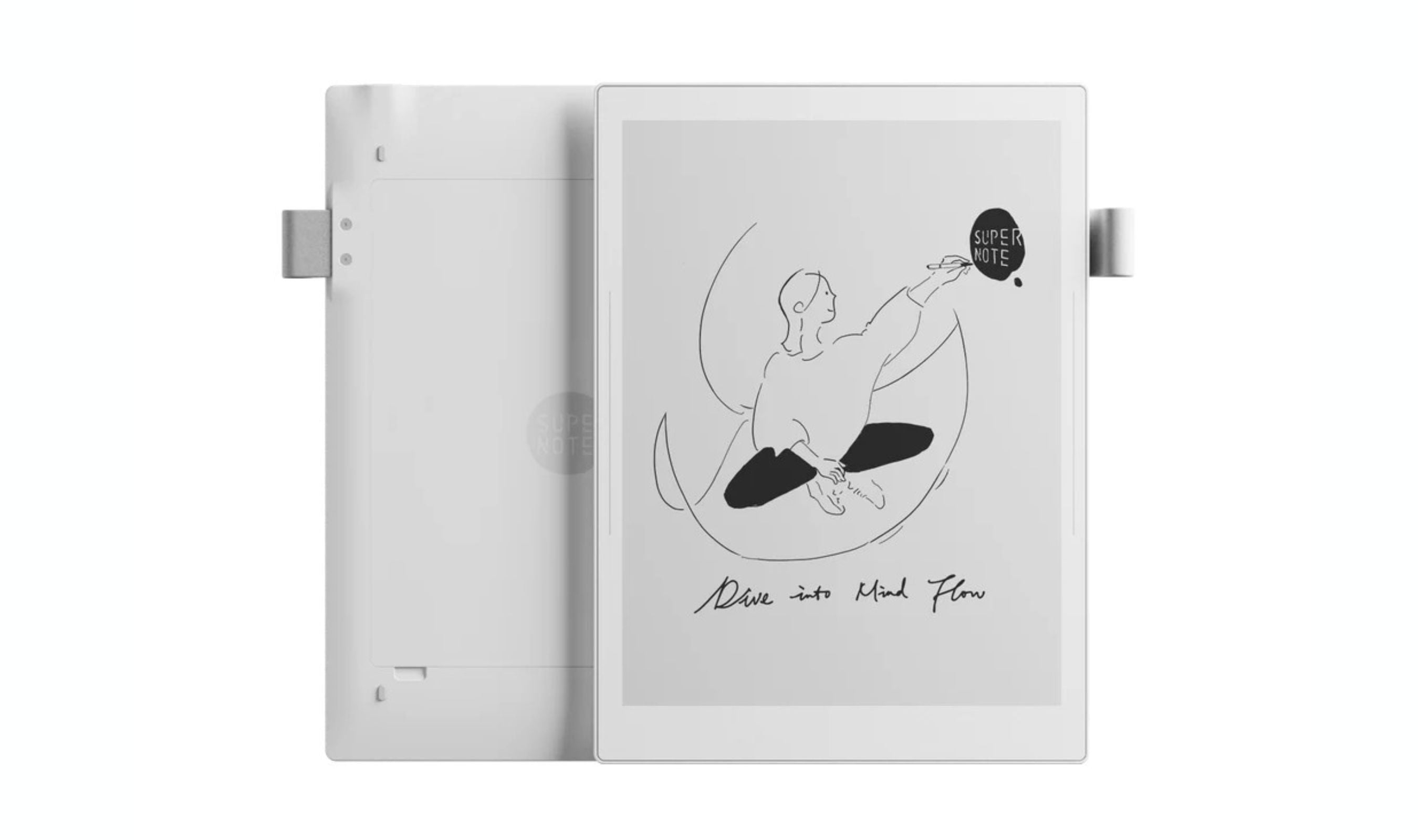
Best Digital Notebooks for 2026
4 min read
7 Best Noise Cancelling Headphones to Buy in 2026
4 min read
7 Best USB Flash Drives to Buy in 2026
5 min read
7 Best Electric Screwdrivers of 2026
4 min read
TP-Link Archer BE24000 Quad-Band WiFi 7 Router discounted to $599.99
5 min read
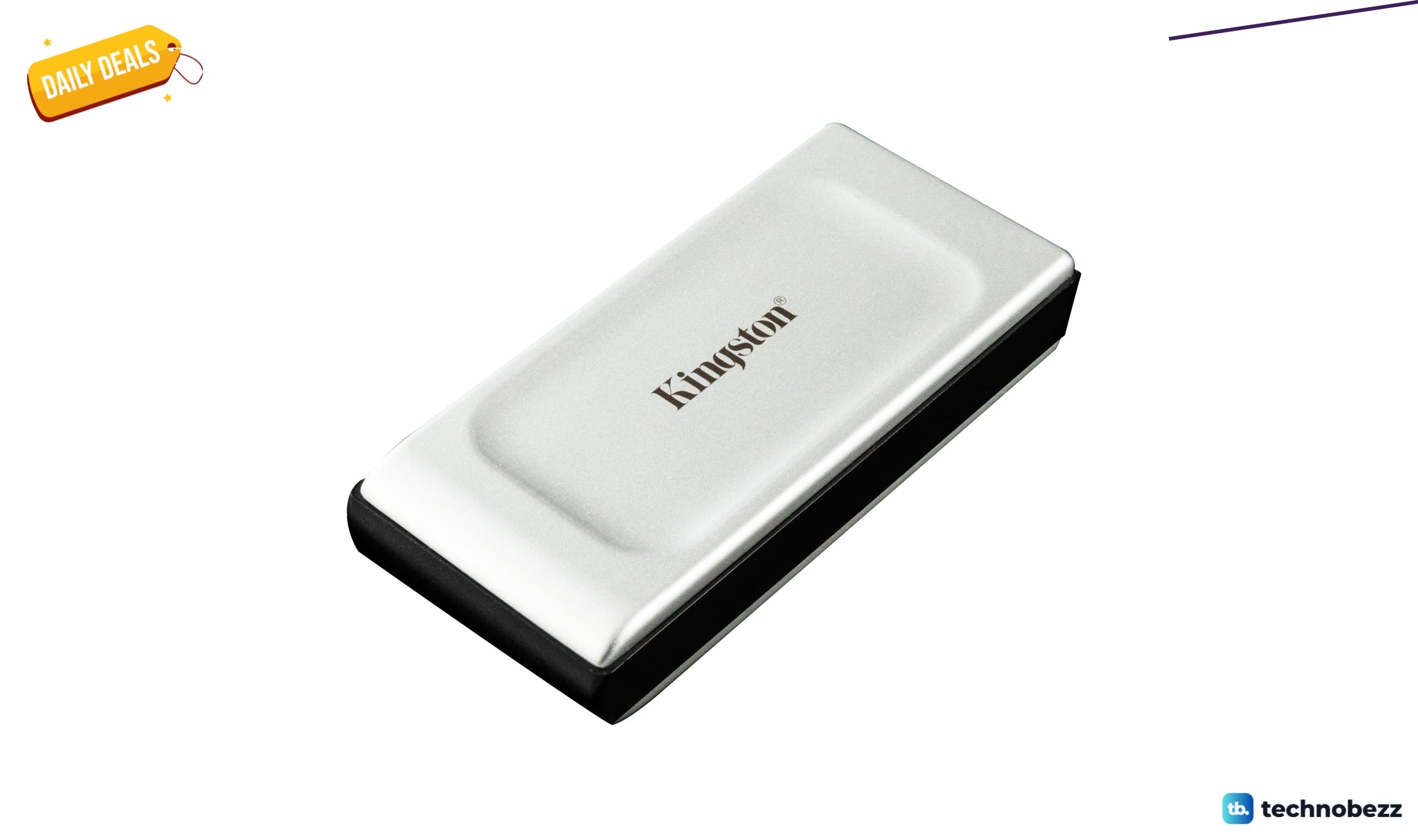
Kingston XS2000 1TB High Performance Portable SSD now $173.09, down from $325.99
4 min read