Choosing the right laptop as an architect isn't just about raw speed. It's about finding hardware that can handle demanding software like Revit, AutoCAD, and Lumion while balancing portability, display quality, and budget. Whether you're a student building your first 3D models or a professional managing complex BIM projects, the right laptop can make or break your workflow.
Technobezz is supported by its audience. We may get a commission from retail offers.
The 9 Best Laptops for Architects of 2026
Discover the best laptops for architects in 2026. Our top pick is the ASUS ProArt P16, plus great options for every budget and workflow.
T
Technobezz
Senior Editor
Updated September 5, 2026Sep 5, 2026
•7 min read

Get Deals Like These in Your Inbox
The best prices, reviewed weekly.
At a Glance
| Category | Product | Why We Picked It |
|---|---|---|
| Best overall | ASUS ProArt PX13 | For its unbeatable blend of performance and display quality |
| Best value | ASUS TUF Gaming F16 | RTX 5050 graphics and a 100% sRGB display in a standalone F16 |
| Best for Mac users | Apple MacBook Pro 16-inch (M5 Pro) | M5 Pro, a 16.2-inch XDR display and 1TB SSD for macOS workflows |
| Best mobile workstation | Lenovo ThinkPad P16 Gen 3 | RTX PRO 3000 Blackwell graphics, 64GB RAM and a 2TB SSD |
| Best for performance and portability balance | Razer Blade 16 (2026) | RTX 5080 graphics and a 240Hz OLED display in a 14.9mm chassis |
| Also recommended | HP ZBook Fury 16 G10 | A powerhouse workstation with pro-grade certifications |
| Also recommended | MSI Cyborg 15 | A budget-friendly pick for light 3D modeling |
| Also recommended | Dell Precision 7680 | 64GB RAM, a 1TB SSD and RTX 1000 6GB professional graphics |
| Also recommended | Acer Nitro V 15 (RTX 5050) | RTX 5050 graphics, 16GB RAM and a 165Hz Full HD display |
How we chose and tested
Our assessment considered performance in Revit, AutoCAD, Rhino, and rendering pipelines, along with RAM headroom, thermal stability, and portability for studio-to-site movement. We prioritized systems that balance sustained professional performance with screen quality and mobility.
The best laptops for architects right now
ASUS ProArt PX13 - Best overall
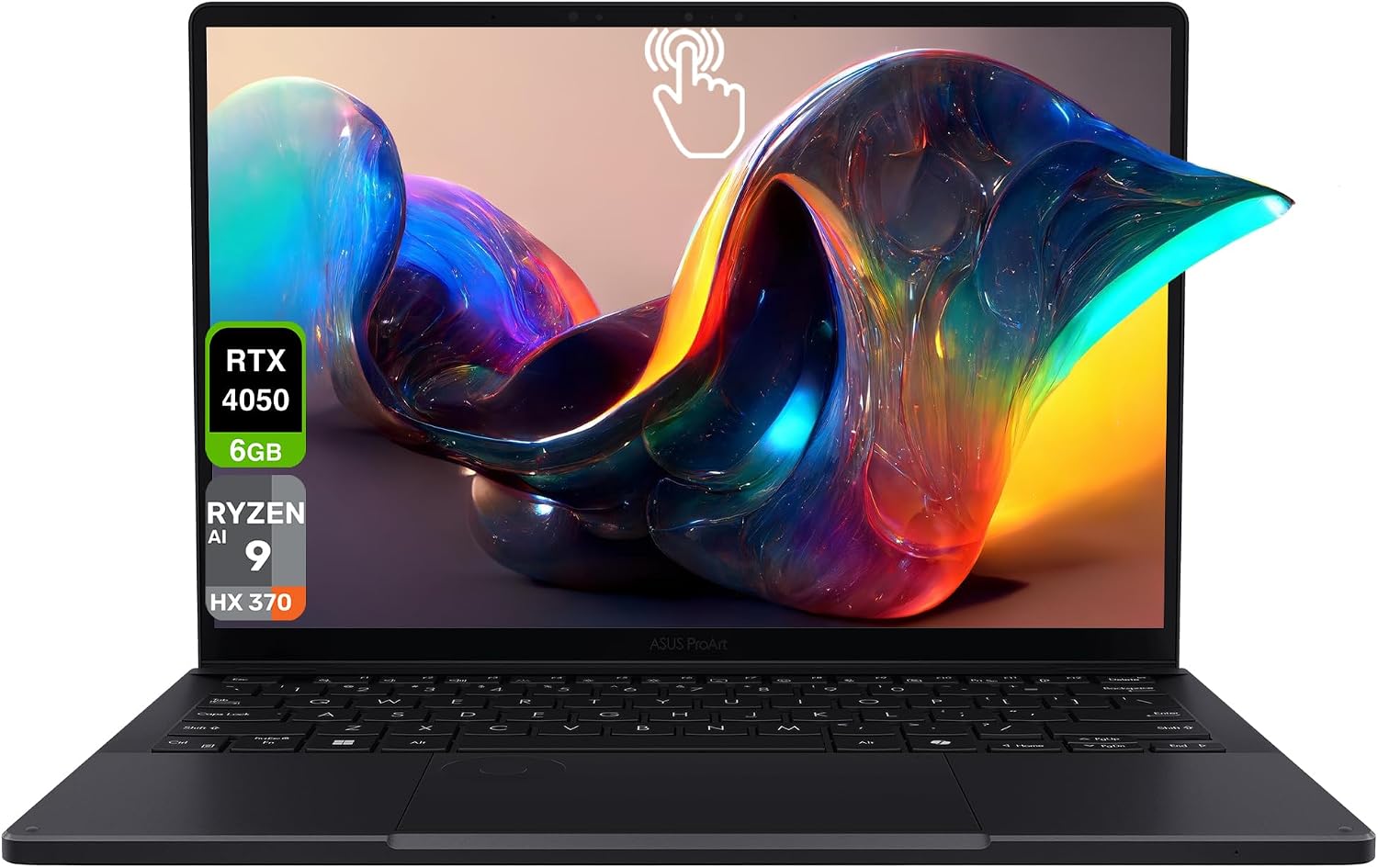
This workstation-class laptop delivers exactly what architects need: professional performance, exceptional display quality, and thoughtful design features that support creative work.
Key highlights
- Stunning 13.3" AMOLED 2.8K (2880x1800) 60Hz touchscreen with 100% DCI-P3 color gamut and Pantone validation
- AMD Ryzen AI 9 HX 370 processor with 32GB onboard RAM
- NVIDIA RTX 4050 graphics for smooth 3D modeling and rendering
- ASUS DialPad for precise control in creative applications
- Comprehensive port selection including USB4 and HDMI 2.1
Pros
- Display quality is exceptional for architectural visualization work
- Performance handles complex BIM models without slowdowns
- Professional-grade build quality that feels durable
- Excellent cooling system keeps it running quietly
Cons
- Premium price tag puts it out of reach for some budgets
- Battery life is limited when running demanding applications
- Onboard RAM cannot be expanded beyond 32GB
Who it is for: Professional architects and senior students who need top-tier performance for complex projects and client presentations.
Skip if
You need a larger built-in screen or more than 32GB of RAM.
Apple MacBook Pro 16-inch (M5 Pro) - Best for Mac users
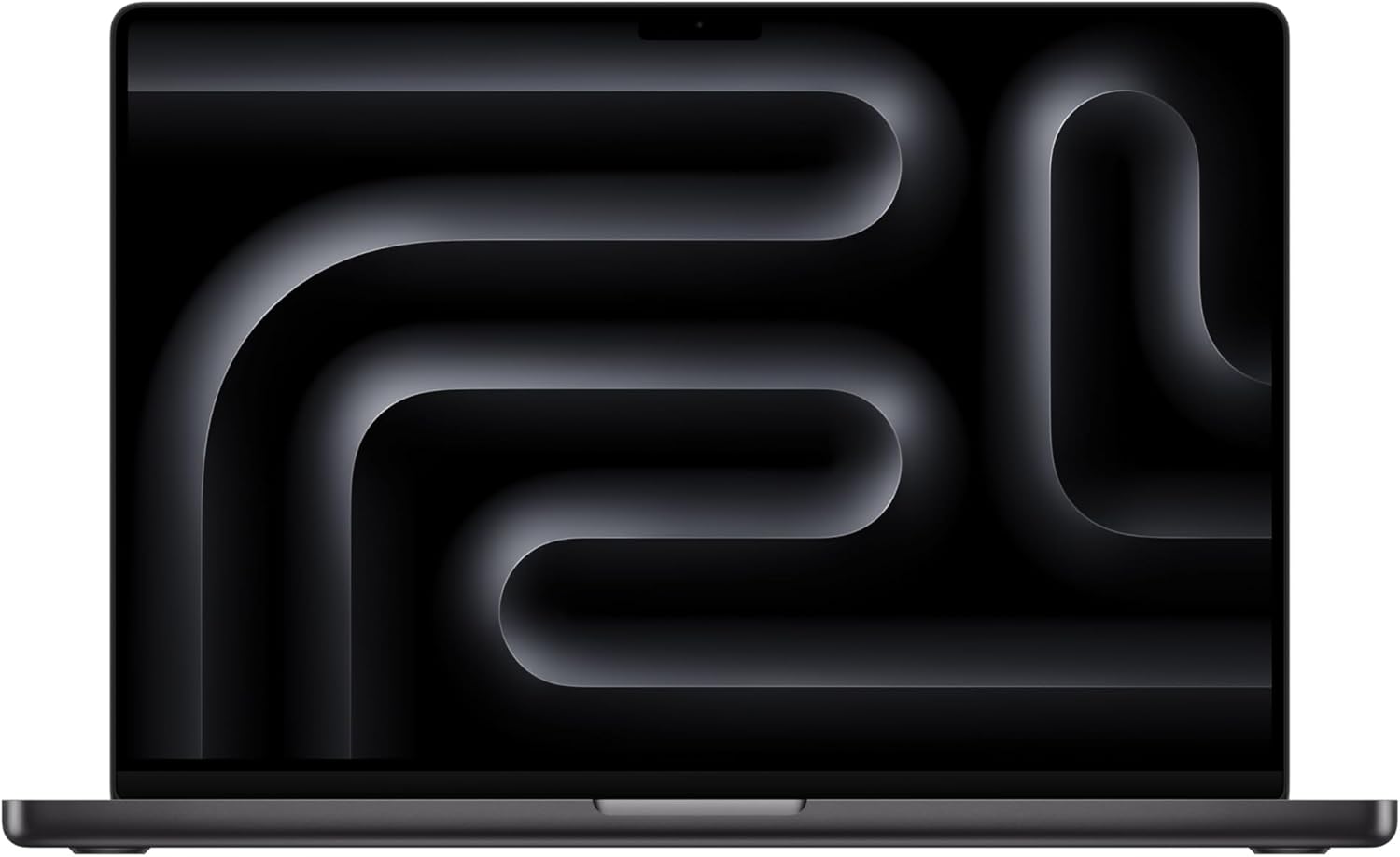
The 16-inch MacBook Pro with M5 Pro combines a Liquid Retina XDR display with 24GB of unified memory and a 1TB SSD for macOS design workflows; check compatibility with Windows-only software before buying.
Key highlights
- M5 Pro with an 18-core CPU and 20-core GPU
- 16.2-inch Liquid Retina XDR display
- 24GB unified memory and 1TB SSD in this configuration
- Three Thunderbolt 5 ports, HDMI and an SDXC card slot
- Wi-Fi 7 and Bluetooth 6
Pros
- Large XDR display for reviewing drawings and visualizations
- Thunderbolt, HDMI and SDXC connections for desk setups
- Integration with iPhone and other Apple devices
Cons
- Revit requires Windows rather than native macOS
- 24GB memory is fixed in this configuration
- Choose memory and internal storage capacity before purchase
Who it is for: Architects using macOS-compatible design applications who want a large display and Apple ecosystem integration.
Skip if
Your essential tools require a native Windows workstation or more than 24GB of memory.
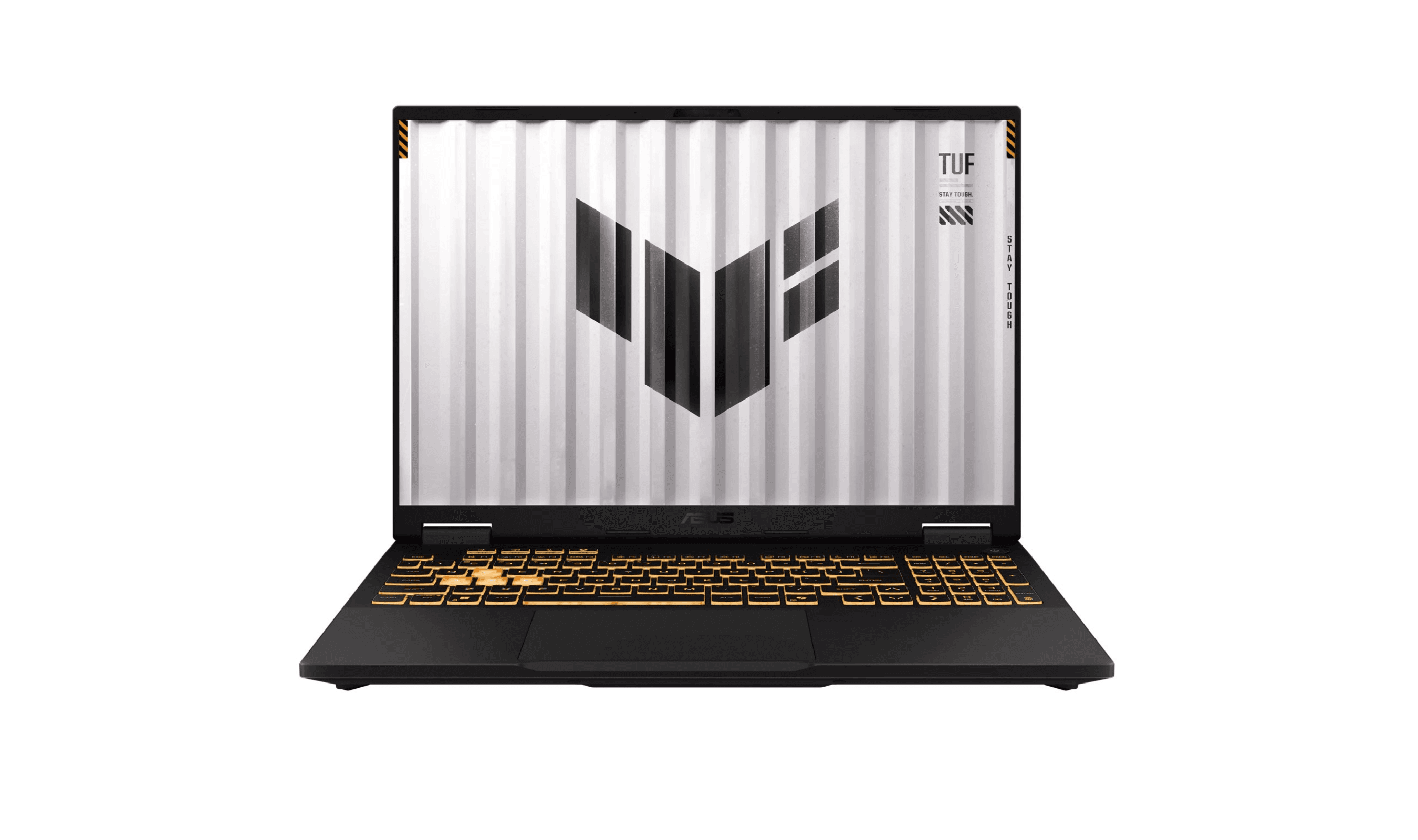
ASUS TUF Gaming F16 - Best value
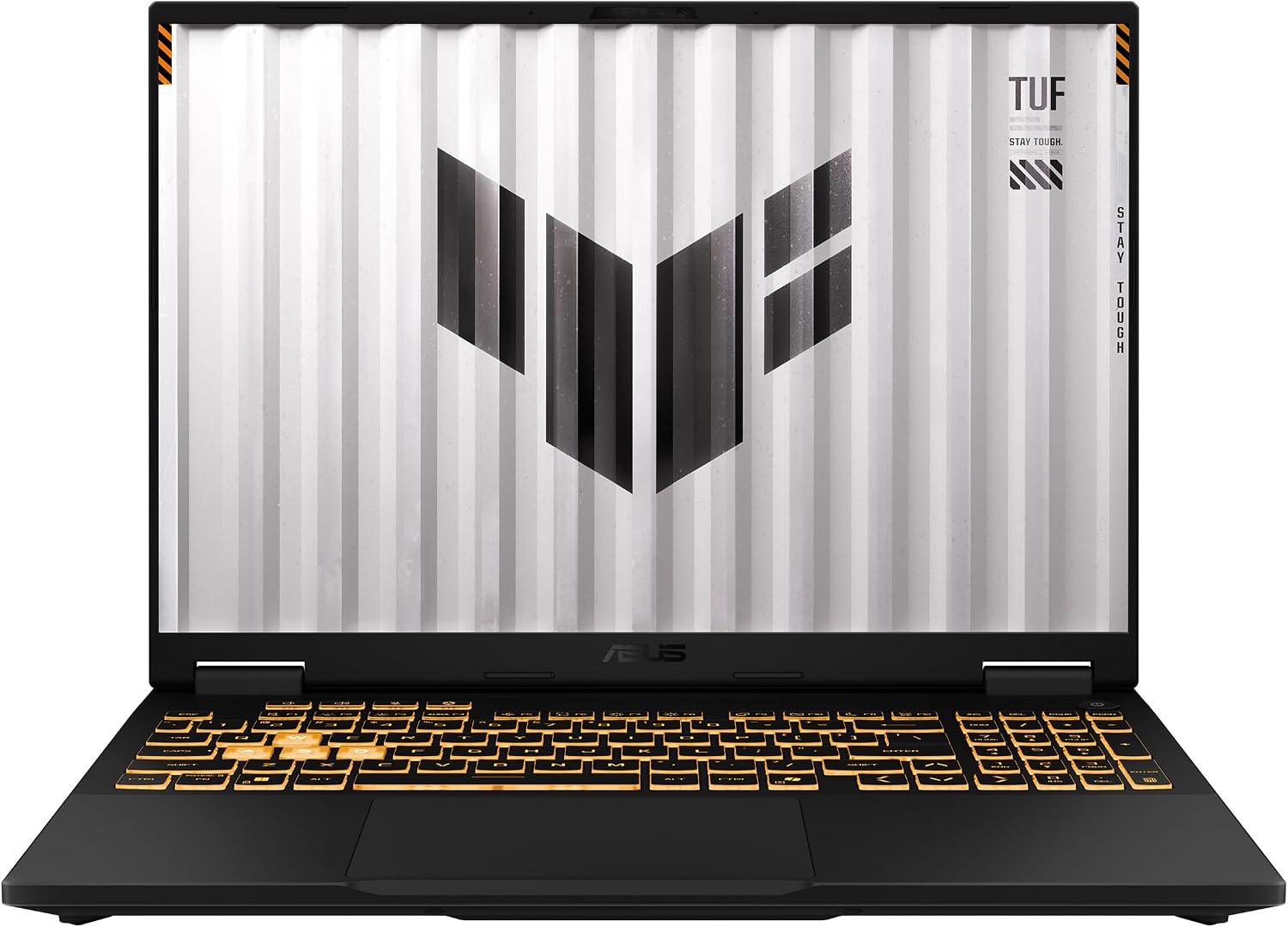
This TUF Gaming F16 configuration pairs an Intel Core i5-13450HX with RTX 5050 graphics, 16GB of RAM and a 512GB SSD for students building a Windows design setup.
Key highlights
- Intel Core i5-13450HX processor
- NVIDIA GeForce RTX 5050 Laptop GPU with up to 115W TGP
- 16-inch 1920 x 1200 display with 165Hz refresh and 100% sRGB coverage
- 16GB DDR5 RAM and 512GB PCIe 4.0 SSD
- Wi-Fi 6E, Windows 11 Home and MIL-STD-810H testing
Pros
- Dedicated RTX graphics for GPU-accelerated applications
- 100% sRGB display for design work
- Arc Flow fans and a full-width heatsink
Cons
- 16GB RAM is below the 32GB recommended here for professional work
- 512GB storage needs careful management for large project libraries
- The display is FHD+, rather than a higher-resolution panel
Who it is for: Students and early-career architects looking for a Windows laptop with dedicated RTX graphics.
Skip if
You need 32GB or more of RAM out of the box or a higher-resolution display.
Lenovo ThinkPad P16 Gen 3 - Best mobile workstation
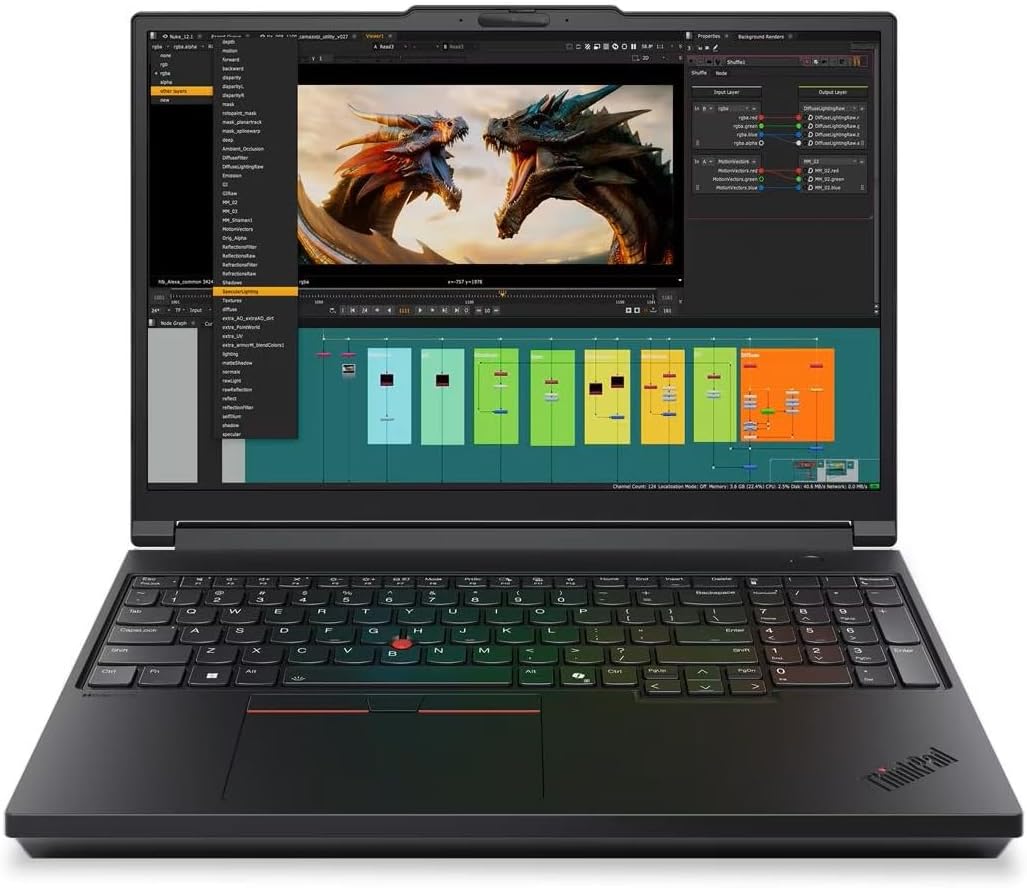
The ThinkPad P16 Gen 3 configuration pairs a Core Ultra 7 255HX with RTX PRO 3000 Blackwell graphics, 64GB of RAM and a 2TB SSD for demanding CAD and BIM workflows.
Key highlights
- Intel Core Ultra 7 255HX processor
- NVIDIA RTX PRO 3000 Blackwell graphics with 12GB GDDR7
- 64GB DDR5 RAM and 2TB PCIe Gen5 SSD
- 16-inch 3840 x 2400 IPS display with 100% DCI-P3 coverage and 800-nit brightness
- Two Thunderbolt 5 ports, Thunderbolt 4, HDMI and 2.5Gb Ethernet
Pros
- 64GB memory and professional graphics for larger projects
- High-resolution, factory-calibrated display
- Four memory slots and three M.2 storage slots
Cons
- Large workstation chassis adds bulk to a travel setup
- This display configuration does not support touch
- The selected display refreshes at 60Hz
Who it is for: Professional architects and BIM managers who need professional graphics, memory capacity and expansion options.
Skip if
You prioritize a compact laptop over workstation expansion and a large display.
Razer Blade 16 (2026) - Best for performance and portability balance
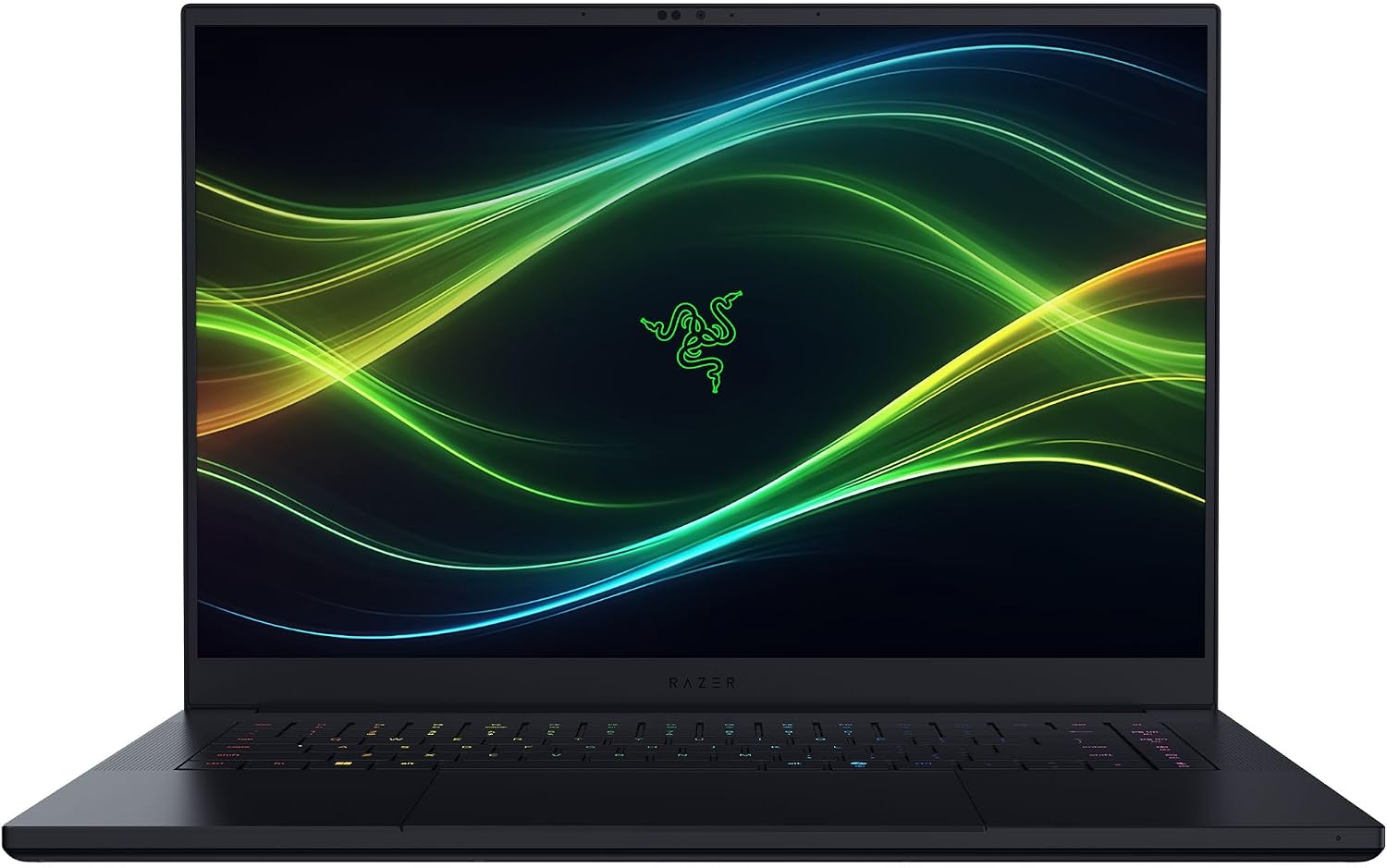
The 2026 Blade 16 pairs a Core Ultra 9 386H with RTX 5080 graphics in a 14.9mm aluminum chassis for architects who need a portable rendering machine.
Key highlights
- Intel Core Ultra 9 386H processor with 16 cores
- NVIDIA GeForce RTX 5080 Laptop GPU with 16GB GDDR7
- 16-inch 2560 x 1600 OLED display with 240Hz refresh and 100% DCI-P3 coverage
- 32GB LPDDR5X memory and 1TB PCIe 4.0 SSD
- 14.9mm CNC aluminum chassis with Thunderbolt 5, HDMI 2.1 and Wi-Fi 7
Pros
- 16GB graphics memory for GPU-heavy visualization workflows
- OLED display with broad color coverage
- Two M.2 slots allow storage expansion
Cons
- 32GB onboard memory cannot be upgraded
- 2560 x 1600 resolution rather than a 4K panel
- The included SSD is 1TB, so large asset libraries may require expansion
Who it is for: Architects who need RTX graphics and an OLED display in a slim 16-inch chassis.
Skip if
You need replaceable RAM or professional RTX PRO graphics.
Also Good
- HP ZBook Fury 16 G10 - a powerhouse workstation with pro-grade certifications.
- MSI Cyborg 15 - a budget-friendly pick for light 3D modeling.
- Dell Precision 7680 - a Core i7-13850HX workstation with 64GB RAM, a 1TB SSD and RTX 1000 6GB graphics.
- Acer Nitro V 15 (RTX 5050) - a Core i5-13420H configuration with RTX 5050 graphics, 16GB RAM and a 512GB SSD.
How to Choose
- 1.Match hardware to your software: Autodesk recommends a 3GHz or faster multi-core processor for Revit and strongly recommends a dedicated video card. Check the requirements for your exact applications before choosing a laptop.
- 2.Display quality affects decisions: Look for at least 100% sRGB coverage for decent color accuracy. Professional work benefits from 100% DCI-P3 or Adobe RGB.
- 3.Check upgrade options: Memory is fixed in the ProArt PX13, the MacBook Pro and the selected Blade 16. Choose enough RAM at purchase and verify storage expansion for the exact model.
- 4.Portability vs. power: Larger laptops (16-18 inches) offer better cooling and often more power. Smaller ones (14-15 inches) travel better.
- 5.Software compatibility check: Verify your essential software runs on your chosen platform, especially if considering macOS.
FAQ
Can I use a MacBook for architecture?
Yes, but with limitations. Many architecture programs run on macOS, but Revit and some other industry-standard tools are Windows-only. Check your specific software requirements first.
How much RAM do I really need?
16GB is the minimum for basic work. 32GB is recommended for most professional work. 64GB or more is ideal for complex BIM models and large rendering projects.
Are gaming laptops good for architecture?
Yes, often excellent. Gaming laptops typically have powerful GPUs and good cooling systems, both essential for 3D modeling and rendering work.
Should I prioritize CPU or GPU?
It depends on your applications. Autodesk recommends a 3GHz or faster processor with multiple cores for Revit and strongly recommends a dedicated video card. GPU rendering also needs enough graphics memory for your scenes, so check your renderer before deciding where to spend.
What about battery life?
Don't expect all-day battery life when running demanding applications. Most powerful laptops for architecture work get 4-6 hours under load. Plan for access to power during long work sessions.
Published January 31, 2026 Last updated September 5, 2026
Share this article
More in News
9 Best Laptops for Developers in 2026
Discover the 6 best laptops for 2026, including our top pick, the MSI Prestige 16 AI Evo. Find the perfect developer laptop for your needs and budget.
5 min read
Best High-End Laptops for 2026
MacBook Air M4 leads our 2026 high-end laptop picks. See the top 9 premium models for professionals and creators, including Dell XPS 14 and more.
3 min read
7 Best Business Laptops for Everyday Work in 2026
Discover the Dell 14 Plus and other top-rated business laptops under $1,000 for 2026. Our expert picks deliver performance and value for professionals.
5 min read
7 Best Laptops for Music Production in 2026
The best music production laptops for 2026, led by the MacBook Pro M5 Pro for power and the M5 MacBook Air for portable studios, plus a top Windows pick.
4 min read
4 Best Budget Laptops Around $300 for 2026
4 min read
Top 8 Laptops for Personal Use for 2026
5 min read
7 Best Portable Projectors for 2026
5 min read

Best Gaming Desktops for 2026
5 min read
5 Best Waterproof Android Phones for 2026
5 min read

6 Best Smartphones With Replaceable Batteries in 2026
5 min read
Best Laptops for Medical Students in 2026
5 min read
7 Best Lightweight Laptops to Consider in 2026
5 min read