If you're trading stocks, you need a laptop that won't crash during market hours. The MacBook Pro 16-inch stands out for its reliability and performance, but Windows options like the Dell 16 Premium offer broad compatibility with trading platforms. This list is for anyone who needs a machine that can handle multiple charts, real-time data, and instant execution without hesitation.
Technobezz is supported by its audience. We may get a commission from retail offers.
7 Best Laptops for Stock Trading in 2026
Discover the best laptops for stock trading in 2026. Our top pick, the MacBook Pro 16, leads for reliability and performance to handle real-time markets.
T
Technobezz
Editorial Team
Updated October 1, 2026Oct 1, 2026
•9 min read

Get Deals Like These in Your Inbox
The best prices, reviewed weekly.
At a Glance
| Category | Product | Why We Picked It |
|---|---|---|
| Best overall | MacBook Pro 16-inch | Highly reliable for professional traders |
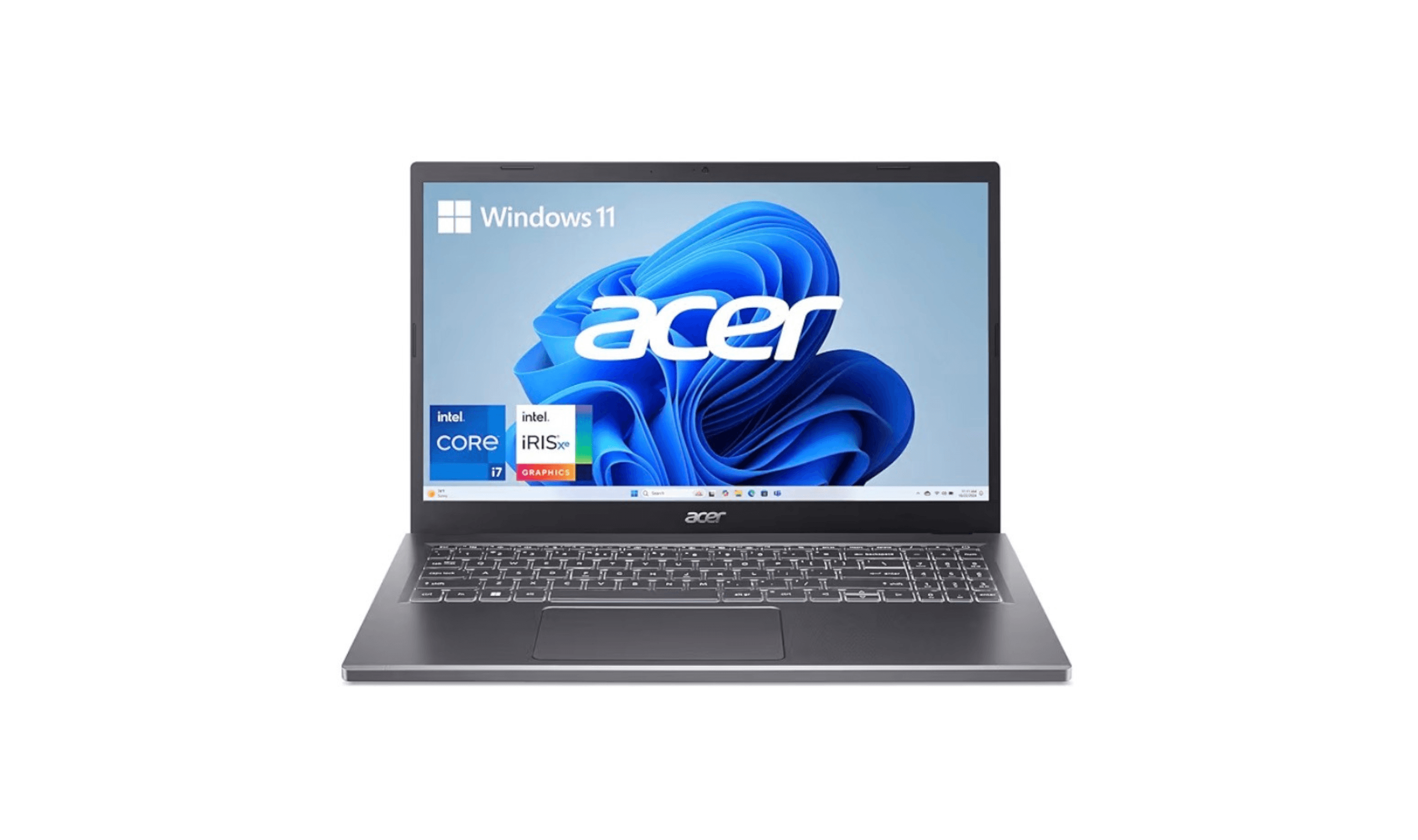
| Best value | Acer Aspire 3 | Solid performance at an affordable price |
| Best for multi-monitor setups | Dell 16 Premium (XPS 16) | Three Thunderbolt 4 ports for external displays and docks |
| Best portable option | Apple MacBook Air | Lightweight with all-day battery life |
| Best for heavy analysis | Lenovo ThinkPad P16 Gen 3 | Core Ultra 7 255HX, 32GB RAM and a 3840 x 2400 display |
| Also recommended | Lenovo ThinkPad T14 | Reliable business pick with a great keyboard |
| Also recommended | Lenovo Yoga Book 9i | Dual-screen design saves valuable desk space |
How we chose
Our selection prioritized laptops that excel at the core demands of trading. We focused on powerful processors and ample RAM for seamless multitasking, along with high-resolution displays for detailed chart analysis. Reliability during long sessions and broad compatibility with trading software were also essential criteria.
The best laptops for stock trading right now
MacBook Pro 16-inch - Best overall
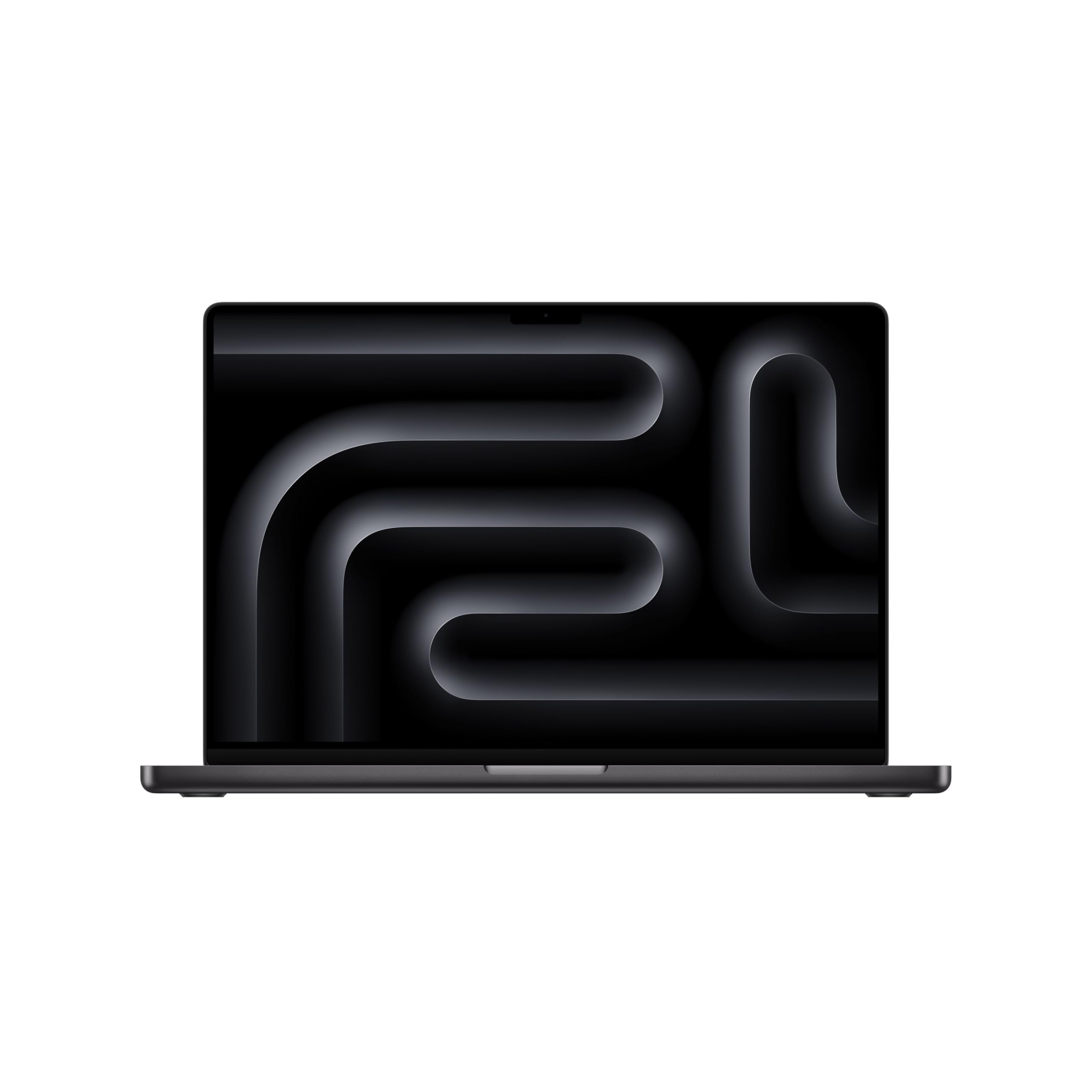
The MacBook Pro 16-inch delivers the reliability and performance that professional traders need, with exceptional battery life and color-accurate displays that make chart analysis precise.
Key highlights
- M5 Pro chip with 24GB unified memory and a 1TB SSD in the linked configuration
- Apple rates the M5 Pro model for up to 24 hours of video streaming or 17 hours of wireless web use; trading workloads will vary
- 16.2-inch Liquid Retina XDR display for viewing detailed charts
- macOS offers stability that's crucial when you can't afford system crashes
- Excellent thermal management keeps performance consistent during intense sessions
Pros
- Highly reliable for professional trading environments
- Excellent color accuracy for chart analysis
- Long battery life supports all-day trading sessions
- Quiet operation even under heavy loads
Cons
- Higher price point than Windows alternatives
- Limited compatibility with some Windows-only trading software
- Fewer customization options compared to PC laptops
Who it is for: Professional traders who prioritize reliability and performance over everything else, especially those working with macOS-compatible platforms.
Skip if
You need Windows-specific trading software or want to save money for other trading expenses.
Dell 16 Premium (XPS 16) - Best for multi-monitor setups
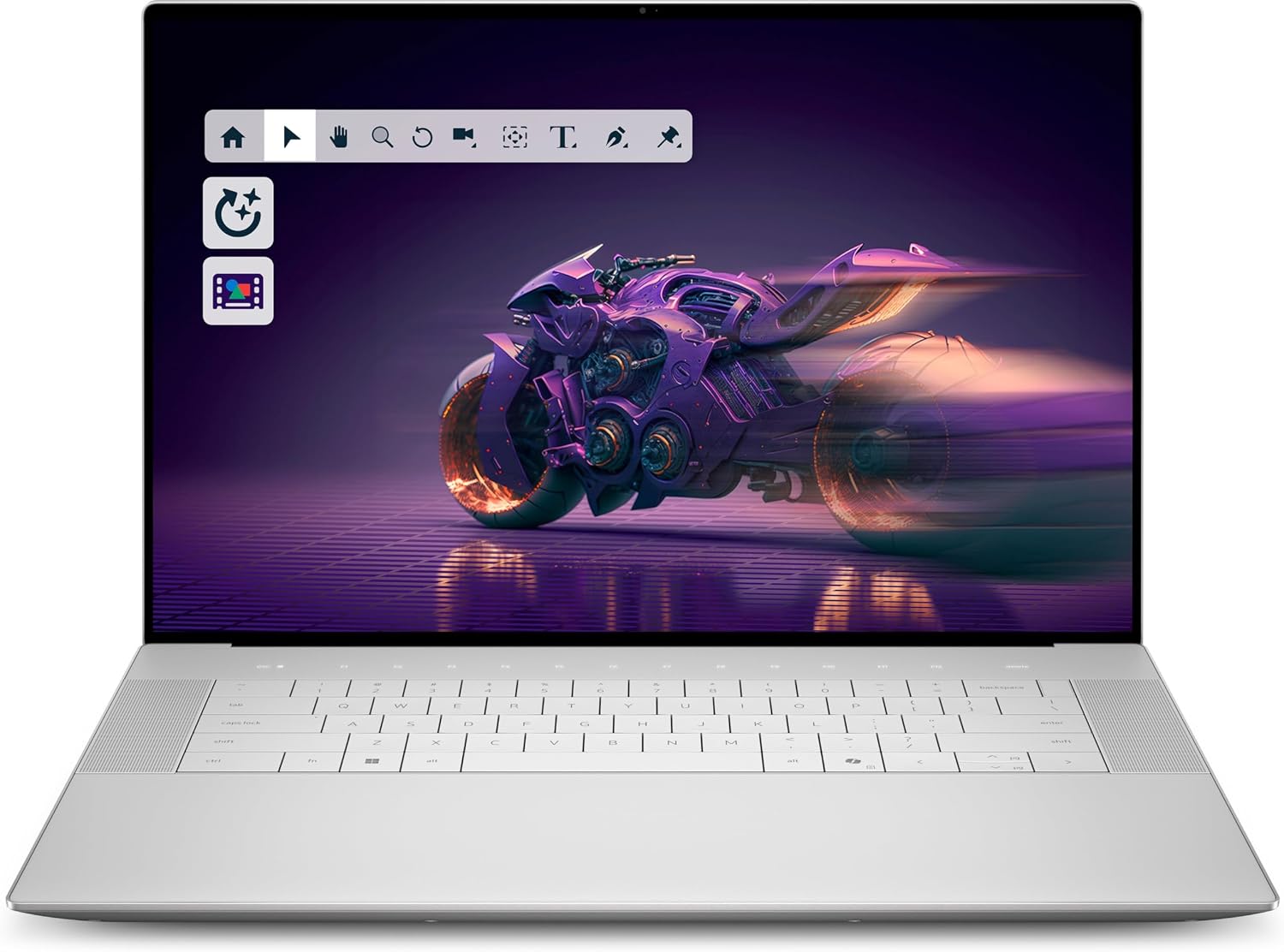
The Dell 16 Premium, sold previously as the XPS 16, combines a Core Ultra 7 255H processor, 32GB RAM and three Thunderbolt 4 ports for a Windows trading desk with external displays.
Key highlights
- Intel Core Ultra 7 255H processor
- 32GB LPDDR5X memory and a 1TB SSD
- Three Thunderbolt 4 USB-C ports with DisplayPort and Power Delivery
- 16.3-inch 2K IPS display with a 120Hz refresh rate
- NVIDIA GeForce RTX 5050 graphics and Windows 11 Home
Pros
- Three Thunderbolt ports support display adapters and docking stations
- 32GB RAM provides room for multiple trading applications
- Large built-in screen for arranging charts
Cons
- HDMI monitors require an adapter or dock
- Memory is fixed at 32GB with no option to upgrade later
- The 16.3-inch format is less compact for travel
Who it is for: Traders who work with multiple external monitors and need Windows compatibility for their trading platforms.
Skip if
You primarily trade on the go without external displays or need maximum battery life over display quality.
Acer Aspire 3 - Best value
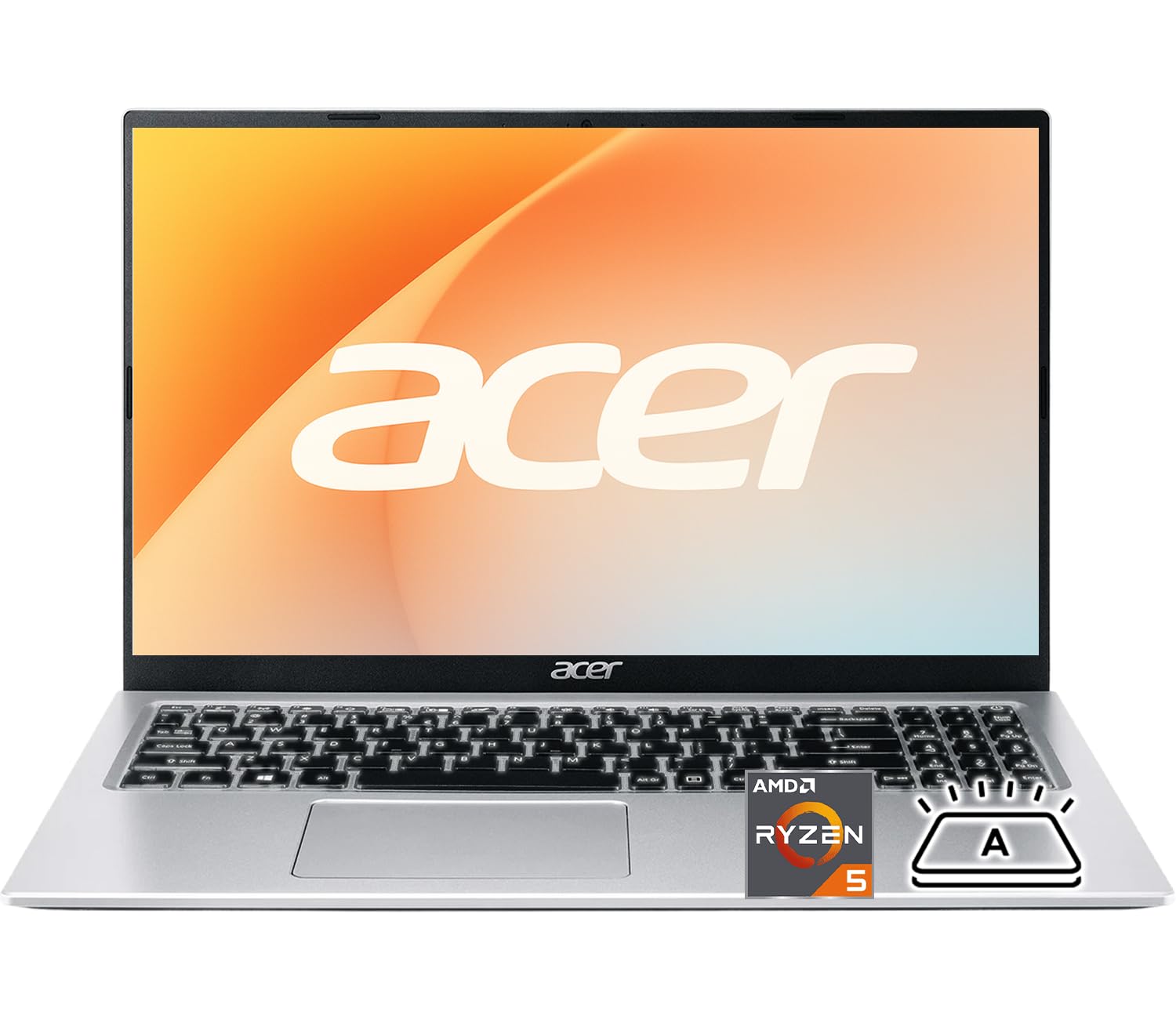
The Acer Aspire 3 proves you don't need to spend a fortune to get a capable trading laptop, offering solid performance for basic to intermediate trading needs.
Key highlights
- Affordable price point makes it accessible for new traders
- Decent performance for running trading platforms and basic analysis
- Good selection of ports for connecting peripherals
- Available with SSD storage for faster boot times
- Respectable battery life for its price category
Pros
- Excellent value for money
- Capable of handling most trading platforms
- Good port selection for accessories
- SSD options improve overall responsiveness
Cons
- Display quality isn't as sharp as premium models
- Build quality feels less premium
- Performance may struggle with very complex analysis
- Limited upgrade options
Who it is for: New traders or those on a budget who need a reliable machine without breaking the bank.
Skip if
You're running complex algorithmic trading systems or need to analyze extremely detailed charts.
Lenovo ThinkPad P16 Gen 3 - Best for heavy analysis
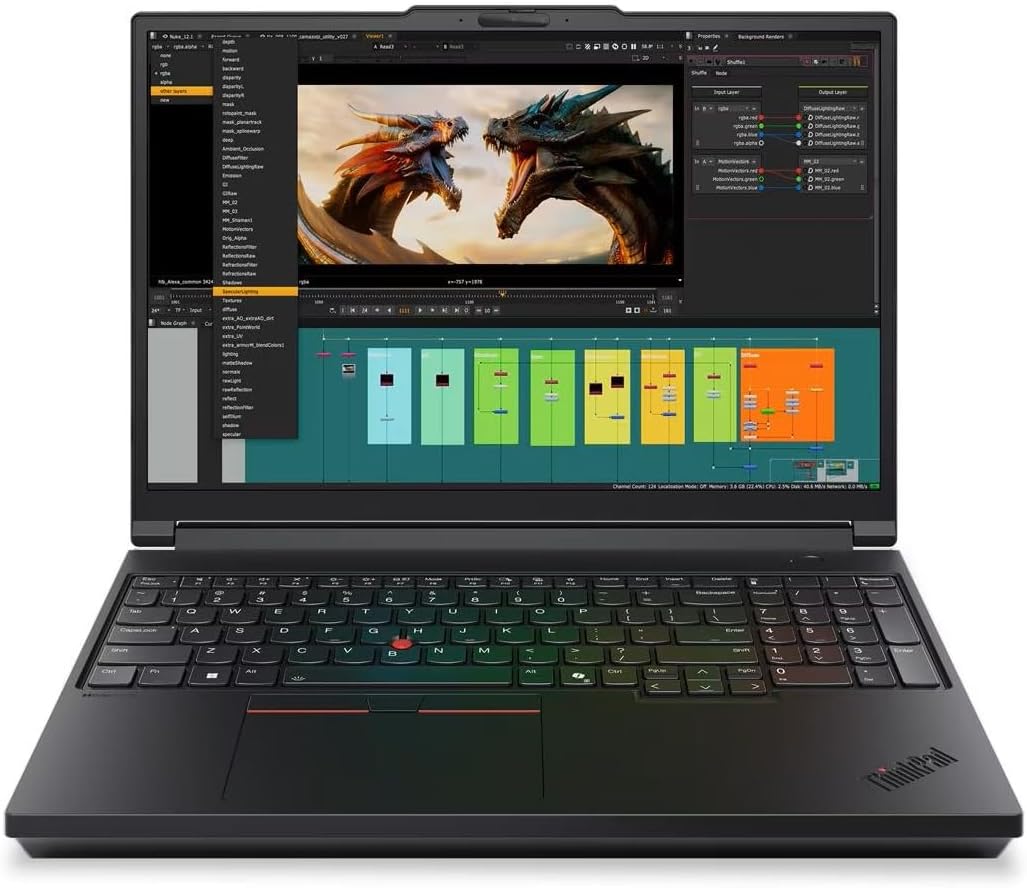
The ThinkPad P16 Gen 3 pairs a Core Ultra 7 255HX processor with 32GB RAM and RTX PRO 2000 graphics for traders running demanding analysis and simulations.
Key highlights
- Intel Core Ultra 7 255HX processor
- 32GB RAM and a 1TB SSD
- NVIDIA RTX PRO 2000 Blackwell graphics with 8GB GDDR7 memory
- 16-inch 3840 x 2400 IPS display, rated at 800 nits
- Windows 11 Pro and a backlit keyboard
Pros
- 32GB RAM for analysis and multitasking
- High-resolution display for detailed charts
- Dedicated workstation graphics for GPU-accelerated applications
Cons
- The linked display is non-touch
- Workstation graphics may be unnecessary for browser-based trading
- A 16-inch workstation is a substantial machine to carry
Who it is for: Professional traders running complex analysis, algorithmic trading systems, or data-intensive simulations.
Skip if
You're a casual trader or need something lightweight for frequent travel.
Apple MacBook Air - Best portable option
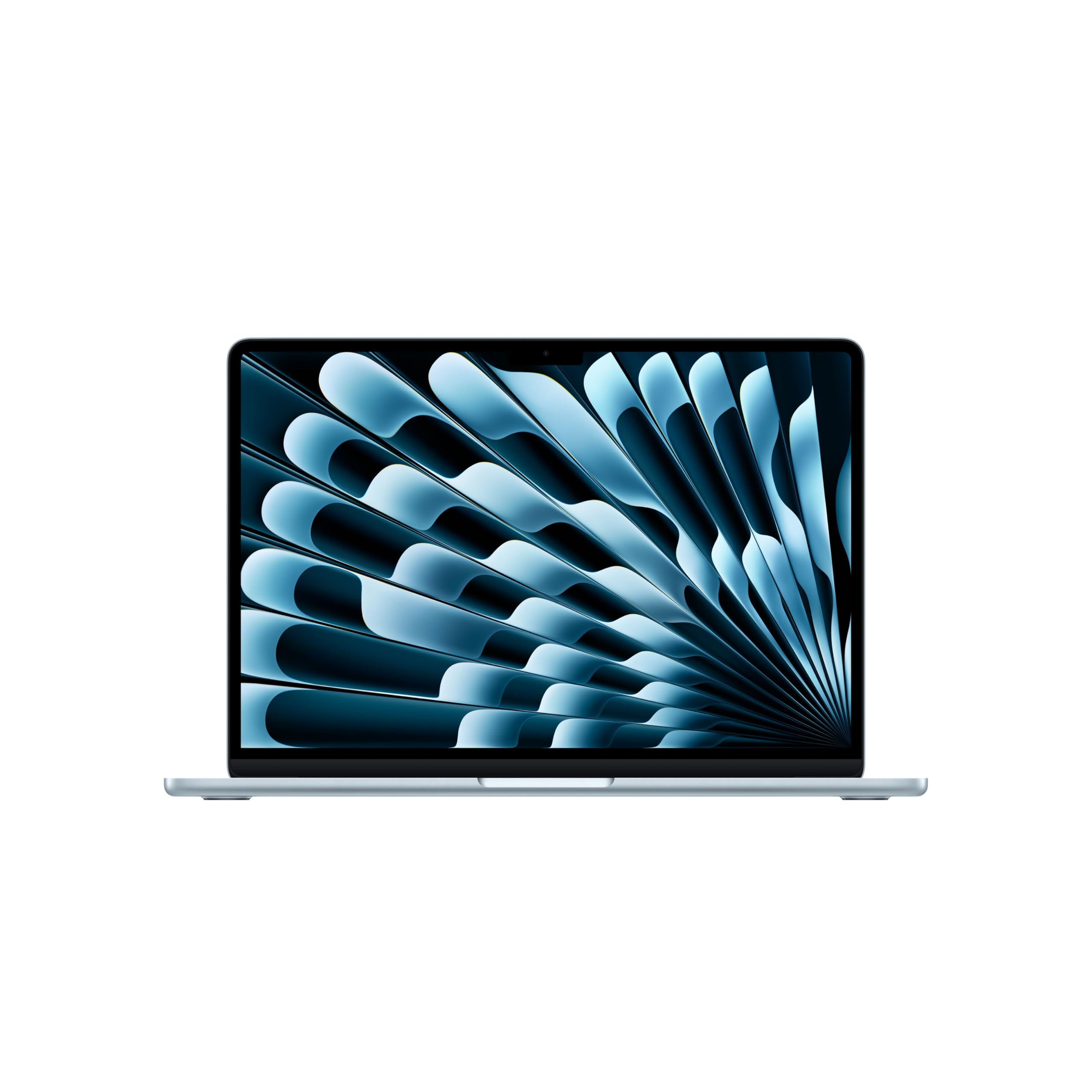
The MacBook Air combines portability with enough power for most trading tasks, making it perfect for traders who need to work from different locations.
Key highlights
- Extremely lightweight and portable design
- All-day battery life supports trading sessions anywhere
- M-series chips provide excellent performance per watt
- Silent operation with no fans to distract during trading
- High-quality Retina display for clear chart viewing
Pros
- Unbeatable portability and battery life
- Excellent performance for general trading tasks
- Silent operation ideal for focused trading environments
- Premium build quality in lightweight package
Cons
- Limited to two external displays
- Not as powerful as MacBook Pro for heavy analysis
- Fewer ports than some Windows alternatives
- Higher price than similarly specced Windows laptops
Who it is for: Traders who frequently work from coffee shops, co-working spaces, or while traveling.
Skip if
You need to connect to more than two external monitors or run extremely resource-intensive analysis.
Also Good
- Lenovo ThinkPad T14 - reliable business pick with a great keyboard. Check Price on Lenovo
- Lenovo Yoga Book 9i - dual-screen design saves valuable desk space. Check Price on Lenovo
How to Choose
Your trading style determines which laptop features matter most. Consider these factors before deciding:
- 1.Trading platform compatibility: Check if your preferred trading software runs on macOS or requires Windows. Some platforms have limited Mac support.
- 2.Multi-monitor needs: If you use multiple external displays, prioritize laptops with strong graphics and sufficient video outputs. Thunderbolt 4 ports can help drive multiple high-resolution monitors.
- 3.Performance requirements: Basic charting needs less power than algorithmic trading or complex backtesting. Match the processor and RAM to your actual workload.
- 4.Portability vs. power: Traders on the move need battery life and lightweight designs, while desktop replacements can prioritize performance and cooling.
- 5.Budget allocation: Consider how much of your trading capital should go toward equipment versus actual trading. Sometimes a mid-range laptop leaves more money for positions.
FAQ
What's the minimum RAM needed for stock trading?
Most trading platforms run fine on 8GB, but 16GB is recommended for smooth multitasking with multiple charts and applications. Professional traders running complex analysis should consider 32GB or more.
Do I need a dedicated graphics card for trading?
Integrated graphics like Intel Iris Xe or AMD Radeon Vega are generally sufficient for trading. Dedicated graphics only become necessary for advanced chart visualization or if you're also using the laptop for gaming.
How important is screen quality for trading?
A good display helps reduce eye strain during long sessions and makes chart details clearer. Look for at least Full HD resolution, and consider higher resolutions or anti-glare coatings if you trade in bright environments.
Can I use a MacBook for trading?
Yes, as long as your trading platform supports macOS. Many popular platforms have Mac versions, but some Windows-only software may require workarounds like virtualization.
What about battery life for trading on the go?
Look for laptops with at least 8-10 hours of battery life if you trade away from outlets. Remember that running multiple applications and high screen brightness will reduce actual battery life.
Published February 1, 2026 Last updated October 1, 2026
Share this article
More in News
6 Best Laptops for Teachers in 2026
Discover the best laptops for teachers in 2026, led by the top pick Asus Zenbook 14 OLED. Compare top models for performance, value, and battery life.
4 min read

Best Digital Notebooks for 2026
Supernote A5 X2 Manta leads our picks for the best digital notebooks of 2026, balancing superior writing feel with digital versatility.
4 min read
9 Best Laptops for Programming and Coding in 2026
The MSI Prestige 16 AI Evo leads our 2026 picks for programming and coding, from MacBooks for iOS work to ThinkPads for Linux.
5 min read
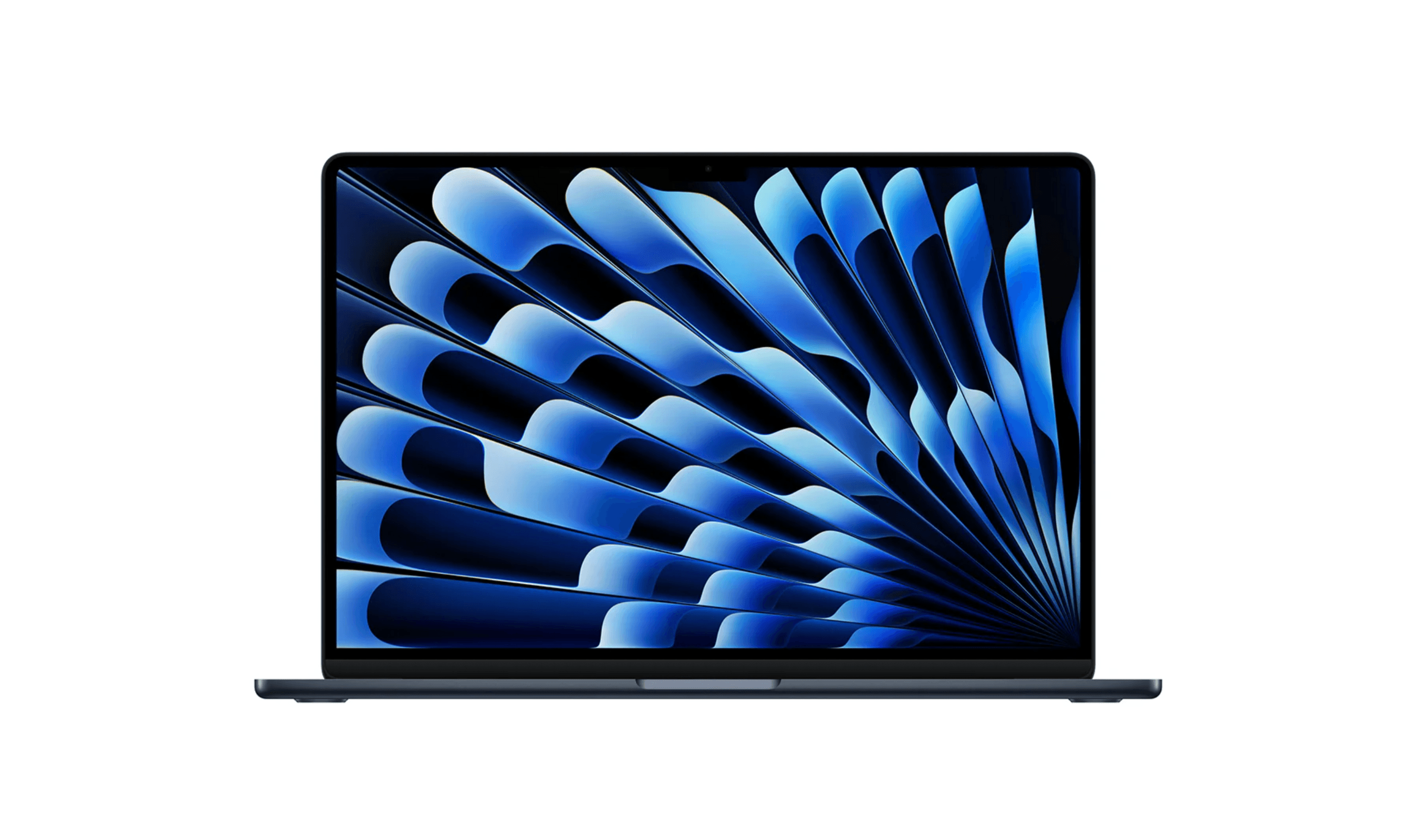
Top 8 Laptops for Writers for 2026
Discover the best laptops for writers in 2026. Our top pick is the Apple MacBook Air M4 for its excellent keyboard and all-day battery.
3 min read
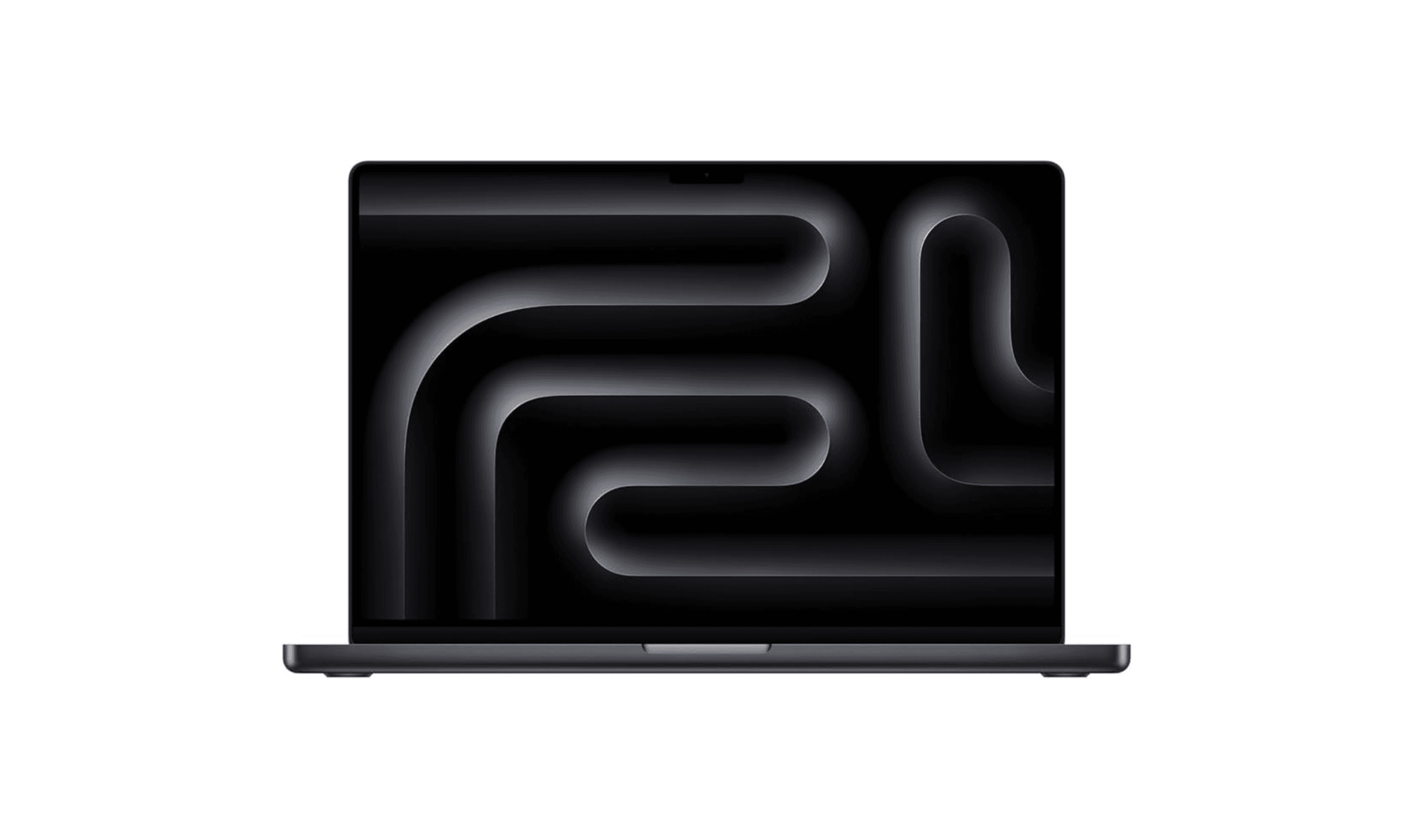
7 Best Laptops for Music Production in 2026
4 min read
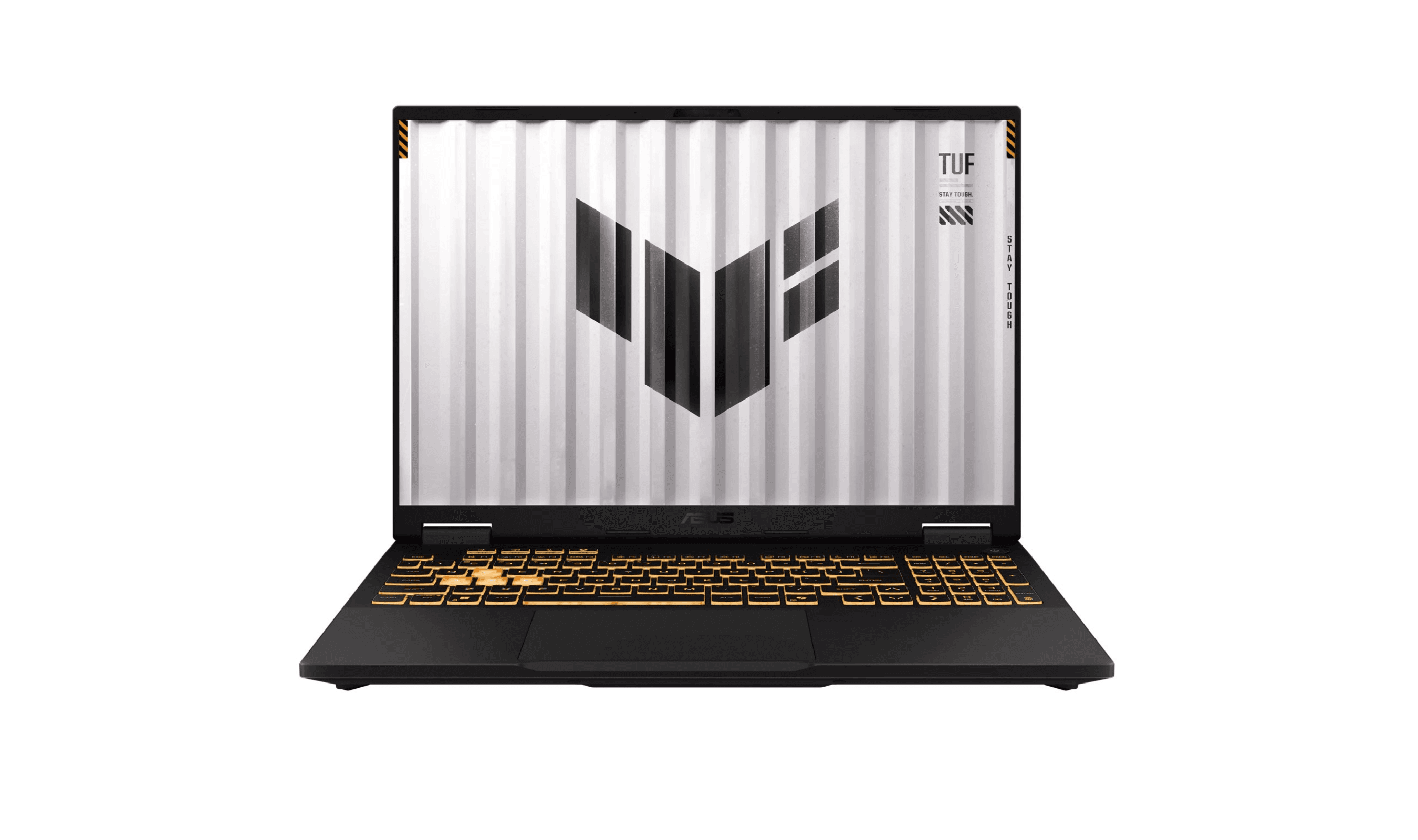
The 9 Best Laptops for Architects of 2026
3 min read
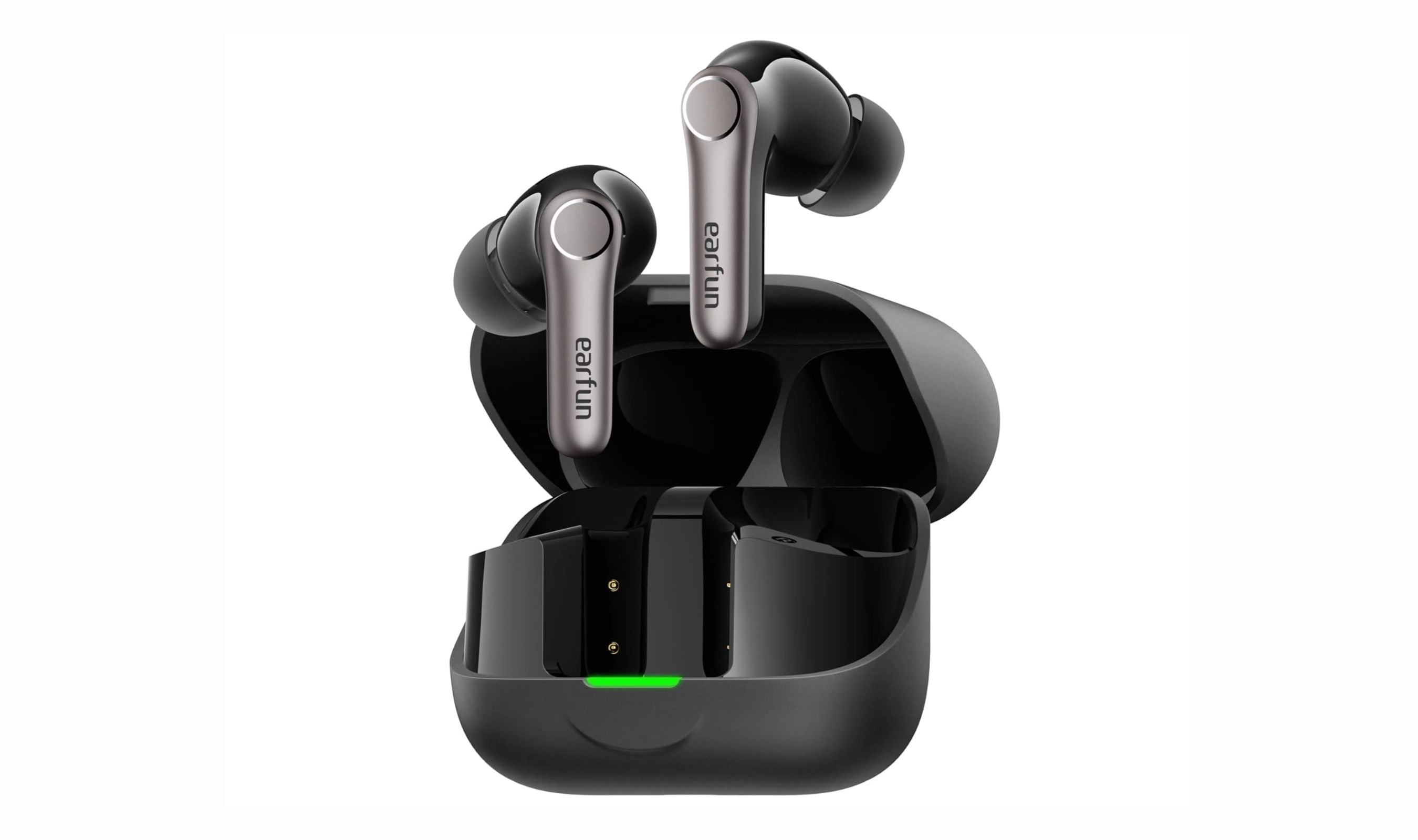
Best Wireless Earbuds Under $100 for 2026
5 min read
8 Best Wireless Chargers for 2026
4 min read
6 Best Smart Toasters for 2026
4 min read

7 Best Digital Photo Frames for 2026
3 min read
7 Best Mice for Photo Editing in 2026
3 min read
8 Best Laptops for Home Use in 2026
4 min read