If you need serious computing power for gaming, creative work, or professional tasks, a high-performance desktop is still the way to go. After testing and reviewing current models, I've found the Dell Tower Plus offers the best balance of power and expandability for most people. This list is for anyone who needs more muscle than a laptop can provide, whether you're rendering video, playing demanding games, or running complex simulations.
Technobezz is supported by its audience. We may get a commission from retail offers.
Top 7 High-Performance Desktops for Every Budget (2026)
The best high-performance desktops in 2026, from the expandable Dell Tower Plus and Apple Mac mini M4 to budget and gaming picks for every workload.
T
Technobezz
Senior Editor
Updated June 15, 2026Jun 15, 2026
•7 min read

Get Deals Like These in Your Inbox
The best prices, reviewed weekly.
At a Glance
| Category | Product | Why We Picked It |
|---|---|---|
| Best overall | Dell Tower Plus | For its excellent expandability and clean design |
| Best value | Acer Aspire TC-1775-UR11 | For solid performance at a budget-friendly price |
| Best for creative work | Apple Mac mini M4 | For incredible performance in a tiny package |
| Best gaming desktop | Velocity Micro Raptor Z55a | For serious gaming without compromise |
| Also recommended | CyberPowerPC Gamer Xtreme | A solid budget gaming pick with good looks |
| Also recommended | Lenovo IdeaCentre AIO 27 | Great all-in-one with a 27-inch QHD touchscreen |
| Also recommended | Apple iMac 24-inch (M4) | Sleek all-in-one Mac with a brilliant display |
How we chose and tested
We looked at dozens of desktops and prioritized systems with good upgrade paths, reliable components, and practical designs that work in real office or home setups.
The best high-performance desktops right now
Dell Tower Plus - Best overall
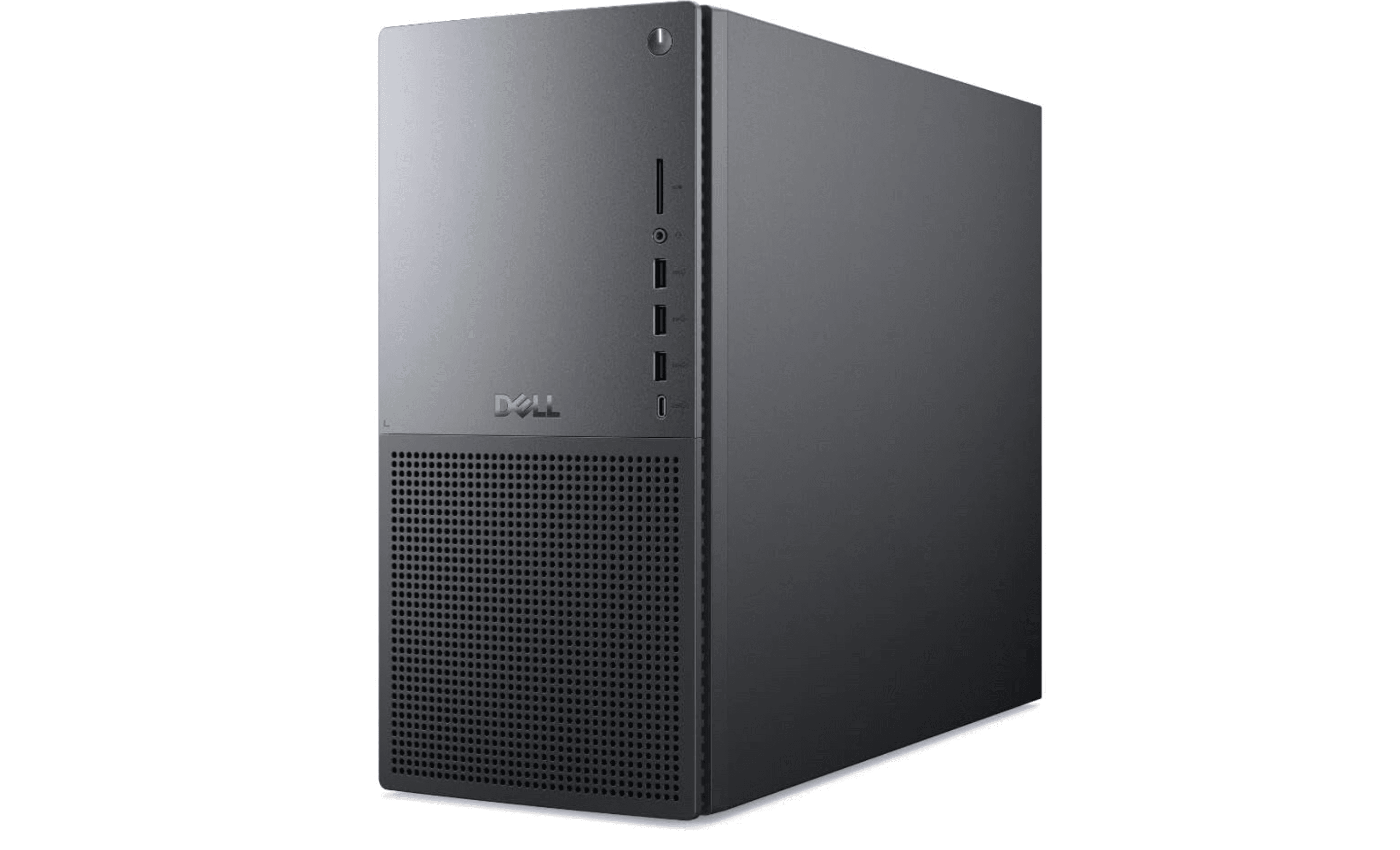
This Windows desktop nails the balance between performance and practicality, offering clean looks with serious upgrade potential under the hood.
Key highlights
- Highly configurable with options from basic productivity to high-end gaming
- Clean, professional design that fits in any workspace
- Excellent expandability for future upgrades
- Good port selection including front USB-C and headphone jack
- Quiet operation even under load
Pros
- Can be configured to match exactly what you need
- Plenty of room for adding more storage or upgrading components
- Discreet appearance that doesn't scream "gaming PC"
- Solid build quality from a reliable manufacturer
Cons
- Some base configurations ship with Linux instead of Windows
- Included keyboard and mouse are fairly basic
- Not the smallest desktop if space is extremely limited
Who it is for: Anyone who wants a reliable, expandable Windows desktop that can grow with their needs, from office work to creative projects to gaming.
Skip if
You need something extremely compact or want an all-in-one with built-in display.
Apple Mac mini M4 - Best for creative work
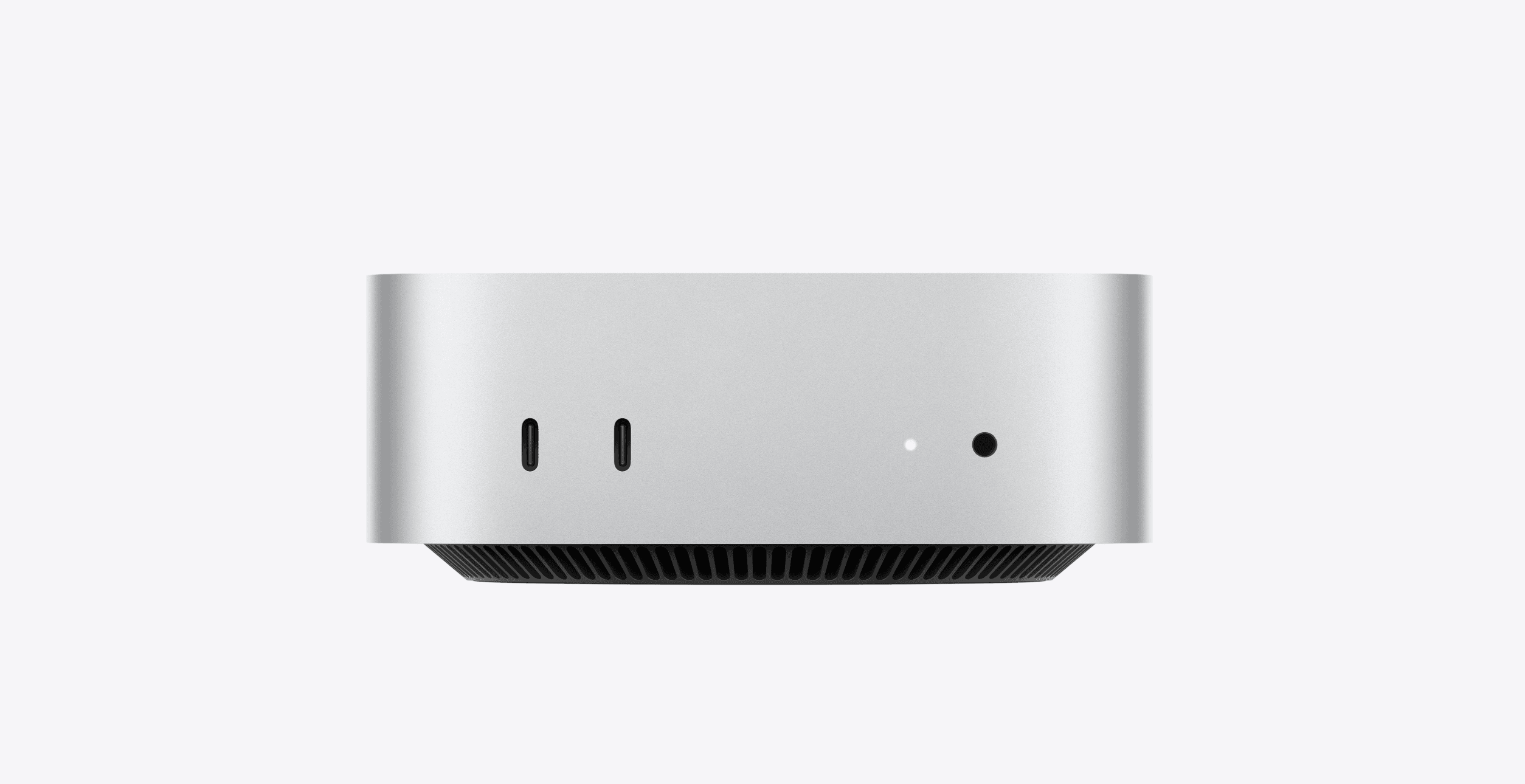
Apple's tiny powerhouse delivers surprising performance in a package smaller than most books, making it ideal for creative professionals.
Key highlights
- Incredibly compact design that saves desk space
- Apple M4 chip provides excellent performance for creative apps
- Whisper-quiet operation even under heavy loads
- Front USB-C ports for easy peripheral access
- Great value for the performance offered
Pros
- Amazing performance in a tiny package
- Works seamlessly with other Apple devices
- Very quiet operation
- Lower starting price than many comparable Macs
Cons
- Limited upgrade options after purchase
- Gaming performance lags behind Windows PCs
- Power button placement on the bottom is awkward
Who it is for: Creative professionals, Apple ecosystem users, and anyone who needs strong performance in minimal space.
Skip if
You play modern PC games regularly or want extensive upgrade options.
Velocity Micro Raptor Z55a - Best gaming desktop
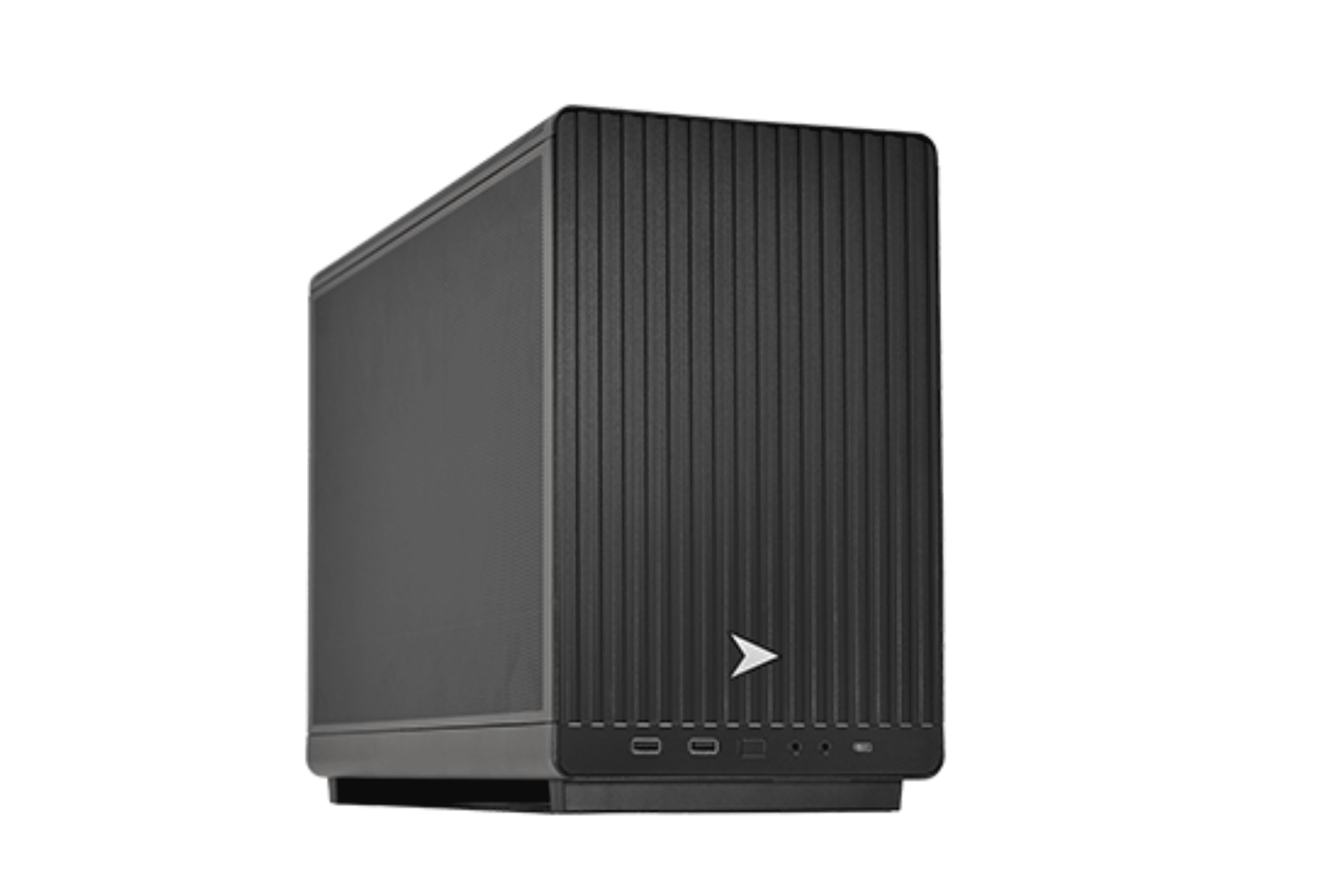
This micro-tower packs serious gaming power into a relatively compact form factor, with plenty of configuration options to match your budget.
Key highlights
- Powerful components optimized for gaming performance
- Compact micro-tower design saves space
- Many configuration options available
- Clean, professional appearance
- Good thermal management for sustained performance
Pros
- Excellent gaming performance for the size
- Can be configured to match your exact needs and budget
- Doesn't look overly "gamer-y" for office or living room use
- Good build quality from a specialized manufacturer
Cons
- Higher-end configurations get expensive quickly
- Limited internal space compared to full towers
- May require careful component selection for optimal cooling
Who it is for: Gamers who want strong performance without a massive tower, or anyone who needs gaming capabilities in a more discreet package.
Skip if
You need maximum expandability or plan to frequently upgrade components.
Acer Aspire TC - 1775-UR11 - Best value
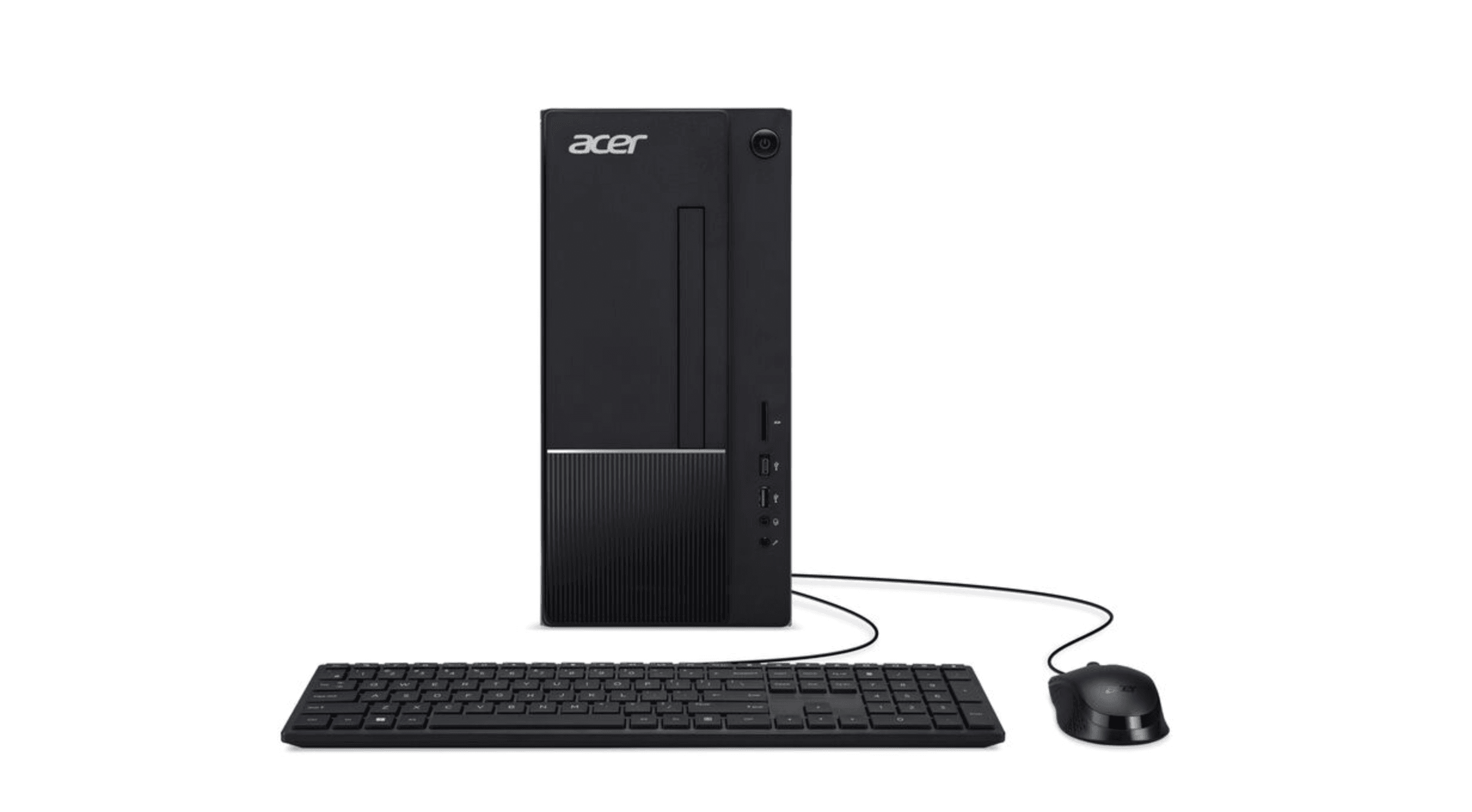
For those who need solid performance without breaking the bank, this Acer desktop offers modern features at a budget-friendly price.
Key highlights
- Affordable price point with good performance
- Modern components suitable for everyday tasks
- Some room for basic upgrades
- Clean, simple design
- Good connectivity options
Pros
- Excellent value for the money
- Capable of handling everyday computing tasks easily
- Modern ports and connectivity
- Reliable performance for the price
Cons
- Limited upgrade potential compared to higher-end models
- Not suitable for demanding gaming or creative work
- Build quality reflects the budget price point
Who it is for: Budget-conscious buyers, students, or anyone who needs a reliable desktop for basic computing without unnecessary features.
Skip if
You need high-end gaming performance or plan to run demanding professional applications.
Also Good
- CyberPowerPC Gamer Xtreme - a solid budget gaming pick with good looks.
- Lenovo IdeaCentre AIO 27 - great all-in-one with a 27-inch QHD touchscreen.
- Apple iMac 24-inch (M4) - sleek all-in-one Mac with a brilliant display.
How to Choose
Consider these factors when picking your high-performance desktop:
Form factor matters: Full towers offer the most expandability but take up space. Micro-towers balance size and capability. Mini PCs save space but limit upgrades. All-in-ones include the display but are harder to upgrade.
Processor power: For general use, Intel Core i5/Ultra 5 or AMD Ryzen 5 is sufficient. Creative work benefits from Core i7/Ultra 7 or Ryzen 7. Serious gaming and professional work may need Core i9/Ultra 9 or Ryzen 9.
Graphics needs: Integrated graphics work for basic tasks. Dedicated graphics cards (Nvidia RTX or AMD Radeon) are essential for gaming, video editing, and 3D work. Match your GPU to your monitor's resolution and refresh rate.
Upgrade potential: Consider how much you might want to upgrade later. More RAM slots, extra drive bays, and accessible components make future improvements easier and cheaper.
Operating system: Windows offers the widest software compatibility and gaming support. macOS excels in creative applications and ecosystem integration. Choose based on your software needs and personal preference.
FAQ
Is a desktop still better than a laptop for performance?
Yes, desktop components don't face the same power and thermal constraints as laptop parts, so you get more performance for your money. Desktops also offer better upgrade options over time.
How much RAM do I really need?
For general use, 16GB is plenty. Gamers and multitaskers should consider 32GB. Creative professionals running demanding applications may need 64GB or more.
Should I get an SSD or hard drive?
Always get an SSD for your main drive - it makes everything faster. You can add a hard drive later for bulk storage if you need lots of space for media files.
What about cooling and noise?
Higher-performance systems need better cooling. Look for systems with good thermal design if you'll be pushing your desktop hard. Many modern systems stay reasonably quiet even under load.
How long should a high-performance desktop last?
With good components and proper care, 5-7 years is reasonable. You can extend this by upgrading key components like RAM, storage, or graphics cards along the way.
Published February 5, 2026 Last updated June 15, 2026
Share this article
More in News
9 Best Computer Chairs for 2026
The 9 best computer chairs for 2026, from the premium Secretlab Titan Evo to the budget Ticova Ergonomic and Herman Miller Aeron, picked for all-day comfort.
5 min read
9 Best Desktops Under $1500 for 2026
The best desktops under $1500 for gaming, work, and compact setups. Our top pick is the CyberPowerPC Gamer Xtreme VR with an RTX 5060, plus value and mini picks.
3 min read
5 Best All-in-One Desktops for 2026
Our top all-in-one desktops for 2026, led by the Apple iMac M4. Plus the best Windows AIOs from Lenovo, HP, and Dell from around $870 to $2,300.
3 min read
3 Best Computers for AutoCAD in 2026
Discover the best computers for AutoCAD in 2026. Our top pick is the powerful ASUS ProArt P16 for architects and engineers.
3 min read
Best Computer Speakers for 2026
3 min read
Best Mini PCs for 2026
3 min read
JBL Clip 5 Bluetooth Speaker is $49.95 at Woot
3 min read
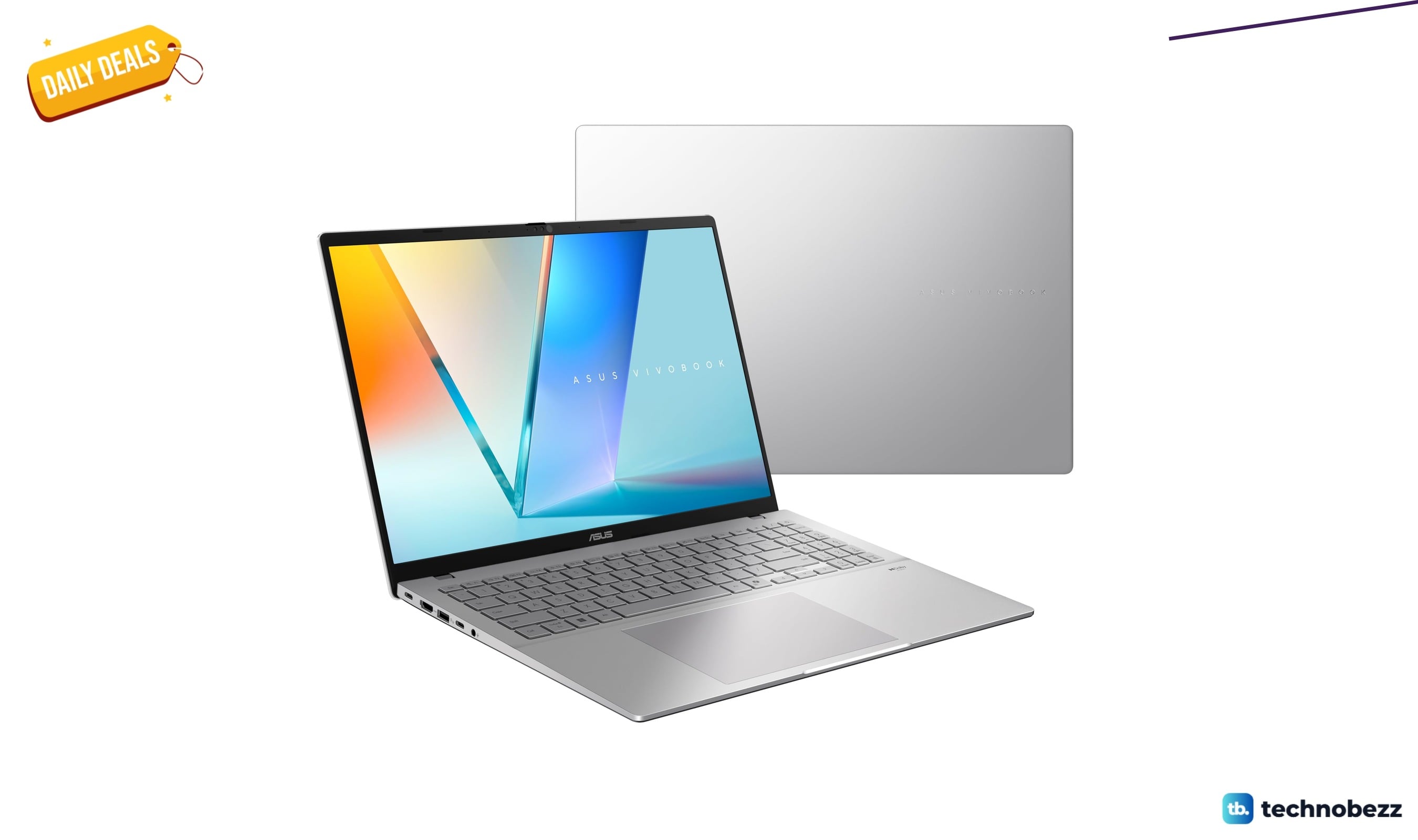
ASUS Vivobook S16 16-inch price drops to $1159.99
3 min read
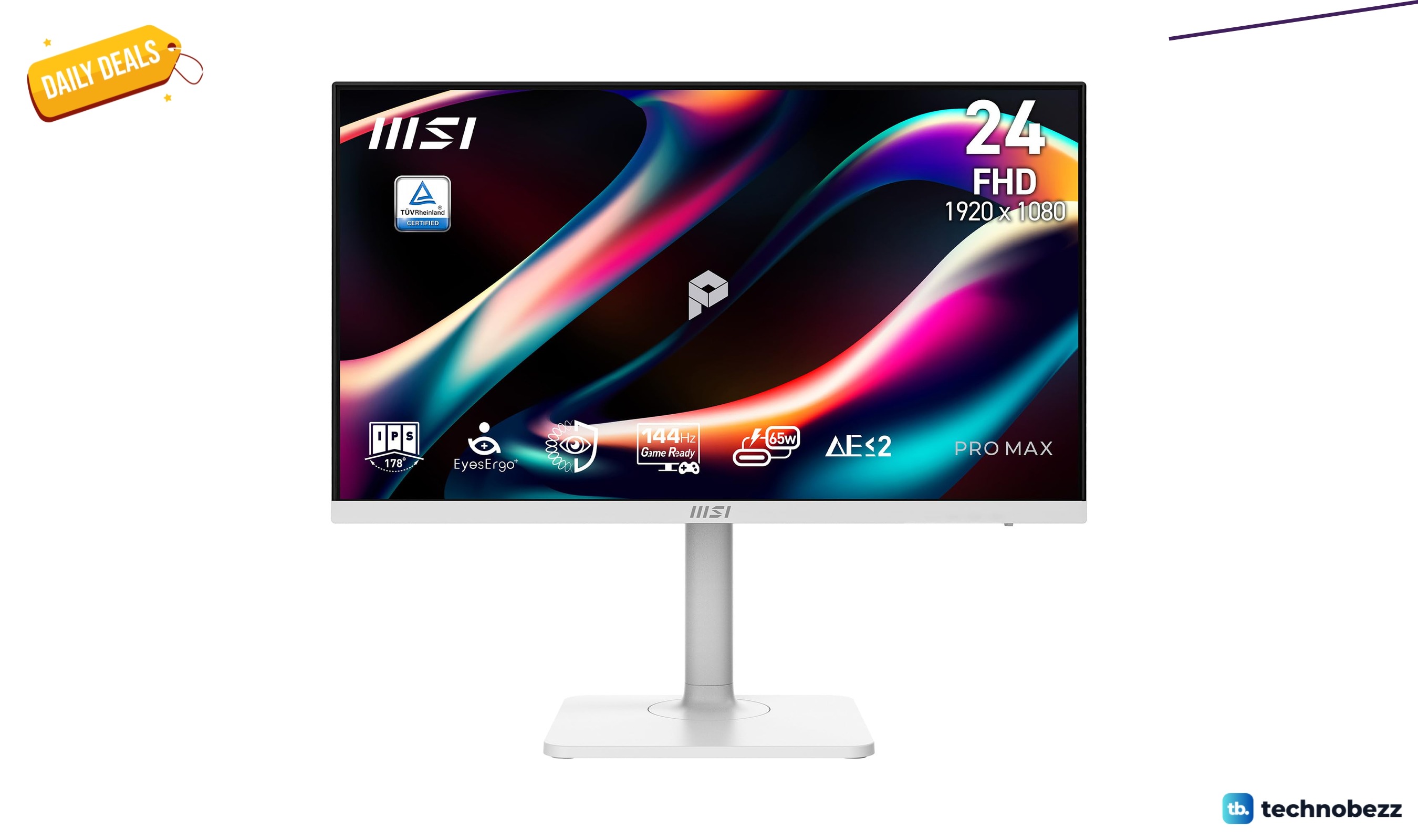
msi PRO MAX 271PHW E14 IPS 1920 now $169.99, down from $199.99
5 min read
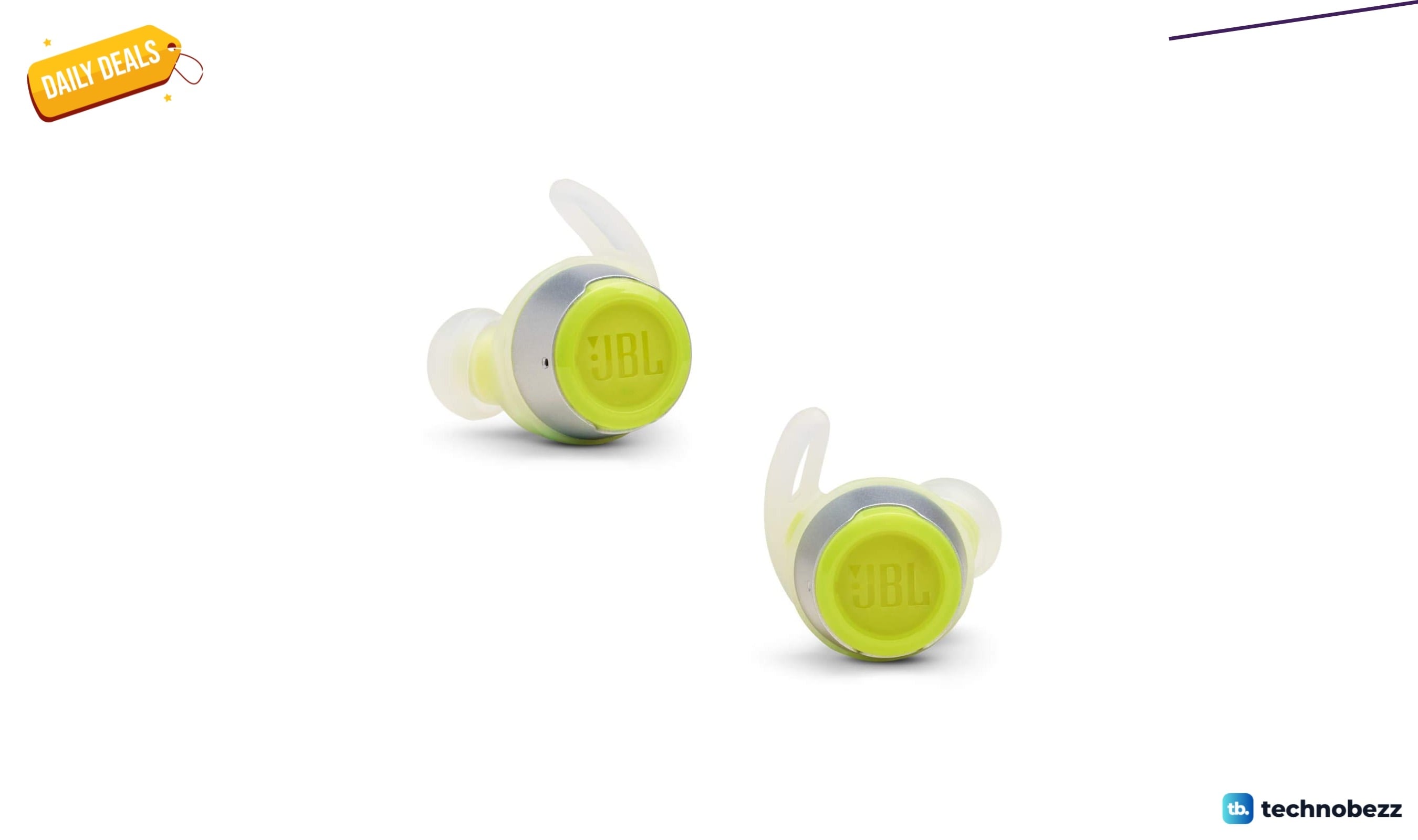
JBL Reflect Flow Wireless Sport Earbuds Green now $93.66, down from $112.88
4 min read
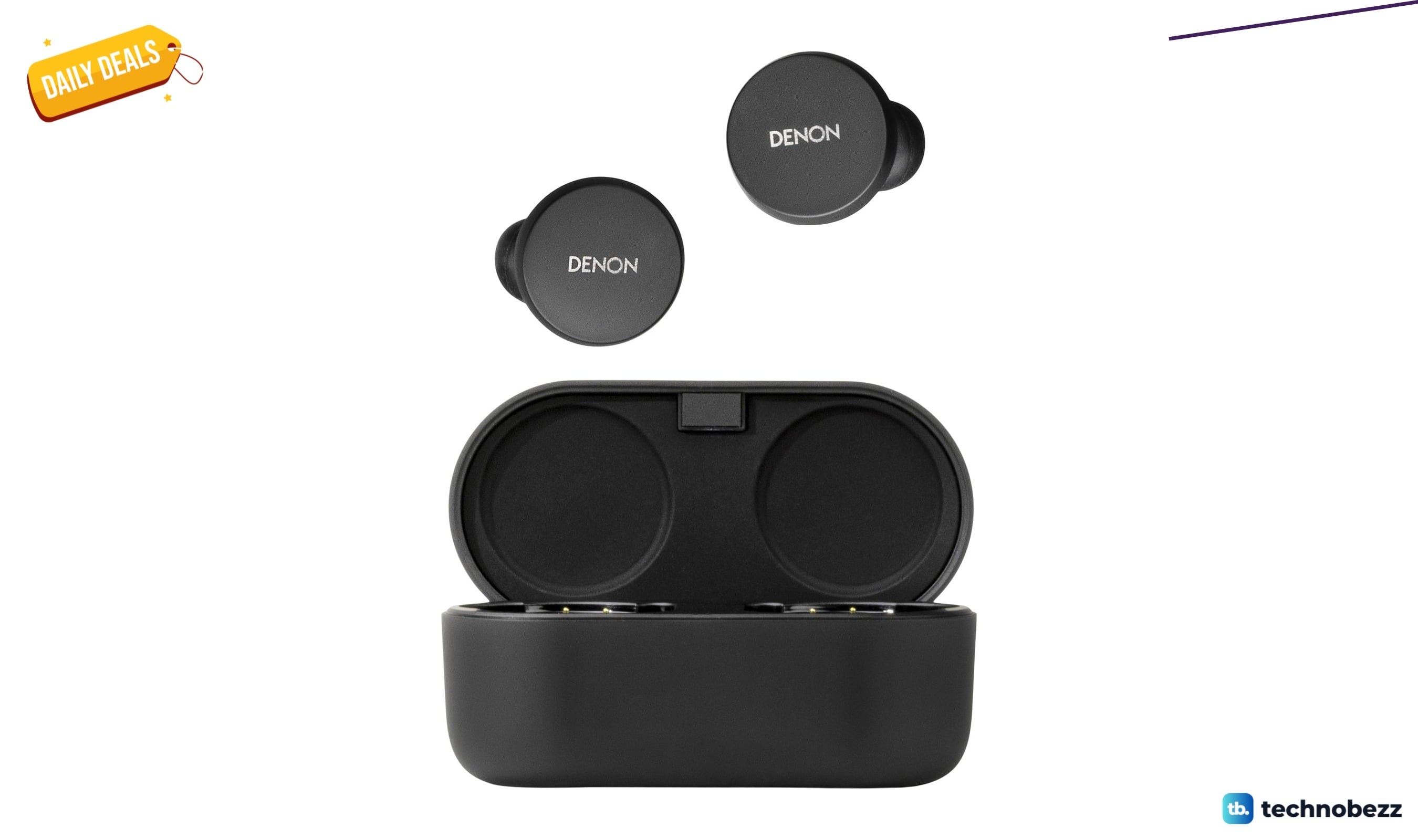
Denon PerL True Wireless Earbuds, 24Hr Battery discounted to $119.76
5 min read
Samsung Class QN80H Series, Neo QLED Mini sees price cut to $1499.99
4 min read