If you're tired of editing photos with a mouse or want more portable options, tablets have become surprisingly capable. The best ones now offer laptop-level power with intuitive touch and stylus controls. Our top pick balances performance and price, but we've found strong options for every workflow.
Technobezz is supported by its audience. We may get a commission from retail offers.
8 Best Tablets for Photo Editing in 2026
Discover the best tablets for 2026, featuring our top pick, the Apple iPad Air M2. Find the perfect device for photo editing, drawing, and productivity.
T
Technobezz
Editorial Team
Updated October 1, 2026Oct 1, 2026
•7 min read

Get Deals Like These in Your Inbox
The best prices, reviewed weekly.
At a Glance
| Category | Product | Why We Picked It |
|---|---|---|
| Best overall | Apple iPad Air M4 (2026) | M4 performance, a 13-inch P3 display, and Pencil Pro support |
| Best for professionals | Apple iPad Pro M5 (2025) | Tandem OLED display, M5 chip, and Thunderbolt connectivity |
| Best Windows option | Microsoft Surface Pro (2025) | Desktop Photoshop and Lightroom, with ARM compatibility caveats |
| Best Android tablet | Samsung Galaxy Tab S11 Ultra | Large screen with S Pen included |
| Best drawing tablet | Wacom Intuos Pro Medium | Precision for serious retouching |
| Also recommended | Xencelabs Pen Tablet Medium Bundle v2 | A premium Wacom alternative packed with accessories |
| Also recommended | Lenovo Idea Tab Pro | 12.7-inch 3K LCD with an included pen and folio case |
| Also recommended | Amazon Fire Max 11 | Solid budget pick for basics, but apps are limited |
How we chose
We evaluated tablets for photo editing based on display color accuracy, brightness, stylus precision, and editing app compatibility.
Our assessment considered color gamut coverage, pen latency, layer handling performance, storage speed for large files, and support for external drives and accessories.
We prioritized tablets that make retouching and color work fast, accurate, and consistent.
The best tablets for photo editing right now
Apple iPad Air M4 (2026) - Best overall
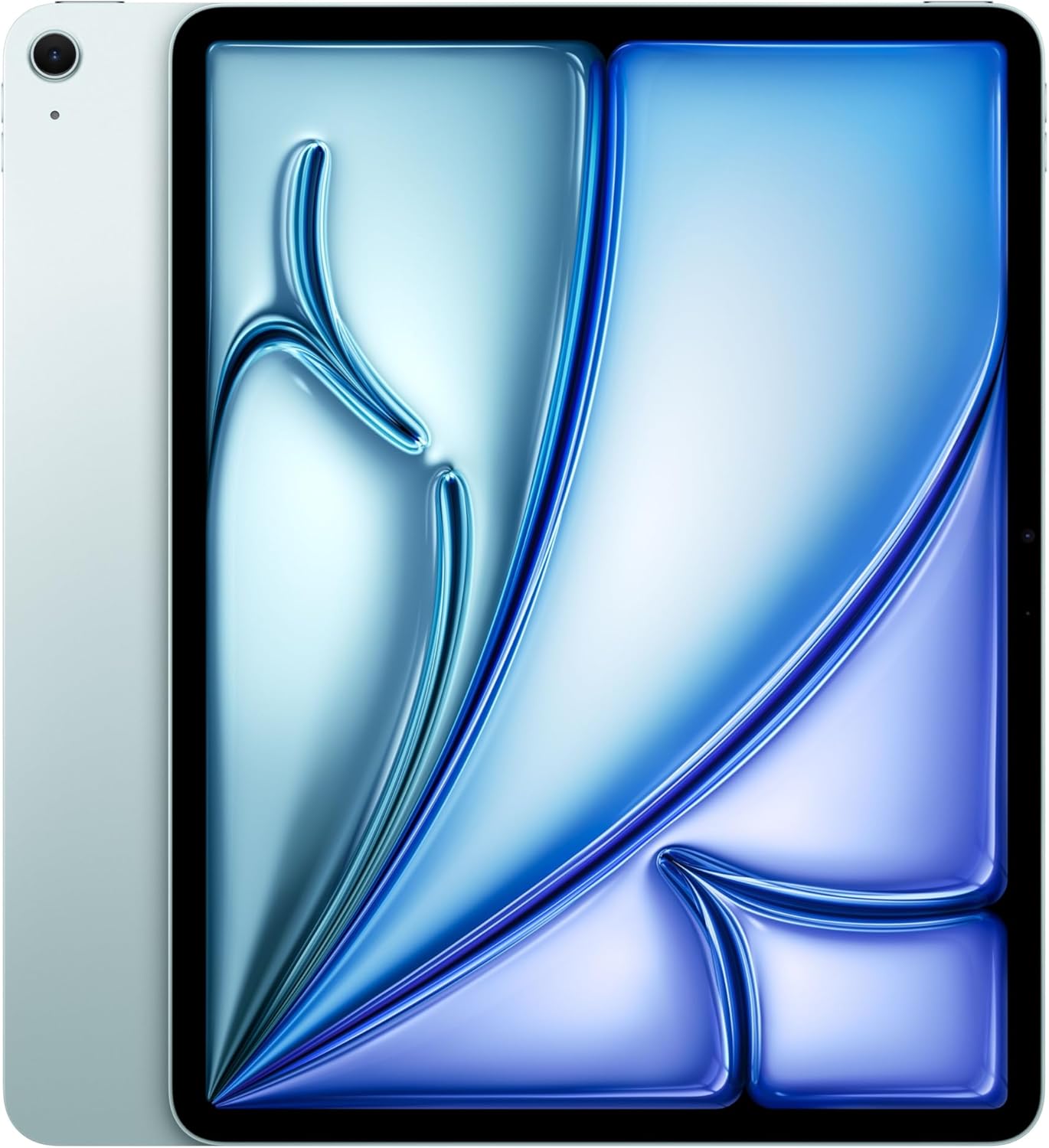
The 13-inch iPad Air pairs the M4 chip with a Liquid Retina display and Apple Pencil Pro support. Its large screen and flexible iPadOS windows make it a practical choice for portable photo editing.
Key highlights
- M4 chip with 12GB of unified memory
- 13-inch Liquid Retina display with P3 wide color and 600-nit brightness
- 128GB storage in the linked Wi-Fi model
- Supports Apple Pencil Pro and Apple Pencil (USB-C), sold separately
- Wi-Fi 7 with the Apple N1 wireless chip
Pros
- Large P3 display for viewing and editing photos
- 12GB of memory for multitasking
- Pencil Pro support for precise input
- Resizable app windows in iPadOS
Cons
- Apple Pencil and Magic Keyboard are sold separately
- LCD display rather than OLED
- The linked configuration has 128GB of storage
Who it is for: Photographers who want a large-screen iPad for portable editing and stylus work.
Skip if
You need full desktop Photoshop or prefer Android/Windows ecosystems.
Apple iPad Pro M5 (2025) - Best for professionals
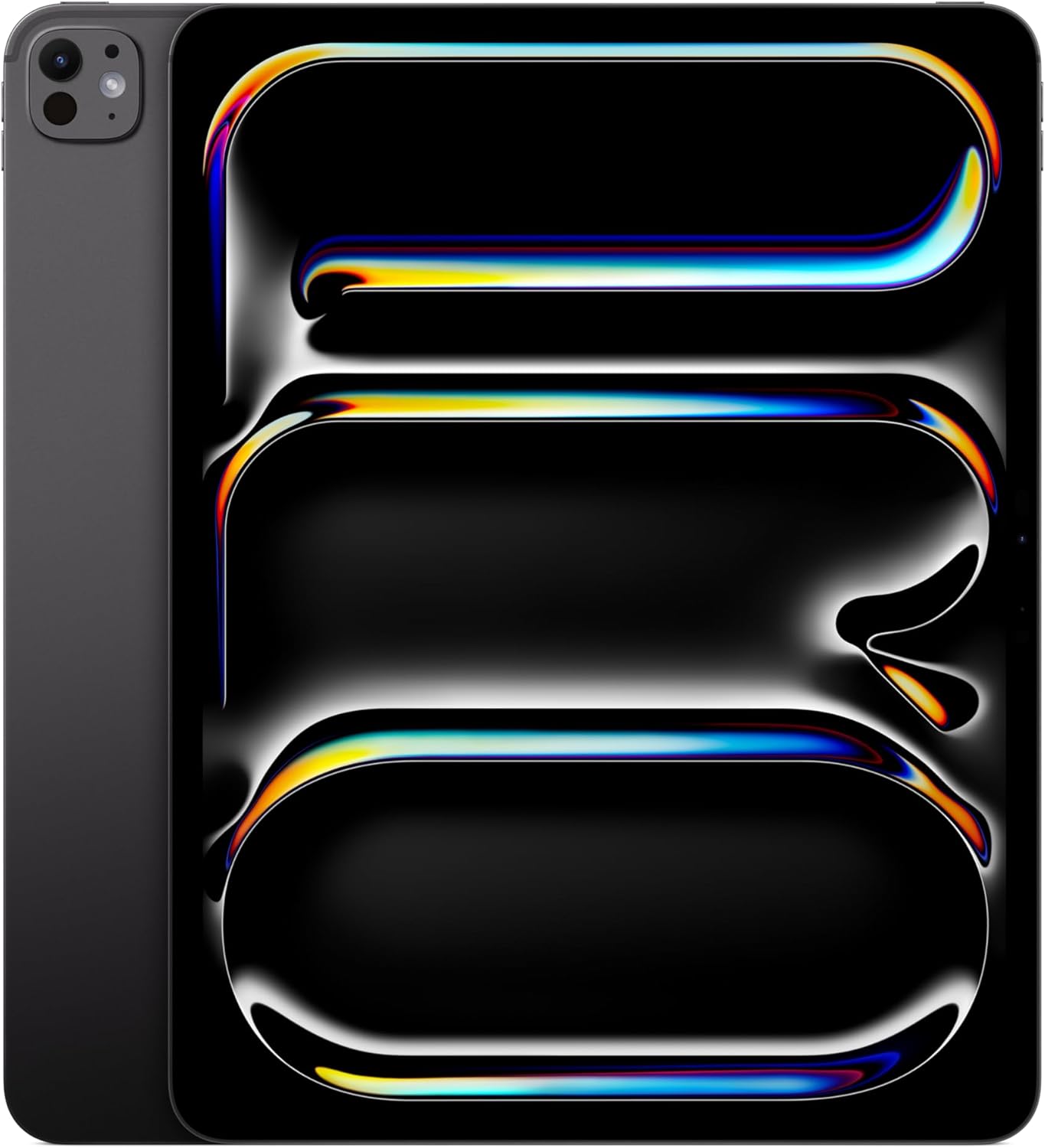
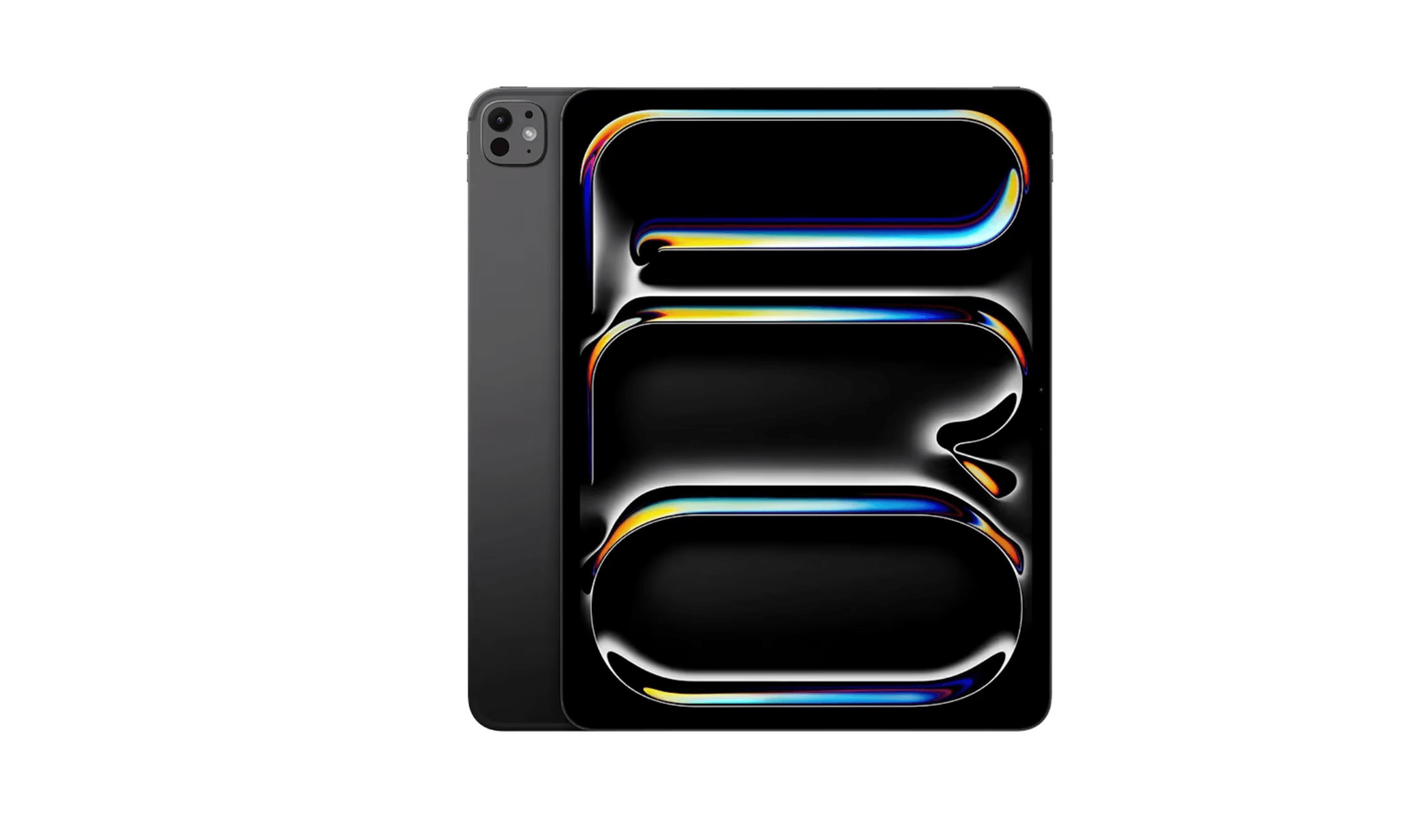
The 13-inch iPad Pro combines the M5 chip with a tandem OLED Ultra Retina XDR display. Its P3 color support and Thunderbolt connection suit photographers who prioritize the screen and external-drive transfers.
Key highlights
- M5 chip and 12GB of unified memory in the linked 256GB model
- 13-inch tandem OLED display with P3 wide color
- ProMotion adaptive refresh rates from 10Hz to 120Hz
- Supports Apple Pencil Pro and Apple Pencil (USB-C), sold separately
- One Thunderbolt / USB 4 port with transfers up to 40Gb/s
Pros
- Tandem OLED contrast for detailed image work
- Up to 1,600 nits peak brightness for HDR content
- Thunderbolt support for external drives
- Wi-Fi 7 connectivity
Cons
- Apple Pencil and Magic Keyboard are sold separately
- Nano-texture glass is unavailable on the linked 256GB model
- Only one USB-C connector for charging and accessories
Who it is for: Professional photographers and retouchers who need the highest quality display and maximum performance.
Skip if
You're on a tight budget or don't need the absolute best screen quality.
Microsoft Surface Pro 2-in-1 Laptop/Tablet (2025) - Best Windows option
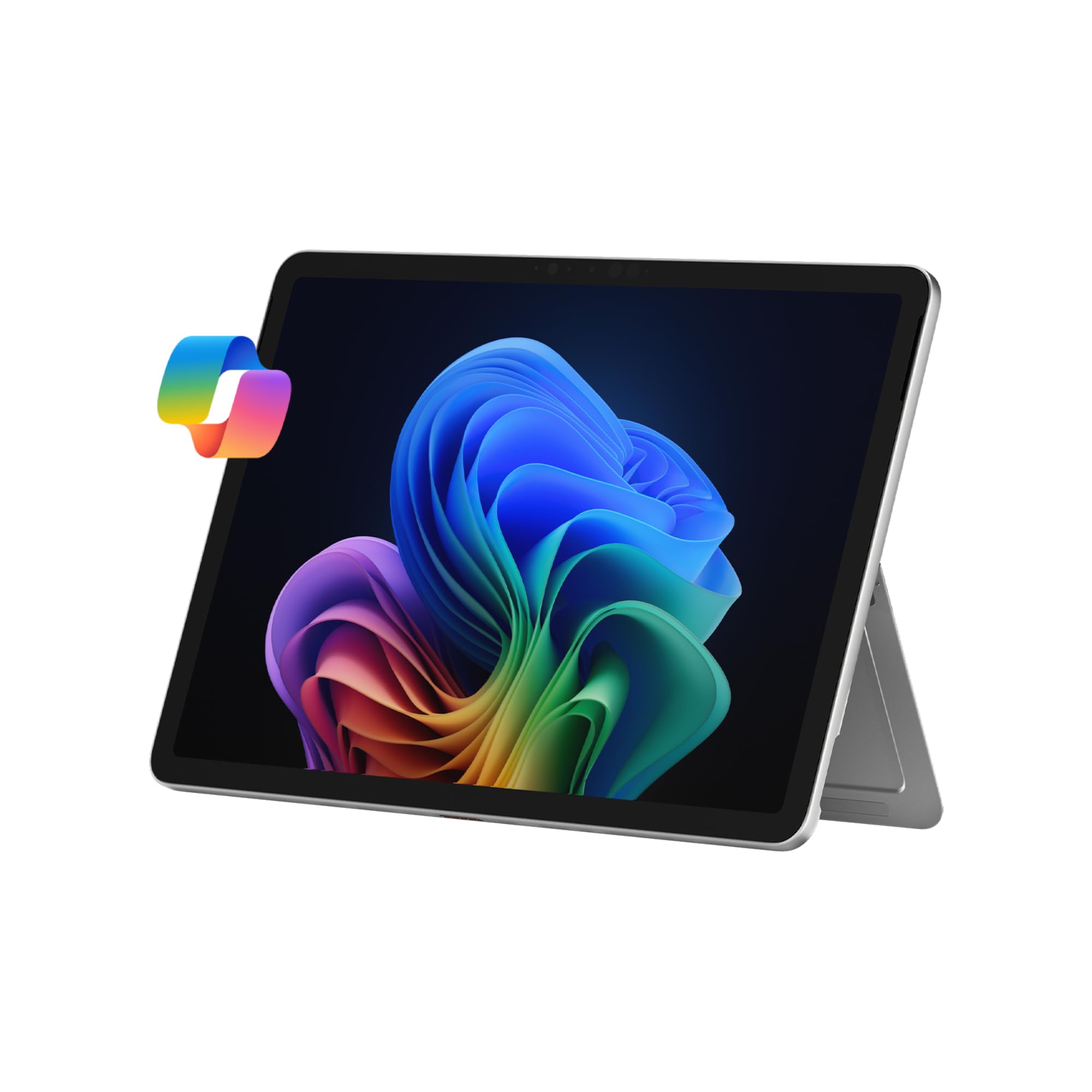
The Surface Pro runs Windows 11 on a Snapdragon X Plus processor. Photoshop and Lightroom run natively on Windows ARM, while Lightroom Classic uses emulation; check support for your other apps and plug-ins.
Key highlights
- Runs full Windows 11 with desktop applications
- Snapdragon X Plus (8 Core) capable of handling demanding edits
- PixelSense display with good color accuracy
- 16GB RAM and 512GB storage in the linked model
- Built-in kickstand; Surface Pro Keyboard sold separately
Pros
- Native Windows versions of Photoshop and Lightroom
- Can replace a laptop for many users
- Excellent build quality and design
- Good accessory ecosystem
Cons
- More expensive than comparable laptops
- Some desktop apps require emulation on Windows ARM
- Heavier and less portable than dedicated tablets
Who it is for: Photographers who prefer a Windows workflow and want a tablet that runs desktop Adobe apps.
Skip if
You want maximum portability or prefer touch-first interfaces.
Samsung Galaxy Tab S11 Ultra - Best Android tablet
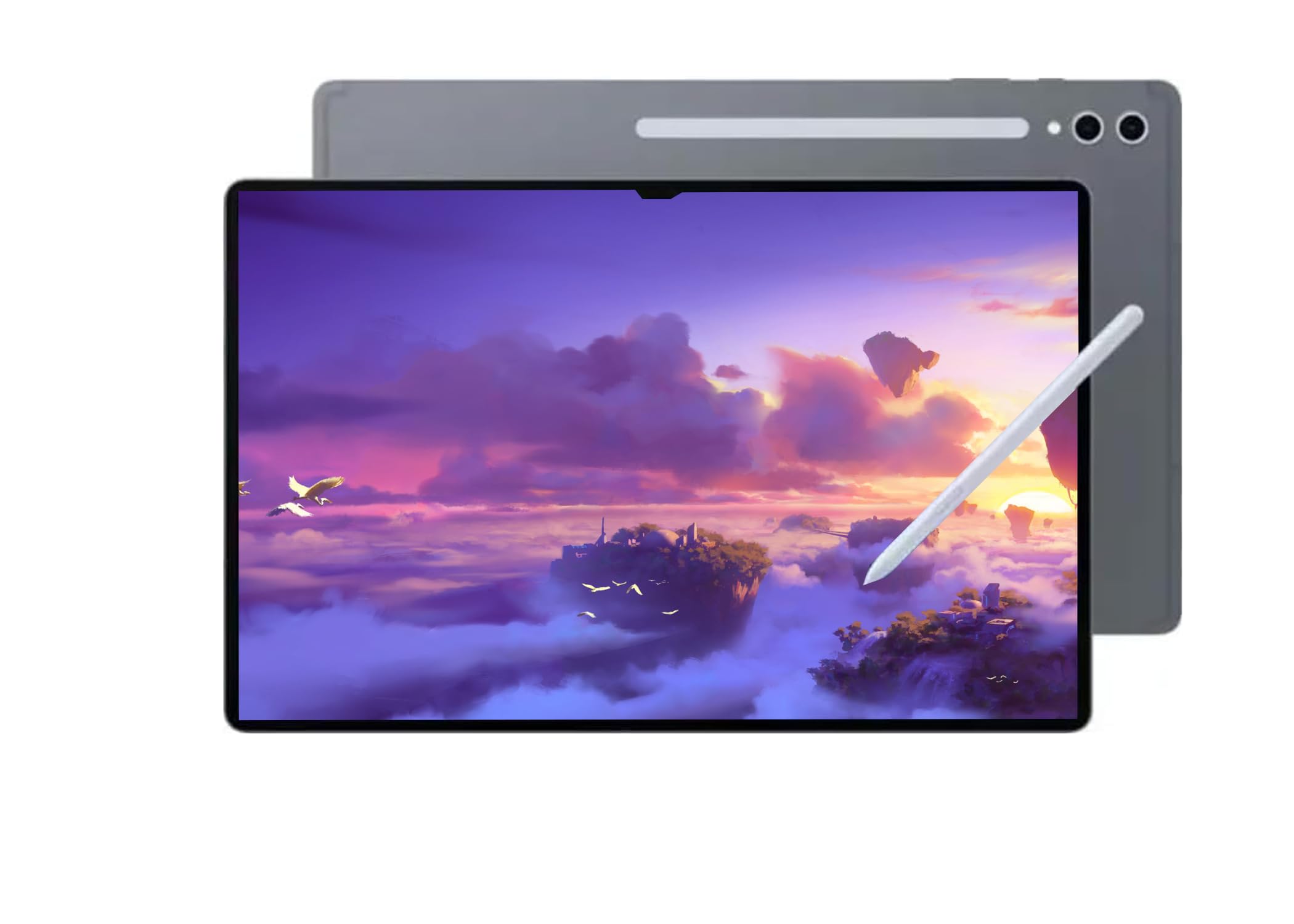
For Android users who want a large-screen editing experience, the Tab S11 Ultra combines a 14.6-inch AMOLED display with an included S Pen. The linked Amazon model explicitly lists no US warranty.
Key highlights
- Massive 14.6-inch Dynamic AMOLED 2X display
- S Pen included in the box at no extra cost
- MediaTek Dimensity 9400+ processor
- DeX mode for desktop-like interface
- Expandable storage via microSD card
Pros
- S Pen included for drawing and retouching
- Large, vibrant display excellent for detailed work
- Good multitasking capabilities with DeX
- Anti-reflective 120Hz AMOLED display that cuts glare
Cons
- Photo editing is limited to Android-compatible apps
- The linked Amazon model lists no US warranty
- The 14.6-inch screen makes this a large tablet to carry
Who it is for: Android users who want a large-screen tablet or prefer Samsung's ecosystem.
Skip if
You need Windows or macOS editing software, or US warranty coverage on the linked Amazon model.
Wacom Intuos Pro Medium - Best drawing tablet
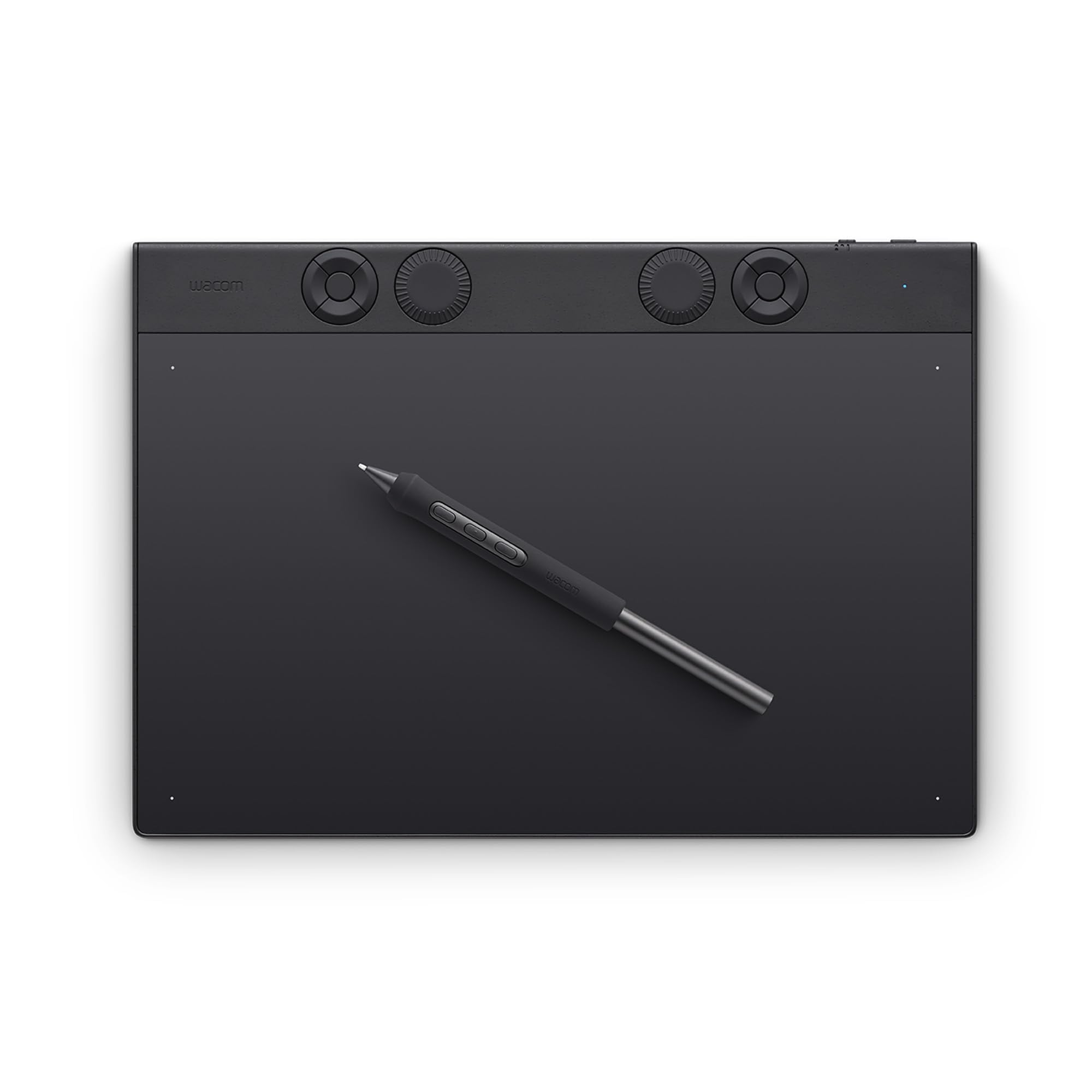
For photographers who edit at a desk and want maximum precision, dedicated drawing tablets still offer the best control experience.
Key highlights
- Professional-grade pressure sensitivity (8,192 levels)
- Two mechanical dials for workflow controls; no multi-touch input
- 10 customizable ExpressKeys for workflow shortcuts
- Official Wacom drivers for Windows and macOS
- Includes Pro Pen 3 with tilt support
Pros
- Unmatched precision for detailed retouching
- Reduces wrist strain compared to mouse editing
- Highly customizable for personal workflow
- Durable construction built for daily use
Cons
- Requires connection to a computer
- Learning curve for new users
- No display (you look at your monitor, not the tablet)
Who it is for: Serious retouchers and photographers who edit extensively at a desktop workstation.
Skip if
You need a portable all-in-one solution or prefer touchscreen interfaces.
Also Good
- Xencelabs Pen Tablet Medium Bundle v2 - a premium Wacom alternative packed with accessories.
- Lenovo Idea Tab Pro - a 12.7-inch Android tablet with a 3K LCD display, a MediaTek Dimensity 8300 chip, and an included pen and folio case.
- Amazon Fire Max 11 - solid budget pick for basics, but apps are limited.
How to Choose
Consider these factors when picking your photo editing tablet:
- 1.Software needs: iPad has the best mobile apps, Windows runs full desktop software, Android sits somewhere in between. Choose based on whether you need Lightroom Mobile or full Photoshop.
- 2.Display quality: Look for high resolution, good color accuracy (sRGB/Adobe RGB coverage), and sufficient brightness. Mini-LED and OLED displays generally offer the best contrast.
- 3.Stylus support: Pressure sensitivity (4,096+ levels is good), tilt recognition, and palm rejection all matter for precise edits. Remember to factor stylus cost into your budget.
- 4.Performance: More RAM (8GB+) helps with large files and multiple layers. Fast processors (Apple M-series, recent Snapdragon/Intel chips) keep editing responsive.
- 5.Portability vs. power: Smaller tablets travel better but offer less screen real estate. Larger displays are better for detailed work but less convenient to carry.
FAQ
Can tablets really replace laptops for photo editing?
For many photographers, yes. Modern tablets have enough power for most editing tasks, and the touch/stylus interface can be more intuitive for certain adjustments. However, complex batch editing or specialized plugins might still require a desktop.
Do I need to buy the stylus separately?
It depends. Samsung includes the S Pen with their tablets, while Apple charges extra for the Pencil. Microsoft's Surface Pen is also sold separately. Always check what's included before comparing prices.
Which has better apps: iPad or Android?
iPad generally has more capable photo editing apps, with Adobe's iPad versions of Photoshop and Lightroom offering more features than their Android counterparts, and there are more professional-grade editing apps available overall.
How important is display color accuracy?
Very important if you're doing color-critical work. Look for tablets with good factory calibration and wide color gamut coverage. Professional photographers should consider devices with Adobe RGB or DCI-P3 coverage.
Should I get a drawing tablet or a display tablet?
Drawing tablets (like Wacom Intuos) are more affordable and offer great precision but require looking at a separate monitor. Display tablets (like iPad or Surface) show your work directly under the stylus but cost more. Choose based on your budget and workflow preferences.
Published January 31, 2026 Last updated October 1, 2026
Share this article
More in News
8 Best Tablets for Note Taking in 2026
The iPad Air 7th gen tops our list of the 8 best tablets for note taking in 2026, balancing Apple Pencil Pro support with a full app ecosystem and distraction-free e-ink options.
5 min read
5 Best Cheap Tablets for 2026
Discover the 5 best cheap tablets for 2026. Our top pick is the Apple iPad 11-inch, delivering premium performance for less. Find the perfect budget tablet for you.
3 min read

6 Best Tablets for Bloggers in 2026
Discover the best tablets for bloggers in 2026, featuring the top pick Microsoft Surface Pro 7 for a full Windows experience and productivity.
4 min read
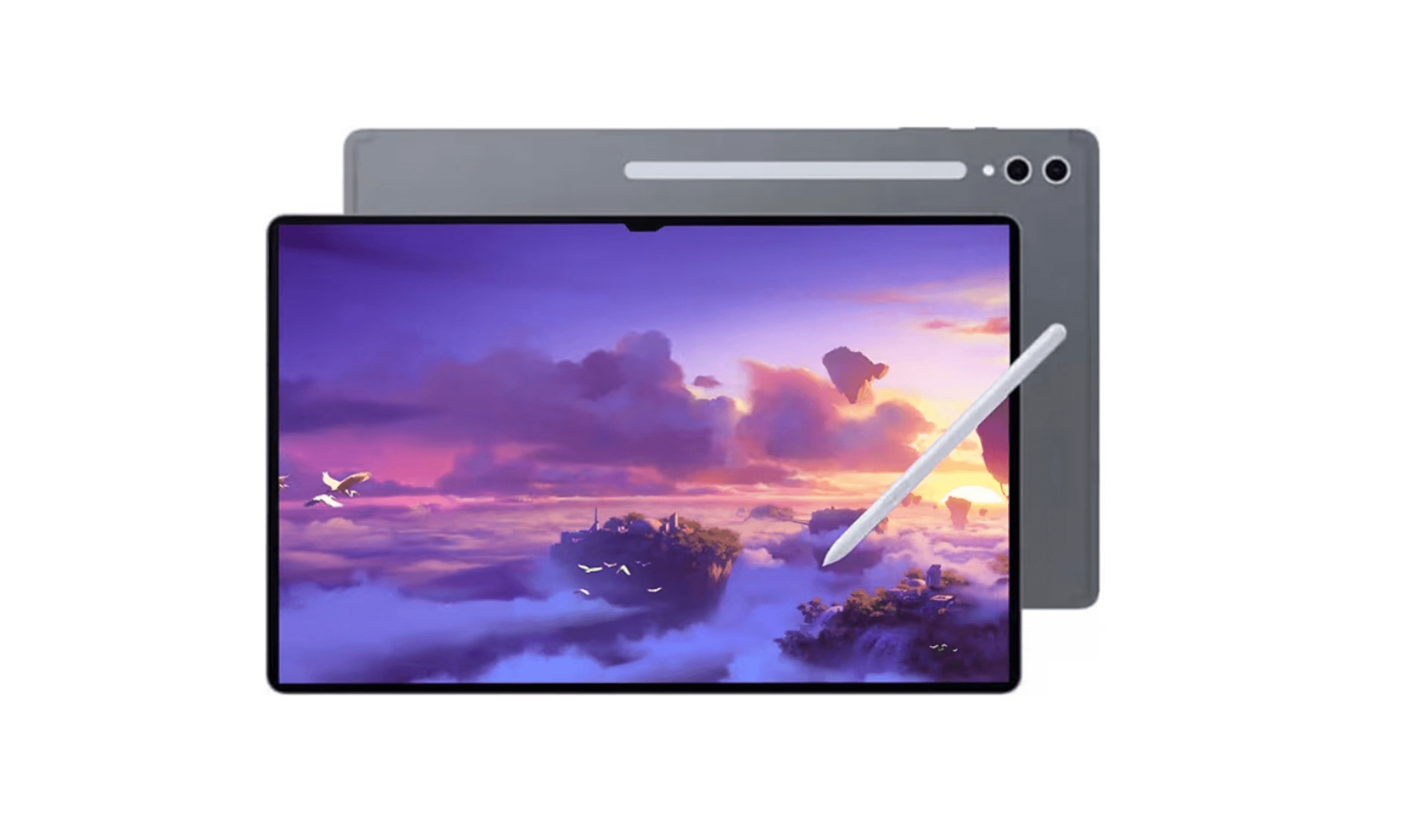
7 Best Tablets for Gaming in 2026
Discover the top gaming tablets for 2026, led by the Apple iPad Pro (M5). Compare performance, value, and features for on-the-go gaming.
4 min read
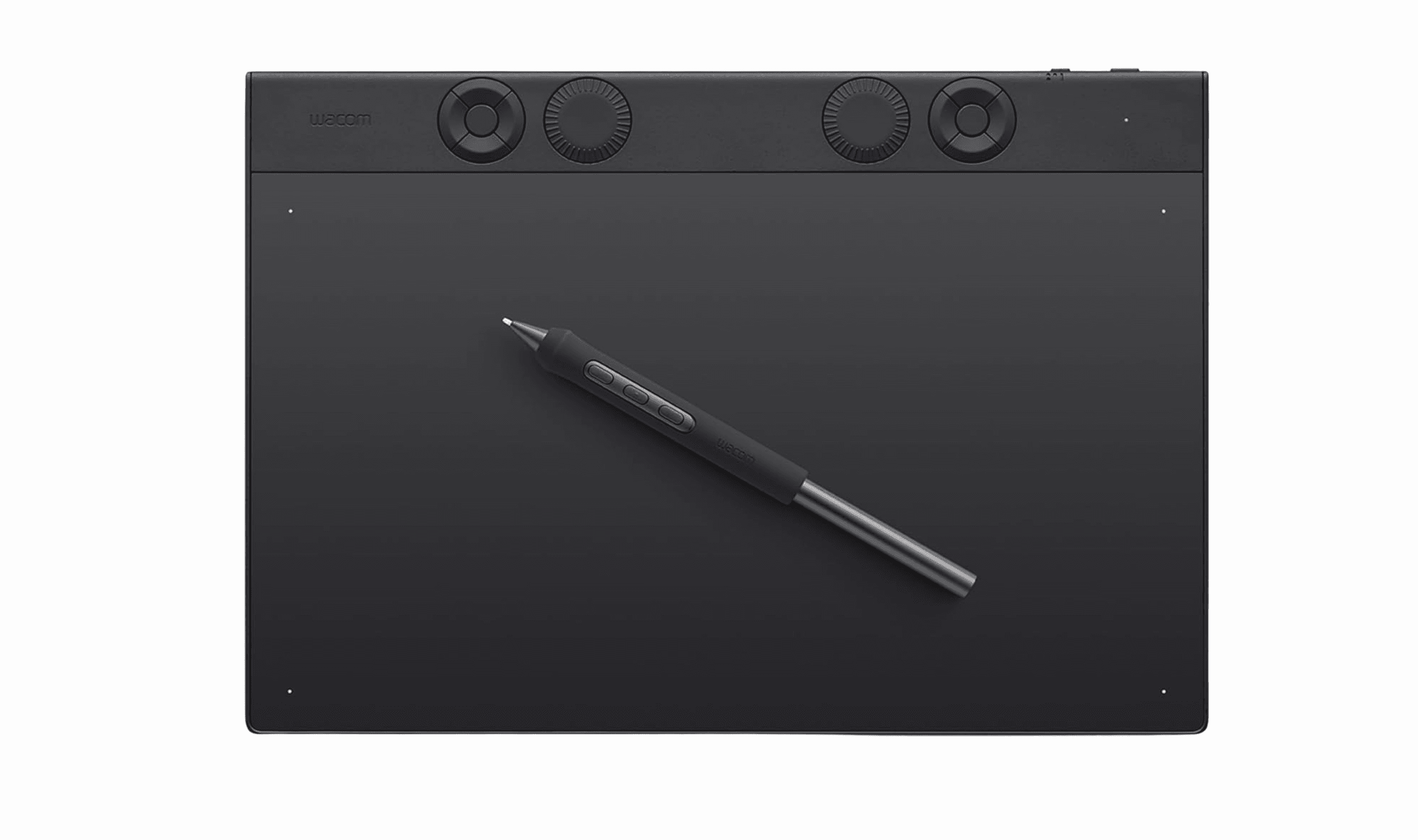
Best Drawing Tablets for 2026
5 min read
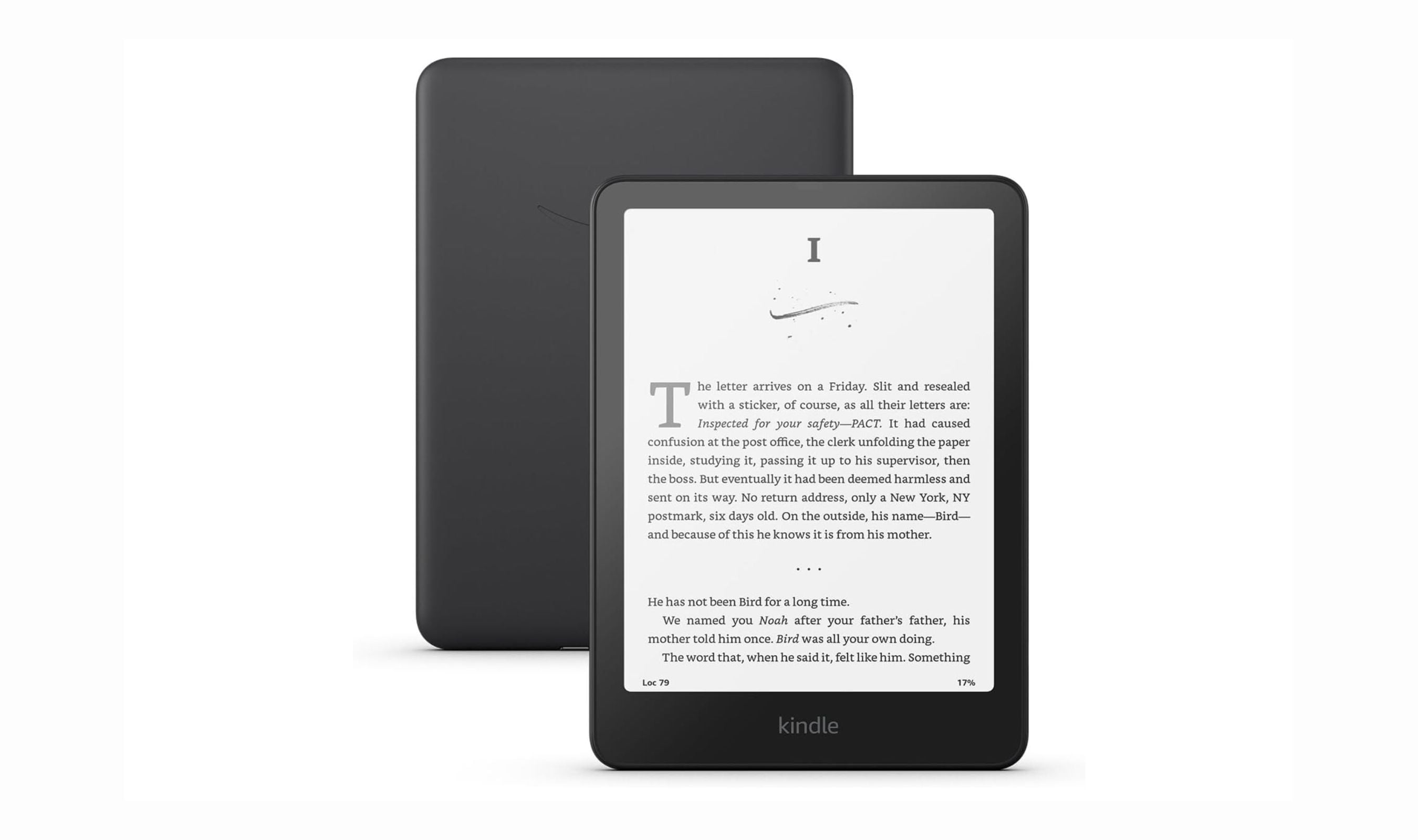
Best Tablets for Reading in 2026
5 min read
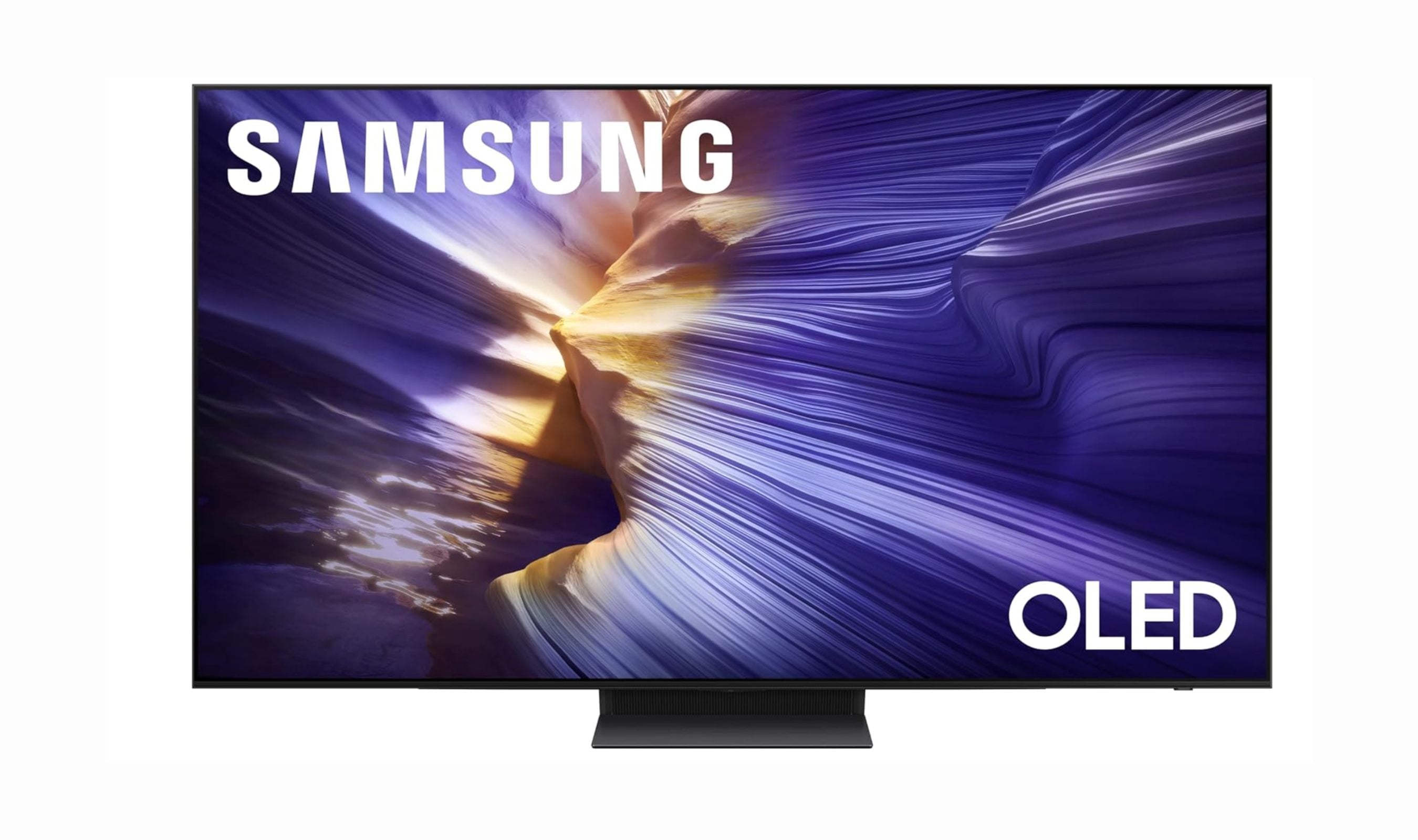
6 Best OLED TVs for 2026
3 min read
Best Workout Earphones for 2026
5 min read
6 Best Wi-Fi Routers for 2026
5 min read
9 Best Wireless Gaming Mice in 2026
3 min read
8 Best Fitness Trackers for 2026
5 min read
6 Best Laptops for Engineering Students in 2026
3 min read