If you're tired of Wi-Fi dead zones and inconsistent connections, a mesh system can blanket your entire home with reliable wireless coverage. The Eero Pro 7 stands out as our top overall pick, balancing Wi-Fi 7 performance with straightforward setup. This list covers everything from budget-friendly options to premium systems for large homes and demanding users.
Technobezz is supported by its audience. We may get a commission from retail offers.
8 Best Mesh Wi-Fi Systems for 2026
Our top mesh Wi-Fi systems for 2026, from the Wi-Fi 7 Eero Pro 7 (~$700) to budget Wi-Fi 6E picks under $300, for apartments to homes over 5,000 sq ft.
T
Technobezz
Editorial Team
Updated June 15, 2026Jun 15, 2026
•8 min read

Get Deals Like These in Your Inbox
The best prices, checked by our editors.
At a Glance
| Category | Product | Why We Picked It |
|---|---|---|
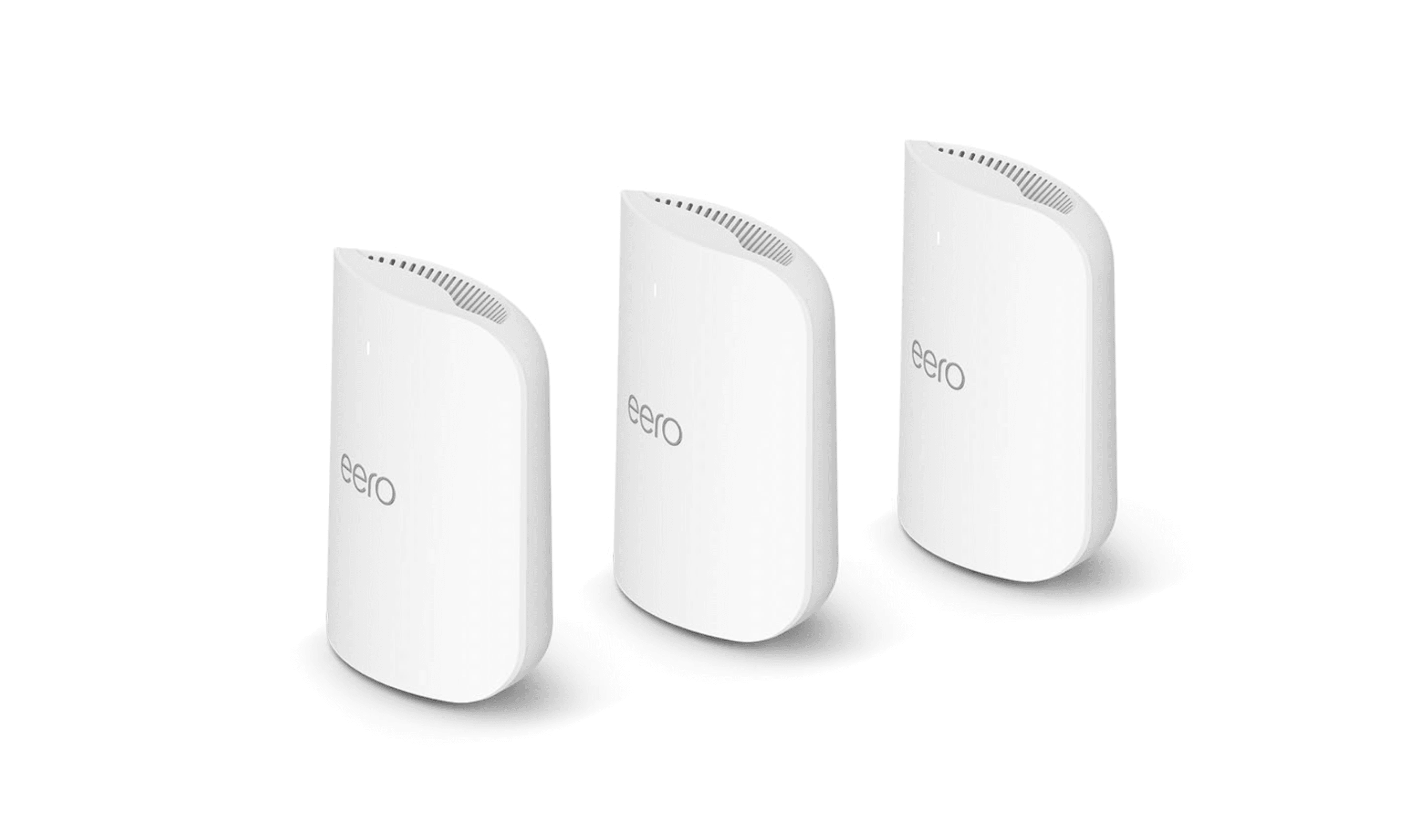
| Best overall | Eero Pro 7 | Excellent balance of Wi-Fi 7 performance and ease of use |
| Best value | TP-Link Deco XE75 | Delivers strong Wi-Fi 6E coverage at a reasonable price |
| Best for large homes | Netgear Orbi 870 | Offers extensive coverage with tri-band performance |
| Best for simplicity | Google Nest Wifi Pro | Minimal setup with reliable performance |
| Best premium performance | Asus ZenWiFi BQ16 Pro | Top-tier Wi-Fi 7 features for demanding users |
| Also recommended | TP-Link Deco BE63 | Affordable Wi-Fi 7 for next-gen speeds |
| Also recommended | Eero 6+ | Solid budget Wi-Fi 6, especially on sale |
| Also recommended | Asus ZenWiFi XT8 | Great Wi-Fi 6 range with free security |
How we chose
We evaluated mesh systems based on real-world performance data in typical home environments, considering factors like coverage area, speed consistency, ease of setup, and value for money. Our assessment looks at how well each system eliminates dead zones and maintains stable connections during everyday use like streaming, gaming, and video calls.
The best mesh Wi-Fi systems right now
Eero Pro 7 - Best overall
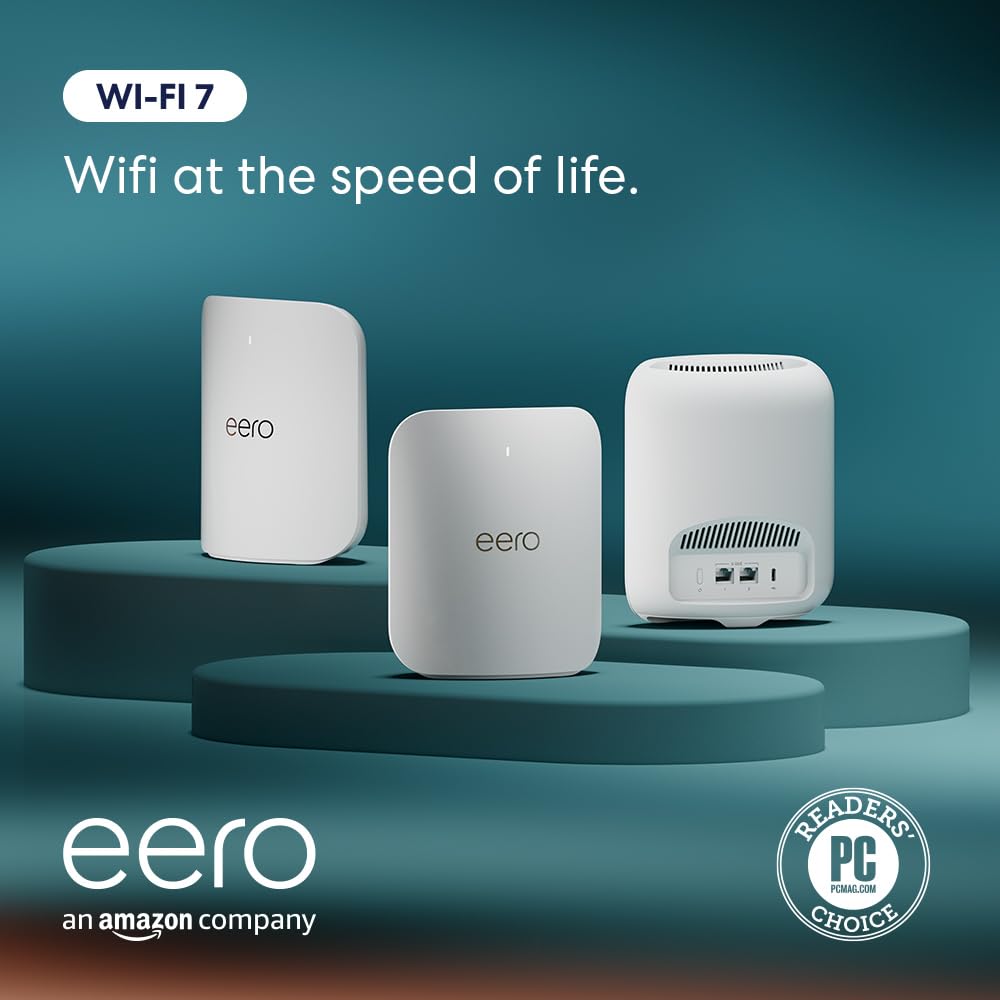
The Eero Pro 7 delivers Wi-Fi 7 performance without complicating the setup process, making it accessible for both tech-savvy users and networking beginners. It maintains strong connections throughout multi-story homes while keeping management simple through its mobile app.
Key highlights
- Tri-band mesh Wi-Fi 7 router for future-proof performance
- Straightforward setup process that takes about 20 minutes
- Consistent coverage across multiple floors and rooms
- Optional cellular backup available through Eero Signal accessory ($100 for 4G LTE, $200 for 5G)
Pros
- Easy to set up and manage through the mobile app
- Strong performance for gigabit internet connections
- Compatible with all existing Eero systems for expansion
- Reliable connections for video calls and streaming
Cons
- Parental controls and advanced security require Eero Plus subscription ($10/month or $100/year)
- Limited advanced configuration options compared to some competitors
- Premium features add to the overall cost
Who it is for: Homeowners who want Wi-Fi 7 performance without technical complexity, especially those with multi-story homes or challenging layouts.
Skip if
You need extensive manual configuration options or want all features included without subscriptions.
TP-Link Deco XE75 - Best value
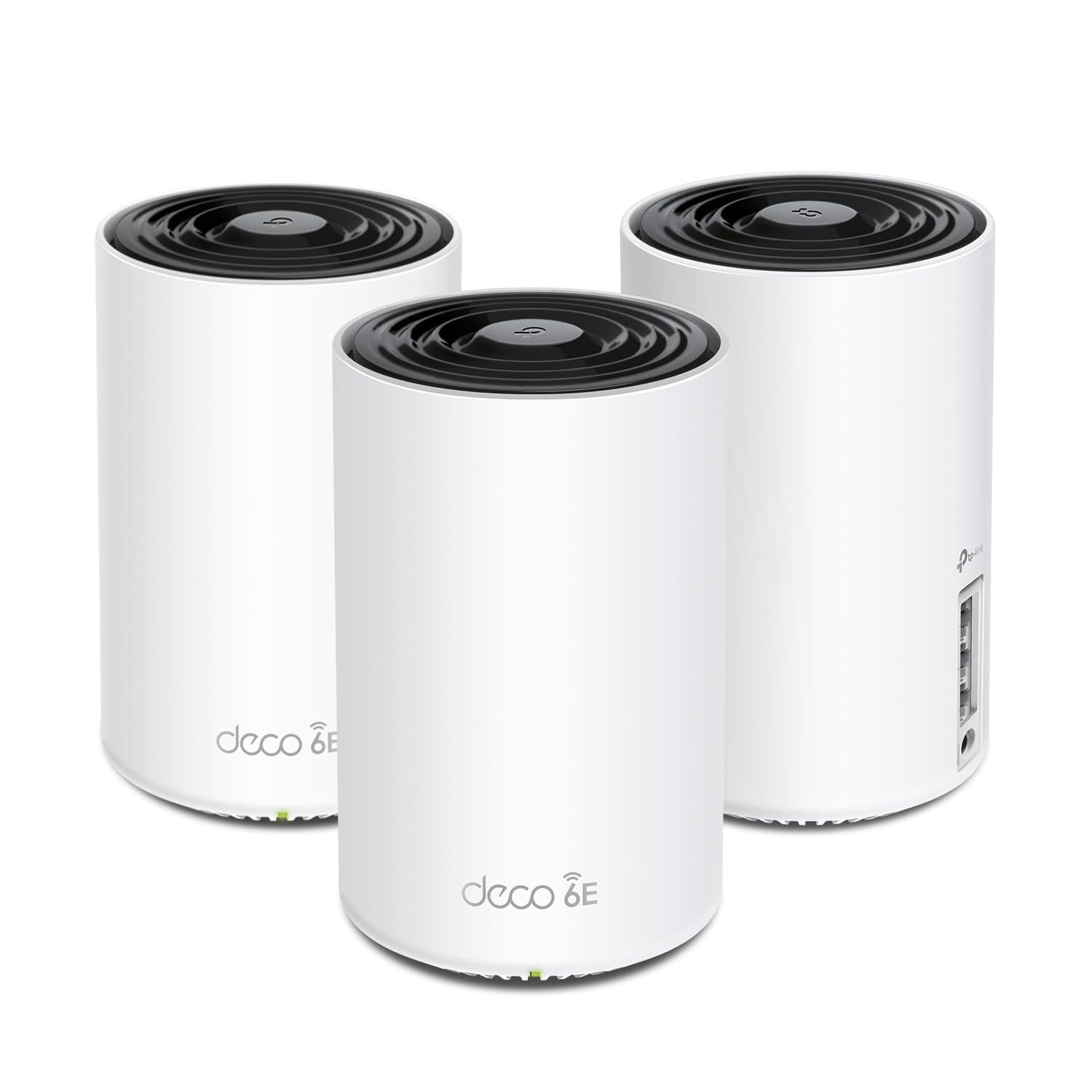
For those seeking strong Wi-Fi 6E performance without breaking the bank, the Deco XE75 offers impressive coverage and speed at a competitive price point. It handles multiple 4K streams and gaming sessions simultaneously while maintaining stable connections.
Key highlights
- Wi-Fi 6E support with 6GHz band capability
- Frequently available at discounted prices
- Covers up to 7,200 square feet with the three-pack
- Free basic security and parental controls included
Pros
- Excellent value for Wi-Fi 6E performance
- Simple setup through the Deco app
- Good coverage for medium to large homes
- No subscription required for basic features
Cons
- Limited advanced configuration options
- Design may not appeal to all users
- Performance drops slightly at extreme distances
Who it is for: Budget-conscious users who want reliable Wi-Fi 6E coverage without premium pricing, especially those in medium-sized homes.
Skip if
You need the absolute fastest Wi-Fi 7 speeds or extensive manual network configuration.
Netgear Orbi 870 - Best for large homes
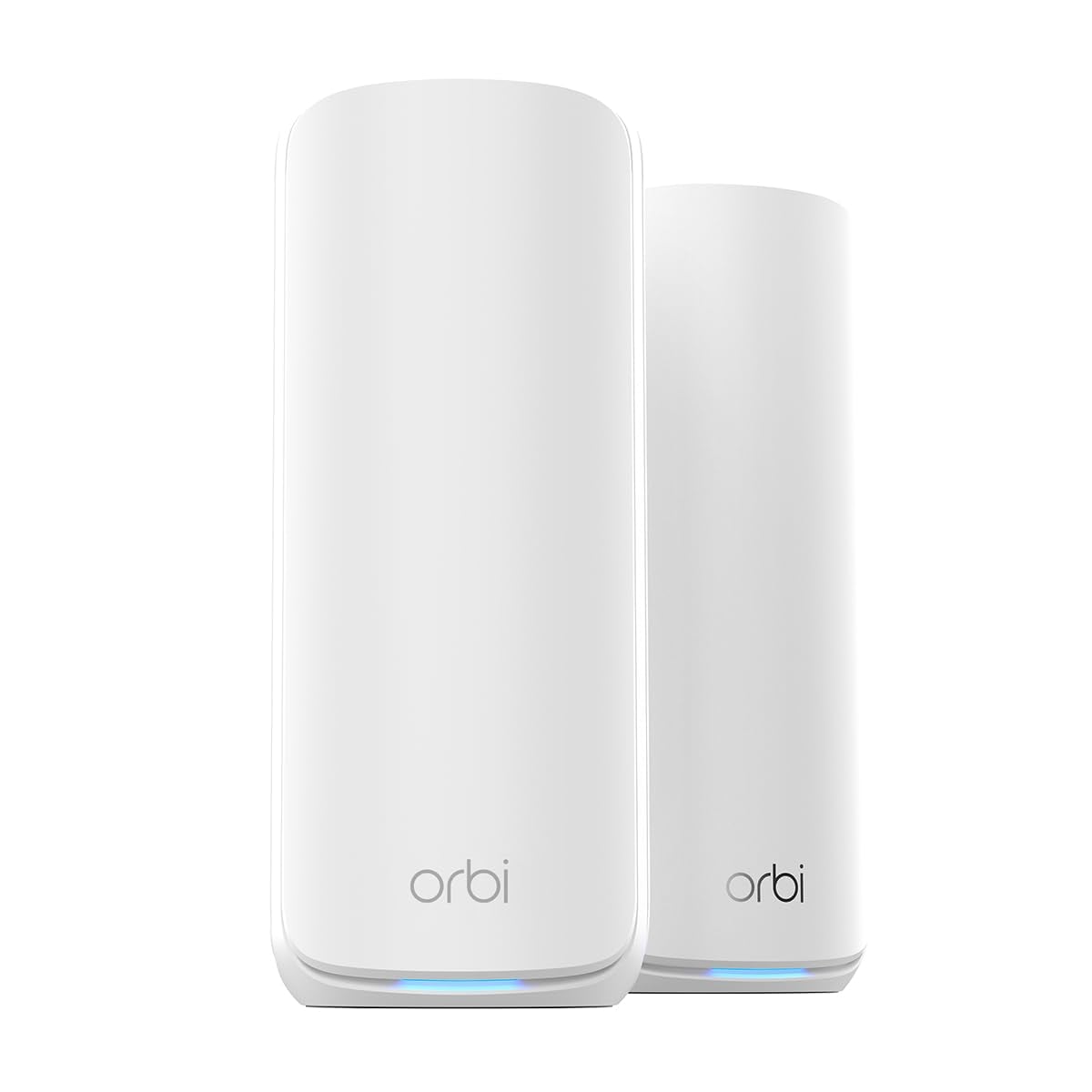
The Orbi 870 provides extensive coverage for large properties with its tri-band design and dedicated backhaul channel. It's particularly effective in homes over 5,000 square feet where maintaining consistent speeds is challenging.
Key highlights
- Tri-band design with dedicated 6GHz backhaul
- Covers up to 6,000 square feet with a router + satellite system
- 10Gbps WAN/LAN port for high-speed internet plans
- Easy setup with automatic configuration
Pros
- Excellent coverage for very large homes
- Consistent performance with dedicated backhaul
- Handles multiple high-bandwidth activities simultaneously
- Good for homes with many connected devices
Cons
- Premium pricing places it in the investment category
- Armor security package requires separate subscription
- Technical support limited to 90 days without extension
Who it is for: Owners of large homes who need reliable coverage throughout every room and outdoor areas, especially those with gigabit or multi-gig internet plans.
Skip if
You have a small or medium-sized home where this system would be overkill, or you're on a tight budget.
Google Nest Wifi Pro - Best for simplicity
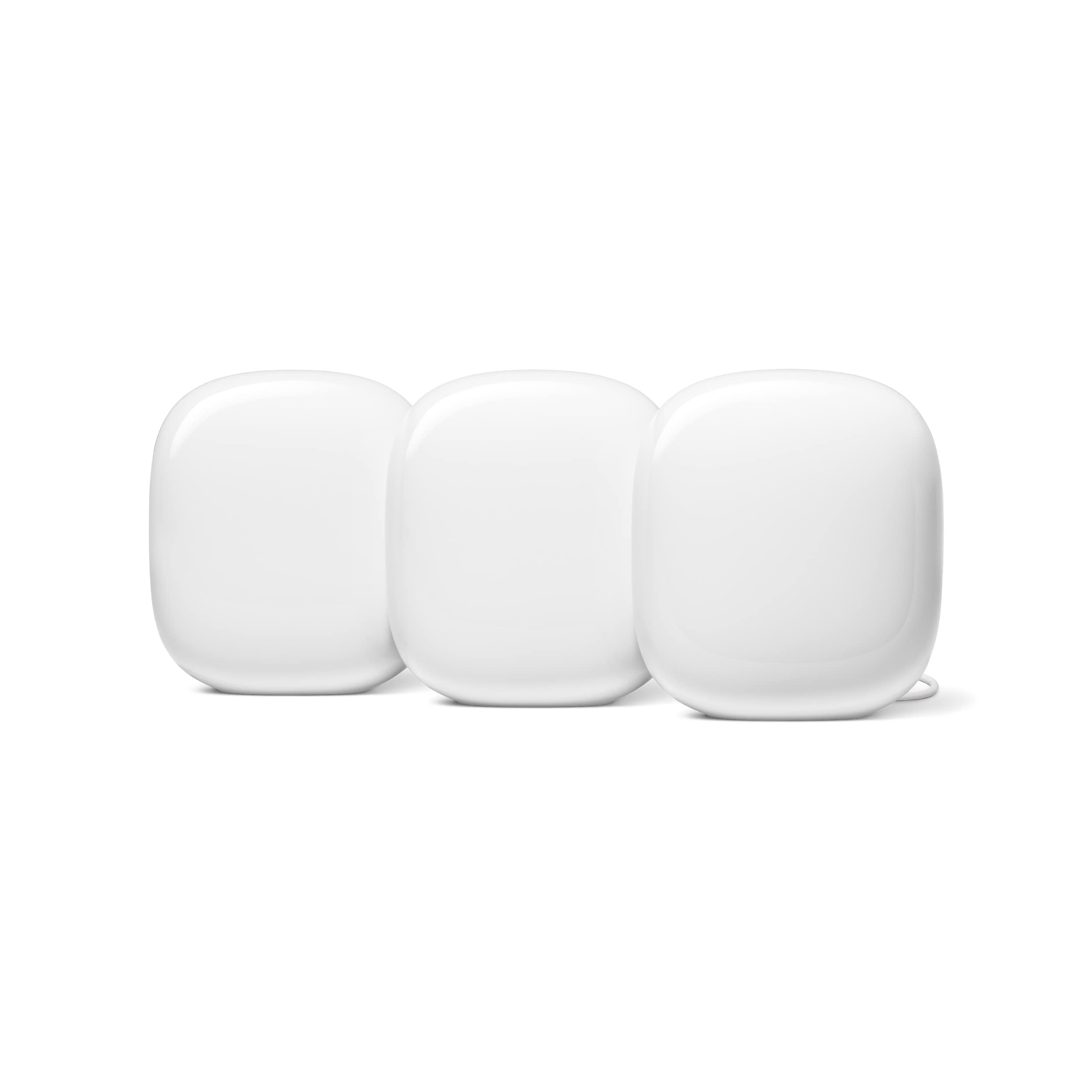
Google's mesh system prioritizes ease of use with minimal setup and automatic optimization. It's designed for users who want reliable Wi-Fi without thinking about technical details or configuration.
Key highlights
- Wi-Fi 6E support with automatic band selection
- Simple setup through Google Home app
- Attractive, minimalist design that blends into home decor
- Thread networking support for smart home devices
Pros
- Extremely easy setup and management
- Clean, unobtrusive design
- Good performance for typical home use
- Integrates well with Google ecosystem
Cons
- Limited advanced features and configuration options
- Performance not as strong as some competitors in demanding scenarios
- Fewer Ethernet ports than some alternatives
Who it is for: Users who prioritize simplicity over advanced features, especially those already invested in Google's ecosystem or smart home devices.
Skip if
You need extensive manual control over network settings or have very demanding bandwidth requirements.
Asus ZenWiFi BQ16 Pro - Best premium performance
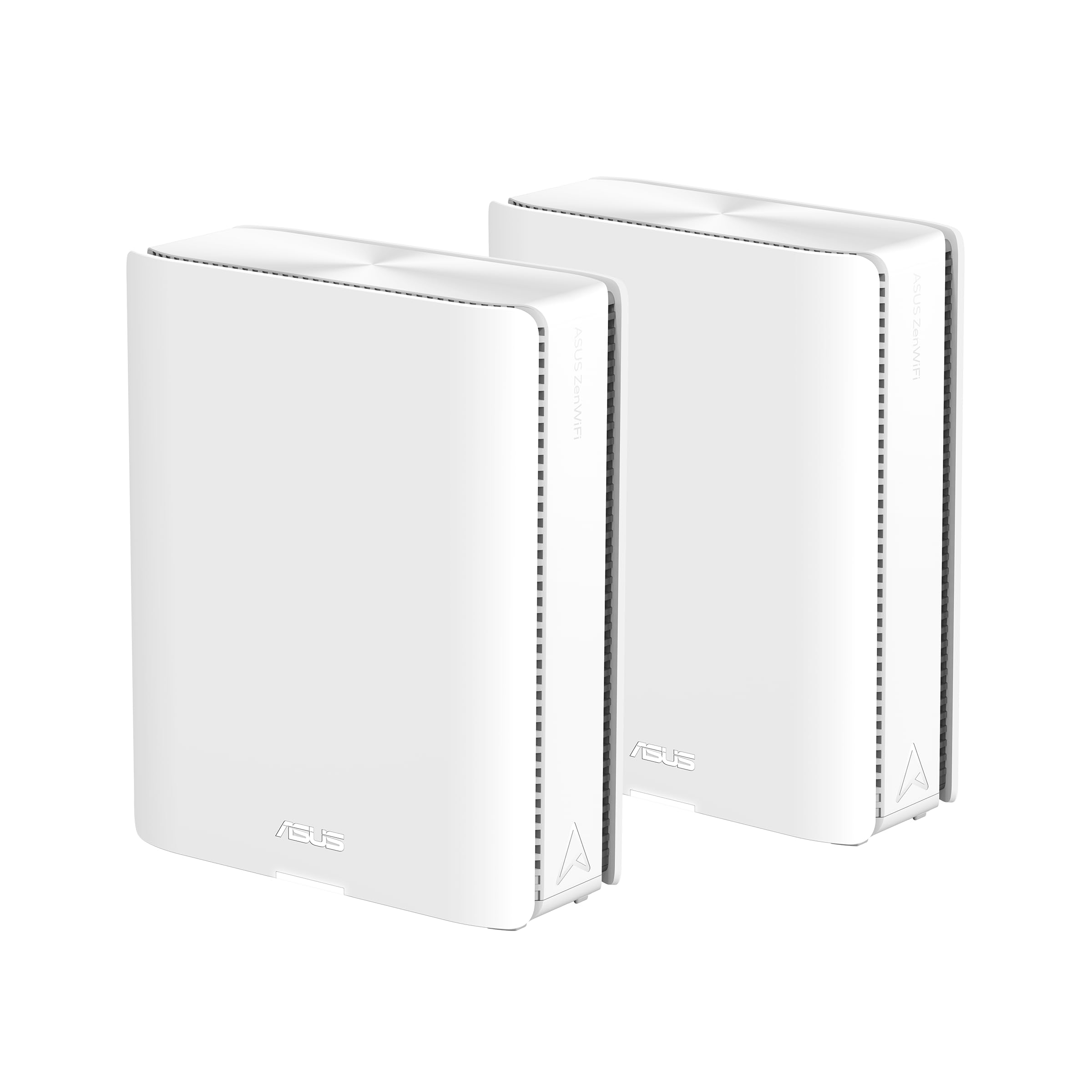
For users who want top-tier Wi-Fi 7 features and maximum performance, the ZenWiFi BQ16 Pro delivers advanced capabilities like Multi-Link Operation and extensive configuration options. It's built for demanding environments with many connected devices.
Key highlights
- Full Wi-Fi 7 feature set including MLO aggregation
- Dual WAN capabilities for internet redundancy
- Cellular internet support via 4G LTE/5G mobile tethering (USB modem/dongle)
- Free built-in security software included
Pros
- Excellent performance for demanding applications
- Advanced features without subscription requirements
- Good for homes with dozens of connected devices
- Extensive configuration options for power users
Cons
- Premium pricing makes it one of the most expensive options
- Setup can be more complex than simpler systems
- Overkill for average home use cases
Who it is for: Power users, gamers, and households with extensive smart home setups who need maximum performance and advanced features.
Skip if
You have basic internet needs, prefer simple setup, or are working with a limited budget.
Also Good
- TP-Link Deco BE63 - affordable Wi-Fi 7 for next-gen speeds.
- Eero 6+ - solid budget Wi-Fi 6, especially on sale.
- Asus ZenWiFi XT8 - great Wi-Fi 6 range with free security.
How to Choose
Consider these factors when selecting a mesh system:
Home size and layout: Larger homes or those with challenging layouts (multiple floors, thick walls) benefit from systems with more powerful radios and dedicated backhaul channels. Measure your square footage and consider adding an extra node if you have dead zones.
Internet speed: If you have gigabit or faster internet, look for systems with multi-gig Ethernet ports and Wi-Fi 6E/7 support to fully utilize your connection. For slower connections, even Wi-Fi 6 systems provide more than enough performance.
Number of devices: Households with many smart home devices, multiple streaming setups, or home offices need systems that can handle numerous simultaneous connections without slowing down. Tri-band systems generally handle device congestion better.
Technical comfort: Some systems prioritize simplicity with automatic optimization, while others offer extensive manual controls. Choose based on whether you want to set it and forget it or fine-tune every setting.
Future-proofing: Wi-Fi 7 systems cost more but offer better performance with compatible devices. If you plan to keep your system for several years, investing in newer technology may make sense.
FAQ
What's the difference between Wi-Fi 6, Wi-Fi 6E, and Wi-Fi 7?
Wi-Fi 6 improves efficiency and performance over previous standards. Wi-Fi 6E adds the 6GHz band for less congestion and faster speeds. Wi-Fi 7 builds on this with features like Multi-Link Operation for even better performance and reliability.
How many mesh units do I need?
Most two-packs cover 3,000, 5,000 square feet adequately. Three-packs extend coverage to 5,000, 7,500+ square feet. Start with what matches your home size, and you can usually add individual units later if needed.
Do mesh systems work with my existing internet provider?
Yes, mesh systems work with any internet provider. You simply connect the main unit to your existing modem or gateway replacing your current router.
Can I mix different mesh systems together?
Generally you should stick with the same system for all units as they're designed to work together seamlessly. Some brands allow mixing different models within their ecosystem but performance may not be optimal.
Do I need pay subscription services?
Some systems include basic features free while charging advanced security parental controls technical support. Others include more features without subscriptions Check what's included before purchasing.
Published February 27, 2026 Last updated June 15, 2026
Share this article
More in News

AKG K 701 Ultra Reference Class Stereo discounted to $247.37
AKG K 701 headphones drop to $247.37 on Amazon, a 47% discount that sits below recent 30, 90, and 180-day average prices.
5 min read

Apple Watch SE 3 GPS 40mm Smartwatch discounted to $189.97
Save $59.03 on the Apple Watch SE 3 GPS 40mm at Amazon, matching its lowest recorded price with health and sleep tracking.
5 min read

Cleer Audio Enduro ANC Noise Canceling Headphones price drops to $94.99
Save 47% on Cleer Audio Enduro ANC headphones at $94.99, with 60-hour battery, active noise cancellation, and multipoint Bluetooth.
3 min read

Lenovo coupon codes and deals
Browse 5 current Lenovo offers, including 3 coupon codes and 2 online deals.
5 min read

Woot coupon codes and deals
3 min read

Samsung coupon codes and deals
5 min read

Best tech coupon codes and online deals
4 min read
ASUS ROG Zephyrus S Ultra Slim Gaming gets a $660.95 price cut to $1338.05
5 min read
Samsung Galaxy Z Fold8 Unlocked Android Smartphone on sale for $1649.99
3 min read
We found 2 smartwatch deals from $219.99 that are actually worth it
5 min read
Sony WH-CH720 Noise Canceling Wireless Bluetooth Headphones now $87.94, down from $119.99
3 min read
TCL 75-inch F7D QLED 4K TV leads 2 TV deals from $499.99
5 min read