Digital photo frames let you enjoy your photos without printing them, and the best ones make setup simple while showing off your shots beautifully. The Aura Aspen stands out for its excellent screen quality and easy app, but other frames offer better value or unique features like local storage. This list helps you choose the right frame whether you're gifting to family or displaying photos in your own home.
Technobezz is supported by its audience. We may get a commission from retail offers.
7 Best Digital Photo Frames for 2026
We tested the best digital photo frames for 2026. The Aura Aspen wins overall, the Lexar Pexar is the value pick under $200, plus budget options under $100.
T
Technobezz
Editorial Team
Updated October 1, 2026Oct 1, 2026
•6 min read


Get Deals Like These in Your Inbox
The best prices, reviewed weekly.
At a Glance
| Category | Product | Why We Picked It |
|---|---|---|
| Best overall | Aura Aspen | With its sharp display and simple app |
| Best value | Lexar Pexar | Offering high resolution and local storage |
| Best for large displays | Aura Walden | With its 15-inch screen |
| Best for offline use | Skylight Frame 2 | Featuring built-in storage |
| Best budget pick | PhotoSpring | Delivering solid features under $100 |
| Also recommended | ApoloSign 10.1-inch powered by Nixplay | Intuitive app and a sharp display |
| Also recommended | Arzopa D14 Metal | Premium metal build on a big 14-inch screen |
How we chose
We evaluated digital photo frames based on display quality, ease of setup, and practical features that matter for daily use. Our assessment considered screen resolution, aspect ratio compatibility with smartphone photos, storage options, and app functionality. We prioritized products that balance good image quality with straightforward operation, since many frames end up with users who aren't particularly tech-savvy.
The best digital photo frames right now
Aura Aspen - Best overall

The Aura Aspen delivers excellent photo quality in a minimalist design, making it the easiest frame to recommend for most people.
Key highlights
- 12-inch display with 1600 x 1200 resolution
- 4:3 aspect ratio matches smartphone camera proportions
- Unlimited cloud storage through Aura's app
- Auto-dimming light sensor adjusts brightness to room conditions
- Dual-orientation frame with included stand
Pros
- Photos look crisp and vibrant with accurate colors
- Setup takes minutes through the intuitive app
- Multiple people can easily add photos through the app
- Can be preloaded with photos for gifting
Cons
- Requires constant Wi-Fi connection to display photos
- No local storage option
- Pricier than most competing digital frames
Who it is for: People who want a premium frame that looks great and works seamlessly with smartphone photos.
Skip if
You need offline functionality or want local storage.
Lexar Pexar - Best value
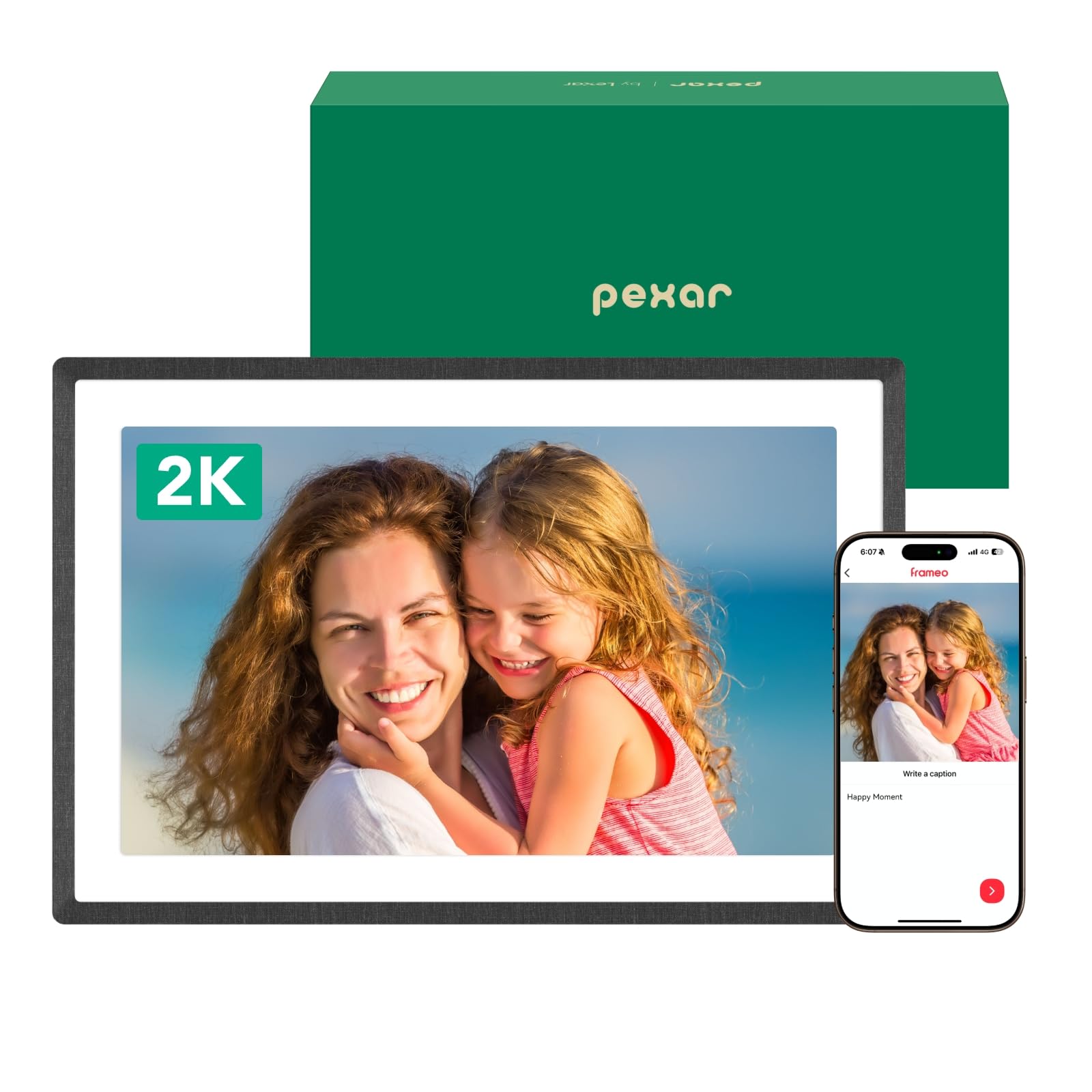
The Lexar Pexar offers impressive 2K resolution and generous local storage at a competitive price point.
Key highlights
- 11-inch 2000 x 1200 resolution display
- 32GB of built-in storage plus expandable options
- Uses popular Frameo app for photo sharing
- 2K anti-glare touch screen
- Matte finish reduces glare
Pros
- Sharp, detailed images with good color reproduction
- Works without Wi-Fi thanks to local storage
- Multiple connection options including SD card and USB
- Good value considering the specifications
Cons
- Frameo app has some limitations without subscription
- Touchscreen attracts fingerprints
- Only basic fade transitions between photos
Who it is for: Budget-conscious buyers who want high resolution and offline functionality.
Skip if
You prefer app-only control or want more advanced slideshow options.
Aura Walden - Best for large displays

With its 15-inch screen, the Aura Walden makes photos the centerpiece of any room.
Key highlights
- 15-inch 1600 x 1200 display
- Includes wall-mounting hardware
- Unlimited cloud storage through Aura app
- Auto-dimming light sensor
- Can switch between portrait and landscape orientation
Pros
- Large screen shows off photos beautifully from across a room
- Same easy setup and app as other Aura frames
- Premium build quality with textured frame
- Multiple people can contribute photos easily
Cons
- Resolution could be higher for the screen size
- Requires Wi-Fi connection for photo display
- Larger size may not fit all spaces
Who it is for: Those who want a statement piece that displays photos prominently.
Skip if
You have limited space or prefer smaller, more discreet frames.
Skylight Frame 2 - Best for offline use
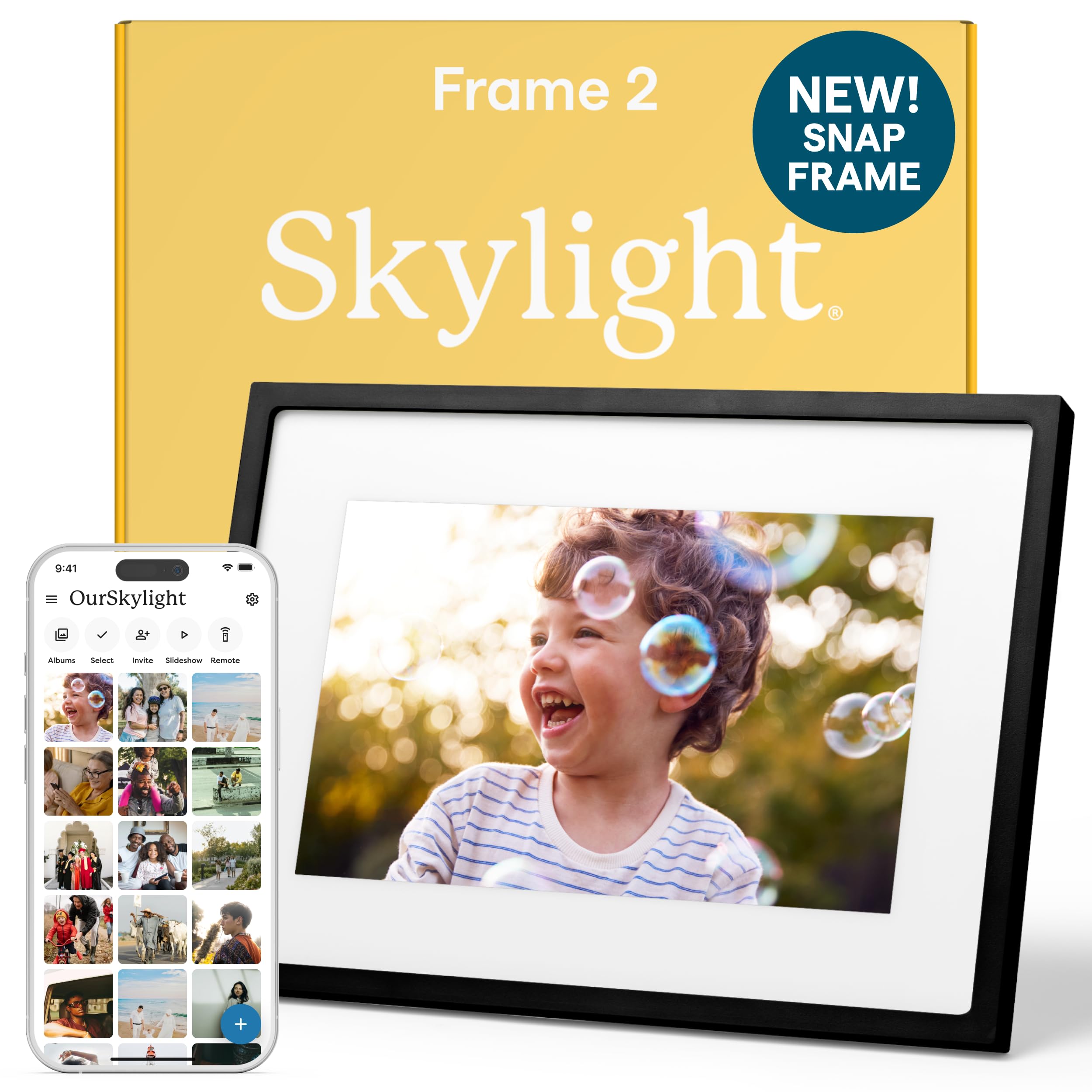
The Skylight Frame 2 offers local storage and interchangeable frames, giving you flexibility in both function and style.
Key highlights
- 10-inch display with 1920 x 1200 resolution
- 16GB of built-in storage
- Interchangeable Snap Frames in various colors and styles
- Touchscreen interface with pinch-to-zoom
- Email photos directly to the frame
Pros
- Works without Wi-Fi after initial setup
- Change frame styles to match your decor
- Local storage means photos display even without internet
- Email option makes sharing photos simple for family
Cons
- 16:10 aspect ratio crops many smartphone photos
- Touchscreen shows fingerprints easily
- Some features require Skylight Plus subscription
Who it is for: People who want flexibility in frame appearance and offline functionality.
Skip if
You prefer the 4:3 aspect ratio of most smartphone photos.
PhotoSpring - Best budget pick

The PhotoSpring 10 inch delivers solid performance and features at an accessible price point.
Key highlights
- 10-inch display
- 1280×800 display resolution
- 32GB of local storage with multiple upload options
- Email, app, and browser upload methods
- Can display videos up to five minutes
- Premium version includes battery option
Pros
- Multiple ways to add photos including email
- Good build quality for the price
- Videos play automatically in slideshows
- Schedule on/off times to save power
Cons
- Lower resolution than premium options
- Interface can take some learning
- Standard version requires constant power
Who it is for: First-time digital frame buyers or those on a tight budget.
Skip if
You want the highest resolution or most polished app experience.
Also Good
- ApoloSign 10.1-inch powered by Nixplay - intuitive app and a sharp display.
- Arzopa D14 Metal - premium metal build on a big 14-inch screen.
How to Choose
Consider these factors when selecting a digital photo frame:
Screen size and resolution: Larger screens (12, 15 inches) make photos more visible from across a room, while higher resolutions (1600 x 1200 or above) keep images sharp. The 4:3 aspect ratio matches most smartphone cameras better than 16:9 or 16:10 ratios.
Storage and connectivity: Cloud-only frames like Aura's require constant Wi-Fi but offer unlimited storage. Local storage frames work offline but have capacity limits. Some frames offer both options for flexibility.
App and sharing features: Good apps make setup and photo management simple. Look for frames that let multiple people contribute photos easily, whether through apps, email, or text messages.
Design and placement: Consider where the frame will live. Some frames work only in landscape orientation, while others switch between portrait and landscape. Wall-mountable frames need proper mounting hardware.
Subscription requirements: Some frames limit features or storage without paid subscriptions. Check what's included in the base price versus what requires ongoing payments.
FAQ
Do digital photo frames need Wi‑Fi?
Most modern frames use Wi‑Fi for initial setup and photo uploading. Some frames store photos locally and work without internet after setup, while cloud-based frames like Aura require constant Wi‑Fi to display photos.
How do I get photos onto a digital frame?
Common methods include companion apps, emailing photos to a dedicated address, using memory cards or USB drives, and syncing with cloud services like Google Photos or iCloud. The easiest method varies by frame.
Can multiple people add photos to the same frame?
Yes, most frames allow multiple contributors. Some use invitation systems through apps, while others provide email addresses or phone numbers that anyone can use to send photos.
What's the difference between digital frames and smart displays?
Digital frames focus solely on displaying photos with minimal interfaces, while smart displays like Amazon Echo Show offer additional features like voice assistants, video calls, and media playback. Frames typically blend better with home decor.
How long do digital photo frames last?
Most frames should last several years with normal use. Consider models with replaceable power adapters and check warranty terms. Cloud-dependent frames rely on company servers remaining operational.
Published April 19, 2026 Last updated October 1, 2026
Share this article
More in News
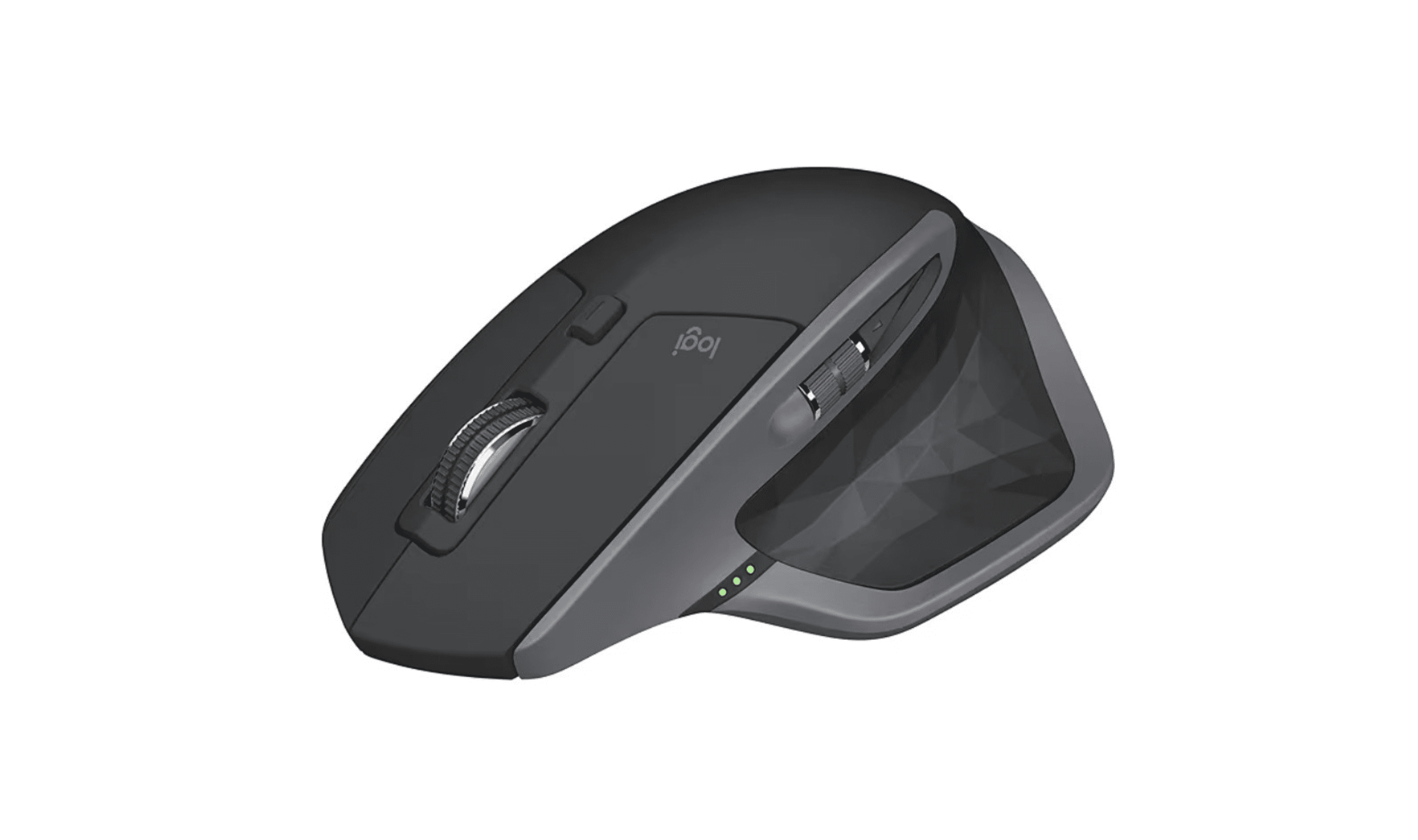
7 Best Mice for Photo Editing in 2026
Discover the best mice for 2026, led by the Logitech MX Master 3S. Our top picks enhance comfort and precision for photo editing and productivity.
3 min read
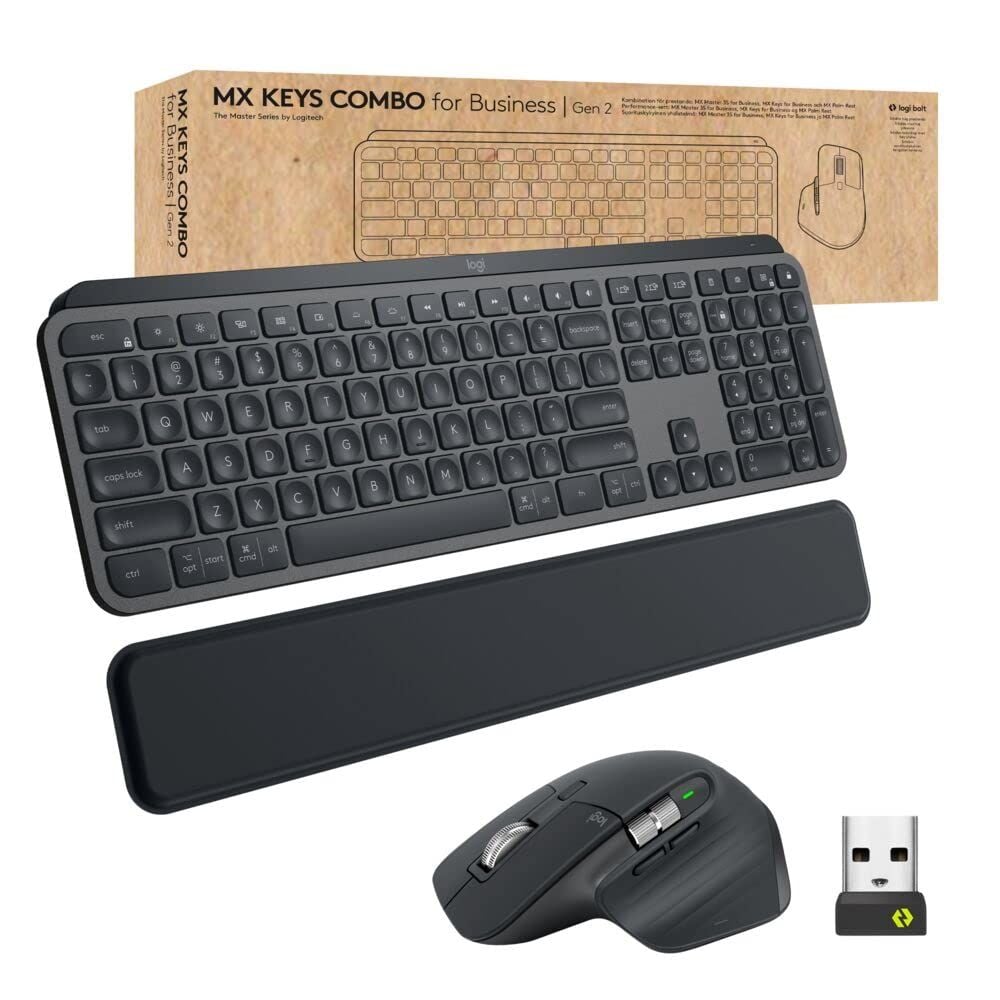
8 Best Keyboards From Top Brands in 2026
Logitech MX Keys S Full-Size is our top pick for quiet typing, smart backlighting, and broad platform support.
3 min read
8 Best High Capacity Power Banks for 2026
The Anker Prime 27,650mAh tops our list of the 3 best high capacity power banks in 2026, with 250W output for laptops and travel.
5 min read
Best microSD Cards for Nintendo Switch in 2026
The SanDisk 512GB Extreme tops our list of the best microSD cards for Nintendo Switch in 2026, offering fast A2 speeds for smooth gameplay.
4 min read
Two headphone price drops worth checking, from $79.99
3 min read

8 Best 75-Inch TVs in 2026
5 min read
Best Digital Notebooks for 2026
4 min read
6 Best SSDs for PS5 in 2026
4 min read
7 Best USB Flash Drives to Buy in 2026
5 min read
7 Best Electric Screwdrivers of 2026
4 min read
TP-Link Archer BE24000 Quad-Band WiFi 7 Router discounted to $599.99
5 min read
Kingston XS2000 1TB High Performance Portable SSD now $173.09, down from $325.99
4 min read