If you're choosing a laptop for development work, the right pick depends on what you actually build. The MSI Prestige 16 AI Evo balances power and price best for most programmers, while Apple's MacBook Pro with M5 Pro dominates for iOS development. ThinkPads still rule for Linux work and durability, but there are solid options at every budget.
Technobezz is supported by its audience. We may get a commission from retail offers.
9 Best Laptops for Programming and Coding in 2026
The MSI Prestige 16 AI Evo leads our 2026 picks for programming and coding, from MacBooks for iOS work to ThinkPads for Linux.
T
Technobezz
Editorial Team
Updated September 29, 2026Sep 29, 2026
•11 min read

Get Deals Like These in Your Inbox
The best prices, straight to your inbox.
On GoogleFollow Technobezz: add us as a preferred source.

At a Glance
| Category | Product | Why We Picked It |
|---|---|---|
| Best overall | MSI Prestige 16 AI Evo | Perfect balance of power, display, and price |
| Best value | Lenovo ThinkPad E14 Gen 7 | Upgraded AI-ready performance with genuine ThinkPad value |
| Best for iOS/macOS development | Apple MacBook Pro 16 M5 Pro | Next-gen Apple silicon built for AI-era development |
| Best ultraportable | Lenovo ThinkPad X1 Carbon Gen 14 Aura Edition | 500-nit anti-glare touchscreen, 32GB RAM and three Thunderbolt 4 ports |
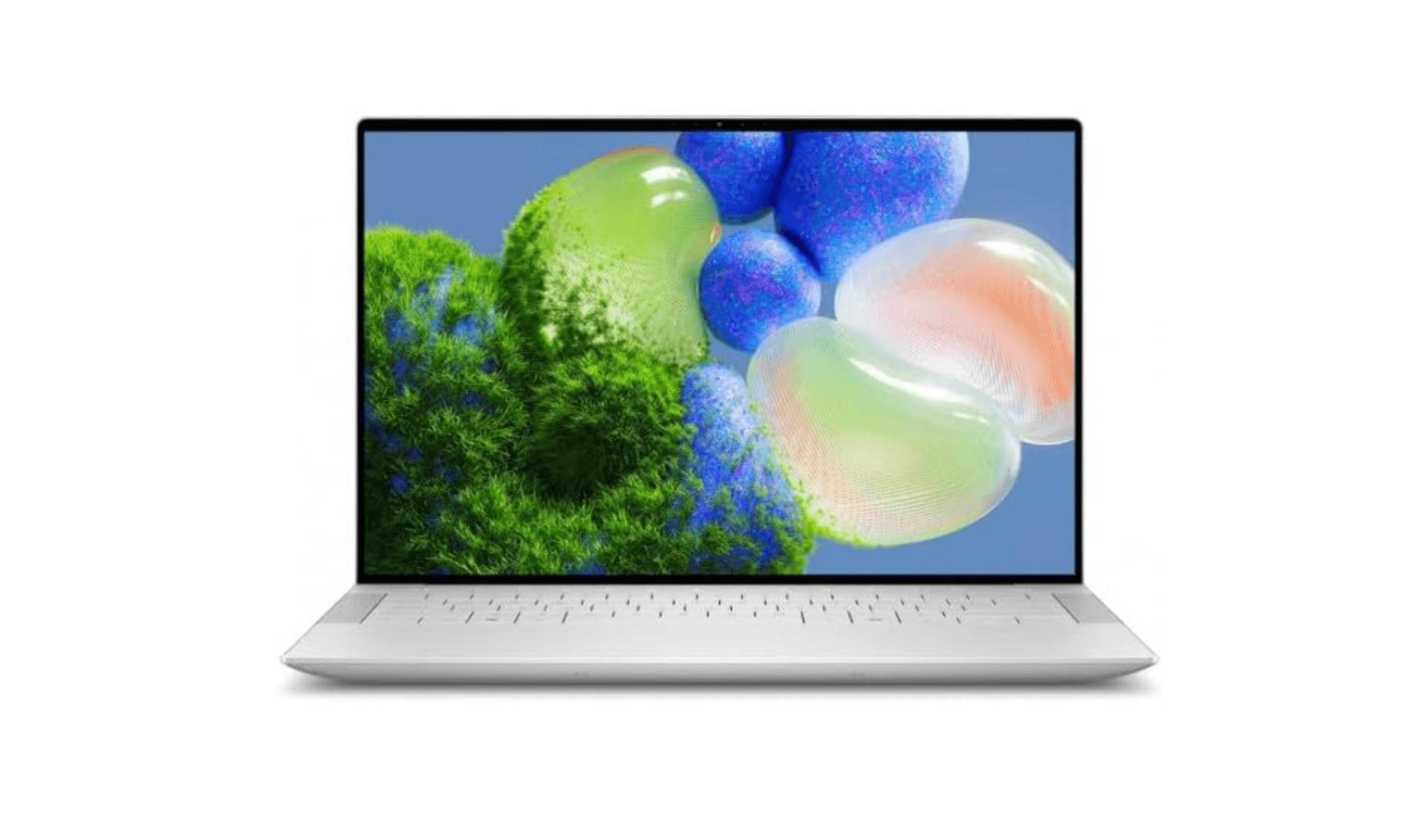
| Best Windows premium alternative | Dell XPS 14 | Upgraded Core Ultra 7 255H with a stunning 3.2K OLED touchscreen |
| Also recommended | Apple MacBook Air 13-inch M5 | M5 performance and all-day battery in a fanless ultralight |
| Also recommended | Lenovo ThinkPad T16 Gen 5 | 16-inch touchscreen, Core Ultra 7 365, 32GB RAM and 1TB SSD |
| Also recommended | Acer Chromebook Plus Spin 714 | Core Ultra 5 115U and a 14-inch touchscreen for browser-based work |
| Also recommended | HP ZBook X G2i | 16-inch workstation with Core Ultra 7 366H, 32GB RAM and 1TB SSD |
How we chose
Our process centered on the core needs of a developer's workflow. We prioritized performance for compilation and virtualization, along with essential features like keyboard quality and port selection for productivity.
The best laptops for programming and coding right now
MSI Prestige 16 AI Evo - Best overall
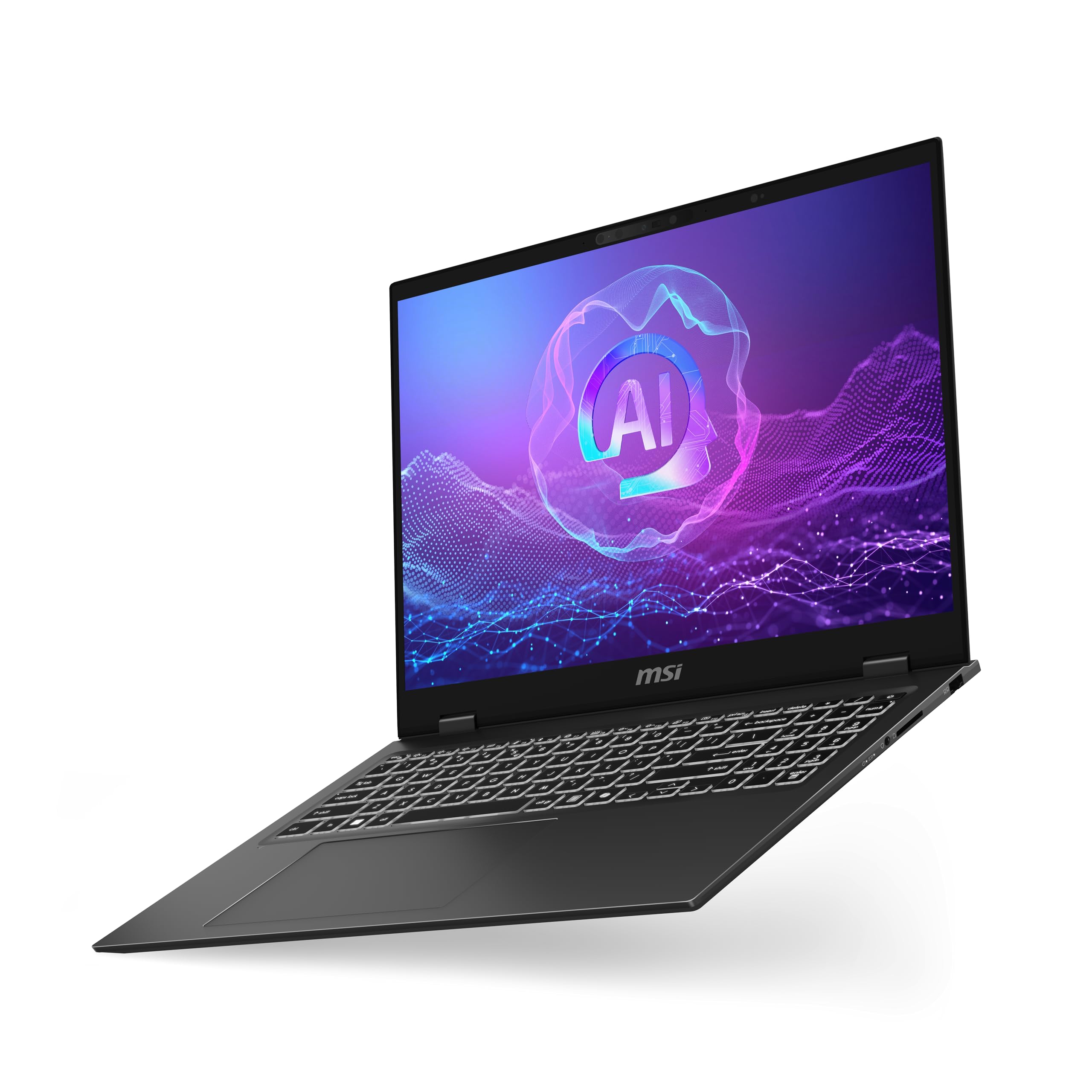
This laptop gets the fundamentals right for most developers. It delivers excellent performance with Intel Core Ultra 7 power, a stunning 4K OLED display that's easy on the eyes, and surprisingly good battery life, all at a reasonable price point.
Key highlights
- Intel Core Ultra 7 256V processor with AI acceleration
- 4K OLED display with exceptional color accuracy
- Built-in Ethernet jack and SD card slot for connectivity
- Under 4-pound design with solid battery life
- Professional look without gaming laptop aesthetics
Pros
- Excellent price-to-performance ratio
- Display quality rivals much more expensive laptops
- Good port selection for a modern laptop
- Handles most development workloads comfortably
Cons
- Integrated graphics limit gaming and GPU-intensive tasks
- Keyboard feel could be better for marathon coding sessions
- Not as durable as business-class ThinkPads
Who it is for: Full-stack developers, web developers, and programmers who need a balanced machine that handles daily work without breaking the bank.
Skip if
You need discrete graphics for game development, machine learning, or CAD work, or if you require maximum portability under 3 pounds.
Lenovo ThinkPad E14 Gen 7 - Best value
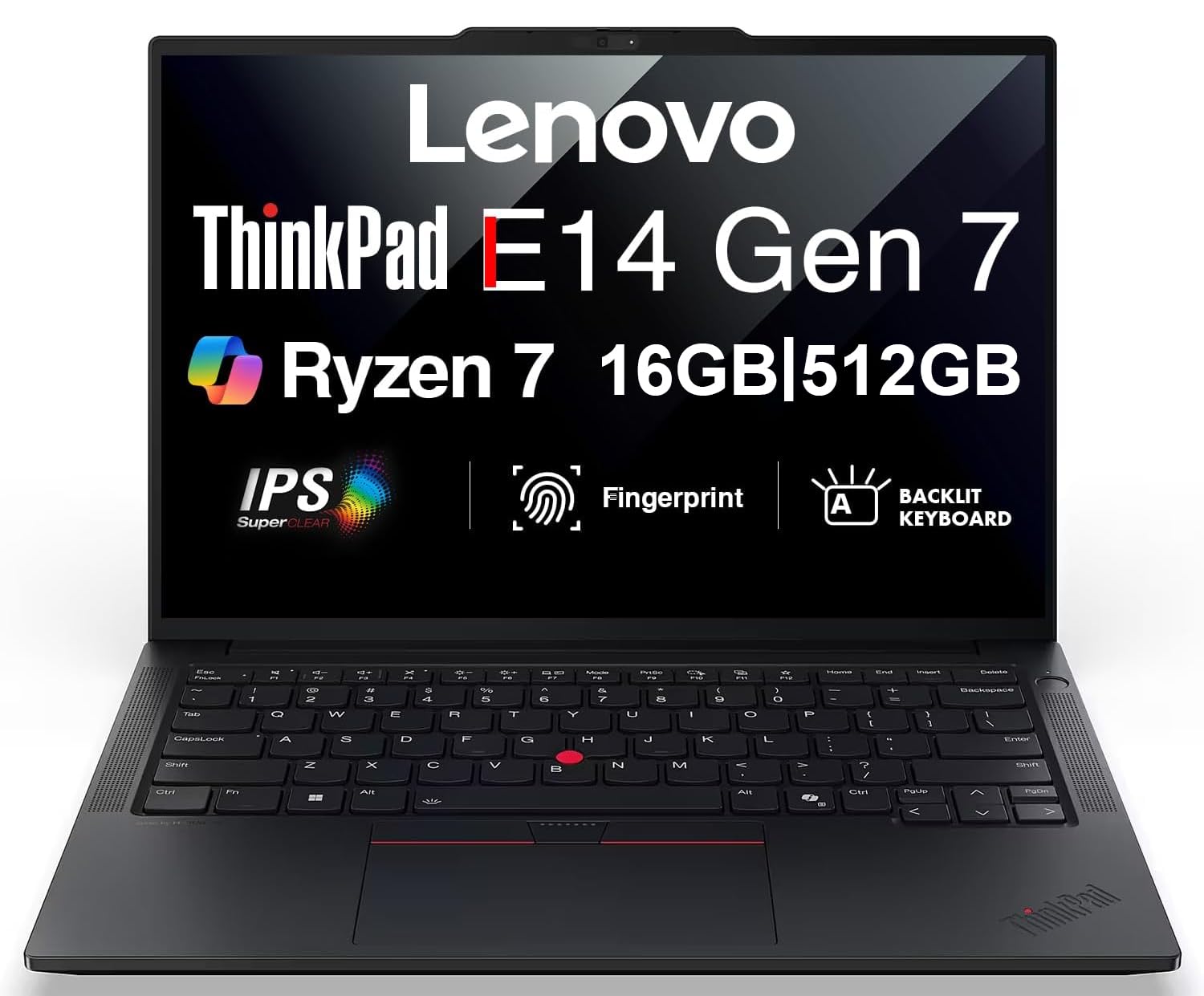
You get genuine ThinkPad quality without the premium price. This laptop pairs an AMD Ryzen 7 250 processor with USB4 connectivity, a 5-megapixel webcam, and MIL-STD-810H-tested durability.
Key highlights
- AMD Ryzen 7 250 with 8 Zen 4 cores and up to 5.1 GHz boost
- 16GB DDR5 RAM and 512GB PCIe SSD
- USB4 40Gbps port with DisplayPort output and USB Power Delivery
- 5-megapixel RGB webcam for crisp remote-work video
- Fingerprint reader and backlit keyboard for secure, comfortable use
Pros
- Two DDR5 SODIMM slots for memory upgrades
- Best-in-class keyboard for long coding sessions
- Excellent Linux compatibility with Windows 11 Pro included
- Business-grade build with MIL-STD tested durability
Cons
- Integrated graphics only, not suited for GPU-heavy workloads
- Display brightness is adequate but not exceptional
- Design is strictly business, no frills
- Battery life is good but trails ultraportable-focused designs
Who it is for: Junior developers, students, budget-conscious professionals, and anyone who needs proven ThinkPad reliability with modern AI-era performance.
Skip if
You need maximum performance for compiling large projects or running multiple virtual machines simultaneously.
Apple MacBook Pro 16 M5 Pro - Best for iOS/macOS development
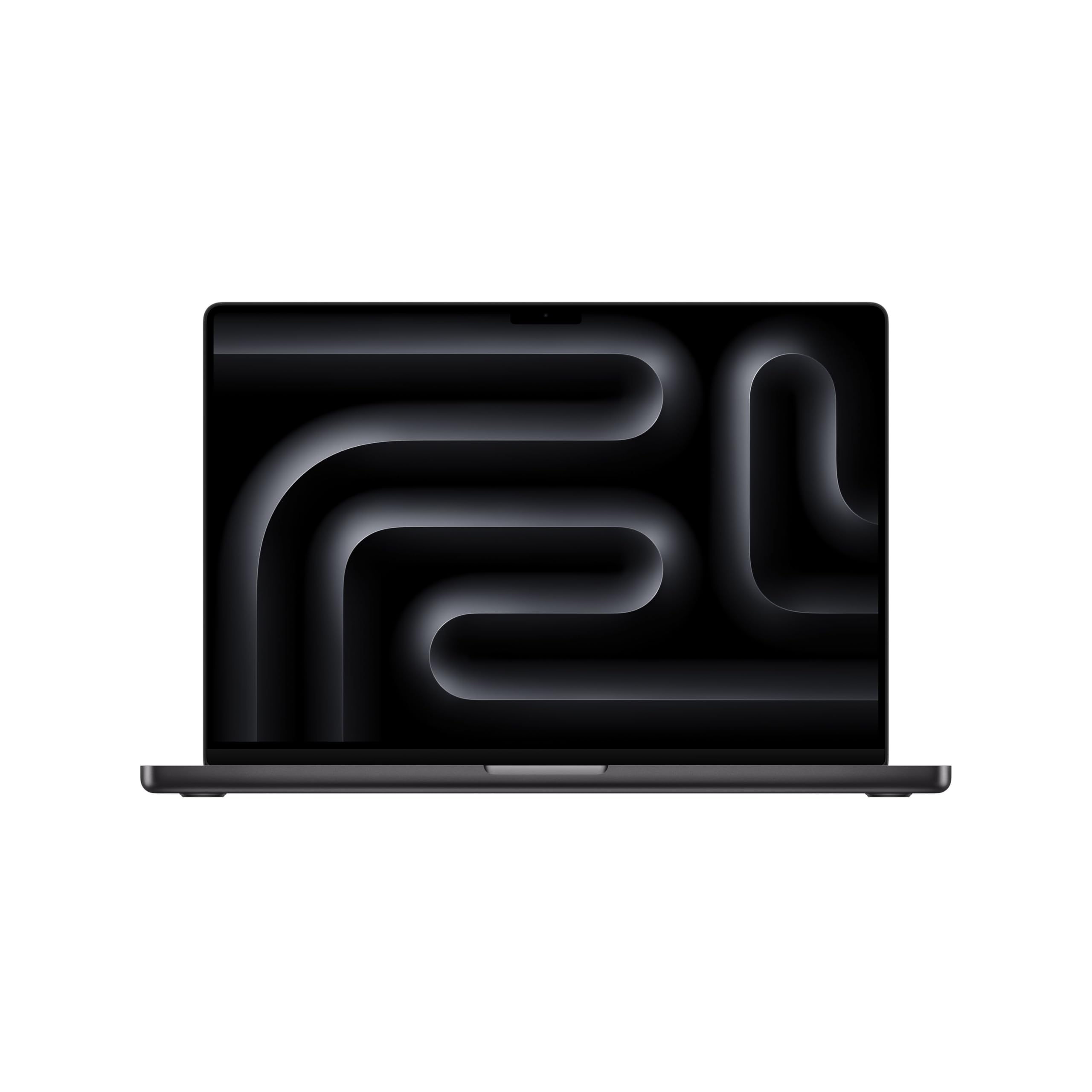
If you're building for Apple's ecosystem, this configuration pairs the M5 Pro chip with 48GB of unified memory. The M5 Pro chip delivers a substantial leap in CPU, GPU, and AI performance over its predecessor, paired with Wi-Fi 7, Thunderbolt 5 ports, and a stunning 16.2-inch Liquid Retina XDR display, making it the definitive choice for iOS, iPadOS, and macOS development.
Key highlights
- Apple M5 Pro chip with 18-core CPU and 20-core GPU
- 48GB unified memory for demanding Xcode workloads and large codebases
- 16.2-inch Liquid Retina XDR display for extended coding sessions
- Wi-Fi 7 and Thunderbolt 5 for next-generation connectivity
- 1TB SSD for project files and development tools
Pros
- Significantly faster CPU and GPU than the previous generation
- Far greater on-device AI performance for modern development tooling
- Exceptional battery life for a 16-inch performance laptop
- Seamless Apple ecosystem integration across devices
- Excellent build quality and long-term resale value
Cons
- Premium positioning, particularly for higher memory configurations
- Not suited for Windows or Linux-native development workflows
- Limited upgrade path after purchase
- Heavier than ultraportable alternatives
Who it is for: iOS, iPadOS, and macOS developers, front-end developers who regularly test on Apple devices, and anyone committed to the Apple ecosystem who wants the best available performance for Xcode and Apple toolchains.
Skip if
You develop primarily for Windows or Linux, need extensive .NET/C# support outside cross-platform scenarios, or prefer a lighter and more portable form factor.
Lenovo ThinkPad X1 Carbon Gen 14 Aura Edition - Best ultraportable
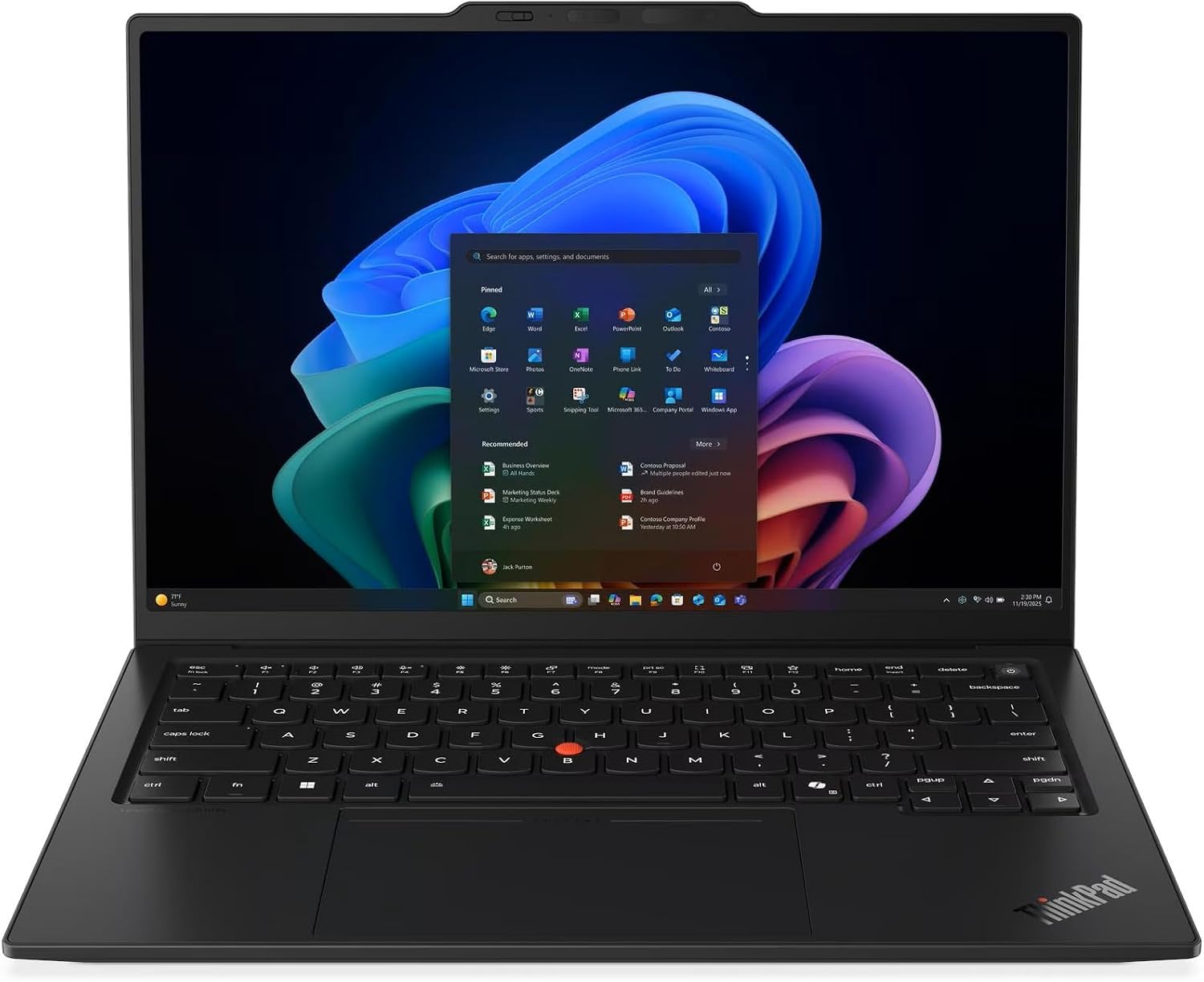
This Gen 14 configuration pairs an Intel Core Ultra 7 365 vPro processor with 32GB of memory and a 1TB SSD. Its 14-inch, 500-nit anti-glare IPS touchscreen and three Thunderbolt 4 ports make it a practical choice for developers who move between desks.
Key highlights
- Intel Core Ultra 7 365 vPro processor with integrated graphics
- 14-inch WUXGA (1920x1200) IPS touchscreen, 500 nits and 100% sRGB
- 32GB LPDDR5X memory and 1TB PCIe Gen 4 SSD
- Three Thunderbolt 4 ports, USB-A and HDMI
- Wi-Fi 7 and a fingerprint reader
Pros
- Anti-glare touchscreen for mobile work
- 32GB of memory for IDEs and multitasking
- Three Thunderbolt 4 ports for docks and displays
- Redesigned chassis with improved access for repairs
Cons
- Soldered memory cannot be upgraded
- This configuration has a 1920x1200 IPS display, not OLED
- Integrated graphics limit GPU-heavy development workloads
Who it is for: Mobile developers, consultants, and remote workers who need a capable machine they can carry everywhere without feeling the weight.
Skip if
You need maximum GPU performance for machine learning or game development, or regularly compile extremely large codebases under sustained load.
Dell XPS 14 - Best Windows premium alternative
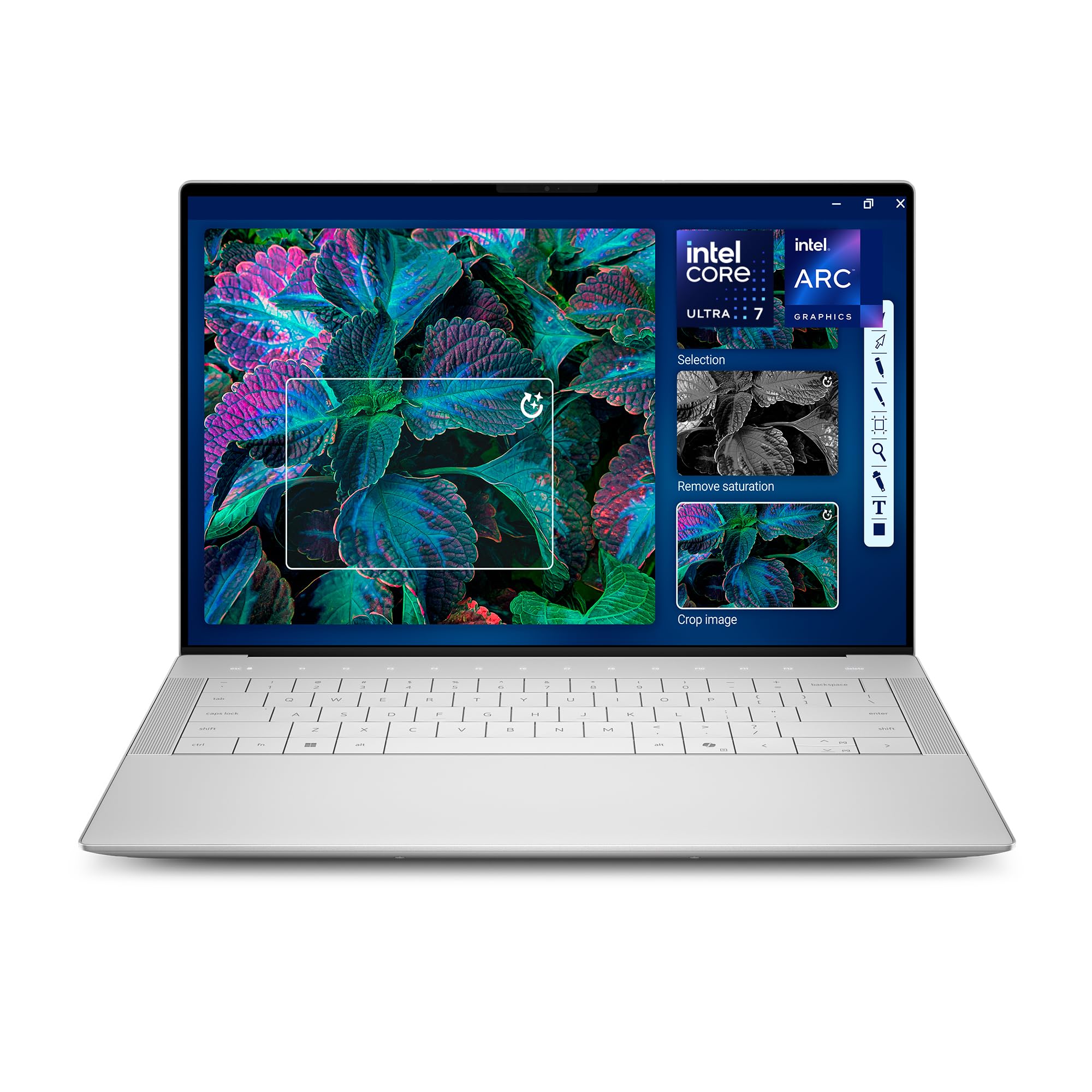
The XPS 14 raises the bar for Windows premium laptops. This updated model pairs the Intel Core Ultra 7 255H with Intel Arc Graphics, 32GB of fast memory, and a 14.5-inch 3.2K OLED touchscreen that runs at up to 120Hz, delivering a compelling combination of display quality, processing muscle, and portable form factor for developers who demand both power and polish.
Key highlights
- Intel Core Ultra 7 255H with 16 cores for faster compilation and multitasking
- 14.5-inch 3.2K OLED touchscreen at up to 120Hz for crisp, fluid visuals
- Integrated Intel Arc Graphics for hardware-accelerated rendering
- 32GB LPDDR5x memory and 1TB SSD for smooth, container-heavy development
- Fingerprint reader and backlit keyboard for secure, comfortable daily use
Pros
- Noticeably faster than previous-generation Core Ultra 7 155H XPS models
- OLED touchscreen is exceptional for long coding sessions and UI work
- Premium build quality in a slim, portable 14-inch chassis
- Good Linux compatibility and solid WSL2 support for flexible workflows
- 32GB of RAM handles demanding IDEs, Docker containers, and multitasking
Cons
- Touch function row replaces traditional function keys, requiring adjustment
- Battery life trails ultraportable-focused designs under heavy sustained loads
- Memory is onboard; the SSD is replaceable through a service procedure
Who it is for: Windows developers and full-stack engineers who want premium build quality, an exceptional display, and modern AI-era performance in a refined 14-inch package.
Skip if
You need maximum battery life for all-day off-charger work, prefer a traditional function key row, or prioritize business-class keyboard feel above all else.
Also Good
- Apple MacBook Air 13-inch M5 - exceptional all-day battery with M5 performance in an ultra-light fanless design. Check Price on Walmart
- Lenovo ThinkPad T16 Gen 5 - a 16-inch workhorse with a 500-nit WUXGA touchscreen, Core Ultra 7 365, 32GB RAM and a 1TB SSD.
- Acer Chromebook Plus Spin 714 - a 14-inch touchscreen Chromebook with Core Ultra 5 115U, 8GB RAM and a 256GB SSD for browser-based development. Check Price on Walmart
- HP ZBook X G2i - a 16-inch workstation with Core Ultra 7 366H, 32GB RAM, a 1TB SSD and NVIDIA RTX PRO 1000 graphics.
How to Choose
- 1.Operating system dictates your options: macOS for iOS development, Windows for .NET/C#, Linux compatibility for everything else. Your target platform often chooses for you.
- 2.Keyboard quality matters more than you think: You'll spend thousands of hours typing. Test keyboards whenever possible, or trust brands with proven track records (ThinkPad, MacBook).
- 3.RAM is your most important spec: Aim for at least 16GB for local development and 32GB for heavier multitasking; 64GB or more can help with multiple virtual machines and large datasets. Browser-based or remote development can work with less.
- 4.Display quality affects productivity: Larger screens (16-inch) show more code, higher resolutions reduce eye strain, and good color accuracy helps with UI work.
- 5.Portability versus power trade-off: Ultraportables (under 3 pounds) sacrifice some performance and cooling. Workstations (over 5 pounds) deliver maximum power but aren't fun to carry.
FAQ
Is 16GB RAM enough for programming in 2026?
Barely. While 16GB works for basic web and mobile development, modern IDEs, browsers, and tools consume more memory than ever. 32GB is the new comfortable minimum for professional work, especially if you run virtual machines, Docker containers, or multiple development environments.
Do I need a dedicated GPU for programming?
Only for specific workloads: game development (Unity, Unreal), machine learning/AI work, CAD, video processing, or scientific computing. For web, mobile, backend, or most application development, integrated graphics are fine and save battery life.
MacBook or Windows laptop for programming?
Choose based on your target platform: MacBook for iOS/macOS development (required for Xcode), Windows for .NET/C# development, either for web and cross-platform work. Many developers prefer MacBooks for Unix-like environment and build quality, but Windows laptops offer better value and gaming capability.
What's more important: CPU power or RAM?
For development, RAM almost always matters more. Compiling happens in bursts where CPU matters, but having enough RAM prevents swapping and keeps your entire environment responsive. Get enough RAM first, then the best CPU you can afford.
How much should I spend on a programming laptop?
Budget-friendly options handle learning and entry-level development work well. Mid-range configurations cover most professional needs comfortably. Premium configurations are best for specialized workloads like game development, machine learning, or maximum portability with no compromises.
Published February 6, 2026 Last updated September 29, 2026
Share this article
More on laptops
Deal
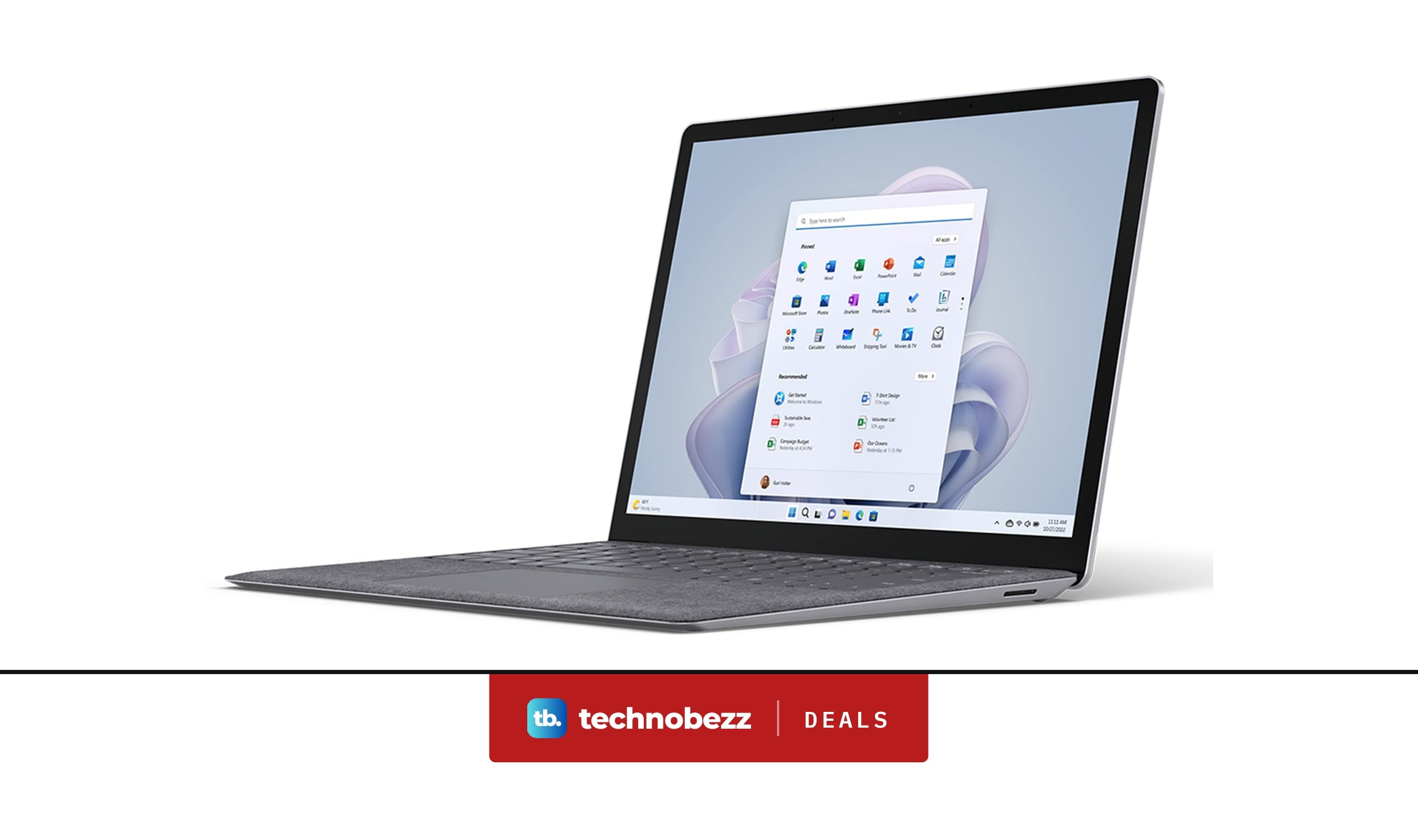
Microsoft Surface Laptop 5 slips to $608.84
Deal
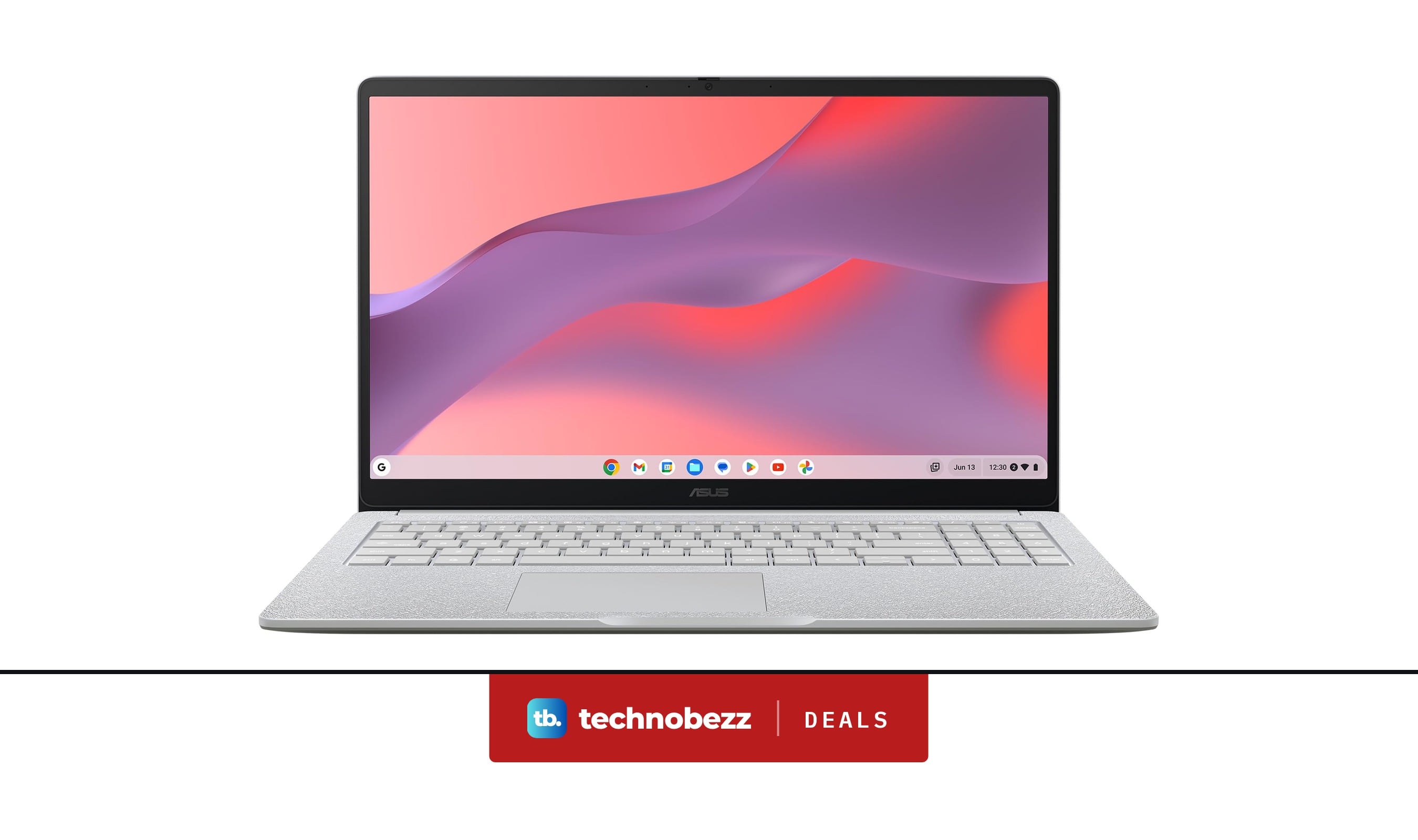
ASUS Chromebook CM15 dips to $370.99
Buying guide
7 Best Laptops for Interior Designers in 2026
Buying guide
4 Best Budget Laptops Around $300 for 2026
More buying guides
Buying guide9 Best Keyboards From Top Brands in 2026Buying guide8 Best 60 Percent Keyboards of 2026Buying guideTop 7 Home Theater Systems for 2026Buying guide6 Best Handheld Gaming Consoles for 2026Buying guide5 Spy Cameras for Home and Portable Monitoring (2026)Buying guide6 Best Tablets for Gaming in 2026Buying guide7 Gaming Consoles for Every Budget in 2026Buying guideBest Lenovo ThinkPad Laptops in 2026