Medical school demands a laptop that can handle long lecture days, anatomy software, EHR systems, and late night study sessions without slowing you down. The Apple MacBook Air M5 takes the top spot with a fanless design and up to 18 hours of video streaming in Apple's testing, while Windows users have several alternatives. This list cuts through the specs to find what actually works for med students.
Technobezz is supported by its audience. We may get a commission from retail offers.
Best Laptops for Medical Students in 2026
The Apple MacBook Air M4 takes the top spot with 18-hour battery life and a featherlight design, but Windows users and budget shoppers have strong options too.
T
Technobezz
Editorial Team
Updated September 4, 2026Sep 4, 2026
•12 min read

Get Deals Like These in Your Inbox
The best prices, checked by our editors.
At a Glance
| Category | Product | Why We Picked It |
|---|---|---|
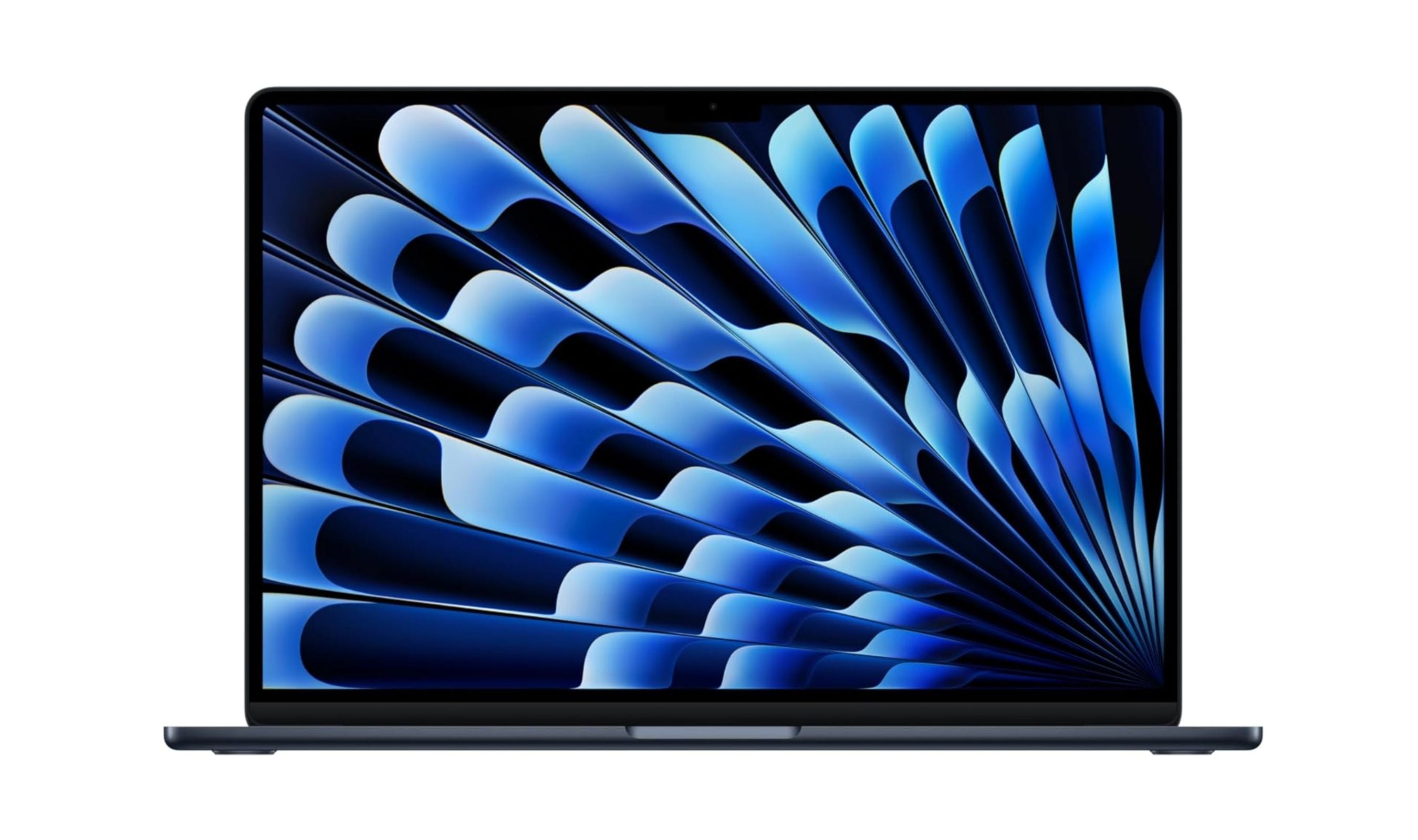
| Best overall | MacBook Air M5 | Fanless 2.7-pound design with 16GB memory and a 512GB SSD |
| Best Windows laptop | Dell XPS 13 (Snapdragon X Elite) | Snapdragon X Elite with 16GB RAM and a 120Hz display; check Arm software support |
| Best 2-in-1 for clinicals | Microsoft Surface Pro 12th Edition | 13-inch OLED tablet with Snapdragon X2 Elite and optional keyboard and pen |
| Best premium | MacBook Pro 14 (M5 Pro) | M5 Pro performance with 24GB memory, a 1TB SSD and Thunderbolt 5 |
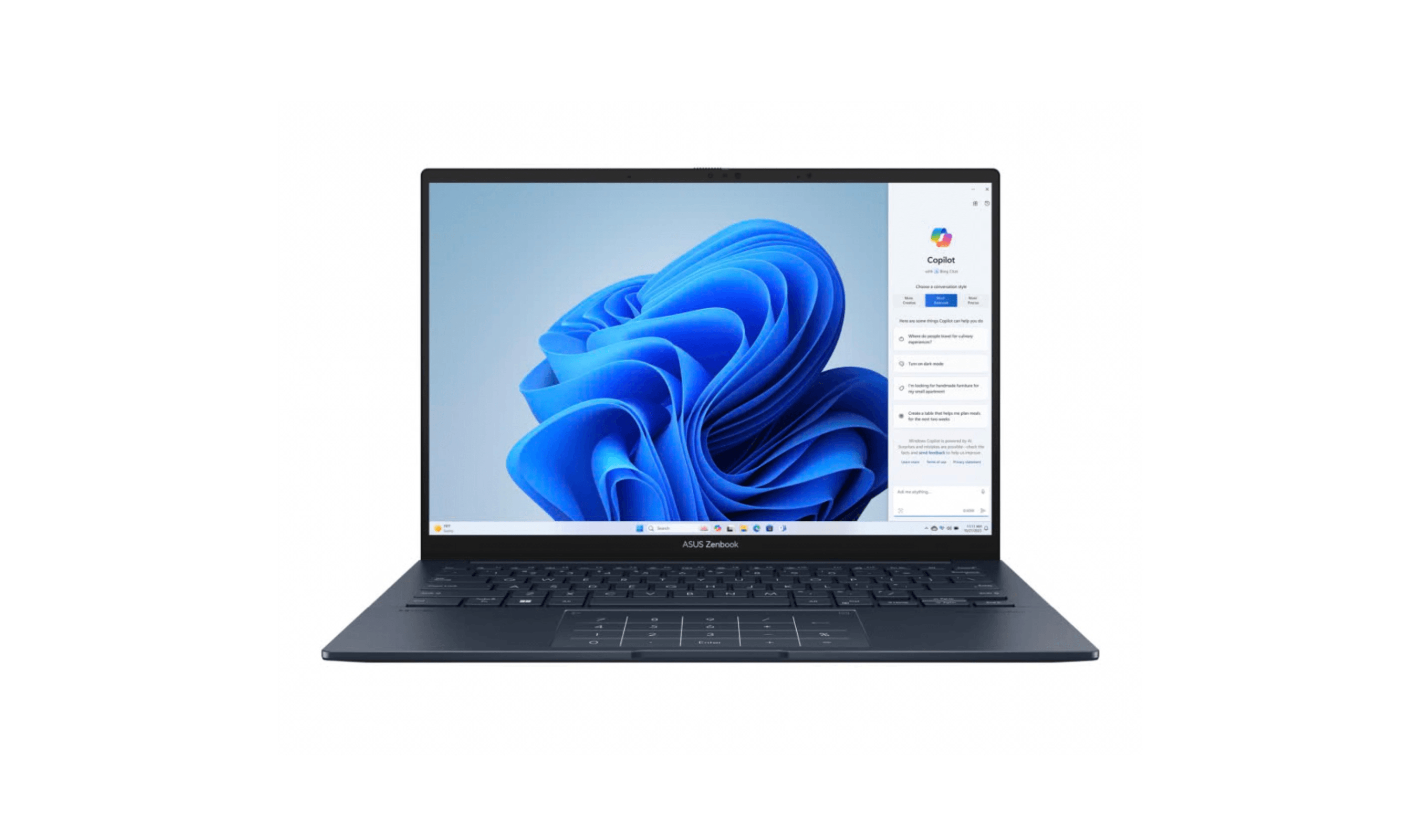
| Best value | ASUS Zenbook 14 OLED | OLED touchscreen, 16GB RAM and a 1TB SSD; seller-upgraded configuration |
| Most durable | Lenovo ThinkPad X1 Carbon Gen 14 | MIL-STD-810H testing, a spill-resistant keyboard and 32GB RAM |
| Also recommended | Lenovo Yoga Slim 7i Aura Edition | 14-inch OLED touchscreen with Core Ultra 7 258V, 32GB RAM and a 1TB SSD |
How we chose
We evaluated laptops based on criteria that actually matter in medical school: battery life for full clinical days, weight for carrying between hospital and campus, RAM for multitasking between EHR systems and research databases, and display quality for reading dense medical texts. We assessed each model against real-world med school workflows including anatomy software, video lectures, note-taking apps, and electronic health record compatibility. Our recommendations prioritize reliability, comfort, and longevity over flashy features that won't help you study.
The best laptops for medical students right now
MacBook Air M5 - Best overall
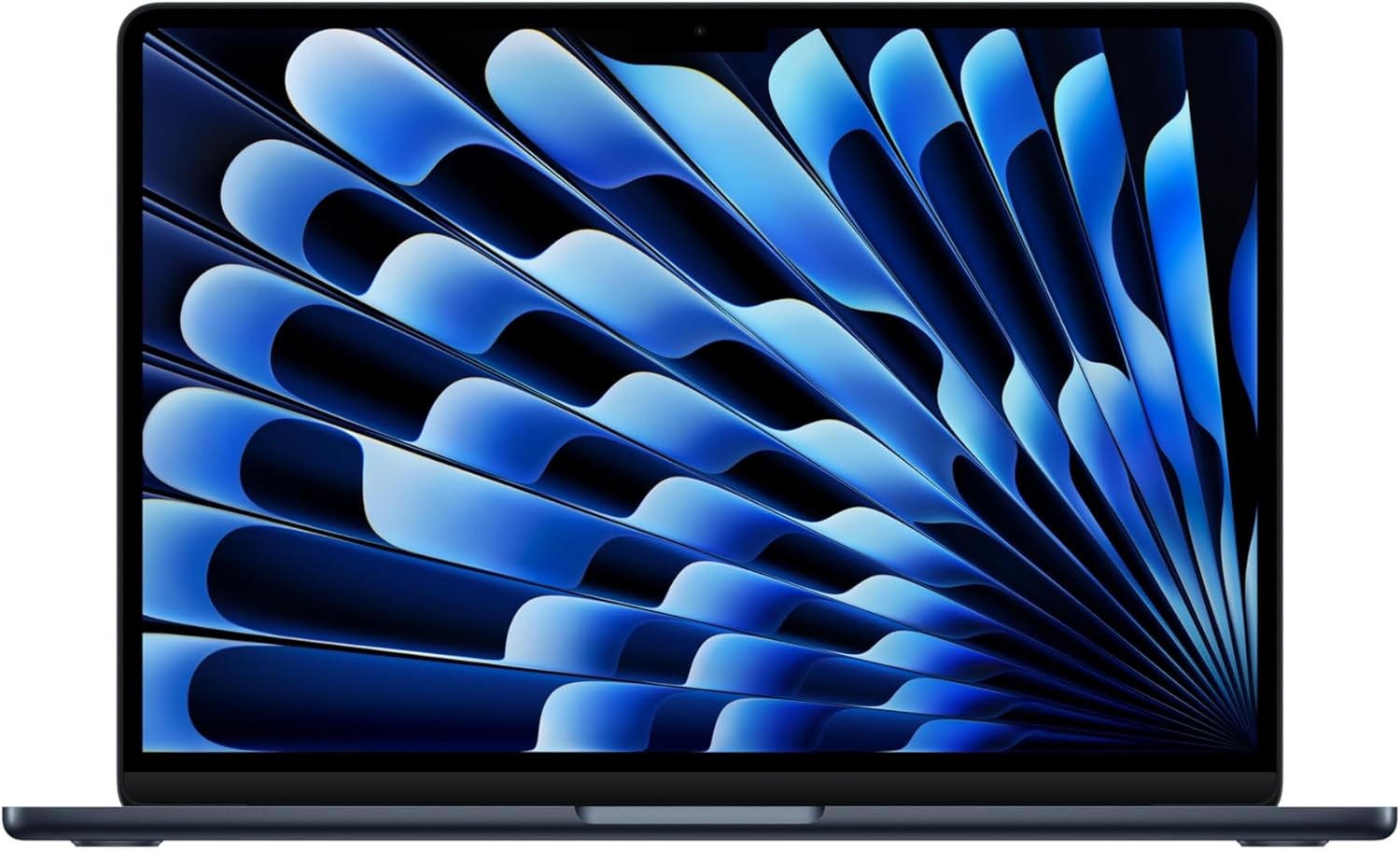
The MacBook Air M5 is our overall pick for students whose required software supports macOS. This 13-inch M5 configuration has 16GB of unified memory, a 512GB SSD and a fanless design. It weighs 2.7 pounds. Apple rates it for up to 18 hours of video streaming or 15 hours of wireless web use; actual battery life varies with workload.
Key highlights
- M5 chip with 16GB unified memory and a 512GB SSD
- 13.6-inch Liquid Retina display with 2560 x 1664 resolution
- 2.7-pound chassis with silent, fanless cooling
- Up to 18 hours of video streaming or 15 hours of wireless web use in Apple testing
- 12MP Center Stage camera, Wi-Fi 7 and two Thunderbolt 4 ports
Pros
- Fanless operation for quiet study spaces
- MagSafe charging leaves both USB-C ports available
- Supports two external displays
- Built-in features for sharing work with iPhone
Cons
- No built-in USB-A or HDMI port
- Only two Thunderbolt 4 ports
- Check school requirements before choosing macOS for Windows-only software
Who it is for: Medical students who prioritize all-day battery, lightweight carry, and Apple ecosystem convenience. Great if you already own an iPhone or iPad.
Skip if
Your school requires Windows-specific EHR or medical software that doesn't run on macOS. Also skip if you need multiple USB-A ports or HDMI without adapters.
Dell XPS 13 (9345) - Best Windows laptop
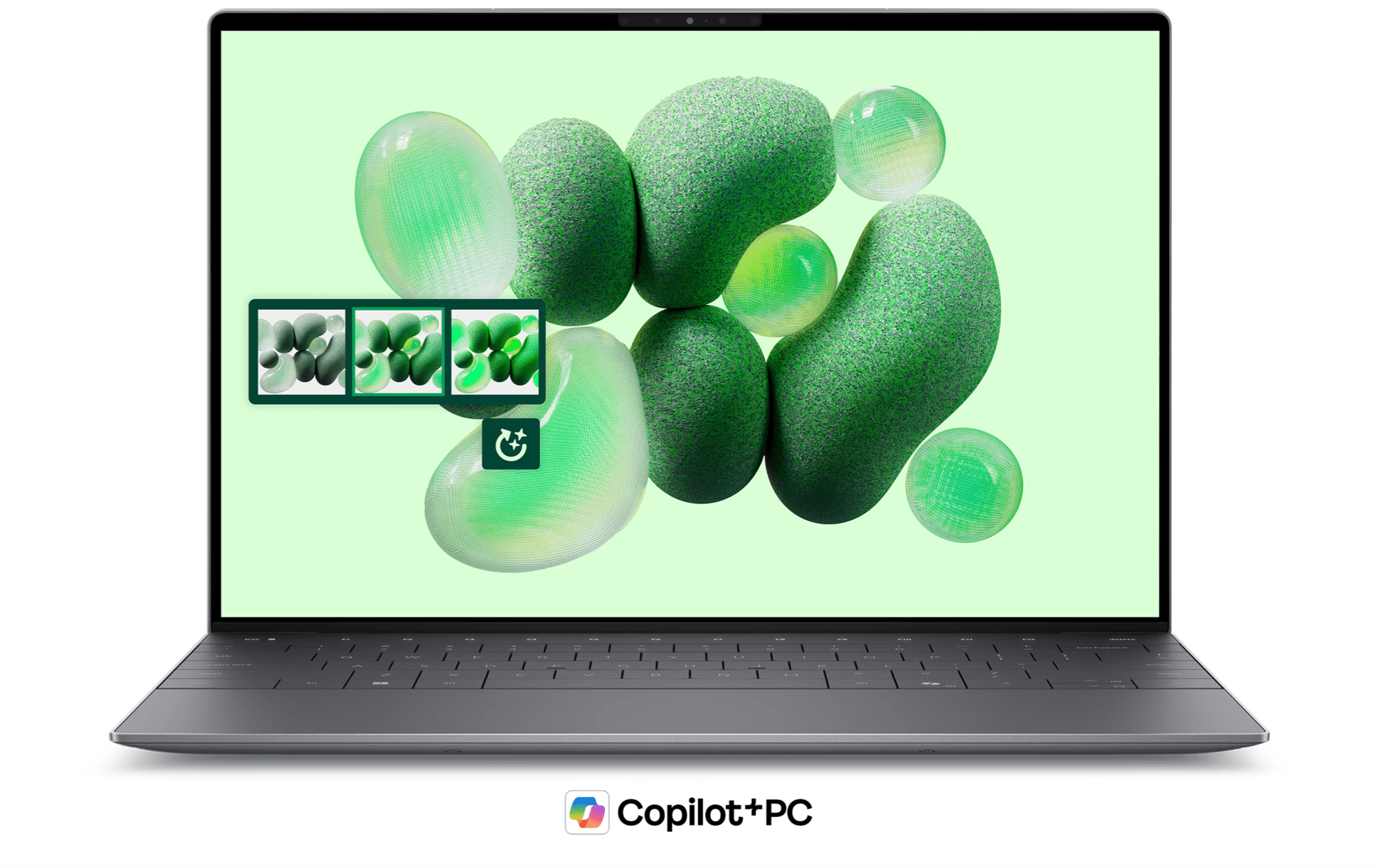
The Dell XPS 13 (9345) configuration linked here uses a Snapdragon X Elite processor, 16GB of RAM and a 1TB SSD. Its 13.4-inch FHD+ display supports a 120Hz refresh rate. Dell advertises up to 27 hours of video streaming on compatible configurations; coursework battery life will vary. Windows 11 Pro runs on Arm, so confirm your school's EHR client, exam software and required peripherals support this platform.
Key highlights
- Up to 27 hours of video streaming in Dell testing; actual battery life varies
- 2.62-pound design disappears in a backpack
- 120Hz adaptive refresh display with anti-glare coating
- Snapdragon X Elite processor with Copilot+ features
- Windows 11 Pro on Arm; verify required hospital software and drivers
Pros
- Long manufacturer-rated video-streaming endurance
- Compact 13.4-inch design for daily campus carry
- Instant wake from sleep in under a second
- Premium CNC-machined aluminum build
Cons
- Only two USB-C ports (dongle required for most peripherals)
- ARM architecture may have compatibility issues with older medical software
- Higher price point than some Windows alternatives
Who it is for: Windows-preferring students who want portability and whose school has confirmed support for their required software on Windows on Arm.
Skip if
You rely on older Windows medical software that may not run on ARM processors, or you need legacy ports for hospital equipment.
Microsoft Surface Pro 12th Edition - Best 2-in-1 for clinical rotations
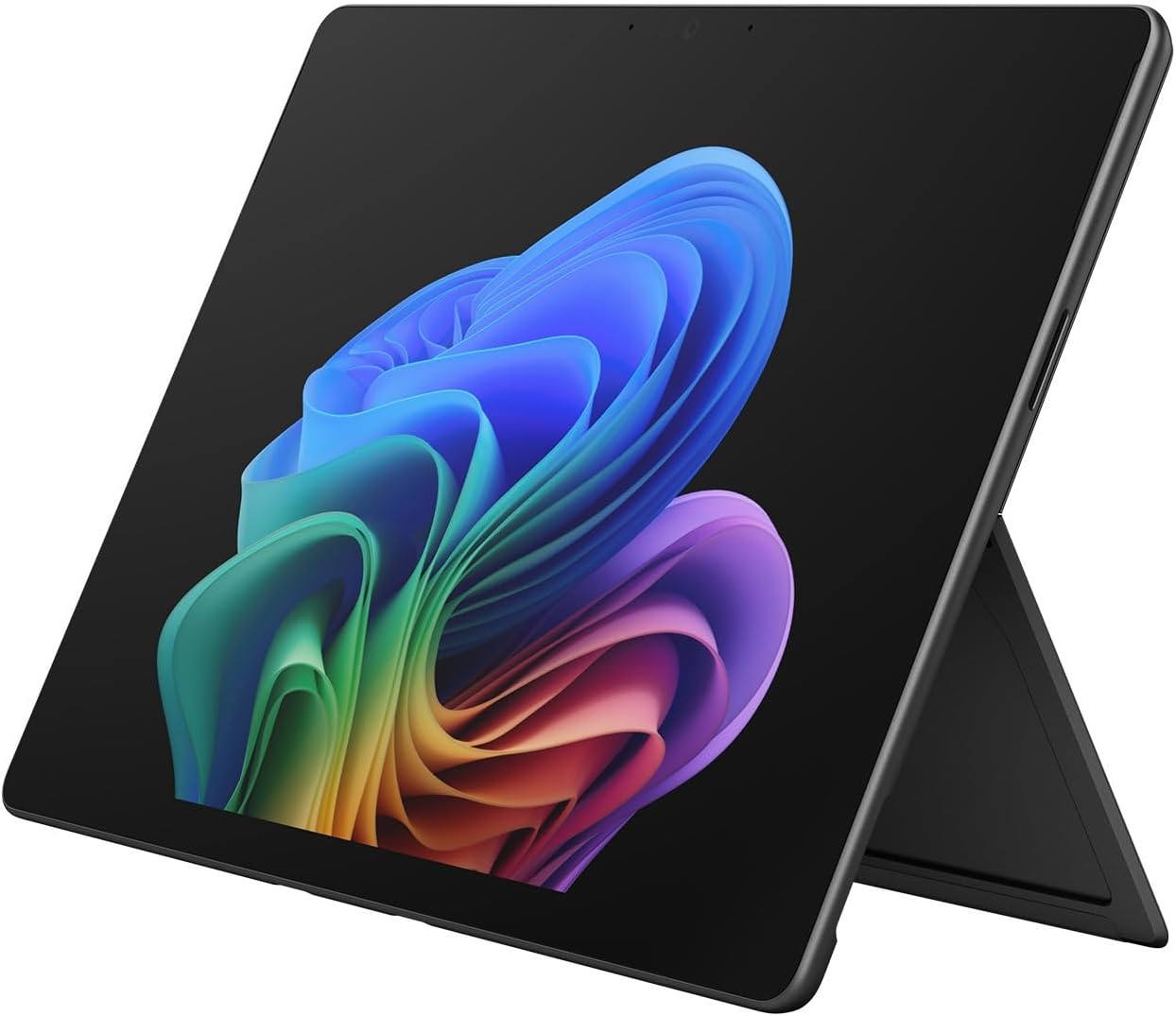
The Surface Pro 12th Edition keeps the tablet-and-keyboard flexibility useful for clinical rotations. This 13-inch model pairs a Snapdragon X2 Elite processor with an OLED touchscreen, 16GB RAM and a 1TB SSD. The tablet weighs 1.97 pounds, and an optional Surface Pro keyboard and Slim Pen support typing and handwritten annotation. Microsoft rates battery life at up to 15.5 hours of local video playback; clinical use will vary.
Key highlights
- 13-inch 2880 x 1920 OLED touchscreen with up to 120Hz refresh
- Snapdragon X2 Elite processor with 16GB RAM and 1TB SSD
- 1.97-pound tablet weight, excluding the keyboard
- Up to 15.5 hours of local video playback in Microsoft testing
- Two USB-C/USB4 ports, Surface Connect and an adjustable kickstand
Pros
- Tablet format supports pen-based notes and diagram annotation
- OLED display with a tall 3:2 aspect ratio
- Optional detachable keyboard supports laptop-style typing
- 1TB SSD for lecture recordings and study files
Cons
- Keyboard and Slim Pen are sold separately
- Windows on Arm requires checking software and peripheral compatibility
- No built-in USB-A or HDMI port
Who it is for: Medical students entering clinical rotations who want tablet versatility for hospital work and pen-based note-taking during lectures.
Skip if
Buying a separate keyboard and pen would stretch your budget, your required software does not support Windows on Arm, or you prefer a traditional clamshell for extended typing.
MacBook Pro 14 (M5 Pro) - Best premium for research and heavy multitasking
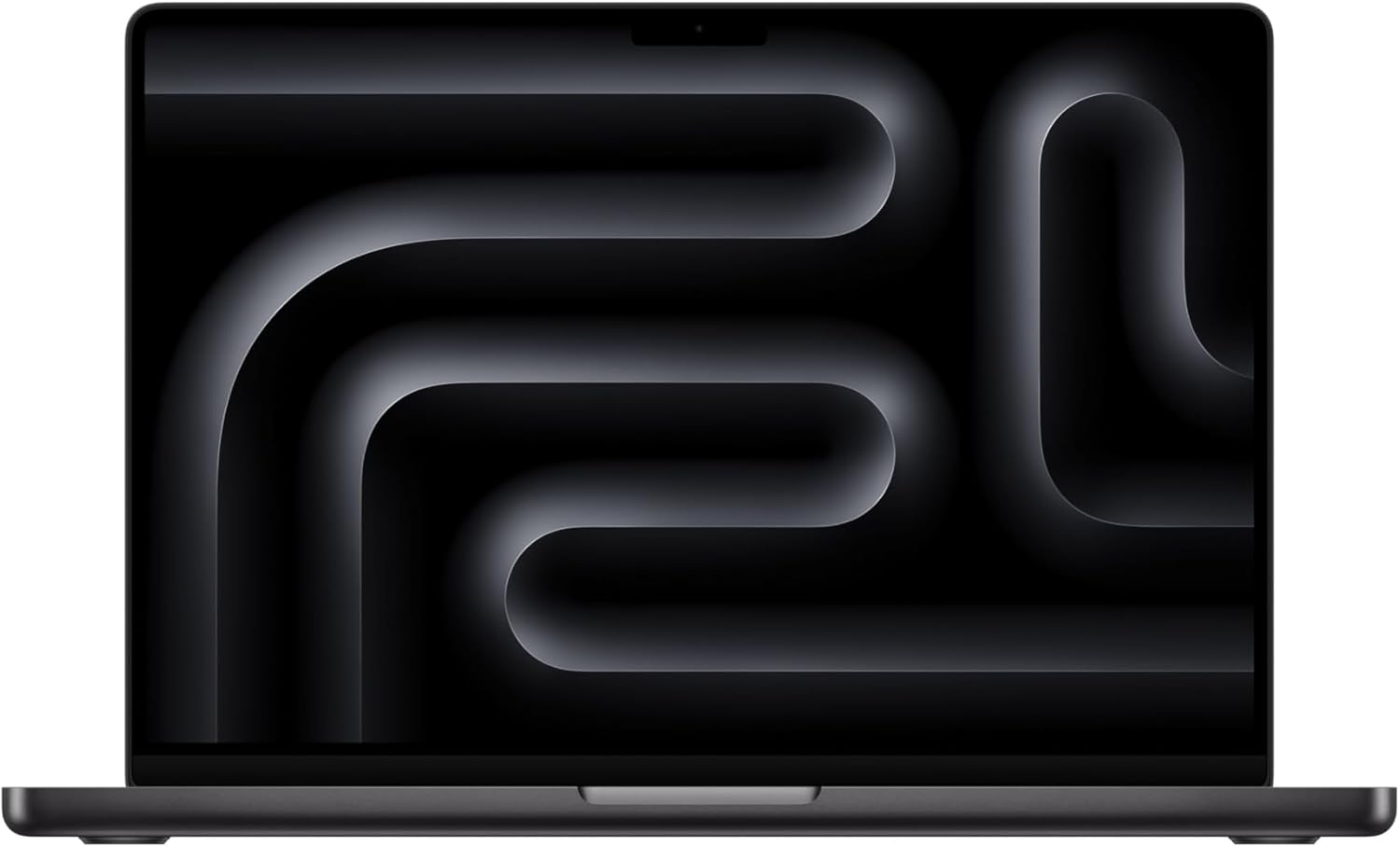
The MacBook Pro 14 with M5 Pro is the premium choice for students working with demanding research applications. This configuration includes a 15-core CPU, 16-core GPU, 24GB of unified memory and a 1TB SSD. Its 14.2-inch Liquid Retina XDR display reaches up to 1600 nits peak brightness for HDR content, while three Thunderbolt 5 ports, HDMI and an SDXC slot support a desk setup.
Key highlights
- M5 Pro chip with a 15-core CPU and 16-core GPU
- 24GB unified memory and a 1TB SSD
- 14.2-inch Liquid Retina XDR display with up to 1600 nits HDR peak brightness
- Three Thunderbolt 5 ports plus HDMI and an SDXC card slot
- 12MP Center Stage camera and Wi-Fi 7
Pros
- 24GB memory provides room for demanding research workflows
- 1TB of built-in storage for datasets and project files
- HDMI and SDXC connections reduce reliance on adapters
- XDR display supports HDR content
Cons
- 3.5-pound weight adds to a daily carry
- More computing power than basic note-taking and browsing require
- No built-in USB-A port
Who it is for: Medical students analyzing large research datasets or juggling demanding macOS applications.
Skip if
Your needs are limited to note-taking, web browsing and standard coursework, or your school requires software that does not support macOS.
Lenovo ThinkPad X1 Carbon Gen 14 - Most durable
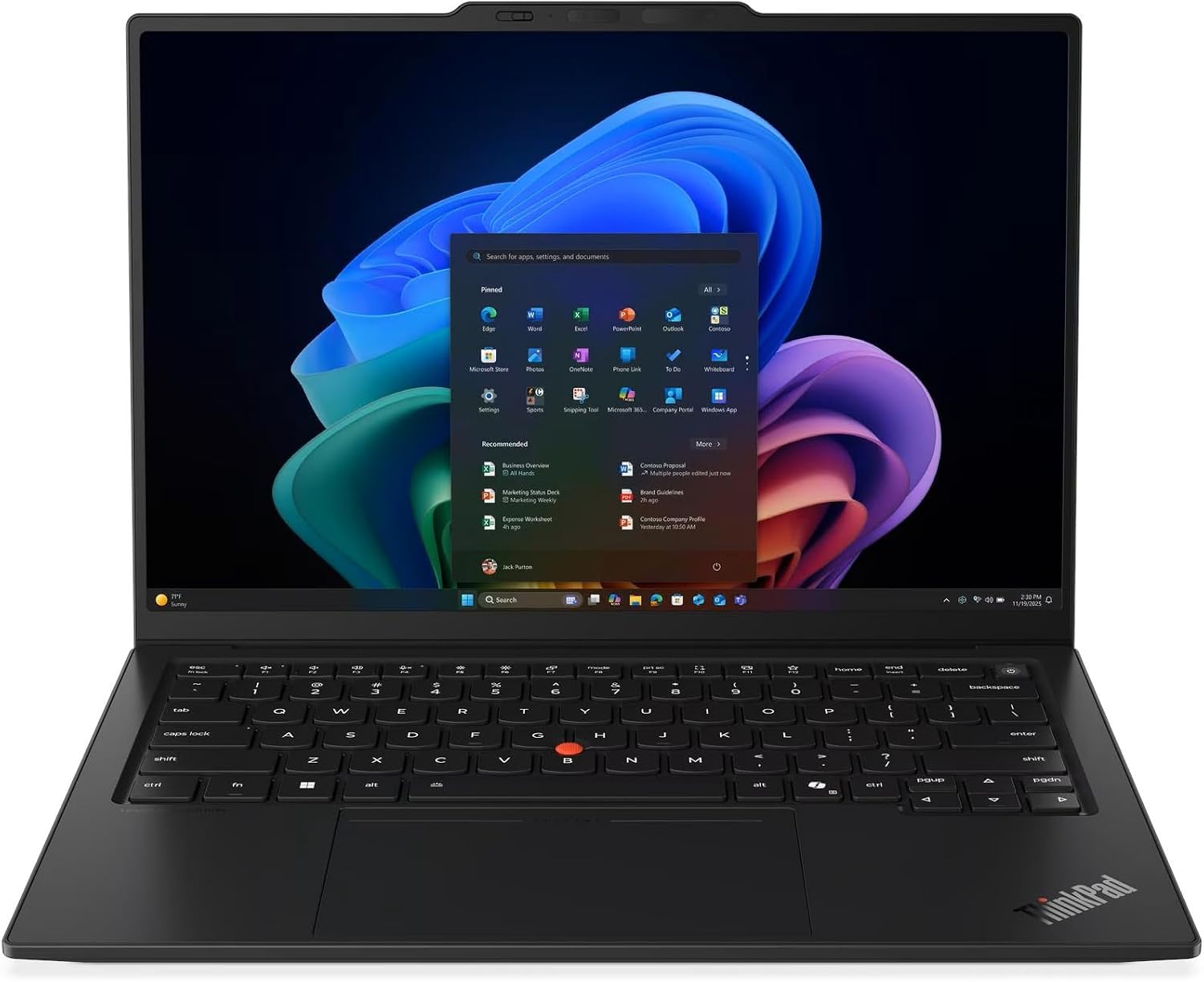
The ThinkPad X1 Carbon Gen 14 Aura Edition pairs MIL-STD-810H testing with a spill-resistant keyboard for daily campus use. This configuration has an Intel Core Ultra 7 365 vPro processor, 32GB of RAM, a 1TB SSD and Windows 11 Pro. Its 14-inch 1920 x 1200 IPS touchscreen has an anti-glare finish, and USB-A, HDMI and three Thunderbolt 4 ports support common study peripherals.
Key highlights
- MIL-STD-810H testing and a spill-resistant keyboard
- Intel Core Ultra 7 365 vPro processor with 32GB RAM
- 1TB SSD and Windows 11 Pro
- 14-inch 1920 x 1200 IPS touchscreen rated at 500 nits
- USB-A, HDMI and three Thunderbolt 4 ports
Pros
- Spill-resistant keyboard for everyday mishaps
- 32GB memory provides multitasking headroom
- Built-in USB-A and HDMI reduce adapter needs
- Listed with a one-year Lenovo onsite warranty
Cons
- This configuration uses a 60Hz IPS display rather than OLED
- 32GB memory is soldered and cannot be upgraded
- Integrated graphics rather than a dedicated GPU
Who it is for: Students who prioritize durability, professional appearance, and the best keyboard for extensive typing during clinical documentation and research papers.
Skip if
You need a high-resolution OLED display for imaging work, or you want dedicated graphics for gaming or 3D anatomy rendering.
ASUS Zenbook 14 OLED - Best value
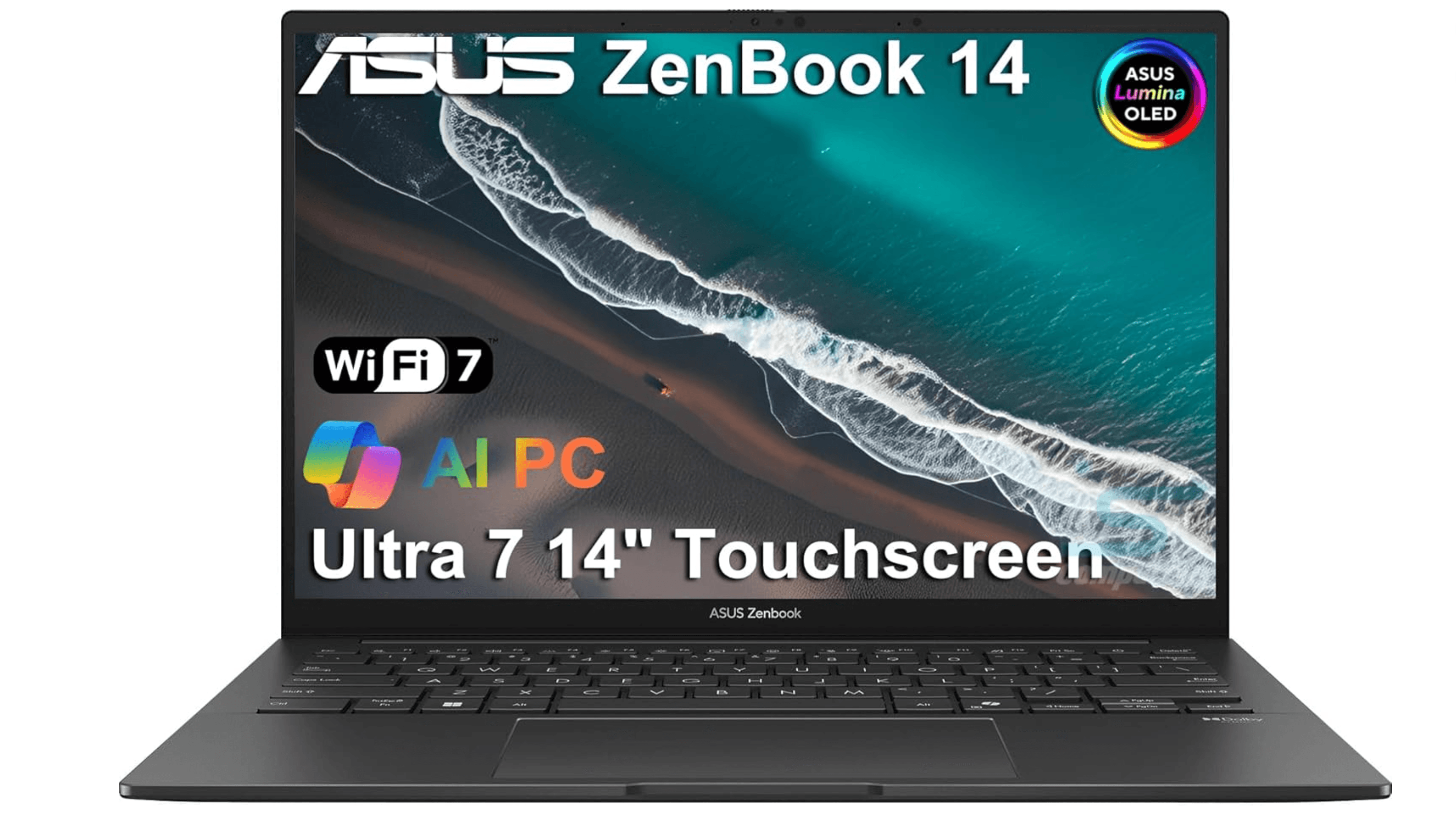
The ASUS Zenbook 14 OLED combines a 14-inch 1920 x 1200 OLED touchscreen with 500 nits brightness and 100% DCI-P3 gamut coverage. The linked configuration has an Intel Core Ultra 7 255H processor, 16GB RAM and a 1TB SSD. The seller discloses that the new computer has been opened and resealed for upgrades and includes a one-year seller warranty.
Key highlights
- 14-inch OLED touchscreen with 100% DCI-P3 color gamut coverage
- 1TB SSD storage for years of lecture recordings and textbooks
- Intel Core Ultra 7 processor with 16 cores for smooth multitasking
- Weighs just 2.82 pounds for easy daily carry
- Thunderbolt 4 ports for fast data transfer and external displays
Pros
- OLED touchscreen with 500 nits brightness
- 1TB SSD for lecture recordings and study files
- Lightweight design for campus commutes
- Strong performance for all med school tasks
Cons
- Real-world battery life around 6-8 hours (charger recommended)
- 16GB RAM is not upgradeable
- Can run warm during extended use
- Some quality control reports from buyers
Who it is for: Medical students who want an OLED touchscreen and 1TB of storage and are comfortable buying a seller-upgraded configuration.
Skip if
You need all-day battery life without carrying a charger, or you want maximum build quality and reliability from a premium brand.
Also Good
- Lenovo Yoga Slim 7i Aura Edition - 14-inch OLED touchscreen with Core Ultra 7 258V, 32GB RAM and a 1TB SSD.
How to Choose
- Battery life comes first. Clinical rotations and long lecture days mean you won't always have access to outlets. Aim for 12+ hours of real-world battery. MacBooks and Snapdragon-powered Windows laptops lead here.
- RAM matters more than processor speed. 16GB is the minimum for medical school. Running EHR systems, anatomy software, a browser with dozens of tabs, and note-taking apps simultaneously will choke on 8GB. Don't settle for less.
- Weight determines whether you actually carry it. Under 3.5 pounds is ideal. Over 4 pounds and many students report leaving the laptop at home during clinical days. Under 3 pounds is the sweet spot for hospital rotations.
- Display quality affects eye strain. You'll stare at this screen 8-12 hours a day. Look for at least Full HD resolution with an IPS or OLED panel. OLED offers better contrast for medical imaging but uses more battery.
- Check your school's software requirements before choosing Mac vs. Windows. Most medical schools support both platforms, but some hospital EHR systems run better on Windows. Ask your IT department before committing.
FAQ
Is 8GB of RAM enough for medical school?
No. 8GB will cause noticeable slowdowns when running EHR systems, browser tabs, video lectures, and note-taking apps simultaneously. Get 16GB minimum.
Do I need a touchscreen for medical school?
Not required, but useful. A 2-in-1 like the Surface Pro is worth considering if you want pen input.
Can I use a MacBook for medical school, or do I need Windows?
Check your school's required applications and supported operating systems before choosing a Mac or Windows laptop. For Snapdragon-powered Windows models, also confirm that required EHR clients, exam software and peripherals support Windows on Arm.
How much storage do I need for medical school?
512GB is the sweet spot. Lecture recordings, medical textbooks, and research files add up quickly. 256GB is workable with cloud storage, but you'll need to manage space carefully. 1TB gives you breathing room.
Should I buy a gaming laptop for medical school?
Probably not. Gaming laptops add weight, drain battery faster, and cost more for features you won't use in med school. If you do want to game, a lightweight ultrabook plus a separate gaming desktop is usually the better combination.
Published May 17, 2026 Last updated September 5, 2026
Share this article
More in News
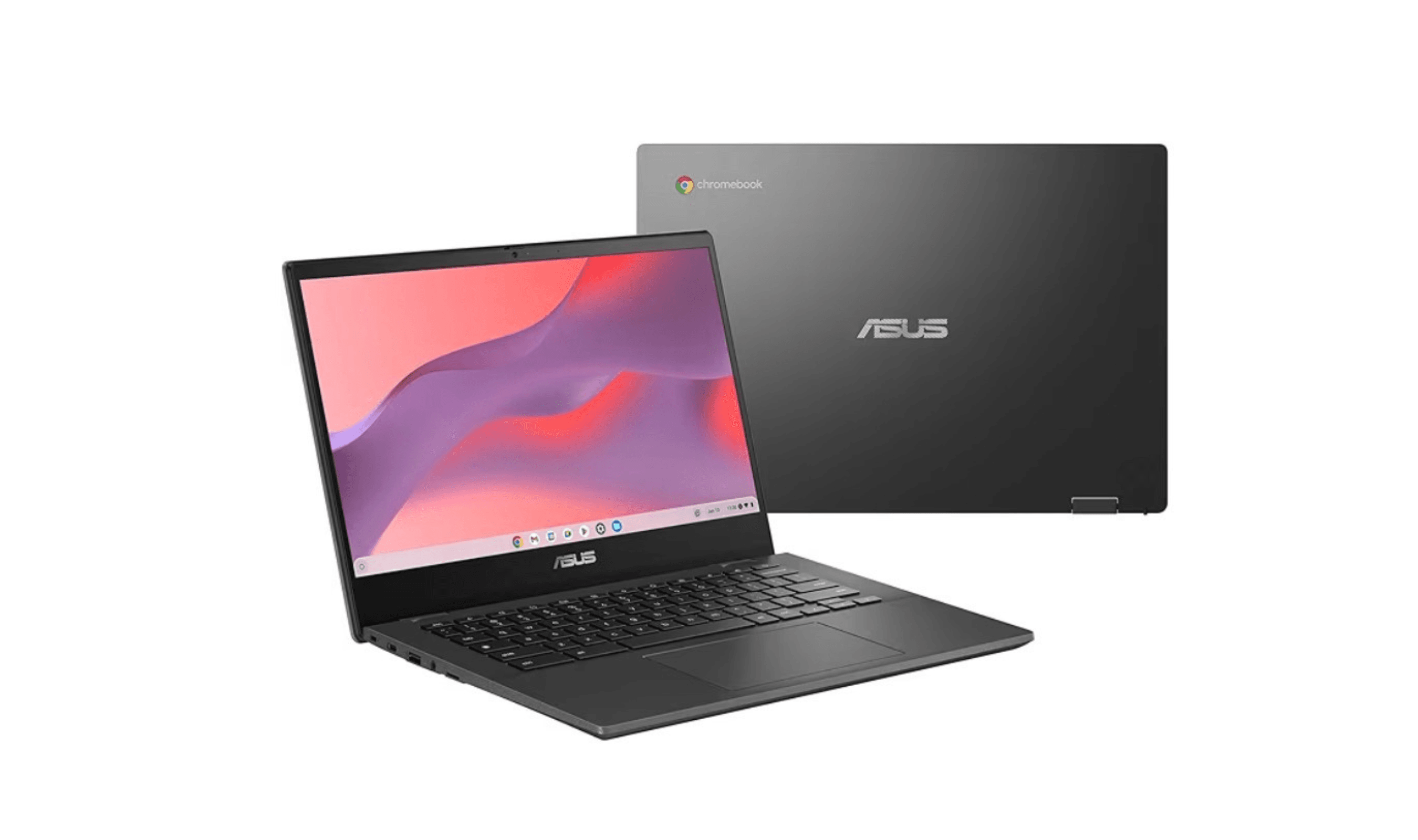
8 Best Chromebooks for Students in 2026
The best Chromebooks for students in 2026, from the Samsung Galaxy Chromebook Plus to budget picks under $200 and rugged, all-day classroom models.
3 min read
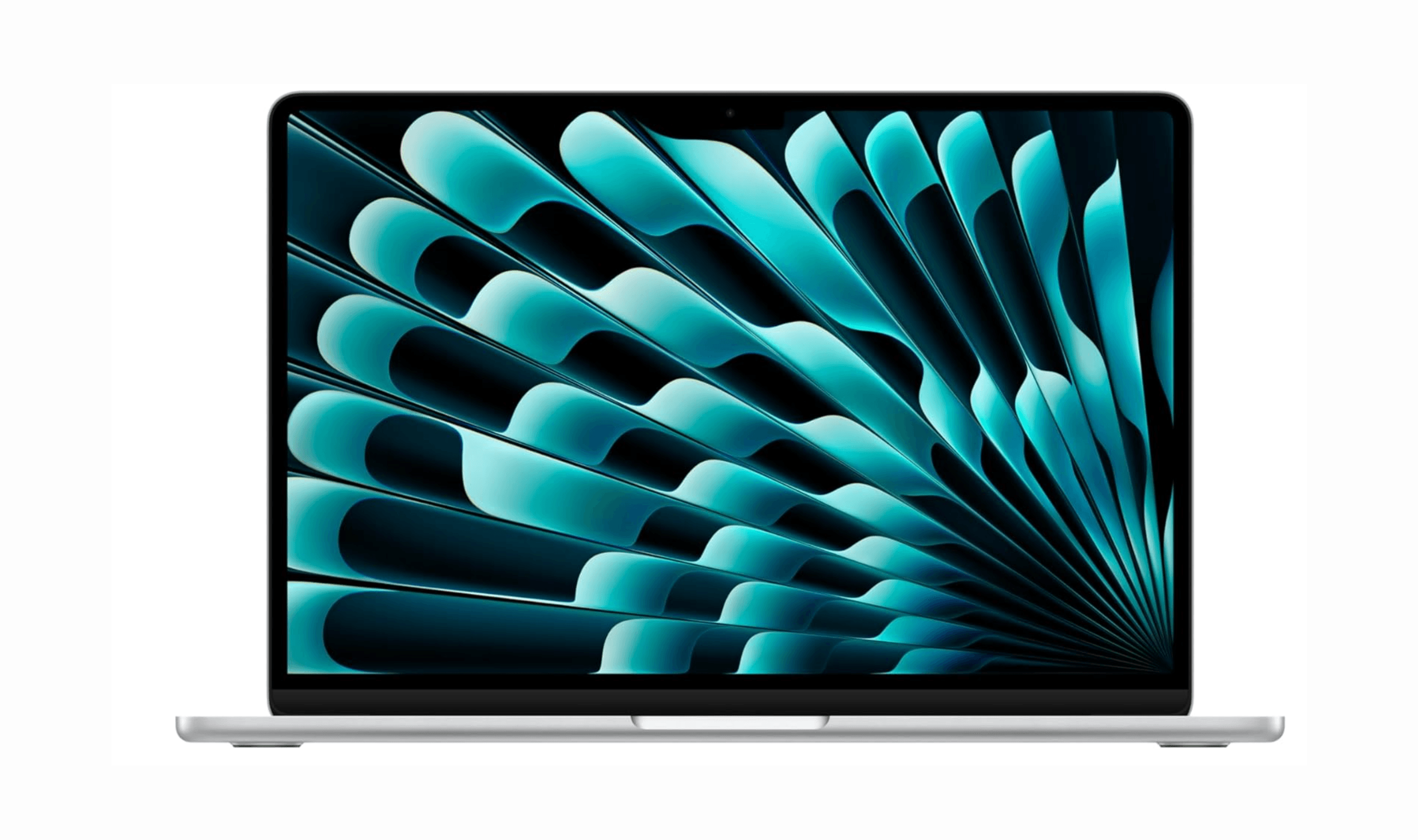
Top 7 High-End Laptops for 2026
MacBook Air M4 leads our 2026 high-end laptop picks. See the top 9 premium models for professionals and creators, including Dell XPS 14 and more.
3 min read
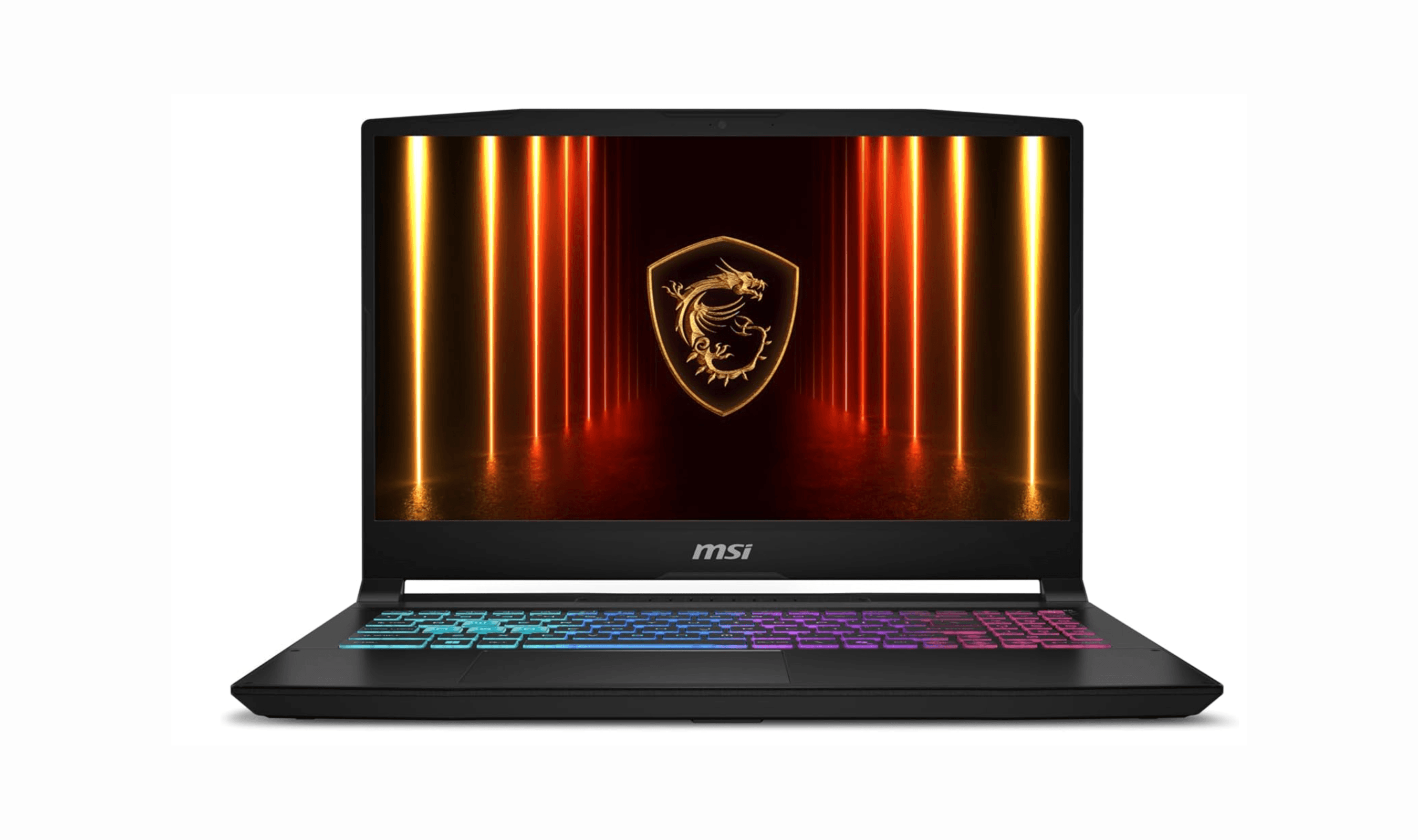
7 Best Budget Gaming Laptops for 2026
We rank the 8 best budget gaming laptops for 2026, from the $799 Acer Nitro V 15 to the RTX 5070 MSI Katana 15 HX, our top pick, plus an OLED Lenovo Legion 5i.
5 min read
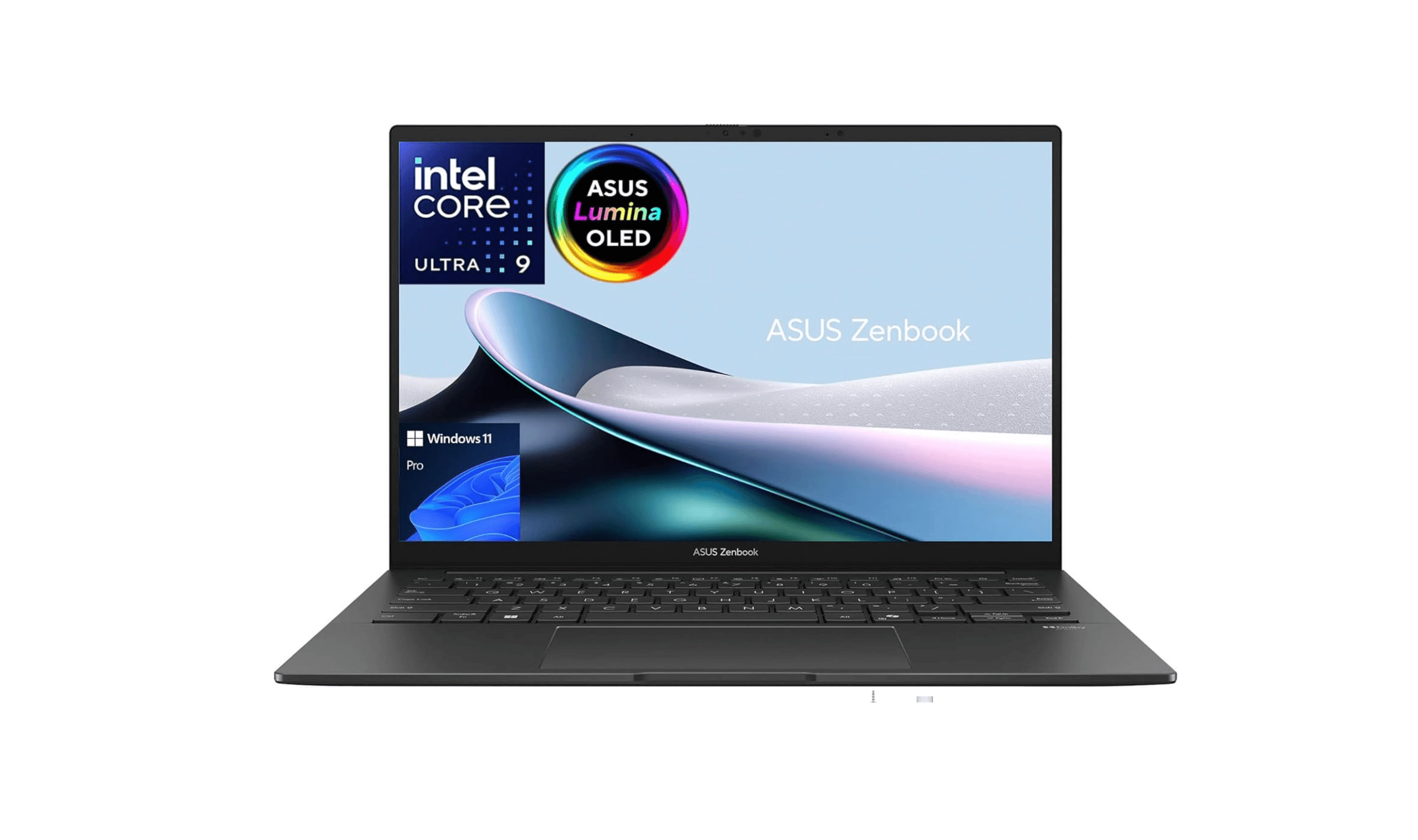
6 Best Laptops for Engineering Students in 2026
Discover the best laptops for engineering students in 2026. Our top pick, the Asus ProArt P16, delivers workstation power in a portable form.
3 min read
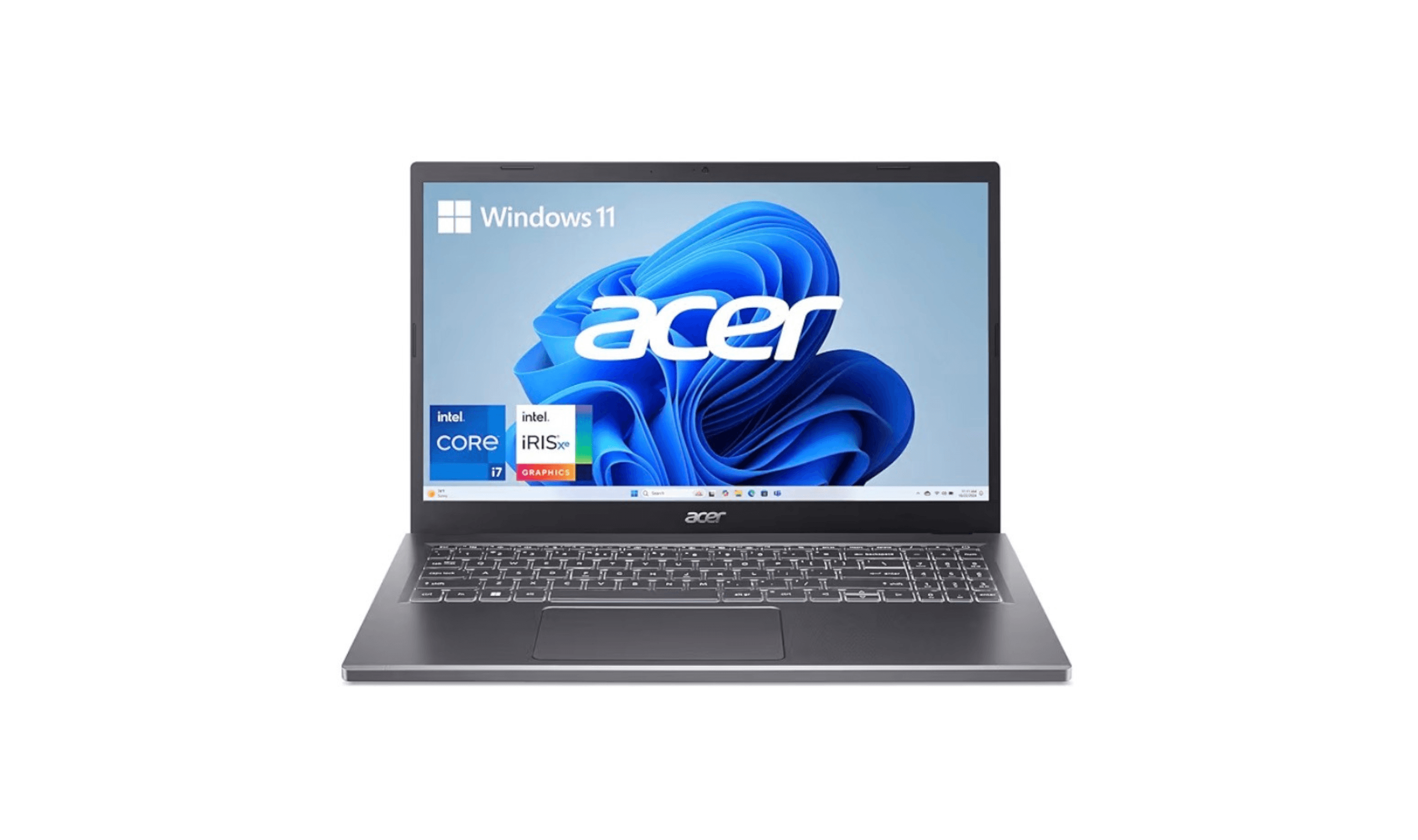
7 Best Laptops for Stock Trading in 2026
5 min read
6 Best Laptops for Teachers in 2026
4 min read

AKG K 701 Ultra Reference Class Stereo discounted to $247.37
5 min read

Apple Watch SE 3 GPS 40mm Smartwatch discounted to $189.97
5 min read

Cleer Audio Enduro ANC Noise Canceling Headphones price drops to $94.99
3 min read

Lenovo coupon codes and deals
5 min read

Woot coupon codes and deals
3 min read

Samsung coupon codes and deals
5 min read