Finding the right gaming desktop means balancing power, price, and practicality. Our top pick, the Alienware Area-51, delivers uncompromising 4K performance for enthusiasts, while budget options like the CyberPowerPC Gamer Xtreme prove you don't need to spend a fortune for solid 1080p gaming. This list helps you choose based on what you actually play, not just specs.
Technobezz is supported by its audience. We may get a commission from retail offers.
Best Gaming PCs for 2026
Alienware Area-51 leads our 2026 picks for premium 4K gaming, with top options for budget, mid-range, and compact builds.
T
Technobezz
Editorial Team
Updated September 29, 2026Sep 29, 2026
•9 min read


Get Deals Like These in Your Inbox
The best prices, reviewed weekly.
At a Glance
| Category | Product | Why We Picked It |
|---|---|---|
| Best overall | Alienware Area-51 | RTX 5090 graphics with 64GB RAM and a 4TB SSD |
| Best value | CyberPowerPC Gamer Xtreme | Exceptional budget performance with generous RAM and storage |
| Best mid-range | HP OMEN 45L | RTX 5070 graphics and tool-less component access |
| Best compact | Corsair One i600 | Desktop power in a small, premium package |
| Best for upgraders | iBUYPOWER Y40 PRO | Industry-standard parts for future modifications |
| Also recommended | Lenovo Legion Tower 5i | Quiet, affordable 1080p gaming powerhouse |
| Also recommended | Dell Tower Plus | An expandable desktop with integrated graphics; a GPU upgrade is needed for demanding games |
| Also recommended | Asus ROG NUC 16 | RTX 5060 mobile graphics in a 3-liter case with flexible placement |
How we chose
We compared gaming PCs on published specifications, independent benchmark results across resolutions, build quality, cooling design, upgrade flexibility, reported noise levels, and overall value at current prices. We prioritize systems that deliver consistent performance without unnecessary compromises.
The best gaming PCs right now
Alienware Area-51 - Best overall

The Alienware Area-51 is Dell's full-size gaming desktop, and the configuration covered here pairs a Core Ultra 9 285K processor with GeForce RTX 5090 graphics, 64GB DDR5 memory and a 4TB SSD.
Key highlights
- Intel Core Ultra 9 285K processor paired with NVIDIA GeForce RTX 5090 32GB graphics
- 64GB DDR5 RAM and 4TB PCIe Gen4 NVMe SSD
- 360mm liquid CPU cooling and a positive-pressure airflow design
- Panoramic chassis design with premium build quality
- QR code guides for future upgrades and maintenance
Pros
- Exceptional 4K gaming performance across modern titles
- Surprisingly quiet operation despite high-end components
- Premium construction and thoughtful design details
- Comprehensive warranty and support from Dell
Cons
- Significant investment required for top-tier configuration
- Large chassis requires substantial desk or floor space
- Proprietary components limit some upgrade options
Who it is for: Enthusiast gamers who want the best 4K experience without building their own system, and content creators who need powerful hardware for demanding workloads.
Skip if
You're on a tight budget or prefer a smaller form factor that fits easily on a desk.
CyberPowerPC Gamer Xtreme - Best value

This budget gaming desktop punches well above its price class, offering 16GB DDR5 RAM and 1TB PCIe 4.0 SSD storage in a package that handles 1080p gaming with ease.
Key highlights
- Intel Core i5-13400F processor and GeForce RTX 5060 8GB graphics
- 16GB DDR5 RAM and 1TB PCIe 4.0 SSD at a budget-friendly price
- Glass-sided chassis with good thermal management
- Resolution upscaling and frame-generation support
- Frequently available through exclusive retail partnerships
Pros
- Outstanding value for money with generous memory and storage
- Capable 1080p performance for most modern games
- Attractive design with lighting options
- Low-risk entry point for new PC gamers
Cons
- Air cooling can be loud under heavy load
- Limited upgrade path compared to some competitors
- Component quality varies by configuration
Who it is for: Budget-conscious gamers, students, or anyone looking for their first gaming desktop without breaking the bank.
Skip if
You need 1440p or 4K performance, or plan to upgrade components frequently.
HP OMEN 45L - Best mid-range
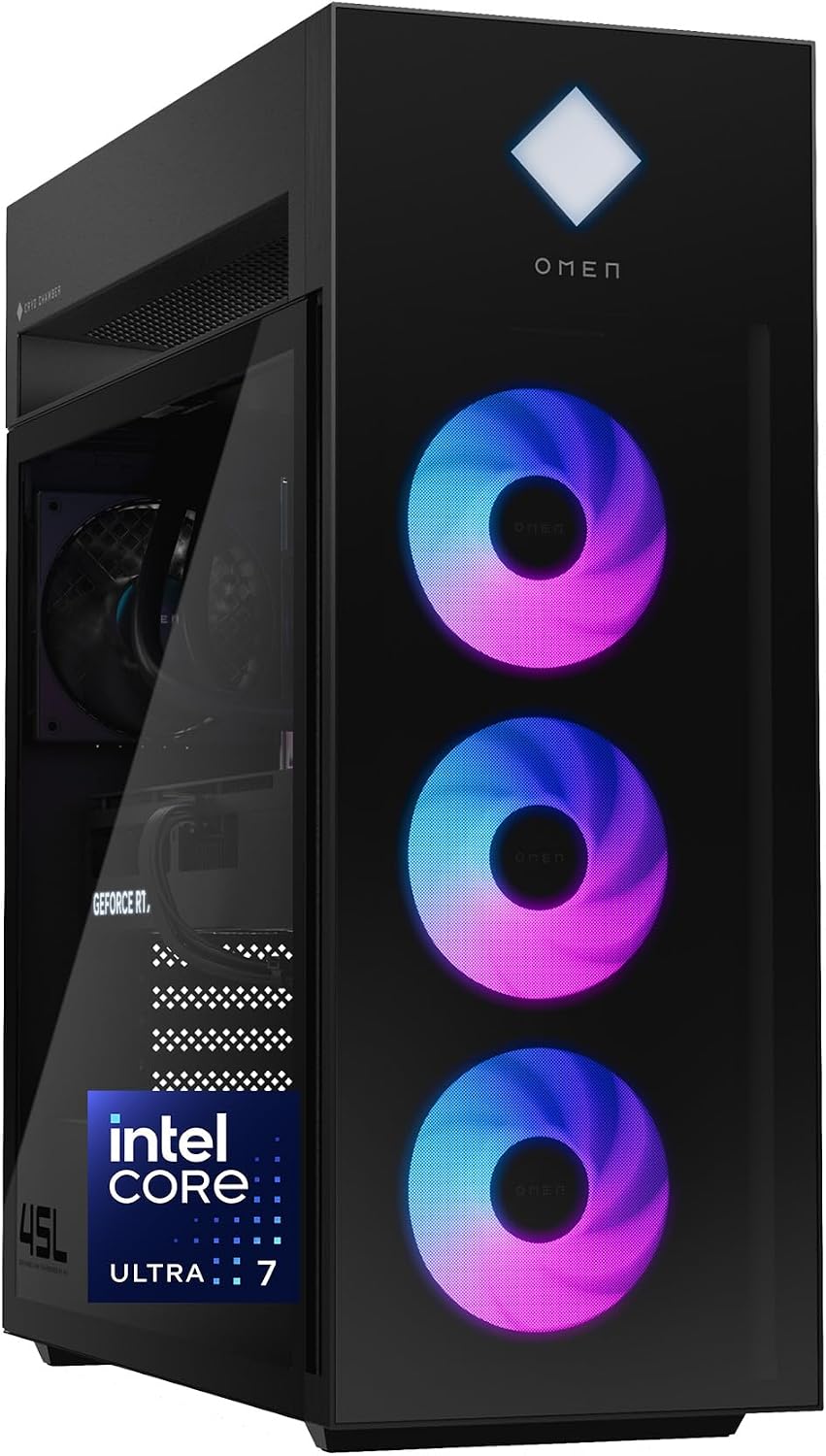
The HP OMEN 45L pairs a Core Ultra 7 265K processor and RTX 5070 graphics with tool-less access for future upgrades.
Key highlights
- Intel Core Ultra 7 265K processor and GeForce RTX 5070 12GB graphics
- 16GB DDR5 memory and 1TB PCIe Gen4 NVMe SSD
- Tool-less access and industry-standard component form factors
- OMEN Cryo Chamber with 360mm liquid CPU cooling
Pros
- Tool-less access simplifies component changes
- Separate Cryo Chamber supplies outside air to the CPU radiator
- Windows 11 Pro included
Cons
- 16GB RAM leaves less room for heavy multitasking than a 32GB configuration
- A large game library may require more than the included 1TB SSD
- Liquid cooling adds maintenance complexity
Who it is for: Mainstream gamers who want solid 1440p performance with room to grow, and anyone who values easy upgradability.
Skip if
You need maximum 4K performance or prefer boutique builder craftsmanship.
Corsair One i600 - Best compact

Corsair's One i600 packs high-end components into a space-saving design.
Key highlights
- Nvidia GeForce RTX 5080 in an ultra-slim chassis
- Intel Core Ultra 9 285K processor with efficient cooling
- Metal Dark design elements for premium appearance
- High-quality construction throughout
- Surprisingly capable thermal management
Pros
- Desktop-level performance in a compact package
- Premium materials and thoughtful design
- Quiet operation despite powerful components
- Space-efficient for desks or entertainment centers
Cons
- Limited upgrade options due to compact design
- Premium pricing for the form factor
- GPU upgrades may require manufacturer service
Who it is for: Gamers with limited space who still want top-tier performance, and anyone who prefers subtle, premium aesthetics over flashy RGB.
Skip if
You plan to frequently upgrade components or need maximum airflow for overclocking.
iBUYPOWER Y40 PRO - Best for upgraders

This gaming desktop uses entirely industry-standard parts, making it ideal for gamers who want to modify and upgrade their system over time.
Key highlights
- AMD Ryzen 9 7900X processor
- Nvidia GeForce RTX 5070 Ti graphics card
- 32GB RAM and 2TB storage in high-quality glass case
- Liquid cooling system included
- Above-average warranty and peripheral bundle
Pros
- Easy to upgrade with standard ATX components
- Excellent 1440p gaming performance
- Attractive design with good cable management
- Includes 802.11AC Wi-Fi connectivity
Cons
- Mid-range pricing may stretch some budgets
- Liquid cooling adds complexity for novice upgraders
- Brand recognition less established than major manufacturers
Who it is for: PC gamers who want to start with a solid foundation and upgrade components over time, and enthusiasts who appreciate standard parts.
Skip if
You prefer a completely hands-off experience or want maximum out-of-the-box performance.
Also Good
- Lenovo Legion Tower 5i - quiet, affordable 1080p gaming powerhouse. Check Price on Lenovo
- Dell Tower Plus - an expandable desktop with 32GB DDR5 memory and a 1TB SSD. This linked configuration uses Intel integrated graphics; plan a compatible graphics-card upgrade for demanding games. Check Price on Dell
- Asus ROG NUC 16 - a 3-liter gaming PC with a Core Ultra 7 270HX Plus processor, RTX 5060 mobile graphics, 32GB RAM and a 1TB SSD. Its removable stand supports vertical or horizontal placement, and thumb screws provide access to memory and storage.
How to Choose
Consider these factors when selecting your gaming desktop:
Resolution and performance targets: 1080p gaming requires different hardware than 1440p or 4K. Match your components to the resolution you plan to use most often.
Upgrade flexibility: Systems with industry-standard parts let you swap components easily. Proprietary designs may limit future upgrades but often offer better integration.
Form factor and space: Full towers offer maximum cooling and expansion but need substantial space. Compact systems save room but may run warmer and limit upgrades.
Noise levels: Gaming desktops vary significantly in acoustic performance. Consider fan configuration and cooling solutions if you game in shared spaces or prefer quiet operation.
Budget allocation: With current component pricing, prebuilt systems sometimes offer better value than building yourself, especially when considering warranty and support.
FAQ
What's the minimum RAM I need for gaming in 2026?
16GB remains functional for most games, but 32GB provides better multitasking and future-proofing, especially with current memory-intensive titles.
Should I choose Intel or AMD for gaming?
Both offer competitive options. AMD's Ryzen X3D processors use 3D V-Cache for gaming workloads; compare benchmarks for the exact AMD or Intel processor and the games you play.
How important is GPU selection for gaming?
The graphics card remains the most important component for gaming performance. Nvidia's RTX 50-series cards offer excellent performance with DLSS 4 support, while AMD's RX 9070 series provides strong value.
Can I upgrade a prebuilt gaming desktop?
Most systems allow some upgrades, but those using industry-standard parts offer the most flexibility. Check motherboard compatibility and power supply capacity before planning upgrades.
How long should a gaming desktop last before needing upgrades?
A well-configured system should provide 3-4 years of solid performance at your target resolution before needing significant upgrades, though this varies with game requirements and personal expectations.
Published March 11, 2026 Last updated September 29, 2026
Share this article
More in News
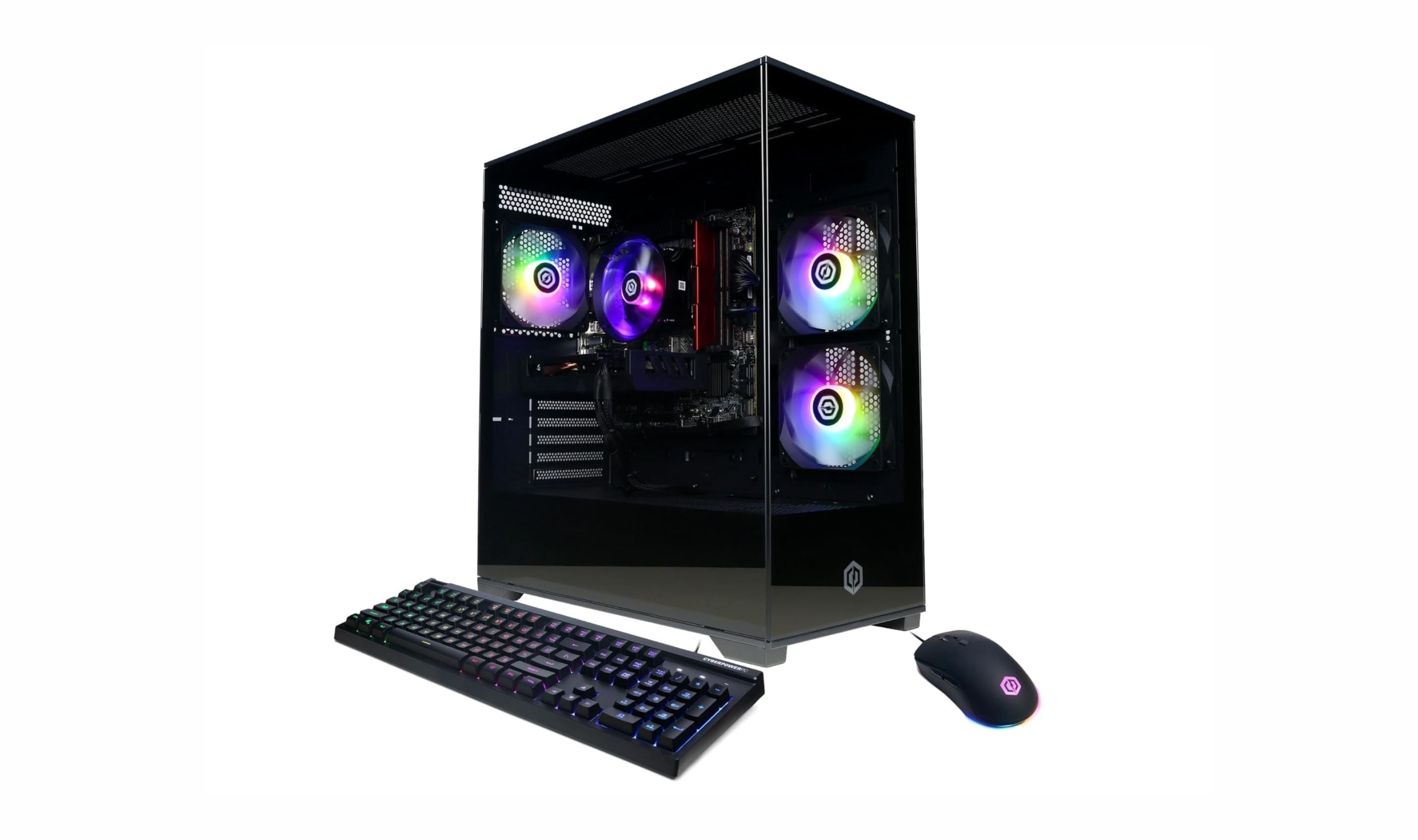
9 Best Desktops Under $1500 for 2026
The best desktops under $1500 for gaming, work, and compact setups. Our top pick is the CyberPowerPC Gamer Xtreme VR with an RTX 5060, plus value and mini picks.
3 min read
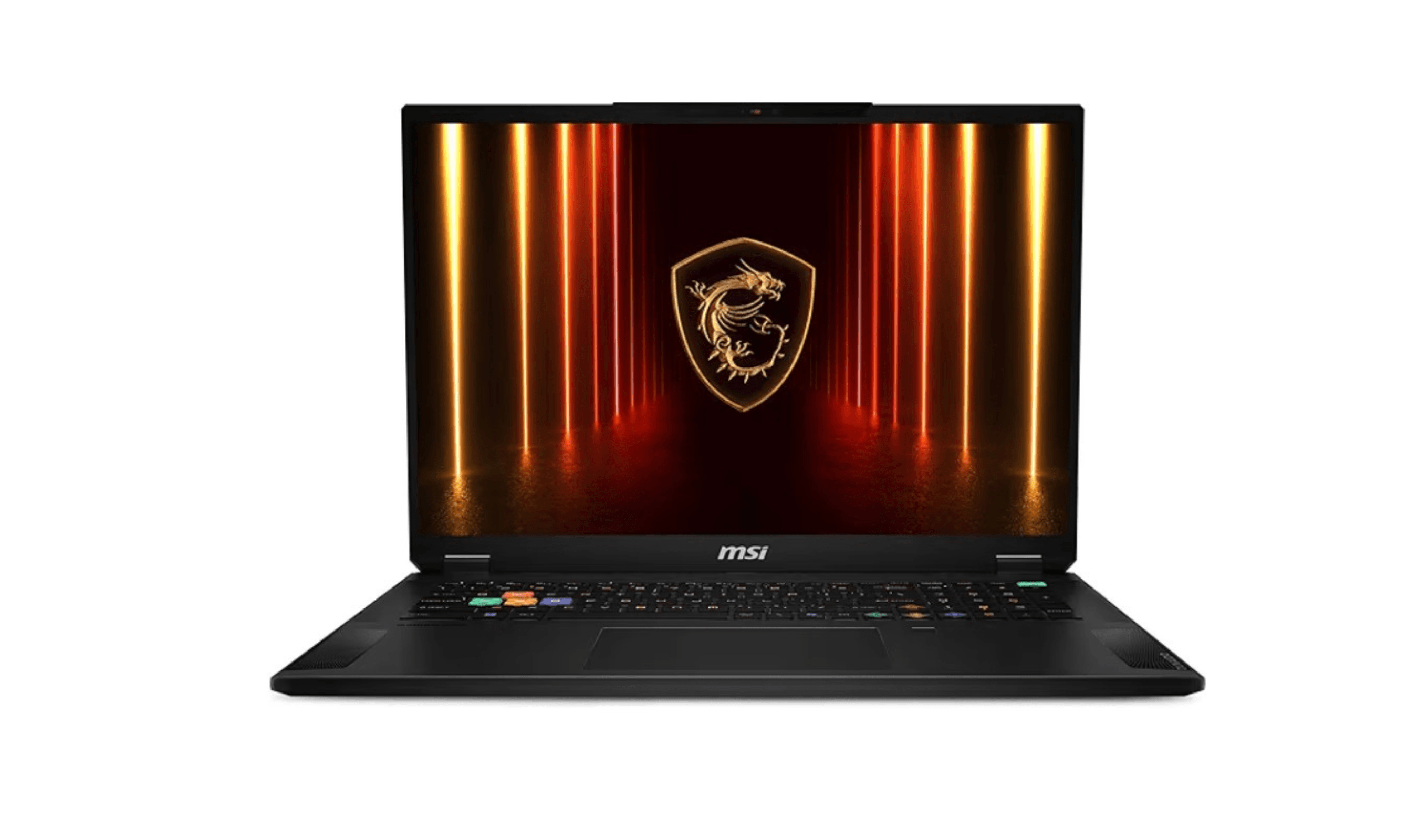
3 Best Computers for AutoCAD in 2026
Discover the best computers for AutoCAD in 2026. Our top pick is the powerful ASUS ProArt P16 for architects and engineers.
3 min read
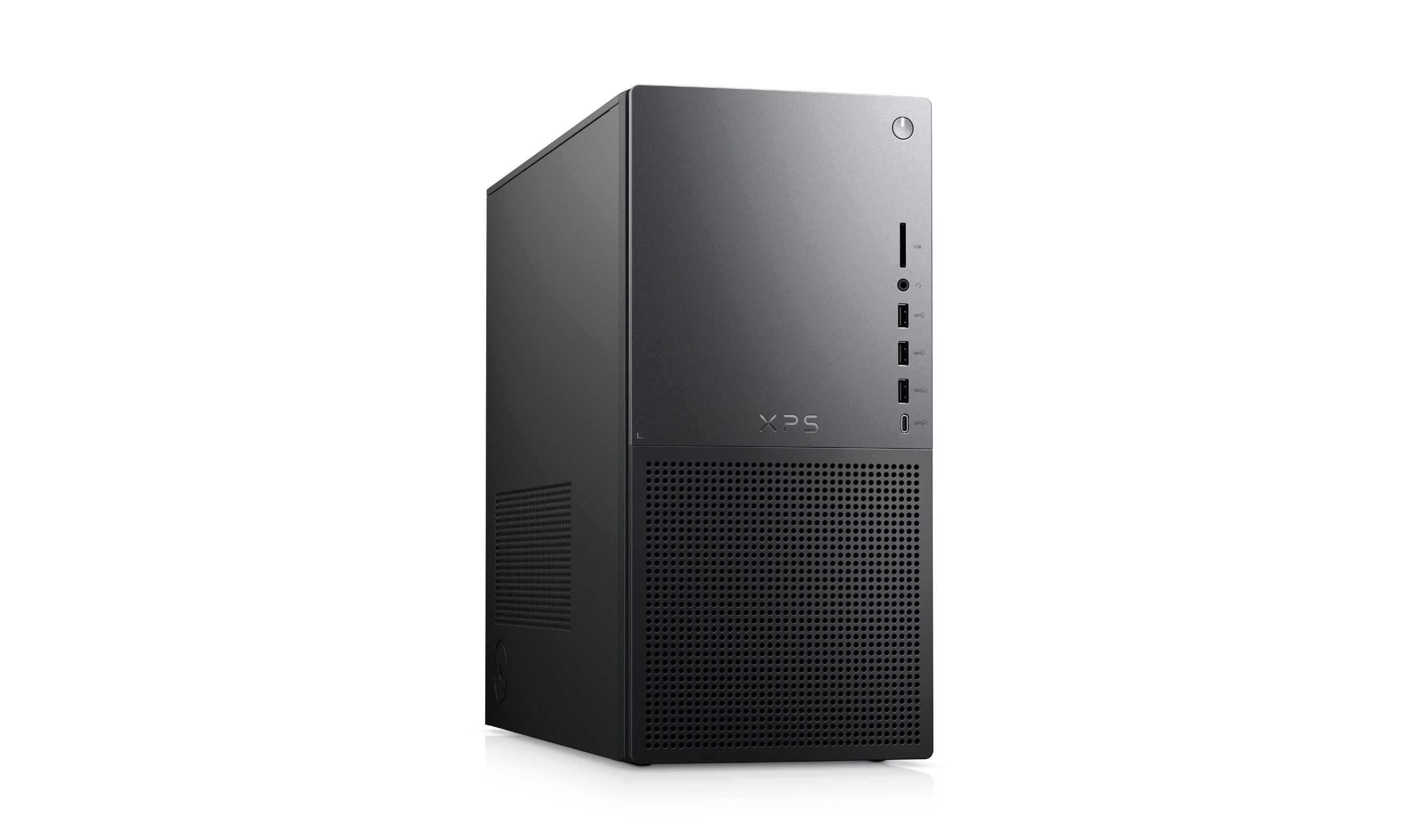
Best Desktop Computers for Home Use in 2026
Discover the best desktop computers for 2026, featuring the top-rated Dell XPS 8960. Find the perfect PC for home, work, gaming, or saving space.
4 min read
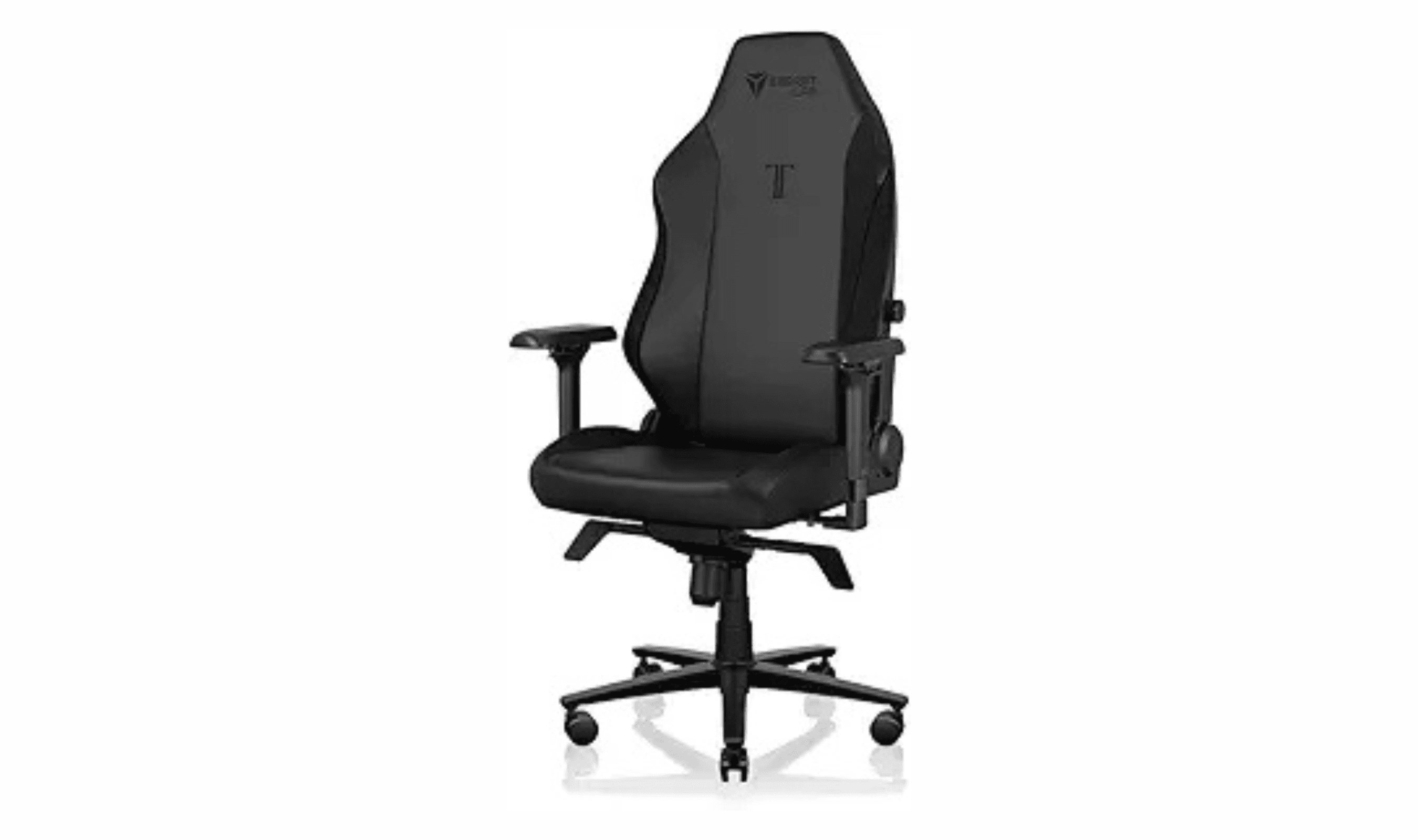
9 Best Computer Chairs for 2026
The 9 best computer chairs for 2026, from the premium Secretlab Titan Evo to the budget Ticova Ergonomic and Herman Miller Aeron, picked for all-day comfort.
5 min read

5 Best All-in-One Desktops for 2026
3 min read
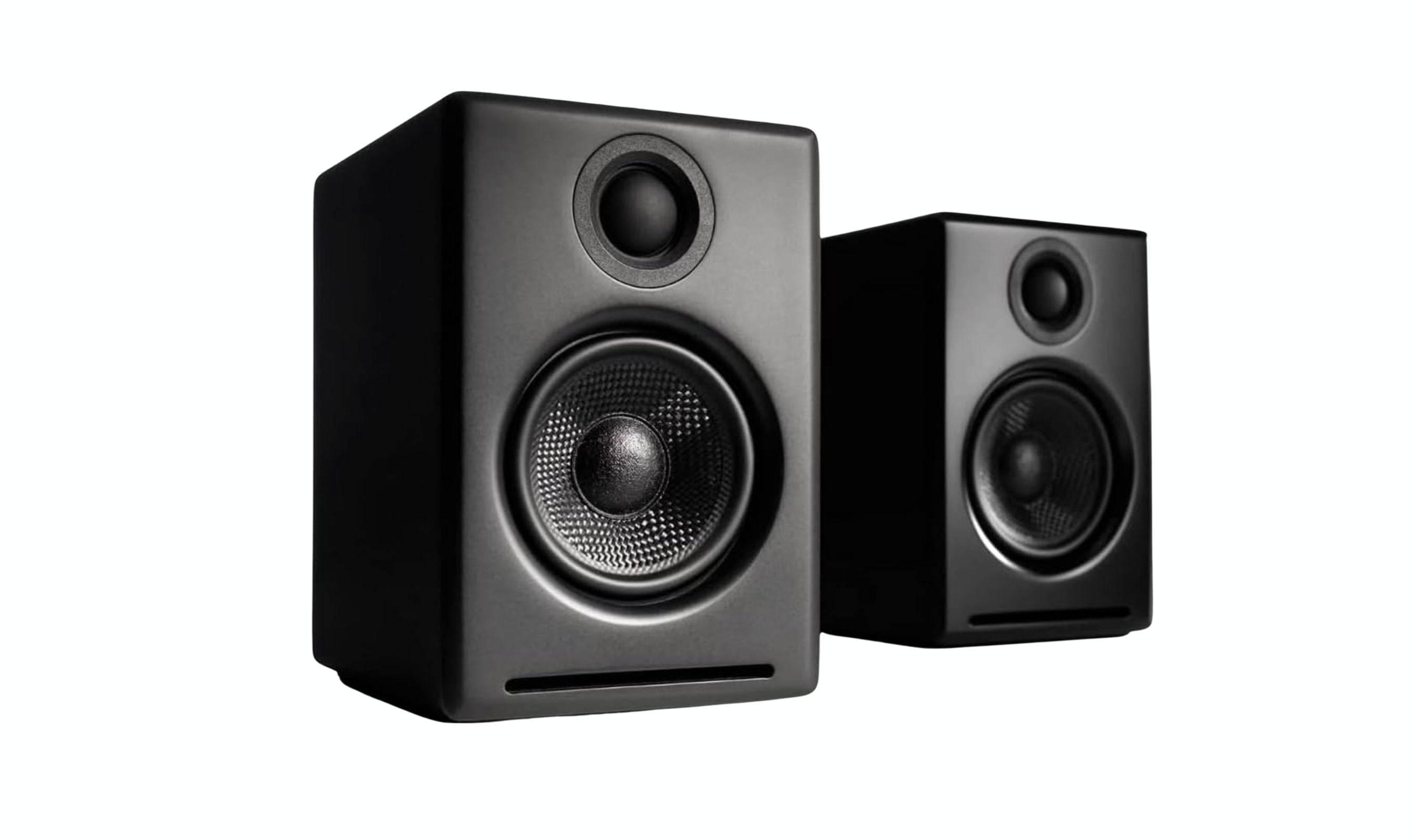
Best Computer Speakers for 2026
3 min read

6 Best Dash Cams for 2026
4 min read
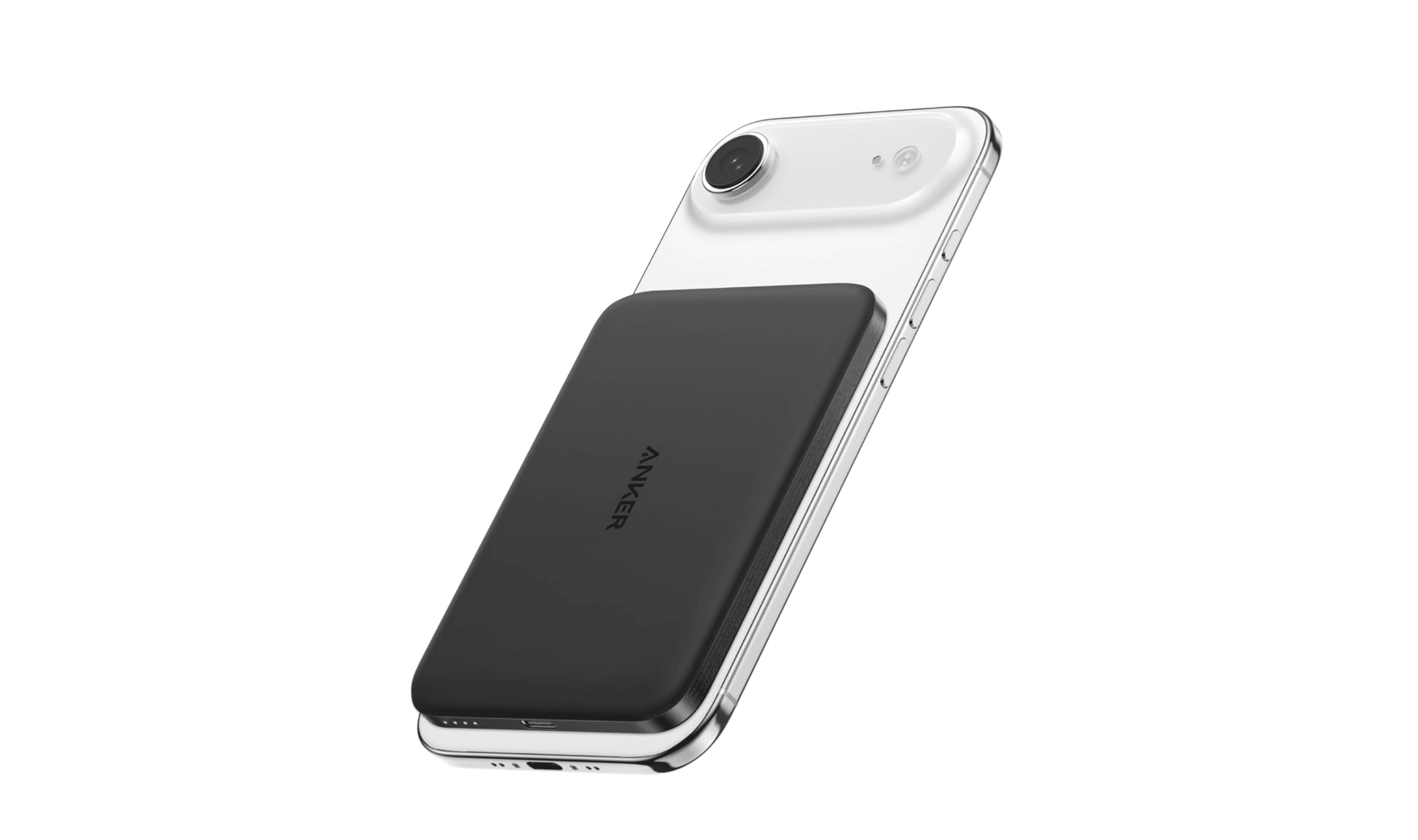
7 Best Power Banks for 2026
4 min read
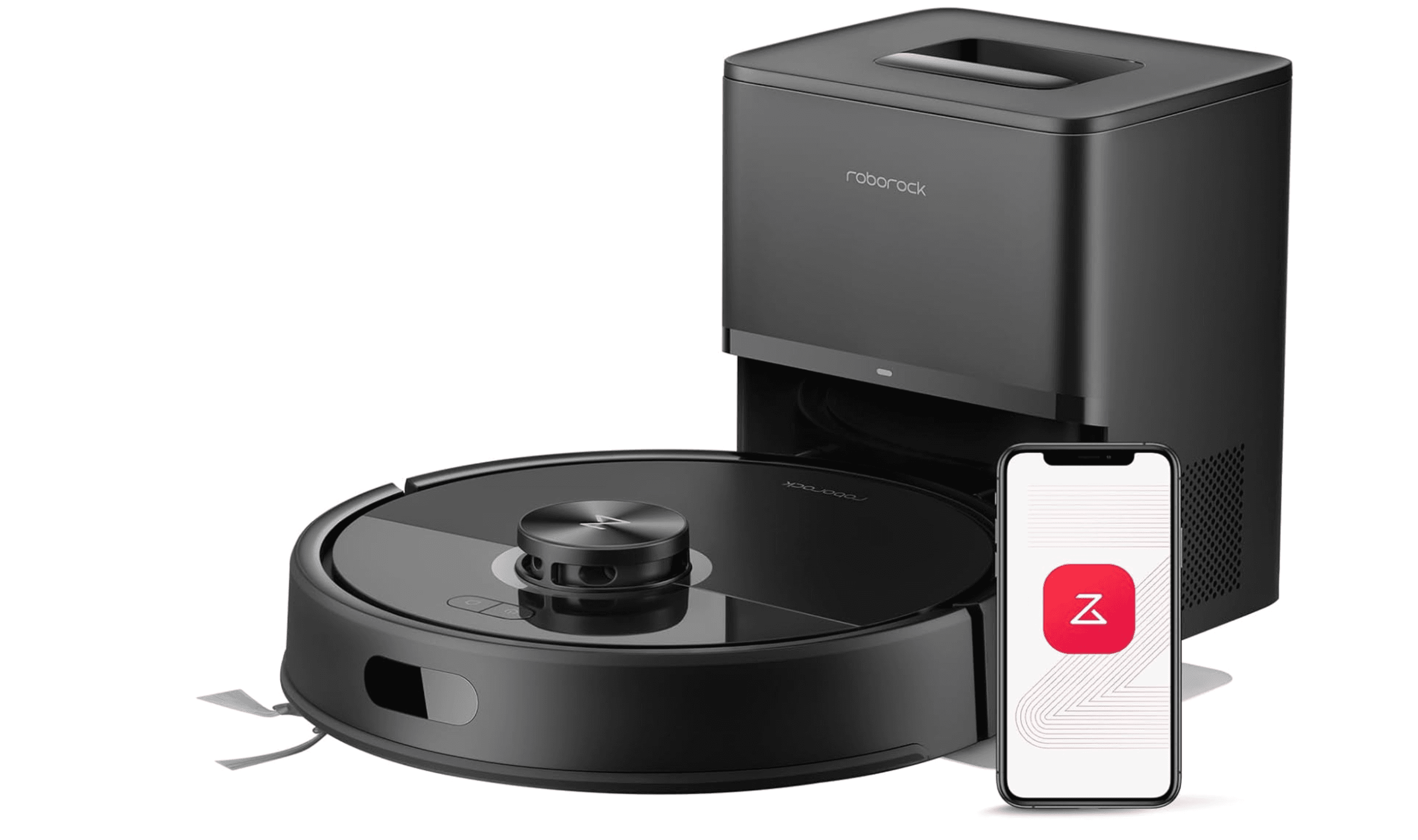
7 Best Robot Vacuums in 2026
5 min read
9 Best Ultrawide Monitors to Buy in 2026
4 min read
8 Best Gaming Mice to Buy in 2026
5 min read
4 Best VR Headsets in 2026
3 min read