This guide covers the original Nintendo Switch, Switch Lite, and Switch OLED; Switch 2 needs microSD Express cards. The SanDisk 512GB Extreme is our top pick for its capacity and durability, but the right card for you depends on your budget, library size, and how many big titles you plan to install.
Technobezz is supported by its audience. We may get a commission from retail offers.
Best microSD Cards for Nintendo Switch in 2026
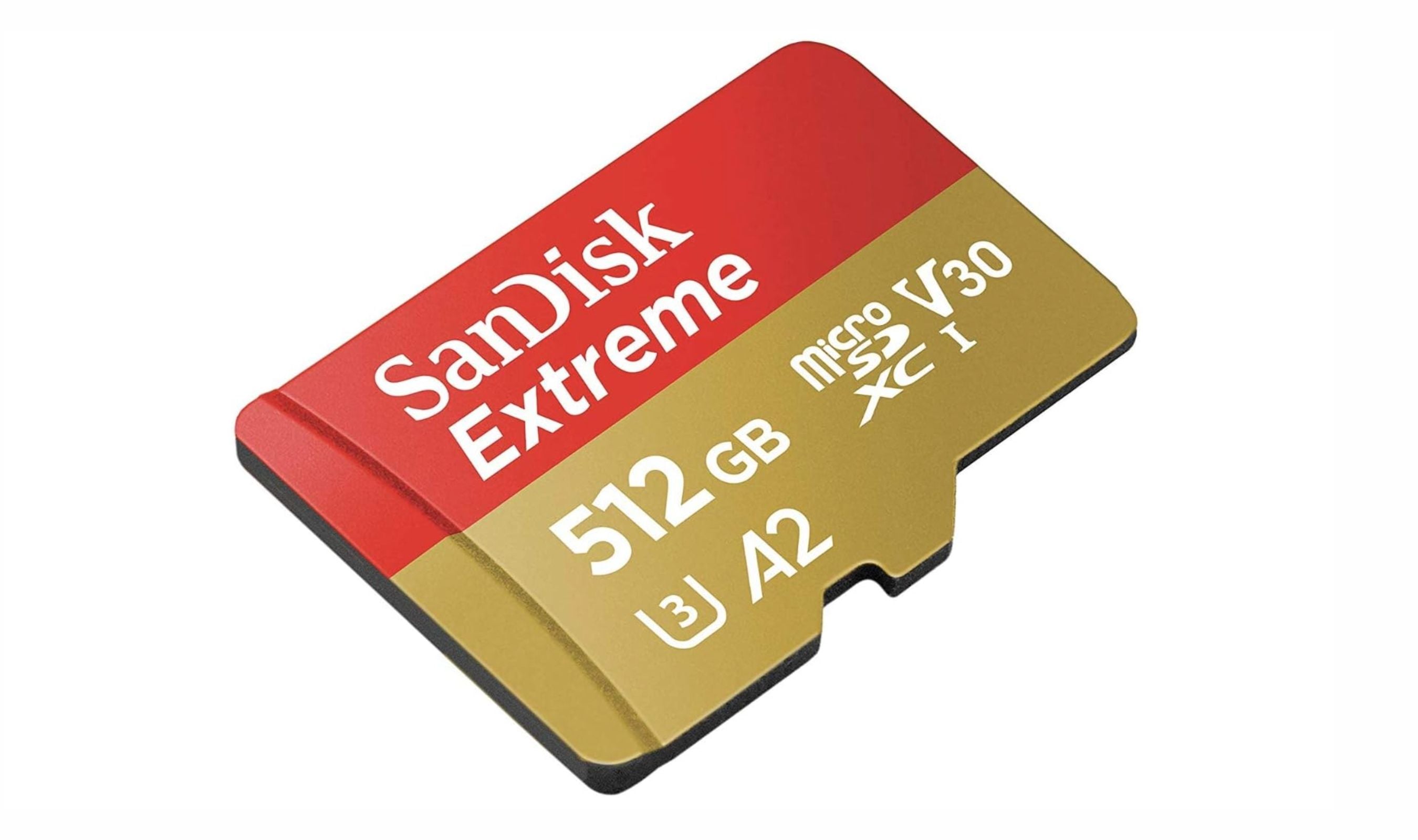
The SanDisk 512GB Extreme tops our list of the best microSD cards for Nintendo Switch in 2026, offering fast A2 speeds for smooth gameplay.
T
Technobezz
Editorial Team
Updated September 30, 2026Sep 30, 2026
•9 min read

Get Deals Like These in Your Inbox
The best prices, reviewed weekly.
At a Glance
| Category | Product | Why We Picked It |
|---|---|---|
| Best overall | SanDisk 512GB Extreme | 512GB capacity with U3, V30, and A2 ratings |
| Best value | Samsung EVO Select 256GB | Great price-to-performance ratio for most gamers |
| Best for budget | Amazon Basics Micro SDXC | Affordable option that still meets Switch requirements |
| Best high-capacity | SanDisk 1TB Extreme | Massive storage for all-digital libraries |
| Best licensed | SanDisk microSDXC for Nintendo Switch | Guaranteed compatibility with fun designs |
| Also recommended | Kingston Canvas Go Plus | Fast speeds without breaking the bank |
| Also recommended | Silicon Power 256GB Superior | Great for indie games on a budget |
| Also recommended | SanDisk 256GB Extreme Pro | Top performance, but you’ll pay for it |
How we chose
We evaluated microSD cards based on read and write speeds, capacity options, reliability ratings, and real-world value for the Nintendo Switch hardware. We weighted Nintendo's own guidance, which calls for UHS-I cards in the 60 to 95 MB/s range, and treated advertised speeds beyond that as headroom for other devices rather than a Switch benefit. We prioritized UHS-I cards with U3, V30, and A2 ratings, and considered brand reputation, warranty coverage, and user feedback across multiple sources to build a balanced list.
The best microSD cards for Switch right now
SanDisk 512GB Extreme - Best overall
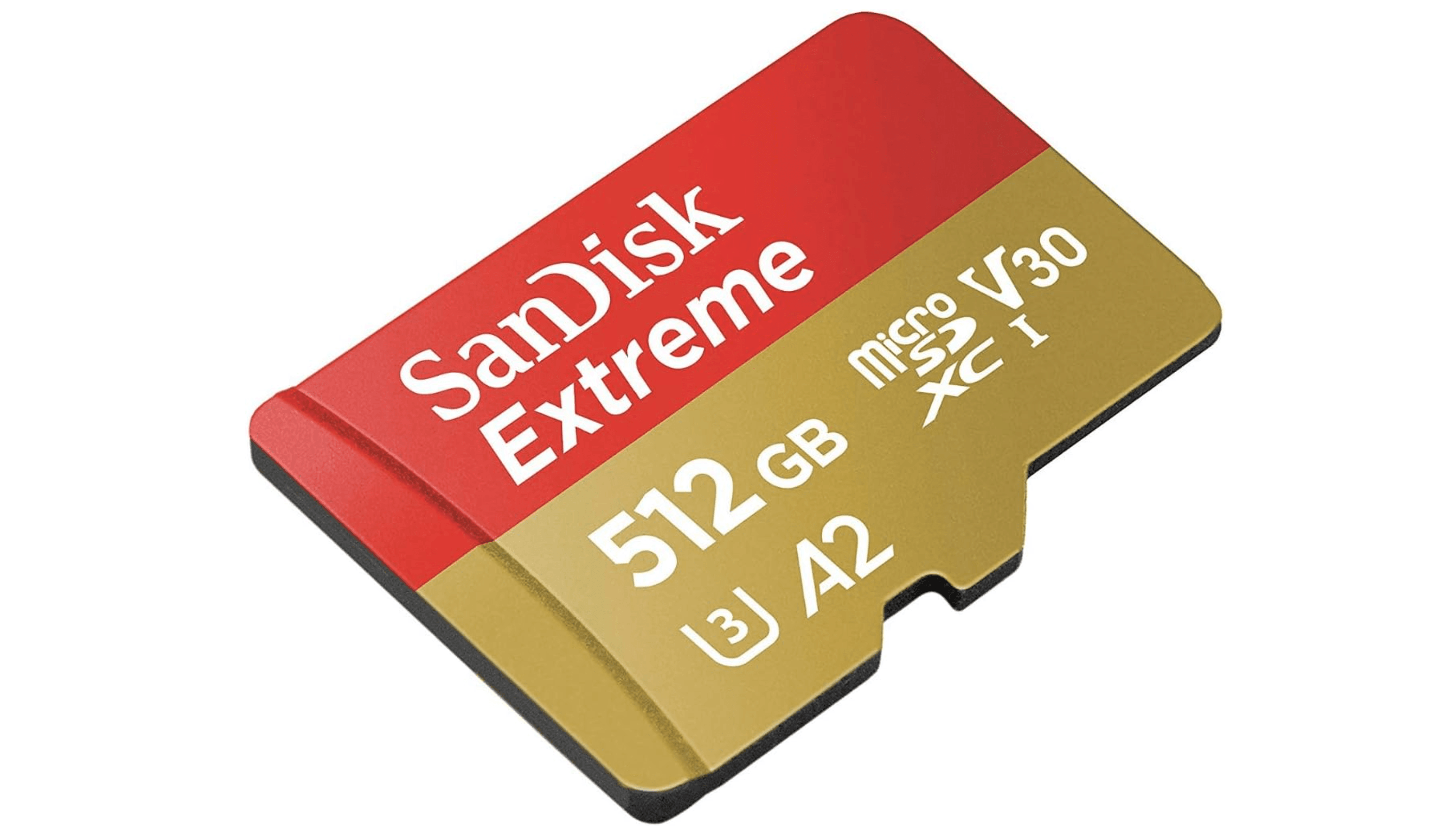
The SanDisk 512GB Extreme hits the sweet spot of speed, capacity, and durability. It is rated for read speeds up to 160 MB/s with compatible devices and carries U3, V30, and A2 ratings, well past the 60 to 95 MB/s Nintendo recommends for the Switch. It's a reliable pick for anyone who wants a card that just works across a big library.
Key highlights
- Read speeds up to 160 MB/s (UHS-I, U3, V30, A2)
- Available in capacities from 64GB up to 1TB
- Shockproof, waterproof, temperature-proof, and X-ray-proof
- Lifetime limited warranty
Pros
- Includes a full-size SD adapter
- Write speeds rated up to 90 MB/s with compatible devices
- Speed headroom to reuse the card in a camera or phone
Cons
- More expensive than the Samsung EVO Select
- Read speeds above 100 MB/s are wasted on Switch hardware
Who it is for: Gamers with large digital libraries who want reliable performance and don't mind paying a bit more for a proven card.
Skip if
You mostly play indie games or buy physical cartridges. A cheaper card will serve you just as well.
Samsung EVO Select 256GB - Best value
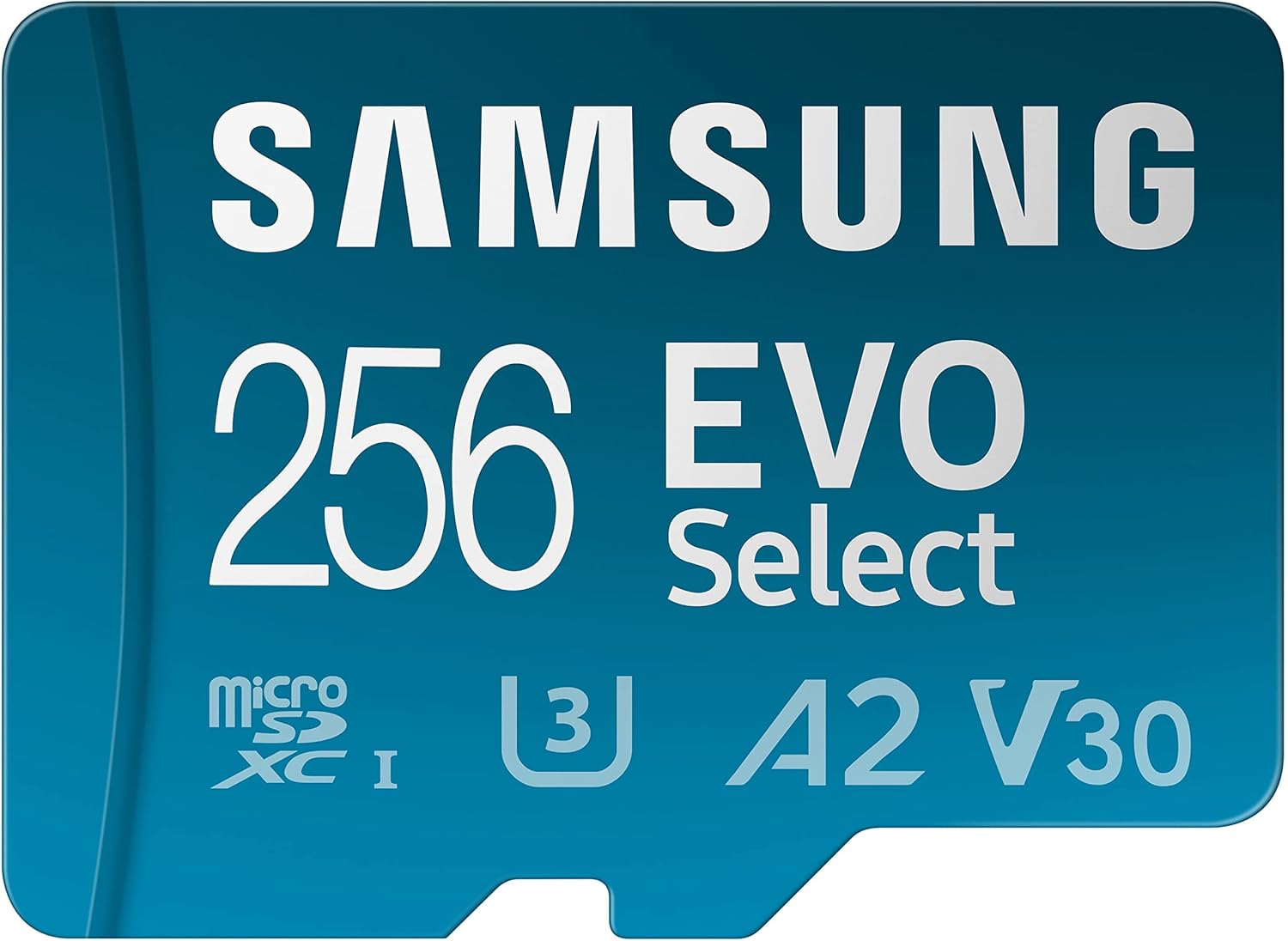
The Samsung EVO Select covers the capacity most Switch owners actually need. It is rated for reads up to 130 MB/s, comfortably above Nintendo's recommended range, and it carries U3, V30, and A2 ratings.
Key highlights
- Read speeds up to 130 MB/s (UHS-I, U3, V30, A2)
- Available from 64GB to 512GB in this 130 MB/s version
- 6-proof protection against water, temperature, X-rays, magnets, drops, and wear
- 10-year limited warranty
Pros
- 256GB holds roughly 15 to 20 major games
- Highly durable build for travel and daily use
- Comes with a full-size SD adapter
Cons
- Write speeds dip during very long data transfers
- This version tops out at 512GB
Who it is for: Smart shoppers who want maximum storage for their dollar without sacrificing reliability.
Skip if
You want one card for an all-digital library. Step up to 512GB or 1TB instead.
Amazon Basics Micro SDXC - Best budget
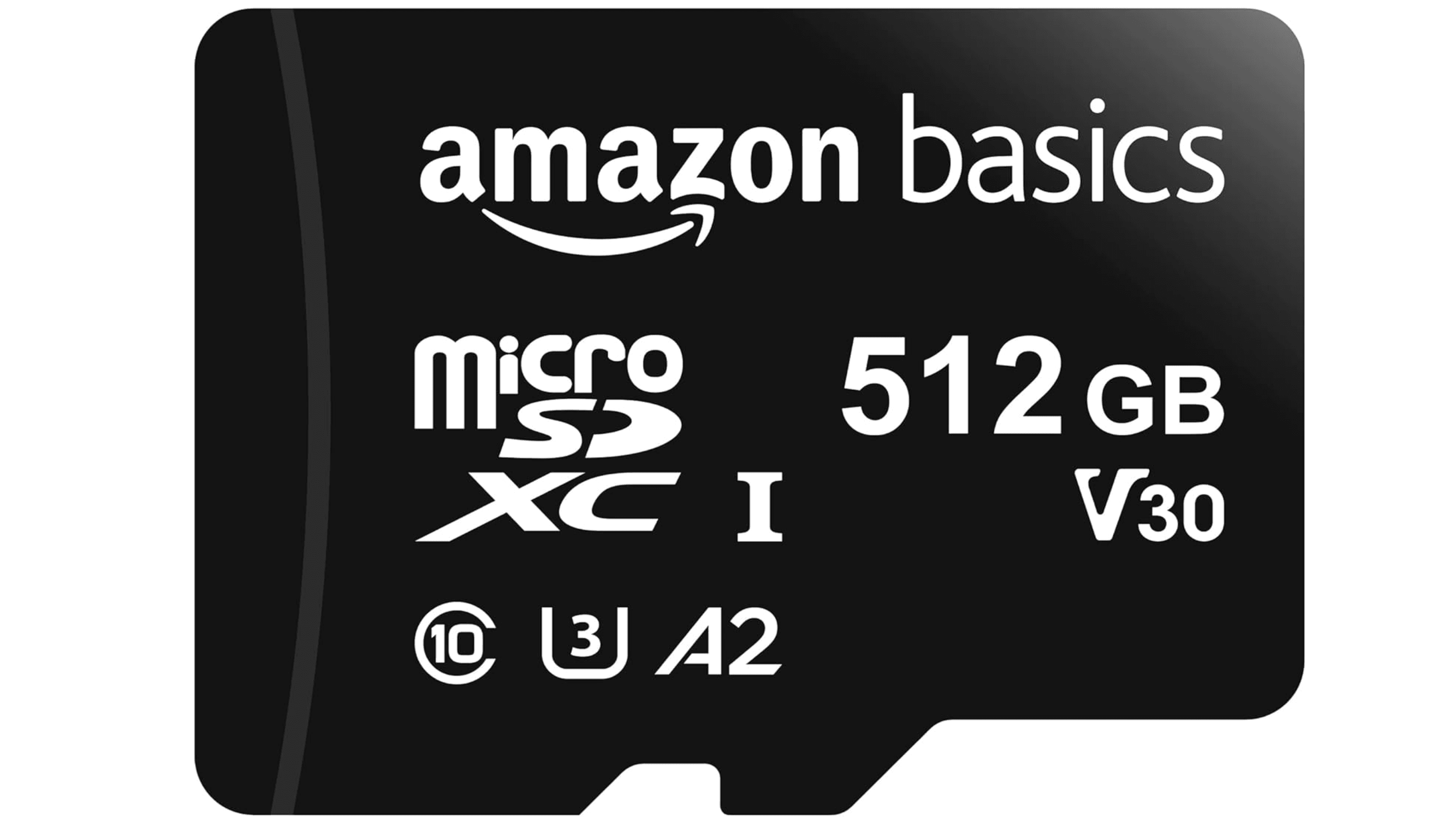
If you just need extra space without spending much, the Amazon Basics Micro SDXC gets the job done. It hits 100 MB/s read speeds, which sits right at the Switch's practical limit, and comes in capacities up to 1TB. It's not the fastest card around, but it's more than enough for casual players.
Key highlights
- Read speeds up to 100 MB/s (UHS-I, U3)
- Available up to 1TB
- A2 and V30 ratings
- Comes with an SD adapter for other devices
Pros
- Very competitive pricing for the capacity you get
- Shock resistant and IPX6 water resistant
- Meets Nintendo's recommended speed range
Cons
- Slower write speeds than premium cards
- Not designed specifically for gaming workloads
Who it is for: Budget-conscious buyers or casual players who primarily use physical cartridges and only need occasional digital downloads.
Skip if
You plan to go all-digital with a large library. The slower sustained writes will make downloading big games feel tedious.
SanDisk 1TB Extreme - Best high-capacity
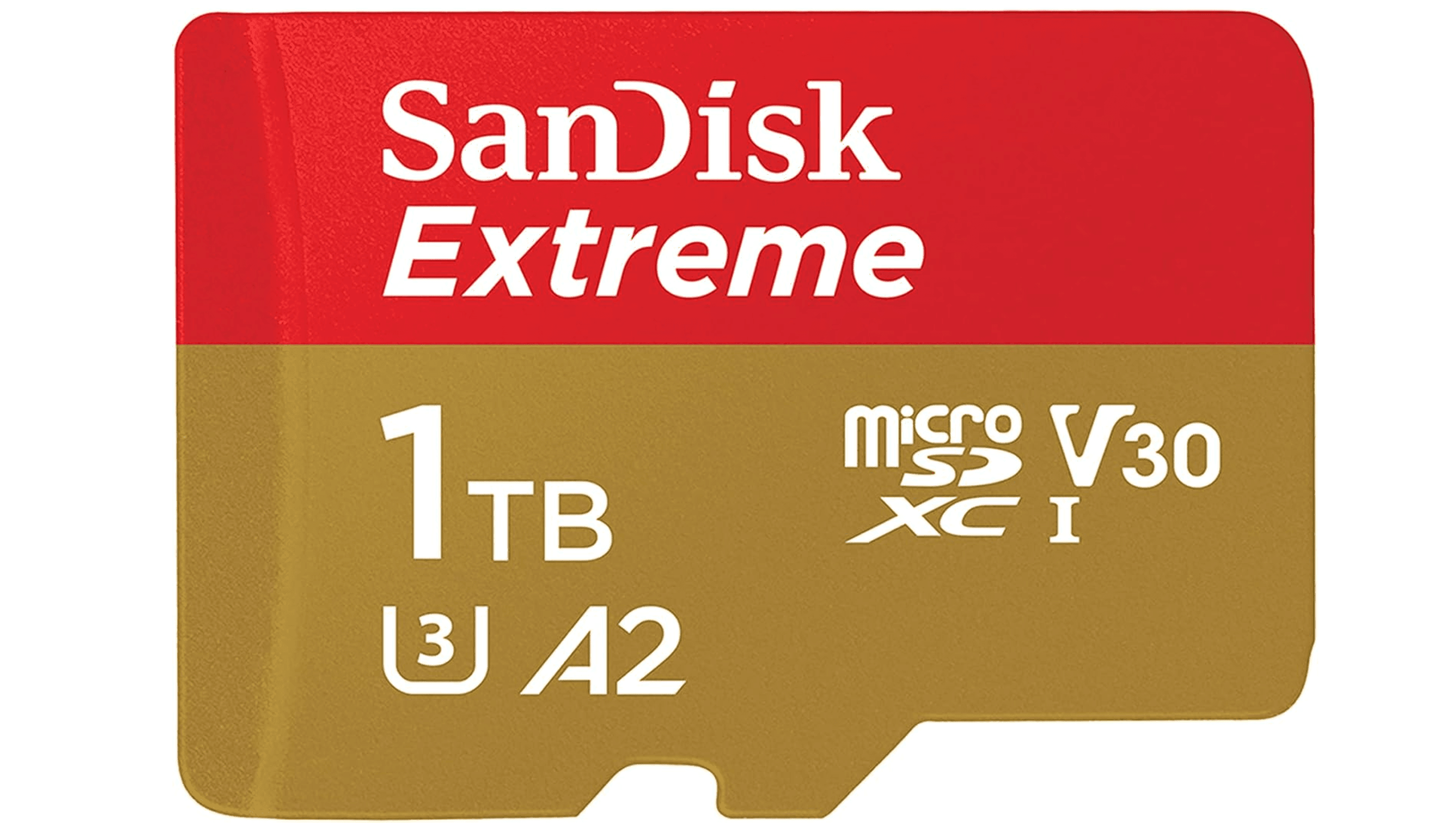
The SanDisk 1TB Extreme doubles the capacity of our 512GB pick. This version is rated for reads up to 190 MB/s and writes up to 130 MB/s with compatible hardware.
Key highlights
- 1TB capacity with read speeds up to 190 MB/s
- Rated U3, V30, and A2
- Shockproof, waterproof, temperature-proof, and X-ray-proof
- Lifetime limited warranty
Pros
- Room for a large digital library without deleting games
- Also handles 4K and 5K video capture on compatible devices
- One card instead of juggling several smaller ones
Cons
- High upfront cost compared to lower capacities
- Overkill for anyone who buys physical games
Who it is for: All-digital collectors, power users, or anyone who wants to install their entire library at once.
Skip if
You mostly buy physical cartridges. You'll never use this much space.
SanDisk microSDXC for Nintendo Switch - Best licensed option
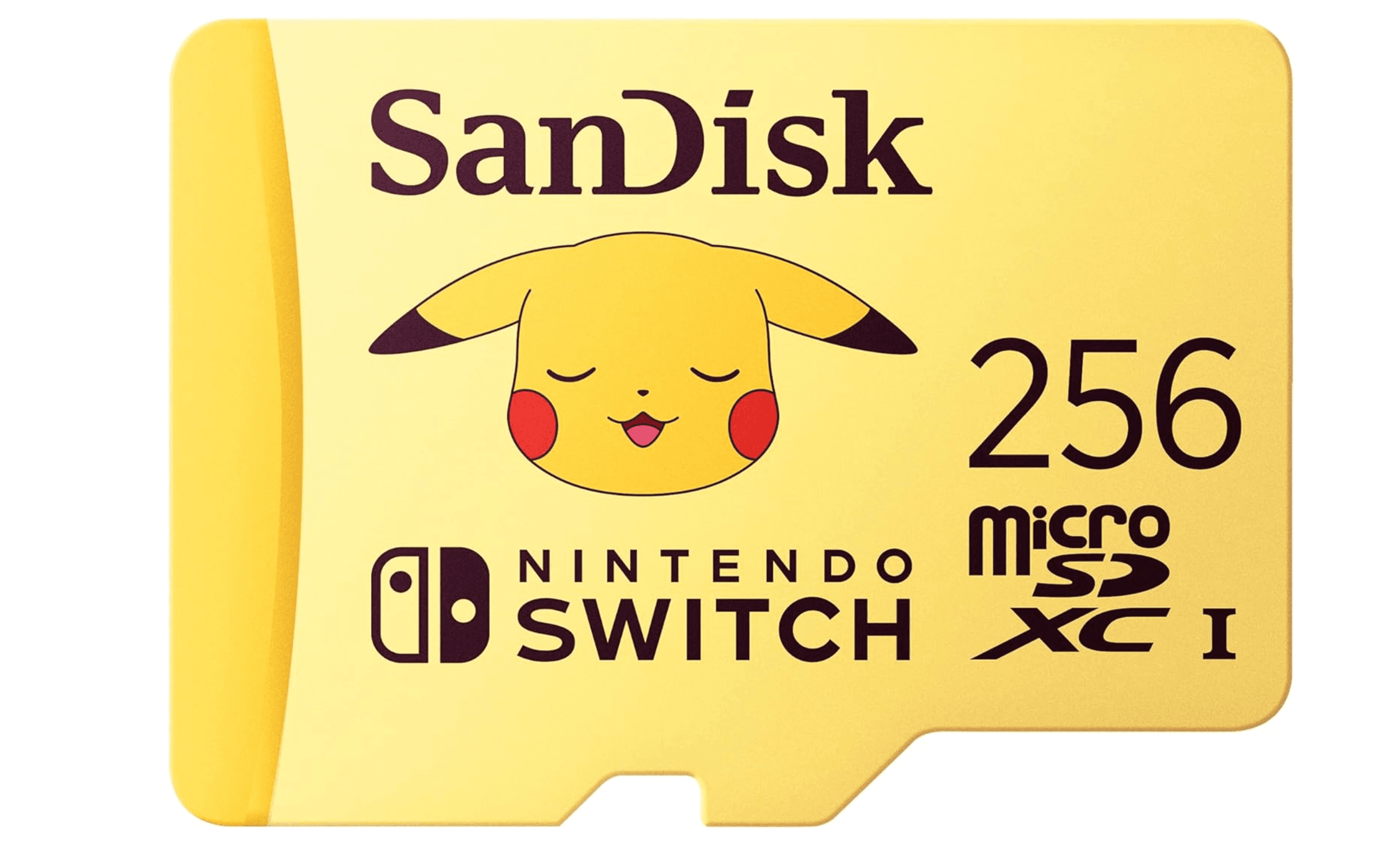
This officially licensed card from SanDisk comes with Nintendo's seal of approval and some fun designs featuring classic Pokemon characters. Read speeds are rated up to 100 MB/s, and compatibility covers the original Switch, Switch Lite, and Switch OLED. It's a great gift option for kids or less tech-savvy players.
Key highlights
- Officially licensed by Nintendo
- Read speeds up to 100 MB/s over UHS-I
- Pokémon editions in 256GB, 512GB, and 1TB capacities
- Fun Nintendo-themed designs on the card
Pros
- Licensed for Switch, Switch Lite, and Switch OLED; not Switch 2
- Easy to identify in a carrying case
- Available in multiple capacities
Cons
- More expensive than technically identical unbranded cards
- No SD adapter included
- Read speeds cap at 100 MB/s, slower than the Extreme line
Who it is for: Gift-givers, Nintendo fans who want the themed designs, or anyone who prefers the peace of mind of an officially licensed product.
Skip if
You want the best value. The Samsung EVO Select offers better specs for less money.
Also Good
- Kingston Canvas Go Plus - fast speeds without breaking the bank.
- Silicon Power 256GB Superior - great for indie games on a budget.
- SanDisk 256GB Extreme Pro - top performance, but you’ll pay for it.
How to Choose
- Capacity. This is the biggest decision. If you buy physical cartridges, 128GB to 256GB is plenty. If you go all-digital, aim for 512GB or 1TB. Most Switch games range from 5GB to 20GB, so a 256GB card holds roughly 15 to 20 major titles.
- Speed class. The Switch uses a UHS-I bus that caps out around 100 MB/s. You don't need expensive UHS-II or UHS-III cards. Nintendo recommends UHS-I cards with transfer speeds of 60 to 95 MB/s.
- A2 vs A1 rating. These ratings cover how quickly a card handles small, scattered reads and writes. Reaching A2 speeds needs a host that supports it, so on the Switch an A2 label on its own is not a reason to pay more.
- Brand trust. Stick with well-known names like SanDisk, Samsung, Kingston, and Lexar. Counterfeit cards are common, and a deal that looks too good to be true almost always is. Buy from reputable retailers.
- Licensed vs unlicensed. Officially licensed Nintendo cards offer guaranteed compatibility and fun designs, but they cost more. Unlicensed cards from major brands work just as well for less money.
FAQ
Does the Nintendo Switch need a microSD card?
Not right away, but you'll run out of space quickly if you download games. The standard Switch has only 32GB of internal storage, and big titles like The Legend of Zelda: Tears of the Kingdom take up around 16GB on their own. A microSD card is the only way to expand storage.
What size microSD card should I get for Switch?
For most people, 256GB or 512GB is the sweet spot. A 256GB card holds roughly 15 to 20 major games. If you mostly play indie titles or buy physical cartridges, 128GB may be enough. All-digital gamers should consider 512GB or 1TB.
Will my Switch microSD card work on the Switch 2?
No. Nintendo Switch 2 requires microSD Express cards for game storage. You can temporarily insert an original Switch microSD card to import existing screenshots and videos into Switch 2 system memory.
Do I need a fast card or just a big one?
Capacity first, then speed. Nintendo's recommended range is 60 to 95 MB/s, and an A2 label on its own does not guarantee faster gameplay.
Are officially licensed Nintendo cards worth the extra cost?
They offer guaranteed compatibility and fun designs, but you're paying a premium for the logo. Unlicensed cards from SanDisk, Samsung, or Kingston with the same specs work identically for less money. The licensed cards make good gifts for kids or Nintendo fans who appreciate the themed artwork.
Published May 13, 2026 Last updated October 1, 2026
Share this article
More in News
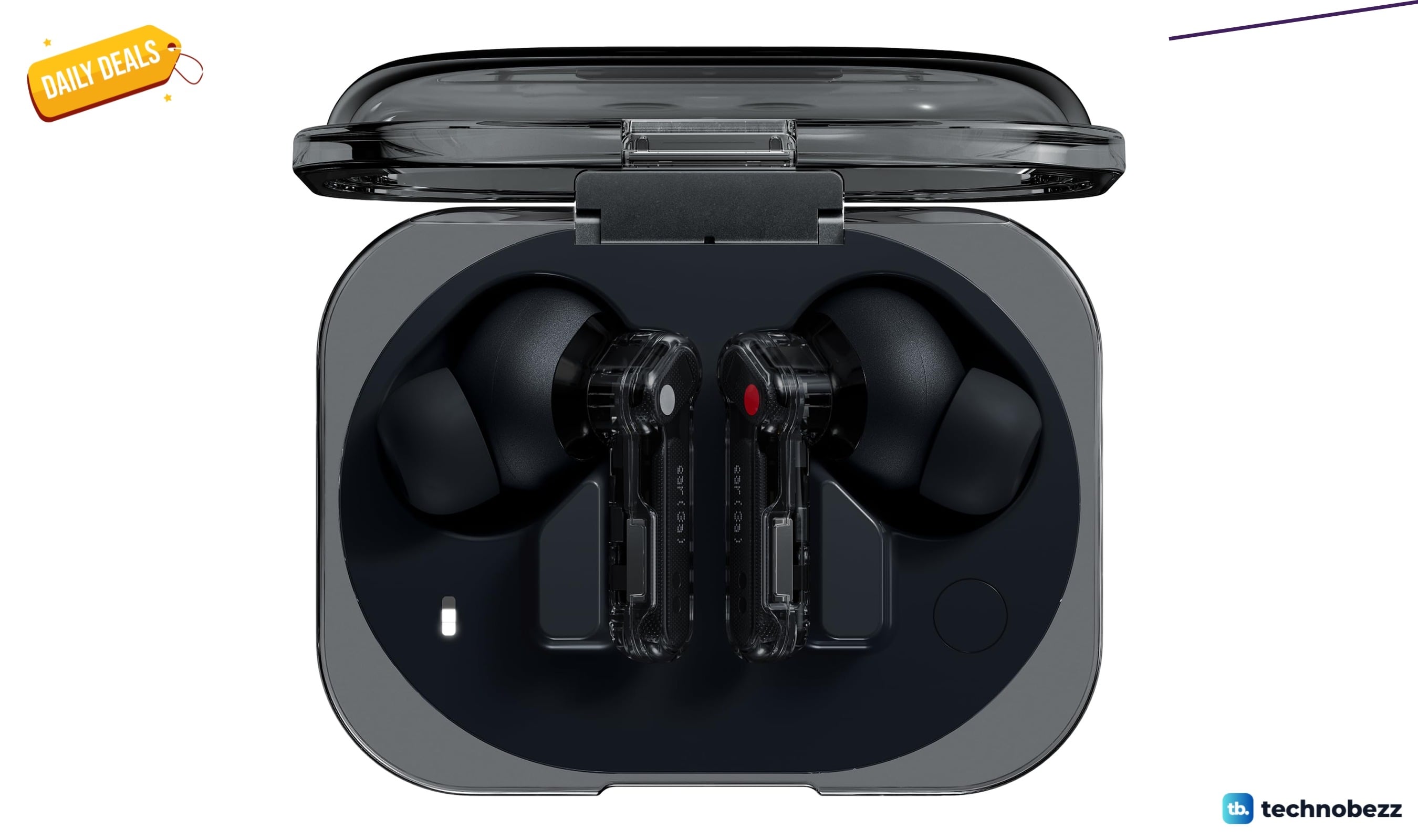
Two headphone price drops worth checking, from $79.99
Two headphone deals land within $0.64 of each other, with the Nothing Ear earbuds at $79.99 and Sennheiser HD 280 Pro at $80.63.
3 min read
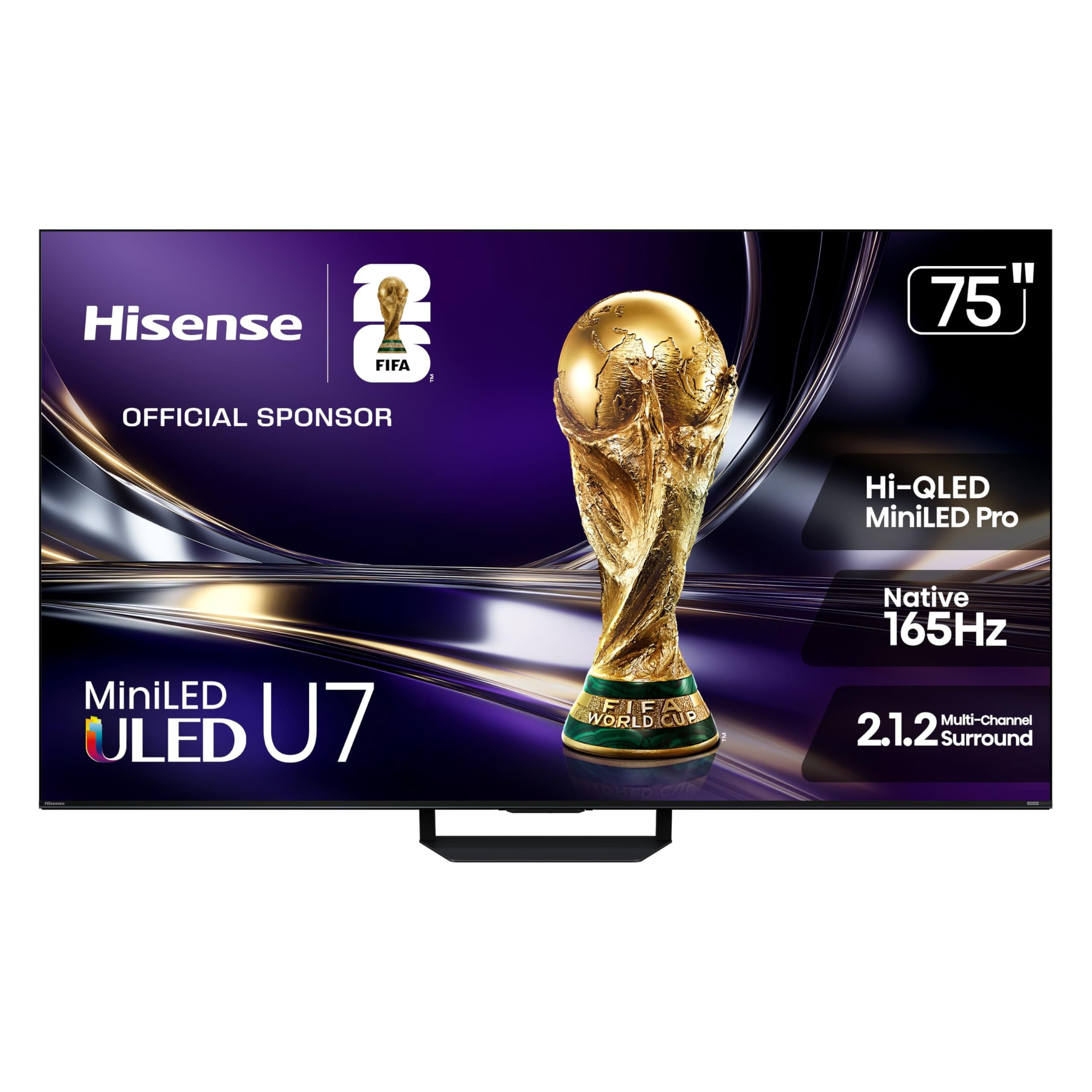
8 Best 75-Inch TVs in 2026
The LG C6 OLED 77-inch leads this 2026 roundup with OLED contrast, 4K resolution, and four HDMI 2.1 ports.
5 min read
6 Best SSDs for PS5 in 2026
Samsung 990 PRO with Heatsink 2TB is the top pick for a fast PS5 storage upgrade with a compact built-in heatsink.
4 min read
7 Best USB Flash Drives to Buy in 2026
The Kingston DataTraveler Max tops our list of the 3 best USB flash drives to buy in 2026, offering SSD-like speeds and reliable performance for fast, pocket-sized storage.
5 min read
7 Best Electric Screwdrivers of 2026
4 min read
TP-Link Archer BE24000 Quad-Band WiFi 7 Router discounted to $599.99
5 min read
7 Best Noise Cancelling Headphones to Buy in 2026
4 min read
5 Best Ergonomic Keyboards for 2026
5 min read
Kingston XS2000 1TB High Performance Portable SSD now $173.09, down from $325.99
4 min read
Garmin Forerunner® 170 Music dips to $302.44
3 min read
Apple AirPods Max Wireless Over-Ear Headphones dips to $439
3 min read
Panasonic W85 75-inch QD-Mini LED 4K UHD falls to $799.99
5 min read